

Turn recordings into transcripts and summaries in minutes
Upload audio or video for multilingual transcription, AI notes, and action items
Which Client Visit Recording Tool Is Best? 2026 Hands-On Test of 2 Options—This One Auto-Generates Transcripts and To-Dos
Most people's first mistake with client visit records is waiting until they're back at the office to fill them in. In those ten minutes after the visit, walking to the parking lot, you still remember the three key points the client mentioned. The next day, when you open that template, all that's left is often just a few words like "good atmosphere, potential opportunity." The second mistake is copying someone else's template fields—there are many fields, but no one ever actually goes back to review them. The third mistake is treating the transcript as the record. As a result, 30,000 words sit in a folder, and next time you need to look up the budget figure the client mentioned, you still can't find it.
This article doesn't talk about the vague idea that "records are important." Instead, it breaks client visit records into three stages: on-site capture, conversion into records, and later retrieval and collaboration. It compares two common approaches: portable AI recording hardware, represented by the PLAUD Note series, and the AI meeting notes tool Tinrec, which requires no extra device. After reading, you'll know whether you need a better template, process, or tool.
Tinrec vs PLAUD Note | Quick Overview
- PLAUD Note series: AI recording hardware. You're buying a standalone device plus an app, suitable for portable recording and phone call recording. The U.S. official website currently lists NotePin at USD 159 and Note Pro at USD 189; membership Starter includes 300 minutes per month, Pro is USD 99.99/year with 1,200 minutes per month, and Unlimited is USD 239.99/year (subject to the official page).
- Tinrec: AI meeting notes and team collaboration tool. It works on web, desktop, and mobile. The desktop version captures system audio to record online meetings without needing a meeting bot to join. The personal plan offers a free version, weekly pass, Pro monthly, and Pro annual. The team plan offers a 7-day, 1 free seat, 300-minute team shared import quota for first-time eligible users; paid seats are USD 29.80/month or USD 199/year (about USD 16.58/month), with each seat providing 2,000 minutes of team shared import quota per month (prices subject to the official purchase page).
This article compares five dimensions: on-site recording method, visit record output, Chinese and mixed Chinese-English, data storage and team collaboration, and long-term cost structure.
Dimension 1 | At the Client Visit, How Do You Capture the Conversation?
PLAUD's value lies in its standalone hardware. You attach the device to the back of your phone or carry it with you. When you're in a situation without a computer, talking under an arcade, you can just take it out and record. But if the client visit is actually online (Zoom, Google Meet, Microsoft Teams), the hardware can only pick up sound from external speakers, so audio quality depends on the speaker, and shared slides and on-screen content won't be captured.
Tinrec handles scenarios separately: for offline visits, you can use the mobile app for real-time recording; for online meetings, the desktop version directly records the meeting audio playing on your computer, without inviting any bot into the meeting. For the same client, whether you meet in person or online, you follow the same recording process.
→ This dimension: The two take different approaches, but if your client visits include online meetings, Tinrec's coverage is more complete.
Dimension 2 | From Recording to "Template"—The Missing Fields in Between
A client visit record template that people will actually revisit should at least include these fields: client and contact person, visit time and method, attendees, client needs, budget and timeline, competitors mentioned, client objections, our commitments, next steps and owner. If you manually listen to the recording and type these fields word by word, a one-hour visit often takes another one to two hours.
PLAUD provides summaries and templates to extract key points from recordings, but you still have to fill in the fields one by one. It essentially revolves around "recording" and in-app organization. Tinrec directly produces usable materials: transcripts, AI summaries, chapters, key points, to-dos, and you can use AI Q&A to ask follow-up questions like "What was the budget cap the client mentioned?" or use Agent post-processing to generate reports, tables, and meeting minutes, then export to Google Docs, Notion, OneNote, and other tools. Most of those template fields can be filled directly from these outputs.
Stop organizing recordings by hand
Upload audio or video and automatically get a transcript, summary, and action items
→ This dimension: Tinrec clearly wins.
Dimension 3 | Chinese, Mixed Chinese-English, and Client Jargon
PLAUD supports multiple languages and transcription. Actual performance depends on the app version and device environment; we do not endorse any specific accuracy rate here. Its main strength is audio recorded by the hardware.
Tinrec covers Chinese, Traditional Chinese, and multilingual meeting scenarios. It supports mixed Chinese-English content organization. During recording, you can view the original text, translation, or bilingual content. The team plan also lets you maintain "team hotwords" to add product codes and industry terms your clients often use, reducing the chance of mishearing specialized terms. Actual results will still be affected by recording quality, accents, background noise, and overlapping speakers. For important content, it's recommended to replay and verify against transcript timestamps.
→ This dimension: In Chinese visit scenarios, Tinrec's organization and terminology management are more complete.
Dimension 4 | Three Months Later, Can You Find That Visit?
PLAUD recordings are stored on the device and in the personal app. To let colleagues see them, you usually have to manually transfer files. When staff turnover occurs, the data goes with the individual.
Tinrec's team plan is a separate team space. Meeting data belongs to the team. New members can view the team's historical data. Administrators can manage roles and seats, view usage trends and member details, and query and export audit logs. Accidentally deleted audio can be restored within the recycle bin retention period (currently 30 days). Note that the team plan is primarily team-level sharing, with governance through role control and usage eligibility through seat control—it is not file-level granular permission setting.
→ This dimension: Tinrec wins, especially for sales teams of two or more.
Dimension 5 | Cost Structure: One-Time Hardware vs. Seat Subscription
PLAUD requires an upfront device purchase (NotePin USD 159, Note Pro USD 189), then optional membership minutes. The advantage is that you own the asset; the disadvantage is that each additional salesperson adds another device cost.
Tinrec has no hardware cost. The personal plan lets you start with the free version's basic quota to experience recording, import, summaries, and transcription. For short-term intensive visits, use the weekly pass. For steady weekly needs, choose Pro monthly. For long-term accumulation of recording data, the annual plan is suitable. The team plan is priced per seat: USD 29.80/month or USD 199/year (about USD 16.58/month), with each seat providing 2,000 minutes of team shared import quota per month. Under an active team plan and active seats, real-time recording currently does not deduct minutes; only file and web imports use team shared minutes. Prices and promotions are always subject to the official purchase page.
→ This dimension: As headcount grows, Tinrec's seat-based pricing is usually easier to calculate than "one device per person."
What Unique Advantages Does Each Have?
Tinrec's advantages
- No extra hardware: Works on web, desktop, and mobile. No need to remember to bring a device or charge it before a visit.
- Same process for offline and online: Desktop version captures system audio without a meeting bot joining, so the client won't see an unfamiliar account.
- More than transcription: Summaries, chapters, to-dos, mind maps, AI Q&A, real-time translation, and generation of reports, tables, and documents.
- Team accumulation and governance: Team space, member and seat management, usage analytics, audit logs, and audio recycle bin. Data can be handed over when members change.
PLAUD's advantages
- Standalone device, portable recording: When your phone is dead or it's inconvenient to take out your phone in front of a client, hardware is indeed convenient.
- Some models focus on phone call recording and long battery life. The hardware experience is its core value.
Conclusion: Which Should You Choose?
- Client visits include online meetings, and you don't want to buy another device → Tinrec. Desktop version records without a bot, works across platforms.
- You need to get summaries, to-dos, and reports ready to fill into a template right after the visit → Tinrec. Post-transcription output is more complete.
- Visit data should be kept for the team, and new hires should be able to find it → Tinrec team plan. Roles, seats, usage, and audit in one place.
- You often work in places without a computer, prefer a standalone voice recorder, and only use it yourself → PLAUD Note hardware is worth considering.
In one sentence: For most salespeople and teams that need to "produce a record right after the visit," Tinrec is the more complete choice. You can start with the free version or a team trial and test it with one of your own client visits.
Final reminder: Recording involves personal data and local regulations. Before a visit, confirm whether you need to inform the other party and obtain consent.
References
- [Sample Form - Marketing Sales] Business Visit Plan Form | 101Form.net
- Tips and Strategies for Preparing Before a Client Visit: How to Effectively Improve First Meeting Success Rate? - Lanhai Intelligence
- Client Visit Record Form Excel Template - Free Excel Spreadsheet Template Download - Qianku.com
- Client Interview Record Form
- Things to Note When Visiting Clients? - Perfect Image Chen Liqing Image Management Academy
Turn every recording into actionable outcomes
Get 60 free transcription minutes when you sign in. No credit card required.
Related Reading
You might also like

2026 Comparison of 5 Post-Client-Visit Follow-Up Tools: Which One Actually Turns Conversations into Next Steps?
The 48 hours after a client visit are often the key to closing a deal. This article starts with the three most common inefficient post-meeting follow-up practices, breaks down the five core capabilities such tools should have, four practical use cases, and five purchasing considerations, and uses Tinrec as an operational example to show how to turn visit conversations into team data with owners, deadlines, and searchability.

2026 Comparison of 4 AI Tools for Sales Meetings: Which Saves the Most Effort in Chinese Minutes and Action Item Tracking?
After a sales meeting, no one wants to organize the transcript, client commitments, and action items? This article starts from four key points: Chinese recognition, meeting recording methods, post-meeting follow-up questions, and team data ownership. It compares Tinrec, Otter.ai, Fireflies.ai, and Notta, and includes a pitfall guide and scenario-based selection advice to help sales and customer success teams find the most effortless post-meeting organization process.

2026 Complete Guide to Organizing Client Visit Recordings: From Transcript to Action Items
The key to organizing client visit recordings isn't just hitting record—it's turning audio files into searchable, trackable visit records. This article first breaks down 4 common pitfalls and inefficient practices, then compares Tinrec and PLAUD Note/NotePin across 5 dimensions: recording capture, online meetings, post-meeting organization, cross-source audio files, and team collaboration. Finally, it provides clear recommendations based on different needs.
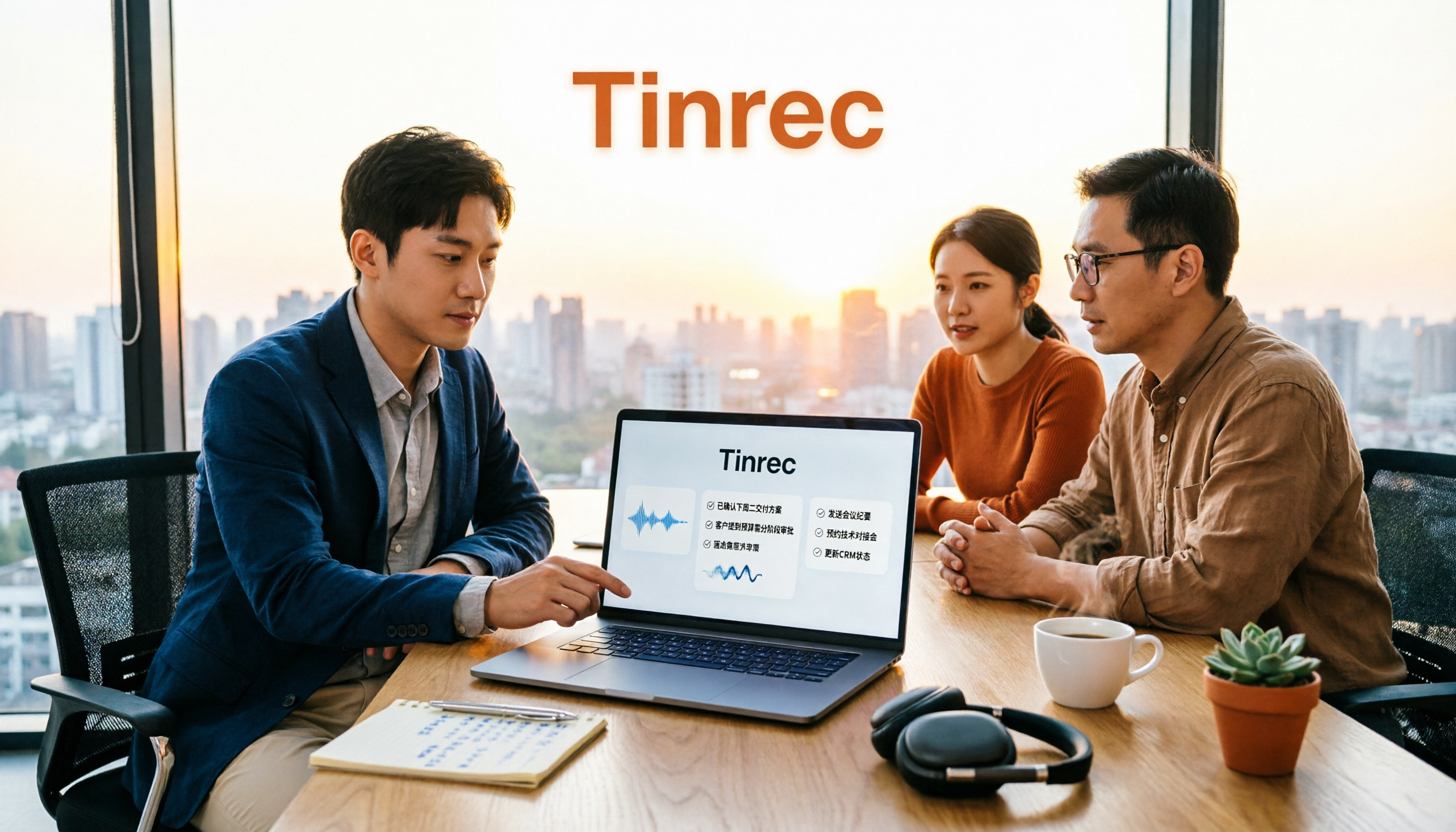
2026 Sales Meeting AI Tools: Chinese Transcription + Automatic To-Do Organization
How to choose a sales meeting AI tool? This guide starts from real sales scenarios, breaking down the three questions to ask first, core capabilities, and five key purchasing points. Using Tinrec as an example, it explains the complete workflow of bot-free online meeting recording, Chinese transcription, AI summaries, to-do extraction, and team data retention, with FAQs and pricing details at the end.

2026 Top 3 Client Visit Follow-Up Tools Compared: Which Turns Meetings into Trackable Action Items?
Visiting clients is easy; the hard part is the three days after. This article follows the complete client visit follow-up workflow to compare Tinrec, Notta, PLAUD, and Otter.ai on Chinese client meetings, bot-free recording, action item extraction, and team knowledge retention, plus four common pitfalls to help you choose a tool that truly produces follow-up materials.

2026 Comparison of 5 Sales Meeting Action Item Tools: Which One Actually Tracks To-Dos to Closing?
After a sales meeting, promises get lost in recordings? This article compares 5 common tools based on hands-on testing, covering action item extraction, bot-free meeting recording, Chinese and mixed Chinese-English recognition, team data handover, and seat management. It also demonstrates a complete workflow with Tinrec, including quotas, pricing, and considerations for personal and team plans.

2026 Comparison of 3 Sales Call Follow-Up Tools: Which One Can Actually Turn Calls into Send-Ready Emails?
Still spending time re-listening to recordings to write follow-up emails after sales calls? This article starts with the efficiency traps salespeople commonly fall into, explains how AI meeting note tools turn calls into transcripts, summaries, and action items, and uses Tinrec as an example to cover features, real-world use cases, buying considerations, and FAQs, including differences between personal and team plans and pricing details.

How to Record Sales Meetings in 2026 with Tinrec: Bot-Free Recording + AI Action Item Extraction
Tired of missing details in sales meeting notes? This guide covers common mistakes, shares 4 key factors for choosing a sales meeting note-taking tool, and tests Tinrec's bot-free recording, AI action item extraction, and team collaboration features to help you turn every client conversation into trackable sales actions.
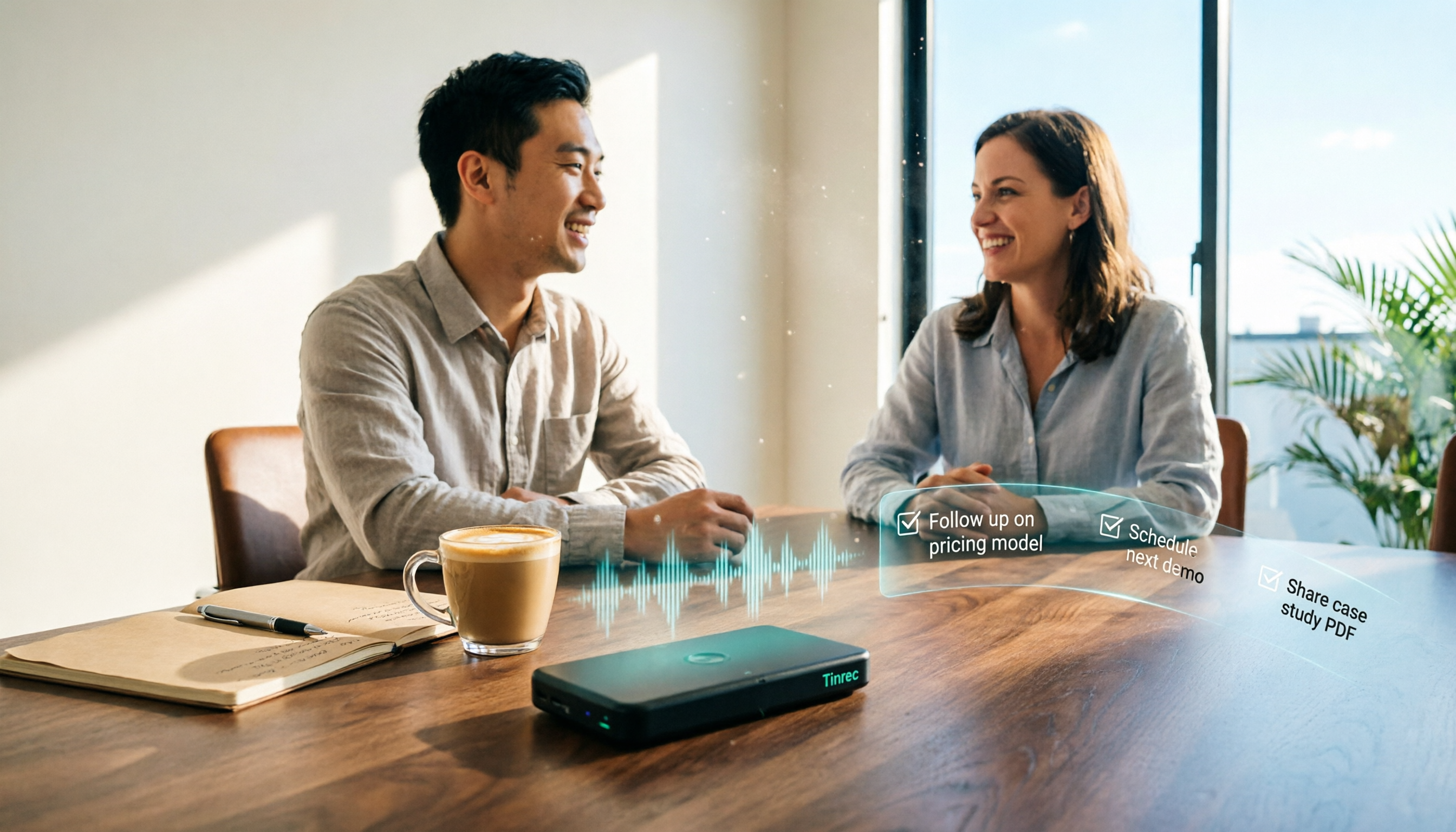
How to Create Client Follow-Up Reports in 2026: Tinrec Auto Summaries + Action Item Extraction
After a client meeting, notes often get lost. This tutorial shows you how to use Tinrec to turn client call recordings into transcripts, summaries, action items, and ready-to-send follow-up reports. It also covers 4 key factors to consider when choosing a tool, compares Otter.ai, Granola, and Notta, and includes a pitfalls guide and scenario-based recommendations.