

Turn recordings into transcripts and summaries in minutes
Upload audio or video for multilingual transcription, AI notes, and action items
2026 Comparison of 5 Sales Meeting Action Item Tools: Which One Actually Tracks To-Dos to Closing?
It's Wednesday evening, and you just finished a 50-minute client meeting. Walking out of the conference room, you have a recording on your phone, but you only remember three things: the client said the budget won't be confirmed until next week, the contact mentioned a competitor is also quoting, and your manager asked you to prepare a comparison table.
The problem is—who promised what? When is it due? Which item should be followed up in the next meeting?
If these don't turn into a checklist within 24 hours, they'll disappear into the next meeting. This is what "sales meeting action items" are meant to solve: turning verbal commitments into entries that state "who, does what, by when," and placing them where they can be tracked.
I've tested several meeting note tools on the market, and the one that stayed in my workflow is Tinrec. Not because it has the most features, but because it handles the "post-meeting step" most completely. Here are the key points from my hands-on testing.
What Can Sales Meeting Action Items Do for You?
Scenario 1: 5 Minutes After the Meeting, the To-Do List Is Waiting for You
Previously, after a two-hour meeting, you'd spend another hour re-listening to the recording and flipping through notes to find key points.
Take Tinrec as an example: as the meeting ends, AI has already organized the transcript, summary, chapters, and action items. Who is responsible for each item and what the deadline is are listed directly, so you don't have to rely on memory.
For salespeople, that half-hour to one-hour gap is perfect for making the next call.
Scenario 2: Your Manager Suddenly Asks, "What Exactly Did the Client Promise Last Week?"
The traditional approach is to go back through Excel or LINE conversations, and halfway through, you're not even sure if you remembered correctly.
Tinrec supports AI Q&A around meeting content. You can directly ask it, "What was the budget cap the client mentioned?" or "Who is responsible for sending the proposal?" It answers semantically, rather than dumping a whole transcript for you to search through.
Scenario 3: A Salesperson Leaves, but Client History Must Not Be Broken
This is where many teams truly feel the pain. Meeting records stay in personal accounts, and when the person leaves, the data goes with them.
Tinrec's team plan places meeting data in an independent team space, owned by the team. When a member leaves, is removed, or loses their seat, the team resources they were responsible for must be handed over to other active members, so they don't disappear with the person.
Scenario 4: Weekly Meetings Track Action Items Instead of Rehashing Last Week
The most common waste in sales weekly meetings is repeating what was said last week.
If each meeting's to-dos are already organized into a list, the weekly meeting can directly confirm progress against the list: which items are done, which are stuck, and which need a new owner.
What Are the Core Capabilities of Sales Meeting Action Item Tools?
Action Item Extraction: Pulling "Who, Does What, By When" from Conversations
This is the most critical part of a sales meeting tool, and also the easiest to get wrong.
Tinrec organizes action items from meeting discussions. Note that AI may still miss or misinterpret details; for important items, it's recommended to replay the recording at the transcript's timestamp to confirm.
Bot-Free Online Meeting Recording: No Extra Account in the Meeting Room
Most meeting tools send a "meeting bot" to join as a participant. Tinrec's desktop version directly captures the computer's system audio, so when handling online meetings on Zoom, Google Meet, Microsoft Teams, Webex, etc., no additional bot needs to join.
Keep in mind that this does not mean "automatically join all calendar meetings." You still need to actively open Tinrec to start recording.
Real-Time Transcript and Chapters: No Need to Listen to Long Meetings from Start to Finish
Tinrec supports transcription while recording and automatically generates summaries and chapters, breaking a 90-minute meeting into several browsable segments.
For situations where you "just want to confirm what was said in a certain part," this is much more practical than linearly playing the audio file.
AI Q&A and Real-Time Translation: Cross-Language, Cross-Session Follow-Ups
In addition to Q&A for a single meeting, Tinrec also supports real-time translation during recording, allowing you to switch between original text, translation, or bilingual view.
Sales meetings in Taiwan often mix one Chinese sentence with three English words. Whether this mixed Chinese-English content can be correctly organized often affects the actual experience more than "how many languages are supported."
Export and Post-Processing: Bring Action Items into Your Existing Workflow
If the organized content can only stay in the tool, it becomes just another information silo.
Tinrec supports exporting results to Notion, Google Docs, OneNote, Dropbox, and other tools. It can also use Agent post-processing to generate reports, tables, and meeting minutes, ready to be used as material for proposals or weekly reports.
Stop organizing recordings by hand
Upload audio or video and automatically get a transcript, summary, and action items
Practical Application Scenarios
Client Needs Interview
During interviews, the biggest fear is listening, writing, and asking follow-up questions all at once. With Tinrec's real-time transcription running, you can focus on the client's expressions and tone, leaving the transcript and summary to the tool. After the meeting, directly organize the client's needs, objections, and commitments into action items, attached to CRM records or internal handover documents.
Weekly Sales Meeting
Weekly meeting action items usually span multiple clients and team members. Tinrec's team plan centralizes meeting data in the same team space, so new members can also look back at historical meetings without needing senior colleagues to give verbal briefings each time.
Sales Drills and New Hire Training
Some teams schedule two practical drills per week and at least six drills per month, giving feedback after case operations. Without transcripts, feedback from such high-frequency drills easily becomes impression-based. Recording the drills and converting them to text allows discussions to point directly to specific sentences during review.
One-on-One Coaching Meetings
Regular one-on-ones between managers and subordinates usually focus on goal direction and feedback. Such meetings are relatively sensitive. Tinrec's team plan primarily shares at the team level, governs through role control, and controls usage eligibility through seats, making it suitable for teams that need records while managing permissions.
5 Things to Note When Choosing a Sales Meeting Action Item Tool
1. How the Meeting Is Recorded
First confirm whether the tool "sends a bot to join the meeting" or "captures system audio from the computer." Tinrec is the latter, which is especially practical for client meetings—you don't want an unfamiliar account appearing in the participant list in front of a client. But because of this, it requires you to actively start recording.
2. Does It Organize After Transcription
The transcript is just raw material. What really saves time is the summary, chapters, action items, and follow-up Q&A. Tinrec does this part thoroughly, which is the main reason I kept it.
3. Performance with Chinese and Mixed Chinese-English
Sales meetings in Taiwan are rarely pure Chinese or pure English. Tinrec covers Chinese, Traditional Chinese, and multilingual meeting scenarios, and provides team hotwords to maintain professional terminology.
Note that actual performance is affected by recording quality, ambient noise, accents, overlapping speech, and professional terminology. It's not advisable to look at any fixed accuracy numbers; it's best to test with your own team's recordings.
4. Does Data Stay with the Individual or the Team
Personal plan data belongs to the individual account. Tinrec's team plan is an independent team collaboration space, with data owned by the team, and provides members, roles, seats, usage analytics, audit logs, and an audio recycle bin.
Here's the distinction: roles determine who can manage the team and members, while seats determine whether members can record, upload, edit, import, and export. Members with a member identity but no seat can still view, play, and read team data, but cannot perform resource usage operations.
5. Are Quotas and Pricing Clearly Stated
Tinrec's team plan offers a 7-day trial for first-time eligible teams, 1 free seat, and 300 minutes of team shared import quota. The paid plan is USD 29.80 per paid seat per month, or USD 199 per paid seat per year, equivalent to about USD 16.58 per month, with each paid seat providing 2,000 minutes of team shared import quota per month.
Under an active team package and active seat, real-time recording currently does not deduct minutes; file and web imports use the team shared quota and do not draw from members' personal quotas. Actual prices and promotions are subject to the official purchase page.
Frequently Asked Questions
Is the Free Version Enough?
The free version provides basic quota, allowing you to experience recording, import, summary, and transcription. It's suitable for those who occasionally organize a recording. If you have regular weekly meetings, the Pro monthly or annual plan will be smoother; for short-term intensive meetings or interviews, you might consider a weekly plan first.
Do I Need to Invite a Meeting Bot?
No. Tinrec's desktop version directly captures the computer's system audio, handling meeting audio played on the computer from Zoom, Google Meet, Microsoft Teams, Webex, etc. But remember, this is not automatically joining all calendar meetings; you need to actively start recording.
What Is the Accuracy Rate?
I don't recommend looking at fixed numbers. Actual performance depends on recording quality, noise, accents, overlapping speech, and professional terminology. A more practical approach: verify important content once against the transcript timestamps and recording playback.
Can All Team Members Edit Meeting Data?
No, this needs to be divided into roles and seats. Roles govern management, seats govern usage eligibility. People with member identity but no seat can view, play, and read; to record, upload, edit, import, and export, a seat is required.
After a Member Leaves, Will Meeting Data Be Taken Away?
Team resources belong to the team. When a member leaves, is removed, or loses their seat, the team resources they were responsible for must be handed over to other active members. Accidentally deleted audio files can be restored from the audio recycle bin, currently with a 30-day retention period, after which they enter a permanent cleanup process.
Do I Need to Inform the Other Party Before Recording?
Yes. Recording and transcription involve local regulations. In practice, it's recommended to inform participants and obtain consent before the meeting starts, especially for international meetings where you should pay attention to each country's rules.
Conclusion
The value of sales meeting action items is not in "how completely they are recorded," but in "whether anyone actually follows through after the meeting."
If your current process still relies on memory and scattered notes to track to-dos, I suggest starting with the free version, recording one or two client meetings, and seeing how the AI-generated summary and action items compare to what you noted yourself.
If the pain point has expanded to the whole team—data scattered in personal accounts, new hires unable to catch up on history, managers unable to see usage—then it's time to evaluate a direction like Tinrec's team plan with team space, seats, and usage management. Try it first, then decide whether to pay; this is more accurate than reading a hundred spec sheets.
References
- How to Brainstorm Themes and Agendas for Sales Meetings to Motivate Teams? - Tanaka System
- Sales Process: How to List Sales Process Stages - Tanaka System
- 6 Major Sales Cycles: Perfecting the Foundation, Accumulated from Each Practical Drill | Advisers Financial Advisor Magazine
- The Ultimate One-on-One Meeting Template 2025 • Asana
- 10 Meeting Agenda Examples and Templates You Must Try
Turn every recording into actionable outcomes
Get 60 free transcription minutes when you sign in. No credit card required.
Related Reading
You might also like

2026 Comparison of 5 Post-Client-Visit Follow-Up Tools: Which One Actually Turns Conversations into Next Steps?
The 48 hours after a client visit are often the key to closing a deal. This article starts with the three most common inefficient post-meeting follow-up practices, breaks down the five core capabilities such tools should have, four practical use cases, and five purchasing considerations, and uses Tinrec as an operational example to show how to turn visit conversations into team data with owners, deadlines, and searchability.

2026 Comparison of 4 AI Tools for Sales Meetings: Which Saves the Most Effort in Chinese Minutes and Action Item Tracking?
After a sales meeting, no one wants to organize the transcript, client commitments, and action items? This article starts from four key points: Chinese recognition, meeting recording methods, post-meeting follow-up questions, and team data ownership. It compares Tinrec, Otter.ai, Fireflies.ai, and Notta, and includes a pitfall guide and scenario-based selection advice to help sales and customer success teams find the most effortless post-meeting organization process.

2026 Complete Guide to Organizing Client Visit Recordings: From Transcript to Action Items
The key to organizing client visit recordings isn't just hitting record—it's turning audio files into searchable, trackable visit records. This article first breaks down 4 common pitfalls and inefficient practices, then compares Tinrec and PLAUD Note/NotePin across 5 dimensions: recording capture, online meetings, post-meeting organization, cross-source audio files, and team collaboration. Finally, it provides clear recommendations based on different needs.
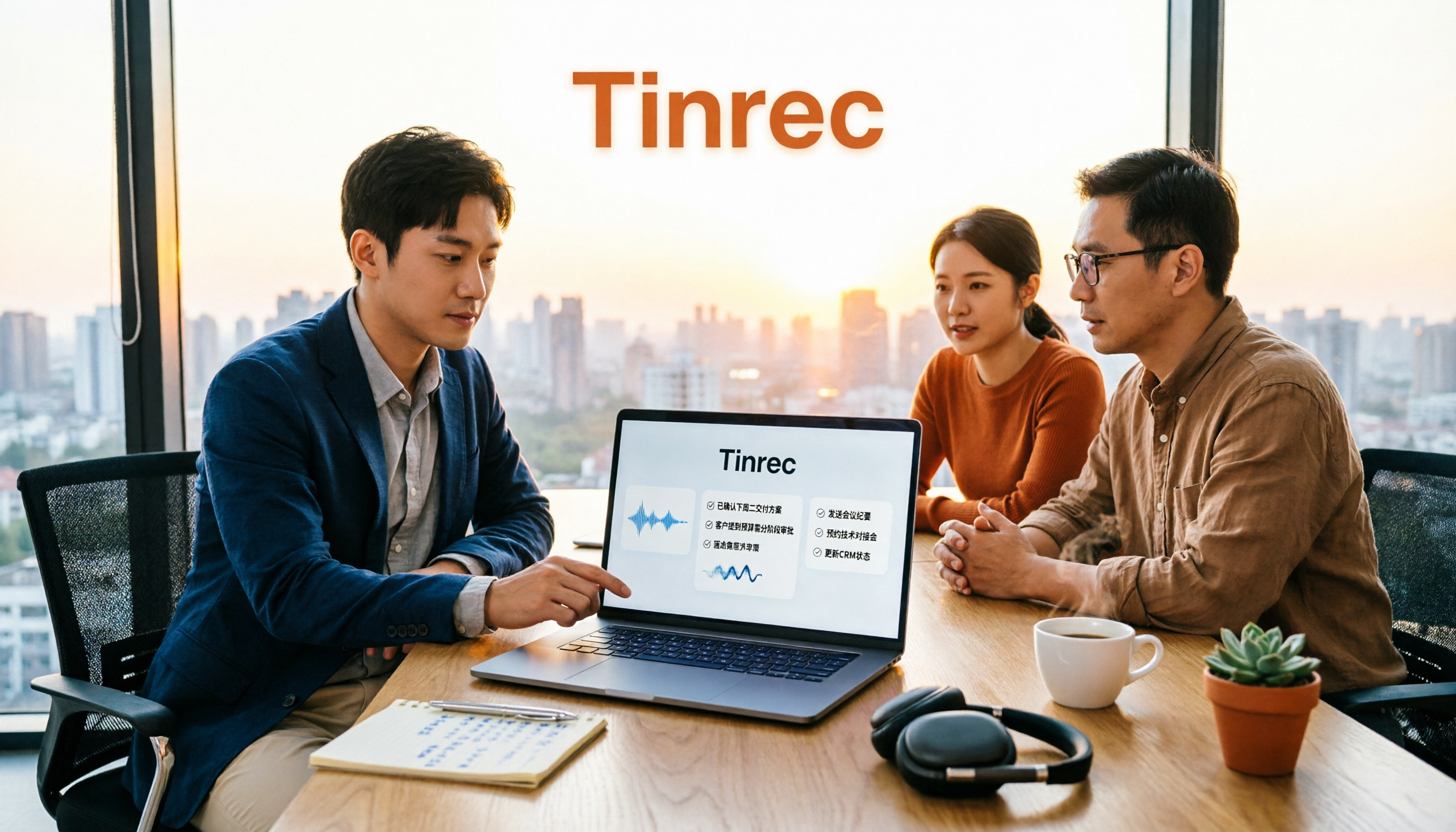
2026 Sales Meeting AI Tools: Chinese Transcription + Automatic To-Do Organization
How to choose a sales meeting AI tool? This guide starts from real sales scenarios, breaking down the three questions to ask first, core capabilities, and five key purchasing points. Using Tinrec as an example, it explains the complete workflow of bot-free online meeting recording, Chinese transcription, AI summaries, to-do extraction, and team data retention, with FAQs and pricing details at the end.

2026 Top 3 Client Visit Follow-Up Tools Compared: Which Turns Meetings into Trackable Action Items?
Visiting clients is easy; the hard part is the three days after. This article follows the complete client visit follow-up workflow to compare Tinrec, Notta, PLAUD, and Otter.ai on Chinese client meetings, bot-free recording, action item extraction, and team knowledge retention, plus four common pitfalls to help you choose a tool that truly produces follow-up materials.

2026 Comparison of 3 Sales Call Follow-Up Tools: Which One Can Actually Turn Calls into Send-Ready Emails?
Still spending time re-listening to recordings to write follow-up emails after sales calls? This article starts with the efficiency traps salespeople commonly fall into, explains how AI meeting note tools turn calls into transcripts, summaries, and action items, and uses Tinrec as an example to cover features, real-world use cases, buying considerations, and FAQs, including differences between personal and team plans and pricing details.

Which Client Visit Recording Tool Is Best? 2026 Hands-On Test of 2 Options—This One Auto-Generates Transcripts and To-Dos
Poor client visit records usually aren't due to an ugly template—it's because the process was wrong from the start. This article examines three common pitfalls and compares the on-site recording, record output, Chinese recognition, team storage, and long-term cost of the portable AI recording hardware PLAUD Note versus the AI meeting notes tool Tinrec. It also provides template field suggestions you can apply directly, helping you decide whether you need a better template, process, or tool.

How to Record Sales Meetings in 2026 with Tinrec: Bot-Free Recording + AI Action Item Extraction
Tired of missing details in sales meeting notes? This guide covers common mistakes, shares 4 key factors for choosing a sales meeting note-taking tool, and tests Tinrec's bot-free recording, AI action item extraction, and team collaboration features to help you turn every client conversation into trackable sales actions.
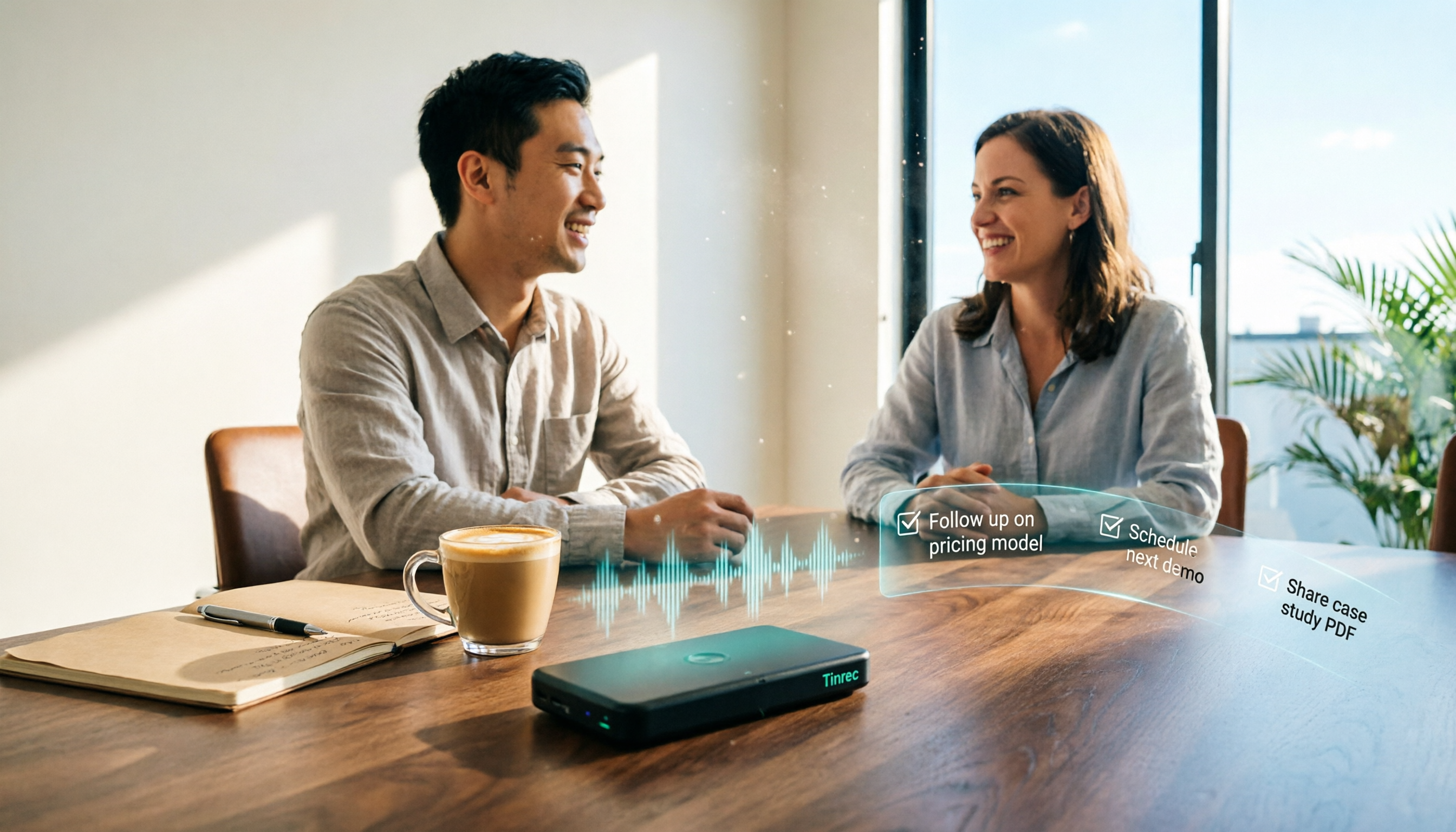
How to Create Client Follow-Up Reports in 2026: Tinrec Auto Summaries + Action Item Extraction
After a client meeting, notes often get lost. This tutorial shows you how to use Tinrec to turn client call recordings into transcripts, summaries, action items, and ready-to-send follow-up reports. It also covers 4 key factors to consider when choosing a tool, compares Otter.ai, Granola, and Notta, and includes a pitfalls guide and scenario-based recommendations.