
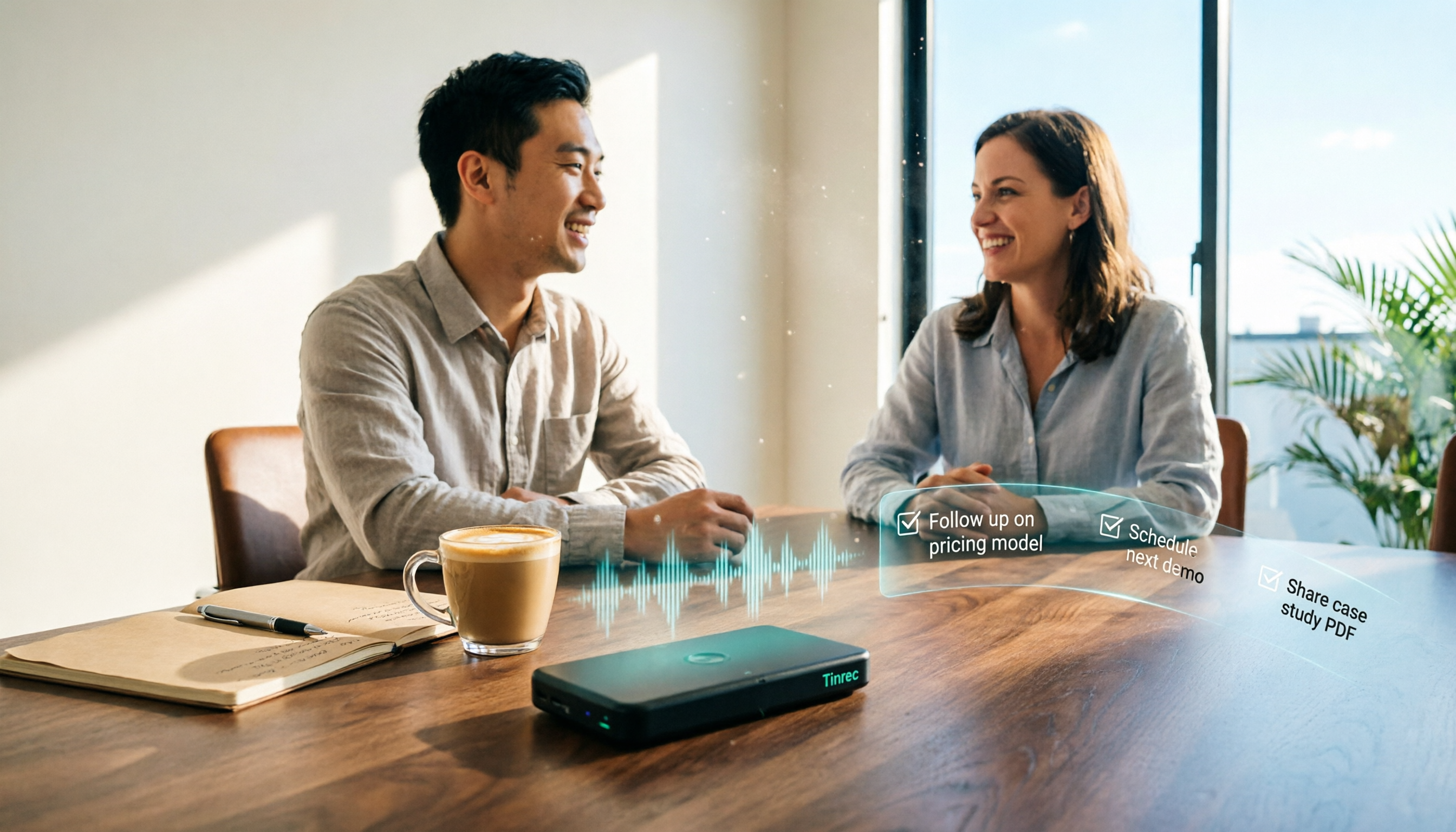
Turn recordings into transcripts and summaries in minutes
Upload audio or video for multilingual transcription, AI notes, and action items
How to Create Client Follow-Up Reports in 2026: Tinrec Auto Summaries + Action Item Extraction
Why do client communication records always get lost?
Have you ever had this happen: after a one-hour meeting with a client, everything was clear at the time, but when you get back to your desk, all you have are a few scribbled notes.
The three requests the client mentioned, two pricing conditions, and a "let's discuss next week"—three days later, when you need to write a follow-up email, you can't remember who said what.
What's worse, more than one person on the team interacts with the client. Sales talks, then customer service takes over, and what happened in between is all secondhand—no one really knows for sure.
This article isn't about switching to a more expensive CRM. It's about something very practical: how to turn client communication into a follow-up report you can send directly.
Before choosing a tool, understand these 4 key factors
Factor 1: Is the recording kept?
Many tools only give you a transcript and don't keep the audio file. When you suspect the AI summary missed a key promise, you have no original recording to check against.
For client communication, this is high risk. Amounts, deadlines, and responsibilities all deserve original evidence.
Factor 2: Can it directly generate something you can send?
A transcript is raw material; a follow-up report is the finished product. Someone still has to turn "the client mentioned a budget of around 500k" into "Client budget range approximately 500k, to be confirmed."
If the tool can automatically extract action items and conclusions, it saves you the most time-consuming part.
Factor 3: Can you ask the AI follow-up questions?
Questions like "What were the client's concerns about the quote last time?" are hard to answer with keyword search. Being able to ask meeting content in natural language makes a big difference.
Factor 4: Where does the data end up?
Personal tools store recordings on your own phone, so colleagues can't see them. As the team grows, meeting data gets scattered across everyone's devices, and when someone leaves, it disappears.
You need to think about this when choosing a tool, not after something goes wrong.
Tinrec – Our top choice after actually running client scenarios
Tinrec is an AI meeting notes and collaboration tool for individuals and teams, available on iOS, Android, desktop, and web. It doesn't just convert audio to text; it organizes meeting content into searchable, summarizable, queryable, and exportable data.
During client meetings: no bot needed
The desktop version directly captures your computer's system audio, handling Zoom, Google Meet, Microsoft Teams, Webex, and other online meetings without an extra bot account joining.
For client communication, this is very practical—you don't have to explain at the start, "An AI will be joining the meeting."
After the meeting: summary, chapters, and action items all at once
The live transcript generates a summary and chapters simultaneously, and automatically extracts action items from the discussion. What used to take 40 minutes of replaying recordings and flipping through notes becomes a structured result you can review directly.
When writing a follow-up report: just ask it
This is where Tinrec differs most from ordinary transcription tools. You can directly ask: "What were the three concerns the client mentioned?" It answers based on semantic understanding, rather than dumping a string of keywords for you to search through.
When you need to deliver externally, you can use Agent post-processing to generate reports, tables, or documents, then export to Notion, Google Docs, OneNote, or Dropbox for further editing.
Test conditions
We tested with a client meeting recording that mixed Chinese and English (about 25 minutes, typical office environment, with air conditioning background noise and multiple overlapping speakers).
Actual accuracy will be affected by recording quality, accents, noise, and technical terms—this is true for any tool. Tinrec offers a team hotword feature to make recognition of company-specific terms more consistent.
Three main advantages
First, bot-free recording of online meetings, completely invisible to the client.
Second, from transcript to summary, action items, AI Q&A, and export is a complete workflow, so you don't have to move data between multiple tools.
Stop organizing recordings by hand
Upload audio or video and automatically get a transcript, summary, and action items
Third, the team version provides an independent team space, and meeting data belongs to the team. Members without a seat can still view, play, and read data; only those with a seat can record, upload, edit, and export. Admins can manage roles, seats, usage, and query and export audit logs.
Things to note
The personal free version has a basic quota; heavy users need to pay. The team version's first eligible trial is 7 days, 1 free seat, and 300 minutes of team shared import quota; team monthly is USD 29.80 per paid seat, annual is USD 199 per paid seat, equivalent to about USD 16.58 per month, and each paid seat provides 2,000 minutes of team shared import quota per month.
Also, deleted team audio goes to the recycle bin and is currently retained for 30 days, after which it is permanently deleted.
Who it's for
Sales, customer success, and project staff who meet with clients weekly and need to turn communication into follow-up actions.
If multiple people in your company interact with the same client, the team version's data retention is much more meaningful than the personal version—when members change, the data doesn't leave with them.
Besides Tinrec, what other options are there?
Otter.ai: A mature choice for English business meetings, with a free version of 300 minutes per month. It's strong for English meetings, but Chinese and mixed Chinese-English scenarios are not its strong suit. If you mainly record English meetings, it's cost-effective; but when you need Chinese meetings plus team data retention, Tinrec's team space is more suitable.
Granola: Also uses a bot-free approach to capture system audio, emphasizing handwritten notes plus AI enhancement. Note that it does not support uploading pre-recorded audio files and does not save meeting audio. If you need to keep recordings and check original statements later, Tinrec is more complete in this regard.
Notta: Good multilingual transcription, free version 120 minutes per month, max 3 minutes per file, positioned more for file transcription and subtitles. If your focus is generating a trackable follow-up report after client communication, Tinrec's action item extraction, AI Q&A, and Agent post-processing are more direct.
Pitfalls guide: 4 most common mistakes in organizing client communication
Pitfall 1: Only recording, no organization mechanism. You recorded 20 meetings, but no one actually goes back to listen. Recordings themselves don't create value; being searchable, queryable, and organized into action items does.
Pitfall 2: Treating the transcript as a follow-up report. Transcripts are complete but scattered; clients don't want to read an hour of dialogue. You need conclusions, decisions, and next steps.
Pitfall 3: Ignoring recording consent. Recording involves personal data and communication privacy regulations in different regions. In practice, saying at the start, "I'll record this meeting for documentation to help with follow-up," is acceptable to most clients.
Pitfall 4: Sending the AI summary as the final version directly. AI may miss or misunderstand details. Important numbers, commitments, and deadlines should be checked against the transcript and recording before sending; no tool can guarantee 100% accuracy.
Summary: How to choose for your scenario?
- Need to handle Chinese or mixed Chinese-English client meetings and automatically generate action items and follow-up materials → Tinrec
- Want to directly ask "What were the client's concerns?" after recording → Tinrec
- Need to continue using across phone, computer, and web → Tinrec
- Client communication data should stay with the team and not disappear when someone leaves → Tinrec team version
- Need to generate reports, tables, and other deliverables after meetings → Tinrec (Agent post-processing)
- Only record English meetings, zero budget → Otter.ai is the only exception in this article
You can start with the free version on a real client meeting recording to see if the summary and action items save you replay time. If it works for you, consider upgrading—no need to pay from the start.
References
- Best Customer Feedback Management Software and Tools | Salesforce TW
- Want to improve customer interaction? Try ManyChat AI! ✅ ManyChat is a powerful chatbot platform designed to automate and optimize your customer support and marketing. It helps businesses easily build conversations through Facebook Messenger and other channels, and provides instant responses. Imagine your e-commerce site facing a large number of customer inquiries—how to respond quickly and provide help? ManyChat can help! ⚡ You can set up automated flows to let the bot instantly answer common questions and guide customers
- How to choose a customer service system? Features, types, 5 major recommended platforms and case analysis
- r/ProductManagement on Reddit: Hey PMs, what is your go-to tool for gathering and analyzing customer feedback? Why?
- r/ProductManagement on Reddit: What do you use to capture and organize customer feedback?
Turn every recording into actionable outcomes
Get 60 free transcription minutes when you sign in. No credit card required.
Related Reading
You might also like

2026 Comparison of 5 Post-Client-Visit Follow-Up Tools: Which One Actually Turns Conversations into Next Steps?
The 48 hours after a client visit are often the key to closing a deal. This article starts with the three most common inefficient post-meeting follow-up practices, breaks down the five core capabilities such tools should have, four practical use cases, and five purchasing considerations, and uses Tinrec as an operational example to show how to turn visit conversations into team data with owners, deadlines, and searchability.

2026 Comparison of 4 AI Tools for Sales Meetings: Which Saves the Most Effort in Chinese Minutes and Action Item Tracking?
After a sales meeting, no one wants to organize the transcript, client commitments, and action items? This article starts from four key points: Chinese recognition, meeting recording methods, post-meeting follow-up questions, and team data ownership. It compares Tinrec, Otter.ai, Fireflies.ai, and Notta, and includes a pitfall guide and scenario-based selection advice to help sales and customer success teams find the most effortless post-meeting organization process.

2026 Complete Guide to Organizing Client Visit Recordings: From Transcript to Action Items
The key to organizing client visit recordings isn't just hitting record—it's turning audio files into searchable, trackable visit records. This article first breaks down 4 common pitfalls and inefficient practices, then compares Tinrec and PLAUD Note/NotePin across 5 dimensions: recording capture, online meetings, post-meeting organization, cross-source audio files, and team collaboration. Finally, it provides clear recommendations based on different needs.
2026 Sales Meeting AI Tools: Chinese Transcription + Automatic To-Do Organization
How to choose a sales meeting AI tool? This guide starts from real sales scenarios, breaking down the three questions to ask first, core capabilities, and five key purchasing points. Using Tinrec as an example, it explains the complete workflow of bot-free online meeting recording, Chinese transcription, AI summaries, to-do extraction, and team data retention, with FAQs and pricing details at the end.

2026 Top 3 Client Visit Follow-Up Tools Compared: Which Turns Meetings into Trackable Action Items?
Visiting clients is easy; the hard part is the three days after. This article follows the complete client visit follow-up workflow to compare Tinrec, Notta, PLAUD, and Otter.ai on Chinese client meetings, bot-free recording, action item extraction, and team knowledge retention, plus four common pitfalls to help you choose a tool that truly produces follow-up materials.

2026 Comparison of 5 Sales Meeting Action Item Tools: Which One Actually Tracks To-Dos to Closing?
After a sales meeting, promises get lost in recordings? This article compares 5 common tools based on hands-on testing, covering action item extraction, bot-free meeting recording, Chinese and mixed Chinese-English recognition, team data handover, and seat management. It also demonstrates a complete workflow with Tinrec, including quotas, pricing, and considerations for personal and team plans.

2026 Comparison of 3 Sales Call Follow-Up Tools: Which One Can Actually Turn Calls into Send-Ready Emails?
Still spending time re-listening to recordings to write follow-up emails after sales calls? This article starts with the efficiency traps salespeople commonly fall into, explains how AI meeting note tools turn calls into transcripts, summaries, and action items, and uses Tinrec as an example to cover features, real-world use cases, buying considerations, and FAQs, including differences between personal and team plans and pricing details.

Which Client Visit Recording Tool Is Best? 2026 Hands-On Test of 2 Options—This One Auto-Generates Transcripts and To-Dos
Poor client visit records usually aren't due to an ugly template—it's because the process was wrong from the start. This article examines three common pitfalls and compares the on-site recording, record output, Chinese recognition, team storage, and long-term cost of the portable AI recording hardware PLAUD Note versus the AI meeting notes tool Tinrec. It also provides template field suggestions you can apply directly, helping you decide whether you need a better template, process, or tool.

How to Record Sales Meetings in 2026 with Tinrec: Bot-Free Recording + AI Action Item Extraction
Tired of missing details in sales meeting notes? This guide covers common mistakes, shares 4 key factors for choosing a sales meeting note-taking tool, and tests Tinrec's bot-free recording, AI action item extraction, and team collaboration features to help you turn every client conversation into trackable sales actions.