

Turn recordings into transcripts and summaries in minutes
Upload audio or video for multilingual transcription, AI notes, and action items
After the meeting, you have the transcript—so why does the PRD still start from scratch?
This past year, the question I get asked most isn't "which tool transcribes more accurately?"
It's: "I have the transcript and the AI summary, but when it's time to write the PRD, I'm still staring at a blank page."
Between meeting minutes and a PRD, there's a stretch of road that no one owns.
Meeting minutes record "what everyone said." A PRD answers "so what have we decided to do, what won't we do, and what counts as done."
If you just throw the transcript at an AI and say "write me a PRD," it will produce a document that looks complete but every section is shaky.
Because the raw material itself is full of contradictions: Meeting A says one thing, email B says another—who should the AI listen to?
So this article isn't about "which tool is the strongest." It's about a more specific judgment: which tool can take meeting minutes further, all the way to a PRD.
Before choosing a tool, clarify these 3 decision points
Decision point 1: Does it leave you with text, or data you can keep processing?
A tool that only gives you a transcript means you still have to read through the entire meeting yourself.
A tool that provides summaries, chapters, action items, and lets you ask follow-up questions about the content has a chance to become PRD raw material.
Decision point 2: Can it ingest the materials you already have?
Online meetings, in-person meetings, the recording of an interview from two months ago—real work doesn't come from just one source.
A tool that only handles live meetings means those early interviews sitting on your hard drive were recorded for nothing.
Decision point 3: Where does the data end up?
PRDs are rarely written by one person. If meeting data stays only in someone's personal account, the day they leave, the entire decision trail disappears with them.
These three points matter more than "a few percentage points of accuracy" for how smoothly you can write your PRD later.
Tinrec (秒聽錄音) — the one I kept using
Tinrec is an AI meeting notes and collaboration tool for individuals and teams, available on iOS, Android, web, and desktop.
I first tried it thinking "another transcription tool," but the reason I stayed had little to do with transcription itself.
**First, it handles online meetings without needing an extra bot.** The desktop version directly captures your computer's system audio to handle Zoom, Google Meet, Microsoft Teams, and Webex meetings—no unfamiliar account appears in the meeting room. Before a meeting, I open it myself and press record; I decide, not my calendar.
**Second, it turns the meeting into a database you can query.** After the meeting, the summary, chapters, key points, and action items are already there. The first thing I do isn't open an editor—it's ask it directly: "In this meeting, which version of the membership tier spec was finalized?"
It doesn't give keyword search results; it pulls together statements scattered throughout the transcript to answer me. This step is key to moving meeting minutes closer to a PRD.
**Third, it's willing to hand over the results.** Summaries and action items can be exported to Notion, Google Docs, OneNote, Dropbox, or directly generate reports, tables, and documents. My own workflow: first use Tinrec to organize meeting conclusions, then ask it to produce a PRD draft using the template below.
Here's the prompt template I use often—feel free to copy it:
"Below is a meeting transcript. Please organize it into a PRD draft, including: 1. Background and problem to solve 2. Target users 3. User stories 4. Scope of this feature (including what is explicitly out of scope) 5. Acceptance criteria 6. Open questions. Do not add requirements not mentioned in the transcript; if there are gaps or contradictions, list them all under 'Open Questions.'"
Stop organizing recordings by hand
Upload audio or video and automatically get a transcript, summary, and action items
That "do not add" part is important. It forces the tool to leave uncertainties visible instead of filling holes with pretty words.
Limitations should also be clear. The free version has a basic quota; heavy users need to pay. The team version is a separate team space, not multiple people sharing one account—roles determine who can manage the team, seats determine who can record and upload—members without a seat can still view and read team data. Also, Chinese and mixed Chinese-English recognition is affected by recording quality, accents, multiple people talking over each other, and technical terms. For important specs, it's best to cross-check against the transcript timestamps and recording.
Who is it for? If your meetings are in Chinese or mixed Chinese-English, you need to handle both online and offline scenarios, and after recording you want to continue writing a spec document, Tinrec is currently the closest fit for that workflow.
Besides Tinrec, what other options are there?
Granola: Also a bot-free desktop meeting notes tool, emphasizing handwritten notes plus AI enhancement. Note that it doesn't support uploading pre-recorded audio files and doesn't retain meeting audio. If you have a pile of interview recordings to organize, this path won't work. Tinrec retains audio files and file import capability.
Otter.ai: A mature choice for English meetings, with a free plan of 300 minutes per month and larger quotas after payment. If you mainly record English content and have a limited budget, it's indeed cost-effective. But its Chinese and mixed Chinese-English performance is not a strength, and it lacks Tinrec's post-processing workflow that turns meeting results into reports, tables, and documents.
Notta: Multi-platform transcription and translation are well done, and paid plans offer generous minutes. But the free version has a length limit per session, so slightly longer meetings need to be split. Tinrec, beyond transcription, adds bot-free online meeting recording and team data retention.
Pitfall guide: The 3 most common mistakes when turning meeting minutes into a PRD
**Pitfall 1: Treating the transcript as meeting minutes.** A transcript is raw material, not a conclusion. You need a record that says "what was decided, who is responsible, and by when." Otherwise, halfway through the PRD you'll find every requirement has no source.
**Pitfall 2: Only using transcription, not post-meeting processing.** If you only use a tool to record and transcribe, you're using only part of its capability. After recording, directly ask it "what were the conclusions of this meeting" and "which requirements were explicitly excluded"—much faster than rereading a 30-minute transcript yourself.
**Pitfall 3: Meeting data stays only in personal accounts.** One person writing a PRD is fine, but requirement changes, decision trails, and customer commitments—sooner or later someone will ask you "why was this decided back then." Put meetings in a team space so data belongs to the team, and when members change, the thread doesn't break.
One final reminder: before recording, inform participants and get consent. This isn't a formality—it protects you.
Summary: Which one should you choose?
- Meeting minutes need to grow into a PRD or spec document → Tinrec (AI Q&A plus post-meeting document generation, the smoothest connection)
- Chinese or mixed Chinese-English meetings → Tinrec
- Don't want extra hardware for meetings, but need to handle online meetings → Tinrec
- Meeting data needs to be retained and handed over within a team → Tinrec team version (separate team space, role and seat management, usage and audit)
- Pure English meetings, zero budget → Otter.ai
My advice is simple: start with the free version, pick a meeting record you actually had, throw it in, and see if the output can directly feed into writing a PRD.
If it connects, it's your tool. Test step by step, and you'll gradually smooth out this path.
References
- Do we still need to write PRDs with AI? This article explains it all at once
- Top AI meeting notes tools of 2026, time-saving must-haves for meetings!
- How to use AI for meeting minutes? How to organize meeting transcripts? | AI speech-to-transcript tutorial | 104 Workplace Power
- 🗂️ Project management automation exercise: Using n8n to turn "interview notes + meeting notes → PRD" | Josie's Digital Cross-Domain Daily
- After a meeting, do you only ask AI to summarize key points? That's just the most basic 1% skill | Three-level meeting notes prompt, turn AI into your strategic analyst | Personal Knowledge Management X AI Applications | Coach Jiang Jiang
Turn every recording into actionable outcomes
Get 60 free transcription minutes when you sign in. No credit card required.
Related Reading
You might also like
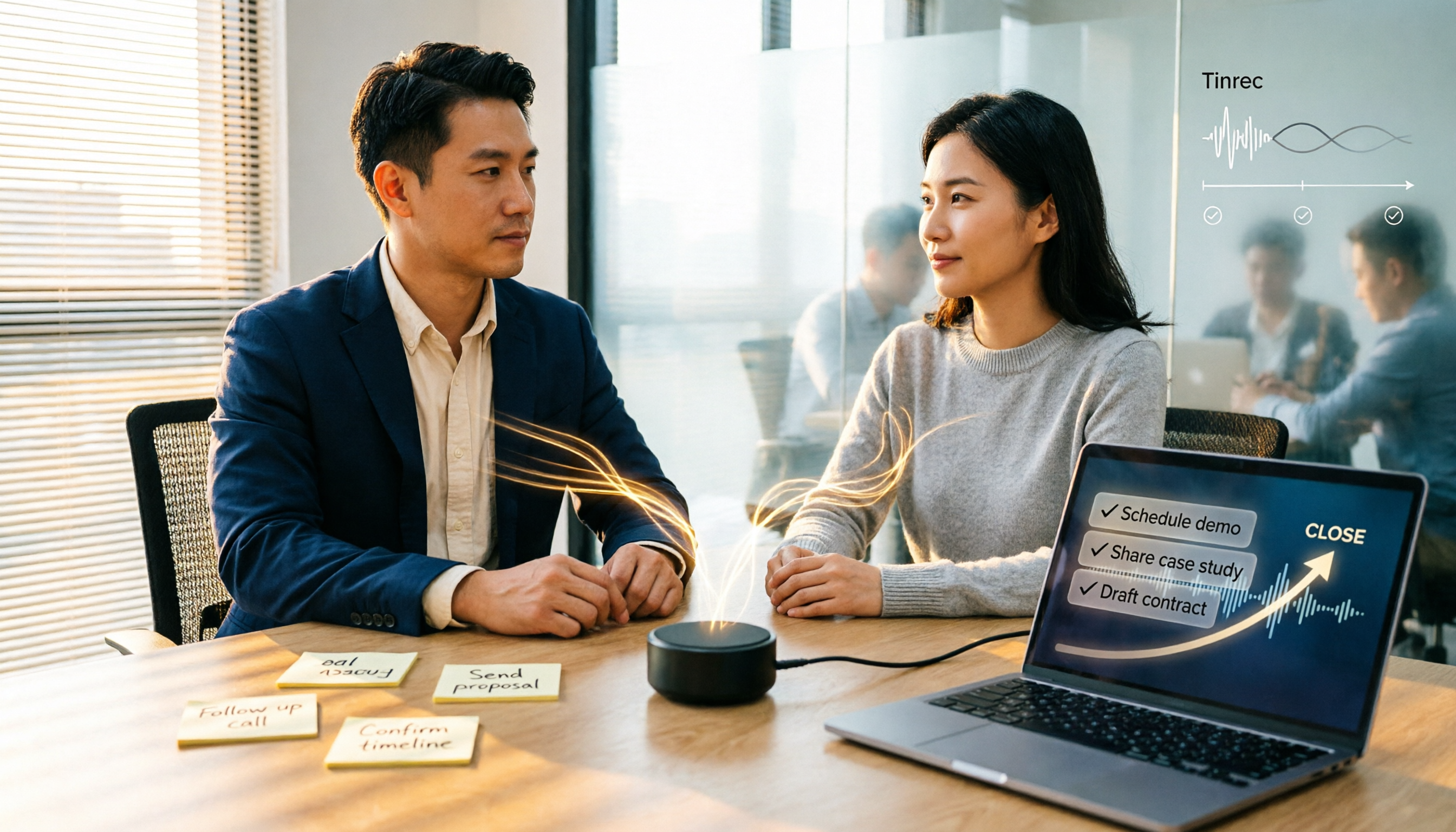
2026 Comparison of 5 Sales Meeting Action Item Tools: Which One Actually Tracks To-Dos to Closing?
After a sales meeting, promises get lost in recordings? This article compares 5 common tools based on hands-on testing, covering action item extraction, bot-free meeting recording, Chinese and mixed Chinese-English recognition, team data handover, and seat management. It also demonstrates a complete workflow with Tinrec, including quotas, pricing, and considerations for personal and team plans.

2026 Comparison of 3 Sales Call Follow-Up Tools: Which One Can Actually Turn Calls into Send-Ready Emails?
Still spending time re-listening to recordings to write follow-up emails after sales calls? This article starts with the efficiency traps salespeople commonly fall into, explains how AI meeting note tools turn calls into transcripts, summaries, and action items, and uses Tinrec as an example to cover features, real-world use cases, buying considerations, and FAQs, including differences between personal and team plans and pricing details.

Which Client Visit Recording Tool Is Best? 2026 Hands-On Test of 2 Options—This One Auto-Generates Transcripts and To-Dos
Poor client visit records usually aren't due to an ugly template—it's because the process was wrong from the start. This article examines three common pitfalls and compares the on-site recording, record output, Chinese recognition, team storage, and long-term cost of the portable AI recording hardware PLAUD Note versus the AI meeting notes tool Tinrec. It also provides template field suggestions you can apply directly, helping you decide whether you need a better template, process, or tool.

How to Record Sales Meetings in 2026 with Tinrec: Bot-Free Recording + AI Action Item Extraction
Tired of missing details in sales meeting notes? This guide covers common mistakes, shares 4 key factors for choosing a sales meeting note-taking tool, and tests Tinrec's bot-free recording, AI action item extraction, and team collaboration features to help you turn every client conversation into trackable sales actions.
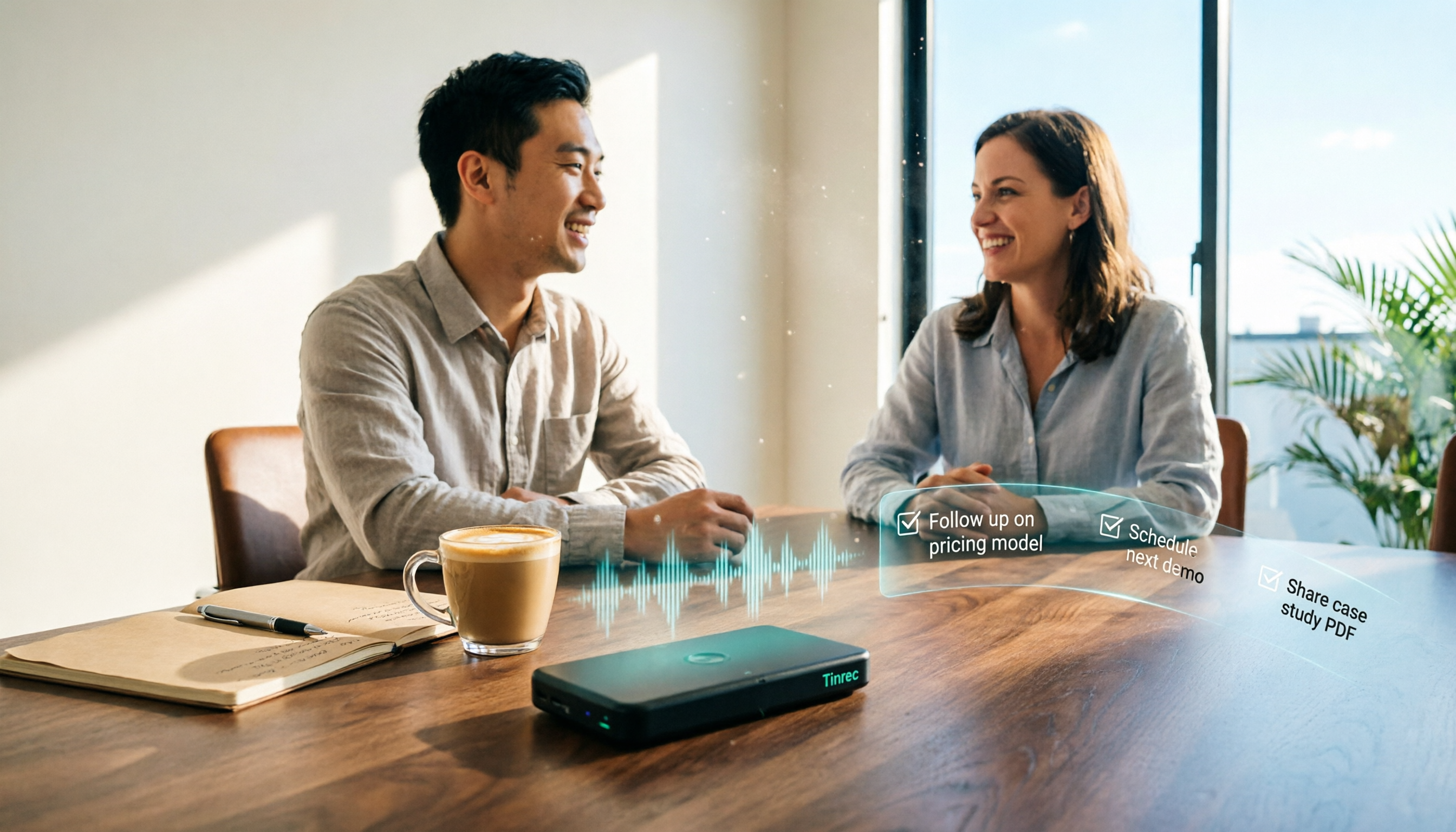
How to Create Client Follow-Up Reports in 2026: Tinrec Auto Summaries + Action Item Extraction
After a client meeting, notes often get lost. This tutorial shows you how to use Tinrec to turn client call recordings into transcripts, summaries, action items, and ready-to-send follow-up reports. It also covers 4 key factors to consider when choosing a tool, compares Otter.ai, Granola, and Notta, and includes a pitfalls guide and scenario-based recommendations.

2026 Client Visit Commitment Checklist: AI Automatically Extracts Action Items + Team Never Misses Follow-Ups
Verbal promises made during client visits often end up scattered across sticky notes and chat logs back at the office. This guide explains how to use Tinrec to turn visit recordings into trackable commitment lists, compares Notta, Otter.ai, and PLAUD, and includes actual pricing plus three pitfalls to avoid.
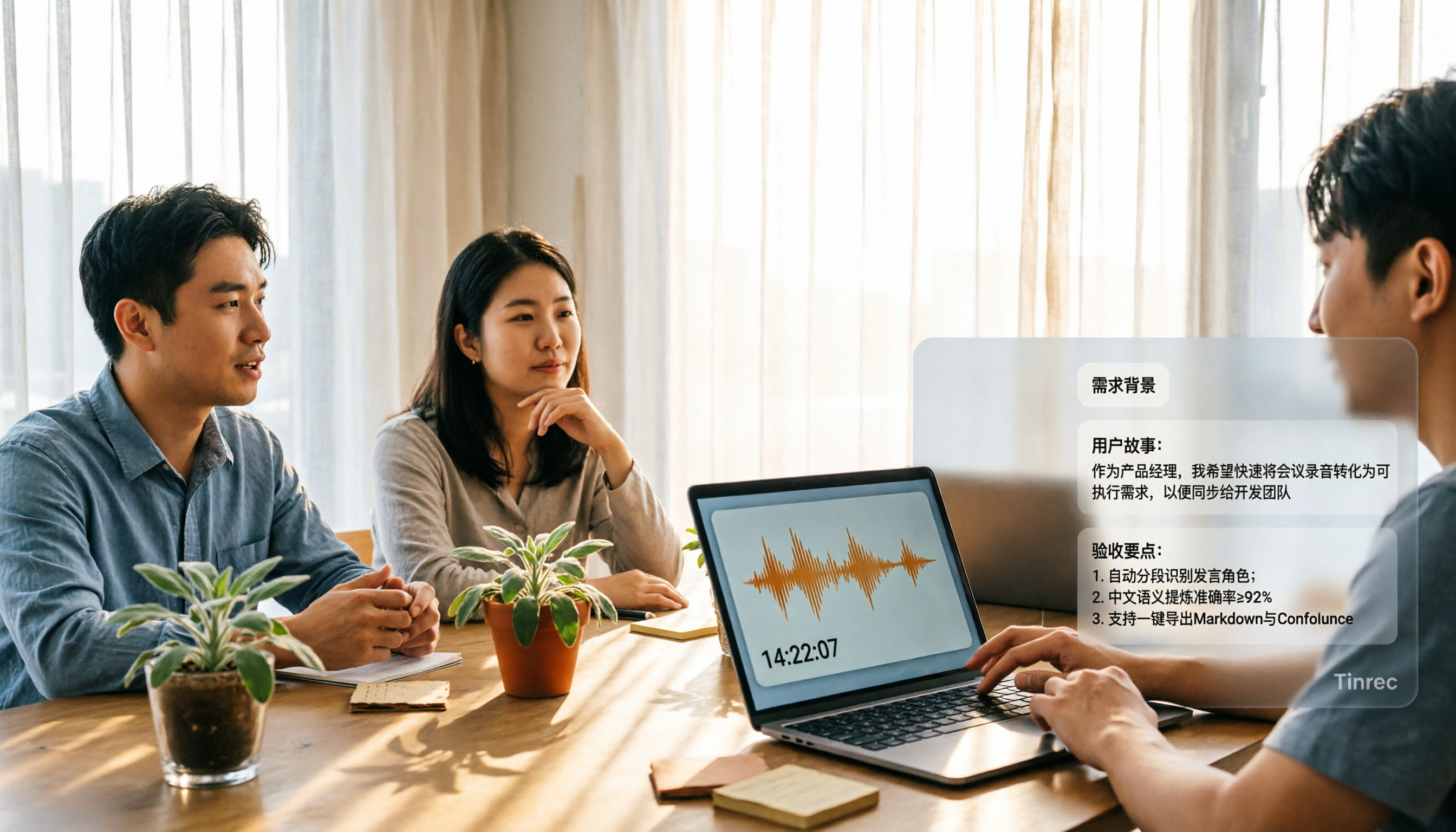
2026 Comparison of 3 Meeting Notes to PRD Tools: Which One Can Generate a Requirements Document Draft?
Converting meeting notes to a PRD often gets stuck because spoken content is hard to structure. This article outlines 5 practical steps and compares Tinrec, Otter.ai, and Granola across 4 dimensions—Chinese meeting note organization, post-meeting output, recording retention, and team collaboration—to help you choose the right approach.
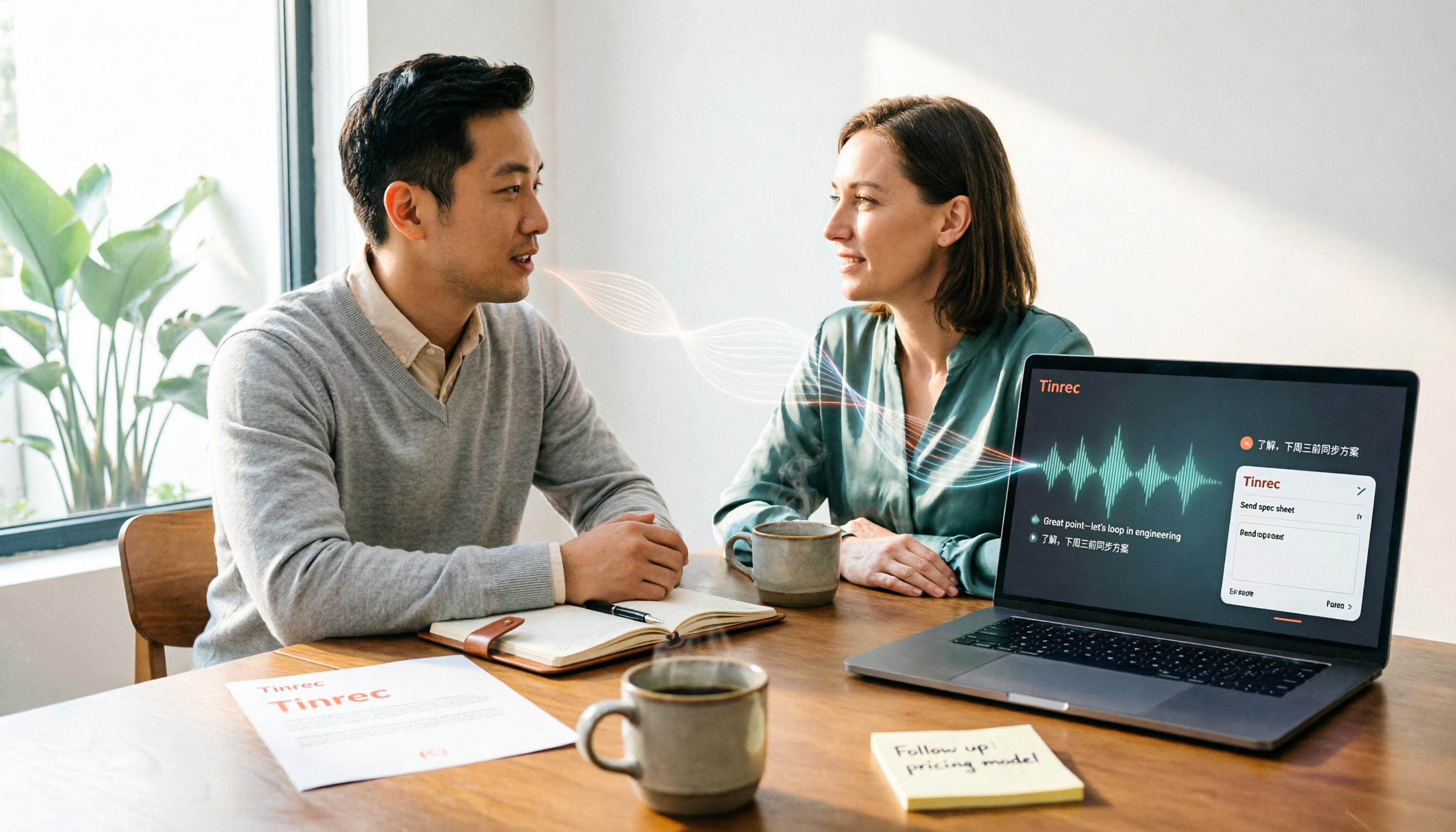
4 Sales Call Summarization Tools Compared for 2026: How to Choose for Chinese Calls and Follow-Ups
The most time-consuming part of a sales call is often not the conversation itself, but the post-call organization. This comparison evaluates Tinrec, Otter.ai, Fireflies.ai, and Notta across four dimensions: Chinese and mixed Chinese-English recognition, summary granularity, export workflows, and team collaboration. It also outlines 5 key questions to ask before purchasing and 4 common pitfalls to avoid.

Tinrec vs Otter.ai 2026: 5-Dimension Comparison for Turning Product Review Meetings into PRDs
Struggling to write a PRD after your product review meeting? This article compares Tinrec and Otter.ai across 5 dimensions—Chinese meeting recognition, bot-free recording, post-meeting output to PRD, team knowledge retention, and cross-device input—to explain why Chinese product teams find Tinrec more efficient for turning review meeting decisions directly into PRDs.