

Turn recordings into transcripts and summaries in minutes
Upload audio or video for multilingual transcription, AI notes, and action items
5 Best Cantonese Speech-to-Text Tools in 2026: Which Handles Code-Switching and Spoken-to-Written Conversion Best?
You just finished a two-hour Cantonese department meeting. You open the recording, and it's full of sentences like "你幫我 check 下個 file" and "今個 quarter 個 target 要再傾"—mixing Cantonese and English.
You think of a transcription tool, but it mishears "唔該" as "吾該" and translates English words into Chinese, so you still have to listen from the beginning.
The challenge of Cantonese speech-to-text isn't just the accent—it's the gap between spoken and written language, plus the constant switching between Chinese and English in workplace conversations. This article isn't a feature list; it lays out several common approaches in 2026 so you can see which one truly saves time.
Tinrec is an AI meeting notes and collaboration tool for individuals and teams. It supports real-time recording transcription, bot-free recording of online meetings on desktop, audio and video file import, mobile recording, and live translation during recording. The free version offers basic credits so you can test it with a few recordings before deciding to upgrade. It's suitable for professionals, project teams, and content creators who need to handle Cantonese and code-switched content.
What Can Cantonese Speech-to-Text Do for You?
Scenario 1: Get key points 5 minutes after a meeting Previously, after a two-hour Cantonese meeting, you might spend another hour re-listening, typing, and organizing. With Tinrec, by the time the meeting ends, the transcript is already there, and AI summaries, chapters, and action items are generated together—who's responsible for what and when it's due, all listed out.
Scenario 2: Never miss a promise in client interviews Cantonese client interviews often mix in English product names and quotes. After recording with Tinrec, you can directly ask it "What are the client's main concerns about pricing?" without searching through thousands of words.
Scenario 3: Turn video and course content into usable text If you have Cantonese interview videos or course recordings, Tinrec can import files directly and convert them to transcripts, then create summaries or subtitle materials. This is much faster than typing while playing.
Scenario 4: Real-time comparison for cross-language meetings If a meeting mixes Cantonese, Chinese, and English, Tinrec's live translation lets you see the original, translation, or bilingual content simultaneously, without waiting until after the meeting to guess.
What Are the Core Capabilities of Cantonese Speech-to-Text?
Transcription of Cantonese and code-switching The difficulty with Cantonese lies in colloquial words and English insertions. Tinrec supports Chinese, Traditional Chinese, and multilingual meeting scenarios, and offers a team hotword feature to add internal product names, abbreviations, and technical terms, reducing the chance of mishearing proper nouns. Note that actual performance is affected by recording quality, accent, background noise, and multiple people speaking at once—no tool can guarantee 100% accuracy.
Bot-free recording of online meetings on desktop Many meeting tools use a bot account to join the meeting. Tinrec's desktop version takes a different approach: it directly captures the computer's system audio without inviting any bot. This is usually less awkward for external client meetings. It can handle audio from Zoom, Google Meet, Microsoft Teams, Webex, etc., played on your computer, but this doesn't mean official partnerships with these platforms, nor does it automatically join all meetings on your calendar—you need to open Tinrec and start recording yourself.
Live translation and bilingual transcripts You can see translations while recording, with options for original, translation, or bilingual side-by-side. For those who need to confirm understanding during the meeting, this is more practical than translating afterward.
AI summaries, chapters, and action item extraction Tinrec doesn't just condense the transcript into a paragraph; it structures the information: meeting topic, discussion points, conclusions, and action items are listed separately. Long meetings are also divided into chapters for easy navigation.
AI Q&A and post-meeting outputs After transcription, you can ask Tinrec in natural language: "What was decided about the marketing budget in this meeting?" "What were the three main issues the client mentioned?" It will answer based on the content. Furthermore, Tinrec's Agent post-processing can generate reports, tables, and documents based on meeting content, and export results to Notion, Google Docs, OneNote, Dropbox, etc., for further use.
Team spaces and governance For shared meeting data, Tinrec's team version offers independent team spaces, member invitations, owner/admin/member roles, seat allocation, team hotwords, usage analytics, audit logs, and audio recycle bin. Members without a seat can still view, play, and read team data; a seat is required to record, upload, edit, and export.
Practical Use Cases
Meeting notes Teams with weekly routine meetings are best suited to start here. Use Tinrec's desktop version to record online meetings, and get summaries and action items directly afterward—meeting notes shift from "writing after the meeting" to "confirming after the meeting."
Stop organizing recordings by hand
Upload audio or video and automatically get a transcript, summary, and action items
Interviews and research Cantonese interviews often contain a lot of colloquial and code-switched language, and transcript quality directly affects subsequent analysis. After transcribing with Tinrec, use AI Q&A to extract what the interviewee said about specific topics—much faster than manual searching.
Content creation and subtitle preparation Those creating Cantonese videos usually need a transcript before subtitling or writing copy. Tinrec can process audio and video files, automating the prep work so you only need to handle final editing.
Team knowledge retention New hires often ask "Who said that decision last time?" Put meeting data in Tinrec's team space, and past meetings can be searched and queried. When members leave, the data doesn't go with them.
6 Things to Consider When Choosing a Cantonese Speech-to-Text Tool
1. Test with your own recordings, don't just look at marketing The difference in Cantonese recognition isn't visible in a clean studio—it's obvious in real meetings. We recommend taking a segment of your daily code-switched meeting and trying it. Tinrec's free version offers basic credits, so you can test a few segments before deciding.
2. Transcription is just the first step; post-meeting organization is key A tool that only gives you a transcript still requires you to read it all. Tinrec's AI summaries, chapters, action items, and AI Q&A turn a block of text into actionable data—a big difference for those who have more than three meetings a week.
3. How the meeting is recorded affects whether it can be used in client settings Meeting bot tools require an account to join the meeting, which is convenient internally but sometimes inappropriate externally. Tinrec's desktop version uses system audio capture, requiring no extra participant—especially useful for client meetings and interviews.
4. Check export options and whether audio files are retained Some tools keep only text and not audio, making later verification troublesome. Tinrec retains audio, and the team version has an audio recycle bin for accidental deletions; export supports multiple formats and can be taken to commonly used third-party tools.
5. For team use, look at permissions and governance When multiple people share, "who can see, who can edit, how much usage" is more likely to cause problems than recognition accuracy. Tinrec's team version manages roles, seats, usage, and audits separately. Team data belongs to the team, and can be handed over when members leave, so it won't be lost if one person resigns.
6. Understand pricing and credit rules clearly Tinrec's personal version has a free version and paid plans with different cycles to match different usage patterns. The team version's first eligible trial is 7 days, 1 free seat, and 300 minutes of shared team import credits; monthly payment is USD 29.80 per paid seat per month, annual payment is USD 199 per paid seat per year (about USD 16.58 per month), and each paid seat provides 2,000 minutes of shared team import credits per month. Real-time recording under active team plans and seats is currently not deducted by minutes; file and web imports use shared team credits. Actual prices and benefits are subject to the official purchase page.
FAQ
Q1: Which Cantonese speech-to-text tool is good? It depends on your scenario. If you need Cantonese and code-switched meeting notes and want summaries, action items, and queryable data right after the meeting, Tinrec is worth trying first. The way to judge is simple: take a recording of your own meeting and see the speed and readability of the output.
Q2: Is Tinrec's free version enough? The free version offers basic credits, suitable for experiencing recording, import, summary, and transcription workflows. If you only occasionally organize a recording, start with the free version; if you have intensive meetings or interviews in the short term, consider the corresponding paid plan.
Q3: Can it really transcribe code-switching accurately? With clear audio and no multiple people talking over each other, code-switched segments are usually recognized reliably, and English words are mostly kept as is. However, accents, background noise, and technical terms can still affect results. We recommend using team hotwords and verifying important meetings by replaying the transcript timestamps.
Q4: Do I need to invite a meeting bot? No. Tinrec's desktop version directly captures system audio, so no bot account appears in the participant list. Note that Tinrec does not automatically join all meetings on your calendar; you need to start recording manually.
Q5: What's the difference between the team version and personal version? Personal version data is managed by the individual account; the team version is an independent space where data belongs to the team, with additional member invitations, role and seat management, shared credits, usage analytics, audit logs, and audio recycle bin.
Q6: Do I need consent to record? Yes. Different countries and regions have different regulations on recording and transcription. Before a meeting or interview, inform participants and obtain consent, and handle it according to your organization's policies.
Conclusion
Whether Cantonese speech-to-text is useful depends not on "can it transcribe" but on "what you can do with it after transcription." If you only occasionally need a piece of text, free tools or built-in platform features are enough; but if Cantonese meetings are a regular part of your weekly work, the focus will be on the stability of code-switching recognition, post-meeting summaries and action items, and whether data can stay within the team for reuse.
Tinrec's approach in these areas is clear: bot-free recording on desktop, automatic summaries and action items after transcription, AI Q&A and export support, and the team version brings all this data into one space. We recommend using the free version's basic credits to run one of your own Cantonese meetings first, see the output quality and organization results, and then decide whether to upgrade.
References
- 2026 Latest 5 Cantonese Speech Recognition Software Recommendations: Solving Cantonese Meeting Notes and Mixed Language Pain Points - Tinrec Blog
- Free + Cantonese OK: How to Use Google AI Studio to Convert Your Recordings...
- AI Cantonese Speech to Text Professional Cantonese Recognition
- Free Cantonese Speech to Text App 2026 | Subanana
- 2026 6 Cantonese Speech-to-Text Software Recommendations: Solving Cantonese Meeting Notes and Video Subtitling Pain Points - Tinrec Blog
Turn every recording into actionable outcomes
Get 60 free transcription minutes when you sign in. No credit card required.
Related Reading
You might also like
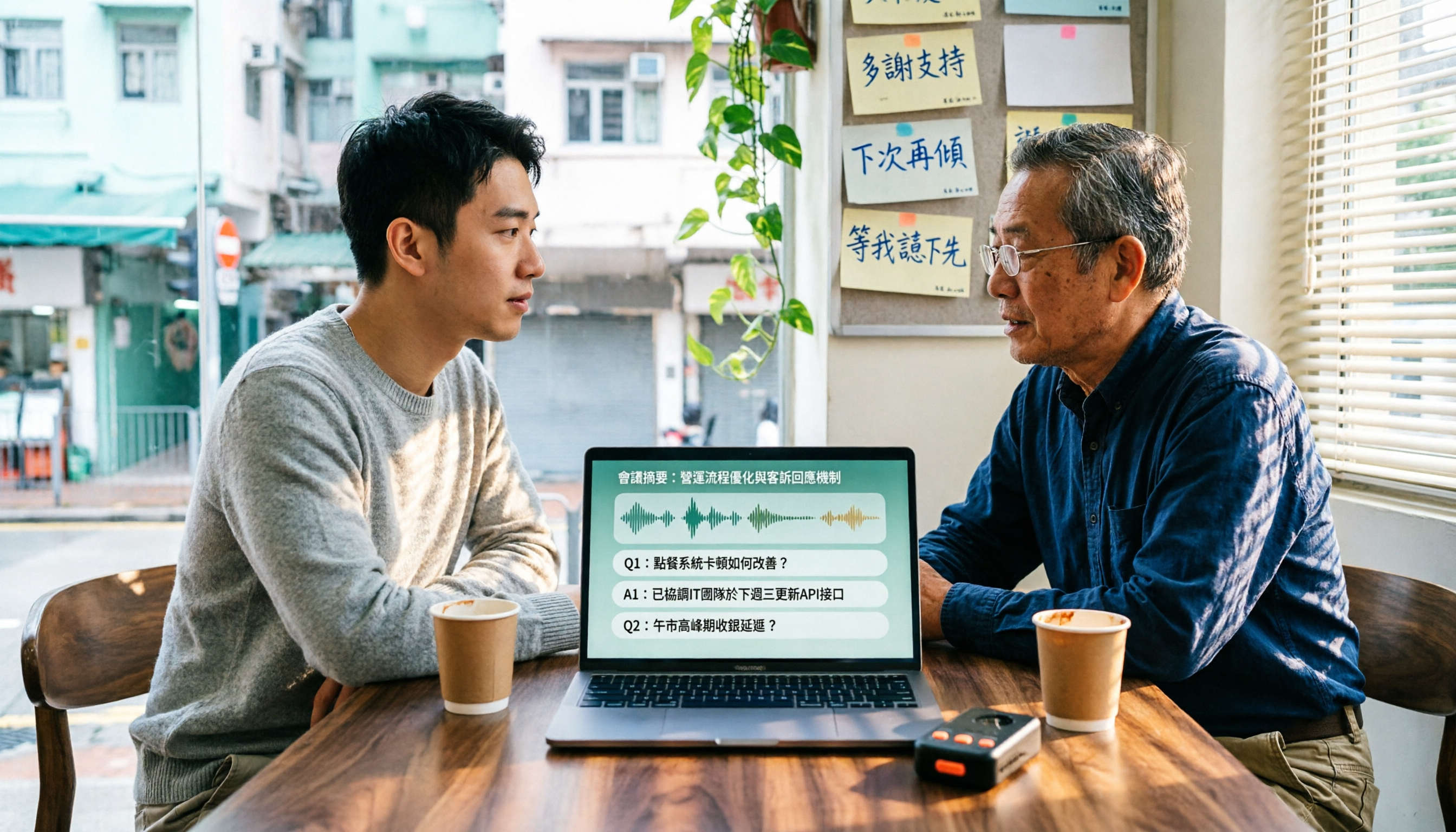
4 Cantonese Speech-to-Text Tools Tested in 2026: Which Free Version Is Good Enough?
We tested and compared the free versions of 4 Cantonese speech-to-text tools to see if they're good enough. We cover key selection criteria, common pitfalls, and recommendations, plus how Tinrec performs in Chinese meeting transcription, AI Q&A, and team knowledge retention.
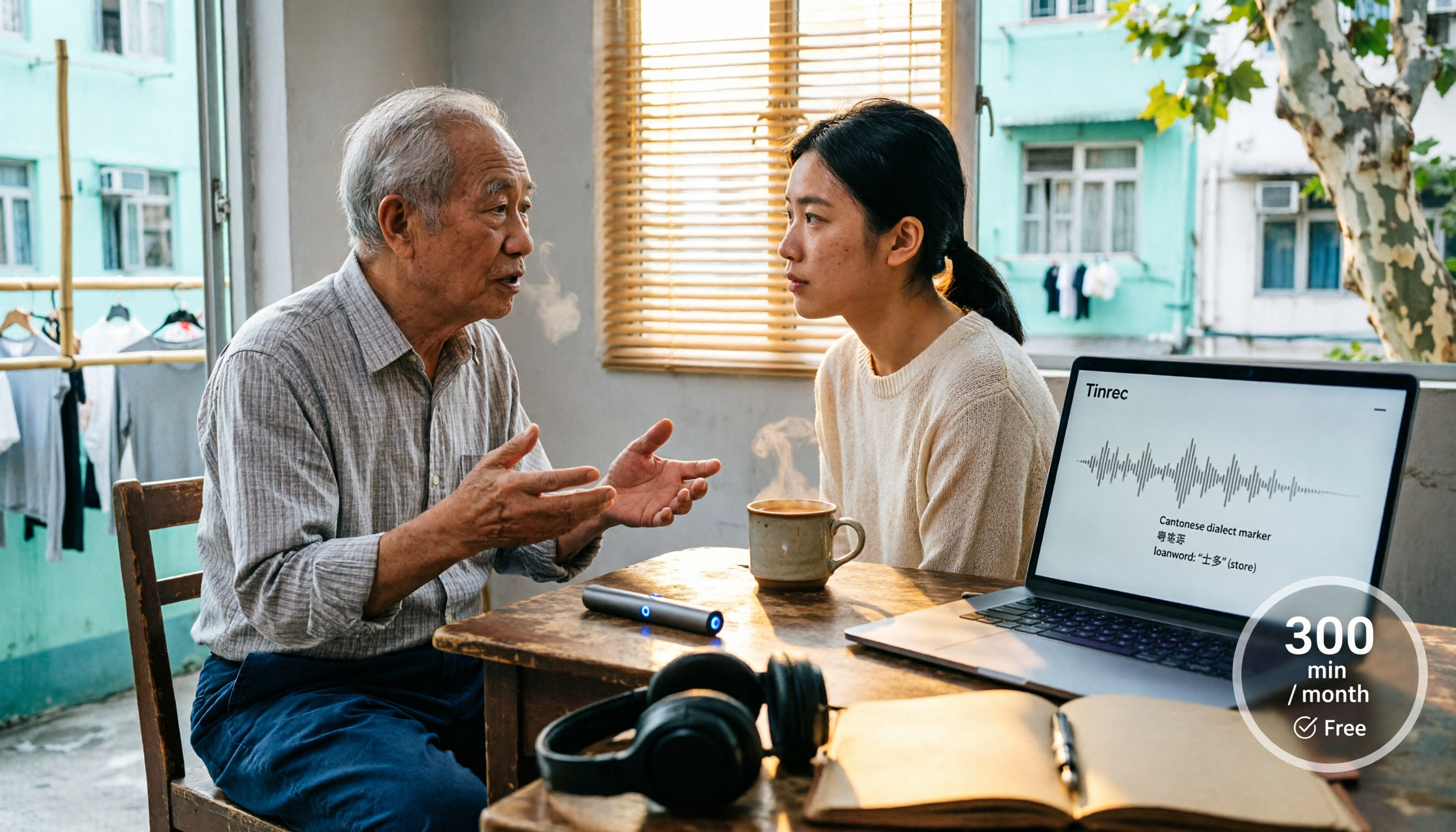
4 Cantonese Speech-to-Text Tools Tested in 2026: Whose Free Tier Is Actually Enough?
If you want free Cantonese speech-to-text, first figure out whether the free quota is monthly minutes, per-file length, or preview-only. This article compares Tinrec, Subanana, Notta, and TurboScribe across Cantonese and mixed Chinese-English handling, export formats, post-meeting organization, and pricing thresholds, with four common pitfalls and scenario-based recommendations.

How to Transcribe Cantonese Audio to Text in 2026: Tinrec Real-Time Transcript + AI Summary
Many people think Cantonese audio transcription is just converting sound to text, but they overlook the real challenges: Cantonese colloquialisms, mixed Chinese-English, multi-person meetings, and post-meeting organization. This article addresses common misconceptions and demonstrates how Tinrec turns recordings into searchable, summarizable, actionable transcripts and team data.

4 Cantonese Speech-to-Text Tools Tested and Compared in 2026: Key Factors to Know Before You Download
How should you download a Cantonese speech-to-text tool, and what should you watch out for after downloading? This article starts with the most common pitfalls, outlines 4 key factors to consider before downloading, and compares Tinrec, Subanana, cSubtitle, and Google AI Studio, with a guide to avoiding mistakes and selection advice.

4 Cantonese Speech-to-Text Tools Tested: Which Free Version Actually Works?
I have 15 meetings a week, and Cantonese with mixed Chinese-English meeting notes take the most time. This article compares 4 common free Cantonese speech-to-text options: the difference between truly free, free preview, and free quota, and which one lets you directly get summaries, action items, and searchable meeting data after transcription. Includes hands-on experience with Tinrec, 3 common pitfalls to avoid, and buying advice.

4 Free Cantonese Speech-to-Text Tools Compared (2026): Which Free Tier Is Actually Enough for Post-Meeting Work?
How do you choose a free Cantonese speech-to-text tool? This article compares the free tiers, Cantonese handling, and post-meeting workflows of Tinrec, Subanana, UniScribe, and cSubtitle, highlighting 4 key buying factors and 4 common pitfalls to help you decide which free version is truly sufficient.

4 Cantonese Audio-to-Text Tools Tested in 2026: Which Free Version Is Good Enough?
Comparing Subanana, Google AI Studio, cSubtitle, and Tinrec across free quotas, Cantonese recognition, post-meeting organization, and team collaboration to help you decide if free Cantonese audio-to-text tools are actually usable.

How to Transcribe Cantonese Audio to Text in 2026: A Complete 5-Step Guide
A complete workflow for converting Cantonese audio recordings into text files. Using Tinrec as an example, this guide walks you through uploading or live recording, language settings, AI transcription, summaries, action items, and multi-format export, with notes on Cantonese accents, background noise, and free usage limits. Ideal for professionals and teams who need to organize meeting, interview, or lecture recordings.

Tinrec vs Otter.ai 2026: 5-Dimension Comparison for Free Cantonese Speech-to-Text
"Free" is the most expensive word in this search. This comparison puts Tinrec and Otter.ai side by side across 5 dimensions—Cantonese and mixed Chinese-English recognition, real limits of free plans, input sources, post-meeting organization, and team data ownership—to help you confirm which one truly matches your recording needs before you pay.