

Turn recordings into transcripts and summaries in minutes
Upload audio or video for multilingual transcription, AI notes, and action items
How to Transcribe Cantonese Audio to Text in 2026: A Complete 5-Step Guide
Before you start converting, ask yourself one question: is this Cantonese recording just for a transcript, or for meeting material you'll want to search, summarize, and query later? If you only transcribe occasionally, a free tool might be enough. But if you're organizing meeting, interview, or lecture recordings every week, rather than spending time on back-and-forth proofreading, it's better to choose a tool that can handle both transcription and organization in one go. Here's a 5-step walkthrough using Tinrec as an example.
What Can Cantonese Audio-to-Text Do for You?
Scenario 1: Quickly produce meeting notes after a meeting
In the past, after a two-hour Cantonese meeting, you might spend another hour re-listening to the recording and organizing key points. With Tinrec, after the meeting ends, AI automatically generates a transcript, summary, chapters, and action items. Who's responsible for what and what's next can be found directly in the text.
Scenario 2: Interview and research transcripts
If you conduct user interviews or expert interviews, the most time-consuming part is usually not the interview itself but the post-interview typing. Tinrec can convert interview recordings into text and also use AI Q&A to ask follow-up questions like "What pain points did the interviewee mention?" or "What specific suggestions were given?" so you can grasp key points faster when writing reports.
Scenario 3: Course and lecture notes
When attending classes or lectures, if you record the entire session, re-listening afterward is very time-consuming. Tinrec supports uploading audio or video files and can also transcribe live recordings. After transcription, you can view summaries and chapters to quickly review what the teacher or speaker said.
Scenario 4: Content creation and video subtitles
For creators who need to add subtitles to Cantonese videos, a transcript is the first step. Tinrec can convert audio or video sound into text and export the results to Notion, Google Docs, OneNote, Dropbox, and other tools for further processing, saving a lot of typing time.
What Are the Core Capabilities of Cantonese Audio-to-Text?
Live recording transcription: Transcribe while recording, capturing meeting content in real time. Tinrec's live transcription is suitable for in-person meetings, interviews, and on-site notes. You don't have to wait until the recording is finished to start organizing.
Bot-free online meeting recording: Tinrec's desktop version directly captures computer system audio. When handling online meetings on Zoom, Google Meet, Microsoft Teams, Webex, etc., no additional meeting bot needs to be invited. For participants, the meeting flow won't be interrupted.
Audio and video file transcription: If you already have Cantonese recordings, you can directly upload audio or video files and let Tinrec convert them into text. This is suitable for organizing historical meetings, old interviews, or lecture recordings.
AI summaries, chapters, and action item extraction: Tinrec doesn't just turn sound into text; it also automatically generates summaries, chapters, and action items, helping you quickly extract conclusions and action items from long recordings.
AI Q&A and real-time translation: After transcription is complete, you can ask Tinrec questions directly, such as "Who mentioned the budget in the meeting?" or "What are the client's main concerns?" It will answer based on the meeting content. For cross-language meetings, you can also use real-time translation to view in original text, translated text, or bilingual format.
Multi-format export and team space: Tinrec supports exporting results to common formats and third-party tools, and can also store meeting materials centrally in a team space for team members to search, query, and reuse.
5 Steps to Convert Cantonese Audio to Text with Tinrec
Step 1: Prepare your Cantonese audio file
First, check the recording quality. If there's too much background noise, multiple people speaking at once, or speaking too fast, recognition difficulty increases. It's recommended to test with a 3-5 minute segment first to confirm the results before processing the full file.
Step 2: Upload a file or record live directly
After logging into Tinrec, you can choose to upload an existing audio or video file, or use the live recording feature directly. For online meetings, open the Tinrec desktop version and record via system audio capture without needing a meeting bot to join.
Step 3: Set language and output method
Tinrec supports Chinese, Traditional Chinese, and multilingual meeting transcription, and can also organize mixed Chinese-English content. If your Cantonese recording contains English terms, this multilingual capability is more practical than pure Chinese tools. For cross-language meetings, you can also enable real-time translation.
Stop organizing recordings by hand
Upload audio or video and automatically get a transcript, summary, and action items
Step 4: Let AI transcribe and generate a summary
After submission, Tinrec will automatically process the transcript and generate a summary, chapters, key points, and action items. You don't need to listen from beginning to end yourself; just read the summary to grasp the meeting outline.
Step 5: Review, edit, and export
After AI transcription is complete, it's recommended to quickly proofread names, proper nouns, and numbers. Once confirmed, you can export the transcript, summary, or action items as a file, or take them to Notion, Google Docs, OneNote, Dropbox, etc. for continued use. For team meetings, you can also save the materials in the team space for members to review later.
Practical Application Scenarios
Meeting notes: For weekly department meetings, project meetings, or client meetings, just record with Tinrec, and after the meeting you'll get a transcript, summary, and action items. Managers can quickly review the basis for decisions, and team members can know their action items.
Interviews and research: When researchers conduct Cantonese interviews, the biggest fear is missing the interviewee's exact words. Tinrec preserves the transcript and also allows cross-referencing with AI Q&A, such as "How price-sensitive is the interviewee?" This is more efficient than repeatedly playing the recording.
Courses and lectures: Students or trainees can upload course recordings to Tinrec, convert them to text, and review using summaries and chapters. When you need to quote the speaker, you can also go back to the transcript to confirm the original text.
Content creation and subtitles: Video creators can convert Cantonese video audio into a transcript and then export it to editing or subtitle tools. Tinrec's transcript can serve as a subtitle draft, reducing typing time.
5 Things to Consider When Choosing a Cantonese Audio-to-Text Tool
1. Level of Chinese and Cantonese support: Don't just look at the words "supports Chinese." Tinrec supports Chinese, Traditional Chinese, and multilingual transcription, and also organizes mixed Chinese-English content. The actual recognition performance of Cantonese recordings is affected by accent, speaking speed, background noise, and technical terminology. It's recommended to test with a short segment first.
2. Can it handle the file types you have?: Some tools only support live recording and cannot upload old files. Tinrec supports uploading audio and video files, live recording, and desktop online meeting recording, covering a more complete range of use cases.
3. Organization capabilities after transcription: If you only get a transcript, you still have to read it all yourself. Tinrec provides summaries, chapters, action items, and AI Q&A, moving from "transcription" to "understanding" and "action."
4. Export and workflow integration: Confirm whether the tool can bring results into your existing workflow. Tinrec supports multi-format export and can also bring content to Notion, Google Docs, OneNote, Dropbox, etc.
5. Free quota and paid plans: Tinrec's free version offers a basic quota, suitable for occasional trials. If you have short-term intensive meeting needs, consider a weekly pass. For steady weekly use, a Pro monthly or annual plan is suitable. For team use, there are capabilities such as independent team space, member and seat management, usage analytics, and audit logs.
Frequently Asked Questions
Q1: Does Tinrec support Cantonese audio-to-text?
Tinrec supports Chinese, Traditional Chinese, and multilingual meeting transcription, and can also organize mixed Chinese-English content. Cantonese is part of spoken Chinese, and actual recognition quality is affected by accent, speaking speed, background noise, and technical terminology. It's recommended to test with a 3-5 minute Cantonese segment first to confirm it meets your needs before processing the full file.
Q2: What format restrictions are there for Cantonese audio files?
Tinrec supports uploading audio and video files and can also record live directly. If you're unsure whether your format is supported, the simplest way is to upload a short segment to test.
Q3: Can I try Cantonese transcription with the free version?
Tinrec's free version offers a basic quota, allowing you to experience recording, import, summary, and transcription. If you only occasionally organize a recording, you can start with the free version. If usage is higher, consider a weekly pass or Pro plan.
Q4: Can the transcript be exported?
Yes. Tinrec supports multi-format export and can also bring results to Notion, Google Docs, OneNote, Dropbox, etc. for further editing or archiving.
Q5: Can Cantonese recordings of team meetings be shared?
Yes. Tinrec's team version provides an independent team space. Meeting materials belong to the team, and members can view, play, and read. Members with seats can record, upload, edit, and export. When a member leaves or loses their seat, team resources are transferred to other valid members and won't be taken away by individuals.
Q6: What is Tinrec's Cantonese recognition accuracy rate?
Tinrec does not recommend publicly promising a fixed accuracy rate. Actual performance is affected by recording quality, noise, accent, overlapping speakers, and technical terminology. For important content, it's recommended to cross-check with transcript timestamps and recording playback.
Conclusion
The real challenge with Cantonese audio-to-text is usually not "transcribing it" but "how to use it after transcription." If you only need a transcript, many tools can do that. But if you want meeting, interview, or lecture recordings to become searchable, summarizable, queryable, and exportable data, Tinrec is a more complete choice. It supports live recording, file upload, and bot-free online meeting recording, and can automatically generate summaries, chapters, and action items. It's recommended to start with the free version, try it with a Cantonese recording, and then decide which plan suits your usage frequency.
References
- AI Speech to Text Fast Audio File Online to Text, Transcript and Video Subtitles - Free Trial - cSubtitle
- Free Cantonese Speech to Text App 2026 | Subanana
- Online AI Speech, Video, Audio File Auto to Text - Free Trial - cSubtitle
- Transcribe Chinese (Cantonese) Audio to Text in Seconds for Free
- AI Cantonese Speech to Text Professional Cantonese Recognition
Turn every recording into actionable outcomes
Get 60 free transcription minutes when you sign in. No credit card required.
Related Reading
You might also like
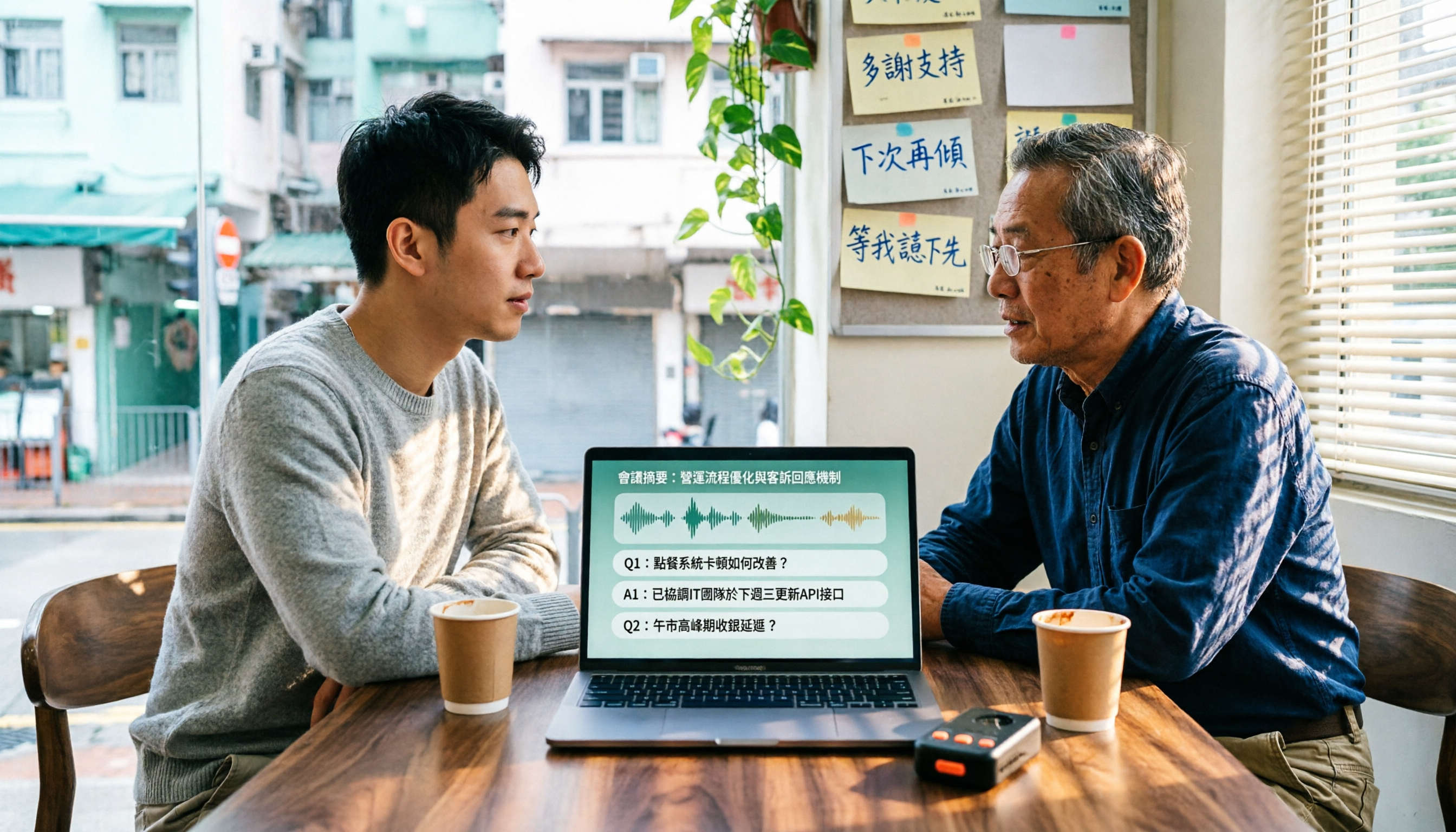
4 Cantonese Speech-to-Text Tools Tested in 2026: Which Free Version Is Good Enough?
We tested and compared the free versions of 4 Cantonese speech-to-text tools to see if they're good enough. We cover key selection criteria, common pitfalls, and recommendations, plus how Tinrec performs in Chinese meeting transcription, AI Q&A, and team knowledge retention.
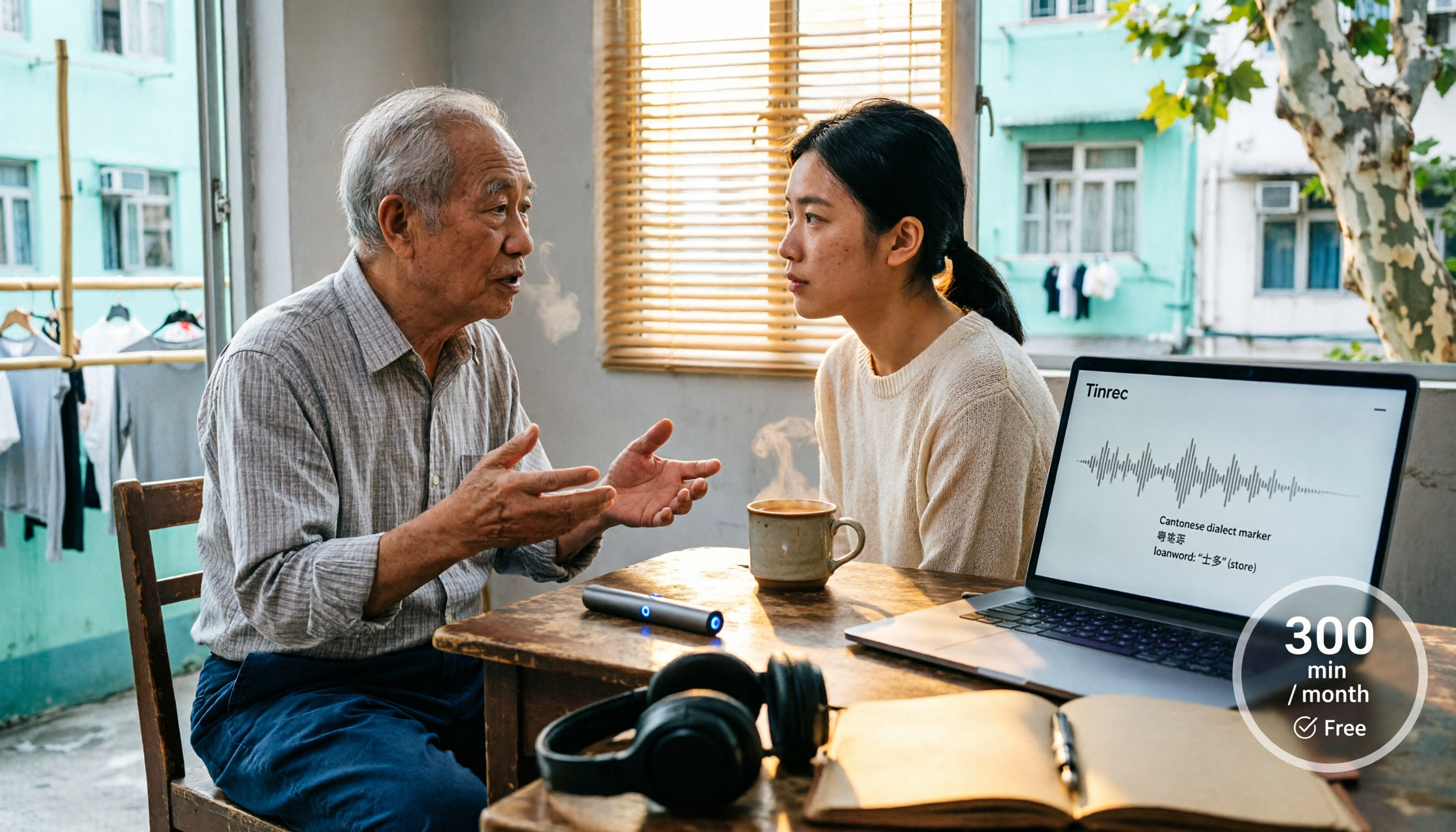
4 Cantonese Speech-to-Text Tools Tested in 2026: Whose Free Tier Is Actually Enough?
If you want free Cantonese speech-to-text, first figure out whether the free quota is monthly minutes, per-file length, or preview-only. This article compares Tinrec, Subanana, Notta, and TurboScribe across Cantonese and mixed Chinese-English handling, export formats, post-meeting organization, and pricing thresholds, with four common pitfalls and scenario-based recommendations.

How to Transcribe Cantonese Audio to Text in 2026: Tinrec Real-Time Transcript + AI Summary
Many people think Cantonese audio transcription is just converting sound to text, but they overlook the real challenges: Cantonese colloquialisms, mixed Chinese-English, multi-person meetings, and post-meeting organization. This article addresses common misconceptions and demonstrates how Tinrec turns recordings into searchable, summarizable, actionable transcripts and team data.

4 Cantonese Speech-to-Text Tools Tested and Compared in 2026: Key Factors to Know Before You Download
How should you download a Cantonese speech-to-text tool, and what should you watch out for after downloading? This article starts with the most common pitfalls, outlines 4 key factors to consider before downloading, and compares Tinrec, Subanana, cSubtitle, and Google AI Studio, with a guide to avoiding mistakes and selection advice.

4 Cantonese Speech-to-Text Tools Tested: Which Free Version Actually Works?
I have 15 meetings a week, and Cantonese with mixed Chinese-English meeting notes take the most time. This article compares 4 common free Cantonese speech-to-text options: the difference between truly free, free preview, and free quota, and which one lets you directly get summaries, action items, and searchable meeting data after transcription. Includes hands-on experience with Tinrec, 3 common pitfalls to avoid, and buying advice.

4 Free Cantonese Speech-to-Text Tools Compared (2026): Which Free Tier Is Actually Enough for Post-Meeting Work?
How do you choose a free Cantonese speech-to-text tool? This article compares the free tiers, Cantonese handling, and post-meeting workflows of Tinrec, Subanana, UniScribe, and cSubtitle, highlighting 4 key buying factors and 4 common pitfalls to help you decide which free version is truly sufficient.

4 Cantonese Audio-to-Text Tools Tested in 2026: Which Free Version Is Good Enough?
Comparing Subanana, Google AI Studio, cSubtitle, and Tinrec across free quotas, Cantonese recognition, post-meeting organization, and team collaboration to help you decide if free Cantonese audio-to-text tools are actually usable.

Tinrec vs Otter.ai 2026: 5-Dimension Comparison for Free Cantonese Speech-to-Text
"Free" is the most expensive word in this search. This comparison puts Tinrec and Otter.ai side by side across 5 dimensions—Cantonese and mixed Chinese-English recognition, real limits of free plans, input sources, post-meeting organization, and team data ownership—to help you confirm which one truly matches your recording needs before you pay.

2026 Comparison of 4 Cantonese Speech-to-Text Tools: Which Saves the Most Time with Code-Switching and Meeting Minutes?
A 2026 hands-on comparison of the latest Cantonese speech-to-text tools. From colloquial Cantonese and mixed Chinese-English to post-meeting minutes, we cover 4 key points to consider before buying, 3 common pitfalls, and the actual differences and use cases among Tinrec, Subanana, cSubtitle, and SoundType AI.