
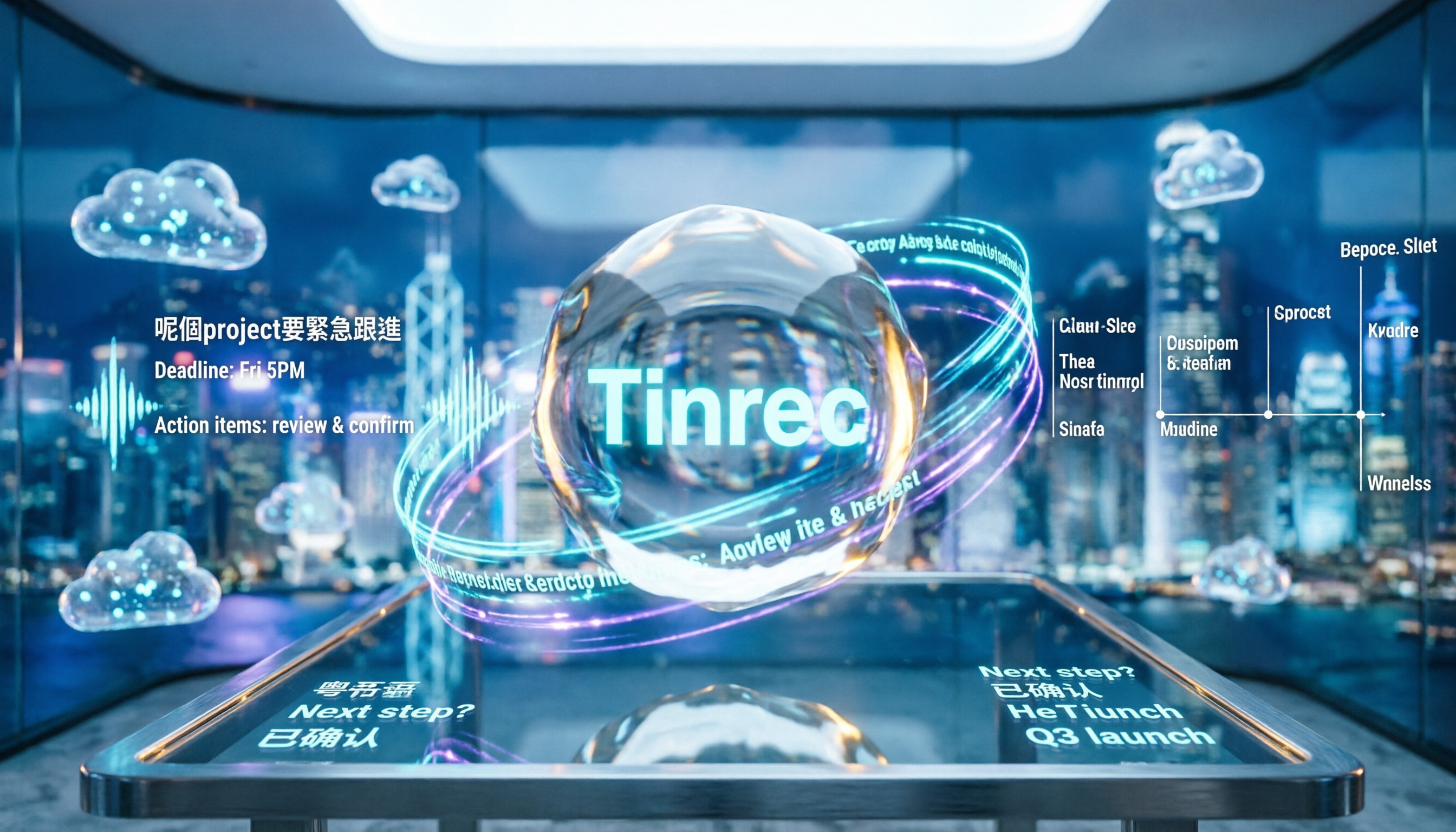
Turn recordings into transcripts and summaries in minutes
Upload audio or video for multilingual transcription, AI notes, and action items
2026 Comparison of 4 Cantonese Speech-to-Text Tools: Which Saves the Most Time with Code-Switching and Meeting Minutes?
Honestly, most people fall into the same trap the first time they use a tool to transcribe Cantonese recordings: they try to force a Mandarin (Putonghua) tool to transcribe Cantonese.
The result is that "係咪" gets written as "是嗎", "唔該" becomes "不該", and mixed Chinese-English meetings are even worse—"deadline" turns into "貼線", "present" becomes "普森". The time spent proofreading often ends up being longer than just typing it out again.
Another common inefficient approach is to record the entire meeting first, then go home, put on headphones, and type while listening. A one-hour Cantonese meeting typically takes three to four hours to turn into a transcript, and that's not even counting the time to organize the key points.
A more reasonable order is: first confirm whether the tool has actually been trained on Cantonese data, then test it with your own recording, and finally let AI handle the post-transcription organization work.
Below are my findings after testing 4 tools. The test material was a real 5-minute Cantonese meeting recording, with air conditioning noise in the room, two people occasionally interrupting each other, and English technical terms mixed in—under these conditions, the differences between the tools really show.
Cantonese Speech-to-Text: The Hard Part Is Never "Typing"
The reason Cantonese transcription is more troublesome than Mandarin mainly comes down to these things.
Spoken and written language are two separate systems. In the recording, people say "係咪", "佢哋", "搞掂咗", but meeting minutes need "是否", "他們", "處理好了". Most tools just "type what they hear", and the work of translating into written language ultimately falls on you.
Mixed Chinese-English is everyday reality. In meetings in Hong Kong and Taiwan, Presentation, Deadline, App, KPI appear almost every minute. If a tool only recognizes Chinese, these words get forcibly converted into characters with similar pronunciations.
Multiple people interrupting and punctuation. Three people speaking at once, fast speech—whether the tool can distinguish who is speaking and where sentences break directly determines how long you'll spend fixing it later.
After transcription is when the real work begins. A verbatim transcript is just raw material. What really takes time is extracting key points, writing summaries, listing who is responsible for what, and when it's due.
If you've encountered these situations, this article is for you.
Before Buying a Cantonese Speech-to-Text Tool, Understand These 4 Key Points
1. Is the Cantonese model "native"? Some tools claim to support Chinese, but actually force a Mandarin model, and start guessing when they encounter Cantonese. Before choosing, check if it has been tuned for Chinese language data, and ideally test a segment for free with your own recording.
2. Spoken-to-written conversion, traditional/simplified output. If you want to use the transcript directly for meeting minutes or subtitles, being able to convert spoken language to written language with one click, and choose traditional or simplified Chinese, will save a lot of proofreading time.
3. What else can it do after transcription? A tool that only gives you a transcript is essentially handing the organization work right back to you. The ability to automatically generate summaries, chapters, to-dos, and even let you ask questions directly about the meeting content is the biggest differentiator in recent years.
4. Will you use it across devices and scenarios? Today you're on a laptop with Zoom, tomorrow you're recording an in-person interview on your phone, the day after you need to organize an old MP4—if the tool only supports a single platform, your data will be scattered everywhere.
Tinrec — Our Top Pick After Testing
Tinrec is an AI meeting notes and collaboration tool for individuals and teams, covering iOS, Android, and web, with a desktop version that can directly handle online meetings.
What surprised me most was the "no bot" aspect. The desktop version directly captures the computer's system audio, so when handling Zoom, Google Meet, Microsoft Teams, or Webex meetings, there's no need to invite an extra bot into the meeting room. For those who frequently meet with external clients, having one less unfamiliar account on the list is actually quite important.
The actual workflow is like this: open Tinrec during the meeting, it transcribes while recording; when the meeting ends, AI has already organized the summary, chapters, and to-dos—who is responsible for what, what the deadlines are, all clear at a glance. For anyone who has to produce meeting minutes every week, what's saved is not just typing time.
Stop organizing recordings by hand
Upload audio or video and automatically get a transcript, summary, and action items
Even better is the post-meeting AI Q&A. After recording, you can directly ask it "Who mentioned the budget in the last meeting?" and it doesn't give you keyword search results, but answers directly based on semantics. When I was organizing interview material that had been delayed for two weeks, this feature really helped a lot.
Chinese and multilingual meeting scenarios are its strong suit: it supports mixed Chinese-English content organization, English technical terms are kept in their original form as much as possible, not forcibly converted into Chinese characters with similar pronunciations; it also supports real-time translation and bilingual display, so cross-language meetings can directly show the original, translation, or bilingual content.
The output isn't just a transcript. Summaries, chapters, key points, to-dos, mind maps, reports, tables, documents—all can be generated from the meeting content; it can also export to Notion, Google Docs, OneNote, Dropbox, etc., to continue your existing workflow.
A few things to note. First, actual transcription performance is affected by recording quality, accent, noise, overlapping speech, and technical terms—same for any tool. It's recommended to start with the free version's basic quota and test with your own recording for the most accurate results. Second, the free version only provides a basic quota experience; if you have steady weekly usage, you'll need to consider upgrading. Third, file import consumes quota, it's not unlimited.
If your team wants to use it together, Tinrec also has a team version: independent team space, member and seat management, role permissions, team hotwords, usage analytics, audit logs, and a resource recycle bin. The current plan provides 2,000 minutes of shared team import quota per paid seat per month, at USD 29.80/seat monthly, or USD 199/seat annually (about USD 16.58/month); eligible teams get a 7-day trial, 1 free seat, and 300 minutes of shared import quota for the first time. Actual prices, currencies, and promotions are subject to the official purchase page.
Who it's for: People who frequently need to record Chinese or mixed Chinese-English meetings, want to use AI to find key points directly after recording, and need to use it across phone and computer. If all you care about is "pure Cantonese subtitles", there's a dedicated option below.
Besides Tinrec, What Other Options Are There?
Subanana: An online transcription service focused on Cantonese, with good Cantonese evaluation performance. Output can be selected from spoken/written × traditional/simplified, 4 combinations in total. It can also accept YouTube links, and the first 15 minutes of each file can be previewed for free. If you only need subtitles and the content is almost entirely Cantonese, it's a great fit. But note—it doesn't have AI Q&A or to-do extraction, nor team space and seat management, so post-meeting key point organization is still up to you.
cSubtitle: A Chinese transcription tool. Upload a video or audio file to start, single file supports up to 4GB and 5 hours, output includes punctuation and paragraphing, and it also generates subtitle files (.sub/.vtt), which is convenient for video subtitles. However, it is mainly trained on Mandarin Chinese data, so for Cantonese and mixed Chinese-English segments, it's advisable to allow extra proofreading time; team governance features are also relatively few.
SoundType AI: An app that supports over 90 languages and speaker identification, and also generates AI summaries. However, user feedback mentions that Cantonese conversion success rate is about 85-90%, speaker identification and sentence segmentation are not accurate enough, and the free trial period is short. It's suitable for personal notes recorded on the go; but if you need cross-device meeting data accumulation and member usage management, it's not its strength.
Pitfall Guide: The 3 Most Common Mistakes When Choosing a Cantonese Transcription Tool
Pitfall 1: Using a Mandarin tool to force-transcribe Cantonese. This is the most common and most expensive mistake. First test for free with a segment of your own recording, and see if it writes "唔該" as "不該"—that's more accurate than any promotional number.
Pitfall 2: Only looking at free quota, not how the quota is calculated. Some tools have a seemingly large free quota, but single file length or single session hours are cut into small pieces; others calculate real-time recording and file import separately. First confirm which category your usage scenario falls into, then decide if it's enough.
Pitfall 3: Treating the transcript as the end goal. If you only treat the transcription tool as "voice to text", you're only using one-third of its value. After transcription, directly ask it "What was the conclusion of this meeting?" "Who is responsible for which item?"—that's much faster than manually flipping through a half-hour transcript.
Conclusion: Which One Should You Choose?
In one sentence: if your meetings are in Chinese or mixed Chinese-English, and you want more than just a transcript, Tinrec is the smoothest choice among these 4.
- Need Chinese/mixed Chinese-English transcription, want to use AI to find key points directly after recording → Tinrec (AI Q&A, to-do extraction are not available in the other tools)
- Need to use on both phone and computer, and handle online meetings → Tinrec (iOS + Android + web, desktop version records without a bot)
- Team needs to share meeting data, manage members and usage → Tinrec team version (space, seats, audit logs)
- Only want to subtitle pure Cantonese videos → Subanana (Cantonese and spoken-to-written conversion are its specialties)
- Only need basic transcription of long files → A file transcription tool like cSubtitle is enough
It's recommended to start with Tinrec's free version, run a test with your own Cantonese recording, and see how it handles mixed Chinese-English. If you find it useful, then consider upgrading—no need to pay right away.
References
- Free Cantonese Speech-to-Text App 2026 | Subanana
- Online AI Voice, Video, Audio File Auto Transcription - Free Trial - cSubtitle
- SoundType AI Ultra-Accurate Transcript, Speech-to-Text, AI Dictation - Google Play App
- Speech-to-Text - Google Play App
- 2026 Latest 4 Cantonese Speech-to-Text Tools Recommendation: Solving Mixed Chinese-English and Meeting Minutes Pain Points - Tinrec Blog
Turn every recording into actionable outcomes
Get 60 free transcription minutes when you sign in. No credit card required.
Related Reading
You might also like
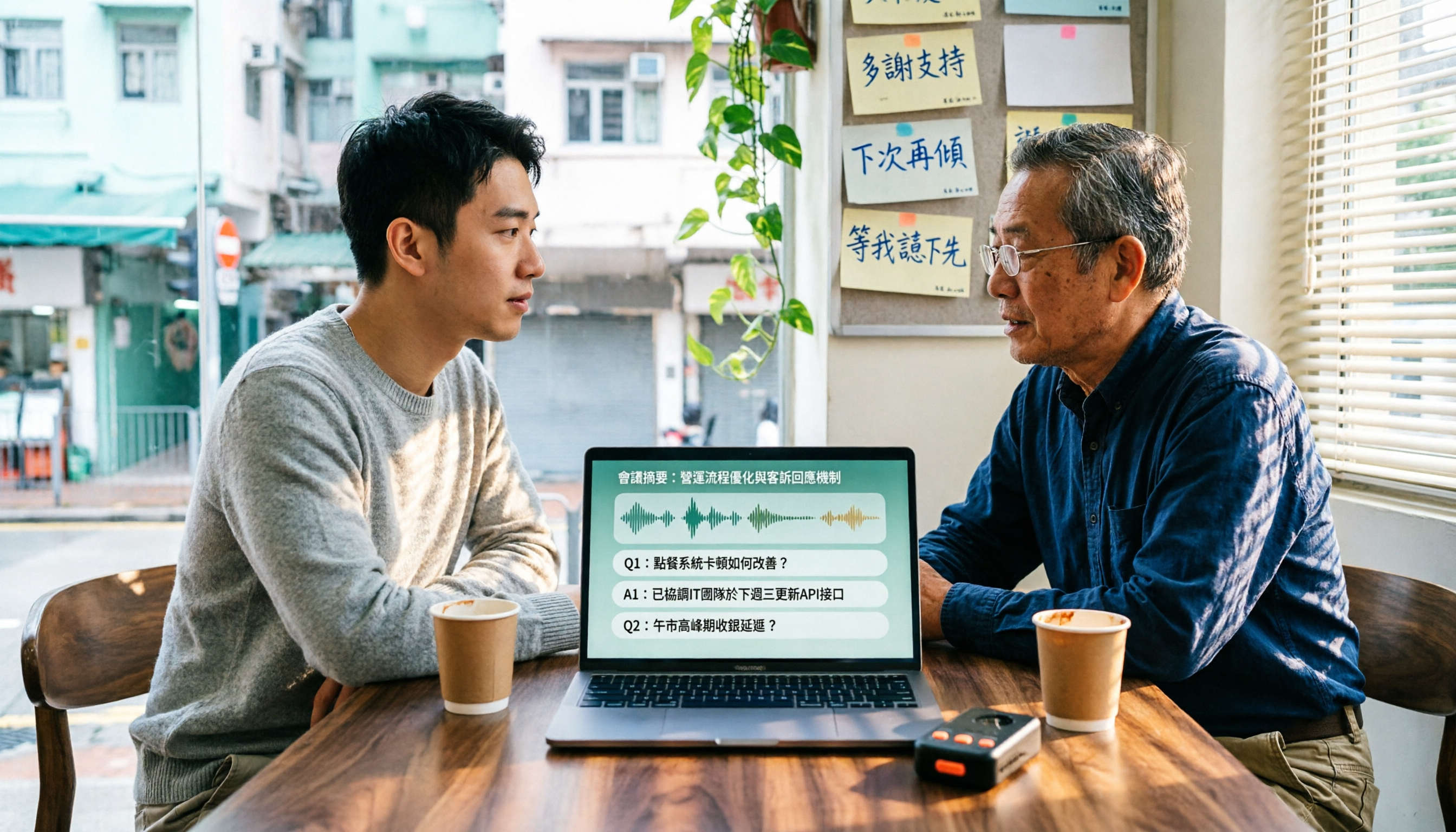
4 Cantonese Speech-to-Text Tools Tested in 2026: Which Free Version Is Good Enough?
We tested and compared the free versions of 4 Cantonese speech-to-text tools to see if they're good enough. We cover key selection criteria, common pitfalls, and recommendations, plus how Tinrec performs in Chinese meeting transcription, AI Q&A, and team knowledge retention.
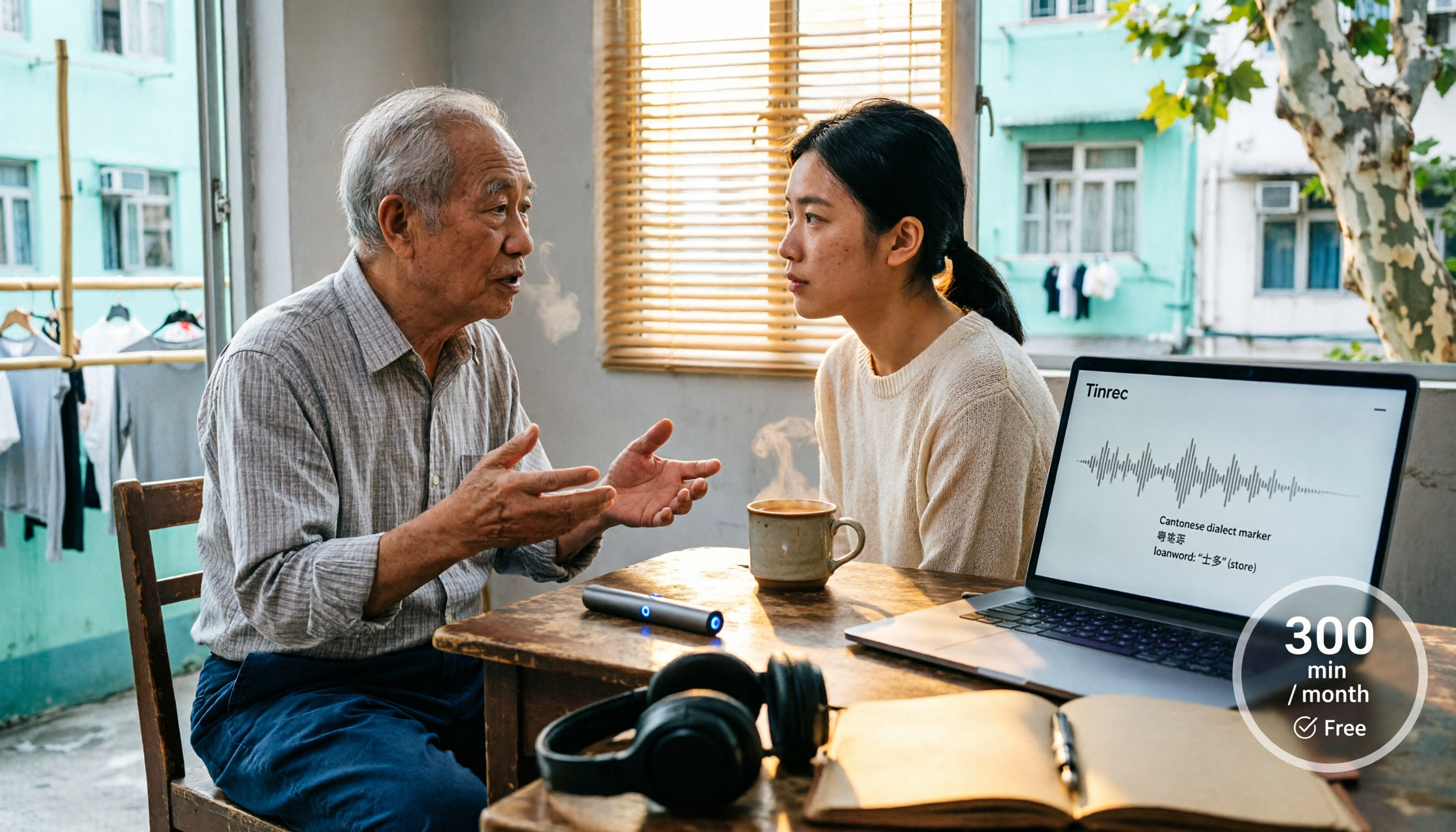
4 Cantonese Speech-to-Text Tools Tested in 2026: Whose Free Tier Is Actually Enough?
If you want free Cantonese speech-to-text, first figure out whether the free quota is monthly minutes, per-file length, or preview-only. This article compares Tinrec, Subanana, Notta, and TurboScribe across Cantonese and mixed Chinese-English handling, export formats, post-meeting organization, and pricing thresholds, with four common pitfalls and scenario-based recommendations.

How to Transcribe Cantonese Audio to Text in 2026: Tinrec Real-Time Transcript + AI Summary
Many people think Cantonese audio transcription is just converting sound to text, but they overlook the real challenges: Cantonese colloquialisms, mixed Chinese-English, multi-person meetings, and post-meeting organization. This article addresses common misconceptions and demonstrates how Tinrec turns recordings into searchable, summarizable, actionable transcripts and team data.
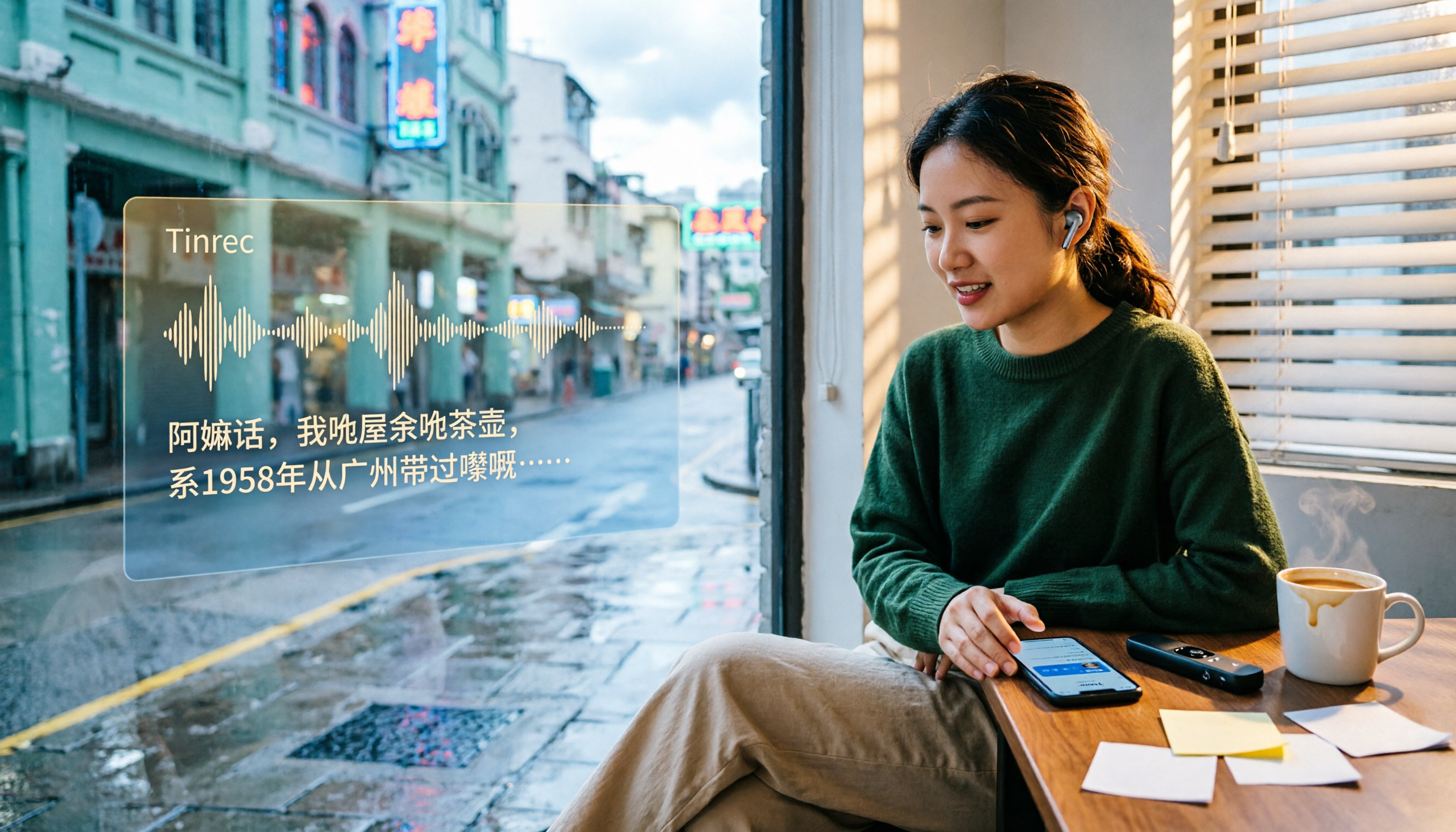
4 Cantonese Speech-to-Text Tools Tested and Compared in 2026: Key Factors to Know Before You Download
How should you download a Cantonese speech-to-text tool, and what should you watch out for after downloading? This article starts with the most common pitfalls, outlines 4 key factors to consider before downloading, and compares Tinrec, Subanana, cSubtitle, and Google AI Studio, with a guide to avoiding mistakes and selection advice.

4 Cantonese Speech-to-Text Tools Tested: Which Free Version Actually Works?
I have 15 meetings a week, and Cantonese with mixed Chinese-English meeting notes take the most time. This article compares 4 common free Cantonese speech-to-text options: the difference between truly free, free preview, and free quota, and which one lets you directly get summaries, action items, and searchable meeting data after transcription. Includes hands-on experience with Tinrec, 3 common pitfalls to avoid, and buying advice.
4 Free Cantonese Speech-to-Text Tools Compared (2026): Which Free Tier Is Actually Enough for Post-Meeting Work?
How do you choose a free Cantonese speech-to-text tool? This article compares the free tiers, Cantonese handling, and post-meeting workflows of Tinrec, Subanana, UniScribe, and cSubtitle, highlighting 4 key buying factors and 4 common pitfalls to help you decide which free version is truly sufficient.

4 Cantonese Audio-to-Text Tools Tested in 2026: Which Free Version Is Good Enough?
Comparing Subanana, Google AI Studio, cSubtitle, and Tinrec across free quotas, Cantonese recognition, post-meeting organization, and team collaboration to help you decide if free Cantonese audio-to-text tools are actually usable.

How to Transcribe Cantonese Audio to Text in 2026: A Complete 5-Step Guide
A complete workflow for converting Cantonese audio recordings into text files. Using Tinrec as an example, this guide walks you through uploading or live recording, language settings, AI transcription, summaries, action items, and multi-format export, with notes on Cantonese accents, background noise, and free usage limits. Ideal for professionals and teams who need to organize meeting, interview, or lecture recordings.

Tinrec vs Otter.ai 2026: 5-Dimension Comparison for Free Cantonese Speech-to-Text
"Free" is the most expensive word in this search. This comparison puts Tinrec and Otter.ai side by side across 5 dimensions—Cantonese and mixed Chinese-English recognition, real limits of free plans, input sources, post-meeting organization, and team data ownership—to help you confirm which one truly matches your recording needs before you pay.