

Turn recordings into transcripts and summaries in minutes
Upload audio or video for multilingual transcription, AI notes, and action items
Open the App Store or Google Play and search for "Cantonese speech to text"—almost every app says "free download." But after downloading, you discover the free part only supports English, or the free trial only gives you the first few minutes, or you have to set up a string of APIs yourself before you can start transcribing.
The cost of figuring out this "fake free" is actually higher than paying itself. Take third-party tools as an example: Subanana's free account lets you upload audio or video files and preview the first 15 minutes of transcription for each file, no credit card required, but exporting files is a paid feature; cSubtitle focuses on no registration, and after uploading you can download transcripts and subtitle files in as little as a few minutes, with the official claim of over 94% accuracy for Mandarin Chinese. Some people in the community also share experiences of using Google AI Studio's Gemini to handle Cantonese recordings, highlighting no cost and low barrier to entry. The real difference isn't "free or not," but "what you actually get for free."
A more reasonable approach is to change the question: don't ask "which tool is free," ask "for this Cantonese recording I have, which tool can get me a usable transcript fastest without hitting a paywall midway?" Below, we compare Tinrec and Otter.ai across 5 dimensions.
Tinrec vs Otter.ai | Quick Overview
Tinrec (Miao Ting Lu Yin) positions itself as an AI meeting notes and collaboration tool for individuals and teams. Its focus isn't just turning sound into text, but turning meetings into searchable, queryable, exportable data. Otter.ai is a mature AI meeting assistant with deeper experience in English business meetings, meeting automation, and team management. Both are useful, but they suit different people.
| Comparison Item | Tinrec | Otter.ai |
|---|---|---|
| Core Positioning | AI meeting notes and team collaboration | AI meeting assistant and meeting automation |
| Chinese / Cantonese | Covers Chinese, Traditional Chinese, and multiple languages; supports mixed Chinese-English and real-time translation | Stronger user base for English business meetings |
| Free Plan | Free version offers basic quota to try recording, import, summary, and transcription | Basic free, 300 minutes per month |
| Paid Starting Point | Team monthly USD 29.80 per paid seat per month; annual USD 199 per paid seat per year (about USD 16.58 per month) | Pro annual equivalent to USD 8.49 per user per month, includes 1,200 minutes of in-app recording per month and 10 file imports |
| Meeting Recording | Desktop version captures system audio, no bot needs to join the meeting | Multiple methods including bot and desktop |
The 5 dimensions we compare next are: Cantonese and Chinese recognition, actual usable range of free plans, input sources, post-meeting organization, and team data ownership and seat governance.
Dimension 1 | Cantonese, Mixed Chinese-English, and Chinese Recognition
Otter.ai's strength is English business meetings: it covers Zoom, Microsoft Teams, Google Meet, with real-time transcription, speaker identification, AI Chat, workflows, and team management. Its overall user mindset is English meetings. Chinese and Cantonese are not its home turf; when encountering mixed Chinese-English or colloquial Cantonese, it's usually not the scenario where it shines brightest.
Tinrec clearly leans toward Chinese scenarios: it covers Chinese, Traditional Chinese, and multilingual meetings, supports mixed Chinese-English content organization and multilingual meeting transcription. During recording, you can view the original text, translation, or bilingual content; the team version also maintains team hotwords, adding company-specific terms and product codes to the recognition reference.
Note that actual performance for both is affected by recording quality, background noise, accents, and overlapping speakers. No tool can stay perfect in noisy, interruptive recordings. The practical approach is to first test with a real recording of your own, then decide whether to pay.
→ This dimension: If meetings are mainly in Cantonese, Chinese, or mixed Chinese-English, Tinrec is closer to the need.
Dimension 2 | Actual Usable Range of Free Plans
Otter.ai's Basic plan is free, 300 minutes per month, and the quota is easy to understand. But note that the official "10 file imports per month" is listed as a Pro plan benefit, so if your main need is "transcribe already-recorded Cantonese files into text," the free or entry-level plan may not match.
Tinrec's free version provides a basic quota, letting you first experience the core steps of recording, import, summary, and transcription—meaning you can first confirm whether "the output is actually usable" before deciding to upgrade. If you have a short period of intensive meetings, courses, or interviews, consider a weekly card; if you have steady weekly usage, a Pro monthly card suits; if you need long-term accumulation of recording data, look at the annual card.
Stop organizing recordings by hand
Upload audio or video and automatically get a transcript, summary, and action items
→ This dimension: Tinrec slightly wins, the key being that the free version lets you verify both recording and file import paths.
Dimension 3 | Input Sources: Offline Recording, Online Meetings, and Mobile
Otter.ai focuses on online meetings and also supports file transcription. Tinrec covers more: real-time recording (offline meetings, interviews, on-site notes), desktop online meeting recording, audio and video files, mobile recording, and some public web link imports.
Clarify the online meeting part: Tinrec's desktop version captures the device's system audio to handle Zoom, Google Meet, Microsoft Teams, Webex, etc., without needing a meeting bot as an extra participant. But the user still has to actively open Tinrec to start recording—it's not "automatically joins all calendar meetings." Otter.ai currently also offers desktop capabilities, not just a meeting bot. Also note: being able to handle audio played on a computer from a certain platform does not mean an official partnership with that platform.
→ This dimension: Tinrec leads in input source diversity; for pure online meeting scenarios, both can handle it.
Dimension 4 | Post-Meeting Organization: Summary, To-Dos, and AI Q&A
Otter.ai provides summaries, action items, Q&A, and team analytics, following a mature meeting assistant path.
Tinrec refines the "after transcription" part: automatically generates summaries, chapters, and key points, extracts to-dos from discussions, supports mind maps, allows continued AI Q&A on single or cross-meeting data, and can use Agent post-processing to produce reports, tables, and documents; export supports multiple formats, can be taken to Notion, Google Docs, OneNote, Dropbox, etc. for further processing. For those who need to submit meeting minutes or organize client interviews weekly, this gap is more noticeable than a few hundred extra minutes of transcription.
→ This dimension: Tinrec wins, the difference being "what you can do after getting the transcript."
Dimension 5 | Team Data Ownership and Seat Governance
If only you use it, you can skip this section. But if it involves multiple people sharing data, or managers needing to see usage and permissions, you need to look at this.
Otter.ai is quite mature in team and enterprise capabilities. Tinrec's team version uses an independent team space: data belongs to the team, not the individual uploader; the admin side can set owners, admins, and regular members, assign, reclaim, or transfer seats, view team usage trends and member details, query and export audit logs, and handle accidental deletions via the audio recycle bin (currently retained for 30 days). Note that "role" and "seat" are two different things: valid members without a seat can still view, play, and read team data, but cannot upload, edit, import/export; when a member leaves or is removed, their team resources must be handed over to other valid members.
Currently, the team version's first eligible trial is 7 days, 1 free seat, and 300 minutes of team shared import quota; paid seats provide 2,000 minutes of team shared import quota per month. Under a valid plan and seat, real-time recording currently does not deduct by minutes. For prices, currency, and benefits, please refer to the official purchase page.
→ This dimension: Tie. Otter.ai has high enterprise maturity; Tinrec's data ownership and seat definitions are easier to understand for small and medium teams without an IT department.
What Unique Advantages Does Each Have?
Tinrec's Unique Advantages
- Complete workflow for Chinese and Cantonese scenarios: from real-time recording, bot-free meeting recording, real-time translation, to summaries, to-dos, AI Q&A, and Agent output, all in one tool.
- No extra hardware, no need to add a bot to meetings: usable on web, desktop, and mobile.
- Complete team accumulation capabilities: team space, member and seat management, usage analytics, audit logs, audio recycle bin, and team hotwords—suitable for departments turning meetings into team assets.
- High flexibility for further processing: transcripts, summaries, and post-meeting documents can be brought into existing workflows.
Otter.ai's Unique Advantages
- High maturity in English business meetings and meeting automation, with complete coverage of mainstream online meeting platforms.
- Low free barrier: Basic's 300 minutes per month is enough for light users.
Conclusion: Which Should You Choose?
• Meetings mainly in Cantonese, Chinese, or mixed Chinese-English → Tinrec
• Want to transcribe already-recorded audio files and prefer to verify results for free first → Tinrec (free version lets you try both recording and import)
• After recording, want to directly ask AI for key points, generate to-dos and post-meeting documents → Tinrec
• Need to keep meeting data within the team, manage seats and usage → Tinrec team version
• Meetings are almost all in English, only need basic transcripts and meeting notes, and budget-sensitive → Otter.ai Basic is enough
In one sentence: For the need of "free Cantonese speech to text," first use a free plan to verify with your own recording—that's more accurate than any spec sheet. For individuals and teams mainly using Chinese and Cantonese meetings, Tinrec is the more comprehensive choice. Finally, note that recording and transcription involve others' conversations; please comply with local laws and obtain participant consent when necessary.
References
- Free Cantonese Speech-to-Text App 2026 | Subanana
- AI Speech-to-Text Fast Online Audio Transcription, Transcripts and Video Subtitles - Free Trial - cSubtitle
- "Free + Cantonese OK: How to Use Google AI Studio to Turn Your Recording into Text" Finding a good transcript app is painful; not sure if you've tried different recording-to-text apps—either fake free, charging a big price after a few minutes of trial, or only supporting English, not Cantonese, or requiring a whole API setup to use // Recently discovered Google Gemini is world-class in this area: - [Truly free] No subscription fee after a few uses - [Cantonese friendly] Gemini accurate
- Speech to Text - Google Play App
- Online AI Speech, Video, Audio File Auto Transcription - Free Trial - cSubtitle
Turn every recording into actionable outcomes
Get 60 free transcription minutes when you sign in. No credit card required.
Related Reading
You might also like
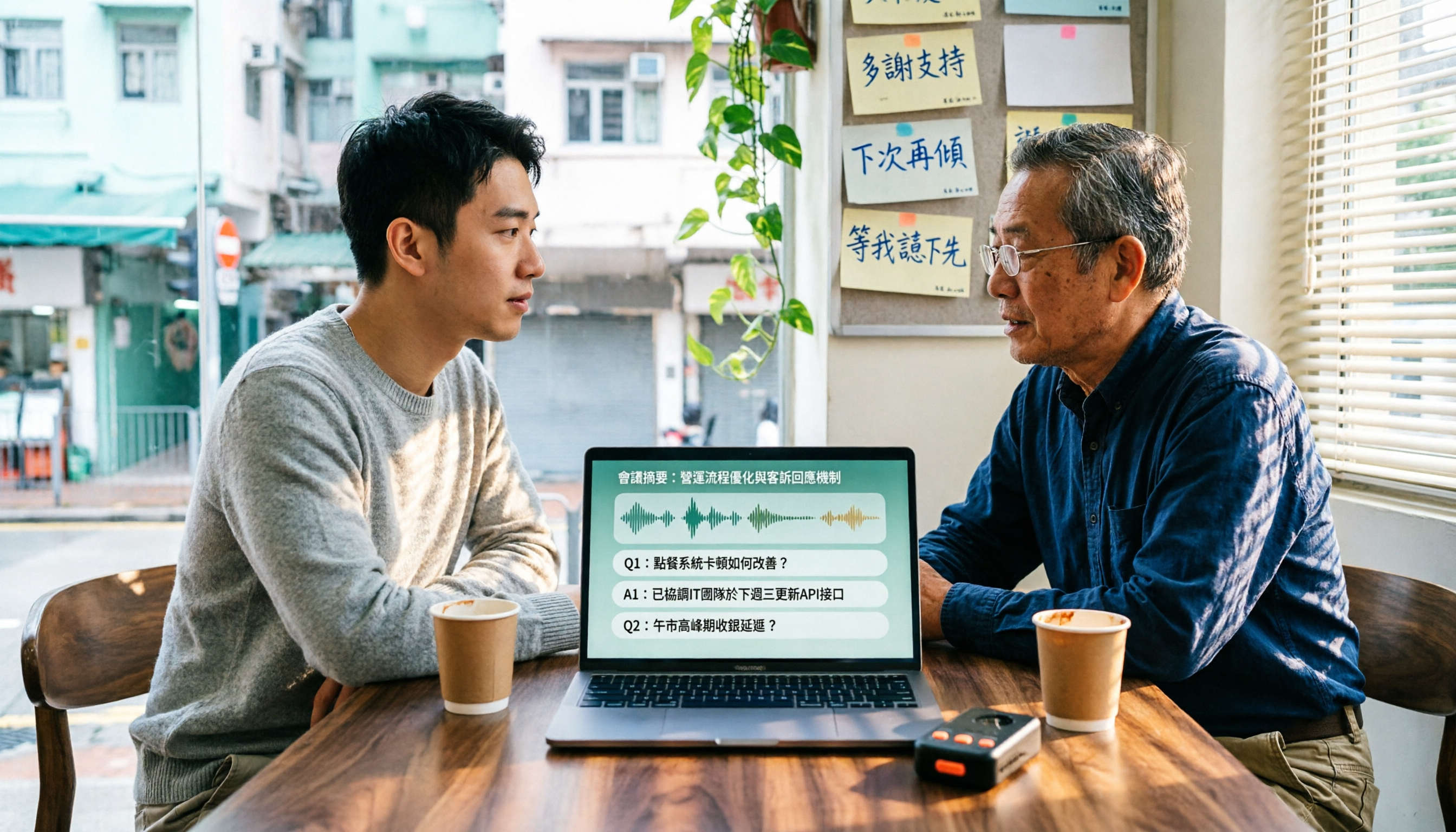
4 Cantonese Speech-to-Text Tools Tested in 2026: Which Free Version Is Good Enough?
We tested and compared the free versions of 4 Cantonese speech-to-text tools to see if they're good enough. We cover key selection criteria, common pitfalls, and recommendations, plus how Tinrec performs in Chinese meeting transcription, AI Q&A, and team knowledge retention.
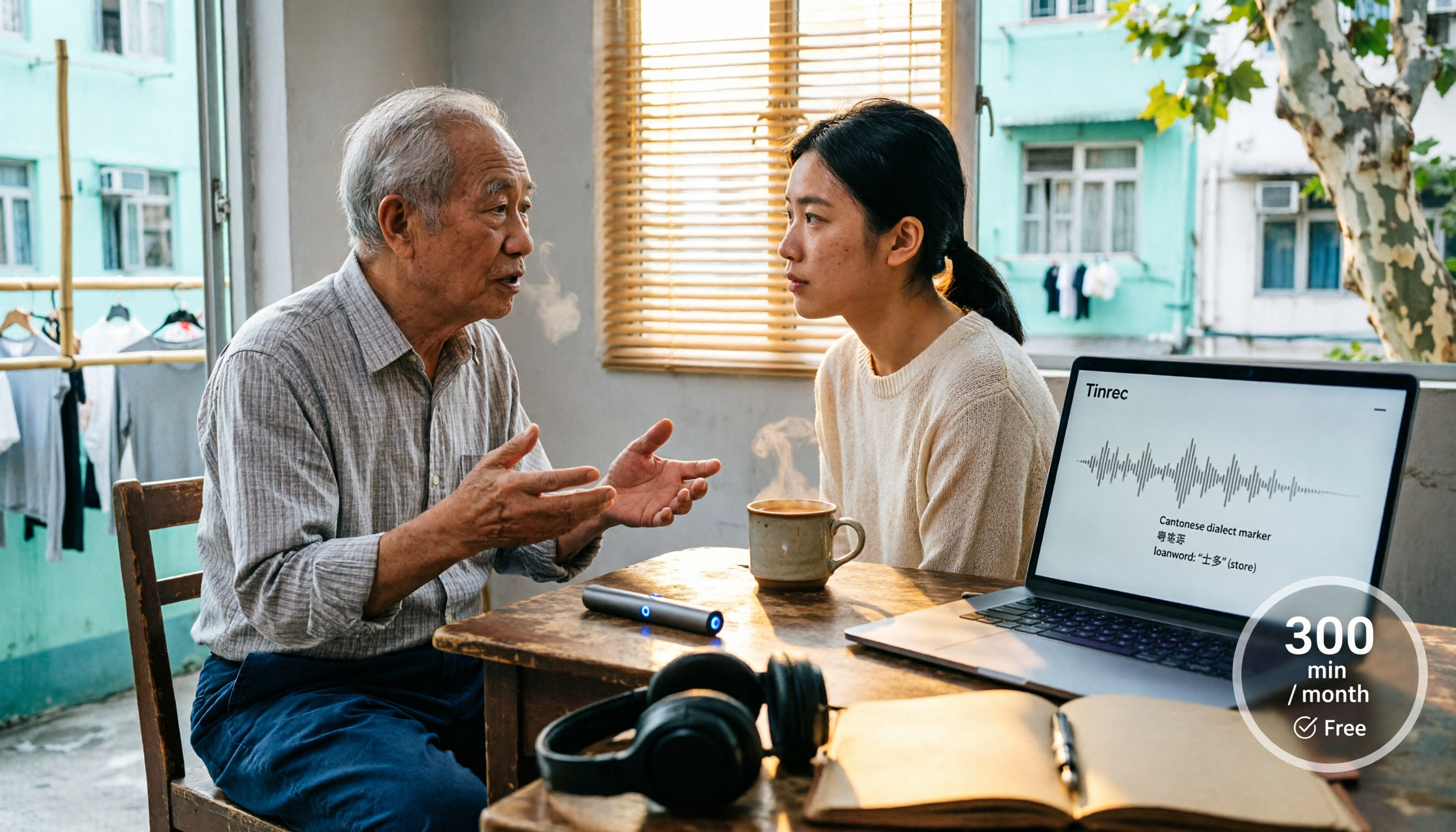
4 Cantonese Speech-to-Text Tools Tested in 2026: Whose Free Tier Is Actually Enough?
If you want free Cantonese speech-to-text, first figure out whether the free quota is monthly minutes, per-file length, or preview-only. This article compares Tinrec, Subanana, Notta, and TurboScribe across Cantonese and mixed Chinese-English handling, export formats, post-meeting organization, and pricing thresholds, with four common pitfalls and scenario-based recommendations.

How to Transcribe Cantonese Audio to Text in 2026: Tinrec Real-Time Transcript + AI Summary
Many people think Cantonese audio transcription is just converting sound to text, but they overlook the real challenges: Cantonese colloquialisms, mixed Chinese-English, multi-person meetings, and post-meeting organization. This article addresses common misconceptions and demonstrates how Tinrec turns recordings into searchable, summarizable, actionable transcripts and team data.
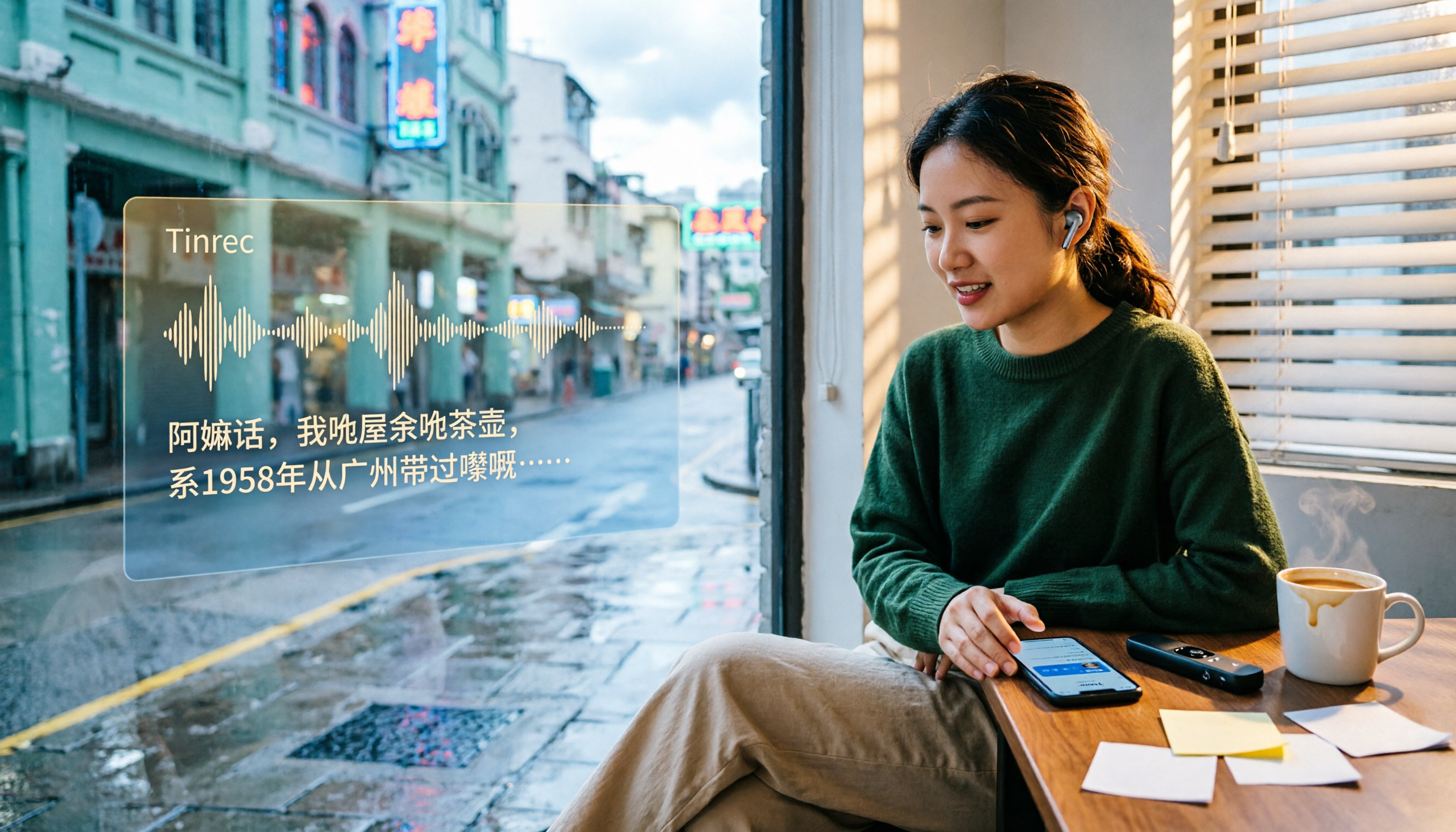
4 Cantonese Speech-to-Text Tools Tested and Compared in 2026: Key Factors to Know Before You Download
How should you download a Cantonese speech-to-text tool, and what should you watch out for after downloading? This article starts with the most common pitfalls, outlines 4 key factors to consider before downloading, and compares Tinrec, Subanana, cSubtitle, and Google AI Studio, with a guide to avoiding mistakes and selection advice.

4 Cantonese Speech-to-Text Tools Tested: Which Free Version Actually Works?
I have 15 meetings a week, and Cantonese with mixed Chinese-English meeting notes take the most time. This article compares 4 common free Cantonese speech-to-text options: the difference between truly free, free preview, and free quota, and which one lets you directly get summaries, action items, and searchable meeting data after transcription. Includes hands-on experience with Tinrec, 3 common pitfalls to avoid, and buying advice.
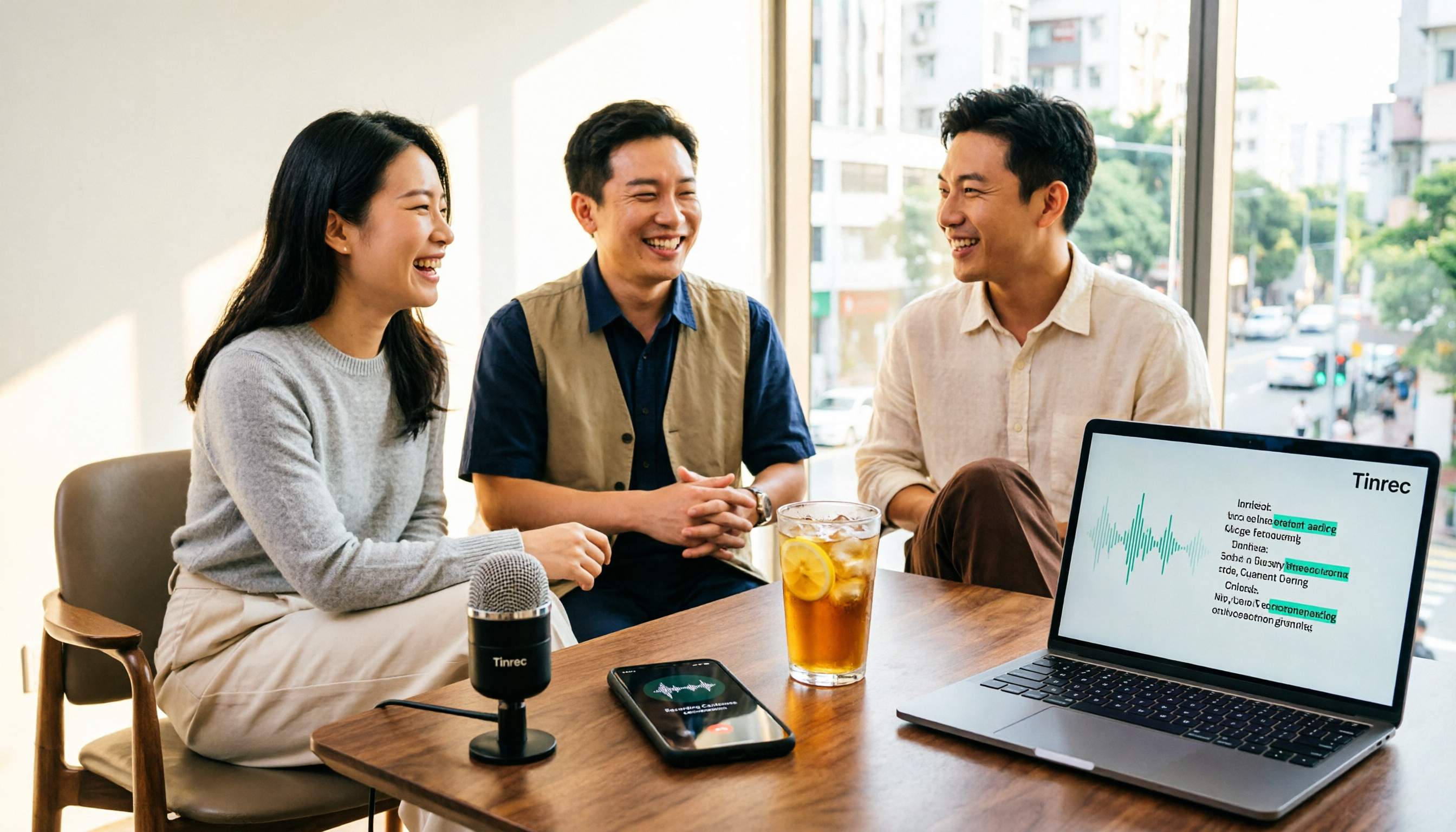
4 Free Cantonese Speech-to-Text Tools Compared (2026): Which Free Tier Is Actually Enough for Post-Meeting Work?
How do you choose a free Cantonese speech-to-text tool? This article compares the free tiers, Cantonese handling, and post-meeting workflows of Tinrec, Subanana, UniScribe, and cSubtitle, highlighting 4 key buying factors and 4 common pitfalls to help you decide which free version is truly sufficient.

4 Cantonese Audio-to-Text Tools Tested in 2026: Which Free Version Is Good Enough?
Comparing Subanana, Google AI Studio, cSubtitle, and Tinrec across free quotas, Cantonese recognition, post-meeting organization, and team collaboration to help you decide if free Cantonese audio-to-text tools are actually usable.

How to Transcribe Cantonese Audio to Text in 2026: A Complete 5-Step Guide
A complete workflow for converting Cantonese audio recordings into text files. Using Tinrec as an example, this guide walks you through uploading or live recording, language settings, AI transcription, summaries, action items, and multi-format export, with notes on Cantonese accents, background noise, and free usage limits. Ideal for professionals and teams who need to organize meeting, interview, or lecture recordings.
2026 Comparison of 4 Cantonese Speech-to-Text Tools: Which Saves the Most Time with Code-Switching and Meeting Minutes?
A 2026 hands-on comparison of the latest Cantonese speech-to-text tools. From colloquial Cantonese and mixed Chinese-English to post-meeting minutes, we cover 4 key points to consider before buying, 3 common pitfalls, and the actual differences and use cases among Tinrec, Subanana, cSubtitle, and SoundType AI.