
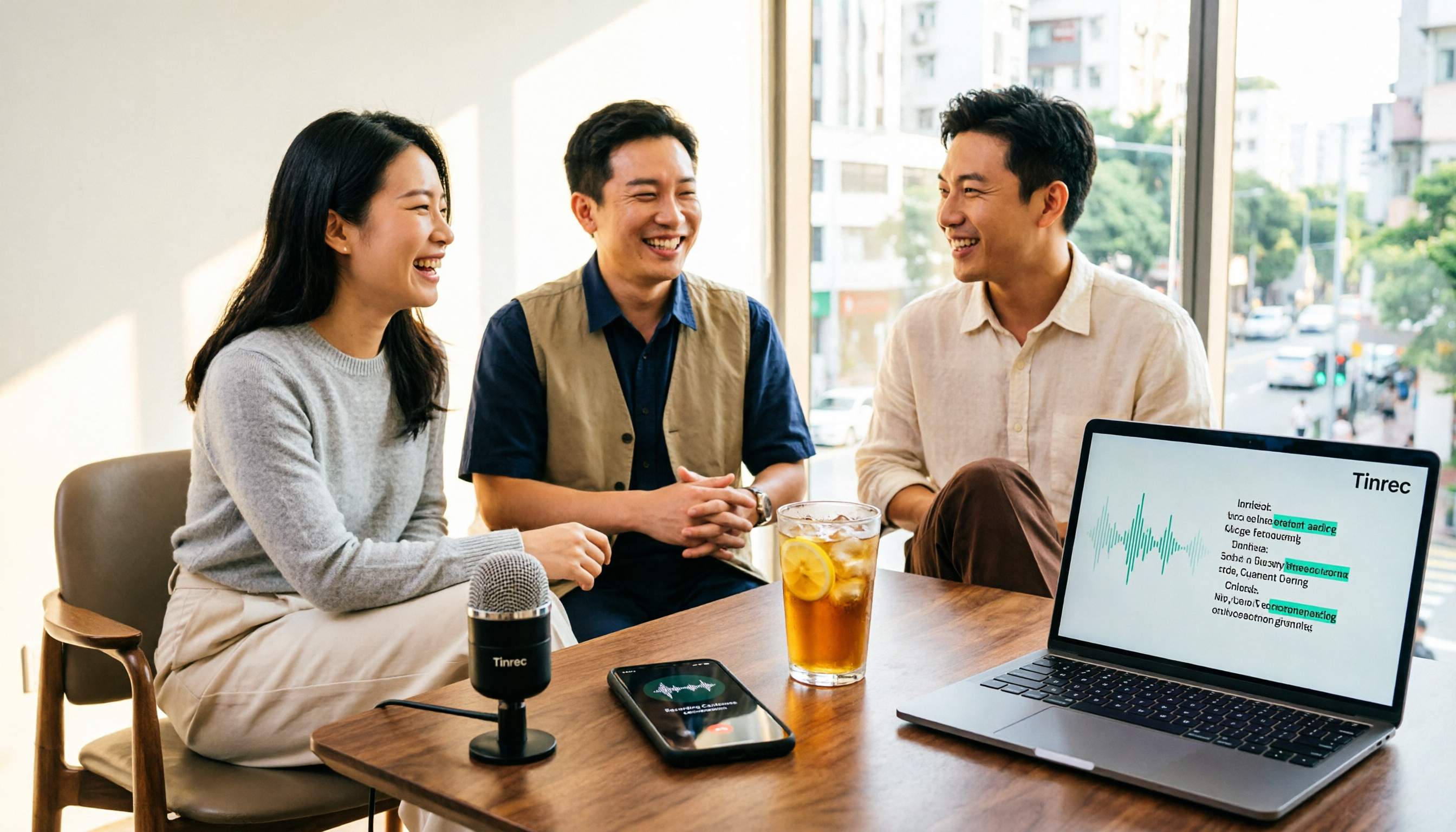
Turn recordings into transcripts and summaries in minutes
Upload audio or video for multilingual transcription, AI notes, and action items
The most frustrating part of a Cantonese meeting often isn't understanding it—it's turning it into text afterward.
For a two-hour meeting, you have to repeatedly pause, play, and type. If participants mix Cantonese and English and speak quickly, producing a transcript can easily take an entire afternoon. If you just want to try it out, or only have a few recordings to process each month, you may not need to pay upfront.
But the phrase "free version" deserves a closer look. This article won't promise whose accuracy numbers look best—that depends on your own recording quality and accent. Instead, we'll lay out the free rules, Cantonese handling, and "what you can do after transcription" for four tools.
Cantonese audio to text usually gets stuck in three places
The first bottleneck is language. Many transcription tools on the market are designed for English or Standard Mandarin. When they encounter spoken Cantonese ("m goi," "hai gam sin," "dim gaai"), they often output blanks or gibberish, and mixed Cantonese-English speech makes sentence breaks even more chaotic.
The second bottleneck is hidden rules in free versions. Some tools let you "preview" for free, but downloading the transcript or subtitle file requires payment. Some limit the number of files per day, and some limit the length of a single file. The word "free" looks the same, but what you can actually do varies a lot.
The third bottleneck is what happens after you get the transcript. Most people don't really want a transcript—they want to know what was discussed and who is responsible for what. If the tool only gives you text, you still have to listen again to find the key points.
Before choosing a free Cantonese transcription tool, understand these 4 key points
Is "free" a preview or a trial? Some tools' free tiers only allow online previews, and exporting costs extra. Before choosing, confirm two things: Can you download the transcript or subtitle file? Which export formats are supported?
How is the quota calculated? There are three common methods: total minutes per month, number of files per day, and maximum length per file. UniScribe offers 120 minutes per month and up to 3 files per day; Subanana allows free preview of the first 15 minutes of each file. First figure out whether you have "a few long files" or "many short files," then compare the rules.
Does it really recognize Cantonese? Check whether the underlying model is trained for Chinese or Cantonese. Also note whether the output can be set to spoken or written language—spoken Cantonese is more faithful for meeting transcripts, while written Chinese is easier to read when you need to submit a report.
What can you do after transcription? If the tool only outputs a transcript, you still have to organize it manually. Newer approaches generate summaries, chapters, and action items directly after transcription, and even let you ask questions like "Who mentioned the budget in the last meeting?"
Tinrec — the free version can handle the entire "recording to organization" workflow
Tinrec is an AI meeting notes and collaboration tool for individuals and teams, available on web, desktop, and mobile. It is often compared with simple transcription tools, but the difference is that it handles the entire "after the meeting" process.
The first noticeable scenario is online meetings. Tinrec's desktop version captures your computer's system audio directly, so it can handle Zoom, Google Meet, Microsoft Teams, Webex, and similar meetings without inviting a meeting bot as a participant. Open it during the meeting, and the transcript appears as people speak. When cross-language communication is needed, you can switch between original text, translation, or bilingual view.
The second scenario is after the meeting. Once recording ends, Tinrec automatically generates a summary, chapters, key points, and action items. You can ask it questions directly, such as "What was the conclusion of this meeting?" or "What concerns did the client mention?" It answers based on the content rather than just giving you keyword search results. You can then export the results as a file or continue editing in Notion, Google Docs, OneNote, or Dropbox. You can also use Agent post-processing to generate reports, tables, and documents.
Stop organizing recordings by hand
Upload audio or video and automatically get a transcript, summary, and action items
The third scenario is teamwork. Tinrec's team plan provides a separate team space where meeting data belongs to the team, and it distinguishes between "roles" and "seats." Members without a seat can still view, play, and read team data, but recording, uploading, and editing require a seat. Administrators can view usage trends, member details, and audit logs, and improve recognition of technical terms using team hotwords. Accidentally deleted audio can be restored from the recycle bin (retained for 30 days). When a member leaves or loses their seat, resources can be transferred to other members so data doesn't disappear with the individual account. The team plan's first eligible trial is 7 days, 1 free seat, and 300 shared import minutes. Monthly billing is USD 29.80 per paid seat; annual billing is USD 199 per paid seat (about USD 16.58 per month). Each paid seat includes 2,000 team shared import minutes per month. Real-time recording currently does not deduct minutes under an active plan.
About the free version, to be honest: Tinrec's free version provides a basic quota so you can experience recording, importing, summaries, and transcription—it is not unlimited. If you need to process a large number of recordings every day, this quota won't be enough, and you'll need to move to a weekly pass or Pro.
Also note that Tinrec's official position is that it covers Chinese, Traditional Chinese, and multilingual meeting scenarios, and it does not recommend promising a fixed accuracy rate externally—actual Cantonese performance is affected by accent, speaking speed, the proportion of mixed Cantonese-English, and background noise. The most practical approach is to take one of your most difficult Cantonese recordings and run it through the free quota to see if the transcript is directly usable.
If what you want is "after recording, immediately ask follow-up questions, extract action items, and have team members share the same data," Tinrec currently has the most complete workflow among these tools.
Besides Tinrec, what other free options are there?
Subanana: One of the few tools that explicitly focuses on Cantonese. A free workspace can be set up in about a minute, and the first 15 minutes of each file can be previewed for free. Output can be spoken or written, Traditional or Simplified Chinese, with speaker separation and punctuation. Note that its free tier is mainly for "preview"; exporting SRT or DOCX usually requires payment. It also lacks AI Q&A and team seat management, so you'll need to move the transcript elsewhere for organization.
UniScribe: 120 minutes of free transcription per month, up to 3 files per day, with no limit on single file length or size. It uses an optimized Whisper large model, and the company says a one-hour audio file usually takes less than a minute to process. Suitable for people who occasionally upload long files in small amounts. But it is essentially a transcription tool with no post-meeting summaries, action items, or team space.
cSubtitle: A long-standing choice for Chinese transcription. You can upload without registering an account (single file up to 4GB and 5 hours). Output includes punctuation and paragraph breaks, plus Word files with time codes and .sub/.vtt subtitle files. If your recordings are in Standard Mandarin and your main goal is subtitles, it is straightforward. But its Chinese model is mainly for Mandarin, Cantonese is not its focus, and it lacks real-time meeting recording and AI Q&A.
Pitfall guide: 4 most common traps when looking for free Cantonese transcription
Pitfall 1: Mistaking "free preview" for "free export." Many tools' free tiers only let you view the transcript on the web; downloading the file triggers a payment page. Before trying, confirm whether you can export and which formats are available.
Pitfall 2: Looking only at total minutes and ignoring daily file limits and single-file caps. Some people only need to transcribe 3 interviews a month but get stuck by a "3 files per day" limit. Others have plenty of minutes but a single file can only be 30 minutes. Calculate your usage pattern first.
Pitfall 3: Using a Mandarin model to force-transcribe Cantonese. Spoken Cantonese uses very different characters and word order from Mandarin. If the model wasn't trained on Cantonese, the transcript often needs to be retyped entirely. Also check whether you can choose spoken or written output, as this directly affects how much time you'll spend editing later.
Pitfall 4: Treating the tool only as "audio to text." If you still have to listen again, find key points, and write action items after transcription, you've only saved typing time. Approaches like Tinrec that let you ask questions directly about meeting content and automatically organize action items save organization time. Also, if meeting data is shared by a team, confirm data ownership and seat rules—recordings stored in personal accounts are hard to hand over when someone leaves.
Conclusion: Which one should you choose?
Ask yourself one question first: Do I want a transcript, or do I want the organized results after the meeting?
- You just want a Cantonese transcript and want to choose spoken or written language → Subanana (confirm export costs first)
- Zero budget, occasional long recording → UniScribe (120 minutes per month, 3 files per day)
- Standard Mandarin, main purpose is subtitles → cSubtitle
- You want summaries, action items, follow-up questions, and both mobile and desktop use → Tinrec
- Your team needs to share meeting data and manage member seats and usage → Tinrec team plan
If you're still not sure, we suggest opening Tinrec's free version first and using the basic quota to run one of your most difficult Cantonese recordings. Whether the transcript is usable and whether action items are accurate will likely become clear after one try.
References
Turn every recording into actionable outcomes
Get 60 free transcription minutes when you sign in. No credit card required.
Related Reading
You might also like
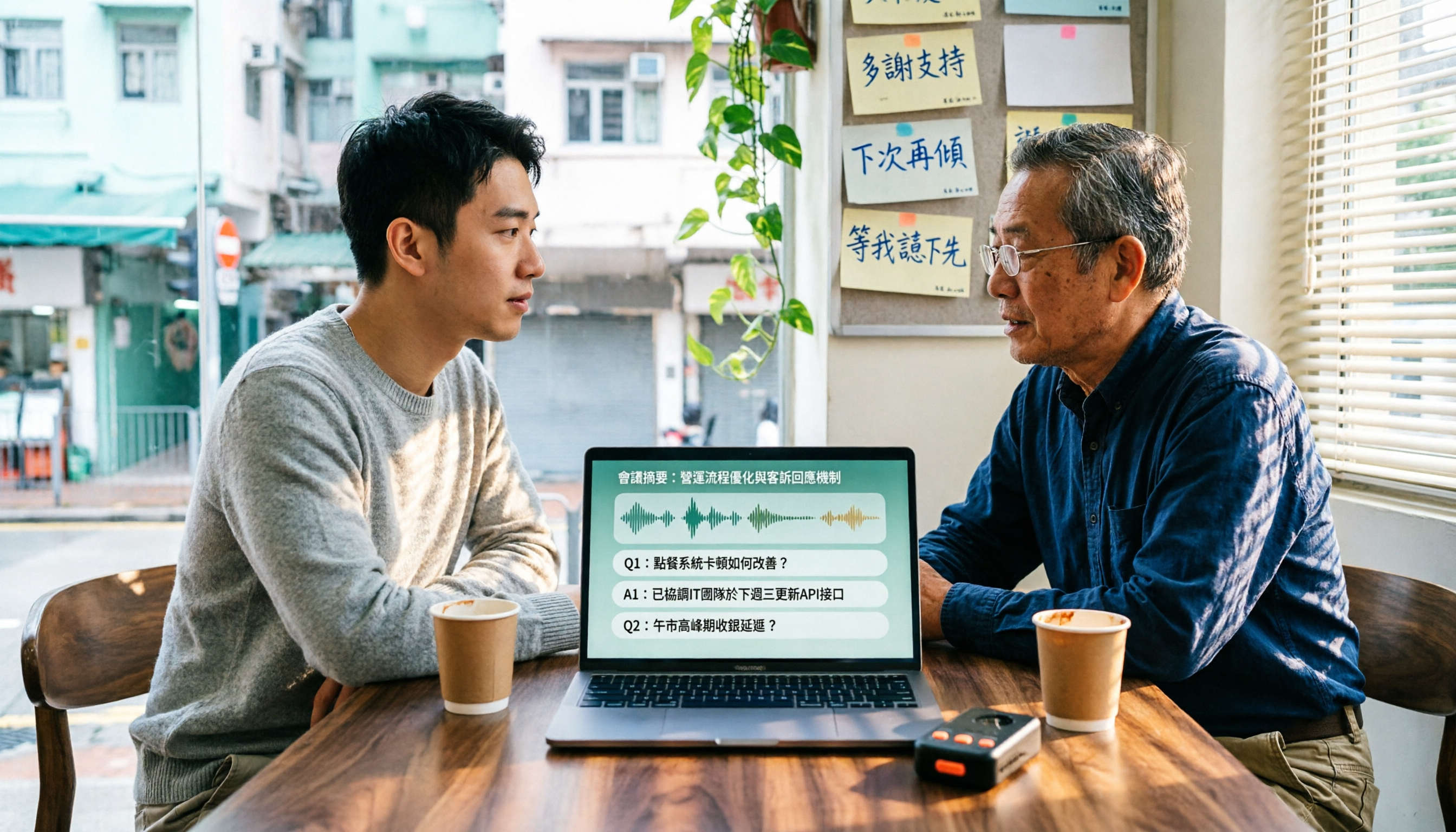
4 Cantonese Speech-to-Text Tools Tested in 2026: Which Free Version Is Good Enough?
We tested and compared the free versions of 4 Cantonese speech-to-text tools to see if they're good enough. We cover key selection criteria, common pitfalls, and recommendations, plus how Tinrec performs in Chinese meeting transcription, AI Q&A, and team knowledge retention.
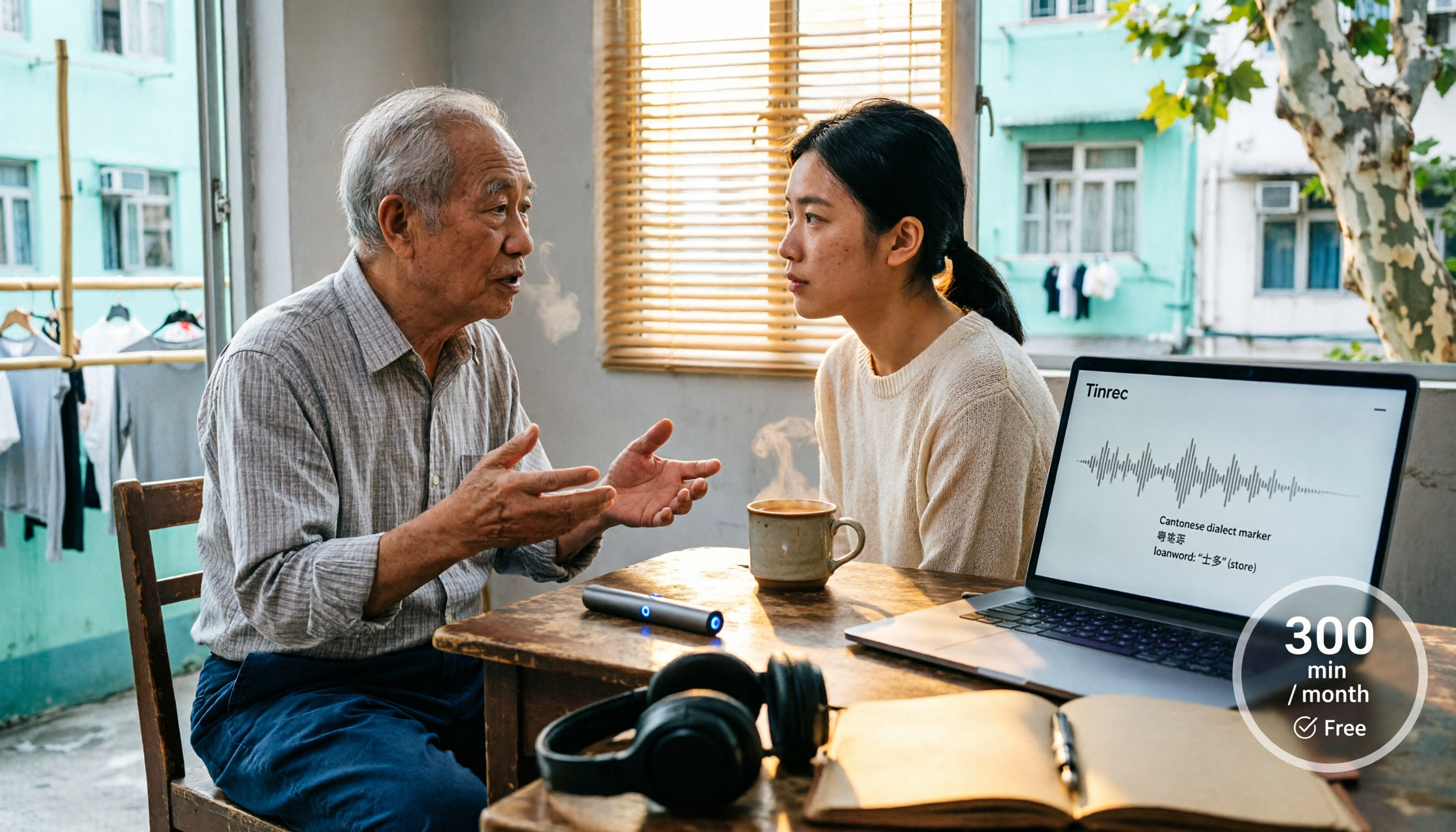
4 Cantonese Speech-to-Text Tools Tested in 2026: Whose Free Tier Is Actually Enough?
If you want free Cantonese speech-to-text, first figure out whether the free quota is monthly minutes, per-file length, or preview-only. This article compares Tinrec, Subanana, Notta, and TurboScribe across Cantonese and mixed Chinese-English handling, export formats, post-meeting organization, and pricing thresholds, with four common pitfalls and scenario-based recommendations.

How to Transcribe Cantonese Audio to Text in 2026: Tinrec Real-Time Transcript + AI Summary
Many people think Cantonese audio transcription is just converting sound to text, but they overlook the real challenges: Cantonese colloquialisms, mixed Chinese-English, multi-person meetings, and post-meeting organization. This article addresses common misconceptions and demonstrates how Tinrec turns recordings into searchable, summarizable, actionable transcripts and team data.
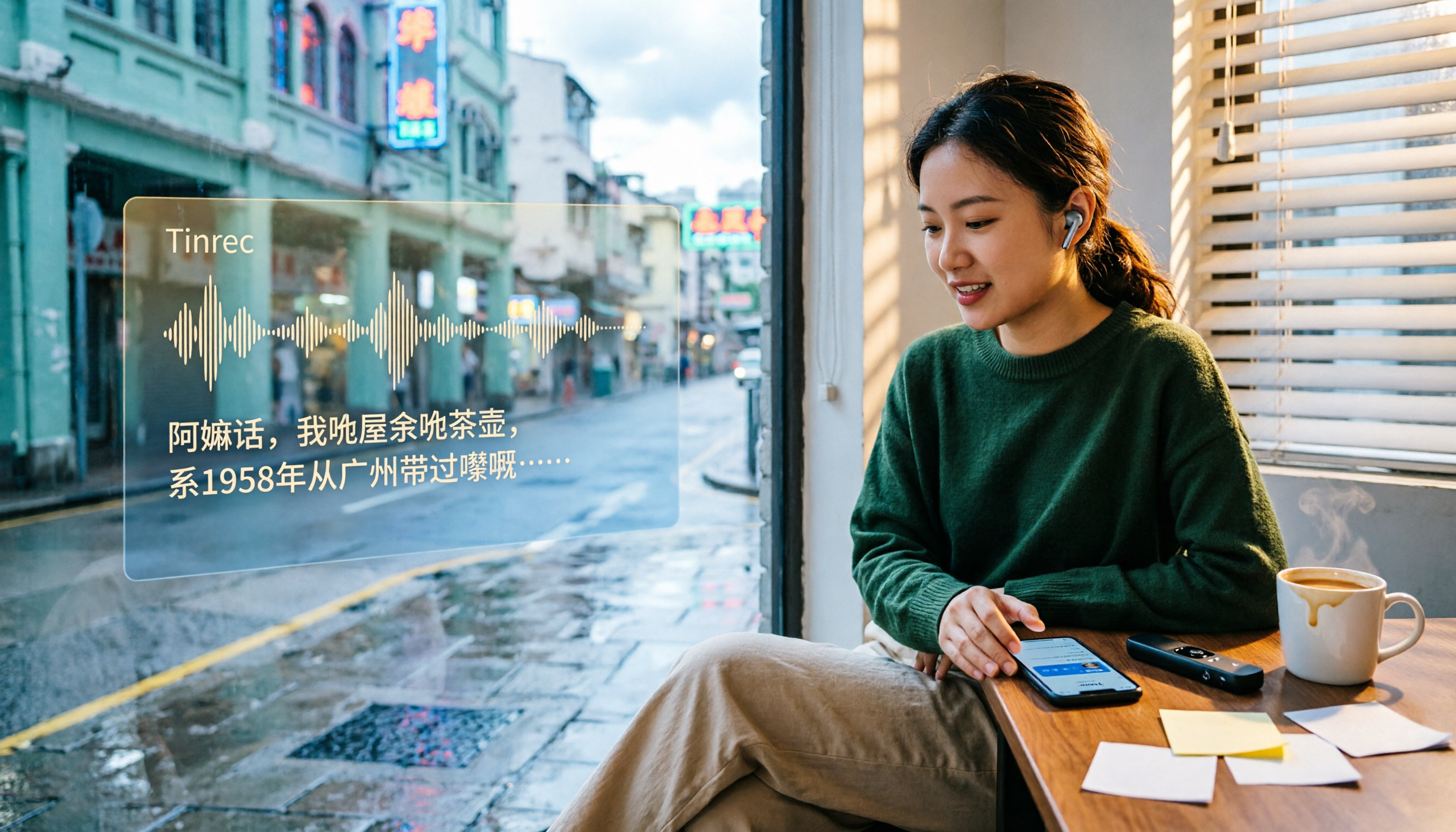
4 Cantonese Speech-to-Text Tools Tested and Compared in 2026: Key Factors to Know Before You Download
How should you download a Cantonese speech-to-text tool, and what should you watch out for after downloading? This article starts with the most common pitfalls, outlines 4 key factors to consider before downloading, and compares Tinrec, Subanana, cSubtitle, and Google AI Studio, with a guide to avoiding mistakes and selection advice.

4 Cantonese Speech-to-Text Tools Tested: Which Free Version Actually Works?
I have 15 meetings a week, and Cantonese with mixed Chinese-English meeting notes take the most time. This article compares 4 common free Cantonese speech-to-text options: the difference between truly free, free preview, and free quota, and which one lets you directly get summaries, action items, and searchable meeting data after transcription. Includes hands-on experience with Tinrec, 3 common pitfalls to avoid, and buying advice.

4 Cantonese Audio-to-Text Tools Tested in 2026: Which Free Version Is Good Enough?
Comparing Subanana, Google AI Studio, cSubtitle, and Tinrec across free quotas, Cantonese recognition, post-meeting organization, and team collaboration to help you decide if free Cantonese audio-to-text tools are actually usable.

How to Transcribe Cantonese Audio to Text in 2026: A Complete 5-Step Guide
A complete workflow for converting Cantonese audio recordings into text files. Using Tinrec as an example, this guide walks you through uploading or live recording, language settings, AI transcription, summaries, action items, and multi-format export, with notes on Cantonese accents, background noise, and free usage limits. Ideal for professionals and teams who need to organize meeting, interview, or lecture recordings.

Tinrec vs Otter.ai 2026: 5-Dimension Comparison for Free Cantonese Speech-to-Text
"Free" is the most expensive word in this search. This comparison puts Tinrec and Otter.ai side by side across 5 dimensions—Cantonese and mixed Chinese-English recognition, real limits of free plans, input sources, post-meeting organization, and team data ownership—to help you confirm which one truly matches your recording needs before you pay.
2026 Comparison of 4 Cantonese Speech-to-Text Tools: Which Saves the Most Time with Code-Switching and Meeting Minutes?
A 2026 hands-on comparison of the latest Cantonese speech-to-text tools. From colloquial Cantonese and mixed Chinese-English to post-meeting minutes, we cover 4 key points to consider before buying, 3 common pitfalls, and the actual differences and use cases among Tinrec, Subanana, cSubtitle, and SoundType AI.