

Turn recordings into transcripts and summaries in minutes
Upload audio or video for multilingual transcription, AI notes, and action items
4 Cantonese Audio-to-Text Tools Tested in 2026: Which Free Version Is Good Enough?
Are free Cantonese audio-to-text tools actually usable? I attend about 15 meetings a week and manage a team of 10. My judgment is simple: free isn't the point—whether the free quota is enough to finish "one meeting" is. If you only occasionally record 10-minute memos, there are plenty of free tools; but if you need to handle a one-hour Cantonese meeting and afterward find decisions, action items, and organize minutes, then whether it has AI organization and export capabilities is the dividing line for usability.
Pain Points of Cantonese Meeting Notes—You Need a Solution, Not Just a Tool
After a one-hour Cantonese meeting, spending two hours re-listening to the transcript is the most common pain. What's more troublesome is mixed Chinese and English: a sentence like "we need to discuss the target for this quarter again" often gets transcribed into strange sentences by Mandarin models. Many people also encounter the problem that free tools only give you the first 15 minutes, or limit the length of a single file—free at the beginning, stuck later.
From my own experience, the real time-consuming part of meeting notes isn't "listening" but "organizing." You need to extract who said what, what the conclusion was, and who is responsible for what from an hour of recording. Choosing the right tool can at least save you the most mechanical part.
Before Choosing a Cantonese Audio-to-Text Tool, Understand These 4 Key Points
First, how the free quota is calculated. Don't just look at the word "free"; look at the restrictions: is it a free preview of the first 15 minutes per file, or 3 files per day, or free but manual operation?
Second, Cantonese and mixed Chinese-English recognition. Cantonese spoken language differs greatly from written Chinese, and Hong Kong workplaces often mix Chinese and English. Whether the tool can retain English words and produce reasonable sentences is more important than the officially claimed accuracy.
Third, whether it can be used directly after the meeting. The transcript is just the starting point. Whether it can automatically generate summaries, chapters, and action items, and whether you can directly ask "who mentioned the budget in the last meeting"—that's the key to saving time.
Fourth, team collaboration and data ownership. Personal free tools are convenient, but meeting data stays in personal accounts; if the team needs to share, hand over, and check usage, you need to see if there is team space, role, and seat management.
Tinrec (Miaoting Recording)—Our Top Choice After Testing
Tinrec (Miaoting Recording) is an AI meeting notes and collaboration tool for individuals and teams, covering iOS, Android, and web. It doesn't just convert sound to text; it turns meetings into searchable, collaborative, and actionable data.
When you open Tinrec during a meeting, it produces a transcript while recording. The desktop version can directly capture computer system sound, handling online meetings on Zoom, Google Meet, Microsoft Teams, Webex, etc., without adding a meeting bot. After the meeting, AI generates summaries, chapters, and action items, making it clear who is responsible for what and what the next step is.
For Cantonese users, the most important recognition performance: Tinrec supports Chinese, Traditional Chinese, and multilingual meeting scenarios, and can also organize mixed Chinese-English content. Actual results will be affected by accent, environmental noise, and overlapping speakers. I won't guarantee a fixed accuracy rate; I suggest you first use the free quota to upload a recording of your own Cantonese meeting and see if the transcript matches your commonly used vocabulary.
The biggest difference from general transcription tools is that it can still be used after recording. You can directly ask Tinrec: "What was the conclusion of this meeting?" "Who mentioned next month's budget?" It doesn't just throw keyword search results at you; it answers based on semantic understanding. You can also export results to Notion, Google Docs, OneNote, Dropbox, or generate reports, tables, and meeting minutes.
Stop organizing recordings by hand
Upload audio or video and automatically get a transcript, summary, and action items
There are three advantages. First, complete coverage of Chinese and multilingual meeting scenarios, and it can handle mixed Chinese-English content. Second, bot-free desktop recording—no extra bot account needed for online meetings. Third, complete post-meeting workflow: summaries, action items, Q&A, export, and team space all in one tool.
Limitations should also be clear. The free version provides a basic quota, suitable for trying out; if you are a heavy user who has meetings every day, you will need a paid plan. Also, Tinrec does not promise 100% accuracy; for important content, it is recommended to verify with transcript timestamps and recording playback.
If you are using it for a team, Tinrec for Teams has independent team space, member roles and seat management, shared benefits, usage analytics, audit logs, and audio recycle bin. Currently, the first eligible team trial is 7 days, 1 free seat, 300 minutes of team shared import quota; paid seats provide 2,000 minutes of team shared import quota per month, at USD 29.80/seat monthly or USD 199/seat annually.
Besides Tinrec, What Other Free Options Are There?
Subanana: A free Cantonese transcription tool, with the first 15 minutes of each file free to preview, reliable for mixed Chinese-English, optional spoken or written output, and can export SRT, VTT, TXT, DOCX, etc. It's suitable for first checking the transcription effect of short files. But Subanana won't generate action items or AI Q&A for you; Tinrec can do post-meeting summaries, action item extraction, and AI Q&A, which it lacks.
Google AI Studio: Sources indicate Gemini is truly free, Cantonese-friendly, supports long content, and you can directly ask AI to further analyze, organize, and summarize the transcript. It's suitable for people willing to operate manually. But Google AI Studio has no team space, seat management, or meeting asset accumulation; Tinrec's advantage is team space and post-meeting workflow.
cSubtitle: An online speech-to-text tool focused on Mandarin Chinese, free trial, no registration required, and you can download transcripts and subtitles in minutes. It's suitable for video subtitling or simple file transcription. But cSubtitle is mainly file transcription, without bot-free online meeting recording, action items, and team collaboration; Tinrec is more suitable for meeting scenarios.
Pitfall Guide: The 3 Most Common Mistakes When Choosing a Free Cantonese Transcription Tool
Pitfall 1: Only looking at "free" without looking at restrictions. Some tools are free for the first 15 minutes per file, some for a small number of files per day, some free but manual. The correct approach is to test with your real one-hour Cantonese meeting to see if the free quota is enough to finish, and whether export requires payment.
Pitfall 2: Thinking a transcript equals meeting notes. A transcript is just raw material. If you still need to manually Ctrl+F to find conclusions and organize action items yourself, the time saved is limited. With Tinrec's AI Q&A and action item extraction, you can directly ask "what was the meeting conclusion"—much faster than flipping through a 30-minute transcript.
Pitfall 3: Ignoring cross-platform and team handover. Recording on iPhone today and organizing on computer tomorrow—if the tool doesn't support cross-platform, it's painful. Also, after a team member leaves, if meeting data stays in a personal account, handover is troublesome. The point of a team version isn't sharing one account, but having independent team space and seat management.
Conclusion: Which One Should You Choose?
Need Cantonese meeting transcription and post-meeting AI summaries, action items, and Q&A → Tinrec (try the free version first).
Just want to preview a short Cantonese recording for free → Subanana (first 15 minutes free per file).
Want to use Gemini for free long-text processing → Google AI Studio (but manual).
Only need Mandarin Chinese subtitles and file transcription → cSubtitle (free trial).
Team needs to share meeting notes, manage seats and usage → Tinrec for Teams (7-day trial, 1 free seat, 300 minutes shared import).
My advice is pragmatic: first upload a Cantonese meeting recording you have to Tinrec's free version, and see if the transcript, summary, and action items are what you want. Upgrade if it works well, switch if not—don't pay upfront.
References
- Free Cantonese Speech-to-Text App 2026 | Subanana
- "Free + Cantonese OK: How to Use Google AI Studio to Convert Your Recording to Text" Finding a good transcript app is painful; I don't know if you've tried different audio-to-text apps—either fake free, charging you a lot after a few minutes trial, or only supporting English, not Cantonese, or requiring a lot of API setup. // Recently I found that Google Gemini is world-class in this area: - [Truly free] No subscription fee after a few uses - [Cantonese friendly] Gemini accurate
- Speech to Text - Google Play App
- AI Speech to Text Fast Recording File Online Transcription, Transcript and Video Subtitling - Free Trial - cSubtitle
- Online AI Speech, Video, Recording File Automatic Transcription - Free Trial - cSubtitle
Turn every recording into actionable outcomes
Get 60 free transcription minutes when you sign in. No credit card required.
Related Reading
You might also like
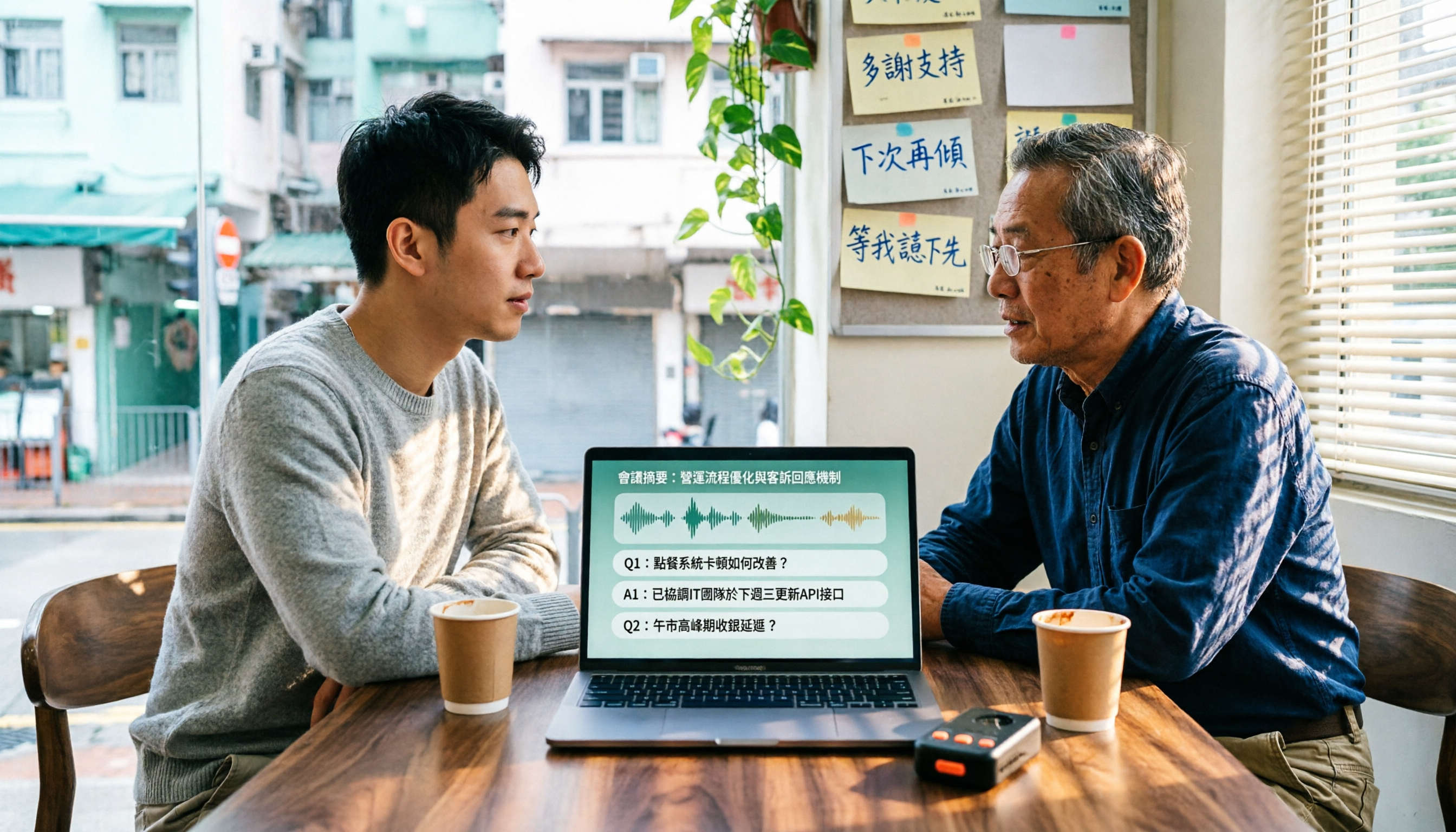
4 Cantonese Speech-to-Text Tools Tested in 2026: Which Free Version Is Good Enough?
We tested and compared the free versions of 4 Cantonese speech-to-text tools to see if they're good enough. We cover key selection criteria, common pitfalls, and recommendations, plus how Tinrec performs in Chinese meeting transcription, AI Q&A, and team knowledge retention.
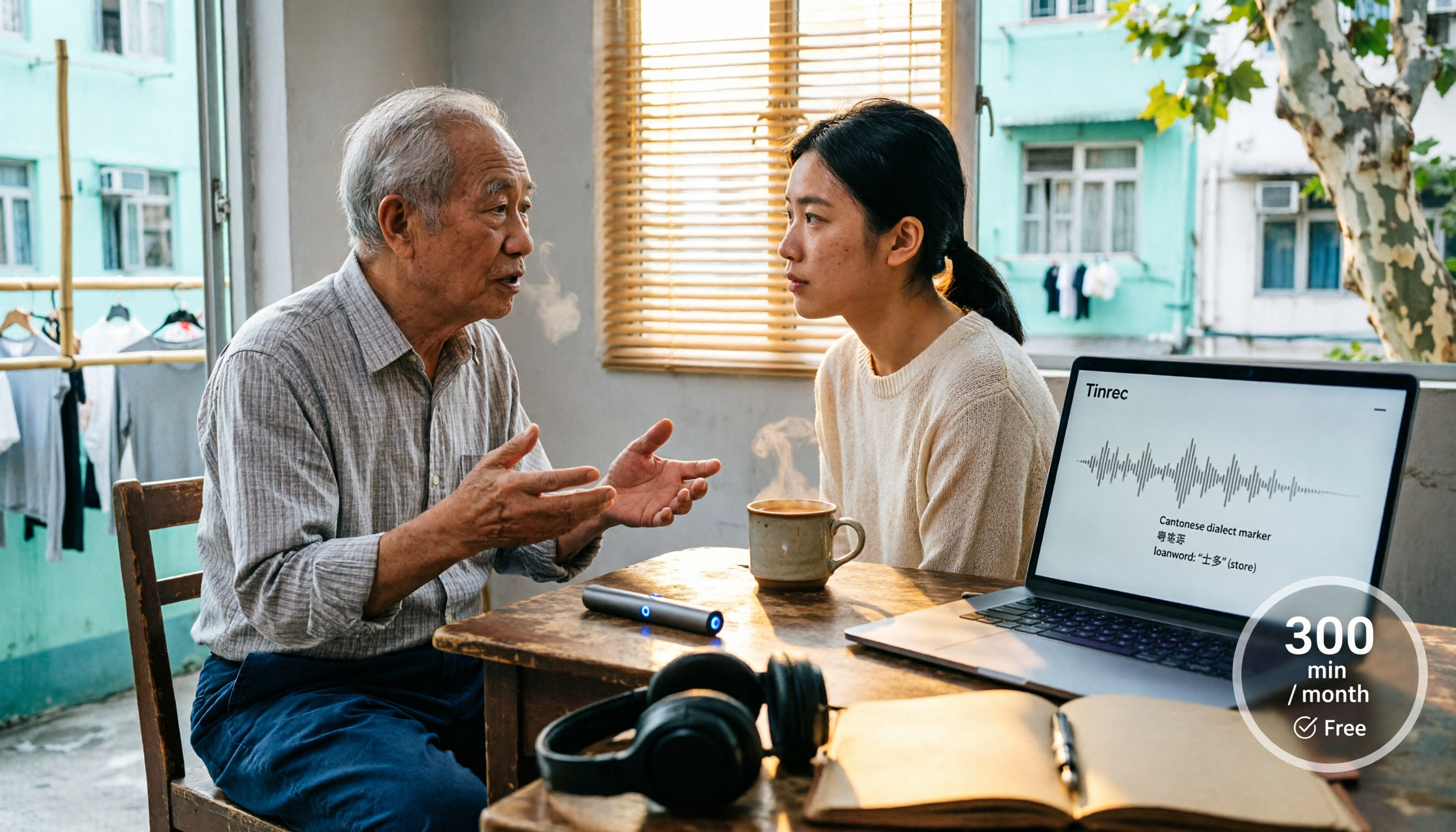
4 Cantonese Speech-to-Text Tools Tested in 2026: Whose Free Tier Is Actually Enough?
If you want free Cantonese speech-to-text, first figure out whether the free quota is monthly minutes, per-file length, or preview-only. This article compares Tinrec, Subanana, Notta, and TurboScribe across Cantonese and mixed Chinese-English handling, export formats, post-meeting organization, and pricing thresholds, with four common pitfalls and scenario-based recommendations.

How to Transcribe Cantonese Audio to Text in 2026: Tinrec Real-Time Transcript + AI Summary
Many people think Cantonese audio transcription is just converting sound to text, but they overlook the real challenges: Cantonese colloquialisms, mixed Chinese-English, multi-person meetings, and post-meeting organization. This article addresses common misconceptions and demonstrates how Tinrec turns recordings into searchable, summarizable, actionable transcripts and team data.

4 Cantonese Speech-to-Text Tools Tested and Compared in 2026: Key Factors to Know Before You Download
How should you download a Cantonese speech-to-text tool, and what should you watch out for after downloading? This article starts with the most common pitfalls, outlines 4 key factors to consider before downloading, and compares Tinrec, Subanana, cSubtitle, and Google AI Studio, with a guide to avoiding mistakes and selection advice.

4 Cantonese Speech-to-Text Tools Tested: Which Free Version Actually Works?
I have 15 meetings a week, and Cantonese with mixed Chinese-English meeting notes take the most time. This article compares 4 common free Cantonese speech-to-text options: the difference between truly free, free preview, and free quota, and which one lets you directly get summaries, action items, and searchable meeting data after transcription. Includes hands-on experience with Tinrec, 3 common pitfalls to avoid, and buying advice.
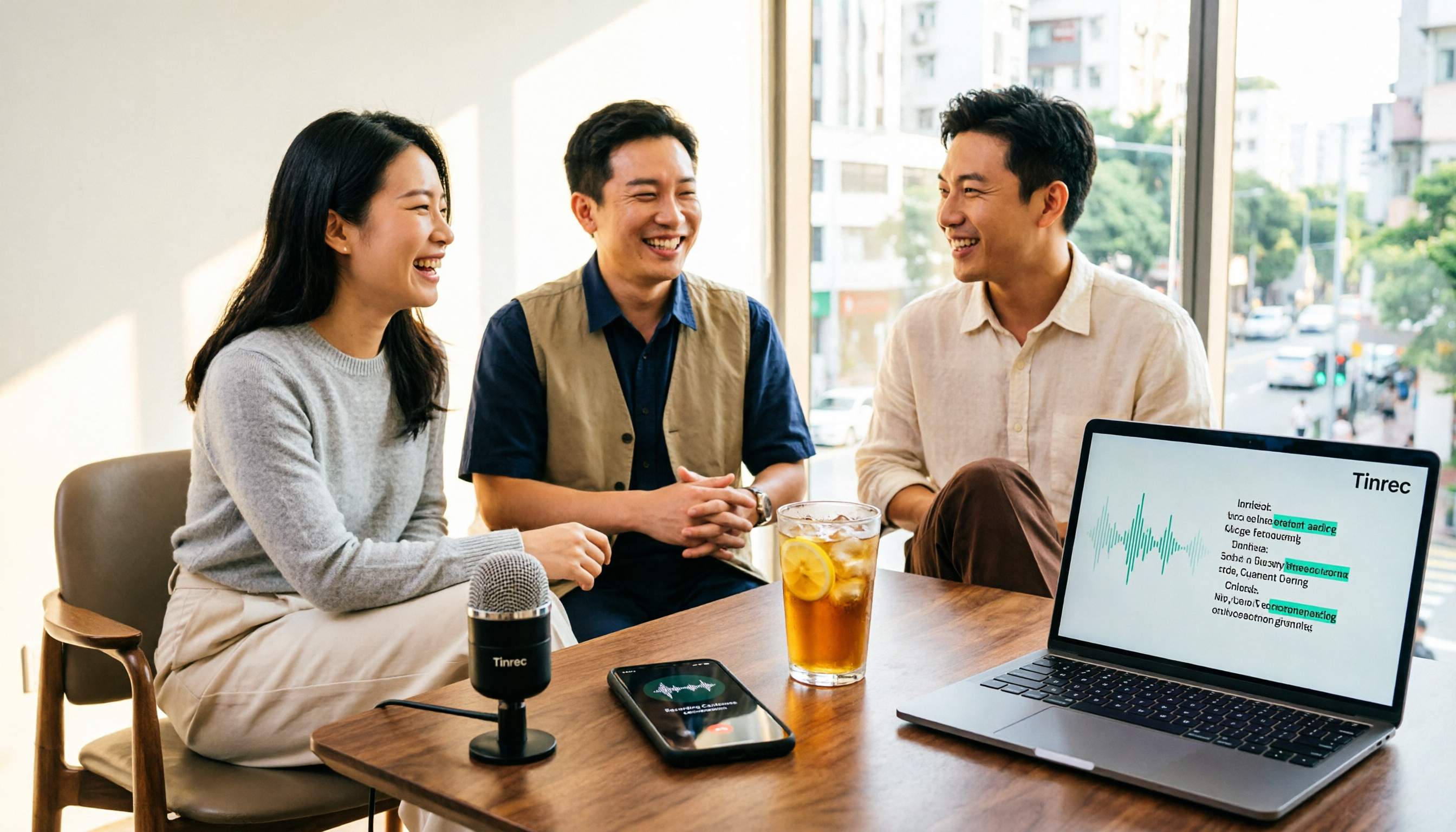
4 Free Cantonese Speech-to-Text Tools Compared (2026): Which Free Tier Is Actually Enough for Post-Meeting Work?
How do you choose a free Cantonese speech-to-text tool? This article compares the free tiers, Cantonese handling, and post-meeting workflows of Tinrec, Subanana, UniScribe, and cSubtitle, highlighting 4 key buying factors and 4 common pitfalls to help you decide which free version is truly sufficient.

How to Transcribe Cantonese Audio to Text in 2026: A Complete 5-Step Guide
A complete workflow for converting Cantonese audio recordings into text files. Using Tinrec as an example, this guide walks you through uploading or live recording, language settings, AI transcription, summaries, action items, and multi-format export, with notes on Cantonese accents, background noise, and free usage limits. Ideal for professionals and teams who need to organize meeting, interview, or lecture recordings.

Tinrec vs Otter.ai 2026: 5-Dimension Comparison for Free Cantonese Speech-to-Text
"Free" is the most expensive word in this search. This comparison puts Tinrec and Otter.ai side by side across 5 dimensions—Cantonese and mixed Chinese-English recognition, real limits of free plans, input sources, post-meeting organization, and team data ownership—to help you confirm which one truly matches your recording needs before you pay.
2026 Comparison of 4 Cantonese Speech-to-Text Tools: Which Saves the Most Time with Code-Switching and Meeting Minutes?
A 2026 hands-on comparison of the latest Cantonese speech-to-text tools. From colloquial Cantonese and mixed Chinese-English to post-meeting minutes, we cover 4 key points to consider before buying, 3 common pitfalls, and the actual differences and use cases among Tinrec, Subanana, cSubtitle, and SoundType AI.