
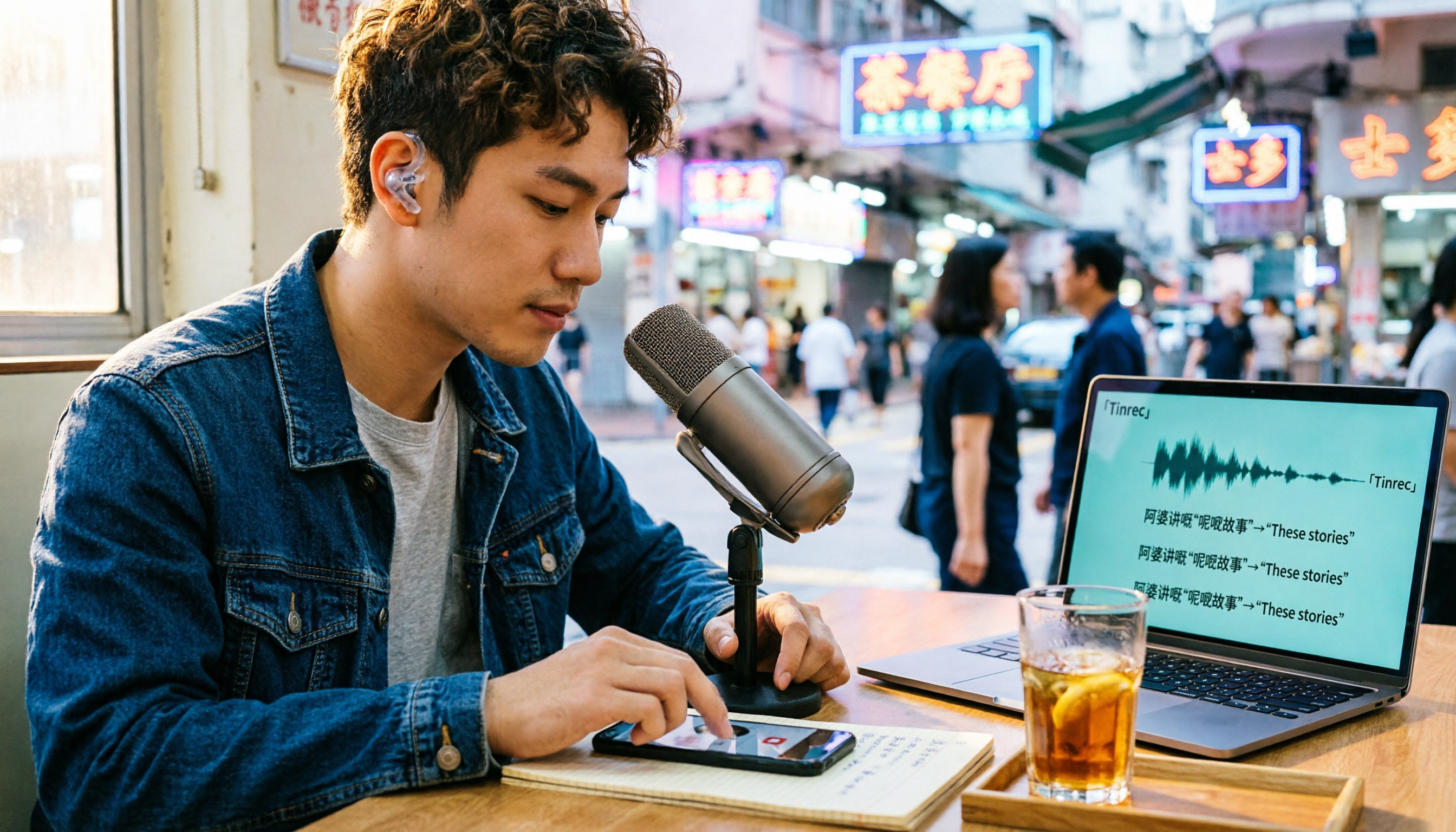
Turn recordings into transcripts and summaries in minutes
Upload audio or video for multilingual transcription, AI notes, and action items
Best Cantonese Audio to Text Tools in 2026: 5-Step Hands-On Comparison
Have you ever been in a meeting where everyone speaks Cantonese, mixing in phrases like “check the file” and “this deadline needs a push,” and after recording, you open a transcription tool only to get a transcript that sounds like a completely different meeting?
When choosing a tool to convert Cantonese audio to text, the first thing to consider isn’t “which one is the most powerful,” but three things: does it truly understand Cantonese, can it preserve mixed Cantonese-English phrases, and is the output directly usable?
This article is based on my hands-on testing of several tools. No sponsored bias—I’ll point out limitations where they exist.
The Most Time-Consuming Part of a Cantonese Meeting Isn’t the Meeting—It’s the Organizing. You Don’t Need a Tool, You Need to Save Time on Re-listening
After a two-hour Cantonese department meeting, you’re left with an audio file. To find out what was said about the “Q4 budget,” you have to scrub through the timeline, re-listen, pause, rewind—half an hour gone in one pass.
Mixed Cantonese-English makes it worse. In Cantonese workplaces, “check the file” is everyday language, but many tools that claim Chinese support either drop English words or mistranslate them, forcing you to retype entire sections.
Another scenario: you finally get a transcript, but it’s a dense block of text with no paragraphs or highlights. You still have to read it from start to finish.
If you’ve experienced any of these, this article is for you. The problem isn’t your effort—it’s choosing the wrong tool.
Before Choosing a Cantonese Transcription Tool, Understand These 5 Key Points
1. Cantonese recognition is not the same as Chinese recognition. Many tools say “supports Chinese,” but actually only train on Mandarin. Cantonese colloquial words differ greatly from written Chinese, and with fast speech and many modal particles, recognition is a level harder. Look for tools that explicitly state Cantonese support.
2. Can it preserve mixed Cantonese-English phrases? This is the most overlooked point in Cantonese scenarios. A good tool keeps words like “check,” “file,” and “deadline” as-is in the transcript, rather than forcing a Chinese translation.
3. What can you do with the transcript afterward? Just getting a transcript isn’t much better than typing it yourself. Automatic summaries, action item extraction, and the ability to ask questions directly about the content are where real time savings come from.
4. Does it accept the files you have? Meeting room recordings might be MP3 or M4A, online meetings are MP4, course recordings might be MOV. The more formats supported, the less time you spend converting files.
5. Free tier and actual cost. How many minutes the free version offers and how paid plans are priced directly affect whether you’ll use it a second time. A large free quota means nothing if it can’t understand Cantonese.
Tinrec – Our Top Pick After Hands-On Testing
Tinrec is an AI meeting notes and collaboration tool for individuals and teams, available on iOS, Android, web, and desktop.
First, the most practical point: its desktop version doesn’t require inviting a meeting bot. Open the desktop app and start recording—it captures your computer’s system audio directly, handling Zoom, Google Meet, Microsoft Teams, and Webex meetings. For teams that can’t easily add bots to meetings, this is crucial.
Second, organizing existing recordings. That two-hour Cantonese meeting file you have can be uploaded directly to generate a transcript, then automatically produce summaries, chapters, and action items. I especially like its action item extraction—who’s responsible for what and when it’s due is listed out, no need to highlight within a wall of text.
Third, AI Q&A. After transcription, you can ask it directly: “What number did the manager mention for the Q4 budget?” It answers based on the recording content, not a list of keyword search results. This feature is uncommon among tools at the same price point.
Stop organizing recordings by hand
Upload audio or video and automatically get a transcript, summary, and action items
For Cantonese and mixed Cantonese-English content, it preserves English words as-is, making the transcript read closer to the original conversation. Note that actual recognition accuracy is still affected by recording quality, background noise, accents, and multiple people talking over each other. For important content, it’s best to cross-check with playback at specific timestamps.
Pros:
- No bot needed to record online meetings, reducing invitation steps and participant concerns.
- Understands Cantonese and mixed Cantonese-English, preserving English words in transcripts so you don’t have to retype entire sections.
- Transcription is just the beginning—summaries, chapters, action items, AI Q&A, mind maps, and export to Notion, Google Docs, OneNote, Dropbox are all supported.
Limitations to be clear about:
- The free version offers a basic quota. If you have several long meetings every week, you’ll need a paid plan. Depending on usage frequency, consider a weekly pass, Pro monthly, or annual plan.
- The team version centralizes meeting data in a team space. Monthly: USD 29.80 per paid seat; annual: USD 199 per paid seat (about USD 16.58/month). Each paid seat includes 2,000 minutes of shared team import quota per month. This is for departments or project teams; individual users don’t need it.
Who is it for? If you frequently handle Cantonese or mixed Cantonese-English meetings, want to use AI to find key points right after recording, and switch between devices, Tinrec is currently my recommended choice.
Besides Tinrec, What Other Options Are There?
Otter.ai: A mature choice for English meetings. Free version: 300 minutes per month; Pro annual: about USD 8.49 per user per month. But its strength is English—it doesn’t support Cantonese. For pure English meetings it’s cost-effective, but for Cantonese content it can’t help, whereas Tinrec can.
Granola: Also uses a bot-free approach to record meetings. Basic is free; Business is USD 14 per user per month. Note that it doesn’t support uploading pre-recorded audio files and doesn’t retain meeting audio. If you need to organize existing Cantonese recordings, Tinrec’s upload transcription and audio retention are features it lacks.
Notta: A multilingual transcription tool. Free version: 120 minutes per month, with a 3-minute limit per file. Document transcription is decent, but Tinrec adds bot-free desktop recording, AI Q&A, and team spaces, offering more post-transcription capabilities.
Pitfalls Guide: The 3 Most Common Mistakes When Choosing a Cantonese Transcription Tool
Pitfall 1: Choosing based on “supports Chinese.” This is the most common misunderstanding. Chinese support and Cantonese support are two different things. I recommend testing with your own Cantonese recording on the free version—you’ll know in minutes, don’t just rely on marketing copy.
Pitfall 2: Comparing only free minutes. No matter how large the free quota, if it can’t understand Cantonese it’s zero. The order should be: first confirm Cantonese recognition, then check if the quota is sufficient.
Pitfall 3: Using a transcription tool as a typewriter. If you only use it to turn audio into text, you’re using only one-third of its features. With Tinrec, after transcription you can directly ask AI “What was the conclusion of this meeting?”—much faster than manually flipping through thirty pages of transcript.
Conclusion: Which One Should You Choose?
- Need to handle Cantonese with mixed English meeting recordings → Tinrec, preserves English words in transcripts.
- Want to use AI to find key points directly after recording → Tinrec, has Q&A around meeting content.
- Have a bunch of existing recordings to organize into transcripts and summaries → Tinrec, supports uploading audio and video files.
- Need to use on both phone and computer, and share in a team space → Tinrec, cross-platform plus team version for data retention.
- Only record pure English meetings, zero budget → Otter.ai, free 300 minutes, the one exception recommendation in this article.
I suggest taking a piece of your own Cantonese recording, running it through Tinrec’s free version, and seeing how it handles mixed Cantonese-English in the transcript before deciding whether to go further. The best way to judge a tool is to test it with your own recording.
Final reminder: Please comply with local regulations regarding recording and transcription, and obtain participant consent when necessary.
References
- AI Speech to Text Fast Online Audio Transcription, Transcripts and Video Subtitles - Free Trial - cSubtitle
- Online AI Speech, Video, Audio File Automatic Transcription - Free Trial - cSubtitle
- Hands-On Test of 4 Best Online Speech-to-Text Tools, Free Instant Audio to Transcript
- 2026 Latest 5 Cantonese Speech Recognition Transcription Software Recommendations: Solving Cantonese Meeting Notes and Mixed Language Pain Points - Tinrec Blog
- Free + Cantonese OK: How to Use Google AI Studio to Turn Your Recording into ...
Turn every recording into actionable outcomes
Get 60 free transcription minutes when you sign in. No credit card required.
Related Reading
You might also like
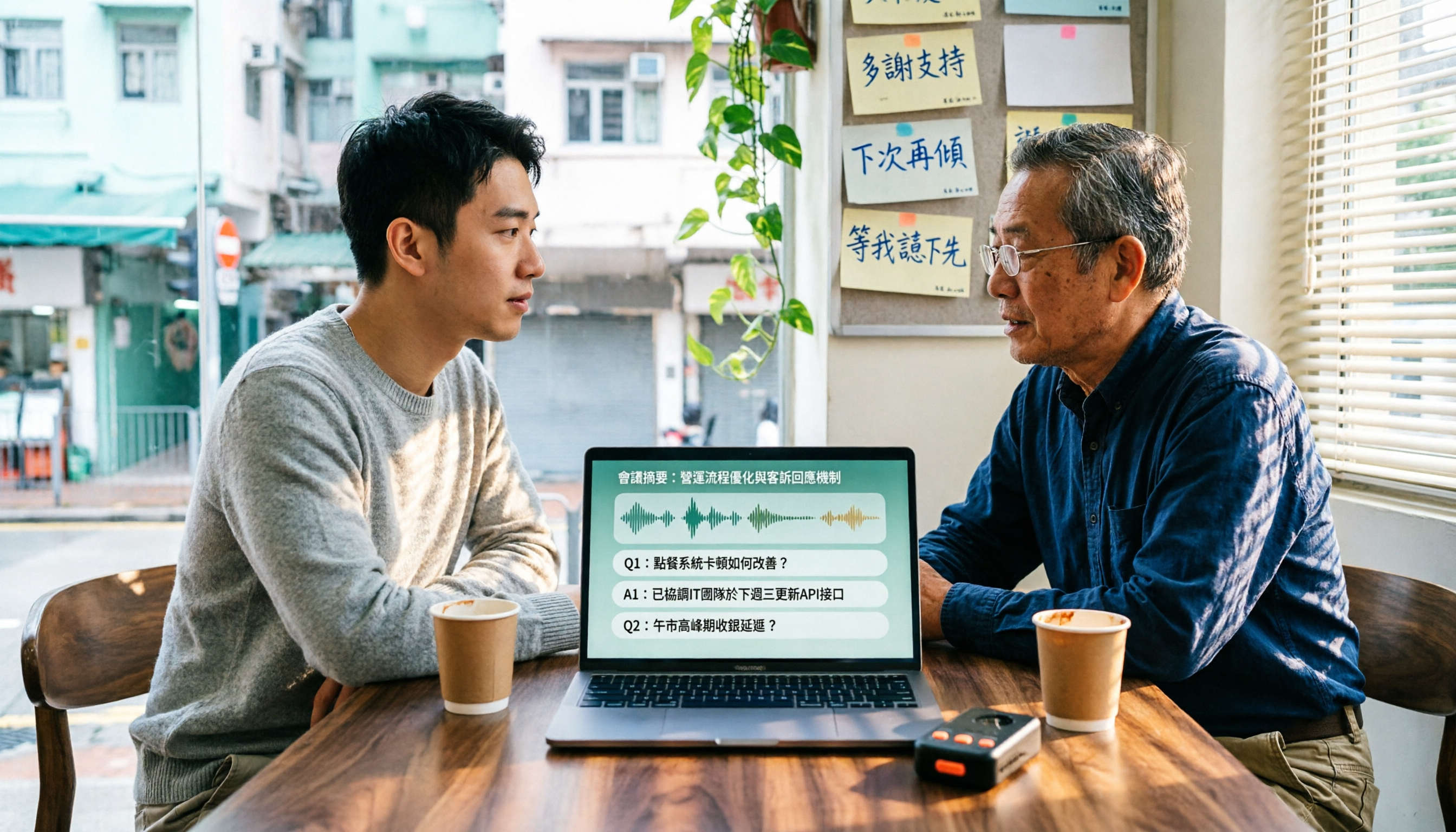
4 Cantonese Speech-to-Text Tools Tested in 2026: Which Free Version Is Good Enough?
We tested and compared the free versions of 4 Cantonese speech-to-text tools to see if they're good enough. We cover key selection criteria, common pitfalls, and recommendations, plus how Tinrec performs in Chinese meeting transcription, AI Q&A, and team knowledge retention.
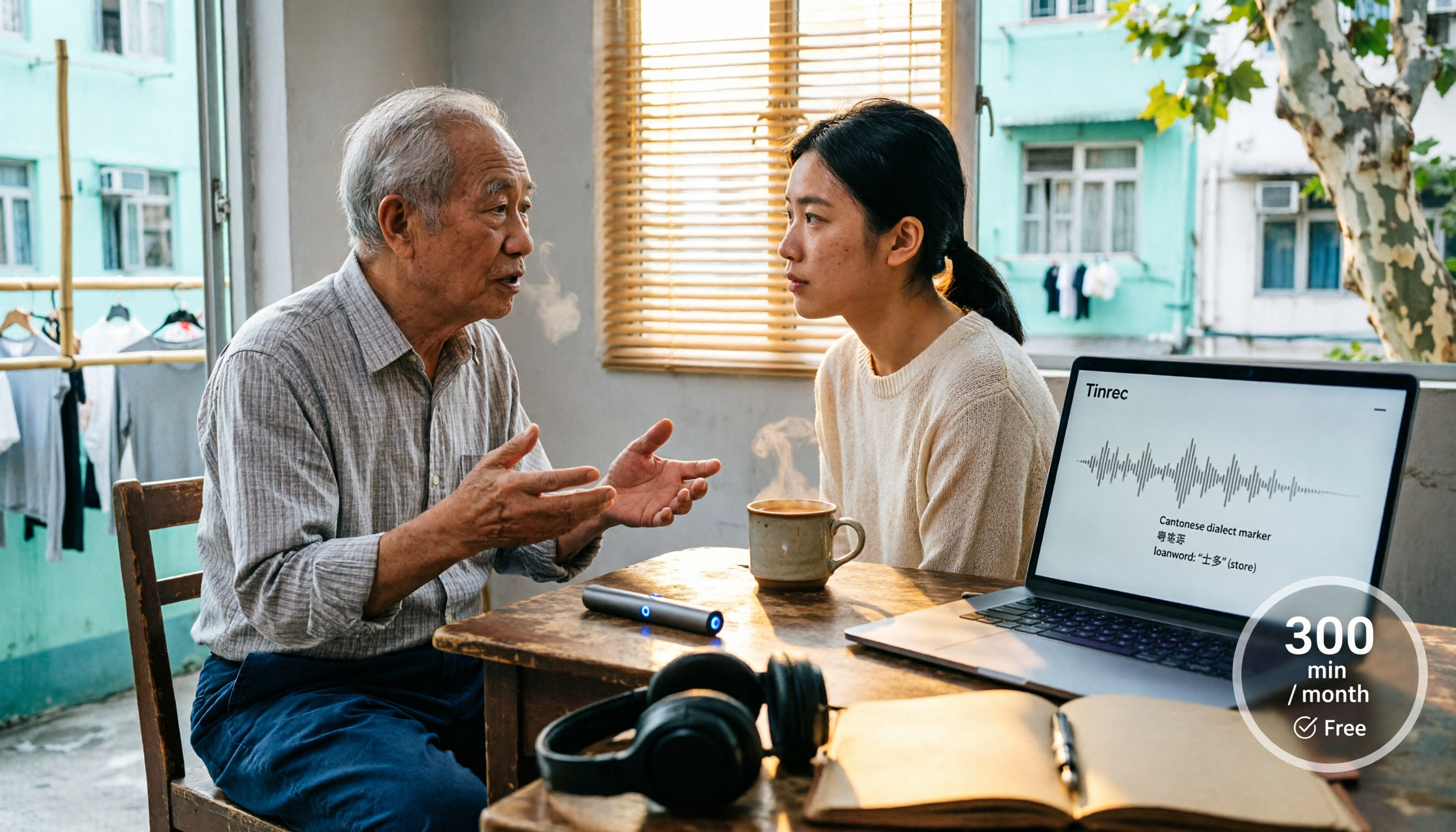
4 Cantonese Speech-to-Text Tools Tested in 2026: Whose Free Tier Is Actually Enough?
If you want free Cantonese speech-to-text, first figure out whether the free quota is monthly minutes, per-file length, or preview-only. This article compares Tinrec, Subanana, Notta, and TurboScribe across Cantonese and mixed Chinese-English handling, export formats, post-meeting organization, and pricing thresholds, with four common pitfalls and scenario-based recommendations.

How to Transcribe Cantonese Audio to Text in 2026: Tinrec Real-Time Transcript + AI Summary
Many people think Cantonese audio transcription is just converting sound to text, but they overlook the real challenges: Cantonese colloquialisms, mixed Chinese-English, multi-person meetings, and post-meeting organization. This article addresses common misconceptions and demonstrates how Tinrec turns recordings into searchable, summarizable, actionable transcripts and team data.

4 Cantonese Speech-to-Text Tools Tested and Compared in 2026: Key Factors to Know Before You Download
How should you download a Cantonese speech-to-text tool, and what should you watch out for after downloading? This article starts with the most common pitfalls, outlines 4 key factors to consider before downloading, and compares Tinrec, Subanana, cSubtitle, and Google AI Studio, with a guide to avoiding mistakes and selection advice.

4 Cantonese Speech-to-Text Tools Tested: Which Free Version Actually Works?
I have 15 meetings a week, and Cantonese with mixed Chinese-English meeting notes take the most time. This article compares 4 common free Cantonese speech-to-text options: the difference between truly free, free preview, and free quota, and which one lets you directly get summaries, action items, and searchable meeting data after transcription. Includes hands-on experience with Tinrec, 3 common pitfalls to avoid, and buying advice.

4 Free Cantonese Speech-to-Text Tools Compared (2026): Which Free Tier Is Actually Enough for Post-Meeting Work?
How do you choose a free Cantonese speech-to-text tool? This article compares the free tiers, Cantonese handling, and post-meeting workflows of Tinrec, Subanana, UniScribe, and cSubtitle, highlighting 4 key buying factors and 4 common pitfalls to help you decide which free version is truly sufficient.

4 Cantonese Audio-to-Text Tools Tested in 2026: Which Free Version Is Good Enough?
Comparing Subanana, Google AI Studio, cSubtitle, and Tinrec across free quotas, Cantonese recognition, post-meeting organization, and team collaboration to help you decide if free Cantonese audio-to-text tools are actually usable.

How to Transcribe Cantonese Audio to Text in 2026: A Complete 5-Step Guide
A complete workflow for converting Cantonese audio recordings into text files. Using Tinrec as an example, this guide walks you through uploading or live recording, language settings, AI transcription, summaries, action items, and multi-format export, with notes on Cantonese accents, background noise, and free usage limits. Ideal for professionals and teams who need to organize meeting, interview, or lecture recordings.

Tinrec vs Otter.ai 2026: 5-Dimension Comparison for Free Cantonese Speech-to-Text
"Free" is the most expensive word in this search. This comparison puts Tinrec and Otter.ai side by side across 5 dimensions—Cantonese and mixed Chinese-English recognition, real limits of free plans, input sources, post-meeting organization, and team data ownership—to help you confirm which one truly matches your recording needs before you pay.