

Turn recordings into transcripts and summaries in minutes
Upload audio or video for multilingual transcription, AI notes, and action items
Cantonese Speech-to-Text: Most People Get the First Step Wrong
When searching for “which Cantonese speech-to-text tool is easy to learn,” most people get stuck in the same place: it is not that they chose the wrong tool, but that their criteria were wrong from the start. Almost everyone has fallen into the following three pits.
Pit 1: Downloading as soon as you see “supports Cantonese.” Some tools claim to support Chinese, but actually prioritize Mandarin; when you feed them Cantonese recordings, the output is a bunch of characters you can read but that mean the wrong thing. Cantonese tones, modal particles, and colloquial usage differ greatly from written Chinese.
Pit 2: Being attracted by the word “free.” In practice, three situations are common: after a few dozen minutes of trial, it starts charging; the free version limits the length of a single session; the free version cannot export. If you cannot take the transcript with you after transcription, it is as good as wasted effort.
Pit 3: Thinking the job is done once a transcript is produced. A one-hour meeting can produce tens of thousands of words in a transcript. Without a summary, chapters, or action items, you still have to read through it from the beginning—you have only swapped “listening to the recording” for “reading the text,” without saving any work.
The real question is not “which one gives the most free usage,” but: how many steps can be reduced from recording to a meeting record you can use directly.
Common scenarios are also quite fixed: after a Cantonese meeting, you need to organize minutes; during client visits, you need to note requirements and commitments; in class or lectures, you want to keep key points. The common thread in these three scenarios is that “recording is just the raw material; organizing is the real cost.”
Before Buying, Understand These 4 Key Points
1. Cantonese recognition should be judged by real testing conditions, not marketing numbers. Officially stated accuracy rates are usually measured in quiet environments. Real meeting rooms have air-conditioning noise, keyboard sounds, multiple people talking over each other, and mixed Chinese-English technical terms. It is best to try a recording of your own so the gap truly emerges. Tools focused on Chinese and Cantonese meetings usually perform more consistently under such conditions.
2. Ease of use: does it require setup, does it need a bot? Some solutions require applying for an API and configuring a workflow before they can be used; others put a bot account into online meetings. The former has a high barrier for people without a technical background, while the latter adds an unfamiliar account to the participant list in external meetings, which is somewhat awkward. A method that requires no extra setup and no bot joining the meeting is most practical for people who meet every day.
3. Can the recording directly become usable data afterward? A transcript is only the first layer. Whether there is automatic summarization, chapter segmentation, action item extraction, the ability to ask questions about the content, and the ability to export to Notion, Google Docs, OneNote, or Dropbox for continued use—these are what save time.
4. Free quota rules and team needs. You need to look carefully at whether the quota is monthly or per file, whether there is a length limit per session, and whether export counts against the quota. If your team needs to share meeting data, you also need to clarify the differences between members, roles, and seats, as well as data ownership after a member leaves.
Tinrec — Our Top Recommendation After Hands-On Testing
Tinrec is an AI meeting notes and collaboration tool for individuals and teams, covering desktop, mobile, and web versions. It does more than turn sound into text; it organizes meeting recordings into data that can be searched, summarized, queried, exported, and further processed.
During the meeting: no bot needed. The Tinrec desktop version directly captures computer system audio and can handle online meetings on Zoom, Google Meet, Microsoft Teams, Webex, and others without inviting a meeting bot to join. When using it, the user actively opens Tinrec to start recording, rather than automatically joining all calendar meetings. For people who need to meet clients and hold cross-department meetings, this is the most practical point. It also supports live transcription while recording, and in cross-language meetings you can switch between the original text, translation, or bilingual content.
After the meeting: it does not just give you a transcript and call it done. After recording or importing audio/video files, Tinrec produces a transcript, AI summary, chapters and key points, action items, and a mind map. You can ask questions directly about the content, such as “Who mentioned the budget figure last week?” or “What concerns did the client raise?” without manually pressing Ctrl+F through tens of thousands of words. When you need to deliver something, you can also use Agent post-processing to generate reports, tables, and documents, and export to tools such as Notion, Google Docs, OneNote, and Dropbox for continued use.
Stop organizing recordings by hand
Upload audio or video and automatically get a transcript, summary, and action items
The three things we looked at in testing. We used the same Cantonese meeting recording with background noise and mixed Chinese-English to test various tools. The focus was not a single percentage, but: whether Cantonese colloquial speech was correctly understood, whether technical terms were wrong, and whether the output could be used directly as meeting minutes. Tinrec’s overall usability in Chinese and Cantonese meeting scenarios is closest to “open it and use it”; actual recognition results are still affected by recording quality, noise, accent, overlapping speakers, and specialized terminology, so it is not recommended to understand it through a fixed accuracy rate.
Three main advantages:
- It does not disturb the meeting itself. No need to add a bot to the meeting participant list, which is especially important for external client meetings.
- There is a workflow after transcription. Summaries, chapters, action items, AI Q&A, translation, multi-format export, and Agent post-processing turn “listening to recordings” into “looking up information.”
- It is the same system from individual to team. The team version provides an independent team space to centrally store meeting recordings, folders, and action items, and includes member and seat management, usage analytics, audit logs, an audio recycle bin, and team hotwords.
Limitations should also be stated clearly: The free version has a limited quota, and heavy users need to pay; the benefits and pricing of the team version are subject to the official purchase page. In addition, for important information, it is recommended to go back to the transcript timestamps and recording for verification. AI organization can greatly reduce manual costs, but it is not recommended to completely replace human confirmation.
How to choose a plan: For individuals who occasionally organize a recording, start with the free version; for short-term intensive meetings or interviews, the weekly card is more suitable; for steady needs every week, choose the Pro monthly card; for long-term accumulation of recording data, the annual card has a lower monthly equivalent. For teams, the first eligible team trial is 7 days, 1 free seat, and 300 minutes of team shared import quota; team monthly payment is USD 29.80 per paid seat per month, and annual payment is USD 199 per paid seat per year (about USD 16.58 per month); each paid seat provides 2,000 minutes of team shared import quota per month. Under an active team plan and active seats, live recording currently does not deduct minutes, while file and web imports use the team shared quota.
Who it suits: People who frequently handle Cantonese or mixed Chinese-English meetings, do not want a bot in the meeting, want to use AI to find key points directly after recording, and need to keep meeting data shared within the team.
Besides Tinrec, What Other Options Are There?
Otter.ai: A mature English meeting assistant with the strongest mindshare for English business meetings, but Chinese and Cantonese meetings are not its focus. If 90% of your meetings are in English, it is a reasonable choice; if you need bot-free desktop recording, Chinese meeting organization, and team data accumulation, Tinrec is a better fit.
Notta: A multilingual transcription and team solution covering meeting notes, file import, and translation. The free version offers 120 minutes per month, with a maximum of 3 minutes per session. Its positioning leans toward “fast transcription and subtitles.” Tinrec’s differences lie in bot-free online meeting recording, team space, and AI Q&A and Agent post-processing after transcription.
PLAUD Note / NotePin: A representative of AI recording hardware. Its advantages are portable recording and phone call recording, but it requires purchasing an additional device. If you do not want to carry another piece of hardware, Tinrec can be used on web, desktop, and mobile, and can handle online meetings and historical files.
In addition, some people use free solutions such as Google AI Studio for Cantonese transcription. The advantage is that it costs nothing; the disadvantage is that you have to connect the workflow yourself, and organization and export must be handled manually. It suits people willing to spend time tinkering.
Pitfall Guide: The 4 Most Common Mistakes When Choosing This Type of Tool
Pit 1: Looking only at official accuracy numbers. Numbers measured in a quiet recording studio are not the same as your real meeting room. The method is simple: try a Cantonese recording of your own and see how much usability remains when there is noise and people talking over each other.
Pit 2: Treating a “transcript” as “meeting minutes.” A transcript is raw material. Meeting minutes that can be used directly require summaries, chapters, and action items. If a tool only gives you tens of thousands of words of text, you have not actually saved work.
Pit 3: Ignoring ownership of team data. When a team member leaves or loses their seat, meeting data should remain with the team and be handed over to other active members, rather than disappearing with the individual account. When choosing a tool, ask clearly: does the data belong to the team or the individual, who can view it, and who can edit it.
Pit 4: Forgetting recording compliance issues. Before recording and transcribing, you should comply with local regulations and obtain participant consent when needed. This is a step the tool will not handle for you, but you must take responsibility for it yourself.
Conclusion: Which One Should You Actually Choose?
In one sentence: For people whose meetings are mainly in Cantonese and Chinese and who want to save time on post-meeting organization, Tinrec is the most suitable starting point among these tools.
- Mainly Cantonese and mixed Chinese-English meetings → Tinrec (best overall usability in Chinese and Cantonese scenarios)
- Do not want a bot to appear in the meeting list → Tinrec (desktop version captures system audio, no bot needs to join)
- Want to use AI to directly find key points after recording → Tinrec (AI Q&A, summaries, chapters, and action items all in one)
- Team needs to share meeting data and manage seats → Tinrec team version (team space, seats, usage analytics, audit logs)
- Meetings are almost entirely in English and budget is limited → Otter.ai can be considered
It is recommended to first try the free version: take your most difficult Cantonese recording and put it in to see whether the output can be used directly. If it works for you, then consider upgrading; you do not have to pay from the start.
References
Turn every recording into actionable outcomes
Get 60 free transcription minutes when you sign in. No credit card required.
Related Reading
You might also like
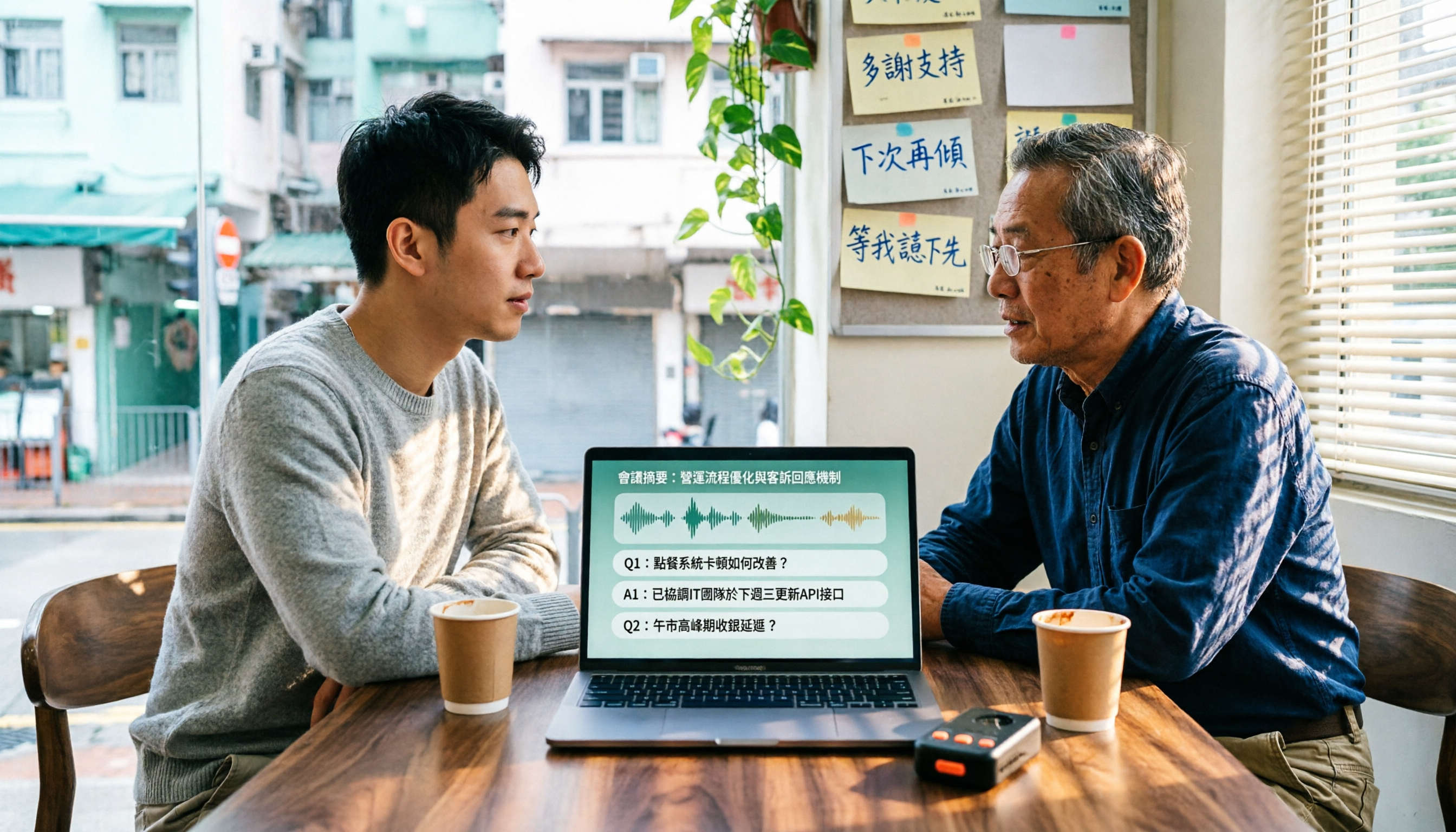
4 Cantonese Speech-to-Text Tools Tested in 2026: Which Free Version Is Good Enough?
We tested and compared the free versions of 4 Cantonese speech-to-text tools to see if they're good enough. We cover key selection criteria, common pitfalls, and recommendations, plus how Tinrec performs in Chinese meeting transcription, AI Q&A, and team knowledge retention.
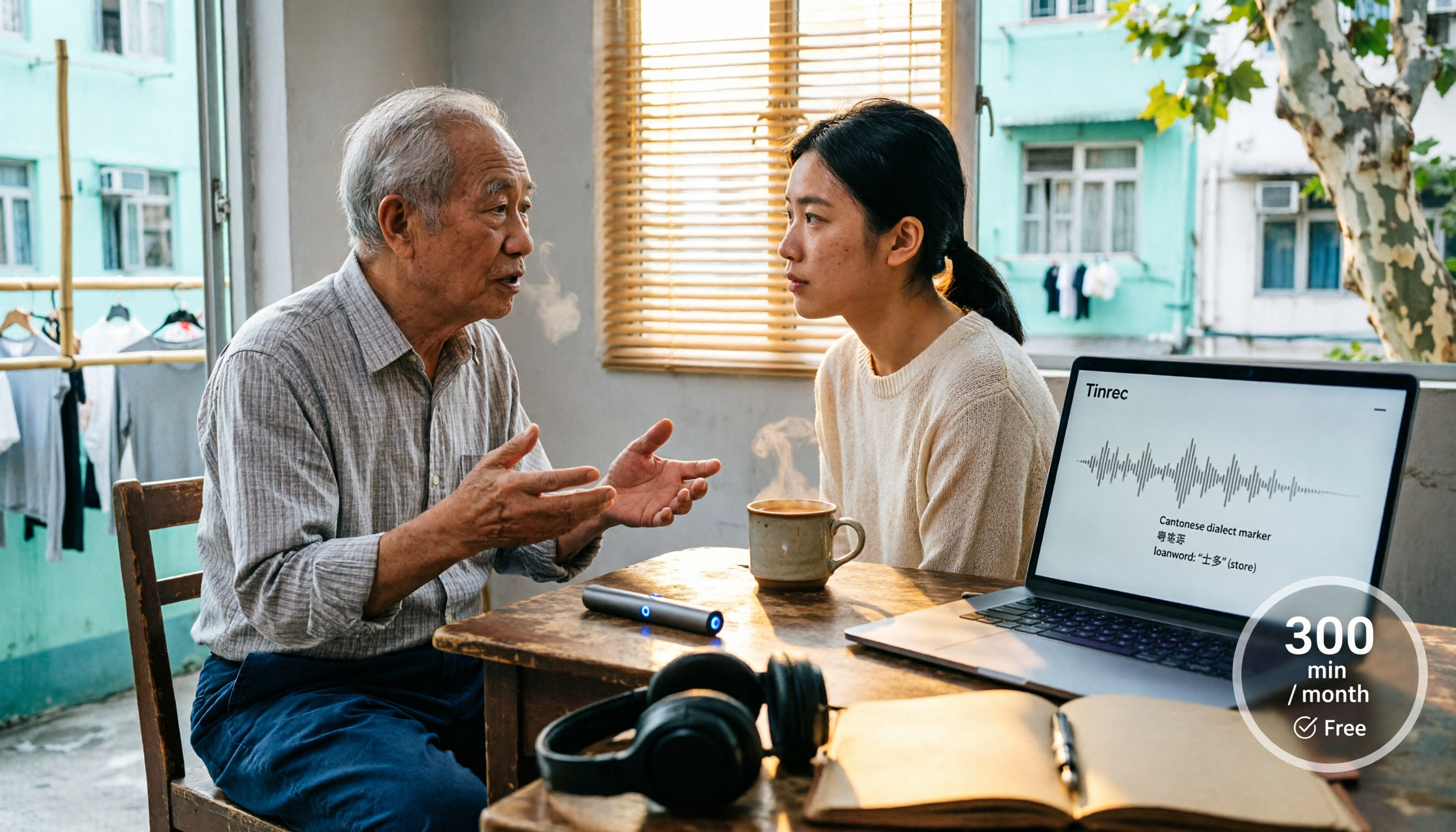
4 Cantonese Speech-to-Text Tools Tested in 2026: Whose Free Tier Is Actually Enough?
If you want free Cantonese speech-to-text, first figure out whether the free quota is monthly minutes, per-file length, or preview-only. This article compares Tinrec, Subanana, Notta, and TurboScribe across Cantonese and mixed Chinese-English handling, export formats, post-meeting organization, and pricing thresholds, with four common pitfalls and scenario-based recommendations.

How to Transcribe Cantonese Audio to Text in 2026: Tinrec Real-Time Transcript + AI Summary
Many people think Cantonese audio transcription is just converting sound to text, but they overlook the real challenges: Cantonese colloquialisms, mixed Chinese-English, multi-person meetings, and post-meeting organization. This article addresses common misconceptions and demonstrates how Tinrec turns recordings into searchable, summarizable, actionable transcripts and team data.
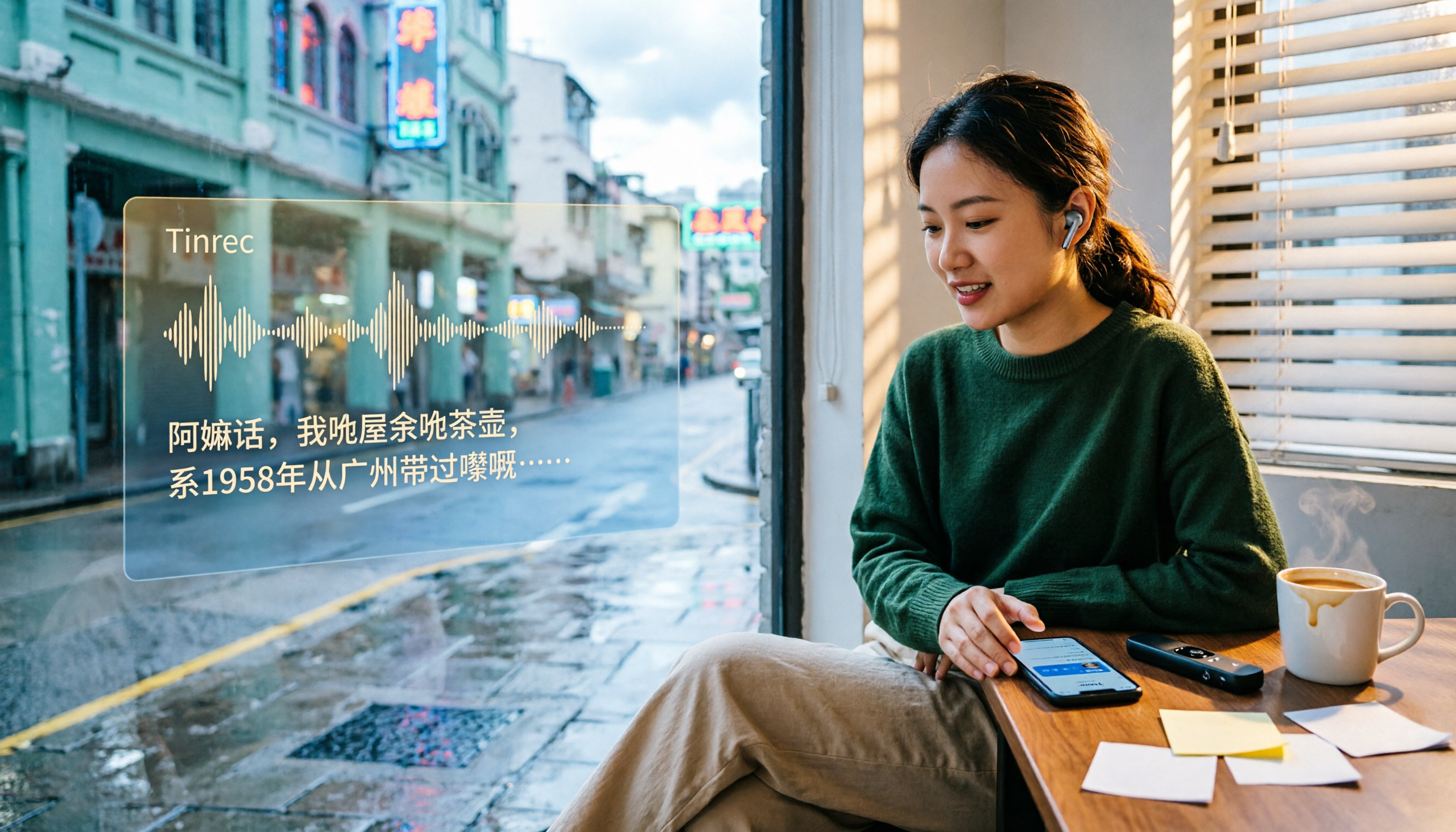
4 Cantonese Speech-to-Text Tools Tested and Compared in 2026: Key Factors to Know Before You Download
How should you download a Cantonese speech-to-text tool, and what should you watch out for after downloading? This article starts with the most common pitfalls, outlines 4 key factors to consider before downloading, and compares Tinrec, Subanana, cSubtitle, and Google AI Studio, with a guide to avoiding mistakes and selection advice.

4 Cantonese Speech-to-Text Tools Tested: Which Free Version Actually Works?
I have 15 meetings a week, and Cantonese with mixed Chinese-English meeting notes take the most time. This article compares 4 common free Cantonese speech-to-text options: the difference between truly free, free preview, and free quota, and which one lets you directly get summaries, action items, and searchable meeting data after transcription. Includes hands-on experience with Tinrec, 3 common pitfalls to avoid, and buying advice.
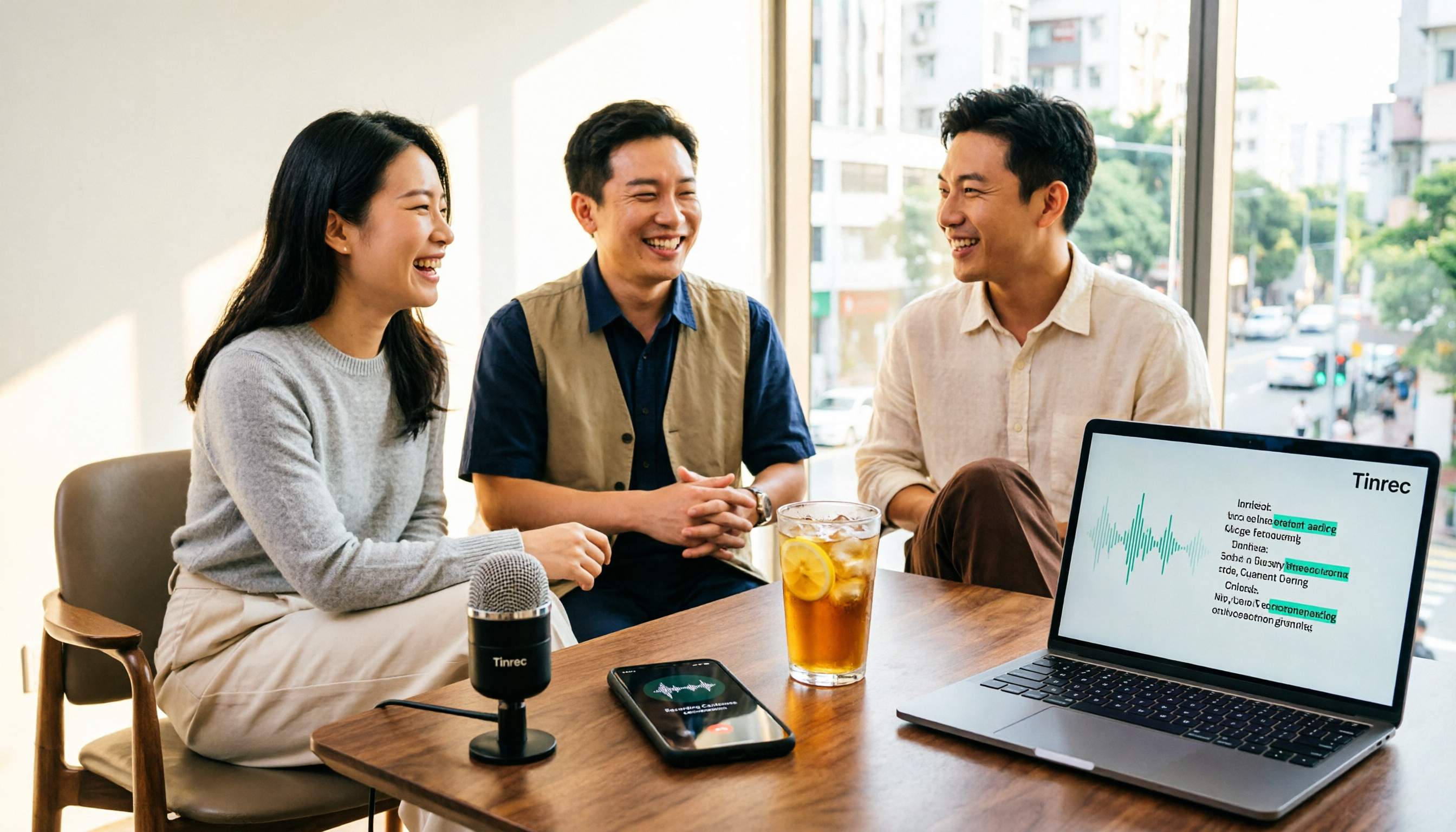
4 Free Cantonese Speech-to-Text Tools Compared (2026): Which Free Tier Is Actually Enough for Post-Meeting Work?
How do you choose a free Cantonese speech-to-text tool? This article compares the free tiers, Cantonese handling, and post-meeting workflows of Tinrec, Subanana, UniScribe, and cSubtitle, highlighting 4 key buying factors and 4 common pitfalls to help you decide which free version is truly sufficient.

4 Cantonese Audio-to-Text Tools Tested in 2026: Which Free Version Is Good Enough?
Comparing Subanana, Google AI Studio, cSubtitle, and Tinrec across free quotas, Cantonese recognition, post-meeting organization, and team collaboration to help you decide if free Cantonese audio-to-text tools are actually usable.

How to Transcribe Cantonese Audio to Text in 2026: A Complete 5-Step Guide
A complete workflow for converting Cantonese audio recordings into text files. Using Tinrec as an example, this guide walks you through uploading or live recording, language settings, AI transcription, summaries, action items, and multi-format export, with notes on Cantonese accents, background noise, and free usage limits. Ideal for professionals and teams who need to organize meeting, interview, or lecture recordings.

Tinrec vs Otter.ai 2026: 5-Dimension Comparison for Free Cantonese Speech-to-Text
"Free" is the most expensive word in this search. This comparison puts Tinrec and Otter.ai side by side across 5 dimensions—Cantonese and mixed Chinese-English recognition, real limits of free plans, input sources, post-meeting organization, and team data ownership—to help you confirm which one truly matches your recording needs before you pay.