

Turn recordings into transcripts and summaries in minutes
Upload audio or video for multilingual transcription, AI notes, and action items
5 Best Cantonese Speech-to-Text Tools in 2026: Which Handles Mixed Chinese-English Best?
Many people choose a Cantonese speech-to-text tool by opening the spec sheet and seeing which one supports more languages. That's actually the easiest trap to fall into.
The number of supported languages doesn't equal Cantonese recognition ability. What really affects your organization efficiency is recording quality, whether speakers overlap, how mixed Chinese-English is handled, and whether you can immediately find the key points after transcription.
A more reasonable approach is: first clarify what you want to use it for—meeting notes, interview organization, or video subtitles—then choose a tool based on its post-transcription organization capabilities. Take Tinrec as an example. Its positioning isn't just a transcription tool, but an AI meeting assistant that turns recordings into searchable, queryable, actionable data.
Cantonese speech-to-text tools on the market can be roughly divided into 5 categories: meeting bot type, general transcription type, AI recording hardware type, platform built-in type, and integrated type like Tinrec that connects recording, organization, Q&A, and team collaboration. Each of these 5 categories suits different people, but if your focus is Cantonese meeting notes plus post-meeting organization, the integrated workflow is usually the most hassle-free.
What Can Cantonese Speech-to-Text Do for You?
Scenario 1: Get meeting notes within 10 minutes after a meeting Previously, after a Cantonese meeting, you might have to spend double the time re-listening to the recording and typing the transcript. With Tinrec, for example, it can transcribe while recording, and automatically generate summaries, chapters, and action items after the meeting. Who is responsible for what, what to follow up on next time—all listed directly.
Scenario 2: Don't miss details in client interviews Cantonese interviews often mix in English technical terms like Marketing, ROI, KPI. Tinrec supports mixed Chinese-English content organization. After transcription, you can directly ask it via AI chat: "What were the client's main concerns?" No need to go through the transcript from the beginning yourself.
Scenario 3: Turn historical recordings into a searchable database Even if it's not a live meeting, you can upload existing audio or video to Tinrec and convert them into transcripts, summaries, and chapters. When you need to look up a decision later, just search keywords or ask AI.
What Are the Core Capabilities of Cantonese Speech-to-Text?
Real-time recording to text: Words appear as you speak, not after recording and waiting for conversion. Tinrec's real-time transcription lets you confirm content synchronously during the meeting, and you can immediately ask about missed key points.
Bot-free online meeting recording: Tinrec desktop version directly captures computer system sound. When handling online meetings on Zoom, Google Meet, Microsoft Teams, Webex, etc., you don't need to invite an extra meeting bot. Just open Tinrec and start recording.
AI summaries and chapters: After transcription, Tinrec automatically breaks long meetings into structured summaries and chapters. It doesn't just give you a condensed text, but helps you separate discussion topics, conclusions, and action items.
AI chat query: This is the biggest difference between Tinrec and traditional transcription tools. You can ask follow-up questions about meeting content like chatting, e.g., "What was the conclusion about the budget in this meeting?" The system answers directly based on semantics, rather than just throwing timestamps at you.
Action item extraction and post-processing: Tinrec organizes action items from discussions and can further generate reports, tables, and documents. For those who need post-meeting deliverables, it's like saving a round of organization.
Real-time translation and bilingual viewing: For cross-language meetings, Tinrec supports viewing original text, translation, or bilingual content during recording, reducing the cost of back-and-forth confirmation.
Team space: Tinrec team version provides an independent team space to centrally store meeting recordings, transcripts, summaries, and action items. Members can view historical data, and administrators can manage roles, seats, usage, and audit logs.
Practical Application Scenarios
Cantonese meeting notes: Weekly meetings and cross-department meetings are most prone to "no one remembers the conclusion after the meeting." With Tinrec real-time transcription plus AI summaries, you have transcripts and action items as soon as the meeting ends, and participants can directly verify.
Client visits and requirement interviews: When sales or customer success teams visit clients, it's often inconvenient to take notes while talking. Tinrec can record and transcribe in real time, then use AI Q&A to organize client needs, objections, and commitments, and export as follow-up materials.
Stop organizing recordings by hand
Upload audio or video and automatically get a transcript, summary, and action items
Classes, lectures, and content creation: Students or content creators can use Tinrec to organize course recordings and interview materials, quickly get transcripts and key points, then process them into notes, articles, or social media posts.
Team knowledge retention: When meeting materials are scattered across personal phones and chat records, it's hard for new people to take over. Tinrec team version collects data into the team space, so when members change, resources can be handed over, and historical records won't be lost because someone leaves.
5 Things to Note When Choosing a Cantonese Speech-to-Text Tool
Don't just look at the number of supported languages Some tools list hundreds of languages, but Chinese variants and accents may not perform evenly. It's recommended to actually try with your own Cantonese recording. Tinrec covers Chinese, Traditional Chinese, and multilingual meeting scenarios. Actual recognition results are affected by recording quality, accent, noise, and overlapping speakers.
Mixed Chinese-English is a common hurdle Cantonese meetings often have English words and technical terms. When choosing a tool, confirm how it handles mixed contexts. Tinrec supports mixed Chinese-English content organization and can maintain common terms through team hotwords, reducing the chance of professional terms being transcribed incorrectly.
Whether it's usable after transcription is key Transcripts are just the starting point. You need to see if the tool can generate summaries, action items, chapters, and whether you can find key points via Q&A. Tinrec's AI chat query and Agent post-processing are designed to push transcripts further toward work results.
Whether recordings are retained and easy to export Some tools only give text without retaining audio files, making it troublesome to verify a sentence later. Tinrec supports retaining recordings and can export results to Notion, Google Docs, OneNote, Dropbox, etc. for continued use.
Team collaboration, governance, and cost should be considered together If you're using it for a team, confirm how members, roles, and seats are distinguished. Tinrec team version separates "roles" and "seats": roles determine management permissions, seats determine whether one can record, upload, and edit; members without seats can still view, play, and read team data. In terms of cost, Tinrec personal version has a free version to experience basic transcription and summaries, as well as weekly cards, Pro monthly, and Pro annual cards for different usage frequencies; team version offers a 7-day trial (1 free seat, 300 minutes team shared import quota), paid seats at USD 29.80/month, USD 199/year (about USD 16.58/month), each seat has 2,000 minutes team shared import quota per month. Actual prices and benefits are subject to the official purchase page.
Frequently Asked Questions
Q1: How accurate is recognition for Cantonese mixed with English? Mixed contexts are the most common challenge in Cantonese speech-to-text. Traditional offline tools usually perform poorly on mixed Chinese-English. It's recommended to choose a cloud tool optimized for Chinese contexts and test with your own recordings. Tinrec supports mixed Chinese-English content organization. Actual results are affected by speech rate, accent, and environmental noise.
Q2: Is Tinrec free version enough? Tinrec free version provides basic quota, suitable for occasional meeting organization or experiencing the core workflow first. If you have steady needs every week, consider Pro; for team use, evaluate the team version's seats and shared quota.
Q3: Can it distinguish who is speaking? This depends on the tool and recording conditions. Tinrec's transcript retains the complete speech content and supports search and review, making it easy to verify against the recording. If you have clear speaker labeling needs, it's recommended to test with a multi-person meeting recording during the trial.
Q4: What's the difference between team version and personal version? Personal version data is managed by the individual account. Tinrec team version provides an independent team space, data belongs to the team, and adds capabilities like members, roles, seats, usage analysis, audit logs, and audio recycle bin. When members leave, team resources can be handed over to other active members.
Q5: Can deleted recordings be recovered? Tinrec team version provides an audio recycle bin, which can restore accidentally deleted audio before permanent cleanup begins. Currently the recycle bin retention period is 30 days. Actual rules are subject to the product page description.
Q6: Do online meetings need to invite a bot? No. Tinrec desktop version directly captures computer system sound. You initiate recording yourself, without pulling an extra meeting bot into the meeting. It's not a mode that automatically joins all calendar meetings.
Conclusion
When choosing a Cantonese speech-to-text tool, rather than comparing whose language list is longer, look at who can help you turn recordings into truly usable data. Tinrec connects "record → understand → act" into one workflow, from real-time transcription, AI summaries, action item extraction to AI Q&A and team space.
If you're still manually re-listening to recordings and slowly typing transcripts, try Tinrec free version first. Throw in a real Cantonese meeting recording you have on hand, and see if the transcript, summary, and action items can save you post-meeting organization time.
References
- 2026 Latest 5 Cantonese Speech Recognition to Text Software Recommendations: Solving Cantonese Meeting Notes and Mixed Language Pain Points - Tinrec Blog
- High Accuracy Cantonese Speech to Text: 3 AI Tool Comparison and Practical Tutorial - Tinrec Blog
- 2026 6 Cantonese Speech to Text Software Recommendations: Solving Cantonese Meeting Notes and Video Subtitle Pain Points - Tinrec Blog
- 2026 Latest 5 Cantonese Speech Recognition to Text Software Recommendations: One-Click Solution for Cantonese Meeting Notes and Transcript Challenges - Tinrec Blog
- Top 5 Hong Kong Speech to Text Tools: Accurate Cantonese Recognition, Double Meeting and Interview Efficiency!
Turn every recording into actionable outcomes
Get 60 free transcription minutes when you sign in. No credit card required.
Related Reading
You might also like
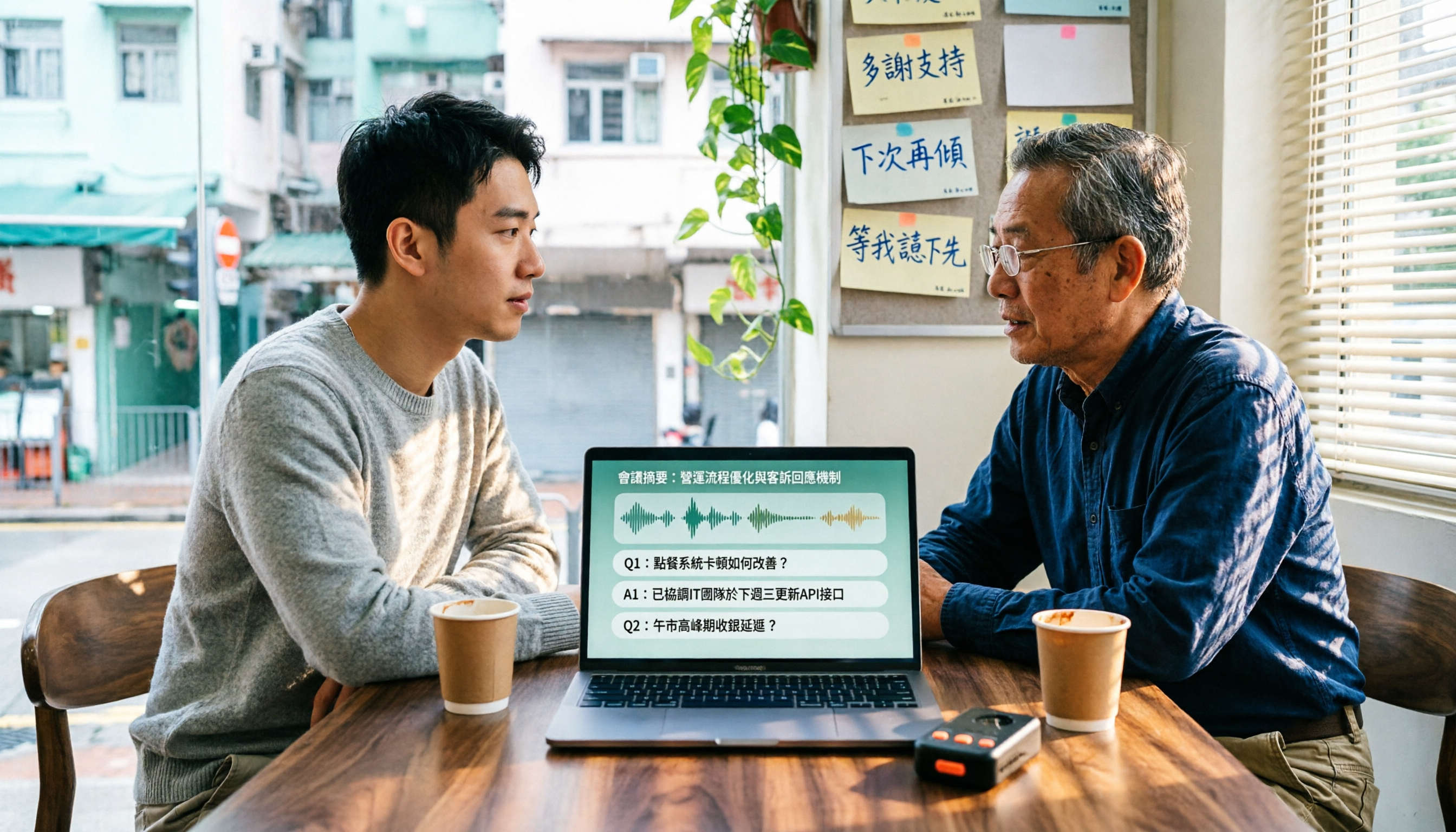
4 Cantonese Speech-to-Text Tools Tested in 2026: Which Free Version Is Good Enough?
We tested and compared the free versions of 4 Cantonese speech-to-text tools to see if they're good enough. We cover key selection criteria, common pitfalls, and recommendations, plus how Tinrec performs in Chinese meeting transcription, AI Q&A, and team knowledge retention.
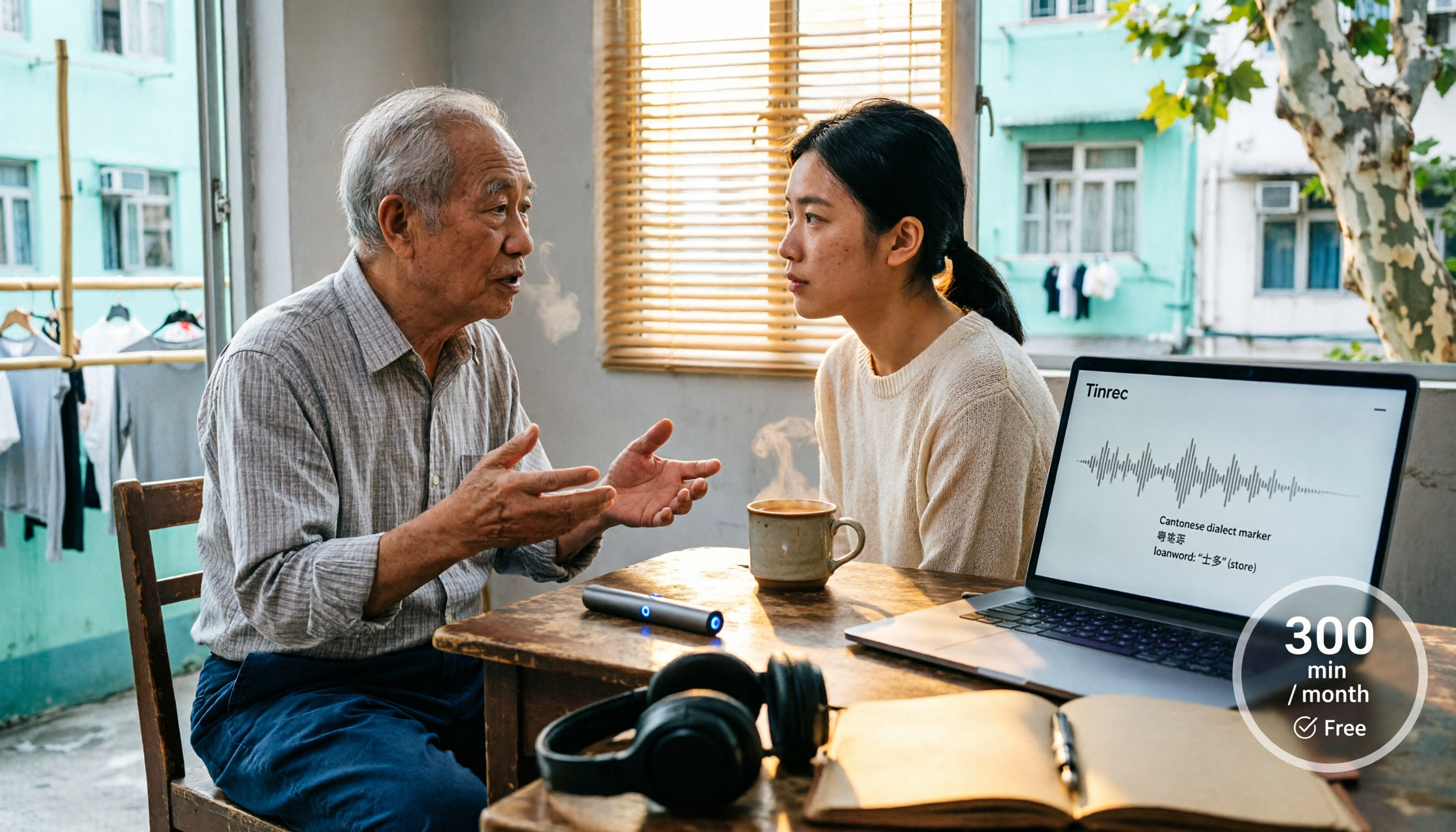
4 Cantonese Speech-to-Text Tools Tested in 2026: Whose Free Tier Is Actually Enough?
If you want free Cantonese speech-to-text, first figure out whether the free quota is monthly minutes, per-file length, or preview-only. This article compares Tinrec, Subanana, Notta, and TurboScribe across Cantonese and mixed Chinese-English handling, export formats, post-meeting organization, and pricing thresholds, with four common pitfalls and scenario-based recommendations.

How to Transcribe Cantonese Audio to Text in 2026: Tinrec Real-Time Transcript + AI Summary
Many people think Cantonese audio transcription is just converting sound to text, but they overlook the real challenges: Cantonese colloquialisms, mixed Chinese-English, multi-person meetings, and post-meeting organization. This article addresses common misconceptions and demonstrates how Tinrec turns recordings into searchable, summarizable, actionable transcripts and team data.

4 Cantonese Speech-to-Text Tools Tested and Compared in 2026: Key Factors to Know Before You Download
How should you download a Cantonese speech-to-text tool, and what should you watch out for after downloading? This article starts with the most common pitfalls, outlines 4 key factors to consider before downloading, and compares Tinrec, Subanana, cSubtitle, and Google AI Studio, with a guide to avoiding mistakes and selection advice.

4 Cantonese Speech-to-Text Tools Tested: Which Free Version Actually Works?
I have 15 meetings a week, and Cantonese with mixed Chinese-English meeting notes take the most time. This article compares 4 common free Cantonese speech-to-text options: the difference between truly free, free preview, and free quota, and which one lets you directly get summaries, action items, and searchable meeting data after transcription. Includes hands-on experience with Tinrec, 3 common pitfalls to avoid, and buying advice.

4 Free Cantonese Speech-to-Text Tools Compared (2026): Which Free Tier Is Actually Enough for Post-Meeting Work?
How do you choose a free Cantonese speech-to-text tool? This article compares the free tiers, Cantonese handling, and post-meeting workflows of Tinrec, Subanana, UniScribe, and cSubtitle, highlighting 4 key buying factors and 4 common pitfalls to help you decide which free version is truly sufficient.

4 Cantonese Audio-to-Text Tools Tested in 2026: Which Free Version Is Good Enough?
Comparing Subanana, Google AI Studio, cSubtitle, and Tinrec across free quotas, Cantonese recognition, post-meeting organization, and team collaboration to help you decide if free Cantonese audio-to-text tools are actually usable.

How to Transcribe Cantonese Audio to Text in 2026: A Complete 5-Step Guide
A complete workflow for converting Cantonese audio recordings into text files. Using Tinrec as an example, this guide walks you through uploading or live recording, language settings, AI transcription, summaries, action items, and multi-format export, with notes on Cantonese accents, background noise, and free usage limits. Ideal for professionals and teams who need to organize meeting, interview, or lecture recordings.

Tinrec vs Otter.ai 2026: 5-Dimension Comparison for Free Cantonese Speech-to-Text
"Free" is the most expensive word in this search. This comparison puts Tinrec and Otter.ai side by side across 5 dimensions—Cantonese and mixed Chinese-English recognition, real limits of free plans, input sources, post-meeting organization, and team data ownership—to help you confirm which one truly matches your recording needs before you pay.