

Turn recordings into transcripts and summaries in minutes
Upload audio or video for multilingual transcription, AI notes, and action items
2026 Comparison of 3 Free Cantonese Speech-to-Text Tools: Which Is Best for Cantonese Transcripts and Post-Meeting Organization?
The word "free" in Cantonese speech-to-text is more of a trap than you might think.
I attend about 15 meetings a week—weekly meetings, project progress meetings, one-on-ones, cross-department coordination—with a 10-person team. The most painful part used to be not the meeting itself but the aftermath: a one-hour recording would take two to three hours to re-listen and type up. So over the past six months, I've tried almost every Cantonese transcription tool that claims to be "free."
What I eventually realized is that the real question isn't "which one costs nothing," but these three judgment calls:
- Is the free quota "a little bit each time" or "enough at once"? A 3-minute free version can't even cover the opening of a weekly meeting.
- Is the output plain text, or does it already separate speakers, add punctuation, and include a summary? The difference is whether you'll spend 40 minutes or 4 minutes after the meeting.
- Do you only use it on your phone, or do you need it on your computer and for online meetings too? If your meetings are all on Zoom, Meet, or Teams, a tool that only accepts file uploads won't help.
My actual usage sequence was: first cSubtitle, then Subanana, and in between I also tried throwing recordings into Google AI Studio's Gemini, and finally settled on Tinrec for daily use. Below is the comparison organized in that order.
Tinrec vs Subanana vs cSubtitle | Quick Overview
All three have a "free" option, but their positioning differs greatly.
| Item | Tinrec | Subanana | cSubtitle |
|---|---|---|---|
| One-line positioning | AI meeting notes and team collaboration tool | Cantonese-oriented transcription tool | Online file transcription service |
| Free method | Free version offers basic quota; can try recording, import, summary, and transcription | First 15 minutes of each file free preview | Free version quick 3 minutes |
| Main input | Live recording, online meetings, audio/video files, mobile | Upload audio or video, YouTube links, browser recording | Upload audio or video |
| Strengths | Post-transcription summaries, action items, Q&A, export, and team spaces | Cantonese model, mixed Chinese-English, spoken/written language switching | No login required, subtitle file output |
Below, we'll examine five dimensions: free quota, Cantonese recognition, post-meeting organization, online meetings, and team collaboration.
Dimension 1 | Free Quota: Where Are the Real Boundaries of "Free"?
cSubtitle's free version is labeled "quick 3 minutes," suitable for throwing in a short clip to confirm effectiveness, but processing a full meeting definitely requires going through the paid process; its upload limit is 4GB and within 5 hours, indicating it's designed for file-based tasks. Subanana's approach is a free preview of the first 15 minutes per file; for a one-hour meeting, you can hear the beginning, but the real decisions usually fall in the middle and latter parts. Tinrec's free version provides a basic quota, allowing you to go through recording, import, summary, and transcription once; after that, you can choose a weekly card or Pro based on your usage pace, and for long-term data accumulation, the annual card offers a lower effective rate (actual prices and benefits are subject to the official website).
→ For this dimension: If the criterion is "can I try a whole meeting first," Tinrec's quota logic is closest to practice; 3 minutes is only enough to verify a segment.
Dimension 2 | Cantonese and Mixed Chinese-English Recognition Performance
Subanana is the most explicit in this area: Cantonese model, reliable even with mixed Chinese-English, free choice of spoken or written language, and you can paste YouTube links directly. It does have an advantage for pure Cantonese content. cSubtitle's official description says it's trained on a large corpus of Mandarin Chinese; Cantonese is not its main focus, so you should verify the actual performance yourself. Tinrec covers Chinese, Traditional Chinese, and multilingual meetings, and can organize mixed Chinese-English content, but it does not publicly promise a fixed accuracy rate—recording quality, accents, overlapping speakers, and technical terms all affect results.
Stop organizing recordings by hand
Upload audio or video and automatically get a transcript, summary, and action items
My advice: When testing, don't use your own clear reading; directly run a real meeting recording and you'll immediately see the difference.
→ For this dimension: For pure Cantonese transcription, Subanana has a clear advantage; for meetings that are "mainly Cantonese with mixed English and product terms," Tinrec at least matches it, and its subsequent processing is more complete.
Dimension 3 | After Transcription, Can You Use It Directly?
cSubtitle outputs text files, Word with time codes, and .sub and .vtt subtitle files, making it handy for adding subtitles to videos. Subanana offers speaker identification, punctuation, AI summaries, asking questions to the recording, and multi-format export. In addition to transcripts, Tinrec also produces AI summaries, chapters, action items, and mind maps, allows follow-up questions on meeting content, and uses Agent post-processing to generate reports, tables, and documents, then exports to Notion, Google Docs, OneNote, Dropbox, and other tools.
→ For this dimension: Tinrec wins. The gap lies in "how many more tools you need to open after the meeting."
Dimension 4 | Online Meetings and Cross-Device Usage
Subanana supports browser recording and link pasting; cSubtitle mainly focuses on file uploads. Both solve the scenario where "you already have a file." Tinrec's desktop version directly captures computer system audio, so it can record meetings on Zoom, Google Meet, Microsoft Teams, and Webex without needing a meeting bot to join as a participant; plus mobile recording and file import, even impromptu discussions in the hallway can be documented.
Note that this does not mean "automatically join all meetings on your calendar"—you still have to open the tool and start recording yourself.
→ For this dimension: Tinrec wins, especially for those whose meetings are all online.
Dimension 5 | Team Collaboration and Data Ownership
The public information for the first two tools is mainly for personal use. Tinrec's team version is a separate team space: you can create multiple spaces, invite members via link, distinguish owner/admin/member, and manage seats, shared quota, usage analytics, audit logs, audio recycle bin, and team hotwords. Paid seats are USD 29.80/month, or USD 199 annually (about USD 16.58/month). One detail to understand: roles govern management, seats govern usage—members without seats can still view, play, and read team data, but need a seat to record, upload, edit, and export. Also, currently it's team-level sharing, not file-level permissions.
→ For this dimension: When multiple people need to share meeting data, Tinrec is the only one of the three with a complete governance mechanism.
What Unique Advantages Does Each Have?
Tinrec's four advantages:
- No bot for recording online meetings—the desktop version captures system audio, so no extra participant is needed.
- One-stop post-meeting workflow—summaries, chapters, action items, AI Q&A, Agent-generated documents, all the way to delivery.
- Team governance—roles, seats, usage, audit, recycle bin; data doesn't disappear when members leave.
- Cross-platform—usable on web, desktop, and mobile, with historical data centralized in one place.
Subanana's advantages: Clear Cantonese model and spoken/written language switching, free preview of the first 15 minutes per file, suitable for first verifying Cantonese recognition.
cSubtitle's advantages: Upload without login, large capacity and length limits, subtitle file output friendly to video workers.
Conclusion: Which One Should You Choose?
- If you just want to transcribe a pure Cantonese recording into an accurate transcript → try Subanana first; its Cantonese positioning is the clearest.
- If you want to directly get meeting minutes, action items, and queryable data after the meeting → Tinrec.
- If most of your meetings are on Zoom, Meet, or Teams → Tinrec, no need for a bot to join.
- If multiple team members need to share meeting data and manage seats and usage → Tinrec Team Version.
- If you only occasionally add subtitles to a video → cSubtitle is sufficient.
In one sentence: For most people who "want to start for free but hope it can really be used at work," Tinrec is the more complete choice. The practical approach is to open the free version, run your own real Cantonese meeting recording, see if the transcript, summary, and action items meet your standards, and then decide whether to move to a paid plan.
One final reminder: Recording and transcription involve personal data and privacy; inform and obtain consent from participants before the meeting—this is more important than which tool you choose.
References
- Free Cantonese Speech-to-Text App 2026 | Subanana
- Online AI Speech, Video, Audio File Auto Transcription - Free Trial - cSubtitle
- "Free + Cantonese OK: How to Use Google AI Studio to Transcribe Your Recordings" Finding a good transcript app is painful; I don't know if you've tried different recording-to-text apps—either fake free, charging you a big price after a few dozen minutes of trial, or only supporting English, not Cantonese, or requiring a whole API setup to use // Recently I found that Google Gemini is world-class in this regard: - [Truly free] No subscription fee after a few uses - [Cantonese friendly] Gemini accurate
- [Free Tool] Cantonese Speech-to-Text! Just Upload a File or YouTube Link. Up to 96% Accuracy - YouTuber AI | Spend time on creativity, leave the AI to do the hustle work.
- SoundType AI Ultra-Accurate Transcripts, Speech-to-Text, AI Dictation - Google Play App
Turn every recording into actionable outcomes
Get 60 free transcription minutes when you sign in. No credit card required.
Related Reading
You might also like
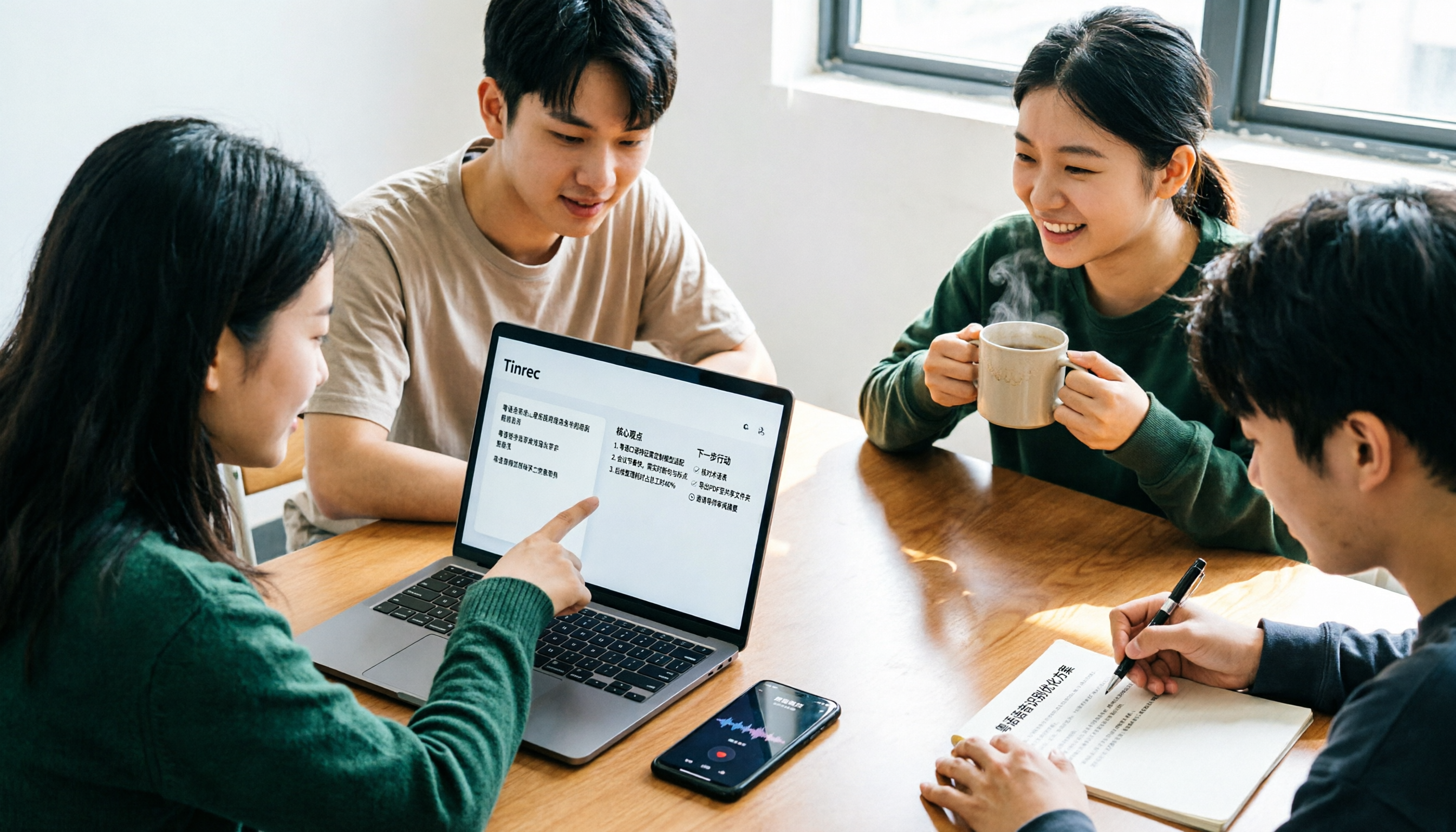
2026 Free Cantonese Speech-to-Text Guide: 3 Steps to Pick the Right Tool + Tinrec Post-Meeting Workflow
I used to think any free tool would do, but Cantonese recordings came out as gibberish. Based on a student group discussion, this guide covers 3 steps to choose a tool, 2 free alternatives, and my experience using Tinrec for transcripts, AI summaries, action items, and post-meeting Q&A—helping you avoid fake-free traps and poor recognition.
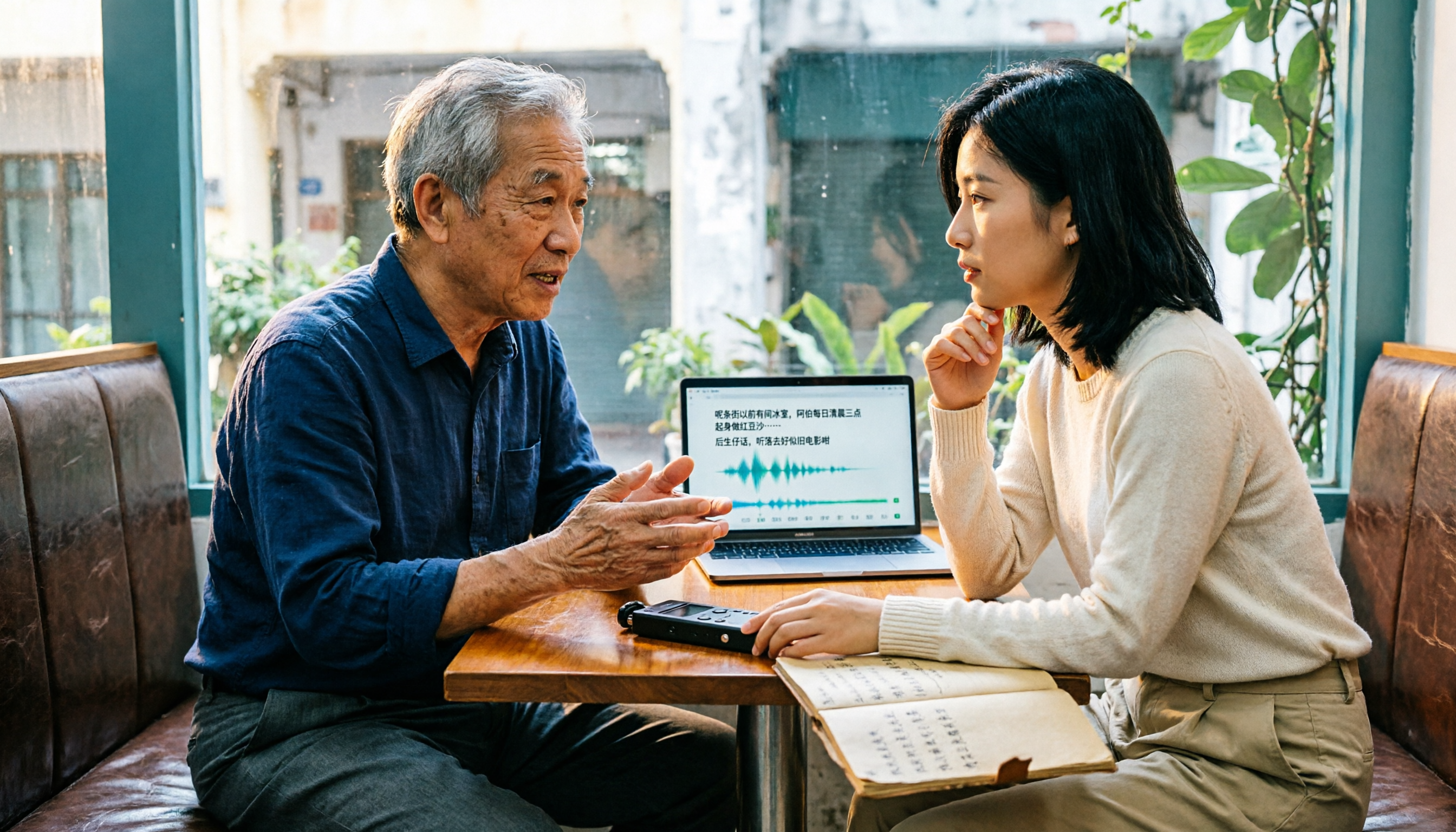
5 Free Cantonese Speech-to-Text Tools Tested for 2026: Which Offers the Best Free Tier and Cantonese Accuracy?
A comparison of five free or trial-based speech-to-text solutions that handle Cantonese audio, including Tinrec, cSubtitle, Subanana, Google AI Studio (Gemini), and Notta. We detail free quotas, Cantonese support, output formats, and ideal use cases to help you choose based on budget and post-meeting needs.

4 Cantonese Speech-to-Text Apps Tested for 2026: Which Free Tier Is Actually Enough?
Searching for 'Cantonese speech to text free' and downloading a bunch of apps, only to end up typing transcripts manually? The problem isn't free—it's the limits of free. We tested Tinrec, Subanana, cSubtitle, and Notely Voice with the same Cantonese meeting recording containing mixed Chinese and English, comparing their free rules, Cantonese recognition, output formats, and post-meeting usability. Plus, we cover 3 common pitfalls to help you complete a full task without spending money.

2026 Comparison of 2 Cantonese Speech-to-Text Apps: Tinrec vs Plaud Note — Which Is More Worth Recommending?
This article compares Tinrec and Plaud Note across 5 dimensions—Cantonese meetings, post-meeting organization, team collaboration, and cost barriers—to help you decide between a software workflow and a portable hardware recorder, with practical testing suggestions.

2026 Comparison of 5 Cantonese Speech-to-Text Apps: Which Free Tier Is Most Usable?
There are many free Cantonese speech-to-text apps, but the boundaries of 'free' vary widely. This article uses a real meeting recording workflow to compare the free tiers and post-meeting processing capabilities of Tinrec, Subanana, cSubtitle, Notely Voice, and other options. It outlines 3 key purchasing criteria and 4 common pitfalls, and provides clear recommendations based on short files, long meetings, and team collaboration.
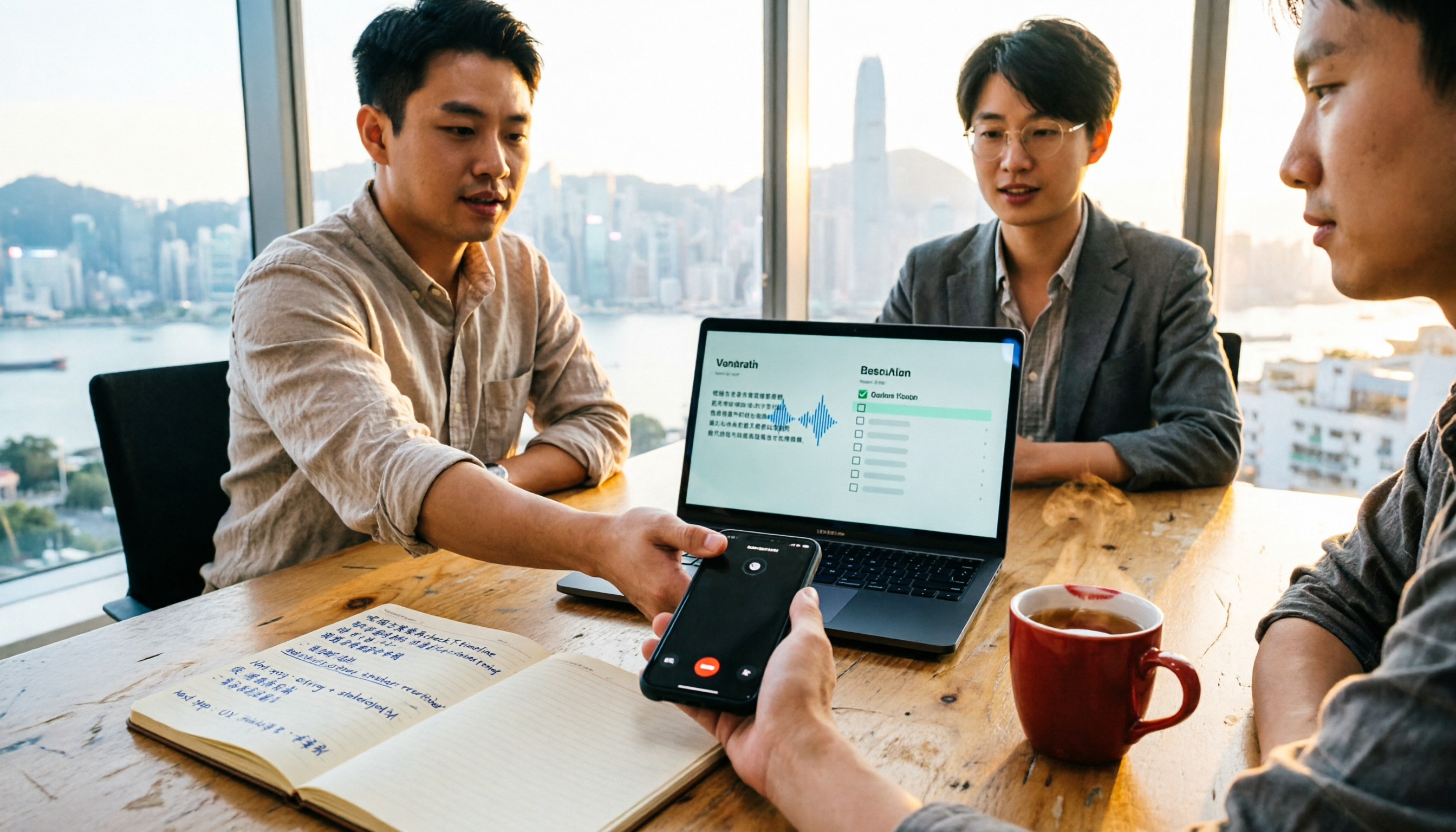
4 Best Cantonese Speech-to-Text Apps in 2026: Comparison of Transcripts, Free Tiers, and Export Formats
A side-by-side comparison of four Cantonese speech-to-text apps in 2026, with an in-depth look at Tinrec and Otter.ai regarding Cantonese and mixed Chinese-English recognition, meeting capture methods, post-meeting summaries and action items, export formats, free tiers, and team collaboration, helping you choose the right tool for your scenario.

Tinrec vs Notta 2026: 5-Dimension Comparison for Cantonese Audio Transcription and Post-Meeting Organization
Compare Tinrec and Notta across 5 dimensions for Cantonese online audio transcription, post-meeting organization, and team collaboration to determine which tool better fits your workflow.

Tinrec vs Subanana 2026: 5-Dimension Comparison — Which Cantonese Audio-to-Text Tool Is Better for Teams?
The biggest headache in Cantonese meetings is mixed Chinese-English speech and post-meeting organization. This article compares two online transcription tools, Tinrec and Subanana, across five dimensions: input method, mixed Chinese-English handling, post-meeting organization, team collaboration, and pricing. It also includes a pitfalls guide and scenario-based selection advice to help you determine which tool suits your meeting style.

2026 Cantonese Speech-to-Text Showdown: Tinrec vs Subanana for Your Meetings
Cantonese transcription often stumbles on two things: mixed Chinese-English speech and the need to organize the transcript afterward. This hands-on comparison of Tinrec, Subanana, Google Docs voice typing, and Yating covers meeting audio capture, post-meeting organization, export, team collaboration, and free tiers, with a deep dive into Tinrec vs Subanana to help you choose the right tool for your Cantonese meeting needs.