
Turn recordings into transcripts and summaries in minutes
Upload audio or video for multilingual transcription, AI notes, and action items
4 Best Cantonese Speech-to-Text Apps in 2026: Comparison of Transcripts, Free Tiers, and Export Formats
You're probably looking for a Cantonese speech-to-text app not because you want to try a new tool, but because you've hit a specific pain point: a 60-minute Cantonese meeting or interview often takes longer to re-listen and type out than the meeting itself.
But before downloading any app, figure out which part is actually tripping you up.
Is it that Cantonese (especially with English mixed in) isn't transcribed accurately? Is it that after transcription, there are no summaries or action items you can use? Or is it that files can only stay in a personal account and can't be shared with your team?
These three issues correspond to completely different types of tools. This article compares four common options side by side, then takes a deeper look at Tinrec and Otter.ai, which are most often asked about together, so you can judge for yourself instead of relying on who has the biggest ads.
One thing to note first: the following comparison is based on each product's official pages and public documentation, and does not provide measured word error rate figures. Accuracy is affected by recording quality, background noise, accents, overlapping speakers, and technical terminology; any fixed percentage should be taken as a reference only.
Quick Overview of 4 Cantonese Speech-to-Text Apps
| Tool | Positioning | Cantonese/Chinese Focus | Free Tier (per official page) |
|---|---|---|---|
| Tinrec | AI meeting notes and team collaboration | Focuses on Chinese, Traditional Chinese, and multilingual meetings; supports mixed Chinese-English, real-time translation, and team hotwords | Free version offers basic quota; can try recording, import, summary, and transcription |
| Otter.ai | English business AI meeting assistant | Primarily for English meetings; covers Zoom, Teams, Google Meet | Basic free, 300 minutes per month |
| Subanana | Online Cantonese speech-to-text tool | Designed for Cantonese; spoken or written Chinese, traditional or simplified output; mixed Chinese-English can retain original English words | Free account can preview first 15 minutes of transcription per file; export is a paid feature |
| cSubtitle | Online video/audio to text | Offers Cantonese (HK) option; more for document transcription | Free version about 3 minutes per session; Pro version available |
Prices and quotas for third-party tools may change; refer to each official page for the latest.
Among these four, Subanana and cSubtitle excel at converting existing files to text; Otter.ai and Tinrec focus on the workflow before, during, and after meetings. This article will dive deeper into the latter group.
Dimension 1: Recognition Focus for Cantonese and Mixed Chinese-English
Otter.ai has always focused on English business meetings. Its integrations, summarization logic, and team analytics are built around English-centric scenarios like Zoom, Teams, and Meet.
It can handle full Cantonese conversations, but that's not its main strength. The common Hong Kong meeting scenario of "Chinese sentences with English technical terms" is also not its top priority in design.
Tinrec, on the other hand, lists Chinese and Traditional Chinese as key scenarios, and also supports multilingual meetings, mixed Chinese-English content, real-time translation, and team hotwords.
Hotwords are especially useful for Cantonese meetings. Adding product names, internal codes, and industry terms to the team hotword list can make recognition more stable.
Note that Tinrec does not promise a fixed accuracy rate. Actual performance still depends on recording conditions.
→ In this dimension: If your material is mainly Cantonese with English mixed in, Tinrec's design direction is closer; if meetings are entirely in English, Otter.ai is more mature.
Dimension 2: How Meetings Are "Recorded"
Otter.ai typically integrates with meeting platforms or joins as a meeting bot. The advantage is high automation; the downside is an extra "participant" in online meetings.
Tinrec's desktop version takes a different approach: it directly captures computer system audio, without inviting an extra bot into the meeting.
Users need to open Tinrec and start recording themselves; it's not the kind of tool that "automatically joins all meetings on your calendar." Clarify this first to avoid wrong expectations.
Also, it's not an official partner feature of Zoom or Teams; it simply processes the audio played on your computer from these platforms.
→ In this dimension: If you don't want an extra bot in the meeting, Tinrec clearly wins.
Dimension 3: What You Get After Transcription
Getting only a transcript is actually only half the job. What really takes time is figuring out "what was decided in this meeting."
Otter.ai is no slouch here, with summaries, action items, AI Chat, and workflows; the team version also has meeting analytics. This is its long-accumulated advantage.
Tinrec's post-meeting outputs are more geared toward "ready to hand in": summaries, chapters, key points, action items, mind maps, AI Q&A, and even post-processing via Agent to generate reports, tables, and documents.
One practical difference is follow-up questions. Tinrec supports continued questioning around single or cross-meeting data, which is especially handy for questions like "What exactly did we promise in last month's client interview?"
→ In this dimension: Tie, leaning Tinrec. Both have summaries and Q&A, but Tinrec offers more types of outputs.
Dimension 4: Export Formats and Downstream Workflow
Transcripts ultimately need to enter your workflow.
Tinrec supports multiple export formats and can also send results to Notion, Google Docs, OneNote, Dropbox, and other tools for further processing.
Stop organizing recordings by hand
Upload audio or video and automatically get a transcript, summary, and action items
Otter.ai's export and integration capabilities depend on the plan; enterprise plans have additional management and export permissions.
If you need "a document that can go straight into a weekly report or knowledge base," Tinrec's path is smoother; if your whole team already lives in the Otter ecosystem, staying put also makes sense.
→ In this dimension: Tinrec slightly ahead.
Dimension 5: Free Tier and Paid Plans
Honestly, this section is most easily obscured by marketing talk, so let's list it clearly.
Otter.ai: Basic free, 300 minutes per month; Pro annual billing equivalent to about USD 8.49/user/month, including 1,200 minutes of in-app recording per month and 10 file imports; Business offers unlimited meetings and in-app recording, more imports, and management capabilities.
Tinrec personal plans include Free, Weekly Pass, Pro Monthly, and Pro Annual; actual prices are subject to the official website.
Tinrec team plan currently states: eligible teams get a 7-day trial, 1 free seat, 300 minutes of shared team import quota; team monthly billing USD 29.80/paid seat/month, annual billing USD 199/paid seat/year (equivalent to about USD 16.58/month); each paid seat provides 2,000 minutes of shared team import quota per month.
Another easily confused point: under an active team plan and active seats, real-time recording currently does not deduct minutes; only file and web imports consume shared team quota.
→ In this dimension: Depends on use case. For pure English meetings with heavy usage, Otter's free tier is easy to understand; for Chinese meetings plus team knowledge retention, Tinrec's plan design is more fitting.
Dimension 6: Team Collaboration and Governance
This point isn't noticeable for personal use, but becomes painful as a team scales.
Tinrec's team version is a separate team space, not "multiple people sharing a personal account." It separates roles and seats: roles determine who can manage members, audits, and team settings; seats determine who can record, upload, edit, and import/export.
Members who are active but have no seat can still view, play, and read team data, but cannot upload or edit.
Team resources belong to the team, not the individual uploader. When a member leaves or is removed, their responsible resources are handed over to other active members, not taken away with the person.
There are also usage analytics, audit logs, team hotwords, and an audio recycle bin (currently retained for 30 days, with separate restore and permanent deletion).
Note that currently it's mainly team-level sharing, not file-level or member-level granular permissions.
Otter.ai's Business and Enterprise plans are also quite mature in team management; this is its long-standing advantage.
→ In this dimension: Both have complete team capabilities; Tinrec offers more in Chinese scenarios and the combination of seats/usage/recycle bin.
What Unique Advantages Does Each Have?
Tinrec has several notable points:
First, bot-free recording on desktop. No need to invite an extra account into the meeting; you still get a transcript for online meetings.
Second, the entire post-transcription workflow. Summaries, chapters, action items, Q&A, translation, Agent-generated reports and documents—it's a complete set, not isolated features.
Third, mixed Chinese-English and real-time translation. Cross-language meetings can show original text, translation, or bilingual view, which is practical for Hong Kong and cross-regional teams.
Fourth, team knowledge retention. Team space, roles and seats, usage analytics, audit logs, audio recycle bin—turning meeting data into traceable assets.
Otter.ai's advantages are also clear: high maturity for English business meetings, complete integrations and team analytics accumulated on the platform, and low learning curve for teams in all-English environments.
Conclusion: Which One Should You Choose?
• If your meetings are mainly Cantonese with English mixed in, and you need transcripts plus summaries → Tinrec's design direction is closer.
• If meetings are on Zoom, Teams, or Meet but you don't want an extra bot participant → Tinrec desktop can directly capture system audio.
• If after transcription you still need to organize into action items, reports, or documents → Tinrec offers more post-meeting outputs.
• If data should stay with the team rather than personal accounts, and you need seat and usage management → Tinrec team version is more fitting.
• If your team is all-English and already deeply uses the Otter ecosystem → Otter.ai is still sufficient; no need to switch forcibly.
In one sentence: For most Chinese- and Cantonese-centric meeting scenarios, Tinrec is a more complete choice. We recommend starting with the free version's basic quota, testing with a real recording of your own to see if the output looks right to you, then deciding whether to upgrade.
FAQ
Q1: I only occasionally need to transcribe a Cantonese recording; is the free version enough?
You can try it first. Tinrec's free version offers basic quota and lets you experience recording, import, summary, and transcription; Subanana's free account can preview the first 15 minutes of each file, with export as a paid feature; cSubtitle's free version is about 3 minutes per session. Testing with your own files is more accurate than reading spec sheets.
Q2: What input sources can Tinrec handle?
Real-time recording, online meeting audio played on your computer, audio and video files, mobile recording, and as a supplement, some public web links. Note that it's not a bot that automatically joins calendar meetings; you need to initiate recording yourself.
Q3: Can it guarantee 100% accuracy?
We don't recommend expecting that. A more practical statement: it can greatly reduce the time spent on manual note-taking and organizing, but for important content, it's still advisable to verify with timeline playback.
Q4: How to handle Cantonese meetings with mixed Chinese-English?
First add frequently occurring product names, internal codes, and industry terms to team hotwords, then enable real-time translation to confirm key sections. Tinrec supports mixed Chinese-English content organization and multilingual meetings, but actual performance still depends on recording quality.
Q5: What's the difference between the team version and personal version?
Personal version data belongs to the personal account; the team version is a separate space where data belongs to the team, with additional roles, seats, shared quota, usage analytics, audit logs, and audio recycle bin. The key is that seats determine whether you can use resources, and roles determine whether you can manage the team—they are different.
Q6: What should I pay attention to before recording?
First confirm local regulations and company policies, and obtain participant consent when necessary. Meeting recordings involve personal data; this step cannot be skipped.
Q7: Why didn't you compare Subanana and cSubtitle in depth?
Because their positioning is different. They are more about "file-to-text," suitable for those who already have a recording or video and want a quick transcript; if you need a complete pre-meeting, in-meeting, and post-meeting workflow, the comparison baseline falls on meeting tools like Otter.ai.
References
- Free Cantonese Speech-to-Text App 2026 | Subanana
- Tested: 4 Best Online Speech-to-Text Tools, Free Instant Transcription
- Online AI Speech, Video, Audio to Text - Free Trial - cSubtitle
- SoundType AI Ultra-Accurate Transcript, Speech-to-Text, AI Dictation - Google Play App
- 2026 Latest 4 Cantonese Speech-to-Text Tools: Solving Mixed Chinese-English and Meeting Notes Pain Points - Tinrec Blog
Turn every recording into actionable outcomes
Get 60 free transcription minutes when you sign in. No credit card required.
Related Reading
You might also like
2026 Free Cantonese Speech-to-Text Guide: 3 Steps to Pick the Right Tool + Tinrec Post-Meeting Workflow
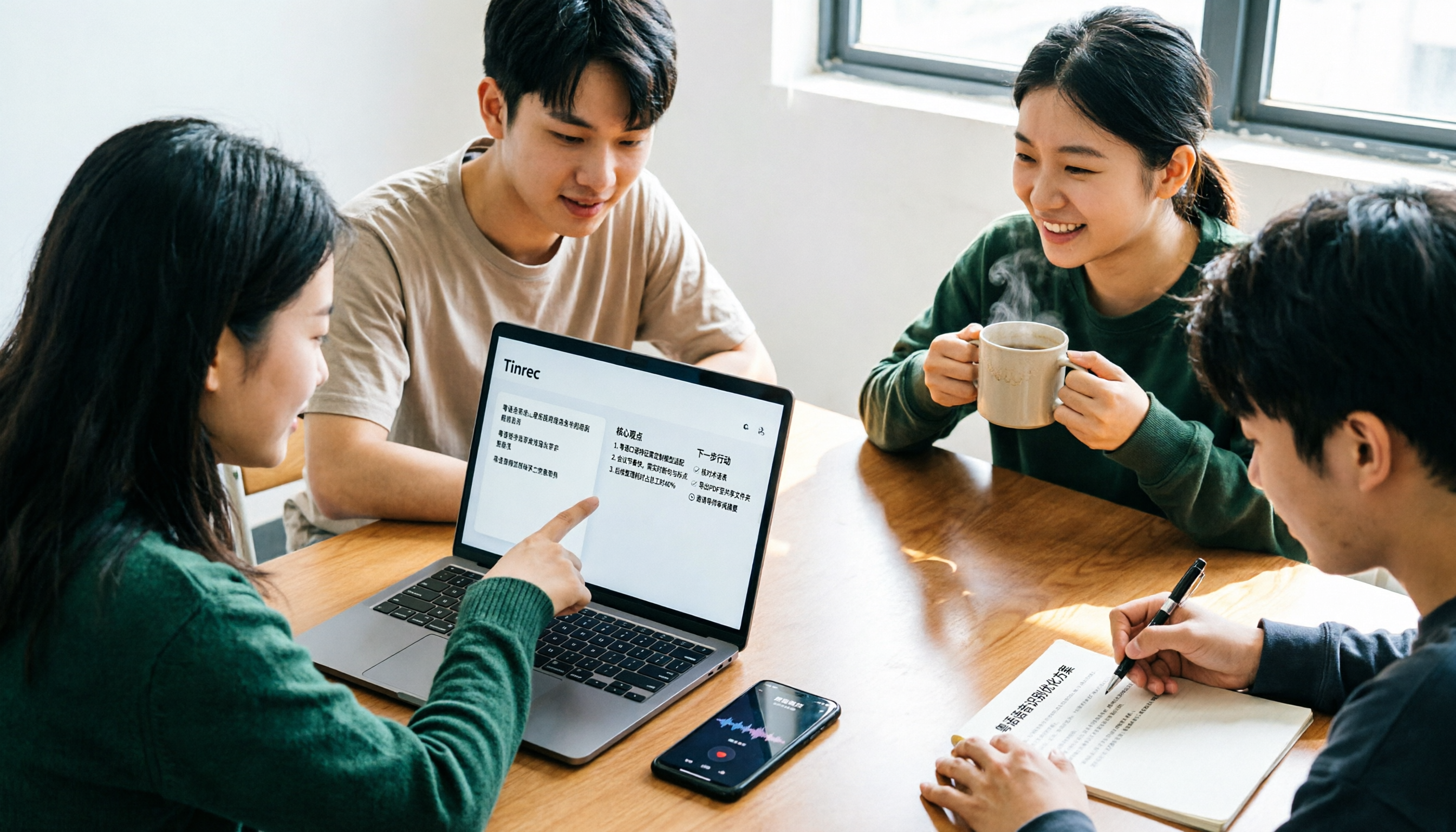
I used to think any free tool would do, but Cantonese recordings came out as gibberish. Based on a student group discussion, this guide covers 3 steps to choose a tool, 2 free alternatives, and my experience using Tinrec for transcripts, AI summaries, action items, and post-meeting Q&A—helping you avoid fake-free traps and poor recognition.
5 Free Cantonese Speech-to-Text Tools Tested for 2026: Which Offers the Best Free Tier and Cantonese Accuracy?
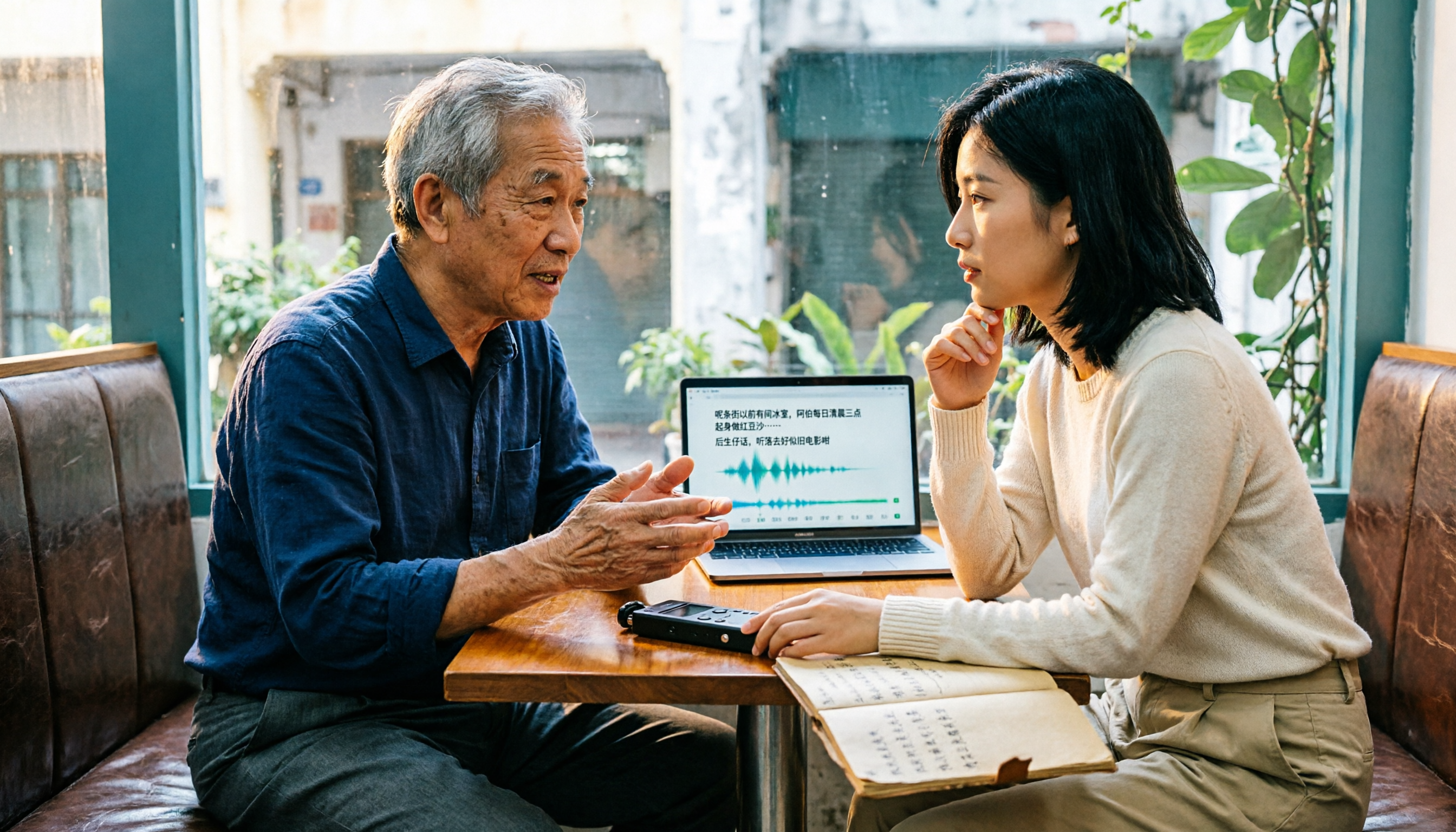
A comparison of five free or trial-based speech-to-text solutions that handle Cantonese audio, including Tinrec, cSubtitle, Subanana, Google AI Studio (Gemini), and Notta. We detail free quotas, Cantonese support, output formats, and ideal use cases to help you choose based on budget and post-meeting needs.

4 Cantonese Speech-to-Text Apps Tested for 2026: Which Free Tier Is Actually Enough?
Searching for 'Cantonese speech to text free' and downloading a bunch of apps, only to end up typing transcripts manually? The problem isn't free—it's the limits of free. We tested Tinrec, Subanana, cSubtitle, and Notely Voice with the same Cantonese meeting recording containing mixed Chinese and English, comparing their free rules, Cantonese recognition, output formats, and post-meeting usability. Plus, we cover 3 common pitfalls to help you complete a full task without spending money.

2026 Comparison of 2 Cantonese Speech-to-Text Apps: Tinrec vs Plaud Note — Which Is More Worth Recommending?
This article compares Tinrec and Plaud Note across 5 dimensions—Cantonese meetings, post-meeting organization, team collaboration, and cost barriers—to help you decide between a software workflow and a portable hardware recorder, with practical testing suggestions.

2026 Comparison of 5 Cantonese Speech-to-Text Apps: Which Free Tier Is Most Usable?
There are many free Cantonese speech-to-text apps, but the boundaries of 'free' vary widely. This article uses a real meeting recording workflow to compare the free tiers and post-meeting processing capabilities of Tinrec, Subanana, cSubtitle, Notely Voice, and other options. It outlines 3 key purchasing criteria and 4 common pitfalls, and provides clear recommendations based on short files, long meetings, and team collaboration.

Tinrec vs Notta 2026: 5-Dimension Comparison for Cantonese Audio Transcription and Post-Meeting Organization
Compare Tinrec and Notta across 5 dimensions for Cantonese online audio transcription, post-meeting organization, and team collaboration to determine which tool better fits your workflow.

Tinrec vs Subanana 2026: 5-Dimension Comparison — Which Cantonese Audio-to-Text Tool Is Better for Teams?
The biggest headache in Cantonese meetings is mixed Chinese-English speech and post-meeting organization. This article compares two online transcription tools, Tinrec and Subanana, across five dimensions: input method, mixed Chinese-English handling, post-meeting organization, team collaboration, and pricing. It also includes a pitfalls guide and scenario-based selection advice to help you determine which tool suits your meeting style.

2026 Cantonese Speech-to-Text Showdown: Tinrec vs Subanana for Your Meetings
Cantonese transcription often stumbles on two things: mixed Chinese-English speech and the need to organize the transcript afterward. This hands-on comparison of Tinrec, Subanana, Google Docs voice typing, and Yating covers meeting audio capture, post-meeting organization, export, team collaboration, and free tiers, with a deep dive into Tinrec vs Subanana to help you choose the right tool for your Cantonese meeting needs.

2026 Comparison of 3 Free Cantonese Speech-to-Text Tools: Which Is Best for Cantonese Transcripts and Post-Meeting Organization?
A hands-on comparison of three free Cantonese speech-to-text tools in 2026, evaluating Tinrec, Subanana, and cSubtitle across five dimensions: free quota, Cantonese and mixed Chinese-English recognition, post-meeting organization, online meeting support, and team collaboration. Practical selection advice is provided from the perspective of a mid-level manager.