

Turn recordings into transcripts and summaries in minutes
Upload audio or video for multilingual transcription, AI notes, and action items
Since my freshman year, I've been obsessed with the word "free." Whenever I saw "free audio to text," I'd download it—only to hit a subscription page after a 15-minute trial, or find it only understood standard Chinese. Our group had a Hong Kong exchange student, and the whole discussion was in Cantonese mixed with English, so the output looked like gibberish. Later I realized: free isn't about who shouts the loudest; it's about whether the free quota lets you test a full real recording, and whether it helps you organize afterward. This article sums up the pitfalls I hit and how I chose, in 3 steps, and finally shares my experience using Tinrec for post-meeting organization.
Group discussions in Cantonese + mixed Chinese-English: re-listening is a nightmare
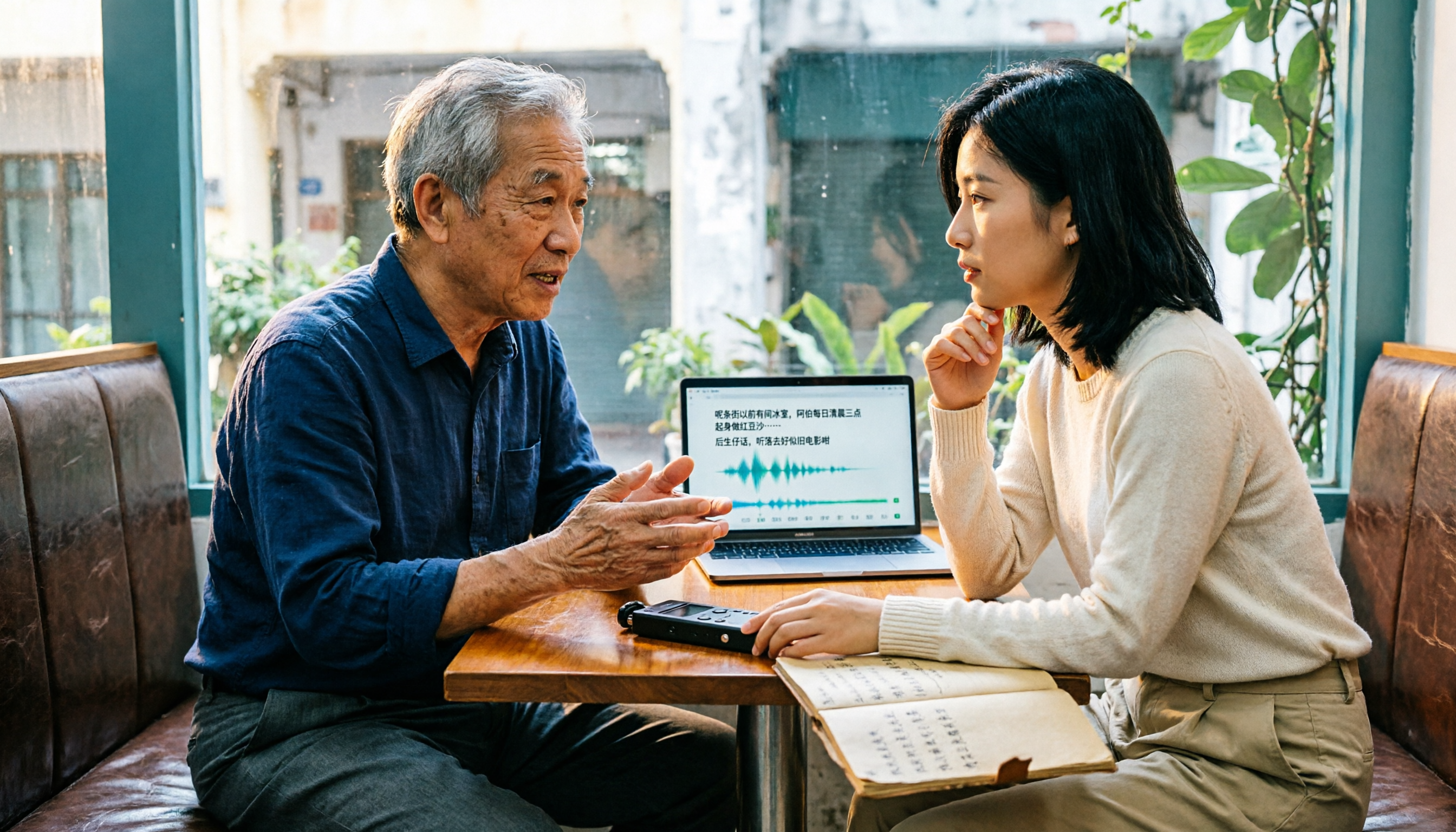
Last semester, we had a Hong Kong classmate in our project group. He spoke fast during discussions, and I tried to take notes while listening, but afterward I only remembered "we need to schedule an interview"—all other details vanished. The second time, I recorded the whole thing—but a 90-minute file before finals was torture to review, and I still couldn't find the part about "who's responsible for the questionnaire."
What's worse, I tried several free apps, but the output either couldn't distinguish speakers, had no punctuation, or turned mixed Chinese-English into gibberish. That's when I realized I didn't need "a website that turns audio into text"—I needed "data I can directly use for notes, conclusions, and task assignments." If you've been there, this article is for you.
4 key points to understand before choosing a free Cantonese transcription tool
1. Cantonese recognition isn't just "supports Chinese" Many tools say "supports Chinese," but actually only work for standard Chinese and fail with Cantonese accents or mixed Chinese-English. My approach: test with a real recording of your own group discussion, not official samples. If recognition works, then import into Tinrec for further organization—it saves a lot of time.
2. Is the free quota truly free, or bait? Some apps are free for the first 15 minutes, then ask for a subscription when you export; others are "free trials" that auto-charge on the third day. When checking free plans, I confirm three things: can you export, is the summary feature locked, and do you need to bind a credit card. Tinrec has a free version with basic quota—check the official website for actual minutes and benefits—at least it lets you test a real recording.
3. After transcription, can it help you organize? A tool that only gives transcripts turns "typing what you hear" into "typing what you see." I look for AI summaries, chapters, action item extraction, and ideally the ability to ask: "Who mentioned the budget last meeting?" Tinrec's post-meeting workflow is the smoothest I've used.
4. Cross-platform and group collaboration Student scenarios are realistic: record on phone, organize on computer, share with group. If a tool is single-platform, you'll suffer. Tinrec has iOS, Android, web, and desktop; the team version has independent team spaces, member roles, and seat management—great for project groups to centralize materials.
Tinrec (Miao Ting Lu Yin)—my main tool for post-meeting organization
Bottom line: Tinrec isn't just "audio to text"; it turns meetings into searchable, collaborative, actionable data. My usage:
During online group discussions, I use Tinrec desktop to record computer system audio directly. It doesn't need to pull a meeting bot into Google Meet or Zoom—crucial for student groups. Last time I used another bot, the teacher asked, "Who is this Bot?" For offline discussions or class recordings, I use real-time recording or upload audio files, transcribing as I record, so no need to re-listen afterward.
After transcription, AI generates summaries, chapters, and action items. My favorite is asking AI directly: "Who's responsible for the questionnaire? What's the deadline?" It finds answers from the transcript, saving me from Ctrl+F searching. This saves huge time for final projects, because our group meetings are chaotic with everyone talking over each other, and handwritten notes never capture everything. Finally, I export organized content to Google Docs or Notion, directly becoming project report material.
Stop organizing recordings by hand
Upload audio or video and automatically get a transcript, summary, and action items
Tinrec also supports real-time translation, with original, translated, or bilingual views; if your group has international exchange students, it reduces back-and-forth confirmation during meetings. The team version centralizes meeting data in a team space: admins can manage roles, seats, usage, and audits; members without seats can still view and play team data but cannot upload or edit. Our project group used the eligible 7-day team trial, which had only 1 free seat and 300 minutes shared import quota; later we discussed whether to pay. Prices and benefits are subject to the official website.
Honestly, there are limitations: the free version has limited quota—if you record every class and meet weekly, you'll eventually hit a paywall. Also, Tinrec is positioned for Chinese and multilingual meeting notes; if your recording is pure Cantonese, I suggest uploading a test clip with the free version first to confirm recognition matches your accent and recording quality before moving a whole semester's recordings in. AI summaries may also miss details; I still cross-check important conclusions against the transcript.
I didn't do rigorous error-rate statistics; I only did subjective tests with my own 8-minute group discussion recording, using the same clip for each tool. In terms of "can it directly produce usable notes after a meeting," Tinrec is currently my most-used tool.
Besides Tinrec, these 2 free options are worth trying
I actually found Subanana first, then played with Google AI Studio, and finally made Tinrec my main tool. These two aren't unusable—it depends on your needs.
Subanana: An online tool focused on Cantonese speech-to-text. You can upload recordings, videos, or paste YouTube links; it separates speakers, adds punctuation, and offers colloquial or written style. Each file's first 15 minutes can be previewed for free. If you just need a quick fix for a short Cantonese recording, try it. But it lacks Tinrec's team space, member seat management, and unlike Tinrec desktop, it can't directly record computer meeting audio; long files still require payment.
Google AI Studio (Gemini): If you're willing to operate manually, Gemini's Cantonese recognition is decent, truly free, supports long content, and you can directly ask it to summarize the transcript. Downsides: you write prompts yourself, manage files yourself, no team space or seat management, and no ready-made meeting summary, chapter, or action item templates like Tinrec. Suitable for those who like to tinker with AI.
Pitfall guide: 3 most common traps in free Cantonese transcription
Trap 1: Treating "supports Chinese" as "supports Cantonese." Many tools' Chinese models are for standard Chinese and fail with Cantonese accents. Correct approach: test with your own recording, don't just read "supports Chinese" on the website.
Trap 2: Only looking at free minutes, ignoring export and feature locks. Some tools don't allow export after free transcription, or charge extra for summaries. When checking free plans, first confirm you can take the transcript with you.
Trap 3: Only transcribing, not organizing afterward. A 90-minute transcript still requires you to read from the start. Instead, use a tool with AI summaries, action items, and Q&A to let AI find the key points. This is the main reason I stuck with Tinrec.
Conclusion: How to choose a free plan? First ask if you want "text" or "usable meeting data"
If you just want a transcript of a short Cantonese recording, Subanana's first 15-minute free preview can help; if you want to manually play with AI completely free, Google AI Studio is an option. But if, like me, you're handling classes, group discussions, project meetings, and need to take notes, find conclusions, and assign tasks afterward, I'd suggest using Tinrec's free version to run a test with your own recording first.
Our project group later divided work like this: use Tinrec to record discussions, transcribe, generate summaries and action items, then put data into the team space for sharing. If it's just a small project with two or three people, the personal free version is enough; when data volume really grows, consider the team version. Don't rush to pay—test a real recording with the free quota, and upgrade only when you feel post-meeting organization truly saves time.
References
- Free Cantonese Speech-to-Text App 2026 | Subanana
- "Free + Cantonese OK: How to Use Google AI Studio to Turn Your Recording into Text" Finding a good transcript app is painful; I don't know if you've tried different audio-to-text apps—either fake free, charging a big price after a few dozen minutes, or only supporting English, not Cantonese, or requiring a whole API setup. // Recently I found Google Gemini is world-class in this area: - [Truly free] No subscription after a few uses - [Cantonese friendly] Gemini accurate
- Online AI Speech, Video, Audio File Auto-Transcription - Free Trial - cSubtitle
- 2026 6 Free Online Cantonese Speech-to-Text Tools: Accurately Generate Transcripts - Miao Ting Lu Yin Blog
- 2026 Latest 4 Cantonese Speech-to-Text Tools: Solving Mixed Chinese-English and Meeting Notes Pain Points - Miao Ting Lu Yin Blog
Turn every recording into actionable outcomes
Get 60 free transcription minutes when you sign in. No credit card required.
Related Reading
You might also like

Google Meet India Pricing in 2026: 4 Workspace Plans Compared and How to Choose a Meeting Notes Tool
Google Meet isn't sold separately in India; pricing is tied to Google Workspace plans, with the entry-level plan at about ₹99/user/month plus 18% GST. This article first explains the differences and limitations of the four plans, then discusses why most people still lack meeting notes even after buying a video plan, and how Tinrec fills the post-meeting organization gap.

2026 Google Meet Recording Options Compared: Tinrec's No-Bot Recording and Post-Meeting Workflow
We break down Google Meet purchase plans and free version limits, and compare three recording approaches: Google Meet built-in recording, Workspace Gemini notes, and Tinrec. If you need Chinese transcripts, AI Q&A, action item extraction, and team knowledge retention, Tinrec is a more focused choice for post-meeting workflows.

Google Meet vs Zoom in 2026: 3 Mistakes That Lead to the Wrong Choice
Google Meet or Zoom? This article breaks down three common mistakes from a procurement perspective, comparing Google Workspace integration, free plan limits, post-meeting organization, and actual pricing. It also explains how to use Tinrec to turn meeting recordings into searchable team data.

4 Google Meet Meeting Notes Tools Tested in 2026: Which One Can Actually Retrieve Your Recent Meetings?
Google Meet doesn't have a 'recent meetings' list that regular users can check—only Workspace admins can see the history. This article starts from that real pain point and compares four approaches: Tinrec, Otter.ai, Granola, and Notta. It outlines the most time-saving ways to retrieve recent meeting content and highlights the three most common pitfalls.

Google Meet Recording in 2026: 4 Meeting Notes Solutions Compared Before You Subscribe
Google Meet doesn't have a standalone subscription; paid versions are bundled with Google Workspace or Google One. Starting from the actual search intent of "google meet purchase," this article first clarifies the purchase structure and free version limitations, then compares Google Meet built-in, Tinrec, Otter.ai, and Notta across 4 key points regarding meeting notes and post-meeting organization, and finally provides scenario-based selection advice and 4 common pitfalls to avoid.
5 Free Cantonese Speech-to-Text Tools Tested for 2026: Which Offers the Best Free Tier and Cantonese Accuracy?
A comparison of five free or trial-based speech-to-text solutions that handle Cantonese audio, including Tinrec, cSubtitle, Subanana, Google AI Studio (Gemini), and Notta. We detail free quotas, Cantonese support, output formats, and ideal use cases to help you choose based on budget and post-meeting needs.

4 Cantonese Speech-to-Text Apps Tested for 2026: Which Free Tier Is Actually Enough?
Searching for 'Cantonese speech to text free' and downloading a bunch of apps, only to end up typing transcripts manually? The problem isn't free—it's the limits of free. We tested Tinrec, Subanana, cSubtitle, and Notely Voice with the same Cantonese meeting recording containing mixed Chinese and English, comparing their free rules, Cantonese recognition, output formats, and post-meeting usability. Plus, we cover 3 common pitfalls to help you complete a full task without spending money.

2026 Comparison of 2 Cantonese Speech-to-Text Apps: Tinrec vs Plaud Note — Which Is More Worth Recommending?
This article compares Tinrec and Plaud Note across 5 dimensions—Cantonese meetings, post-meeting organization, team collaboration, and cost barriers—to help you decide between a software workflow and a portable hardware recorder, with practical testing suggestions.

2026 Comparison of 5 Cantonese Speech-to-Text Apps: Which Free Tier Is Most Usable?
There are many free Cantonese speech-to-text apps, but the boundaries of 'free' vary widely. This article uses a real meeting recording workflow to compare the free tiers and post-meeting processing capabilities of Tinrec, Subanana, cSubtitle, Notely Voice, and other options. It outlines 3 key purchasing criteria and 4 common pitfalls, and provides clear recommendations based on short files, long meetings, and team collaboration.