

Turn recordings into transcripts and summaries in minutes
Upload audio or video for multilingual transcription, AI notes, and action items
That Cantonese Recording from Friday at 4 PM
You have a 38-minute Cantonese meeting recording, and the meeting minutes are due tomorrow morning.
Most people searching for "Cantonese speech to text" are in exactly this situation: they're not looking to study AI technology—they urgently need an editable transcript.
I tested four common options, and here's the bottom line: the real dilemma comes down to Tinrec and Subanana.
Tinrec vs Subanana: Quick Overview
Tinrec is an AI meeting notes and collaboration tool for individuals and teams. It doesn't just convert speech to text; it also organizes it into summaries, chapters, and action items. You can ask follow-up questions, export, and store everything in a team space.
Subanana is an online speech-to-text tool built for Cantonese. Upload audio or video files, paste a public link, and AI outputs a speaker-labeled, punctuated transcript. You can choose between colloquial or written Chinese.
Among the four tools compared here, Google Docs and Google Keep's free voice typing are suitable for short, real-time dictation and don't support audio file uploads. Yating is primarily app-based, with a mobile-first workflow. Both have their users, but for long meeting recordings, most people end up torn between Tinrec and Subanana—so the focus below is on these two.
| Item | Tinrec | Subanana |
|---|---|---|
| Positioning | AI meeting notes and team collaboration | Cantonese speech to text |
| Input methods | Live recording, desktop system audio capture for online meetings (no bot), audio/video files, mobile, some web links | Upload audio or video, paste public link, browser recording |
| Free tier | Free version offers basic quota to try recording, import, summaries, and transcription | Free account previews first 15 minutes of each file; export is a paid feature |
| Export | Multiple formats, can send to Notion, Google Docs, OneNote, Dropbox | SRT, VTT, TXT, DOCX, XLSX, Markdown |
| Team capabilities | Team spaces, roles, seats, usage, audit, recycle bin, hotwords | Primarily single-file transcription workflow |
On pricing, Tinrec's personal plan includes a free version, weekly pass, Pro monthly, and Pro annual—choose based on usage frequency. Team plan is USD 29.80 per paid seat per month, or USD 199 per paid seat per year (about USD 16.58/month). Subanana's plan prices are subject to its official website.
Dimension 1: How Does Online Meeting Audio Get into the Software?
Subanana's workflow is to upload a file, paste a link, or record directly in the browser. During a meeting, you need to open a separate tab to record, or upload the recording afterward. If your meeting is on Zoom, Meet, or Teams, there's an extra step of "saving the audio first."
Tinrec's desktop version directly captures computer system audio, handling online meetings on Zoom, Google Meet, Microsoft Teams, Webex, etc., without needing a meeting bot to join as a participant, and without downloading the recording from the platform first. It also supports live transcription, so you can see the transcript grow as the meeting happens.
Note that Tinrec is not a bot that automatically joins all calendar meetings—you need to open the desktop app and start recording yourself.
→ This dimension: For those who mainly meet on computers and want to skip the save-then-upload step, Tinrec is clearly smoother.
Dimension 2: After Transcription, Can You Skip a Round of Organizing?
Subanana does a thorough job of "turning Cantonese into a clean transcript": speaker-labeled, punctuated, with a choice of colloquial or written output, plus AI summaries, the ability to ask questions about the recording, and custom vocabulary lists.
Tinrec focuses on what comes after transcription: automatically generating summaries, chapters, key points, and action items, producing mind maps, AI Q&A around meeting content, and using an Agent to further generate reports, tables, and documents.
Here's a practical difference: Subanana gives you a transcript you can read; Tinrec gives you material you can read, query, break into action items, and hand off directly.
→ This dimension: Tinrec wins on depth of post-meeting organization.
Dimension 3: Export and Integration with Your Existing Workflow
Subanana offers a solid set of export formats: SRT, VTT, TXT, DOCX, XLSX, Markdown—handy for subtitles.
Tinrec also supports multiple export formats and can send results directly to Notion, Google Docs, OneNote, Dropbox, and other tools for further processing.
→ This dimension: Tie. For subtitle-focused work, Subanana is convenient; for moving content into note-taking or document systems, Tinrec saves a few steps.
Stop organizing recordings by hand
Upload audio or video and automatically get a transcript, summary, and action items
Dimension 4: A Personal Tool or a Team Database?
Subanana is designed around single files: upload, preview, output. It's intuitive for individual users, with no extra configuration.
Tinrec's team plan is a separate team space where meeting data belongs to the team, not the uploader's personal account. Roles (Owner, Admin, Member) determine who can manage the team, and seats determine who can record, upload, edit, and export—these are two separate concepts.
Members who are active but have no seat can still view, play, and read team data, but cannot upload, edit, or export. The team plan also includes team hotwords, usage analytics, audit logs, and a 30-day audio recycle bin. When a member leaves or is removed, their resources need to be handed over to other members.
→ This dimension: If meeting data is shared among multiple people and requires handover and traceability, Tinrec's team capabilities are a decisive difference.
Dimension 5: How to Make the Most of Free Tiers
Subanana's free account requires no credit card and lets you upload and preview the first 15 minutes of transcription per file; export is a paid feature. 15 minutes is enough for a short interview but not quite enough for a one-hour meeting.
Tinrec's free version provides a basic quota to try recording, import, summaries, and transcription.
Honestly, there's no absolute answer here, because Cantonese recognition performance depends heavily on recording quality, accent, degree of mixed Chinese-English, and whether multiple people speak at once. Others' test results have limited reference value.
→ This dimension: Tie. The key is to test with your own recordings, not to look at specs.
What Are the Unique Advantages of Each?
Tinrec's unique advantages
- No-bot online meeting recording: desktop version captures system audio, no extra bot hanging in the meeting.
- Complete post-meeting workflow: summaries, chapters, action items, mind maps, AI Q&A, and Agent-generated reports and tables.
- Live translation and bilingual view: for cross-language meetings, you can see original and translation side by side.
- Team governance: spaces, roles, seats, usage, audit, recycle bin, hotwords—all in one place.
Subanana's unique advantages
- Cantonese-centric design: four output combinations of colloquial/written and traditional/simplified, with mixed Chinese-English terms preserved as-is.
- Free preview of first 15 minutes per file, complete subtitle file output—great for YouTubers adding subtitles.
Conclusion: Which One Should You Choose?
- If your meetings are on Zoom, Meet, or Teams and you don't want an extra bot joining → Tinrec (desktop captures system audio directly)
- If you want more than a transcript—summaries, chapters, and action items ready to go → Tinrec (post-meeting organization is its strong suit)
- If meeting data needs to be shared among multiple people, with member turnover and handover/usage records → Tinrec (team space + roles + seats + audit)
- If you need live translation and bilingual comparison for cross-language meetings → Tinrec (supports live translation)
- If you just need a clean Cantonese transcript, value colloquial-to-written conversion and subtitle files, and mainly process single files → Subanana is sufficient
In short, for most people who use recordings all the way through to "submitting reports, sending action items, and storing team data," Tinrec is the more complete choice.
Don't rush to pay. Use Tinrec's free tier basic quota, pick your toughest Cantonese recording—the kind with mixed Chinese-English, multiple people interrupting, and background noise—and test it once. See if you can accept the output before deciding to go further.
FAQ
Q1: Is Tinrec's Cantonese transcription accurate?
Tinrec covers Chinese, Traditional Chinese, and multilingual meeting scenarios, and supports live translation and team hotwords. However, actual performance is affected by recording quality, accent, background noise, overlapping speakers, and technical terminology. I don't recommend relying on a single accuracy number from others. The most practical approach is to test with your own recording.
Q2: Is there completely free Cantonese speech-to-text software?
Google Docs and Google Keep offer free voice typing, but they're only suitable for short phrases and real-time dictation, and don't support audio file uploads. For long recordings, try tools with free tiers first, such as Tinrec's free version or Subanana's 15-minute preview.
Q3: Does Tinrec need a meeting bot to join the meeting?
No. Tinrec's desktop version captures computer system audio to record online meetings, without an extra participant. But it's a "you start recording" model, not automatic joining of all calendar meetings.
Q4: What's the difference between Tinrec's team plan and personal plan?
Personal plan data is managed under your personal account. The team plan is a separate team space where data belongs to the team, with additional member invitations, role and seat management, shared import benefits, usage analytics, audit logs, team hotwords, and audio recycle bin.
Q5: Can team members without a seat see meeting data?
They can view, play, and read team data, but cannot perform resource usage operations such as upload, edit, import, or export. Currently, the team plan is primarily team-level sharing, not file-level granular permissions.
Q6: What should I pay attention to when transcribing meeting recordings?
Recording and transcription involve personal data and communication privacy. Please comply with local regulations and obtain participant consent when necessary. Also, AI transcription may still miss or mishear details; for important decisions, cross-check with recording playback and timestamps.
References
- Online AI speech, video, audio file auto-transcription - free trial - cSubtitle
- Tested 4 best online speech-to-text tools, free instant audio-to-transcript
- Yating Transcription
- 2026 Latest 4 Cantonese Speech-to-Text Tools: Solving Mixed Chinese-English and Meeting Notes Pain Points - Tinrec Blog
- Free Cantonese Speech-to-Text App 2026 | Subanana
Turn every recording into actionable outcomes
Get 60 free transcription minutes when you sign in. No credit card required.
Related Reading
You might also like
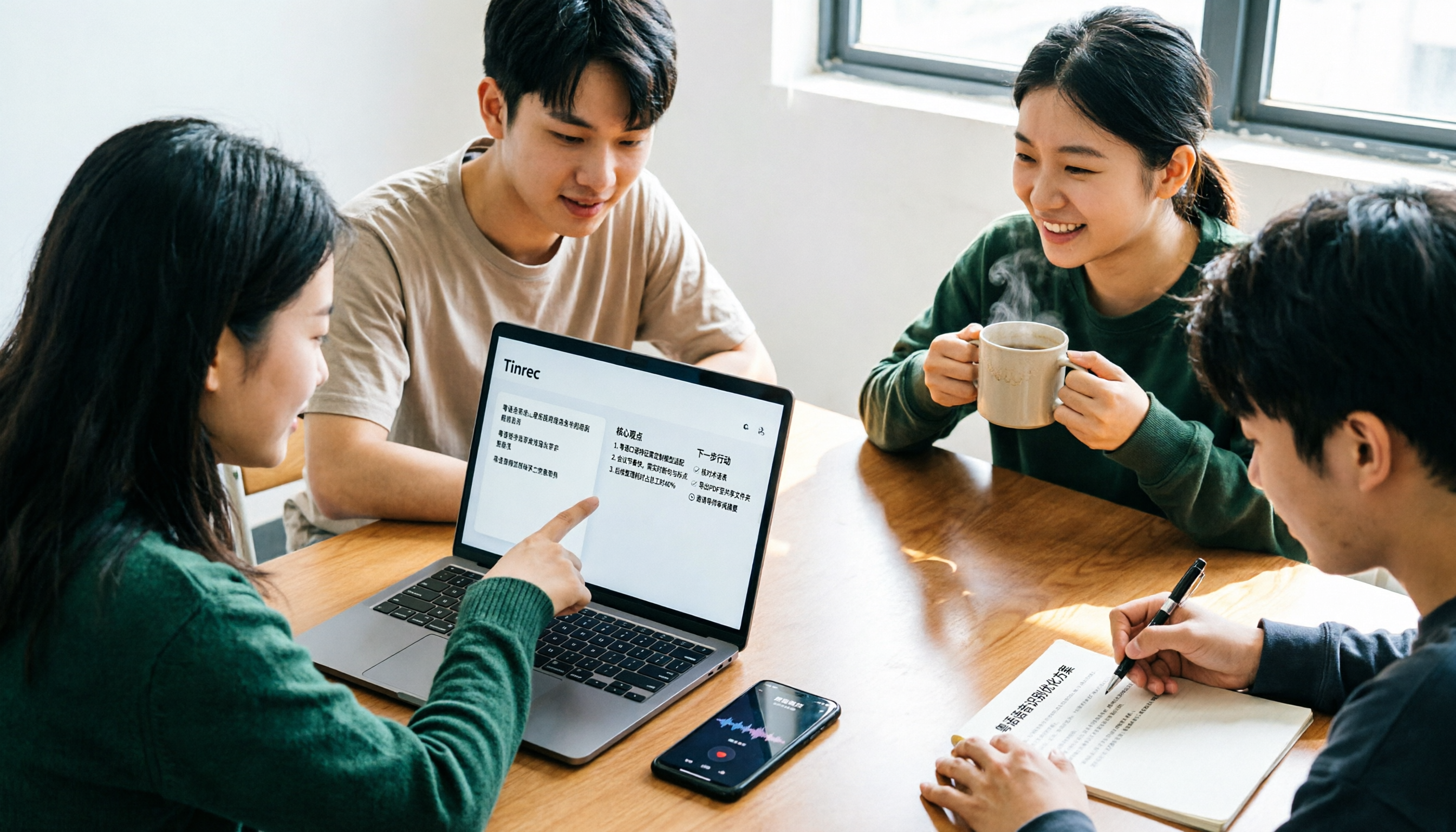
2026 Free Cantonese Speech-to-Text Guide: 3 Steps to Pick the Right Tool + Tinrec Post-Meeting Workflow
I used to think any free tool would do, but Cantonese recordings came out as gibberish. Based on a student group discussion, this guide covers 3 steps to choose a tool, 2 free alternatives, and my experience using Tinrec for transcripts, AI summaries, action items, and post-meeting Q&A—helping you avoid fake-free traps and poor recognition.
5 Free Cantonese Speech-to-Text Tools Tested for 2026: Which Offers the Best Free Tier and Cantonese Accuracy?
A comparison of five free or trial-based speech-to-text solutions that handle Cantonese audio, including Tinrec, cSubtitle, Subanana, Google AI Studio (Gemini), and Notta. We detail free quotas, Cantonese support, output formats, and ideal use cases to help you choose based on budget and post-meeting needs.

4 Cantonese Speech-to-Text Apps Tested for 2026: Which Free Tier Is Actually Enough?
Searching for 'Cantonese speech to text free' and downloading a bunch of apps, only to end up typing transcripts manually? The problem isn't free—it's the limits of free. We tested Tinrec, Subanana, cSubtitle, and Notely Voice with the same Cantonese meeting recording containing mixed Chinese and English, comparing their free rules, Cantonese recognition, output formats, and post-meeting usability. Plus, we cover 3 common pitfalls to help you complete a full task without spending money.

2026 Comparison of 2 Cantonese Speech-to-Text Apps: Tinrec vs Plaud Note — Which Is More Worth Recommending?
This article compares Tinrec and Plaud Note across 5 dimensions—Cantonese meetings, post-meeting organization, team collaboration, and cost barriers—to help you decide between a software workflow and a portable hardware recorder, with practical testing suggestions.

2026 Comparison of 5 Cantonese Speech-to-Text Apps: Which Free Tier Is Most Usable?
There are many free Cantonese speech-to-text apps, but the boundaries of 'free' vary widely. This article uses a real meeting recording workflow to compare the free tiers and post-meeting processing capabilities of Tinrec, Subanana, cSubtitle, Notely Voice, and other options. It outlines 3 key purchasing criteria and 4 common pitfalls, and provides clear recommendations based on short files, long meetings, and team collaboration.
4 Best Cantonese Speech-to-Text Apps in 2026: Comparison of Transcripts, Free Tiers, and Export Formats
A side-by-side comparison of four Cantonese speech-to-text apps in 2026, with an in-depth look at Tinrec and Otter.ai regarding Cantonese and mixed Chinese-English recognition, meeting capture methods, post-meeting summaries and action items, export formats, free tiers, and team collaboration, helping you choose the right tool for your scenario.

Tinrec vs Notta 2026: 5-Dimension Comparison for Cantonese Audio Transcription and Post-Meeting Organization
Compare Tinrec and Notta across 5 dimensions for Cantonese online audio transcription, post-meeting organization, and team collaboration to determine which tool better fits your workflow.

Tinrec vs Subanana 2026: 5-Dimension Comparison — Which Cantonese Audio-to-Text Tool Is Better for Teams?
The biggest headache in Cantonese meetings is mixed Chinese-English speech and post-meeting organization. This article compares two online transcription tools, Tinrec and Subanana, across five dimensions: input method, mixed Chinese-English handling, post-meeting organization, team collaboration, and pricing. It also includes a pitfalls guide and scenario-based selection advice to help you determine which tool suits your meeting style.

2026 Comparison of 3 Free Cantonese Speech-to-Text Tools: Which Is Best for Cantonese Transcripts and Post-Meeting Organization?
A hands-on comparison of three free Cantonese speech-to-text tools in 2026, evaluating Tinrec, Subanana, and cSubtitle across five dimensions: free quota, Cantonese and mixed Chinese-English recognition, post-meeting organization, online meeting support, and team collaboration. Practical selection advice is provided from the perspective of a mid-level manager.