

Turn recordings into transcripts and summaries in minutes
Upload audio or video for multilingual transcription, AI notes, and action items
6 Cantonese Speech-to-Text Tools Tested for 2026: Which Handles Mixed Chinese-English and Colloquial Transcripts Best?
Why Do You Need Cantonese Speech-to-Text?
After a two-hour meeting, the recording sits on your phone, and you only remember "someone mentioned a deadline" but not at which minute. In such cases, the cost of re-listening is often higher than the meeting itself.
Cantonese poses additional challenges. There is a gap between spoken and written language, and the mixed Chinese-English common in Hong Kong and Taiwan workplaces (deadline, presentation, follow up) often trips up general speech recognition. It is said that manually transcribing 60 minutes of recording takes an average of 3 to 4 hours.
This article covers 6 Cantonese speech-to-text solutions, from AI meeting notes to completely free online dictation, so you can pick one to start with based on your needs.
Tinrec — The Most Complete AI Meeting Notes and Team Collaboration Tool
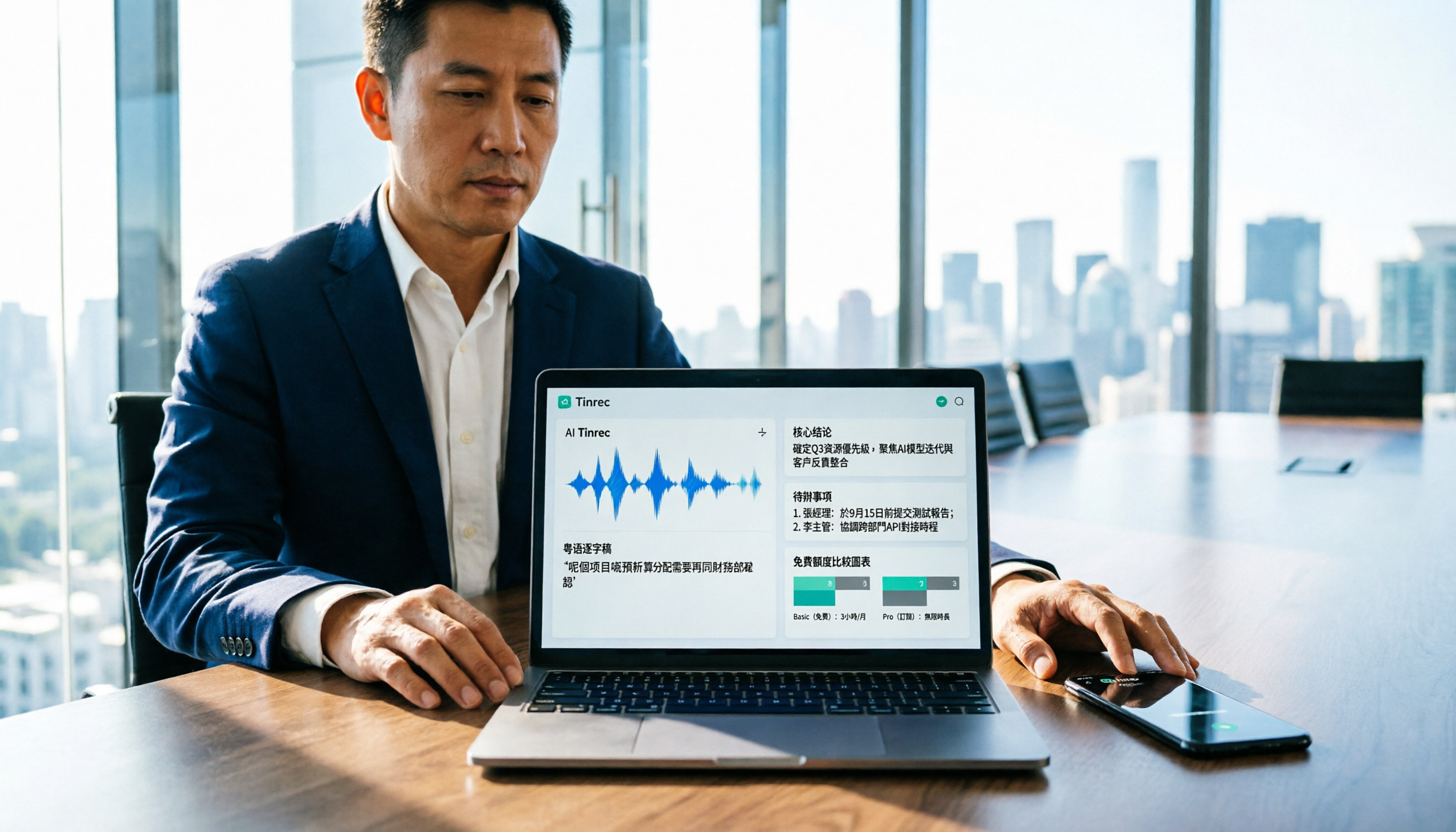
Tinrec is an AI meeting notes and collaboration tool for individuals and teams. Its positioning is not just converting sound to text, but turning meetings into searchable, queryable, and deliverable data.
Here are the most practical aspects I found:
Record online meetings without a meeting bot. The desktop version directly captures computer system audio, so when dealing with Zoom, Google Meet, Microsoft Teams, Webex, etc., you don't need to invite a bot as a participant. For those pulled into meetings last minute, this is very convenient.
The real value comes after transcription. It automatically generates summaries, chapters, key points, and action items, and can answer AI questions about the meeting content, such as "what was decided in this meeting" or "what concerns did the client mention." When you need to submit a report, it can further generate documents, tables, and meeting minutes.
Mixed Chinese-English and multilingual support. It supports Chinese, Traditional Chinese, and multilingual meeting scenarios. During recording, you can view the original text, translation, or bilingual comparison. Teams can also maintain a glossary to improve recognition of product names and proper nouns. Actual performance is still affected by recording quality, accent, noise, and multiple people speaking at once; it is recommended to double-check key content against the original audio.
The team version keeps data within the team. Meeting data belongs to the team and can be handed over when members change. Admins can manage roles and seats, view usage trends and details, query and export audit logs, and there is an audio recycle bin. Note that "roles" govern management, while "seats" govern usage rights. Members without a seat can still view and play team data but cannot upload, edit, or export.
For plans, the personal version offers a free version, weekly pass, Pro monthly, and Pro annual, so you can choose based on usage frequency. The team version is USD 29.80 per paid seat per month, or USD 199 per paid seat per year (about USD 16.58 per month), with each paid seat providing 2,000 minutes of shared team import quota per month; under an active team plan, live recording is currently not deducted by minutes, while file and link imports use the shared team quota. Eligible teams can try 7 days, 1 free seat, and 300 minutes of shared import quota for the first time. Prices and benefits are subject to the official purchase page.
Who it's for: Those who need Chinese and mixed Chinese-English meeting notes, want to handle transcripts and post-meeting organization in one go, or want to turn meeting data into team assets.
Subanana — Cantonese Transcript and Subtitle-Oriented
Subanana focuses on Cantonese speech-to-text. The official claim is 98% accuracy, with output options for spoken or written language, Traditional or Simplified Chinese, totaling 4 combinations, and it handles mixed Chinese-English as well. You can upload audio files, videos, or paste YouTube links to transcribe, and the results automatically separate speakers and add punctuation.
It leans more toward subtitle and transcript workflows, supporting SRT, VTT, TXT, DOCX, XLSX, Markdown export, as well as custom vocabulary lists, find and replace, waveform timeline, AI summaries, and meeting templates. The first 15 minutes of each file can be previewed for free.
The official also candidly warns: it won't edit out content for you, and accuracy drops in noisy environments or when multiple people speak at once. It is recommended to test your own recording with the free preview first.
Who it's for: Those who need Cantonese subtitle files, want to switch between spoken and written language, or often work with YouTube videos.
Good Tape — Simply Convert Recordings to Text
Good Tape's positioning is simpler: it's a transcription tool. If you already have a recording and just need a transcript, the workflow is relatively straightforward, without having to learn a whole meeting management interface first.
Stop organizing recordings by hand
Upload audio or video and automatically get a transcript, summary, and action items
It works well as a first stop to "turn content into text," and subsequent summarization, organization, or team sharing can be handled by other tools or yourself.
Who it's for: Those who only need a transcript and don't want to be distracted by a bunch of features.
SoundType AI — Multilingual Dictation App
SoundType AI is an app-based speech-to-text tool supporting over 90 languages. It generates transcripts and AI summaries and features speaker identification, suitable for meetings, interviews, and podcasts.
In Google Play reviews, some users mentioned that Cantonese conversion success rate is about 85–90%, and reflected that speaker count identification and sentence segmentation could be more precise; some also felt the trial period was short. The official reply stated that the new model has improved the issue of irrelevant information mixing in, and segmentation and speaker identification are continuously being adjusted. Such feedback is worth verifying during your trial.
Who it's for: Those who primarily use mobile and need multilingual dictation and summaries.
Speechnotes — Free Online Cantonese Dictation Notepad
Speechnotes offers an online speech-to-text notepad for Hong Kong-style Cantonese, usable right in the browser, suitable for temporary, short dictation. It also provides punctuation cleanup, converting half-width punctuation to full-width, and correcting the use of 'o' to represent Cantonese characters into single characters, which is thoughtful for organizing Cantonese text drafts.
It is more of a real-time dictation tool than a meeting notes system; organizing and exporting long meetings still requires manual work.
Who it's for: Those looking for a zero-cost, ready-to-use dictation tool.
Google Built-in Voice Input and Meeting Transcription — No-Install Starter Option
If you don't want to install another tool at all, Google's voice input and Google Meet's built-in transcription are the quickest starting points, free and no installation required.
However, based on practical experience and online discussions, Meet's built-in transcription is relatively limited in formatting, converting spoken to written language, and handling mixed Chinese-English. It can serve as a temporary solution to "get text first," but it's more challenging for formal meeting minutes.
Who it's for: Those who need it occasionally and don't want to pay or install anything.
With So Many Options, How Should You Choose?
• Want transcription plus summaries, action items, and AI Q&A all in one → Tinrec, a relatively complete choice for post-meeting workflows
• Don't want bots in online meetings and don't want to manually sync timelines afterward → Tinrec desktop's bot-free recording
• Team needs to share meeting data, manage members and usage → Tinrec team version (roles, seats, usage, audit, recycle bin)
• Need Cantonese subtitle files (SRT/VTT) and switching between spoken and written language → Subanana
• Just want a clean transcript and handle the rest yourself → Good Tape
• Mobile-first, need multilingual dictation → SoundType AI
• Zero budget, only occasional short transcriptions → Speechnotes or Google built-in features
The principle: First clarify whether you want "text" or "usable meeting data." If you just need text, free tools are enough; if you need to query, search, and submit reports, choose one with post-meeting processing capabilities.
4 Things to Know Before Using Cantonese Speech-to-Text
1. Recording quality determines half the result. The farther the microphone is from the speaker, the noisier the environment, and the more people talking at once, the more errors in recognition. Getting closer to the sound source and reducing echo usually makes a bigger difference than switching tools.
2. First confirm whether you want spoken or written language. Spoken transcripts are closer to the original words, suitable for verbatim quotes; written transcripts are easier to read, suitable for minutes. Subanana lets you choose the output format, while Tinrec organizes spoken content into summaries, chapters, and action items—these two approaches can actually be used together.
3. Test your own recording with the free quota first. Everyone's accent, technical terms, and meeting style are different; someone else's 98% is not your 98%. Subanana offers a free preview of the first 15 minutes per file, Tinrec has a free version to try, and running a segment of real recording is the most accurate test.
4. A transcript is not meeting minutes. A transcript is raw material; what you actually deliver are decisions, conclusions, and action items. Tools like Tinrec organize chapters and action items, but important numbers and commitments should still be verified against the original recording. Also, remember to inform and obtain consent from participants before recording, and comply with local regulations.
Conclusion
The barrier to Cantonese speech-to-text is much lower than a few years ago; the real difference lies in "how much work you still have to do after transcription."
If you only need a transcript, tools like Subanana and Good Tape are sufficient; if you want to get summaries and action items right after a meeting, ask follow-up questions, export reports, or even build a shared team database, then Tinrec is the most effortless one on this list. It is recommended to run a segment of your own recording with the free quota first, then decide whether to proceed.
References
- 2026 Latest 4 Cantonese Speech-to-Text Tools Recommended: Solving Mixed Chinese-English and Meeting Notes Pain Points - Tinrec Blog
- Free Cantonese Speech-to-Text App 2026 | Subanana
- SoundType AI Ultra-Precise Transcript, Speech-to-Text, AI Dictation - Google Play App
- Speechnotes | Hong Kong Cantonese | Speech to Text Online Notepad
- [Free Tool] Cantonese Speech-to-Text! Just Upload Files or YouTuber Links. Up to 96% Accuracy - YouTuber AI | Spend time on creativity, leave the AI to do the hustle work.
Turn every recording into actionable outcomes
Get 60 free transcription minutes when you sign in. No credit card required.
Related Reading
You might also like
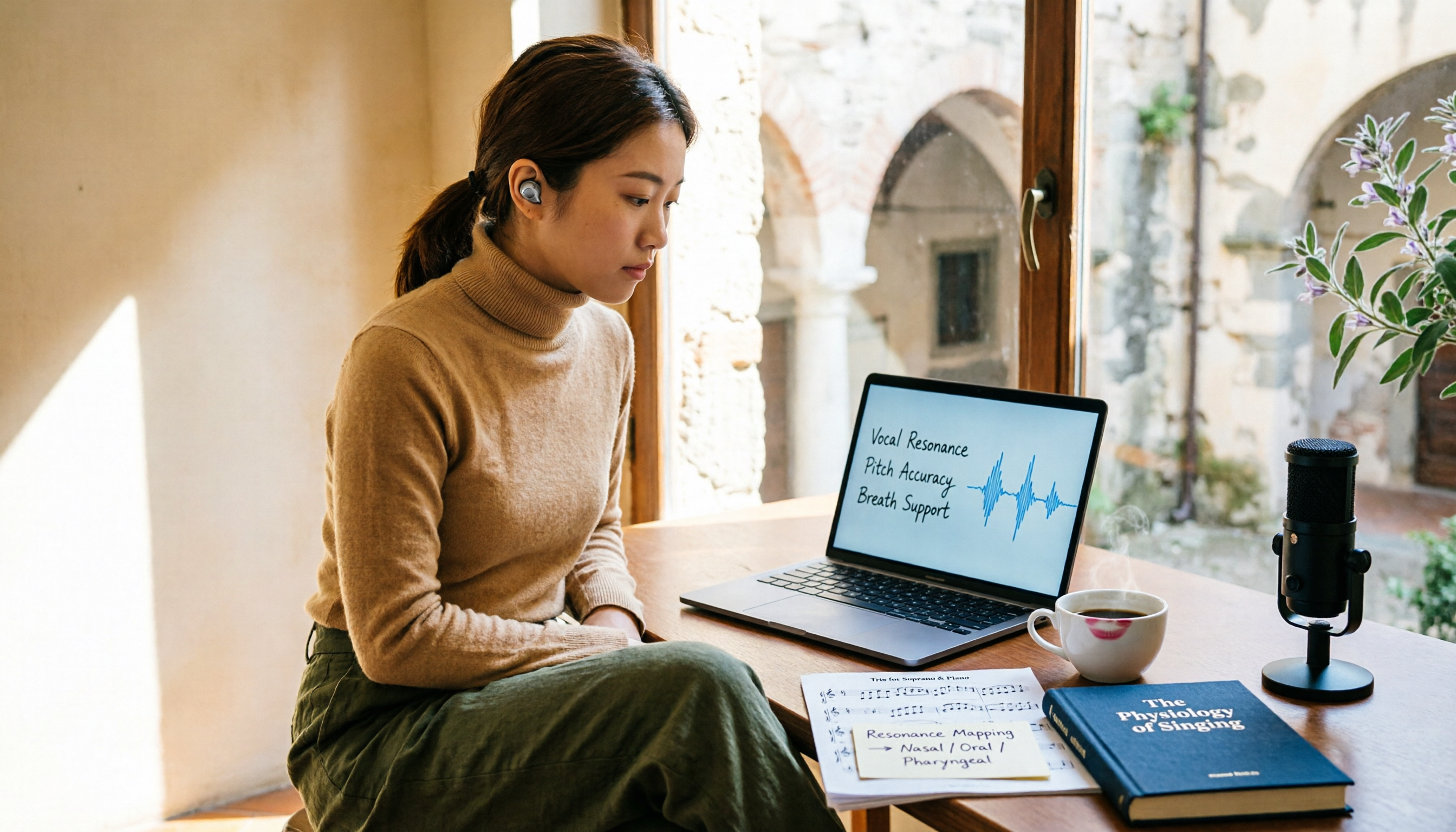
2026 Vocology Master's Programs: 5 Continuing Education Options at a Glance
If you're considering a master's in vocology in 2026, the first thing to determine is whether you want a clinical or artistic path—not which school is best. This article compiles five Italian continuing education programs: Nuova Artec, Dialogos, the University of Bologna, and Polo Nazionale Artistico, including start dates, delivery methods, and published costs. It also offers tool suggestions for organizing course notes during synchronous remote classes.

2026 Comparison of 4 Cantonese Speech-to-Text Tools: Which Handles Mixed Chinese-English and Colloquial Speech Best?
Still stuck transcribing after meetings? We tested 4 Cantonese speech-to-text tools using real Cantonese meeting and interview recordings, comparing mixed Chinese-English recognition, post-meeting summary generation, and team collaboration capabilities. We also cover key buying factors, common pitfalls, and scenario recommendations to help you find the tool that truly saves time.
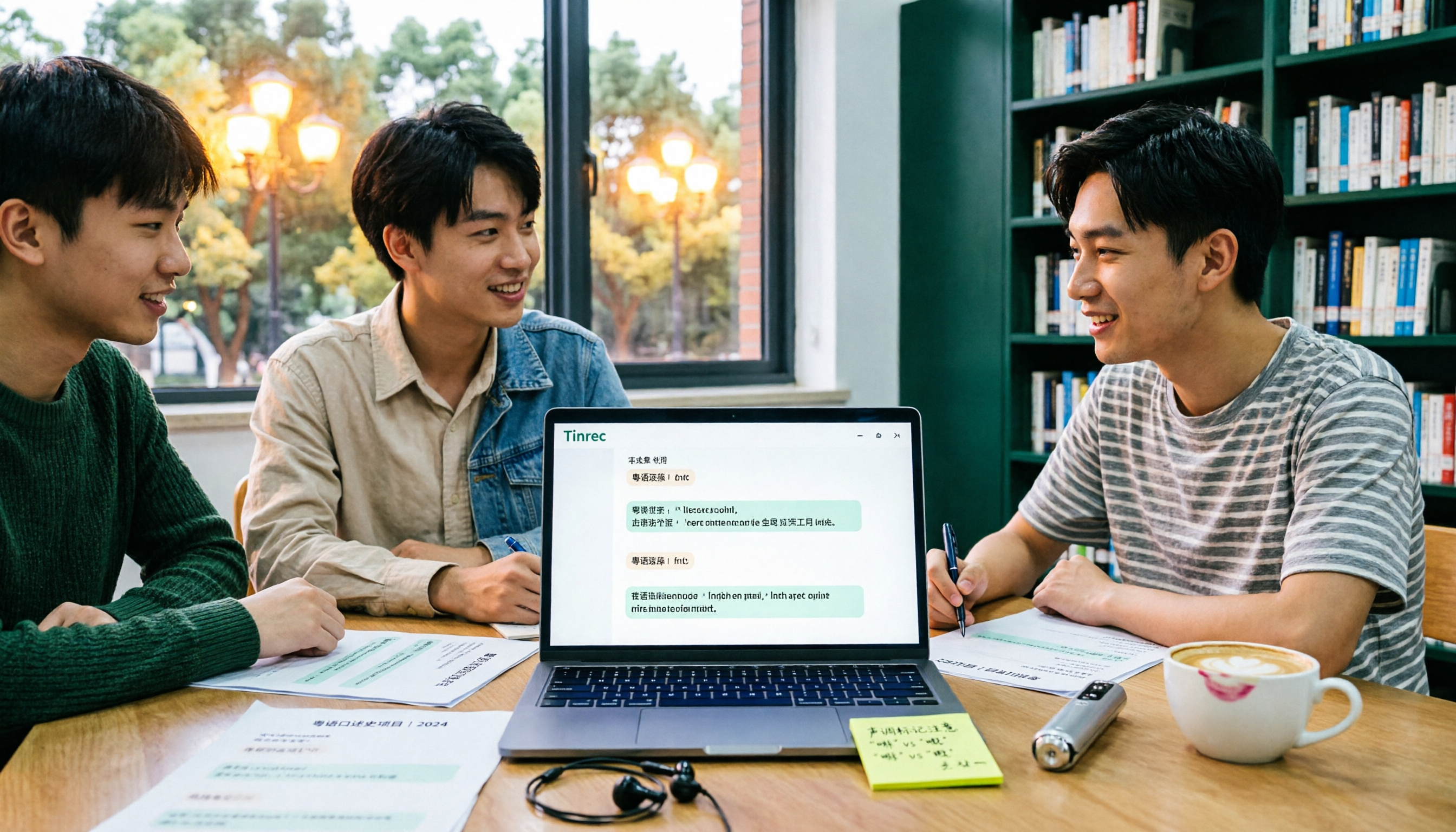
2026 Cantonese Speech-to-Text Showdown: 4 Tools Tested for Mixed Chinese-English Accuracy
I was drowning in Cantonese interview and group discussion transcripts this semester, so I tested four tools: Tinrec, Subanana, Good Tape, and Otter.ai. This comparison focuses on student budgets and campus scenarios, covering Cantonese recognition, mixed Chinese-English handling, free tiers, summaries, and export formats. I also share why I ultimately stuck with Tinrec. Ideal for college students, grad students, and anyone who needs to organize interview notes.
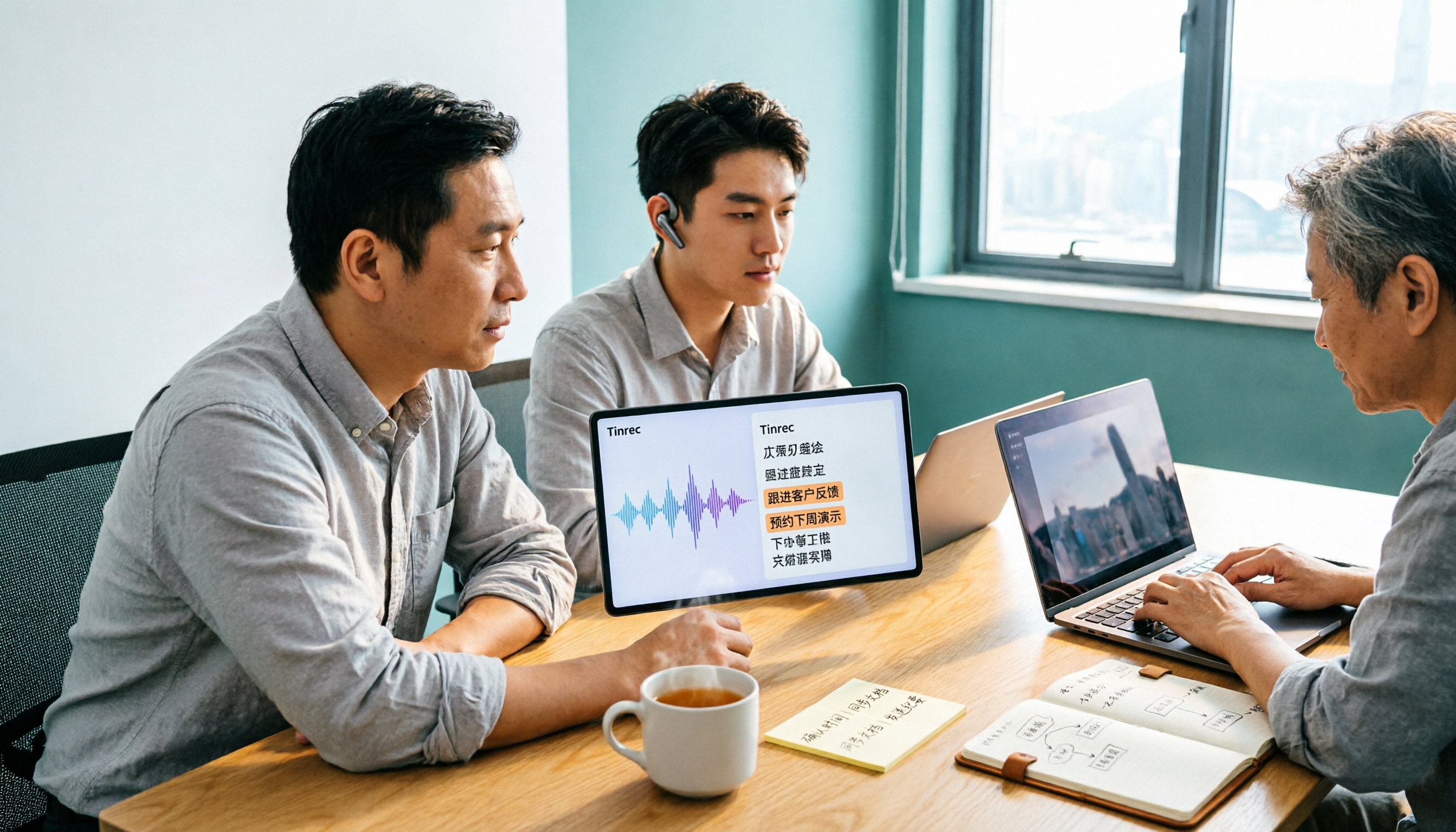
Tinrec vs Subanana 2026: 5-Dimension Comparison, Which Is Better for Cantonese Meeting Notes?
How to choose a Cantonese audio-to-text app? This article compares Tinrec and Subanana across 5 dimensions: meeting notes, subtitles, free quota, and team collaboration. It also covers 6 options including iFLYTEK, Notta, Notely Voice, and iPhone built-in transcription, helping you decide based on needs rather than price.

5 Best Cantonese Speech-to-Text Tools in 2026: Free Tiers and Mixed Chinese-English Compared
A comparison of Tinrec, Subanana, cSubtitle, Google AI Studio, and SoundType AI covering use cases, free limits, output formats, and team collaboration. Find out which free tier is enough and which handles mixed Chinese-English best before deciding whether to pay.
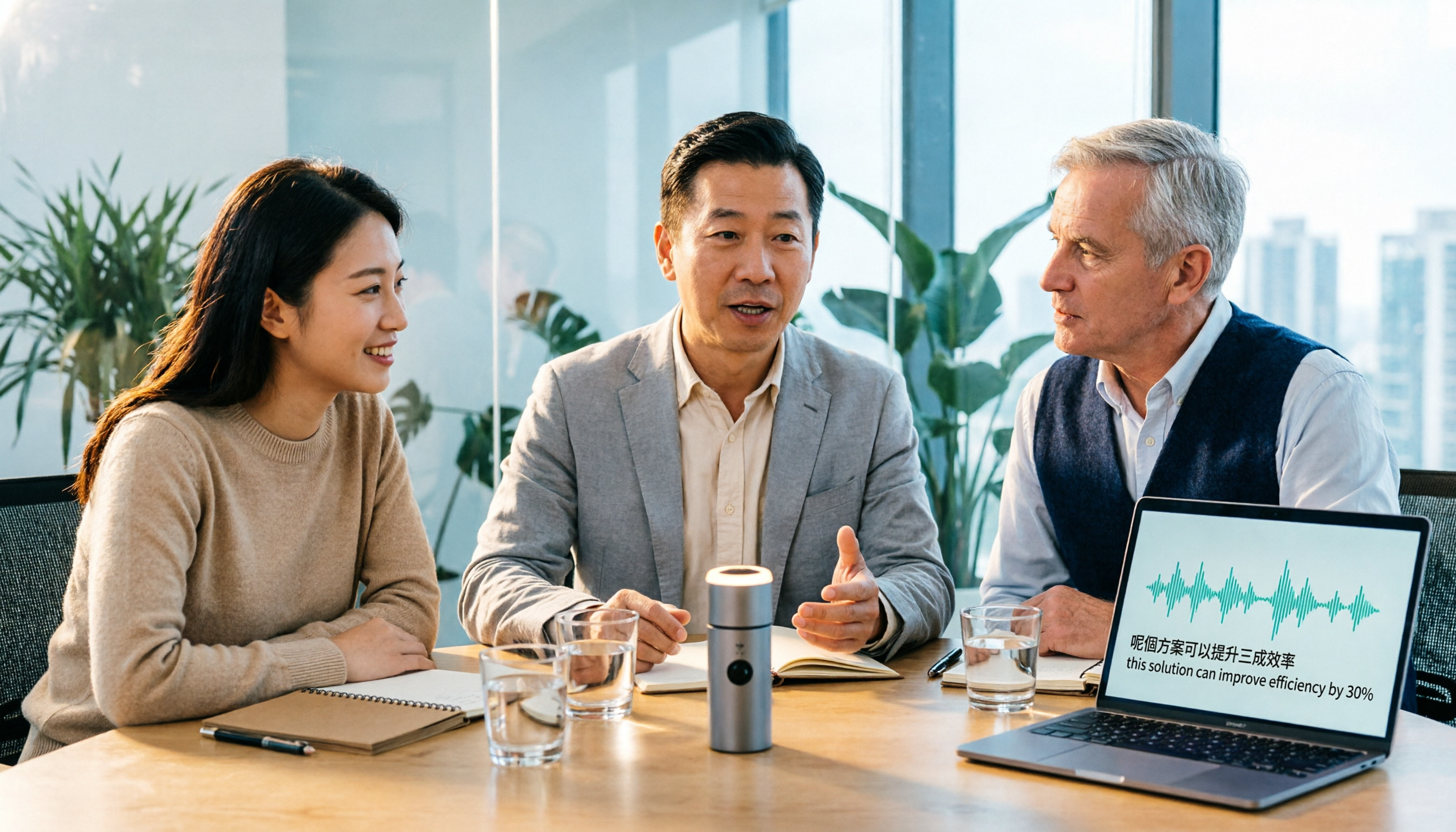
Tinrec vs Otter.ai 2026: 5-Dimension Comparison for Cantonese Meeting Transcription
How to choose a Cantonese audio-to-text tool? This article compares Tinrec and Otter.ai across 5 dimensions—mixed Chinese-English recognition, meeting capture methods, post-meeting outputs, team governance, and pricing structure—to help you decide which is better suited for your meeting and transcription needs.

2026 Comparison of 6 Cantonese Speech-to-Text Platforms: Which Is More Time-Saving for Cantonese Recognition and Meeting Organization?
A roundup of 6 tools in 2026 for Cantonese meeting notes and post-meeting organization, compared across Cantonese recognition, mixed Chinese-English, meeting summaries, free quotas, and team collaboration to help you choose the right platform for your use case.

2026 Clinical Vocology Course Guide: Tuition, Hours, and Note-Taking Methods
How to choose a 2026 clinical vocology (Vocologia Clinica) program? We compare the Nuova Artec advanced course and the university master's, covering the time commitment of 200 hours and 100 ECM credits, costs and discount eligibility, and explain how to use Tinrec to turn live online classes into searchable, reviewable transcripts and summaries.
Cantonese Audio to Text in 2026: Free Tier Comparison & AI Meeting Notes Guide
We tested 6 Cantonese audio-to-text tools in 2026, comparing free tiers, Cantonese recognition, transcript output formats, and post-meeting AI summaries and team collaboration. Includes buying tips and 4 things to know before use, helping you pick the best one.