
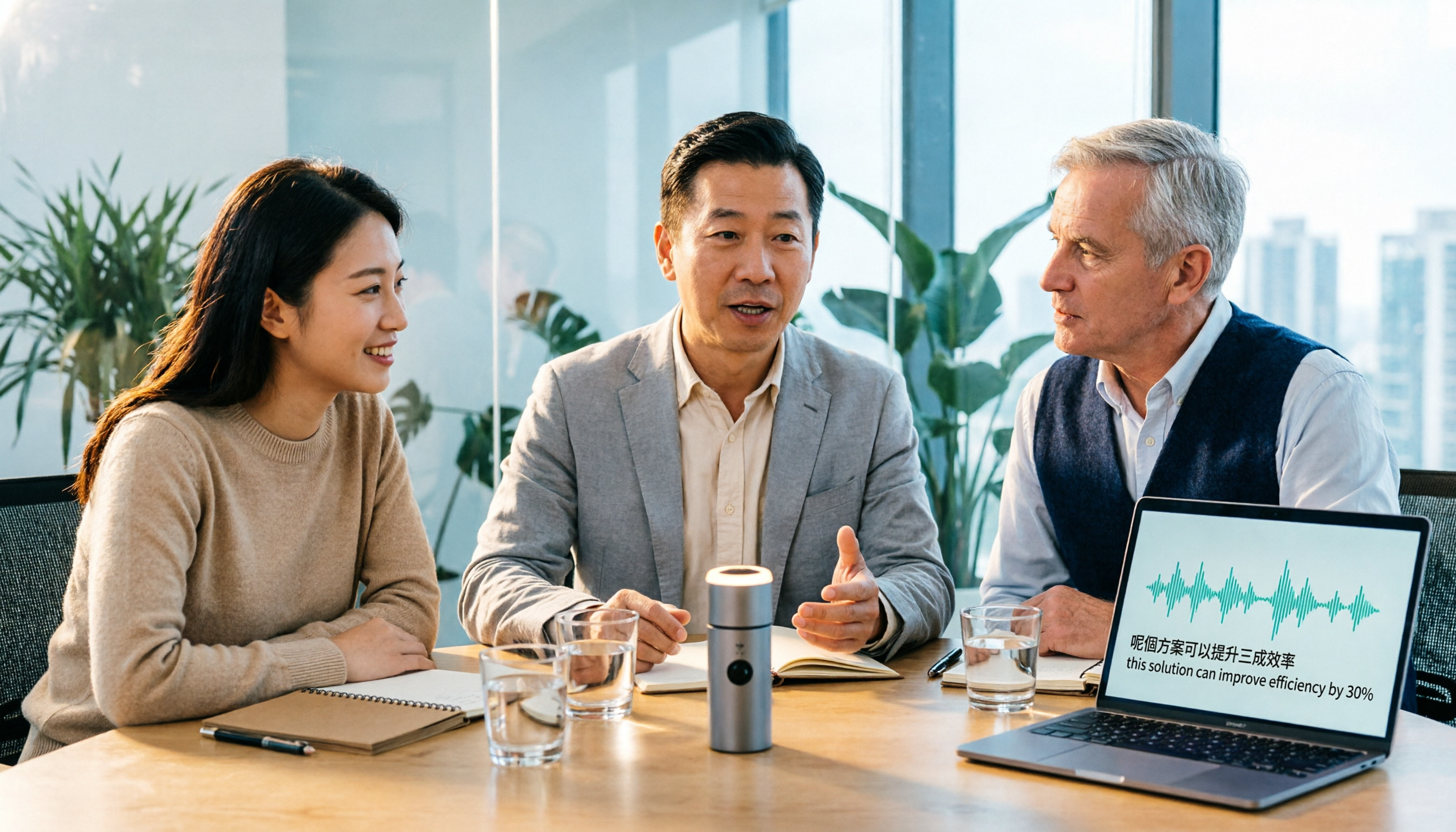
Turn recordings into transcripts and summaries in minutes
Upload audio or video for multilingual transcription, AI notes, and action items
Tinrec vs Otter.ai 2026: 5-Dimension Comparison for Cantonese Meeting Transcription
Let me ask you a question: How long did it take you the last time you organized a 60-minute Cantonese meeting recording?
If it was "listen for two hours, type for another three," then what you really need to choose is not a tool that "supports Cantonese," but one that "helps you do less work after listening."
When I test these tools, I usually look at three things first: whether it understands mixed Chinese-English, how meeting audio is captured, and what you get beyond the transcript. This article uses these three criteria to compare Tinrec and Otter.ai side by side.
What Can Cantonese Audio-to-Text Do for You? Three Real Scenarios
Scenario 1: Mixed Chinese-English Online Meetings In Hong Kong and Taiwan workplaces, it's common to mix "deadline," "presentation," and "follow up" into Cantonese sentences. Take Tinrec as an example: the desktop version directly captures computer system audio and converts meeting content from Zoom, Google Meet, Microsoft Teams, and Webex into text in real time, so after the meeting you don't have to rely on memory to recall who said what.
Scenario 2: One-Hour Interviews or Client Communication The most troublesome part of interviews is "they said it, but you can't find which minute." After transcription, Tinrec generates summaries, chapters, and action items, and you can even ask directly via AI Q&A, "What was the budget the client mentioned?" without scrolling from the beginning to the end.
Scenario 3: Courses and Self-Study Notes Throw online course or lecture recordings into Tinrec, and besides the transcript, it can organize them into chapters and key points. If you need bilingual comparison, real-time translation lets you switch between original text, translation, or bilingual view.
Core Capabilities: The Real Value Is After Transcription
Bot-free Recording of Online Meetings The Tinrec desktop version captures device system audio, so no extra meeting bot needs to join as a listener. Note that this requires you to actively open Tinrec to start recording; it does not automatically join all calendar meetings, nor does it imply official partnerships with platforms like Zoom or Teams.
Real-time Transcript and Bilingual Translation Transcribe while recording, and you can see the text synchronously during the meeting. For cross-language meetings, you can view both original and translation simultaneously, and mixed Chinese-English paragraphs can be organized together.
Summaries, Chapters, and Action Items Transcription is just the first step. Tinrec breaks long meetings into chapters and organizes discussion highlights and action items—a big difference for those who have more than three meetings per week.
AI Q&A and Post-Meeting Outputs You can continue to ask questions about meeting data, and generate reports, tables, and meeting minutes. Results can be exported to common file formats or taken to Notion, Google Docs, OneNote, or Dropbox for further editing.
Team Spaces The team version stores meetings in independent spaces, and data belongs to the team. Members, roles, and seats are managed separately; administrators can view usage analytics and audit logs, and accidentally deleted audio can be recovered from the recycle bin.
Tinrec vs Otter.ai: A Practical Comparison Across 5 Dimensions
| Dimension | Tinrec | Otter.ai |
|---|---|---|
| Chinese and Cantonese Scenarios | Focuses on Chinese, Traditional Chinese, and multilingual meetings; supports mixed Chinese-English organization and team hotwords | Main strength is English business meetings; Chinese and Cantonese are not its focus |
| Meeting Capture Method | Desktop version captures system audio; no bot required | Primarily uses meeting bots; now also offers desktop capabilities |
| Post-Transcription Outputs | Summaries, chapters, action items, mind maps, AI Q&A, bilingual translation, Agent post-processing | Summaries, action items, AI Chat, and workflows |
| Team Governance | Team spaces, roles, seats, usage analytics, audit logs, audio recycle bin | Mature team and enterprise management capabilities |
| Pricing Structure | Personal: free, weekly pass, Pro monthly, Pro annual; Team: USD 29.80 per paid seat per month, USD 199 per paid seat per year | Basic free 300 minutes per month; Pro annual equivalent to USD 8.49 per user per month |
Dimension 1: Chinese and Cantonese Scenarios Tinrec positions Chinese meetings, mixed Chinese-English organization, real-time translation, and team hotwords as its main selling points. Otter.ai's strength is English business meetings; Chinese and Cantonese are not its primary scenarios. In pure English environments, Otter.ai is very mature, but Cantonese meetings are not its home turf.
Stop organizing recordings by hand
Upload audio or video and automatically get a transcript, summary, and action items
Dimension 2: How Meetings Are Recorded Tinrec takes a bot-free desktop approach, so no extra account appears in the meeting list. Otter.ai primarily uses meeting bots, though it now also offers desktop capabilities. Neither approach is absolutely better; it depends on whether your meeting culture can accept an extra bot.
Dimension 3: Post-Transcription Outputs Otter.ai offers summaries, action items, and AI Chat, with a complete experience in English scenarios. Tinrec, besides summaries and action items, adds chapters, mind maps, bilingual translation, and Agent post-processing, suitable for turning meetings into directly deliverable documents.
Dimension 4: Team Governance Otter.ai's team and enterprise capabilities are relatively mature. Tinrec's team version centralizes roles, seats, sharing permissions, usage, auditing, and recycle bin in one space, which is more suitable for small and medium teams that need to manage members and quotas.
Dimension 5: Pricing Structure Otter.ai's Basic free plan offers 300 minutes per month; Pro annual is about USD 8.49 per user per month. Tinrec's team version is USD 29.80 per paid seat per month, or USD 199 per paid seat per year (about USD 16.58 per month), with each paid seat providing 2,000 minutes of team shared import quota per month; eligible teams get a 7-day first trial with 1 free seat and 300 minutes shared quota. Prices and benefits on both sides may change; remember to check the official pages before ordering.
5 Things to Note When Choosing a Cantonese Transcription Tool
1. Handling Mixed Chinese-English Cantonese meetings almost always mix in English. When choosing a tool, test with "your own work recordings," not official demo clips. Tinrec supports mixed Chinese-English content organization and can also use team hotwords to reinforce company-specific terminology.
2. How Meeting Audio Is Captured If you need to handle online meetings, confirm whether the tool uses bot joining or system audio capture. Tinrec's desktop version is the latter, so no extra account needs to be invited into the meeting.
3. Can You Use It Directly After Transcription? With only a transcript, you usually need another round of organizing. Tinrec directly provides summaries, chapters, and action items after transcription, and you can ask follow-up questions and export—this is key to saving time.
4. Who Owns Team Data With personal accounts, "whoever recorded owns it," and data scatters when people leave. Tinrec's team version gives meeting data to the team; when a member leaves or loses a seat, it can be handed over to other members. This is more important to companies than free minutes.
5. Quotas and Pricing Logic Don't just compare free minutes. Tinrec's file and web imports consume team shared quota; under an active team plan and active seats, real-time recording currently does not deduct minutes. This pricing logic differs from tools that charge purely by minutes—first figure out whether you mainly use real-time meetings or file imports.
Frequently Asked Questions
Q1: Is Tinrec's free version enough? You can try it first. The free version provides basic quota and lets you experience recording, importing, summaries, and transcription. The criterion is not the quota number, but whether you can directly use the output; if you have regular meetings every week, then consider a weekly pass or Pro.
Q2: Is there an official accuracy rate for Cantonese recognition? Tinrec does not recommend publicly committing to a fixed accuracy rate. Actual performance is affected by recording quality, noise, accents, overlapping speakers, and technical terminology. A practical approach is to test with a segment of your own meeting recording, then use team hotwords to reinforce industry vocabulary.
Q3: Do I need to invite a meeting bot? No. The Tinrec desktop version directly captures computer system audio and handles meeting content played from Zoom, Google Meet, Microsoft Teams, and Webex. But note that you need to actively open Tinrec to start recording; it does not automatically join all calendar meetings.
Q4: What's the difference between the team version and the personal version? Personal version data is managed by the individual account. The team version is an independent team space with additional members, roles, seats, sharing permissions, usage analytics, audit logs, and audio recycle bin. Active members without seats can still view, play, and read team data, but must obtain a seat to record, upload, edit, and export.
Q5: Can I paste a YouTube link to transcribe directly? Tinrec can process some public video links as supplementary sources, but this is not its main positioning; meeting and audio file organization is the core.
Q6: Can I record audio on my phone? Yes, Tinrec has mobile recording, suitable for outdoor and offline communication. For online meetings, it is recommended to use the desktop version to capture system audio for more stable results.
Conclusion
When choosing a Cantonese audio-to-text tool, you really need to judge three things: whether it understands mixed Chinese-English, whether meeting audio can be captured, and whether you can do less work after transcription.
Tinrec's advantages lie in the Chinese meeting experience, bot-free recording, and a complete post-meeting workflow; Otter.ai is more mature in English business meeting scenarios. Neither is comprehensively stronger; they suit different people.
If you happen to have a Cantonese meeting recording on hand, it's recommended to run it through Tinrec's free version first to see what the transcript, summary, and action items look like, then decide whether to upgrade.
References
- Top 5 Speech-to-Text Tools in Hong Kong: Accurate Cantonese Recognition, Double Meeting and Interview Efficiency!
- Free Cantonese Speech-to-Text App 2026 | Subanana
- 2026 Latest 4 Cantonese Audio-to-Text Tools: Solving Mixed Chinese-English and Meeting Notes Pain Points - Miaoting Recording Blog
- 2026 Latest 5 Cantonese Audio-to-Text AI Recommendations: Solving Mixed Chinese-English and Typing Difficulties - Miaoting Recording Blog
- 2026 Latest 6 Cantonese Audio-to-Text AI Tools: Solving Meeting Notes and Transcription Pain Points - Miaoting Recording Blog
Turn every recording into actionable outcomes
Get 60 free transcription minutes when you sign in. No credit card required.
Related Reading
You might also like

2026 Vocology Master's Programs: 5 Continuing Education Options at a Glance
If you're considering a master's in vocology in 2026, the first thing to determine is whether you want a clinical or artistic path—not which school is best. This article compiles five Italian continuing education programs: Nuova Artec, Dialogos, the University of Bologna, and Polo Nazionale Artistico, including start dates, delivery methods, and published costs. It also offers tool suggestions for organizing course notes during synchronous remote classes.

2026 Comparison of 4 Cantonese Speech-to-Text Tools: Which Handles Mixed Chinese-English and Colloquial Speech Best?
Still stuck transcribing after meetings? We tested 4 Cantonese speech-to-text tools using real Cantonese meeting and interview recordings, comparing mixed Chinese-English recognition, post-meeting summary generation, and team collaboration capabilities. We also cover key buying factors, common pitfalls, and scenario recommendations to help you find the tool that truly saves time.
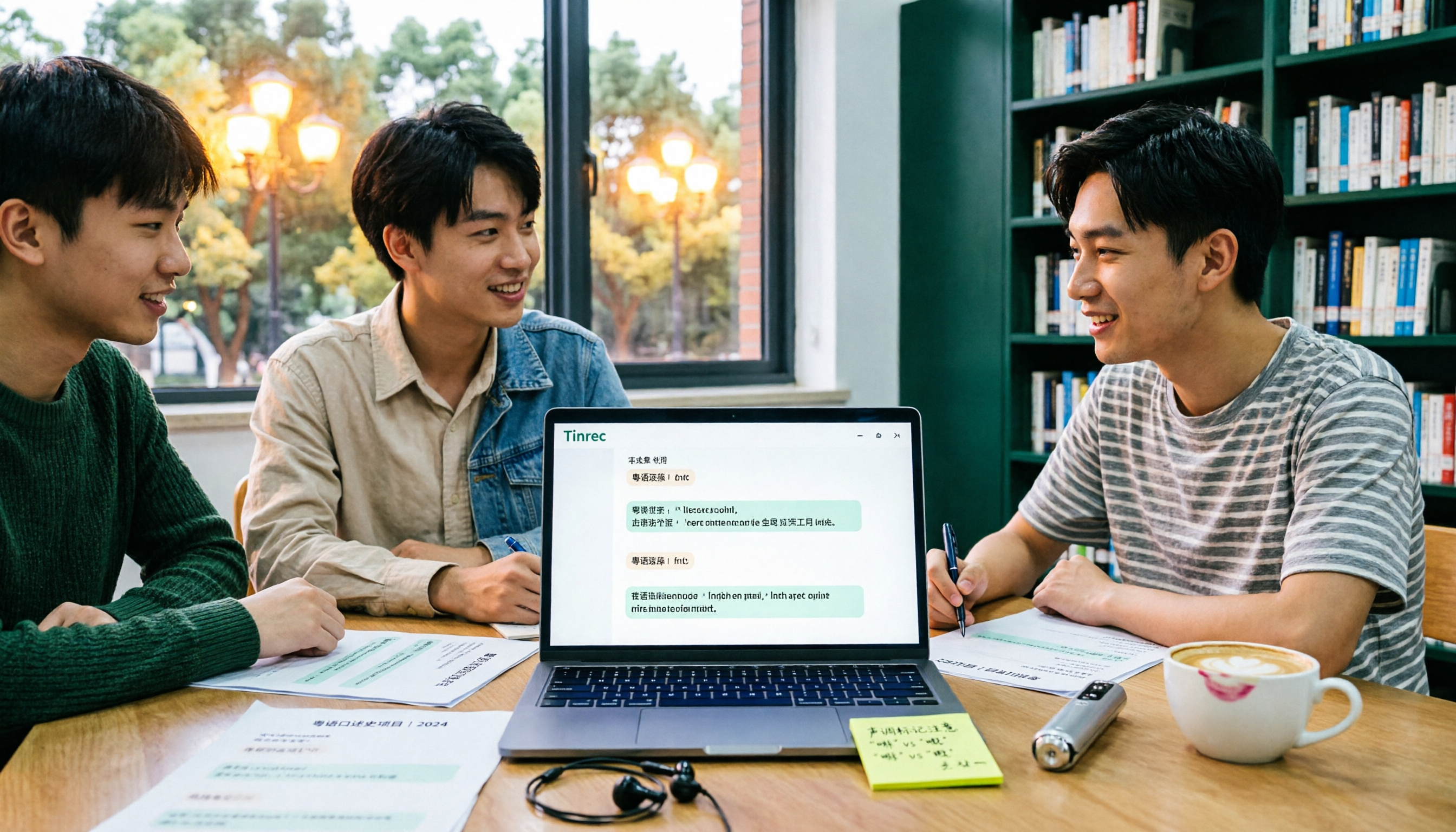
2026 Cantonese Speech-to-Text Showdown: 4 Tools Tested for Mixed Chinese-English Accuracy
I was drowning in Cantonese interview and group discussion transcripts this semester, so I tested four tools: Tinrec, Subanana, Good Tape, and Otter.ai. This comparison focuses on student budgets and campus scenarios, covering Cantonese recognition, mixed Chinese-English handling, free tiers, summaries, and export formats. I also share why I ultimately stuck with Tinrec. Ideal for college students, grad students, and anyone who needs to organize interview notes.
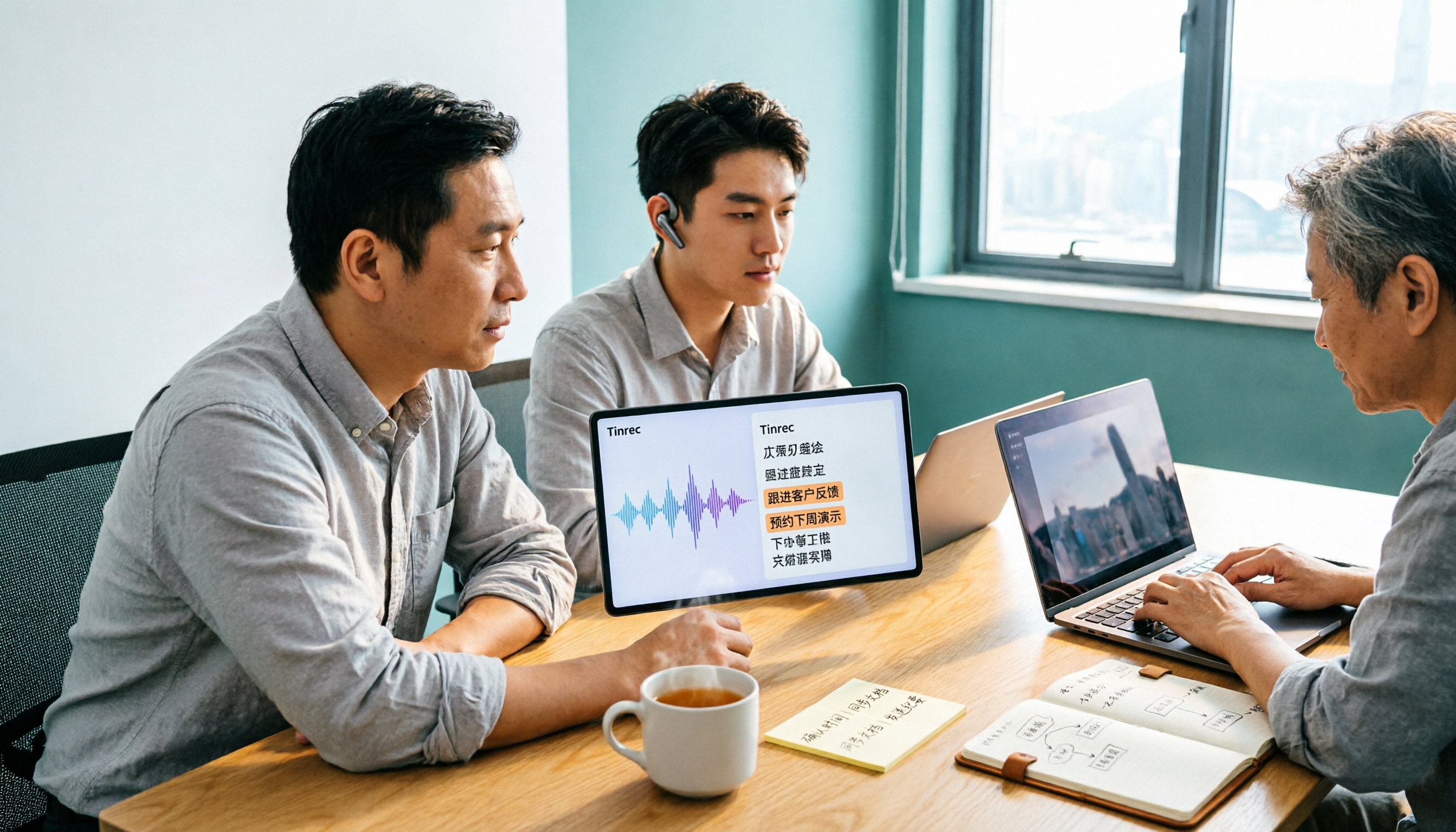
Tinrec vs Subanana 2026: 5-Dimension Comparison, Which Is Better for Cantonese Meeting Notes?
How to choose a Cantonese audio-to-text app? This article compares Tinrec and Subanana across 5 dimensions: meeting notes, subtitles, free quota, and team collaboration. It also covers 6 options including iFLYTEK, Notta, Notely Voice, and iPhone built-in transcription, helping you decide based on needs rather than price.

5 Best Cantonese Speech-to-Text Tools in 2026: Free Tiers and Mixed Chinese-English Compared
A comparison of Tinrec, Subanana, cSubtitle, Google AI Studio, and SoundType AI covering use cases, free limits, output formats, and team collaboration. Find out which free tier is enough and which handles mixed Chinese-English best before deciding whether to pay.

2026 Comparison of 6 Cantonese Speech-to-Text Platforms: Which Is More Time-Saving for Cantonese Recognition and Meeting Organization?
A roundup of 6 tools in 2026 for Cantonese meeting notes and post-meeting organization, compared across Cantonese recognition, mixed Chinese-English, meeting summaries, free quotas, and team collaboration to help you choose the right platform for your use case.

2026 Clinical Vocology Course Guide: Tuition, Hours, and Note-Taking Methods
How to choose a 2026 clinical vocology (Vocologia Clinica) program? We compare the Nuova Artec advanced course and the university master's, covering the time commitment of 200 hours and 100 ECM credits, costs and discount eligibility, and explain how to use Tinrec to turn live online classes into searchable, reviewable transcripts and summaries.
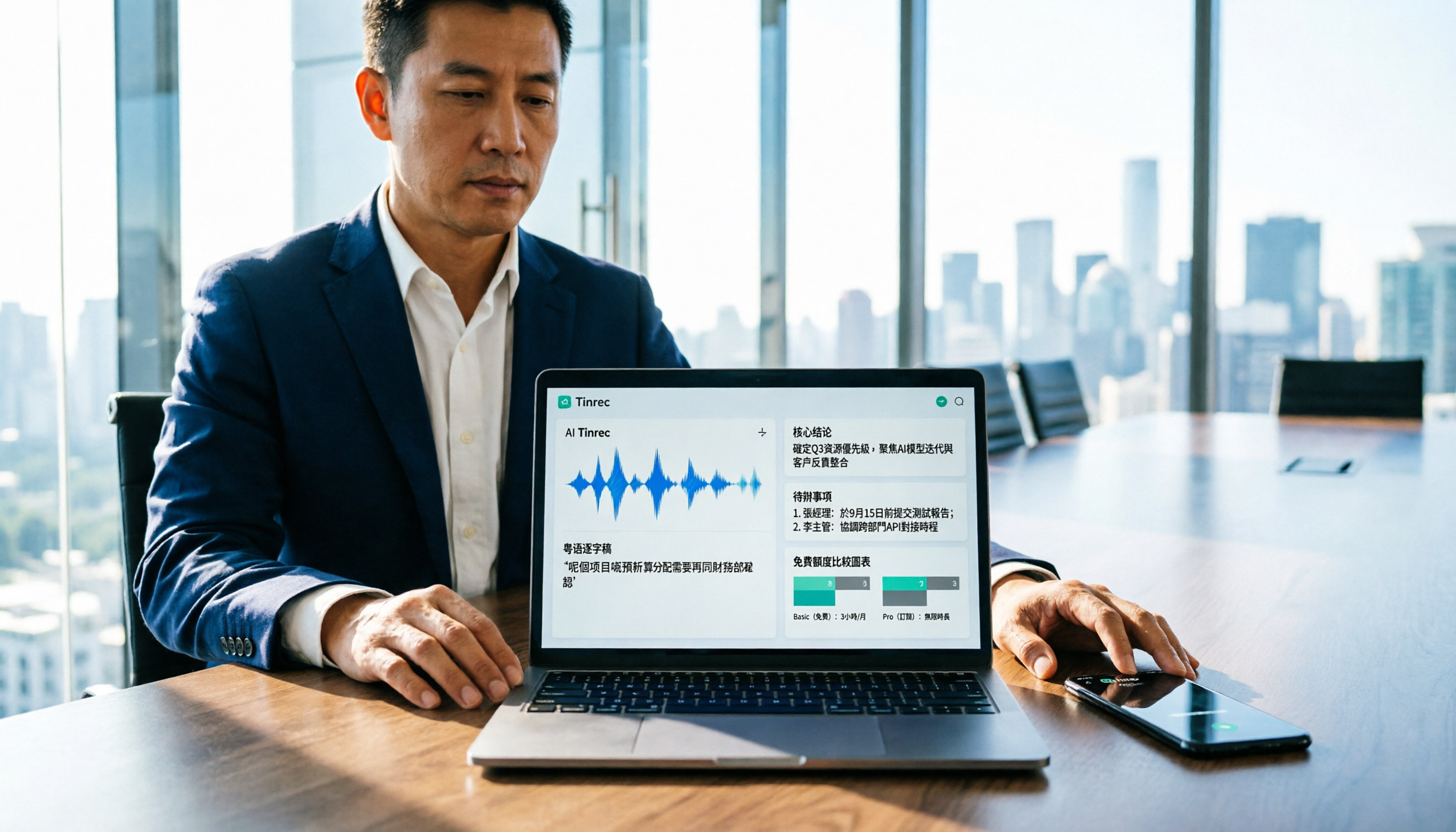
Cantonese Audio to Text in 2026: Free Tier Comparison & AI Meeting Notes Guide
We tested 6 Cantonese audio-to-text tools in 2026, comparing free tiers, Cantonese recognition, transcript output formats, and post-meeting AI summaries and team collaboration. Includes buying tips and 4 things to know before use, helping you pick the best one.

6 Cantonese Speech-to-Text Tools Tested for 2026: Which Handles Mixed Chinese-English and Colloquial Transcripts Best?
Cantonese speech-to-text often struggles with the gap between spoken and written language and unstable recognition of mixed Chinese-English. This article reviews 6 practical solutions, from AI meeting notes and Cantonese subtitle tools to free online dictation, detailing each tool's positioning, highlights, free quota, and target users, plus selection advice and 4 things to know before use.