

Turn recordings into transcripts and summaries in minutes
Upload audio or video for multilingual transcription, AI notes, and action items
The biggest pitfall in long courses isn't tuition—it's assuming that recording equals learning
At least three or four professionals I know have taken long courses at the 200-hour level. In the end, the ones who actually apply the content in clinical practice aren't usually the ones with the prettiest notes—they're the ones who can still find the material six months later and look up who said a particular sentence.
Most people's instinct when choosing a course is: first look at tuition, then check whether there's an online option. Those two criteria aren't wrong in themselves, but they easily miss the mark for this type of course because:
- Comparing only tuition without calculating hours and credits: For a 200-hour course, tuition is just one cost. The real cost is that those 200 hours can't be used for seeing clients or taking shifts.
- Assuming you can catch up on online classes later: Most are FAD synchronous (real-time interactive virtual classrooms), not on-demand videos. Miss that session, and it's gone.
- Frantically taking notes during class: You end up typing the whole time and miss what the speaker says about anatomical pathways. Recording and understanding—you can only choose one at a time.
A more sensible approach is to outsource "recording": let tools handle transcripts and summaries while you focus on listening and asking questions. This article compiles the 2026 course information, cost structure, and a practical recording workflow.
What is Vocologia Clinica 2026? First, distinguish the two paths
Vocologia Clinica (clinical vocology) deals with the assessment and treatment of the human voice in clinical, educational, and re-education settings. In the currently public 2026 information, there are two very different paths—be sure to distinguish them before enrolling.
Path 1: Nuova Artec's "Scuola di Vocologia Clinica" 2026 edition. This is an advanced continuing education course, officially described as 200 hours spanning the entire calendar year, totaling 100 ECM credits, intended for physicians, speech-language pathologists, and psychologists. The course is structured around an "oak tree" metaphor: roots in anatomy and physiology, trunk in various types of dysphonia, and new branches in narrative approaches, voice neuroscience, and voice-drug interactions.
The format is FAD synchronous in an interactive virtual classroom, plus 2 in-person sessions; support channels include Telegram tutoring and Q&A, GoToMeeting connection, and a dedicated online library on Tinkific. Classes start January 30, 2026, with sessions from 09:00-13:00 and 14:00-17:00.
Path 2: Fondazione Flaminia's "Vocologia Clinica" first-level university master's. This is a post-base master's program aimed at equipping healthcare professionals (otolaryngology, audiology-phoniatrics, speech-language pathologists) with rehabilitation skills for voice disorders, addressing dysphonia from various causes—organic, functional, and congenital—from functional, integrative, clinical, rehabilitative, and surgical perspectives.
One-sentence distinction: Do you want credits and clinical skills, or a degree? For the former, look at advanced continuing education courses; for the latter, look at university master's programs. The two are not interchangeable and shouldn't be directly compared on price.
How to calculate costs and time commitment
Based on the official public information for the 8th edition: application fee €200, plus €2,000 (including VAT), payable in 4 installments, with full payment due by July 30, 2026; recent graduates and those choosing asynchronous learning can get a 20% discount (promo code EA34ZDCT). This is the plan content on the public page; actual 2026 amounts, discount eligibility, and installment terms are subject to the official registration page.
Translating the numbers into everyday terms: €2,200 divided by 200 hours is superficially about €11 per hour, which doesn't seem expensive. But the real cost is scheduling those 200 hours and the time spent organizing materials afterward. From my experience leading teams, a two-hour meeting without a live transcript takes about 40 minutes to 1 hour to organize afterward; scaled to a 200-hour course, that's an extra 60 to 100 hours of organizing time. That's the real reason most people finish a course without retaining anything.
Turning 200 hours into reviewable material: a practical workflow
My current process for long courses like this is fixed, in four steps:
Step 1: Set up tools before class. Use the Tinrec desktop app to capture your computer's system audio directly, recording and transcribing in real time during interactive virtual classroom sessions without inviting a meeting bot. For the 2 in-person sessions, switch to real-time recording on your phone—still recording and transcribing simultaneously.
Stop organizing recordings by hand
Upload audio or video and automatically get a transcript, summary, and action items
Step 2: Do only two things during class—understand and mark. The transcript is generated in real time with less than 1 second of latency, so I no longer take notes; I just note the timestamp of any segment I don't understand. For cross-language content, you can switch between original text, translation, or bilingual view—especially useful for courses taught in a non-native language.
Step 3: Finish the summary in 10 minutes after class. Tinrec automatically generates summaries, chapters, and key points, breaking a two- or three-hour class into a browsable structure. I don't need to re-listen—just scan the chapter titles to know which segments to revisit.
Step 4: Fill gaps with Q&A. This is my most-used feature. Ask directly, "What classification logic for dysphonia types was covered in this class?" and it answers based on semantic understanding without manually flipping through 30 pages of transcript. For unfamiliar terminology, use the transcript search function to cross-reference with the recording playback.
Four practical uses of Tinrec in continuing education
Synchronous online classes. This is the core scenario. The desktop app captures the device's system audio to process meeting audio played on the computer, so you can generate a transcript while attending class in the virtual classroom and go straight into review afterward without spending extra time listening to recordings.
In-person workshops. The 2 in-person sessions are usually the most intensive technical practice. Real-time phone recording transcribes as it records, so the transcript is ready the moment it ends, and you can organize your own operational notes that evening.
Historical audio and course materials. If the course provides pre-recorded materials or interview audio, you can upload audio or video files for transcription and store them alongside live course materials, then search everything in the same database.
Institutional or clinic team knowledge retention. If you're a clinic or teaching institution sending 2-3 colleagues to the course together, the team plan makes more sense than individual accounts: create a separate team space, invite members via join link, set owners, admins, and regular members, and keep course recordings, transcripts, and to-dos in one team space, with team hotwords to improve recognition of professional terminology. Note that roles and seats are two different things: active members without a seat can view, play, and read team materials but cannot upload, edit, or export.
The team plan terms are currently: first eligible team trial is 7 days, 1 free seat, 300 minutes of shared team import quota; monthly USD 29.80 per paid seat per month, annual USD 199 per paid seat per year (about USD 16.58/month), with each paid seat providing 2,000 minutes of shared team import quota per month. Under an active team plan and active seats, live recording currently does not deduct minutes; file and web imports use the shared team quota. Actual prices and promotions are subject to the official purchase page.
Points to note when choosing courses and tools
1. Confirm the nature of the certification first. ECM credits and a university master's degree are two different things with different career uses. First clarify whether you need credits, a degree, or a set of techniques you can immediately use in the clinic.
2. Confirm the synchronous-to-asynchronous ratio. If the website says "synchronous," it means synchronous. If your schedule can't be fixed, confirm whether there's an asynchronous option and corresponding discount—don't assume there will be replays.
3. Ask clearly about discount eligibility. Confirm the discount conditions for recent graduates and asynchronous learners, promo code validity, and installment deadlines before registering.
4. Tools must produce "searchable" results. Having only an audio recording is the same as having nothing organized. When choosing a tool, check whether it gives you transcripts, summaries, chapters, and follow-up Q&A, and whether it can export to your existing workflow (e.g., Notion, Google Docs, OneNote, Dropbox).
5. Handle consent and regulations before recording. Course content, clinical cases, and patient information all involve recording regulations. Obtain consent from speakers and organizers before recording classes; for discussions involving patient data, strictly follow local regulations and institutional policies.
Conclusion: Choose the right path first, then the right recording method
The 2026 Vocologia Clinica is essentially a 200-hour marathon, not a single lecture. Tuition of €200 plus €2,000, 100 ECM credits, synchronous virtual classrooms plus 2 in-person sessions—what really determines the outcome behind these numbers is how much material you have to look back on after the course.
If you want a degree, take the university master's path; if you want credits and clinical skills, look at the advanced continuing education course. As for recording, you don't need to handle it all yourself: start with Tinrec's free plan basic quota, test the transcription and summary quality with one class recording, then decide whether to upgrade to Pro or the team plan. Testing with your own materials is more accurate than reading any course review.
References
Turn every recording into actionable outcomes
Get 60 free transcription minutes when you sign in. No credit card required.
Related Reading
You might also like
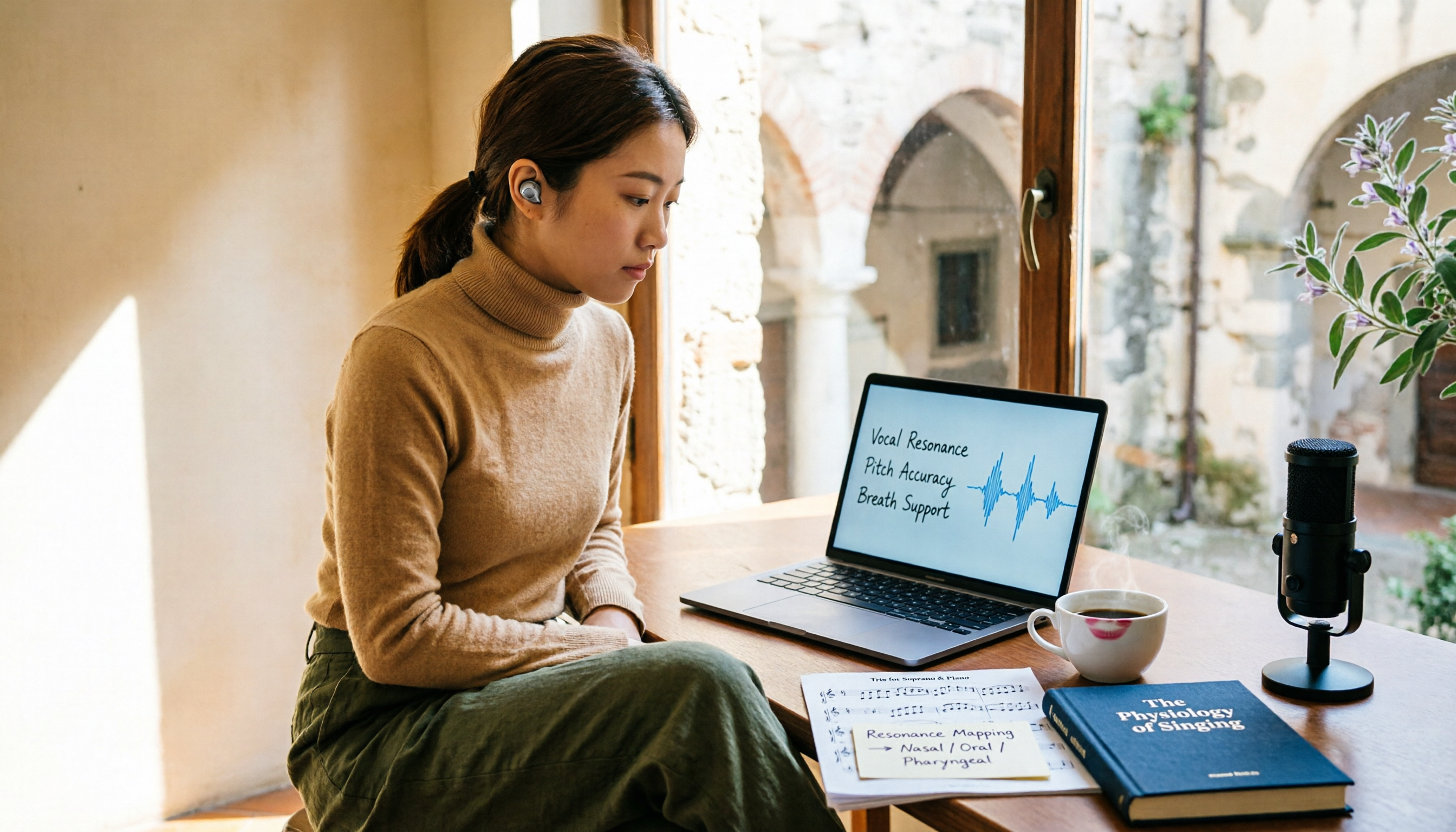
2026 Vocology Master's Programs: 5 Continuing Education Options at a Glance
If you're considering a master's in vocology in 2026, the first thing to determine is whether you want a clinical or artistic path—not which school is best. This article compiles five Italian continuing education programs: Nuova Artec, Dialogos, the University of Bologna, and Polo Nazionale Artistico, including start dates, delivery methods, and published costs. It also offers tool suggestions for organizing course notes during synchronous remote classes.

2026 Comparison of 4 Cantonese Speech-to-Text Tools: Which Handles Mixed Chinese-English and Colloquial Speech Best?
Still stuck transcribing after meetings? We tested 4 Cantonese speech-to-text tools using real Cantonese meeting and interview recordings, comparing mixed Chinese-English recognition, post-meeting summary generation, and team collaboration capabilities. We also cover key buying factors, common pitfalls, and scenario recommendations to help you find the tool that truly saves time.
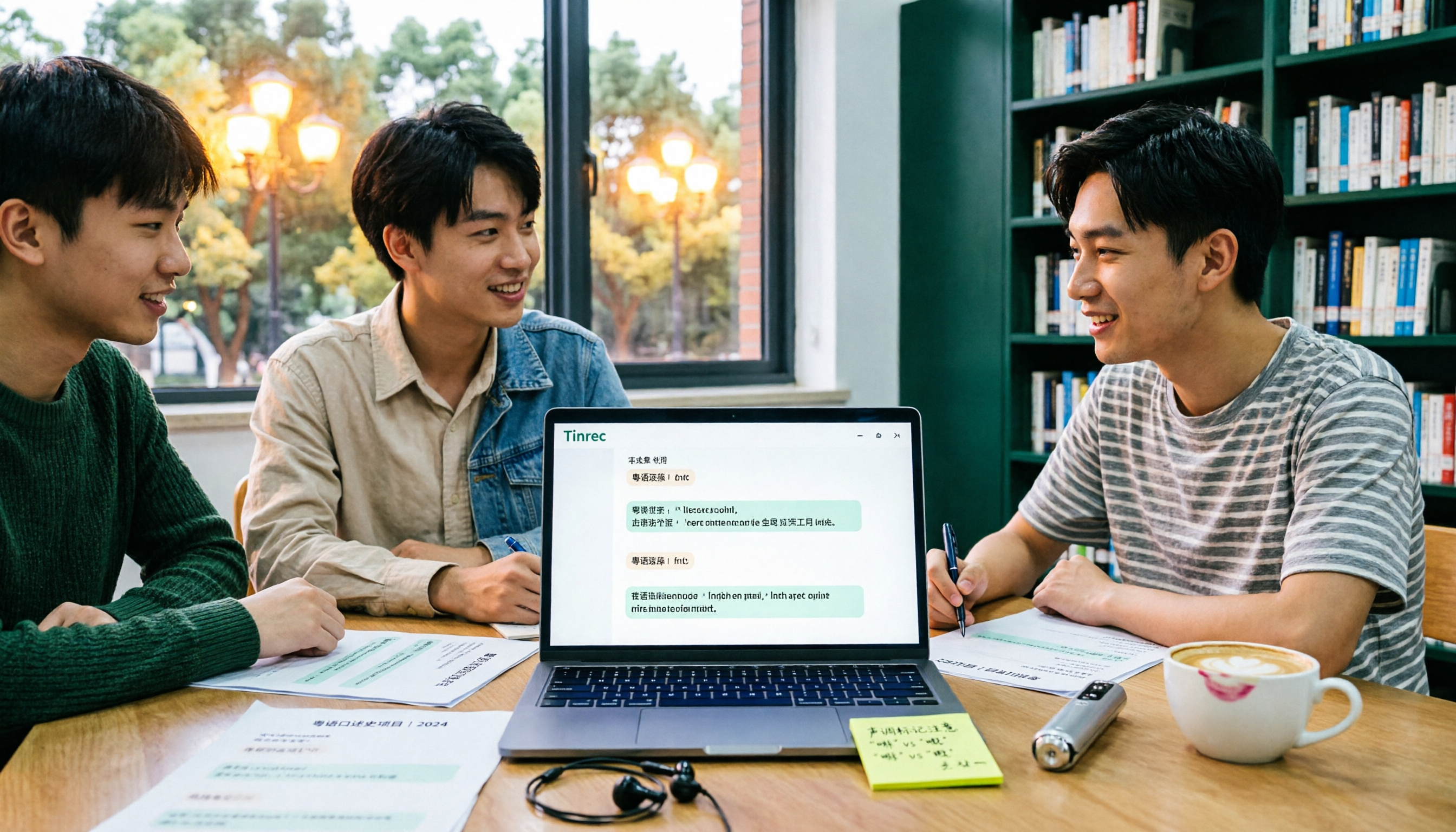
2026 Cantonese Speech-to-Text Showdown: 4 Tools Tested for Mixed Chinese-English Accuracy
I was drowning in Cantonese interview and group discussion transcripts this semester, so I tested four tools: Tinrec, Subanana, Good Tape, and Otter.ai. This comparison focuses on student budgets and campus scenarios, covering Cantonese recognition, mixed Chinese-English handling, free tiers, summaries, and export formats. I also share why I ultimately stuck with Tinrec. Ideal for college students, grad students, and anyone who needs to organize interview notes.
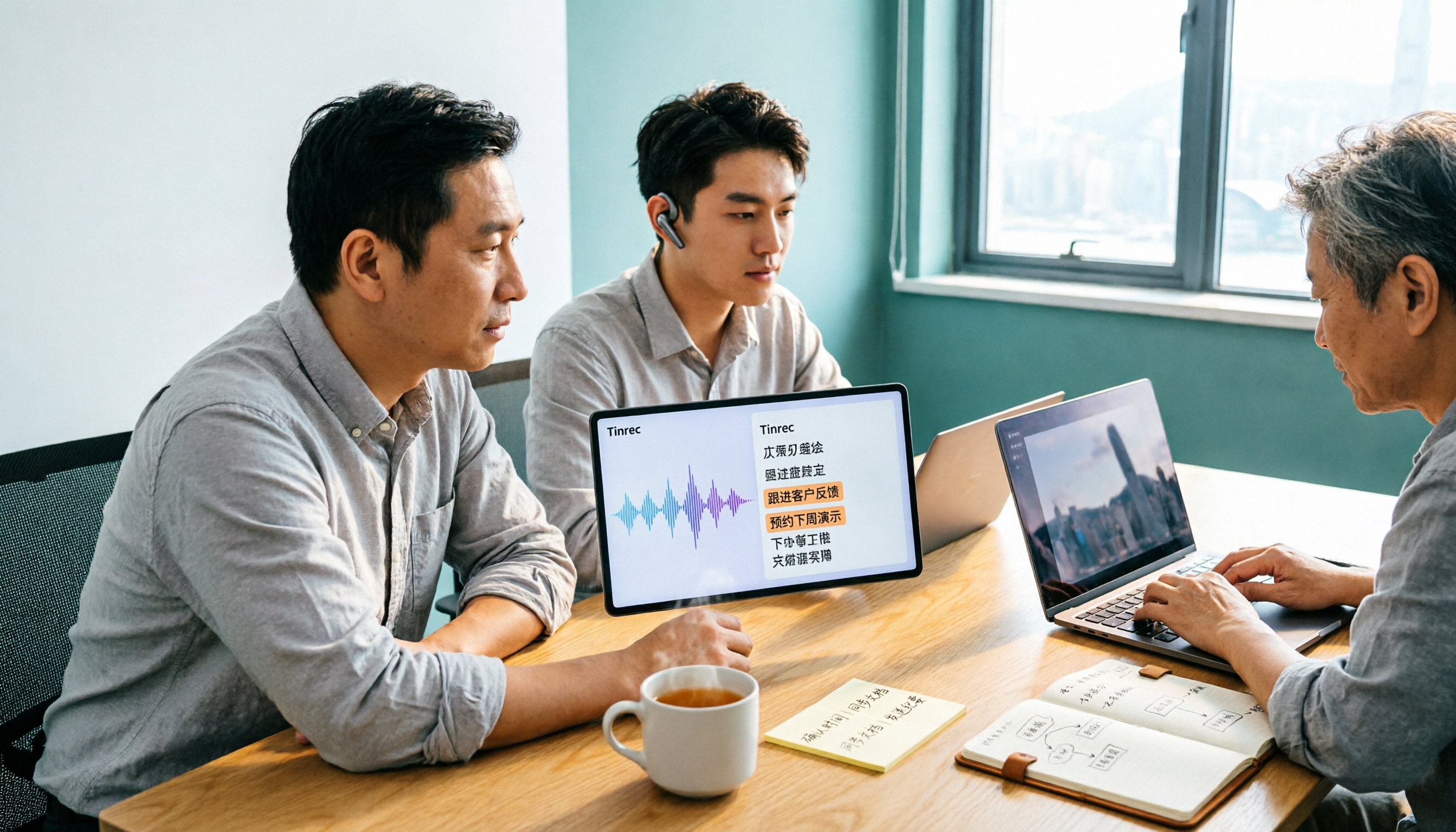
Tinrec vs Subanana 2026: 5-Dimension Comparison, Which Is Better for Cantonese Meeting Notes?
How to choose a Cantonese audio-to-text app? This article compares Tinrec and Subanana across 5 dimensions: meeting notes, subtitles, free quota, and team collaboration. It also covers 6 options including iFLYTEK, Notta, Notely Voice, and iPhone built-in transcription, helping you decide based on needs rather than price.

5 Best Cantonese Speech-to-Text Tools in 2026: Free Tiers and Mixed Chinese-English Compared
A comparison of Tinrec, Subanana, cSubtitle, Google AI Studio, and SoundType AI covering use cases, free limits, output formats, and team collaboration. Find out which free tier is enough and which handles mixed Chinese-English best before deciding whether to pay.
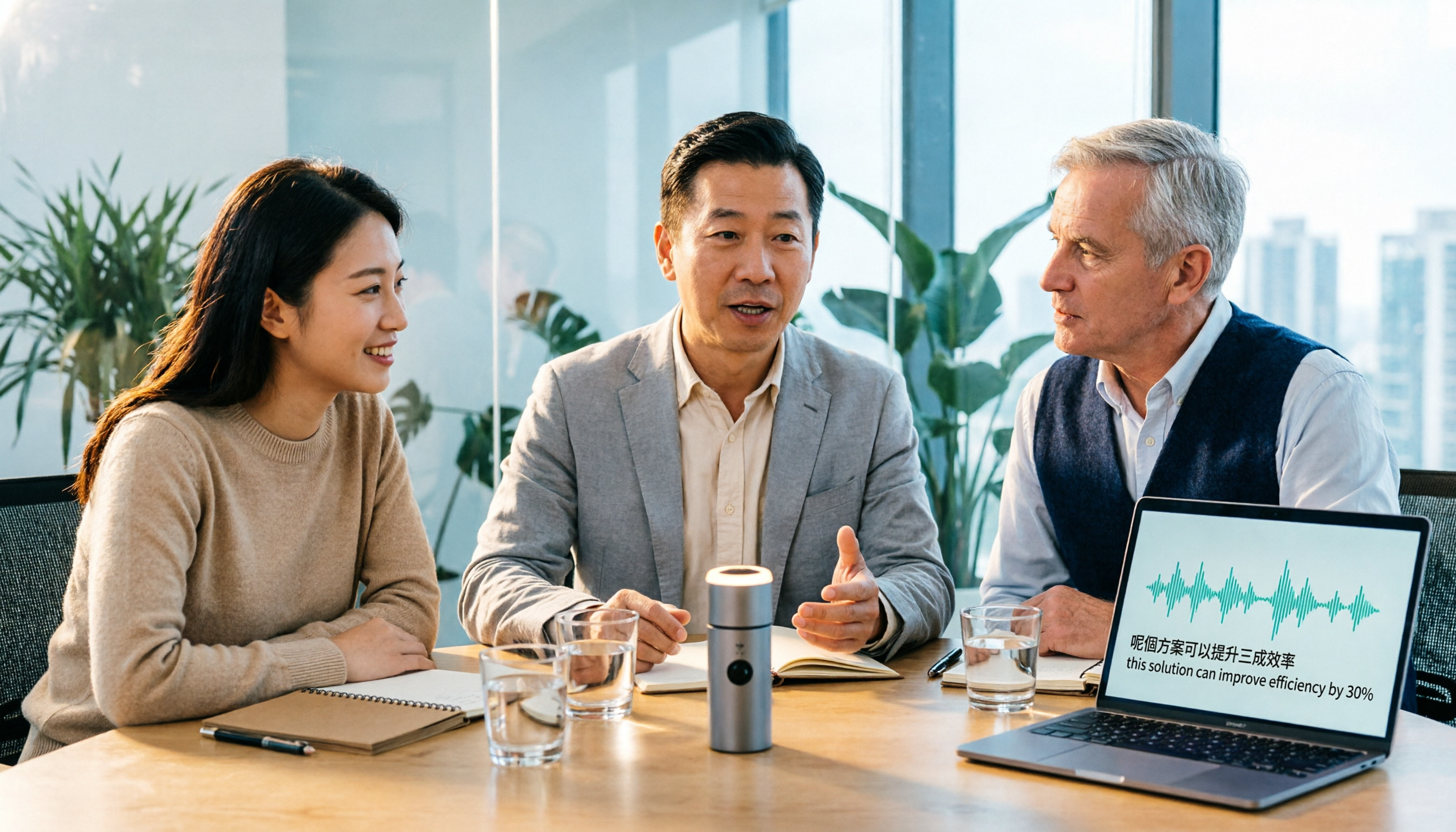
Tinrec vs Otter.ai 2026: 5-Dimension Comparison for Cantonese Meeting Transcription
How to choose a Cantonese audio-to-text tool? This article compares Tinrec and Otter.ai across 5 dimensions—mixed Chinese-English recognition, meeting capture methods, post-meeting outputs, team governance, and pricing structure—to help you decide which is better suited for your meeting and transcription needs.

2026 Comparison of 6 Cantonese Speech-to-Text Platforms: Which Is More Time-Saving for Cantonese Recognition and Meeting Organization?
A roundup of 6 tools in 2026 for Cantonese meeting notes and post-meeting organization, compared across Cantonese recognition, mixed Chinese-English, meeting summaries, free quotas, and team collaboration to help you choose the right platform for your use case.
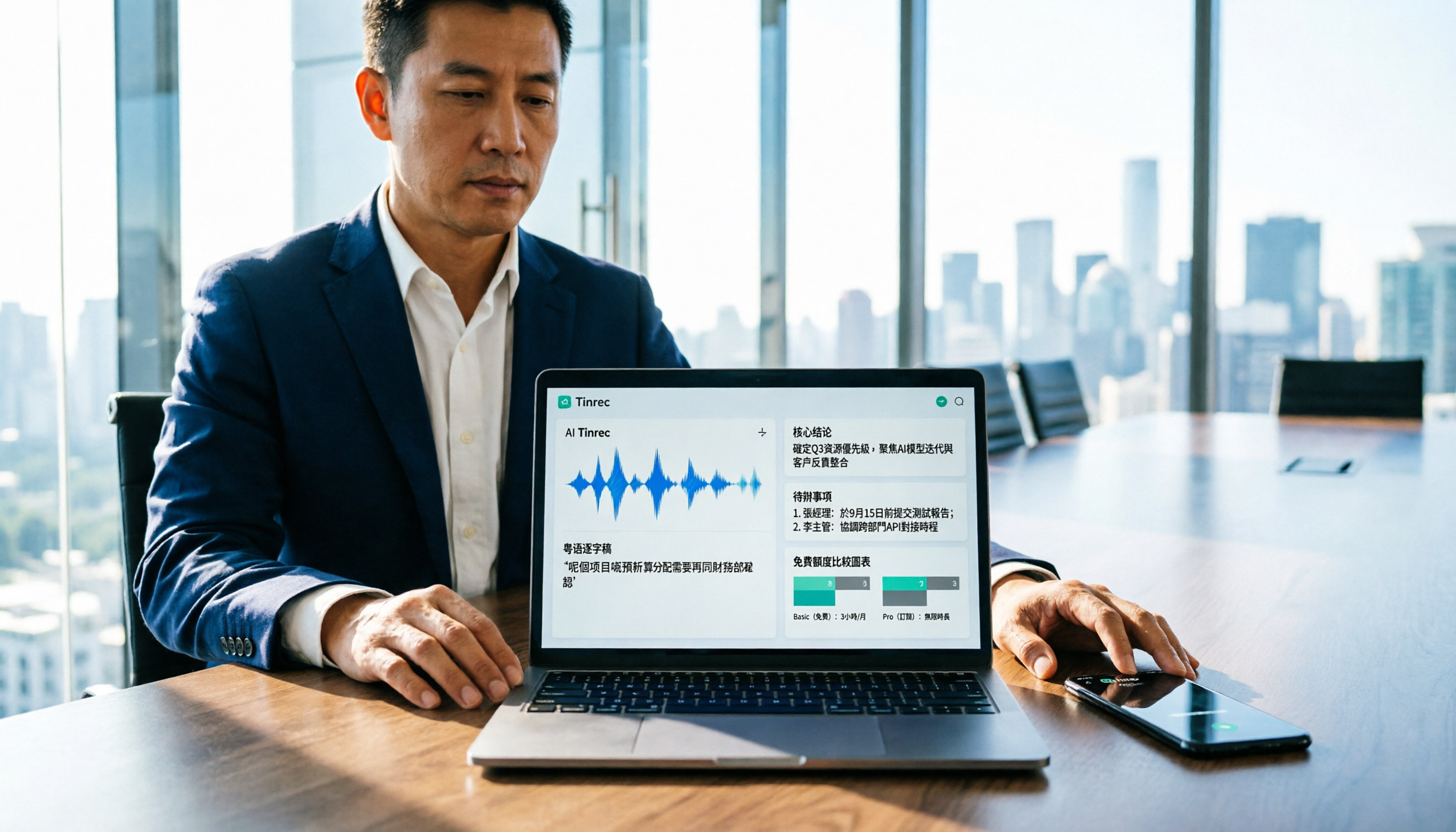
Cantonese Audio to Text in 2026: Free Tier Comparison & AI Meeting Notes Guide
We tested 6 Cantonese audio-to-text tools in 2026, comparing free tiers, Cantonese recognition, transcript output formats, and post-meeting AI summaries and team collaboration. Includes buying tips and 4 things to know before use, helping you pick the best one.

6 Cantonese Speech-to-Text Tools Tested for 2026: Which Handles Mixed Chinese-English and Colloquial Transcripts Best?
Cantonese speech-to-text often struggles with the gap between spoken and written language and unstable recognition of mixed Chinese-English. This article reviews 6 practical solutions, from AI meeting notes and Cantonese subtitle tools to free online dictation, detailing each tool's positioning, highlights, free quota, and target users, plus selection advice and 4 things to know before use.