

Turn recordings into transcripts and summaries in minutes
Upload audio or video for multilingual transcription, AI notes, and action items
The choice you need to make comes down to one question
People who type 'which otter Chinese is good' into a search bar usually have two completely different questions in mind: one is 'should the English word otter be translated as 水獺 (river otter) or 海獺 (sea otter)', and the other is 'can Otter.ai, the meeting notes tool, actually handle Chinese well'. The former is a dictionary lookup; the latter is tool selection. If you just want to quickly know the Chinese meaning, consult an authoritative dictionary. But if you're evaluating whether to entrust your meeting notes to Otter.ai, or looking for a solution that handles Chinese more smoothly, what you really need to compare is 'who can turn Chinese meetings into usable data', not just 'who can translate a Chinese sentence'. This article uses five dimensions to compare Tinrec and Otter.ai head-to-head.
First, clarify: does 'otter Chinese' mean the dictionary or Otter.ai?
If the question is about the word itself, the answer isn't complicated. The Cambridge Dictionary's Traditional Chinese version gives the core definition as '水獺' (river otter), with several real corpus examples; when it appears as sea otter, it means '海獺' (sea otter), and in some contexts it can also refer to 'otter skin'. English-Chinese dictionaries like cdict.net supplement with taxonomic names and size data, suitable for those who want to understand the biological background at a glance; VoiceTube uses video sentences to illustrate usage, suitable for learners who want to hear pronunciation and see context.
So in the context of dictionary lookup, the criteria for 'which otter Chinese is good' are: do you want the shortest answer, example sentences, or pronunciation and memory aids? Three needs correspond to three tools, with no absolute winner.
But if you're actually asking about Otter.ai's Chinese performance, then what you need to look at isn't translation but the entire workflow of transcription, summarization, Q&A, and team collaboration. Let's get to the main topic.
Tinrec vs Otter.ai | Quick Overview
One-sentence positioning: Tinrec is an AI meeting notes and collaboration tool for individuals and teams, focused on turning meetings into searchable, queryable, and exportable team data; Otter.ai is a mature AI meeting assistant whose main battlefield is recording, summarizing, and meeting intelligence for English business meetings.
| Item | Tinrec | Otter.ai |
|---|---|---|
| Core positioning | AI meeting notes and team collaboration | AI meeting assistant and meeting automation |
| Meeting capture | Desktop version captures system audio without a bot | Primarily meeting bot joins, also offers desktop app |
| Chinese scenarios | Chinese, Traditional Chinese, mixed Chinese-English, multilingual and real-time translation | Official positioning and feature pages focus on English business meetings |
| Post-meeting outputs | Summary, chapters, action items, mind map, AI Q&A, Agent post-processing | Summary, action items, AI Chat, workflows |
| Team capabilities | Spaces, roles, seats, usage, audit, recycle bin | Team and management capabilities available on Business and above |
The five dimensions compared in this article are: Chinese and mixed Chinese-English transcription, online meeting capture methods, depth of post-meeting outputs, team collaboration and governance, and pricing and quota calculation.
Dimension 1 | Chinese, Traditional, and Mixed Chinese-English Transcription Experience
Otter.ai's product design and official communications have long centered on English business meetings, with summaries, AI Chat, and workflows working most smoothly in English contexts. It's very mature for pure English meetings; but the common Taiwanese workplace scenario of 'primarily Chinese with English technical terms mixed in' is not its main selling point.
Tinrec, on the other hand, focuses on Chinese scenarios: it supports transcription and organization of Chinese, Traditional Chinese, and mixed Chinese-English content, and provides real-time translation with switchable original, translated, or bilingual views, so cross-language meetings don't require post-meeting catch-up. The team version also offers team hotwords, making recognition of product names, internal codes, and industry terminology more stable. Note that actual performance is affected by recording quality, accents, background noise, and overlapping speakers; it's not recommended to evaluate using fixed accuracy numbers.
→ This dimension: Tinrec wins, especially for mixed Chinese-English and Traditional Chinese meetings.
Dimension 2 | How to Record Online Meetings: Bot-free vs Meeting Bot
Otter.ai is best known for its meeting bot joining Zoom, Microsoft Teams, Google Meet, and other meetings as a participant. The advantage of this mode is high automation; the official offering now also includes desktop capabilities, so it shouldn't be simplified to just the bot approach. A practical concern is that the meeting list will show an extra account, which sometimes requires explanation in external client meetings.
Stop organizing recordings by hand
Upload audio or video and automatically get a transcript, summary, and action items
Tinrec's desktop version takes a different path: it directly captures computer system audio, and users can actively start recording Zoom, Google Meet, Microsoft Teams, Webex, and other online meetings without an additional bot joining. It's not the type to 'automatically join all calendar meetings'; rather, you decide to record, and it starts working.
→ This dimension: Tinrec wins, especially for external meetings and client communication scenarios.
Dimension 3 | Post-Meeting Outputs: What Else Do You Get Beyond the Transcript
Otter.ai provides summaries, action items, and AI Chat after meetings, which is quite useful for questioning and reviewing English meetings—this is where it has built its reputation. If you only need English meeting minutes, its workflow is already complete enough.
Tinrec focuses on the 'workflow after transcription': automatically generating summaries and chapters, extracting action items from discussions, supporting mind maps to organize topic structures, and enabling AI Q&A around single or cross-meeting data; Agent post-processing can further generate reports, tables, and documents, and supports multi-format export to Notion, Google Docs, OneNote, Dropbox, and other tools for further processing. In other words, what you get isn't just a transcript but material ready for delivery.
→ This dimension: Tinrec wins, with output types and Chinese deliverables more aligned with local work habits.
Dimension 4 | Team Collaboration and Governance: Roles, Seats, Usage, and Audit
Otter.ai offers team and management capabilities on Business and above plans, a standard configuration for mature products, and is relatively familiar to organizations with larger headcounts and fixed processes.
Tinrec's team version breaks down governance details more clearly: roles determine who can manage the team and members, while seats determine who can record, upload, edit, and export—these are different concepts. Members who are active but have no seat can still view, play, and read team materials; administrators can see usage trends, member rankings, and details, and query and export audit logs. When a member leaves or loses their seat, their team resources need to be handed over to other active members, so meeting data doesn't lose ownership when individuals leave. Additionally, team audio moved to the recycle bin can be restored within a 30-day retention period. Note that currently it's team-level sharing with role governance, not a file-level granular permission system.
→ This dimension: Tinrec wins, with seat and resource handover design more aligned with buyers' actual needs.
Dimension 5 | How Pricing and Quotas Are Calculated
Otter.ai's official pricing page shows: Basic free, 300 minutes per month; Pro annual billing equivalent to about USD 8.49/user/month, including 1,200 minutes of in-app recording per month and 10 file imports; Business offers unlimited meetings and in-app recording. For individual light users, the entry threshold is very straightforward.
Tinrec's team version currently states: first eligible team trial is 7 days, 1 free seat, 300 minutes of team shared import quota; monthly billing USD 29.80/paid seat/month, annual billing USD 199/paid seat/year (equivalent to about USD 16.58/month), each paid seat provides 2,000 minutes of team shared import quota per month. The key difference: under an active team plan and active seats, real-time recording is currently not deducted by minutes; only file and web imports consume team shared minutes. The personal version offers a free version, weekly pass, Pro monthly, and Pro annual, choose based on usage frequency.
→ This dimension: Tie. For occasional personal use, Otter's free quota is intuitive; for teams that meet often, Tinrec's shared quota and no minute deduction for real-time recording are more cost-effective. Actual prices and benefits are subject to the official purchase page.
What Are Each One's Unique Advantages?
Tinrec's unique advantages:
- Bot-free recording of online meetings; desktop version captures system audio, keeping the participant list clean without explaining to clients.
- Real-time translation and bilingual view, allowing cross-language meetings to be compared on the fly.
- Agent post-processing turns meetings directly into reports, tables, and documents, saving time on post-meeting retyping.
- Team hotwords and seat governance provide mechanisms for both technical terminology and personnel changes.
Otter.ai's unique advantages:
- High product maturity for English business meetings, with smooth English experience in summaries and AI Chat.
- Longer accumulation of integrations with mainstream meeting platforms and workflow automation, making it quick for teams accustomed to automation to get started.
Conclusion: Who Should You Choose?
• If you need transcripts and minutes for Chinese, Traditional, and mixed Chinese-English meetings → Tinrec, this is its home turf.
• If your meetings often involve external clients and you don't want an extra bot in the participant list → Tinrec, desktop version directly captures system audio.
• If you need to deliver reports, tables, or documents after meetings, not just a transcript → Tinrec, Agent post-processing and multi-format export can take over.
• If you're a team buyer needing to manage seats, usage, and operation logs → Tinrec team version, with roles and seats managed separately.
• If your meetings are almost entirely in English, you only need summaries and action items, and you prefer a free entry → Otter.ai's Basic and Pro are sufficient.
In one sentence: for most Taiwanese teams that primarily communicate in Chinese, Tinrec is a more complete choice; for individual users whose meetings are mainly in English, Otter.ai remains a mature option. We recommend first running a real meeting of your own with Tinrec's free version, testing with your familiar terminology and accent, then deciding whether to move to the team version.
Final reminder: meeting recording and transcription involve personal data; please assess according to local regulations before use, and obtain participant consent when necessary.
References
- OTTER Chinese (Traditional) Translation: Cambridge Dictionary
- Which otter Chinese translation is best? 2026 test of 4 options, Cambridge Dictionary most complete - Tinrec Blog
- Otter Chinese Translation | English-Chinese Dictionary
- otter Chinese translation | VoiceTube learn English with videos
- OTTER Chinese (Simplified) Translation: Cambridge Dictionary
Turn every recording into actionable outcomes
Get 60 free transcription minutes when you sign in. No credit card required.
Related Reading
You might also like

4 Sales Meeting Transcription Software Compared: Which Free Version Is Actually Usable in 2026?
How to choose a free sales meeting transcription tool? Based on hands-on experience from a mid-level manager, this article breaks down four key decision points: free quota, post-meeting output, AI follow-up questions, and team handover. It compares Tinrec, Otter.ai, Notta, and PLAUD Note in real sales meeting scenarios to help you avoid the common mistake of only looking at free minutes.

3 Free Chinese Meeting Transcription Tools Tested for 2026: Is Otter Chinese Good Enough?
Many people search for "free Otter Chinese version" but run into issues with Simplified Chinese, free quotas, and export limits. This article starts with common misconceptions, explains what free Chinese meeting transcription can do for you, the 5 key points to consider when choosing a tool, and uses Tinrec as an example to show you the complete workflow from recording, transcript, summary, action items, to team knowledge retention.

Tinrec vs Otter.ai 2026: 5-Dimension Comparison — Which Is Better for Chinese Meetings?
Otter.ai's free plan offers 300 minutes per month, which sounds appealing, but is it enough for Chinese meetings? This article compares Tinrec and Otter.ai across five dimensions—free quota, Chinese language support, meeting capture methods, post-meeting output, and team knowledge retention—to help Hong Kong professionals choose the right meeting notes tool.

3 Meeting Transcription Tools Tested in 2026: Which Otter Chinese Alternative Works Best?
People searching for "otter Chinese online" actually have three different needs: looking up a word, finding Otter.ai's Chinese interface, or wanting a meeting transcription tool that handles Chinese well. This article first clarifies those intents, then uses Tinrec to test Chinese transcripts, summaries, action items, and team collaboration workflows, and compares Otter.ai's free and paid plans to help you choose the right approach.

2026 Side-by-Side Comparison of 2 Otter Chinese Version Tools: How Tinrec Fills the Traditional Chinese Meeting Notes Gap
Otter.ai's Chinese support is primarily Simplified Chinese, and Traditional Chinese and mixed Chinese-English content still require extensive proofreading. Starting from the pain points of mid-level managers' meeting notes, this article compares Otter.ai and Tinrec in terms of Chinese recognition, bot-free recording, post-meeting organization, team collaboration, and quota design, and summarizes practical use cases and purchasing advice.
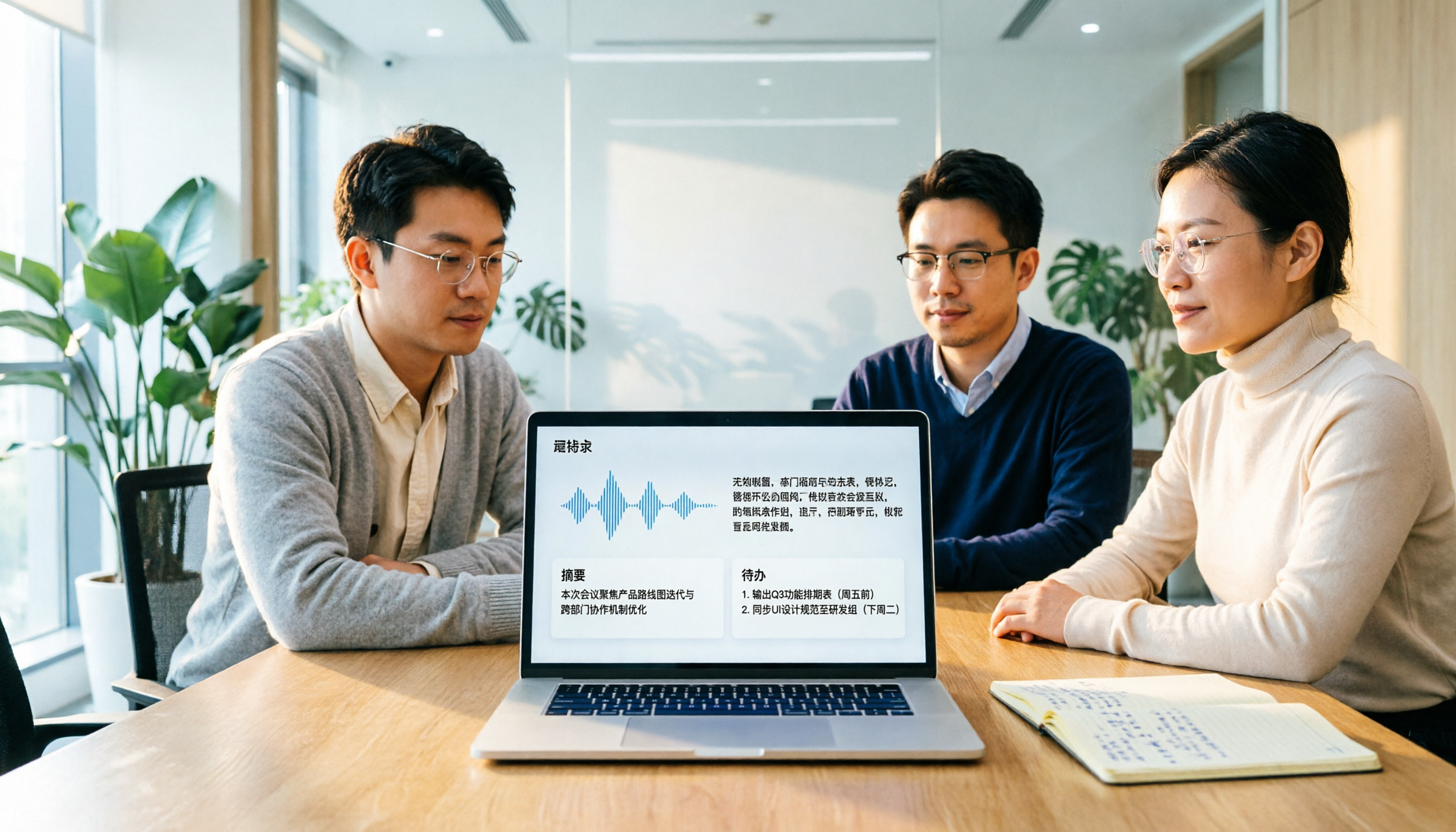
Otter Chinese in 2026: Which Solution Works Best? A Side-by-Side Comparison of 3 Options and Why Tinrec Is Better for Chinese Meetings
When people search for 'Otter Chinese,' there are actually two different needs: looking up the English word, or finding a Chinese alternative to Otter.ai. This article first clarifies how to look up 'otter' (the animal) most comprehensively, then compares Tinrec and Otter.ai across five dimensions: Chinese recognition, meeting capture methods, post-meeting output, team data ownership, and quota pricing, to help you choose the right tool for Chinese meeting notes.

2026 Comparison of 2 Chinese Meeting Transcription Tools: Why Tinrec Is Better Suited for Chinese Than Otter.ai
Otter.ai is mature for English meeting transcription, but Chinese transcription has always been a pain point. This article uses the perspective of a team lead in Taiwan to compare Otter.ai and Tinrec in Chinese transcription, bot-free recording, post-meeting organization, and team collaboration, helping you decide which is better for Chinese meetings.

Otter in Chinese: What It Means and Whether Otter.ai Supports Chinese Meetings (2026 Guide)
What does 'otter' mean in Chinese? There are two layers: the literal translation of the English word 'otter' and whether Otter.ai, an AI meeting tool, can handle Chinese. This article clarifies the literal meaning and official language support, then explains why 'supports Chinese' doesn't mean it understands your Chinese meetings. Using Tinrec as an example, it breaks down the complete workflow from recording and transcription to summaries, action items, and team knowledge retention.

2024 Comparison of 3 Otter Chinese Alternatives: Which Saves More Time for Chinese Meeting Notes?
If you're searching for Otter Chinese, what you really need to determine is whether Otter.ai is sufficient for Chinese meetings. This article compares Tinrec, Otter.ai, and Notta from four perspectives: Chinese transcription, bot-free recording, post-meeting organization, and team collaboration, to help you choose the right tool for Chinese meeting notes.