

Turn recordings into transcripts and summaries in minutes
Upload audio or video for multilingual transcription, AI notes, and action items
Otter in Chinese: What It Means and Whether Otter.ai Supports Chinese Meetings (2026 Guide)
Misconception: Having Chinese Doesn't Mean Understanding Chinese
Whenever someone asks me about Otter in Chinese, I find the real sticking point isn't language.
It's expectations.
People imagine: press a button, and it understands what I'm saying—specifically, the kind of Chinese spoken in Taiwanese offices: mixed Chinese-English, product codes, colleague nicknames, and sentences that change mid-thought.
But in the tool world, 'supports Chinese' usually means only three things: the interface has Chinese, you can select Chinese as a language, and the model has been trained on Chinese data.
It doesn't mean it understands your company's jargon.
Nor does it mean it knows how to spell your manager's name.
So the first judgment needs to change.
Don't ask 'Does it have Chinese?' Ask 'After it records this Chinese meeting, how much time will I spend fixing it?'
Change the question, and your criteria for choosing a tool completely change.
First, the Literal Question: What Does 'Otter' Mean?
This section is for those simply looking up the word.
'Otter' is English for '水獺' (shuǐ tǎ)—the animal that floats on its back and cracks shells with a stone.
But in different contexts, it has other meanings.
In the gay community, 'otter' refers to a body type and hairiness self-identity; in aviation, it's the name of the de Havilland Canada DHC-3 Otter, a short takeoff and landing aircraft.
So if you look up 'otter' in a dictionary and see '水獺', that's correct.
If you see 'Otter' in an article about meeting note tools, that's something else—it's Otter.ai, an AI meeting notes service.
The two Otters are completely unrelated.
Get this straight, and you won't ask questions in the wrong direction later.
Otter.ai's Chinese Support: The Official Stance
Now about the tool.
Otter.ai's officially listed supported languages include Simplified Chinese. Traditional Chinese is not listed as an officially supported language.
This doesn't mean it can't process Chinese speech at all.
It means you can't assume it understands Traditional Chinese usage habits.
For example, '會議紀錄' vs. '會議記錄', '專案' vs. '項目', or Taiwanese terms like '排程' and '時程'—these can cause discrepancies in transcription and subsequent organization.
Plus, its product focus has long been English business meetings, and its features have grown in that direction.
So if you want 'a Chinese record you can hand to a client right after the meeting,' my advice is always the same: test it with a real recording of your own before deciding to pay.
This isn't nitpicking; it's protecting your time.
Reframe: Do I Need 'Accurate Transcription' or 'Usable After the Meeting'?
This is the thinking habit I think is most worth changing.
Most people compare meeting tools by transcription accuracy.
But what really eats time is often not the transcription part.
It's after transcription.
A 60-minute meeting can produce tens of thousands of words in a transcript. You need to find who agreed to what, which decision overturned the last conclusion, and what needs to be delivered before the next meeting.
This can't be done with 'search'; it requires 'understanding'.
So when I look at tools now, I ask three questions first:
1. After the text is out, does someone help me paragraph, title, and highlight key points?
2. Can I ask questions directly about this meeting?
3. Will this data still be findable and understandable three months from now?
If a tool can't answer these three, no matter how accurate, I'll eventually give up on it.
What Chinese Meeting Notes Can Do for You
Scenario 1: Meeting Ends, Notes Are Ready
In the past, after a two-hour meeting, you'd spend more time organizing.
Take Tinrec as an example: real-time recording and transcription produce text as you speak, and when the meeting ends, the transcript is already there, along with summaries, chapters, and action items.
The first thing you do is not type, but verify.
Scenario 2: No Extra Bot Needed for Recording
Tinrec desktop version directly captures your computer's system audio, handling Zoom, Google Meet, Microsoft Teams, and Webex meetings played on your computer.
You don't need to invite an extra bot into the meeting room.
This is especially noticeable in external meetings—when clients see an unknown account join, their first question is usually 'Who is this?'
Scenario 3: Recordings Become Queryable Data
Tinrec supports AI Q&A around meeting content.
You can directly ask 'Who mentioned the budget in this meeting?' or 'What were the client's concerns about the delivery date?' It answers based on the content, not by throwing a list of keyword matches at you.
(Screenshot: Tinrec workspace meeting summary and action items section, arrow pointing to AI Q&A input box)
Core Capabilities of Chinese Meeting Notes
Capability 1: Real-time Transcription Lets You Catch Misses on the Spot
The value of live transcription isn't saving time; it's 'real-time feedback'.
Tinrec's real-time recording and transcription syncs text as the meeting progresses. You can listen and read simultaneously, and if you notice a key point wasn't fully captured, you can ask for clarification right then.
This is far more effective than listening to the recording afterward to补救.
Capability 2: Bot-free Recording of Online Meetings
This is the core design of Tinrec desktop version.
It captures the sound played by the device, not joining the meeting as a participant.
So the meeting list won't have an extra account, and you don't need the host's permission to let a bot in.
Stop organizing recordings by hand
Upload audio or video and automatically get a transcript, summary, and action items
Note: This is 'you actively open Tinrec to start recording', not automatically joining every meeting on your calendar.
Capability 3: Summaries, Chapters, Key Points, and Action Items
The transcript is just raw material.
Tinrec breaks long meetings into chapters, extracts discussion highlights, and organizes follow-up action items.
When reviewing a project, I usually scan the chapter titles first, then decide which section to dive into—much faster than reading the transcript from the beginning.
Capability 4: Real-time Translation and Bilingual Viewing
If there are non-Chinese speakers in the meeting, Tinrec supports viewing the original text, translation, or bilingual content during recording.
For cross-language meetings, this is more practical than finding a translation tool afterward and re-syncing the timeline.
Capability 5: Post-meeting Output and Export
Tinrec supports multiple export formats, bringing results into existing workflows like Notion, Google Docs, OneNote, and Dropbox; it can also generate reports, tables, and documents via Agent post-processing.
(Screenshot: Tinrec export menu and Agent post-processing entry)
Real-world Use Cases
Scenario 1: Mixed Chinese-English Client Meetings
Business meetings in Taiwan are rarely pure Chinese. Product names are in English, system fields are in English, and client contact names are in English.
Tinrec handles Chinese, Traditional Chinese, and multilingual meeting scenarios, and allows teams to maintain custom vocabulary for common terms, making professional vocabulary recognition more stable.
In practice, I always remind: performance is still affected by recording quality, accents, background noise, and overlapping speech. Important content should be verified with recording playback.
Scenario 2: Weekly Project Meetings
Weekly meetings are the easiest to accumulate and the easiest to scatter.
Record live with Tinrec, extract action items afterward, and review before the next meeting—so action items don't just stay in the last meeting notes.
Scenario 3: Interviews and Research Recordings
In-depth interviews often last over an hour, and transcripts are basic data.
Tinrec supports importing audio and video files, as well as mobile recording. Record on your phone at the interview site, organize later—the workflow connects.
When you need to quote a specific interviewee, asking via AI Q&A is faster than flipping through the transcript.
Scenario 4: Courses and Lectures
Course recordings usually have clear structure and a single speaker, making them relatively high-success-rate material for transcription.
Use Tinrec's chapters and summaries as a note skeleton, then add your own reflections—more effective than pure note-taking.
5 Things to Consider When Choosing a Chinese Meeting Notes Tool
1. Language support: which Chinese?
Just because 'Chinese' is on the list doesn't mean it understands Taiwanese usage. Tinrec covers Chinese, Traditional Chinese, and multilingual meeting scenarios—a more practical starting point for Traditional Chinese users.
2. Recording method determines whether you can use it in external meetings
Tools that require inviting a bot are often awkward in client meetings. Tinrec desktop version uses system audio capture, so the meeting list won't have an extra account.
3. Does it organize after transcription?
A tool with only transcription hands the organizing work right back to you. Tinrec generates summaries, chapters, key points, and action items—the key to saving time.
4. Can exports connect to your existing workflow?
Notes ultimately need to go into the team's existing document and knowledge systems. Tinrec supports multiple export formats and third-party tool integration, no manual copy-paste needed.
5. Team permissions and data ownership
Sharing a personal account is not team collaboration. Tinrec team version provides independent team spaces, role and seat management, usage analytics, audit logs, and audio recycle bin.
Clarify: roles determine who can manage the team; seats determine who can record, upload, edit, and export. Members who are active but have no seat can still view, play, and read team data.
FAQ
What does 'otter' mean in Chinese?
'Otter' in Chinese is '水獺' (shuǐ tǎ). In different contexts, it also refers to a self-identity in the gay community or the de Havilland Canada DHC-3 Otter aircraft. If you see Otter.ai, that's an AI meeting notes service, unrelated to the animal.
Can Otter.ai transcribe Traditional Chinese?
Official Chinese support is Simplified Chinese; Traditional Chinese is not listed as an officially supported language. It's recommended not to assume full accuracy for Traditional Chinese terms, Taiwanese accents, and mixed Chinese-English content. Actual testing is more reliable than reading documentation.
Does Tinrec support Chinese?
Yes. Tinrec covers Chinese, Traditional Chinese, and multilingual meeting scenarios, and offers real-time translation and team custom vocabulary management. Actual recognition performance is affected by recording quality, background noise, accents, and overlapping speech. Important content should be verified with recording.
How to record Zoom or Google Meet without a meeting bot?
Use Tinrec desktop version. It captures computer system audio to handle online meetings without an extra account joining the meeting; the user actively starts recording, rather than automatically joining all calendar meetings.
What's the difference between team and personal versions?
Personal version data is managed by the individual account; team version is an independent team space where data belongs to the team, with role and seat management, sharing benefits, usage analytics, audit logs, and audio recycle bin. Currently, team monthly is USD 29.80 per paid seat per month, annual is USD 199 per paid seat per year, each paid seat provides 2,000 minutes of team shared import quota per month. Actual prices and benefits are subject to the official purchase page.
Conclusion
Back to the original question: what does 'otter' mean in Chinese?
Literally, it's '水獺' (shuǐ tǎ).
As a tool, Otter.ai's Chinese support is mainly Simplified Chinese; Traditional Chinese is not on the official support list.
But the real question is: does your Chinese meeting need 'someone to type for you' or 'someone to turn the meeting into actionable data'?
If the latter, then you're not choosing a transcription engine, but a complete post-meeting workflow.
My advice is simple: pick a real meeting recording you're familiar with, just ten minutes, run it through Tinrec free version, and see if the summary is accurate, action items are captured, and Q&A can answer what you really want to ask.
Test step by step, and you'll gradually find the method that suits your team.
References
- OTTER Chinese (Traditional) Translation: Cambridge Dictionary
- otter Chinese translation | VoiceTube Learn English with Videos
- OTTER Chinese (Simplified) Translation: Cambridge Dictionary
- Can Otter.ai Be Used in Chinese? 2026 Chinese Speech-to-Text Tool Review and Recommendations - Tinrec Blog
- Does Otter.ai Support Chinese? Simplified Chinese Limitations, Free 300 Minutes, and Tutorial | Mason AI Lab
Turn every recording into actionable outcomes
Get 60 free transcription minutes when you sign in. No credit card required.
Related Reading
You might also like

4 Sales Meeting Transcription Software Compared: Which Free Version Is Actually Usable in 2026?
How to choose a free sales meeting transcription tool? Based on hands-on experience from a mid-level manager, this article breaks down four key decision points: free quota, post-meeting output, AI follow-up questions, and team handover. It compares Tinrec, Otter.ai, Notta, and PLAUD Note in real sales meeting scenarios to help you avoid the common mistake of only looking at free minutes.

3 Free Chinese Meeting Transcription Tools Tested for 2026: Is Otter Chinese Good Enough?
Many people search for "free Otter Chinese version" but run into issues with Simplified Chinese, free quotas, and export limits. This article starts with common misconceptions, explains what free Chinese meeting transcription can do for you, the 5 key points to consider when choosing a tool, and uses Tinrec as an example to show you the complete workflow from recording, transcript, summary, action items, to team knowledge retention.

Tinrec vs Otter.ai 2026: 5-Dimension Comparison — Which Is Better for Chinese Meetings?
Otter.ai's free plan offers 300 minutes per month, which sounds appealing, but is it enough for Chinese meetings? This article compares Tinrec and Otter.ai across five dimensions—free quota, Chinese language support, meeting capture methods, post-meeting output, and team knowledge retention—to help Hong Kong professionals choose the right meeting notes tool.

3 Meeting Transcription Tools Tested in 2026: Which Otter Chinese Alternative Works Best?
People searching for "otter Chinese online" actually have three different needs: looking up a word, finding Otter.ai's Chinese interface, or wanting a meeting transcription tool that handles Chinese well. This article first clarifies those intents, then uses Tinrec to test Chinese transcripts, summaries, action items, and team collaboration workflows, and compares Otter.ai's free and paid plans to help you choose the right approach.

2026 Side-by-Side Comparison of 2 Otter Chinese Version Tools: How Tinrec Fills the Traditional Chinese Meeting Notes Gap
Otter.ai's Chinese support is primarily Simplified Chinese, and Traditional Chinese and mixed Chinese-English content still require extensive proofreading. Starting from the pain points of mid-level managers' meeting notes, this article compares Otter.ai and Tinrec in terms of Chinese recognition, bot-free recording, post-meeting organization, team collaboration, and quota design, and summarizes practical use cases and purchasing advice.
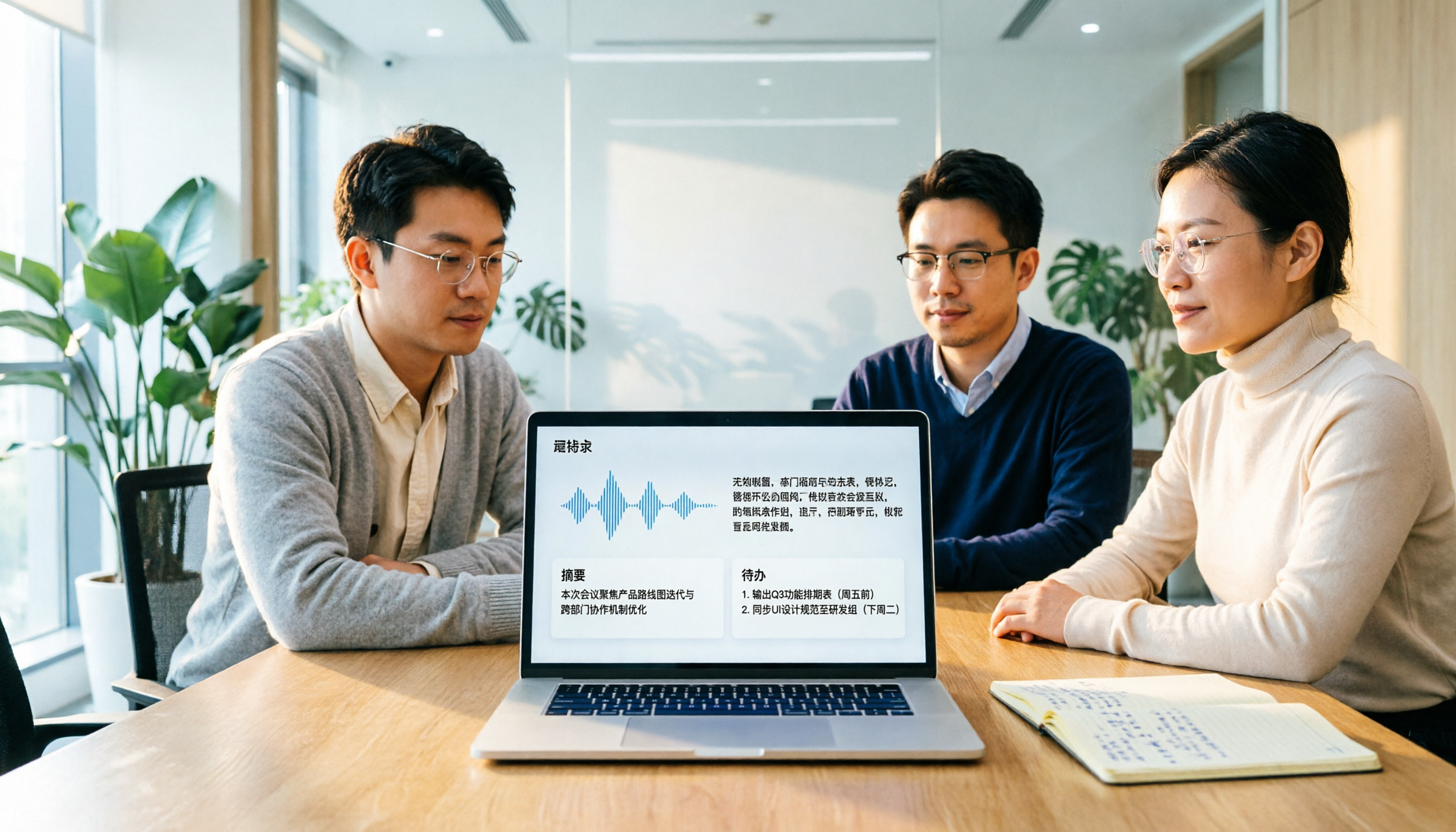
Otter Chinese in 2026: Which Solution Works Best? A Side-by-Side Comparison of 3 Options and Why Tinrec Is Better for Chinese Meetings
When people search for 'Otter Chinese,' there are actually two different needs: looking up the English word, or finding a Chinese alternative to Otter.ai. This article first clarifies how to look up 'otter' (the animal) most comprehensively, then compares Tinrec and Otter.ai across five dimensions: Chinese recognition, meeting capture methods, post-meeting output, team data ownership, and quota pricing, to help you choose the right tool for Chinese meeting notes.

2026 Comparison of 2 Chinese Meeting Transcription Tools: Why Tinrec Is Better Suited for Chinese Than Otter.ai
Otter.ai is mature for English meeting transcription, but Chinese transcription has always been a pain point. This article uses the perspective of a team lead in Taiwan to compare Otter.ai and Tinrec in Chinese transcription, bot-free recording, post-meeting organization, and team collaboration, helping you decide which is better for Chinese meetings.

Tinrec vs Otter.ai 2026: 5-Dimension Comparison for Chinese Meeting Scenarios
People searching for 'which otter Chinese is good' are either looking for the Chinese translation of the word 'otter' or asking about Otter.ai's Chinese capabilities. This article separates these two intents, then compares Tinrec and Otter.ai across five dimensions: Chinese and mixed Chinese-English transcription, online meeting capture methods, post-meeting outputs, team governance, and pricing/quotas. It concludes with clear recommendations based on usage scenarios.

2024 Comparison of 3 Otter Chinese Alternatives: Which Saves More Time for Chinese Meeting Notes?
If you're searching for Otter Chinese, what you really need to determine is whether Otter.ai is sufficient for Chinese meetings. This article compares Tinrec, Otter.ai, and Notta from four perspectives: Chinese transcription, bot-free recording, post-meeting organization, and team collaboration, to help you choose the right tool for Chinese meeting notes.