

Turn recordings into transcripts and summaries in minutes
Upload audio or video for multilingual transcription, AI notes, and action items
International Students Must Read! Audio-to-Text for Better Grades, Double Efficiency Effortlessly
1. Pain Points for International Students: Language Barriers + Time-Consuming Review
2. Core Feature: Audio-to-Text, Accurate and Effortless
(1) Audio-to-Text: 98% Recognition Rate, Real-Time Generation
(2) iPhone Audio-to-Text: One-Click Operation, No Extra Plugins Needed
(3) Audio-to-Verbatim Transcript: Neat Format, Ready for Note-Taking
3. Additional Features: Covering the Full Study Workflow, Maximizing Learning Efficiency
(1) Real-Time Multilingual Translation: Stress-Free Cross-Language Learning
(2) AI Summary: Get the Course Core in 10 Minutes
(3) Recording Memos: Never Miss Key Points
(4) To-Do List Generation: Take Control of Your Study Pace
4. Real Experience: Simple Operation, Visible Results
5. Summary: Essential for International Students, 7-Day Free Trial
Turn every recording into actionable outcomes
Get 60 free transcription minutes when you sign in. No credit card required.
Related Reading
You might also like
How to Convert Voice Memos to Text? Efficient Solutions for iPhone Users
This article shares practical tips for converting iPhone voice memos to text, covering the built-in Voice Memos app and third-party apps. It compares their pros and cons, provides cost references, tips for improving recording quality, and proofreading techniques to help users efficiently transcribe recordings into text, significantly boosting work efficiency.
Audio to Text: 5 Super Practical AI Tools! Transcribe iPhone Recordings & Double Work Efficiency
This article recommends 5 super practical AI tools covering audio-to-text transcription, iPhone recording transcription, design, data organization, and smart note-taking. These tools are easy to use and highly efficient, solving common work and study pain points, saving time, and boosting productivity for various scenarios.
4 Super Practical AI Speech-to-Text Tools! Convert Audio Recordings & iPhone Voice Memos to Transcripts Efficiently
This article shares 4 practical AI speech-to-text tools for converting audio recordings to text, including iPhone voice memos to transcripts. These tools are easy to use, fast, and accurate, supporting multiple formats and languages. Ideal for meetings, interviews, lectures, and more, they significantly boost work and study efficiency.
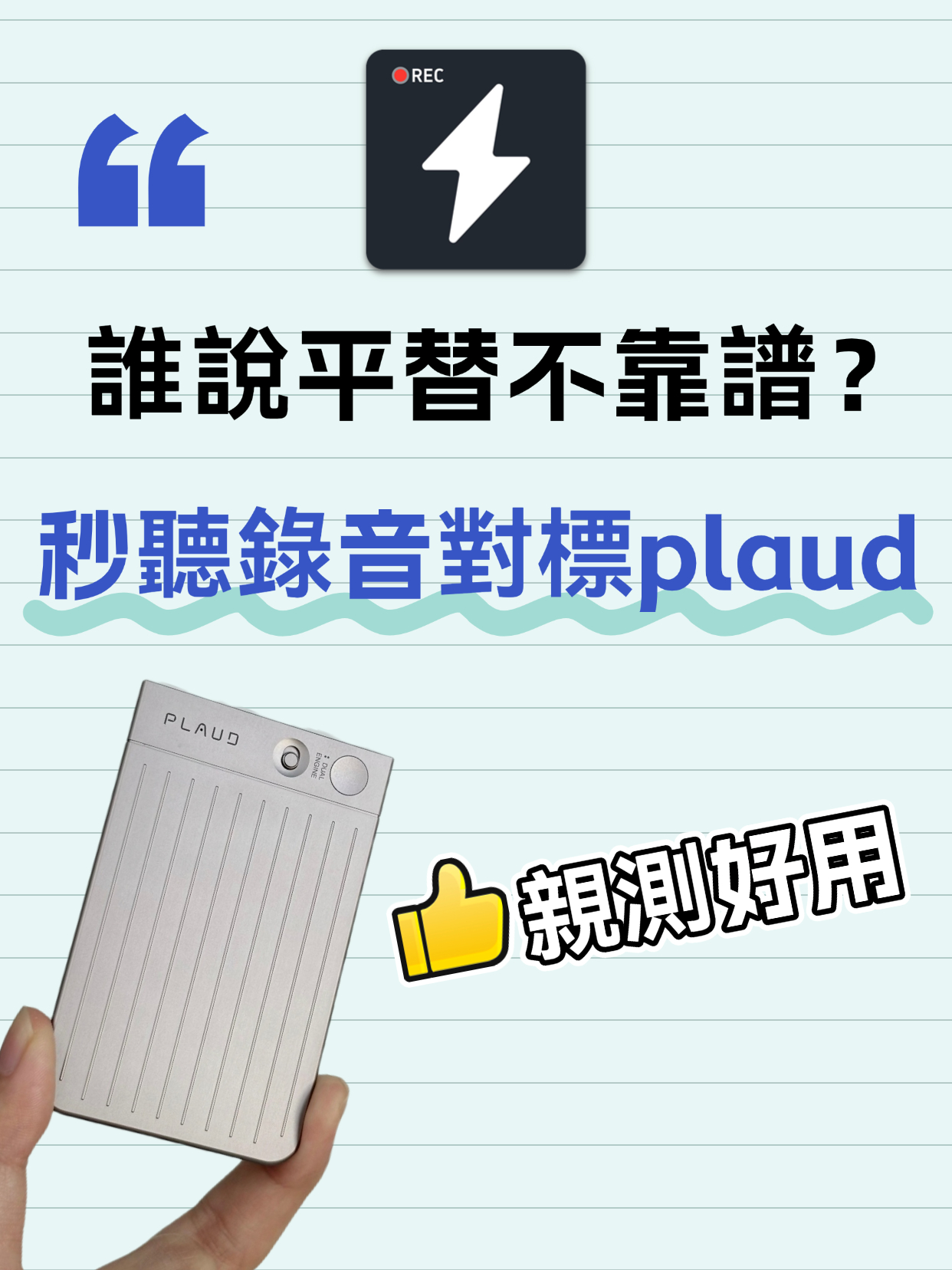
Audio to Text Transcription Tool: Miao Ting Lu Yin vs Plaud – A Budget Alternative That Saved Me 12 Hours
After switching from Plaud to Miao Ting Lu Yin for half a month, I was amazed by this budget alternative. Features like real-time transcription, memo hooks, auto summaries, and chapter separation are super useful. Quickly converts audio to text and transcripts with high accuracy. Supports multiple languages, flexible storage, and great value. Highly recommended!
Audio to Text | 2026 AI Tool Recommendations: Tips to Double Office and Creative Productivity
This article shares several battle-tested AI tools focusing on office and creative pain points. MiaoTing solves audio-to-text and transcript needs, improving meeting efficiency by 80%; other AI tools for copywriting, images, and videos each have clear scenarios with specific efficiency data. The core is to choose the right tool, to assist rather than replace humans, and to free up repetitive labor.
5 Must-Have Speech-to-Text Tools in 2026 to Solve Transcription Pain Points
This article recommends several practical audio-to-text and transcription tools. MiaoTing and Feishu Minutes are ideal for meetings, voice-to-text tools offer high efficiency, Recording Expert suits business scenarios, and Doubao and Jimeng AI provide versatile features. These tools cater to different needs, greatly improving transcription efficiency and solving audio processing challenges in work and study.

4 Desktop Speech-to-Text Tools Tested: Free Tiers, Chinese Accuracy, and Post-Meeting Organization
After an online meeting, do you still spend two hours typing up the transcript? This article compares four desktop speech-to-text tools based on real-world use cases: which can record computer system audio directly, which only offer web upload, which just give you text, and which can also generate summaries, action items, and AI Q&A. It includes free tiers, pricing, and team seat details to help you choose the one that truly saves time.

2026 Korean Speech-to-Text Showdown: Tinrec vs Musely — Which Is Better for Teams?
Starting from the pain of organizing notes after a meeting with a Korean client, this comparison of Tinrec and Musely across 5 dimensions — audio capture, Korean honorific handling, post-meeting organization, export, and team governance — helps you decide between a Korean-specific transcription tool and a collaborative meeting-notes platform.

How to Choose Audio-to-Text Software in 2026: 5 Steps to Avoid Pitfalls and Pick the Right Tool
Many people looking for audio-to-text software make the mistake of treating Word dictation as a transcription tool. This article uses 5 checkpoints to help you avoid pitfalls around free quotas, Chinese recognition, and post-meeting organization, and compares Tinrec and Otter.ai dimension by dimension to help you determine which one fits your workflow.