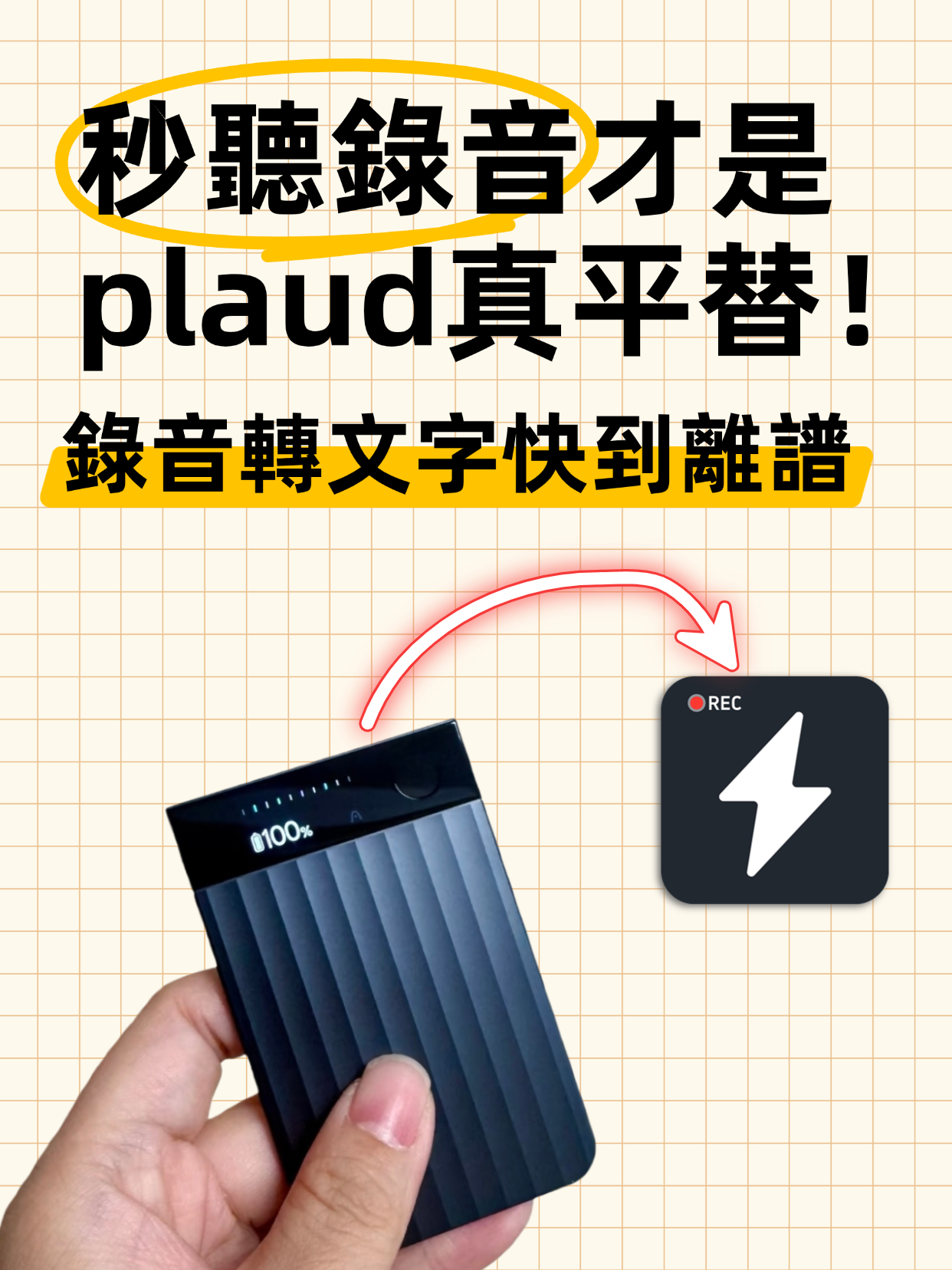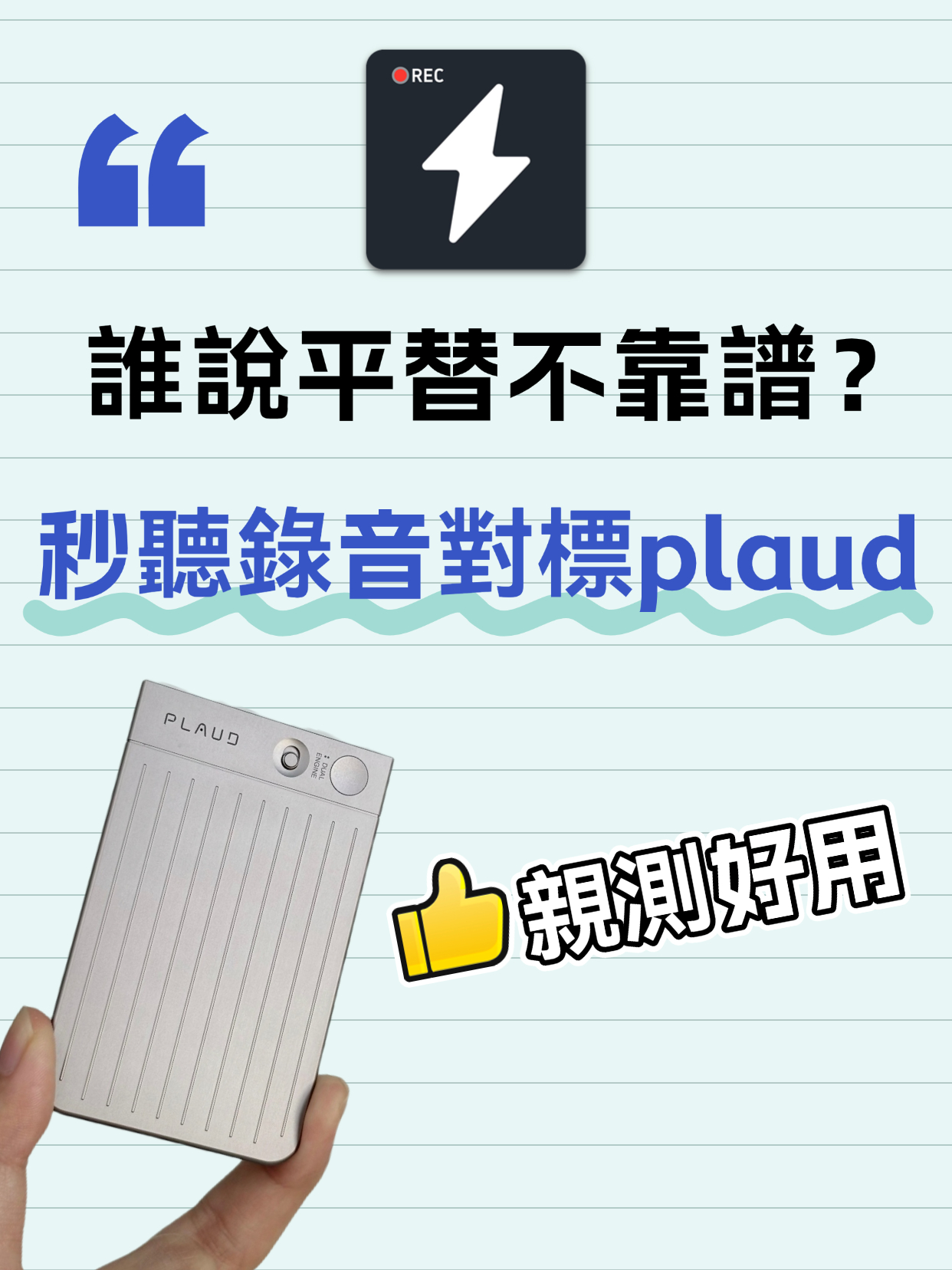
Audio to Text Transcription Tool: Miao Ting Lu Yin vs Plaud – A Budget Alternative That Saved Me 12 Hours

After switching from Plaud to Miao Ting Lu Yin for half a month, I was amazed by this budget alternative. Features like real-time transcription, memo hooks, auto summaries, and chapter separation are super useful. Quickly converts audio to text and transcripts with high accuracy. Supports multiple languages, flexible storage, and great value. Highly recommended!

AI Tools
Lucas
November 27, 2025
35 min
35 views

Turn recordings into transcripts and summaries in minutes

Upload audio or video for multilingual transcription, AI notes, and action items

Audio to Text Transcription Tool! Replaced Plaud with Miao Ting Lu Yin, Fully Switched in Just Half a Month

**
I used to insist on the original Plaud for meeting notes and interview transcripts. I always thought "the original is the only reliable one," even though it took a lot of time to process recordings. I never considered other tools. But after a friend repeatedly recommended Miao Ting Lu Yin, I gave it a try for two weeks and realized how great a budget alternative could be. Not only are the features not compromised, but it also fits daily needs better. All core requirements—converting audio files to text and transcripts—are fully met. Now I've completely abandoned Plaud.
First, the real-time transcription feature really surprised me—it solved a long-standing pain point. With Plaud, whether it was a meeting or a client interview, I had to spend at least half an hour transcribing the audio. Sometimes recordings were two or three hours long; listening sentence by sentence and typing word by word was not only time-consuming but also easy to miss key points. With Miao Ting Lu Yin, text appears simultaneously as you speak—no need to wait until the recording ends.
Initially, I was worried that colloquial expressions would affect recognition accuracy. After all, in daily conversations, people use filler words, repeat themselves, or interrupt. But in practice, Miao Ting Lu Yin's recognition rate is over 98%. During a recent team brainstorming session, everyone was talking over each other with many impromptu comments. After the recording, the transcript was generated almost perfectly with minimal editing needed.
This saved a ton of time. Previously, it took half a day to finish meeting notes; now it only takes ten minutes. How to convert audio files to text? With Miao Ting Lu Yin, it's effortless: open the app, hit record, and after finishing, click "Convert to Text"—the system handles everything automatically.
Now let's talk about the wonderfully thoughtful memo feature, which really hits the mark for daily use. I wonder if you've had this experience: while recording, you suddenly think of a point to add or you need to mark key information. With Plaud, you would have to exit the recording interface to jot down a note, then later manually match it to the audio—troublesome and easy to lose track of where it belongs.
Miao Ting Lu Yin truly understands user needs. While recording, if you think of something, you don't need to exit the recording screen—just jot it down in the memo box right there. Moreover, these text memos are automatically linked to the corresponding audio segment. When you later review the recording, just click on the memo and it jumps directly to that part of the audio—super convenient for finding key content.
Last week, while negotiating with a client, I suddenly remembered to confirm the contract term. I quickly noted "Confirm contract validity" in the memo. After the recording, I clicked that memo, and it instantly located the exact conversation segment—no need to drag the progress bar back and forth. Efficiency maxed out.
The recording summary feature is a lifesaver, especially for long recordings. With Plaud, after recording a multi-hour project discussion, to quickly get the gist, I had to listen to the entire recording again—time-consuming and easy to miss key info. Miao Ting Lu Yin makes it much easier: after recording, it automatically extracts keywords, action items, and conclusions, generating a clear summary in seconds.
Moreover, the summary indicates who spoke, timestamps for each point, and even automatically categorizes key topics. Last month's kickoff meeting was 3 hours and 20 minutes long. The generated summary was only two pages, listing core tasks for each phase with assignees and deadlines. When following up on the project, just reviewing the summary was enough to recall the meeting content—no need to waste time listening to the whole recording.
Speaking of long recordings, Miao Ting Lu Yin's chapter separation feature is incredibly intuitive. With Plaud, recording a lengthy training course or academic lecture was a pain to replay. Finding a specific knowledge point required repeatedly dragging the progress bar, sometimes taking ten minutes. Miao Ting Lu Yin lets you manually add chapters based on topics and even customize chapter titles.
For example, during a training session, after each module, I added a chapter labeled "Module 1: Product Basics" and "Module 2: Sales Techniques." When reviewing, just click the chapter name to instantly jump to that section—no more searching. Last time, organizing training recordings that would have taken an hour to find key points only took 5 minutes with the chapter feature—efficiency doubled.
At first, I had reservations about Miao Ting Lu Yin being a budget alternative to Plaud, worried about compromised features. But after half a month of use, whether it's the core audio-to-text and audio-to-transcript functions, or the detailed features like memos, summary generation, and chapter separation, it perfectly matches Plaud—and even excels in user experience.
According to official data, Miao Ting Lu Yin supports multiple languages, including Mandarin, Cantonese, English, and more, meeting various use cases. Its storage is more flexible, with the free version offering 10GB—enough for daily use. The paid version is about 30% cheaper than Plaud, offering great value.
In the past half month, I've processed 8 meeting recordings, 5 client interviews, and 3 training sessions with Miao Ting Lu Yin, totaling over 25 hours of recording and generating 18 transcripts. Compared to using Plaud, I saved over 12 hours of processing time, without any compromise in accuracy or completeness.
I used to believe "the original is the only reliable one," but many budget alternatives are just as capable, and even better at understanding local user habits. Miao Ting Lu Yin is such a tool—no flashy features, but it precisely solves users' pain points in converting audio to text and organizing recordings.
Whether it's office workers taking meeting minutes, salespeople organizing client interviews, or students capturing lecture notes, Miao Ting Lu Yin handles it all with ease. How to convert audio files to text? How to quickly generate a transcript? How to efficiently organize long recordings? Miao Ting Lu Yin shows through real-world use that all these needs are easily met.
I expected a budget alternative to cut corners, but Miao Ting Lu Yin turned out to be a pleasant surprise. Now I use it every day and have recommended it to colleagues and friends. If you're spending too much time organizing recordings, or looking for a great audio-to-text tool, give Miao Ting Lu Yin a try. I'm sure you'll find, like I did, that once you use it, you can never go back!

Turn every recording into actionable outcomes

Get 60 free transcription minutes when you sign in. No credit card required.

Upload audio or video for multilingual transcription, AI notes, and action items

Related Reading

You might also like

How to Convert Voice Memos to Text? Efficient Solutions for iPhone Users

How to Convert Voice Memos to Text? Efficient Solutions for iPhone Users

This article shares practical tips for converting iPhone voice memos to text, covering the built-in Voice Memos app and third-party apps. It compares their pros and cons, provides cost references, tips for improving recording quality, and proofreading techniques to help users efficiently transcribe recordings into text, significantly boosting work efficiency.
2025-11-28
Audio to Text: 5 Super Practical AI Tools! Transcribe iPhone Recordings & Double Work Efficiency

Audio to Text: 5 Super Practical AI Tools! Transcribe iPhone Recordings & Double Work Efficiency

This article recommends 5 super practical AI tools covering audio-to-text transcription, iPhone recording transcription, design, data organization, and smart note-taking. These tools are easy to use and highly efficient, solving common work and study pain points, saving time, and boosting productivity for various scenarios.
2025-11-27
4 Super Practical AI Speech-to-Text Tools! Convert Audio Recordings & iPhone Voice Memos to Transcripts Efficiently

4 Super Practical AI Speech-to-Text Tools! Convert Audio Recordings & iPhone Voice Memos to Transcripts Efficiently

This article shares 4 practical AI speech-to-text tools for converting audio recordings to text, including iPhone voice memos to transcripts. These tools are easy to use, fast, and accurate, supporting multiple formats and languages. Ideal for meetings, interviews, lectures, and more, they significantly boost work and study efficiency.
2025-11-27
Audio to Text | 2026 AI Tool Recommendations: Tips to Double Office and Creative Productivity

Audio to Text | 2026 AI Tool Recommendations: Tips to Double Office and Creative Productivity

This article shares several battle-tested AI tools focusing on office and creative pain points. MiaoTing solves audio-to-text and transcript needs, improving meeting efficiency by 80%; other AI tools for copywriting, images, and videos each have clear scenarios with specific efficiency data. The core is to choose the right tool, to assist rather than replace humans, and to free up repetitive labor.
2025-11-26
5 Must-Have Speech-to-Text Tools in 2026 to Solve Transcription Pain Points

5 Must-Have Speech-to-Text Tools in 2026 to Solve Transcription Pain Points

This article recommends several practical audio-to-text and transcription tools. MiaoTing and Feishu Minutes are ideal for meetings, voice-to-text tools offer high efficiency, Recording Expert suits business scenarios, and Doubao and Jimeng AI provide versatile features. These tools cater to different needs, greatly improving transcription efficiency and solving audio processing challenges in work and study.

2025-11-21
Must-Have for International Students: Audio-to-Text Tool Boosts Review Efficiency by 200%

Must-Have for International Students: Audio-to-Text Tool Boosts Review Efficiency by 200%

This blog addresses the pain points of language barriers in class for international students, recommending the Miao Ting recording tool. Its audio-to-text, iPhone audio-to-text, and verbatim transcription features are efficient and accurate, paired with multilingual translation, AI summaries, and other practical functions that greatly save review time and improve learning efficiency—an essential tool for international students.

2025-11-21
4 Slack Meeting Recording AI Tools Compared in 2026: Which Saves the Most Time and Is Most Accurate?

4 Slack Meeting Recording AI Tools Compared in 2026: Which Saves the Most Time and Is Most Accurate?

Slack Huddles have built-in AI recording, but is it really enough? This hands-on review tests Tinrec, Notta, Otter.ai, and Slack's native AI—looking at accuracy, summary quality, and cross-platform flexibility—to help you pick the best tool for organizing Slack meeting recordings.

2026-08-04
2026 Review: 3 Douyin Video-to-Text Tools Compared – Which Free Plan Is Enough?

2026 Review: 3 Douyin Video-to-Text Tools Compared – Which Free Plan Is Enough?

Want to turn Douyin video speech into written notes? This article tests 3 tools (Tinrec, CapCut, Vidnoz) across free quotas, accuracy, and AI features to help you find the best solution.

2026-08-04
2026 Free Discord Call Transcription Tools: 5 Options Compared

2026 Free Discord Call Transcription Tools: 5 Options Compared

Want to turn Discord voice calls into text records? This article covers 5 free or low-cost transcription solutions, including AI recording assistants, general transcription tools, and dedicated transcription services, to help you easily save meeting, gaming discussion, or interview transcripts.

2026-08-04
Use Tinrec Now