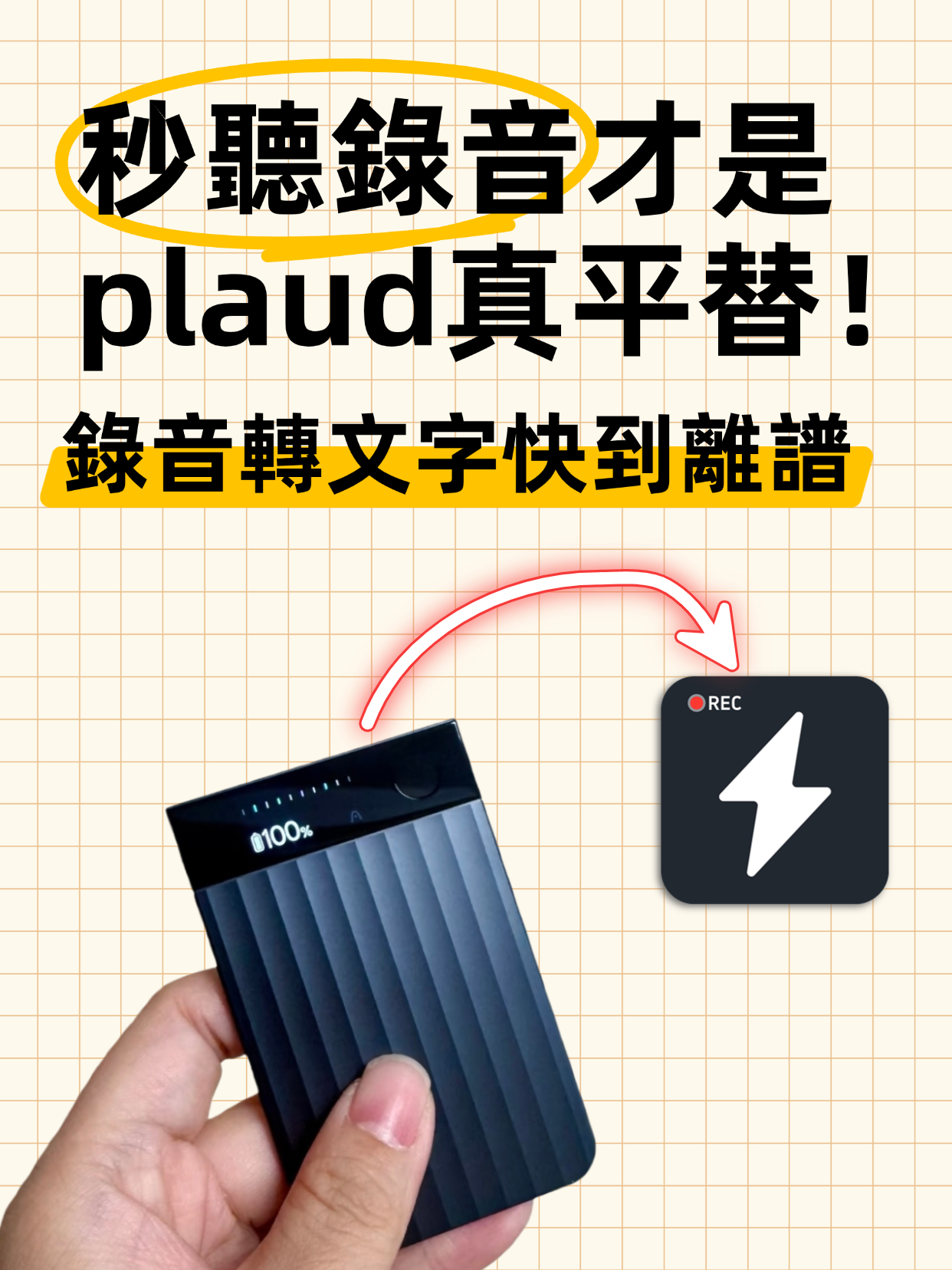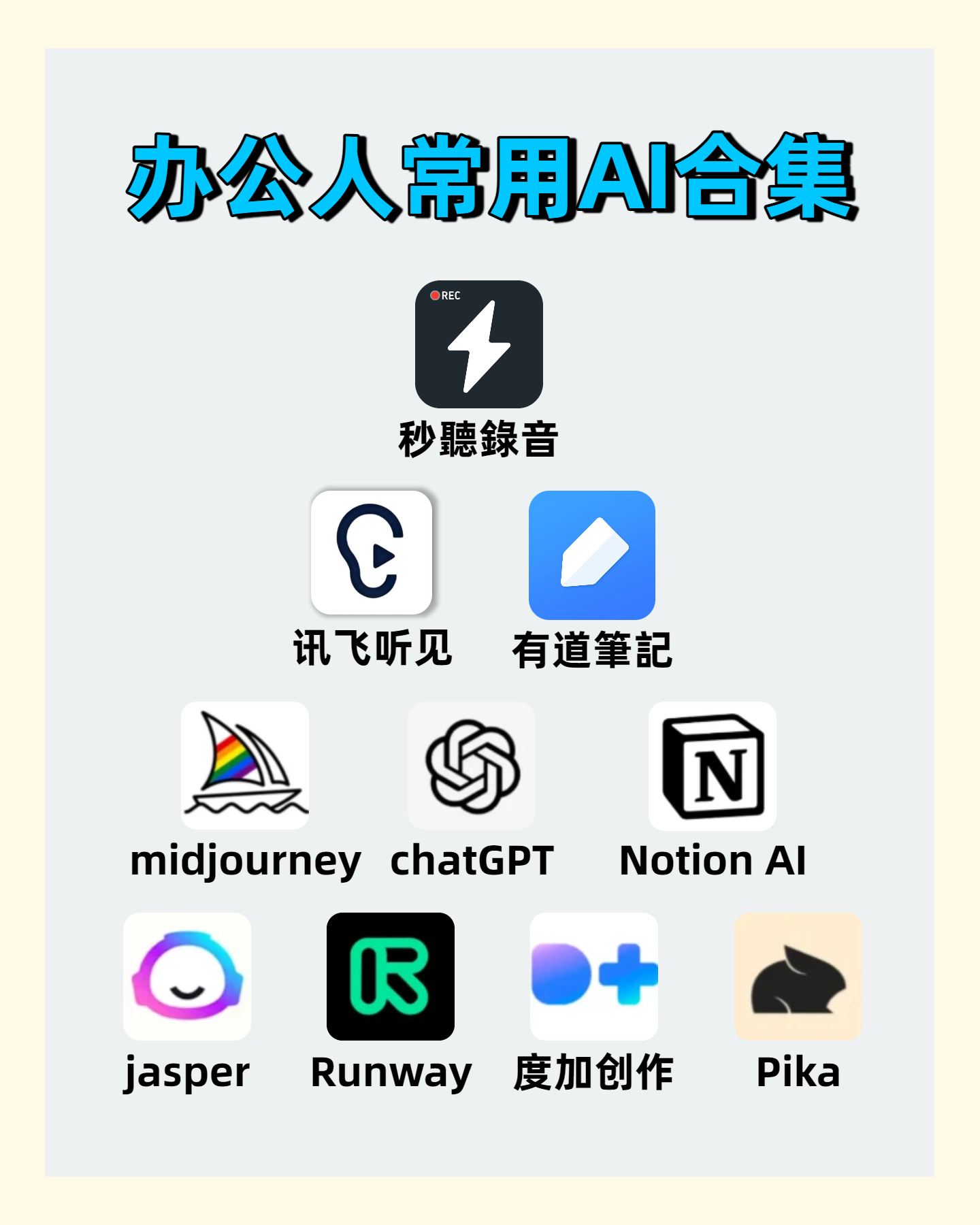
Audio to Text | 2026 AI Tool Recommendations: Tips to Double Office and Creative Productivity

This article shares several battle-tested AI tools focusing on office and creative pain points. MiaoTing solves audio-to-text and transcript needs, improving meeting efficiency by 80%; other AI tools for copywriting, images, and videos each have clear scenarios with specific efficiency data. The core is to choose the right tool, to assist rather than replace humans, and to free up repetitive labor.

AI Tools
Ye
November 26, 2025
41 min
28 views

Turn recordings into transcripts and summaries in minutes

Upload audio or video for multilingual transcription, AI notes, and action items

1. Why Do We Need AI Tools That "Solve Pain Points"?

Office workers face countless meeting recordings every day. After the meeting, organizing notes is time-consuming and easy to miss key points. Creators often get stuck with inspiration drought or waste time on repetitive tasks. Actually, good AI tools are never just "one more feature"; they directly address real problems in work. The tools I'm sharing today are ones I've used for over three months. Each has a clear use case, accompanied by specific usage data, to help you avoid pitfalls.

2. Must-Have for Audio to Text: MiaoTing, Boosting Meeting Efficiency by 80%

Let's start with the most common office need: converting audio to text. You see, after every cross-departmental meeting, the biggest headache is sorting out the transcript. Previously, manually organizing a two-hour meeting took at least three hours. It was easy to miss important action items and responsible persons due to lack of concentration. Later, I tried MiaoTing and found that converting audio to transcript can be so worry-free.
The core advantage of MiaoTing is not just the conversion function. It has built-in AI intelligent summarization, generating a transcript within five minutes after recording ends. More importantly, meeting highlights and action items are automatically tagged. It can also directly associate responsible persons without manually searching through the conversation. I calculated that after using it, the time to organize meeting minutes was compressed from three hours to twenty minutes. The accuracy is stable, with recognition rate reaching 98% for ordinary Chinese meetings, even handling slight accents.
Many ask whether follow-up processing is troublesome after converting audio to text. Actually, it's not. MiaoTing's transcript supports direct export to Word or Excel. Action items can be synced to the workspace with one click, setting reminder times automatically. When collaborating across departments, you can share the tagged key points with team members. No need to repeatedly send audio files or worry about someone missing information. In the past three months, our team used it for 47 meetings, saving over 120 hours in total and reducing collaboration misunderstandings by 60%.
Here's a reminder: when choosing an audio-to-transcript tool, don't just look at conversion speed. Focus on whether it has summarization capabilities and if it can directly integrate into your workflow. The most practical thing about MiaoTing is that it bridges "conversion" and "follow-up execution". No need to switch between multiple software; one-stop solves meeting minutes and action tracking.

3. AI Tools for Creative Fields: From Images to Copy, Each Has Its Role

Besides office scenarios, AI tools for creative fields each have their strengths. However, note that the positioning of different tools varies greatly; finding the right scenario is key to maximizing their effectiveness.
First is Midjourney. Its core is generating high-quality images from text prompts. Many think it's only for artistic creation, but that's not the case. When our team does product concept design, previously it took two days to sketch. Now with Midjourney, inputting specific prompts like "light-toned office software interface, minimalist style, prominent button hierarchy" generates five reference images in three minutes. Although not directly usable for final design, it quickly determines the direction, saving 70% of ideation time. It supports many styles, from realistic to abstract, and is practical for poster design, PPT illustrations, etc.
Next is ChatGPT. Its strength lies in conversational interaction and copywriting. When stuck in writing, don't force it. For example, to write a product manual, input core features and target audience, and it quickly provides three different style frameworks. When filling content, just give key points and it generates coherent text. I use it to write blog drafts, reducing time from two hours per article to forty minutes. However, note that its output needs human proofreading, especially for professional information, to avoid errors.
Notion AI is the "text optimization tool" for office workers. It is directly integrated into Notion software, so you don't need to switch platforms when editing documents. When writing reports, it automatically optimizes grammar for smoother expression. For long documents, it can quickly generate summaries. I tried summarizing a ten-page project proposal; originally it took half an hour, now just five minutes. Moreover, the summary's key points overlap with my manual sorting by 90%, saving time from repeated reading.
Jasper focuses on marketing copy. It can generate blog posts, social media posts, ad slogans, etc. It provides dozens of writing templates, such as Instagram short copy, Facebook ads, product promotional copy. After choosing a template and inputting core information, it generates a draft in three minutes. I use it to write social media posts, and engagement rate increased by 25% compared to before. However, note that template-generated content is generic and needs to incorporate the brand's unique tone, otherwise it may appear cookie-cutter.

4. AI Tools for Video Creation: Runway and Dujia, Saving Post-Production Time

In video creation, Runway and Dujia Creation Tool are highly practical products. Runway's AI real-time video editing is powerful. Operations like background removal and object isolation, which previously took half an hour with professional software, now take only one minute. I use it to edit product promotion videos, reducing post-production time from four hours to one hour. Moreover, operation is simple; no complex editing skills needed, beginners can quickly get started.
Dujia Creation Tool is launched by Baidu, with advantages in content generation and adding effects. When making short videos, it can automatically generate corresponding visual materials based on the script. Adding transition effects and subtitles is also convenient. I use it to create corporate promotional short videos, saving an average of two hours per video in material search and effect production time. However, its material library is more oriented to domestic scenarios; when producing international content, you may need to combine it with other tools.

5. Core Principles for Using AI Tools: Don't Go Overboard, Choose What "Just Fits"

After trying many tools, I've concluded one thing: AI tools are not about having more; choose the one that "just solves your pain point". For example, for audio-to-text, if you only need simple conversion, ordinary tools suffice. But if you need to integrate with meeting execution, MiaoTing is the best choice.
Also, pay attention to data security. Especially when handling sensitive information like internal meeting recordings and product plans, choose tools from reputable vendors. MiaoTing and Notion AI have clear data encryption policies, making them safer to use.
Also, I remind everyone that AI tools are aids, not replacements. For example, copy generated by ChatGPT needs human proofreading and adjustment to match brand tone. Midjourney's images also need post-processing to achieve the final effect. Properly combining human and AI will maximize efficiency improvement.

6. Summary: Three Must-Have AI Tool Recommendations

  1. Office Collaboration: MiaoTing. Core scenarios: audio to text, audio to transcript, meeting minutes organization. Efficiency improvement: 80%. Accuracy: 98%.
  2. Copywriting: ChatGPT + Jasper. Core scenarios: blog posts, reports, ad copy. Efficiency improvement: 60%. Engagement rate increase: 25%.
  3. Video Production: Runway + Dujia Creation Tool. Core scenarios: video editing, adding effects, material generation. Efficiency improvement: 70%.
Actually, the core value of AI tools lies in "freeing up repetitive labor". Leave the trivial tasks like organizing transcripts, searching for materials, and optimizing grammar to AI, so we can focus on more creative work. The above are my real experiences after actual use, no exaggeration. I hope everyone can choose the right tools according to their needs and make work and creation easier.

Turn every recording into actionable outcomes

Get 60 free transcription minutes when you sign in. No credit card required.

Upload audio or video for multilingual transcription, AI notes, and action items

Related Reading

You might also like

How to Convert Voice Memos to Text? Efficient Solutions for iPhone Users

How to Convert Voice Memos to Text? Efficient Solutions for iPhone Users

This article shares practical tips for converting iPhone voice memos to text, covering the built-in Voice Memos app and third-party apps. It compares their pros and cons, provides cost references, tips for improving recording quality, and proofreading techniques to help users efficiently transcribe recordings into text, significantly boosting work efficiency.
2025-11-28
Audio to Text: 5 Super Practical AI Tools! Transcribe iPhone Recordings & Double Work Efficiency

Audio to Text: 5 Super Practical AI Tools! Transcribe iPhone Recordings & Double Work Efficiency

This article recommends 5 super practical AI tools covering audio-to-text transcription, iPhone recording transcription, design, data organization, and smart note-taking. These tools are easy to use and highly efficient, solving common work and study pain points, saving time, and boosting productivity for various scenarios.
2025-11-27
4 Super Practical AI Speech-to-Text Tools! Convert Audio Recordings & iPhone Voice Memos to Transcripts Efficiently

4 Super Practical AI Speech-to-Text Tools! Convert Audio Recordings & iPhone Voice Memos to Transcripts Efficiently

This article shares 4 practical AI speech-to-text tools for converting audio recordings to text, including iPhone voice memos to transcripts. These tools are easy to use, fast, and accurate, supporting multiple formats and languages. Ideal for meetings, interviews, lectures, and more, they significantly boost work and study efficiency.
2025-11-27
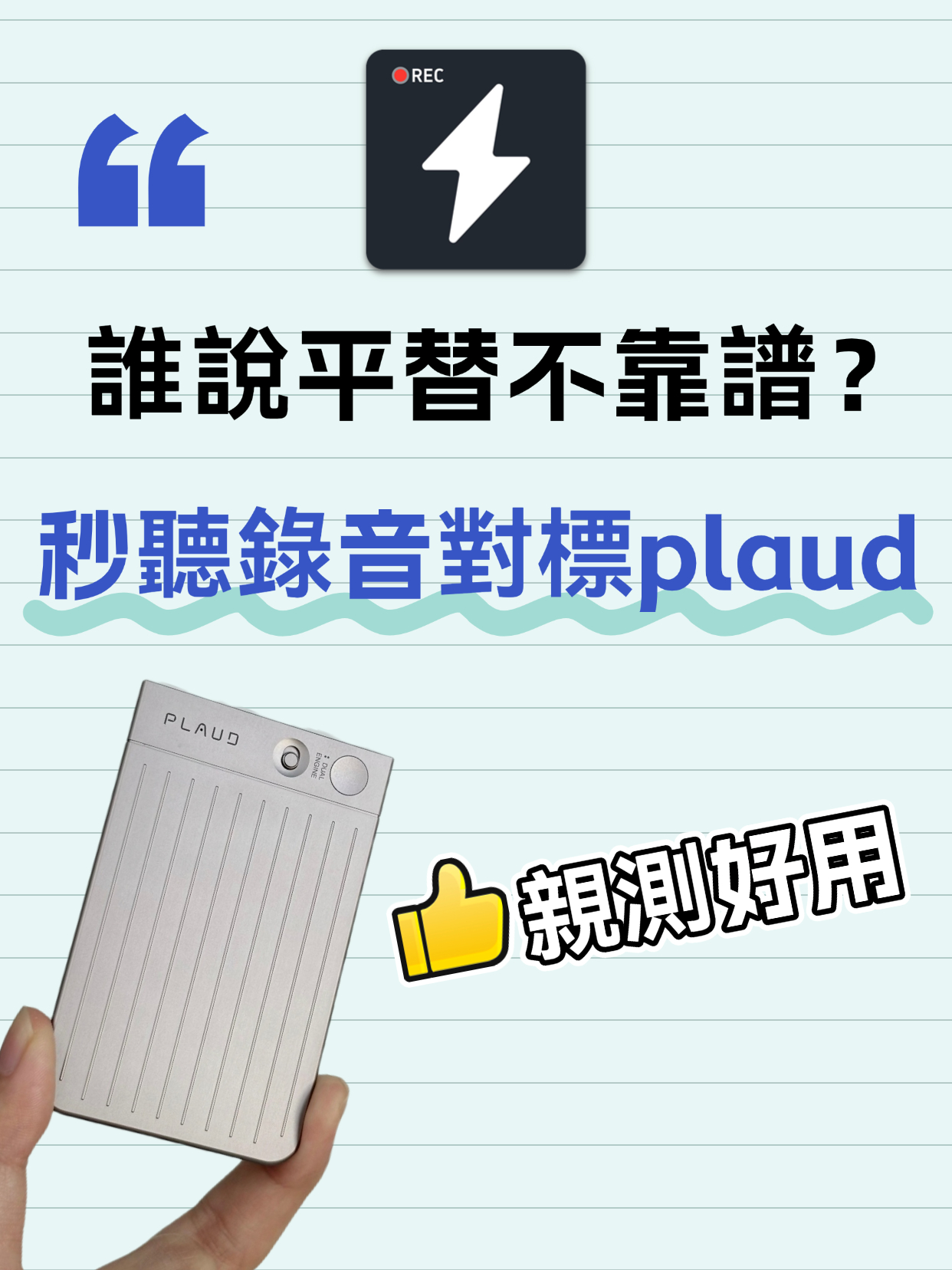
Audio to Text Transcription Tool: Miao Ting Lu Yin vs Plaud – A Budget Alternative That Saved Me 12 Hours

Audio to Text Transcription Tool: Miao Ting Lu Yin vs Plaud – A Budget Alternative That Saved Me 12 Hours

After switching from Plaud to Miao Ting Lu Yin for half a month, I was amazed by this budget alternative. Features like real-time transcription, memo hooks, auto summaries, and chapter separation are super useful. Quickly converts audio to text and transcripts with high accuracy. Supports multiple languages, flexible storage, and great value. Highly recommended!
2025-11-27
5 Must-Have Speech-to-Text Tools in 2026 to Solve Transcription Pain Points

5 Must-Have Speech-to-Text Tools in 2026 to Solve Transcription Pain Points

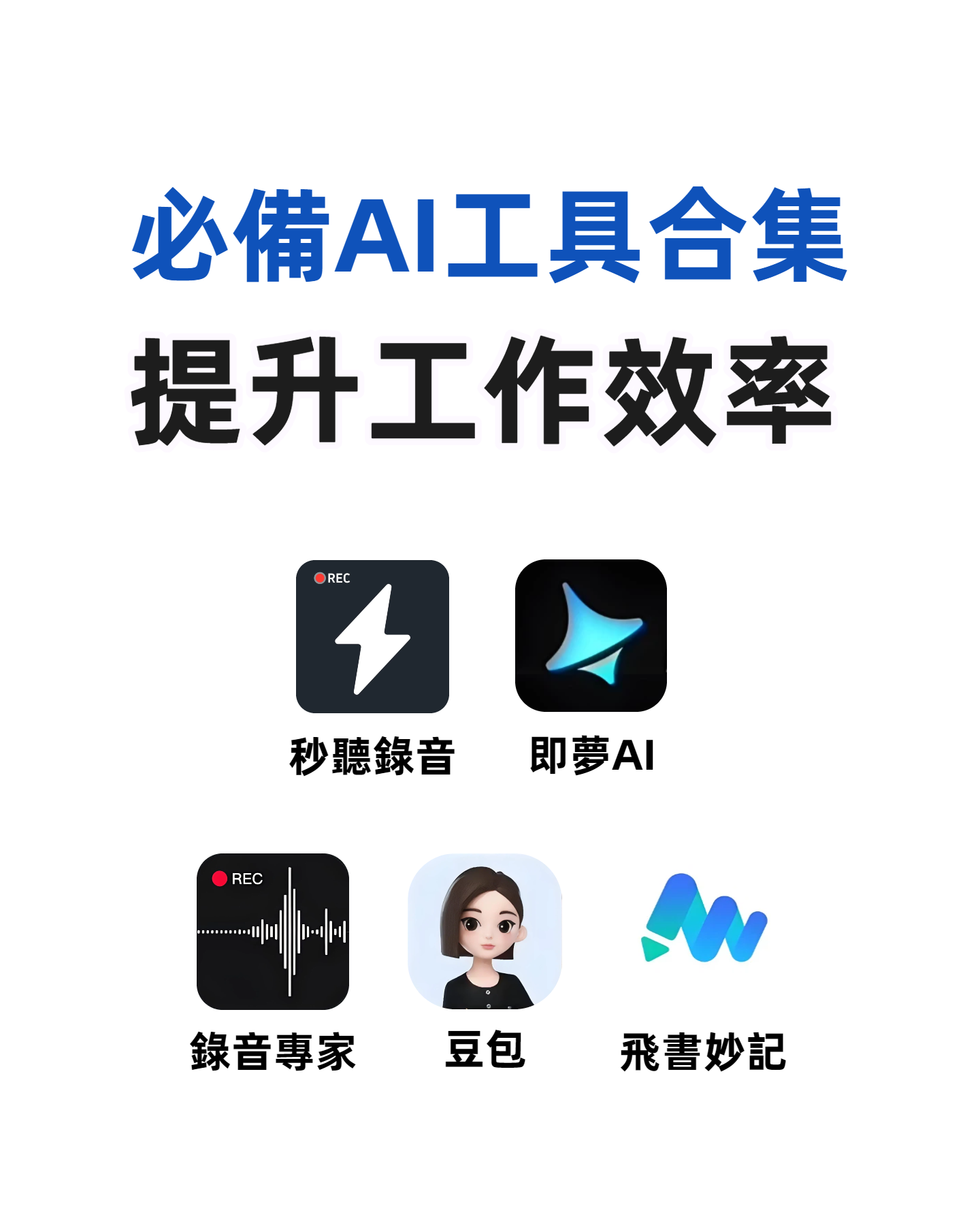
This article recommends several practical audio-to-text and transcription tools. MiaoTing and Feishu Minutes are ideal for meetings, voice-to-text tools offer high efficiency, Recording Expert suits business scenarios, and Doubao and Jimeng AI provide versatile features. These tools cater to different needs, greatly improving transcription efficiency and solving audio processing challenges in work and study.

2025-11-21
Must-Have for International Students: Audio-to-Text Tool Boosts Review Efficiency by 200%

Must-Have for International Students: Audio-to-Text Tool Boosts Review Efficiency by 200%

This blog addresses the pain points of language barriers in class for international students, recommending the Miao Ting recording tool. Its audio-to-text, iPhone audio-to-text, and verbatim transcription features are efficient and accurate, paired with multilingual translation, AI summaries, and other practical functions that greatly save review time and improve learning efficiency—an essential tool for international students.

2025-11-21
4 Slack Meeting Recording AI Tools Compared in 2026: Which Saves the Most Time and Is Most Accurate?

4 Slack Meeting Recording AI Tools Compared in 2026: Which Saves the Most Time and Is Most Accurate?

Slack Huddles have built-in AI recording, but is it really enough? This hands-on review tests Tinrec, Notta, Otter.ai, and Slack's native AI—looking at accuracy, summary quality, and cross-platform flexibility—to help you pick the best tool for organizing Slack meeting recordings.

2026-08-04
2026 Review: 3 Douyin Video-to-Text Tools Compared – Which Free Plan Is Enough?

2026 Review: 3 Douyin Video-to-Text Tools Compared – Which Free Plan Is Enough?

Want to turn Douyin video speech into written notes? This article tests 3 tools (Tinrec, CapCut, Vidnoz) across free quotas, accuracy, and AI features to help you find the best solution.

2026-08-04
2026 Free Discord Call Transcription Tools: 5 Options Compared

2026 Free Discord Call Transcription Tools: 5 Options Compared

Want to turn Discord voice calls into text records? This article covers 5 free or low-cost transcription solutions, including AI recording assistants, general transcription tools, and dedicated transcription services, to help you easily save meeting, gaming discussion, or interview transcripts.

2026-08-04
Use Tinrec Now