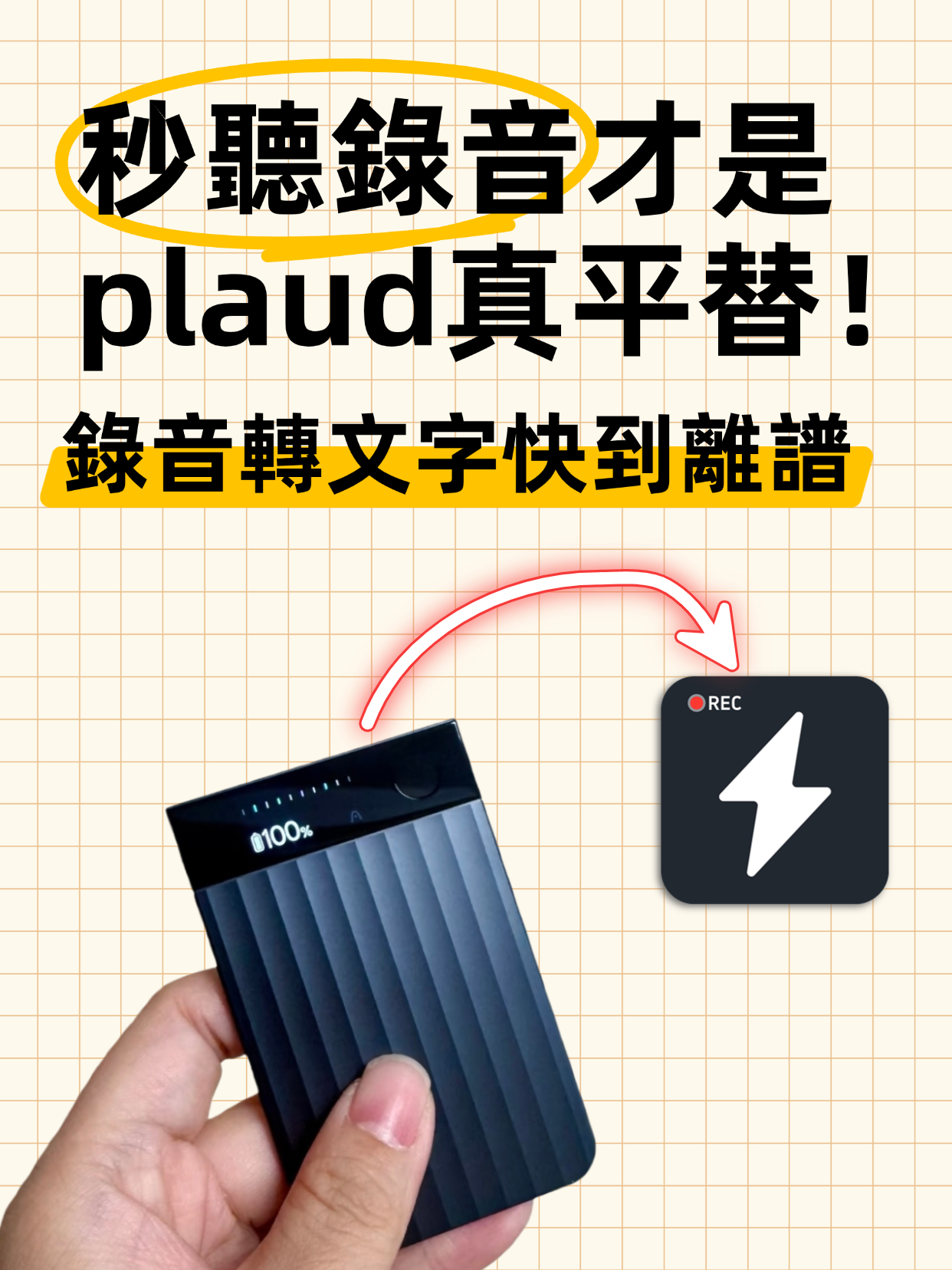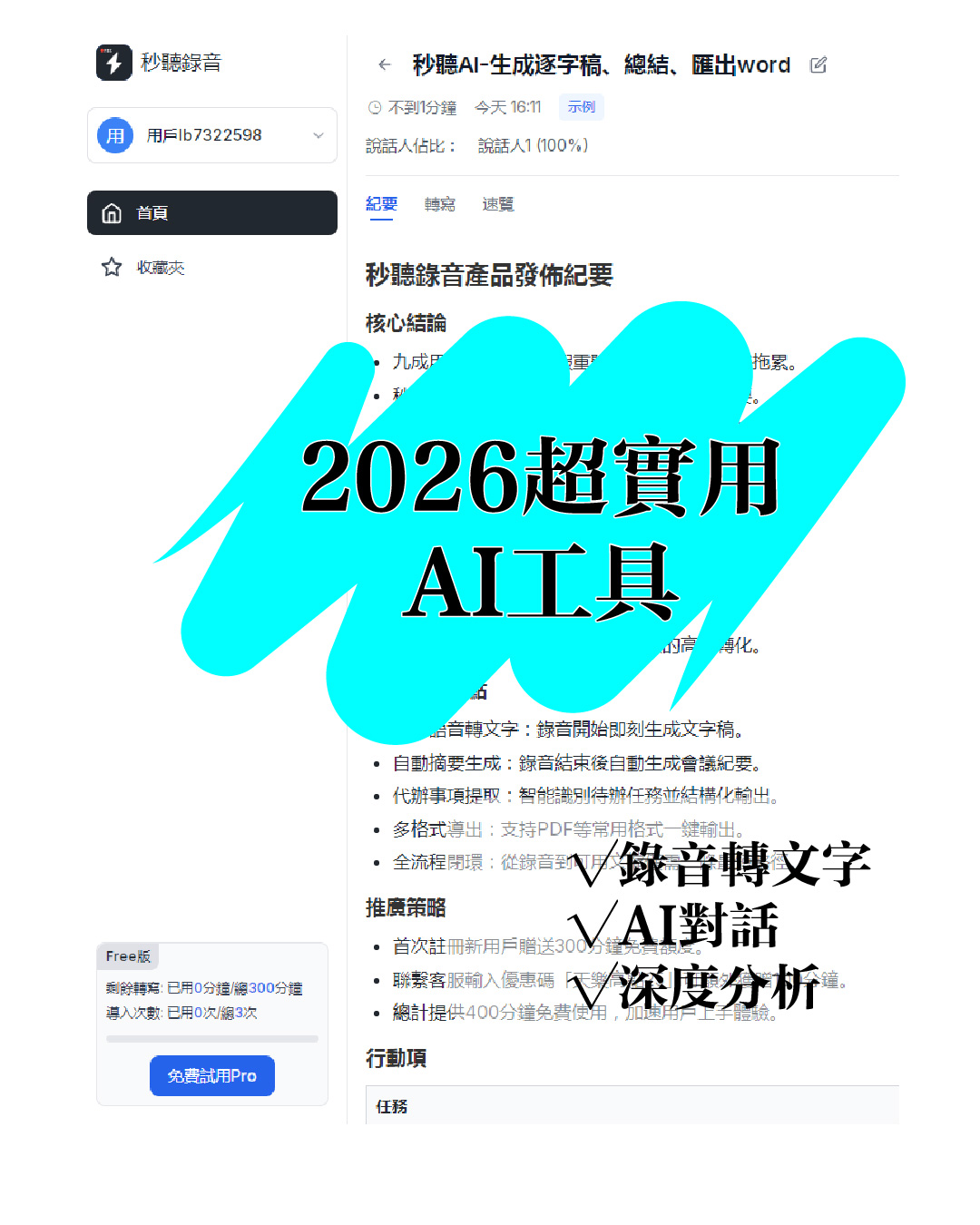
Audio to Text: 5 Super Practical AI Tools! Transcribe iPhone Recordings & Double Work Efficiency

This article recommends 5 super practical AI tools covering audio-to-text transcription, iPhone recording transcription, design, data organization, and smart note-taking. These tools are easy to use and highly efficient, solving common work and study pain points, saving time, and boosting productivity for various scenarios.

AI Tools
Ye
November 27, 2025
43 min
34 views

Turn recordings into transcripts and summaries in minutes

Upload audio or video for multilingual transcription, AI notes, and action items

5 Super Practical AI Tools! Audio to Text, Productivity Boost—All in One


Hey! Do you ever run into these problems? Busy taking notes during meetings and missing key discussions; staring at hours of audio after an interview with no clue where to start; wanting to organize data but feeling overwhelmed by mountains of text. Well, there are plenty of great AI tools out there that can help. Today I'm sharing 5 super practical tools—covering audio-to-text, AI search, design assistance, and smart note-taking—for various work and study scenarios, so you can double your efficiency!
First up is the must-have "Instant Audio Transcription Tool"! When it comes to converting audio to text, I'm sure many of you need this—especially if you often have meetings or interviews. In the past, processing audio meant listening and typing manually, which was time-consuming and error-prone. A one-hour recording could take three to four hours to transcribe. But with this tool, everything becomes super easy!
Its most powerful feature is directly transcribing iPhone recordings without any format conversion. Just upload and get the transcript. Simply open the app, select the iPhone recording you want to convert, hit the convert button, and it's done in minutes. The accuracy is excellent—over 95% for normal conversations, and around 90% even with slight accents or background noise.
Besides iPhone recordings, it also supports common audio formats like MP3, WAV, M4A, etc. Whether it's phone recordings, voice recorder files, or online meeting recordings, it handles them all. In short, no more manual transcribing. Meeting notes and interview collation become a breeze. For example, a two-hour meeting that used to take all morning to organize can now be uploaded right after the meeting, and you'll get a full transcript in just over ten minutes—complete with speaker recognition and key point highlights, saving tons of time.
Plus, it has many handy features: transcript editing, keyword search, and flexible export options (TXT, Word, PDF). You can directly fix typos or adjust sentence order on the generated transcript, and quickly locate content via keyword search instead of scrolling through the whole thing. The export formats are also flexible for sharing and archiving. How to convert audio to text? This Instant Audio Transcription Tool is the simplest and most efficient solution!
The second tool is also an audio-to-text specialist: "Convert Audio to Text." Although similar to the first, it has its own advantages for different needs. It supports multiple languages—besides Chinese, it handles English, Japanese, Korean, and over a dozen other languages, making it great for cross-language communication.
Its conversion speed is impressive: a 50-minute recording can be done in as little as 3 minutes, outperforming many competitors. It also supports batch conversion—upload multiple files at once and convert them simultaneously. The resulting transcripts are cleanly formatted with automatic timestamps, making it easy to jump to specific points in the audio for later review or editing.
Accuracy matches the first tool, with strong recognition of specialized vocabulary in fields like law, medicine, and tech. It's a time- and effort-saver! Whether you're a student organizing lecture recordings or a professional handling meeting and client interview recordings, this tool fits. If you frequently deal with multilingual audio or need batch conversion, Convert Audio to Text will definitely impress you.
The third tool is a must-have for social media managers and design enthusiasts: "Midjourney Magician"! Ever had a great visual idea but couldn't draw it? Wanted to make social media graphics with no design skills? Searched endlessly for the perfect image? With Midjourney Magician, these problems disappear.
Its core function is text-to-image, and it's super simple. Just type a description—like "a grassland under a blue sky with white yurts and bright sunshine"—hit generate, and within seconds you get a high-quality image. Styles vary: realistic, cartoon, oil painting, watercolor, etc., so you can pick what you need.
Image quality is high, with up to 4K resolution and great detail. It's perfect for social media, promotional posters, PPTs, or article illustrations. For example, a social media editor who used to spend hours finding素材 and tweaking in design software can now just type a description and get multiple style options in minutes, pick the best one, make minor adjustments, and it's ready—huge efficiency boost.
It also supports iterative editing: if you don't like the result, you can refine the description—like "change the yurt to red and add a few cattle and sheep"—and the tool regenerates accordingly. In short, with Midjourney Magician, even without design skills, you can easily create high-quality images that stand out.
The fourth tool is a great companion for research and data organization: "Gemini AI Assistant"! At work or school, we often need to research, organize info, and write reports—tasks that consume a lot of time and energy. With Gemini AI Assistant, these become much more efficient.
Gemini's Q&A is super smooth, like talking to a professional assistant. You can ask it anything—"Briefly describe the history of AI," "How to write a market research report," "Summarize industry data from the last five years"—and it quickly gives accurate, detailed answers. Responses aren't just info dumps; they're well-organized with clear logic and key points.
For data organization, it's even better. You can upload documents, web links, or text content, and it extracts key info, categorizes, and generates outlines. For example, if you need to compile an industry analysis report with lots of news, data, and research papers, just upload them to Gemini, and it will extract core viewpoints, organize data trends, and produce a report framework. You just fill in the gaps and tweak—report done fast.
It also supports multiple output formats like outlines, tables, and charts, tailored to your needs. Its knowledge base covers tech, economics, education, medicine, and more, so whether it's a professional research report or everyday data sorting, it handles it. With Gemini AI Assistant, data organization is no longer a chore, and report writing efficiency skyrockets.
The last recommendation is perfect for both study and work: "Goodnotes Smart Notebook"! For those who love handwritten notes, Goodnotes is indispensable. It offers digital handwriting plus powerful smart recognition and search, making note management more efficient.
Goodnotes' handwriting recognition is super practical. Using Apple Pencil on a tablet, you can freely write notes, and the tool automatically recognizes your handwriting—even if it's not super neat, accuracy is over 90%. Recognized text can be edited, copied, pasted, or converted to printed type for easy reading and sharing.
Its search function is powerful too: it can search typed notes, handwritten notes, text in images, and even PDF content. For example, if you've accumulated dozens of notebooks over a semester and want to find a specific key concept, just enter a keyword—it quickly locates the relevant page without flipping through each notebook, saving tons of time.
Plus, Goodnotes offers many useful features: organizing notes into categories, adding tags, inserting images, audio, drawings, etc., meeting various needs. Whether you're a student organizing lecture notes and reviewing, or a professional tracking work tasks and meeting notes, it's a perfect fit. With Goodnotes Smart Notebook, handwritten notes go digital, making study and work more efficient.
That's the 5 super practical AI tools for today! From audio-to-text, iPhone recording transcription, and how to convert audio to text, to AI search, design assistance, and smart note-taking—each tool solves real work/study problems, helping us boost efficiency and save time. Ultimately, AI tools are about reducing repetitive tasks so we can focus on more valuable things.
If you're dealing with these issues, give these tools a try—I'm sure you'll notice a difference. Of course, each tool has its own strengths; choose based on your needs. Technology keeps advancing, and new tools keep appearing. If I find more useful AI tools later, I'll share them with you. Hope today's sharing helps you use AI to work smarter and enjoy a more efficient work and study experience!

Turn every recording into actionable outcomes

Get 60 free transcription minutes when you sign in. No credit card required.

Upload audio or video for multilingual transcription, AI notes, and action items

Related Reading

You might also like

How to Convert Voice Memos to Text? Efficient Solutions for iPhone Users

How to Convert Voice Memos to Text? Efficient Solutions for iPhone Users

This article shares practical tips for converting iPhone voice memos to text, covering the built-in Voice Memos app and third-party apps. It compares their pros and cons, provides cost references, tips for improving recording quality, and proofreading techniques to help users efficiently transcribe recordings into text, significantly boosting work efficiency.
2025-11-28
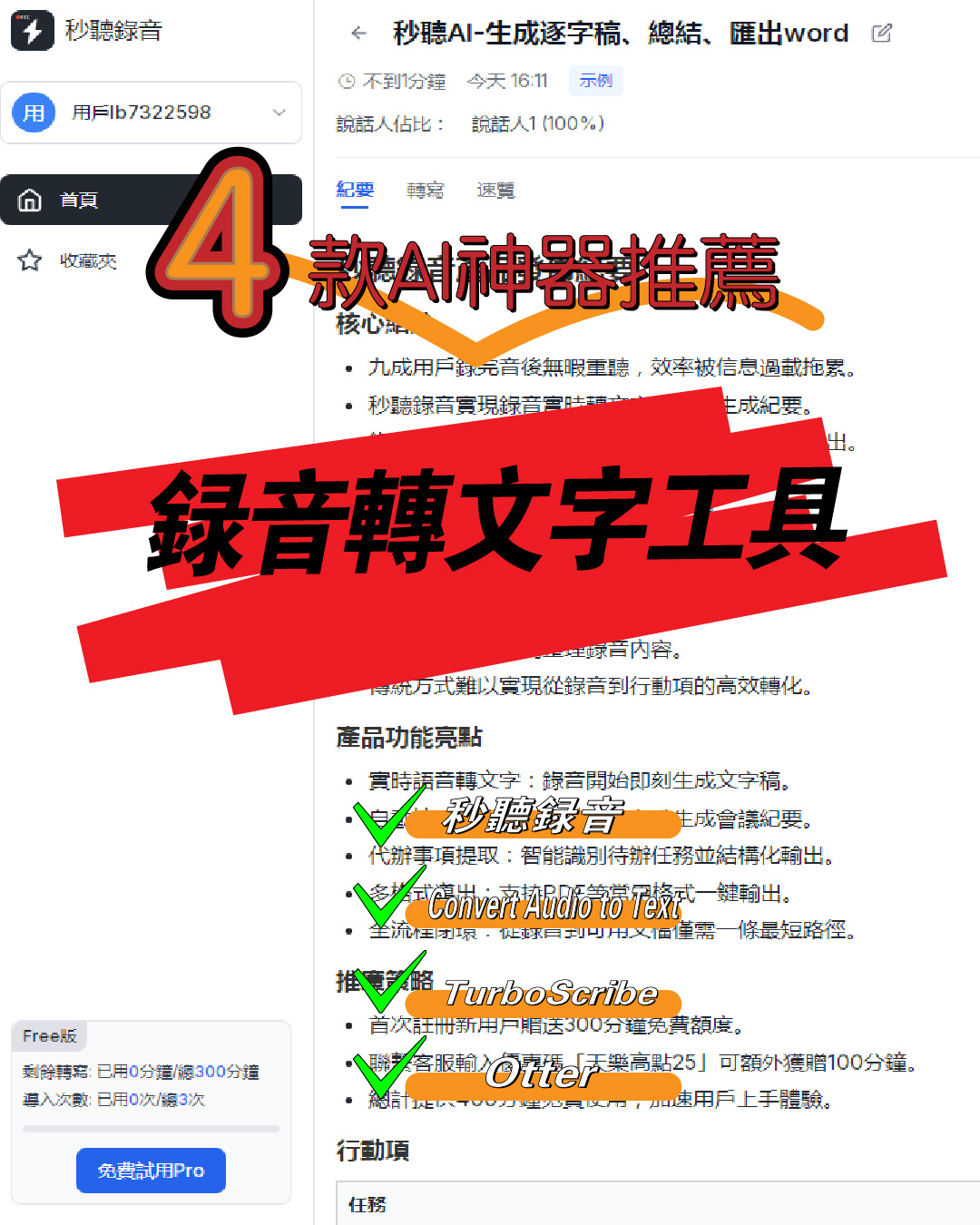
4 Super Practical AI Speech-to-Text Tools! Convert Audio Recordings & iPhone Voice Memos to Transcripts Efficiently

4 Super Practical AI Speech-to-Text Tools! Convert Audio Recordings & iPhone Voice Memos to Transcripts Efficiently

This article shares 4 practical AI speech-to-text tools for converting audio recordings to text, including iPhone voice memos to transcripts. These tools are easy to use, fast, and accurate, supporting multiple formats and languages. Ideal for meetings, interviews, lectures, and more, they significantly boost work and study efficiency.
2025-11-27
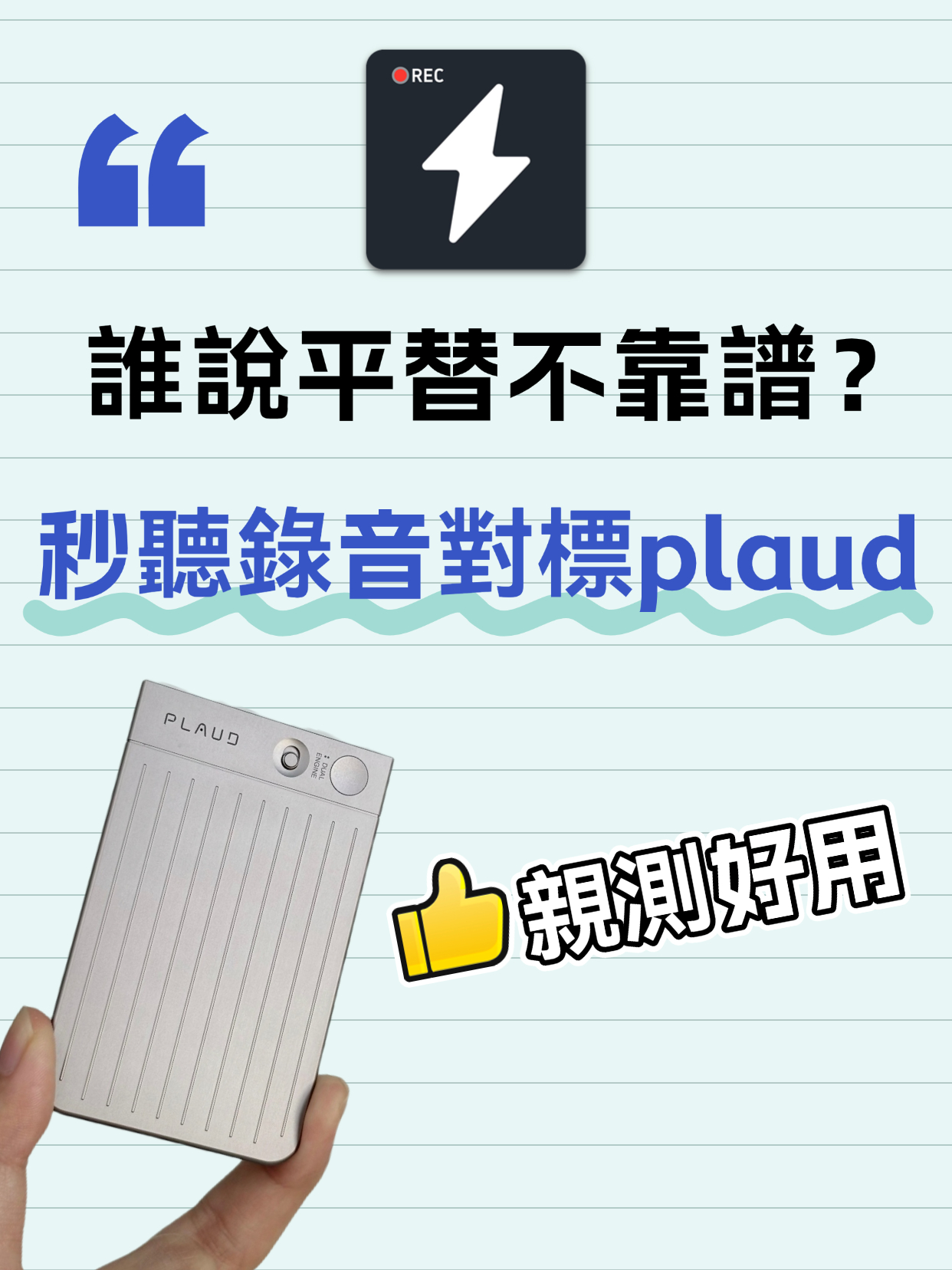
Audio to Text Transcription Tool: Miao Ting Lu Yin vs Plaud – A Budget Alternative That Saved Me 12 Hours

Audio to Text Transcription Tool: Miao Ting Lu Yin vs Plaud – A Budget Alternative That Saved Me 12 Hours

After switching from Plaud to Miao Ting Lu Yin for half a month, I was amazed by this budget alternative. Features like real-time transcription, memo hooks, auto summaries, and chapter separation are super useful. Quickly converts audio to text and transcripts with high accuracy. Supports multiple languages, flexible storage, and great value. Highly recommended!
2025-11-27
Audio to Text | 2026 AI Tool Recommendations: Tips to Double Office and Creative Productivity

Audio to Text | 2026 AI Tool Recommendations: Tips to Double Office and Creative Productivity

This article shares several battle-tested AI tools focusing on office and creative pain points. MiaoTing solves audio-to-text and transcript needs, improving meeting efficiency by 80%; other AI tools for copywriting, images, and videos each have clear scenarios with specific efficiency data. The core is to choose the right tool, to assist rather than replace humans, and to free up repetitive labor.
2025-11-26
5 Must-Have Speech-to-Text Tools in 2026 to Solve Transcription Pain Points

5 Must-Have Speech-to-Text Tools in 2026 to Solve Transcription Pain Points

This article recommends several practical audio-to-text and transcription tools. MiaoTing and Feishu Minutes are ideal for meetings, voice-to-text tools offer high efficiency, Recording Expert suits business scenarios, and Doubao and Jimeng AI provide versatile features. These tools cater to different needs, greatly improving transcription efficiency and solving audio processing challenges in work and study.

2025-11-21
Must-Have for International Students: Audio-to-Text Tool Boosts Review Efficiency by 200%

Must-Have for International Students: Audio-to-Text Tool Boosts Review Efficiency by 200%

This blog addresses the pain points of language barriers in class for international students, recommending the Miao Ting recording tool. Its audio-to-text, iPhone audio-to-text, and verbatim transcription features are efficient and accurate, paired with multilingual translation, AI summaries, and other practical functions that greatly save review time and improve learning efficiency—an essential tool for international students.

2025-11-21
4 Slack Meeting Recording AI Tools Compared in 2026: Which Saves the Most Time and Is Most Accurate?

4 Slack Meeting Recording AI Tools Compared in 2026: Which Saves the Most Time and Is Most Accurate?

Slack Huddles have built-in AI recording, but is it really enough? This hands-on review tests Tinrec, Notta, Otter.ai, and Slack's native AI—looking at accuracy, summary quality, and cross-platform flexibility—to help you pick the best tool for organizing Slack meeting recordings.

2026-08-04
2026 Review: 3 Douyin Video-to-Text Tools Compared – Which Free Plan Is Enough?

2026 Review: 3 Douyin Video-to-Text Tools Compared – Which Free Plan Is Enough?

Want to turn Douyin video speech into written notes? This article tests 3 tools (Tinrec, CapCut, Vidnoz) across free quotas, accuracy, and AI features to help you find the best solution.

2026-08-04
2026 Free Discord Call Transcription Tools: 5 Options Compared

2026 Free Discord Call Transcription Tools: 5 Options Compared

Want to turn Discord voice calls into text records? This article covers 5 free or low-cost transcription solutions, including AI recording assistants, general transcription tools, and dedicated transcription services, to help you easily save meeting, gaming discussion, or interview transcripts.

2026-08-04
Use Tinrec Now