How to Convert Voice Memos to Text? Efficient Solutions for iPhone Users

This article shares practical tips for converting iPhone voice memos to text, covering the built-in Voice Memos app and third-party apps. It compares their pros and cons, provides cost references, tips for improving recording quality, and proofreading techniques to help users efficiently transcribe recordings into text, significantly boosting work efficiency.

AI Tools
Ye
November 28, 2025
37 min
29 views

Turn recordings into transcripts and summaries in minutes

Upload audio or video for multilingual transcription, AI notes, and action items

Avoid pitfalls when converting voice memos to text! Essential tips for iPhone users
Have you ever had this experience? After a two-hour meeting, you have a long audio recording on your phone. You want to turn it into notes, but you have to rewind and listen over and over again. Just transcribing sentence by sentence takes almost an entire afternoon.
Actually, converting voice memos to text is no longer a big deal. Especially for iPhone users, there's no need to buy expensive software. Many people ask how to convert voice memos to text, and today I'm sharing the most practical methods and tips with you.
Let me start with my previous struggles. As a writer who often conducts interviews, I have at least 3 new recordings on my phone every day. The longest one was from an industry forum, a full 1 hour and 47 minutes. In the past, manually transcribing that recording took me over 3 hours, and I still missed several key data points.
Later, I tried to find tools to convert voice memos to text, and I made a lot of mistakes at first. Some software was extremely slow, taking half an hour to transcribe a 10-minute recording. Others had very low recognition accuracy, getting almost all technical terms wrong, and correcting them took longer than doing it myself.
It wasn't until I figured out the ins and outs of converting iPhone voice memos to text that my work efficiency really improved. Now, for a one-hour recording, transcription plus proofreading takes at most 40 minutes. The error rate can be controlled within 3%, which is much more worry-free than before.
First, you need to distinguish whether your need is for occasional urgent use or long-term frequent use. Different scenarios require completely different methods.
If you only occasionally need to convert voice memos to text, such as suddenly needing to organize a meeting memo, the iPhone's built-in Voice Memos app can handle it, no need to download any apps.
The steps are simple: open Voice Memos, find the recording, tap the three dots in the bottom right corner, and select "Transcribe Voice." The system will start recognizing automatically. Generally, a 1-minute recording takes about 5 seconds to transcribe.
This feature supports multiple languages including Chinese and English. I've tested it, and for everyday conversations, the recognition rate can reach over 92%. If the recording is slow-paced with no accent, the recognition rate can be even higher.
However, note that the built-in feature is sensitive to ambient noise. If the recording has a lot of background noise, such as a meeting in a coffee shop, the transcribed text may have quite a bit of interference, requiring more time for proofreading.
That said, if you frequently need to handle professional recordings, such as interviews, lectures, or industry seminars, the built-in feature may not be enough. In that case, you'll need a professional transcription tool.
The app I commonly use now is a transcription app that supports iPhone. What attracts me most is its batch upload feature. You can upload up to 10 recordings at once, each up to 3 hours long. No need to wait for one to finish before uploading the next, saving a lot of time staring at your phone.
For example, last week I attended two industry forums and recorded 5 recordings totaling over 3 hours. I uploaded all the recordings to the app in the morning, then went to handle other work. When I came back after lunch, all recordings were already transcribed.
This app's recognition rate is indeed stronger than the built-in feature. I did a comparison: for the same industry recording containing 15 technical terms, the built-in feature got 6 wrong, while this app got only 1 wrong, and that was due to the speaker's fast speech.
It also has a very useful feature: you can mark highlights. In the transcribed text, simply tap a sentence to locate the corresponding audio position. No more having to drag the progress bar back and forth to find a specific sentence.
Many people ask whether converting iPhone voice memos to text costs money. Actually, the built-in Voice Memos is completely free. As for third-party apps, most offer free credits, such as 2 hours of free transcription per month.
For me, my monthly transcription needs are around 5 hours. Buying a basic membership costs about $4, which is much more cost-effective than hiring an assistant. Plus, many apps have new user discounts, and your first purchase can be half off.
Besides these methods, there are some tips to improve the efficiency of converting voice memos to text. For example, when recording, try to stay close to the speaker. If you're speaking, keep a steady pace, not too fast or too slow.
Simply put, the better the recording quality, the more accurate the transcription. If it's a meeting recording, it's best to turn on Do Not Disturb mode in advance to avoid incoming calls or notifications interfering with the recording, which could cause missing parts.
Also, never use the transcribed text directly after it's done. Whether it's the built-in feature or a third-party app, there will be a few errors. Especially for key information like numbers, names, and places, be sure to double-check against the recording.
I usually copy the transcript into Word, then listen to the recording while scanning through. I focus on technical terms and data to make sure everything is correct before saving. This step takes time but can avoid many future problems.
Once, I forgot to check and sent the transcript directly to a client. It had "market share 30%" transcribed as "market share 3%," which almost caused a major blunder. Since then, I've made it a habit to proofread sentence by sentence.
Now, there are more and more tools for converting voice memos to text. Their features are also becoming more advanced. For example, some support multi-language mixed transcription, and some can automatically distinguish different speakers, so meeting transcripts can directly mark who said what.
See, I once attended a forum with foreign guests. There were speeches in both Chinese and English. After transcribing with this app, it not only accurately recognized both languages but also clearly marked who said what. It was especially convenient for organizing meeting minutes.
For those who frequently deal with recordings, these tools are really efficiency boosters. Previously, I would spend an entire day organizing recordings, but now it can be done in half a day. The saved time can be used for more valuable work, or simply to relax.
If you're still struggling with how to convert voice memos to text, try the iPhone's built-in Voice Memos first. If your needs are more professional, choose a suitable third-party app. I believe you'll soon be free from the hassle of manual recording.
To summarize, converting voice memos to text isn't as complicated as you think. The key is to find the right method and develop good usage habits. From quality control during recording to proofreading after transcription, every step must be done well to truly leverage these tools.
I hope the experience shared today can help those troubled by recording organization. If you have better methods for converting voice memos to text, feel free to share them in the comments. Let's improve our work efficiency together and do less useless work.

Turn every recording into actionable outcomes

Get 60 free transcription minutes when you sign in. No credit card required.

Upload audio or video for multilingual transcription, AI notes, and action items

Related Reading

You might also like

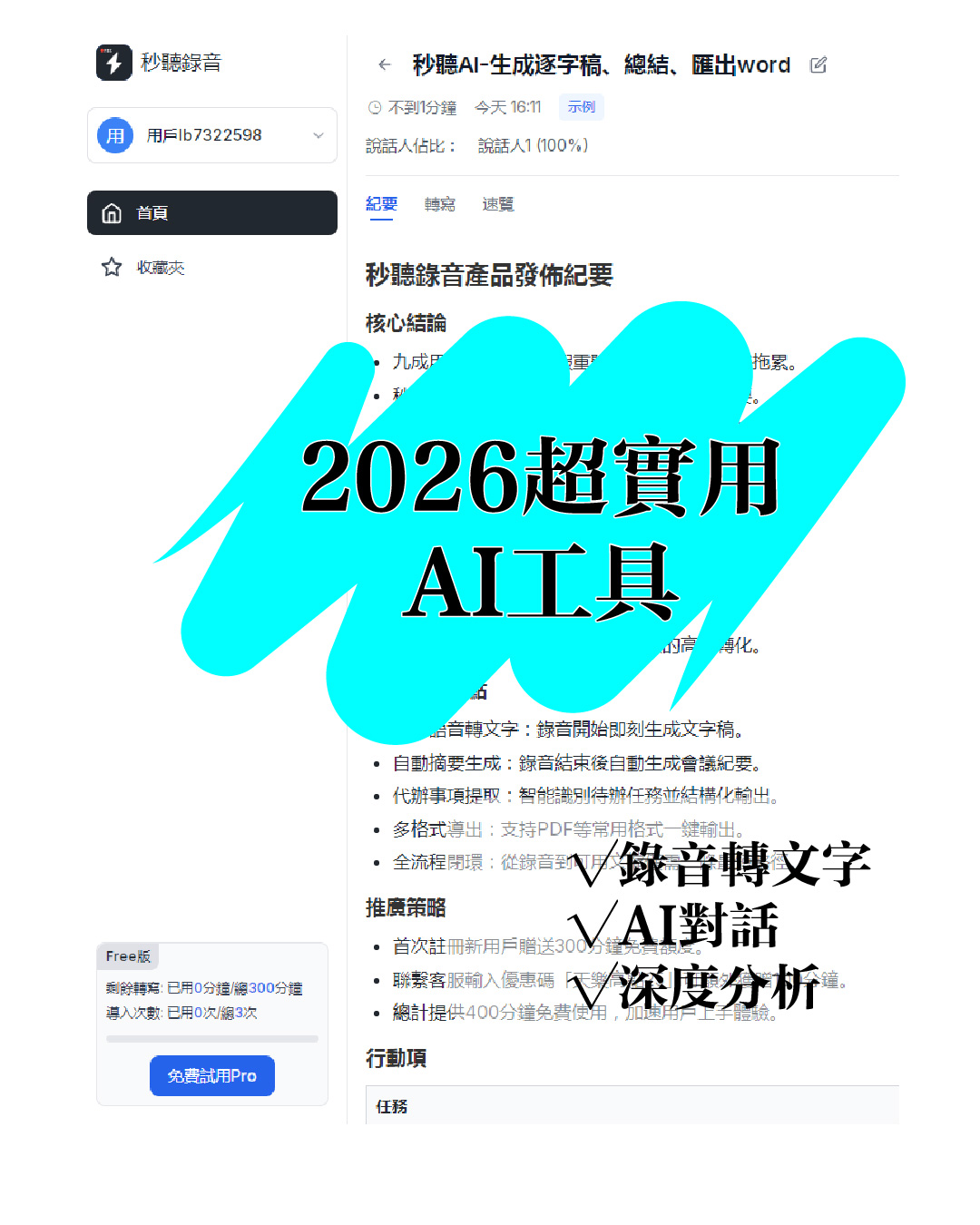
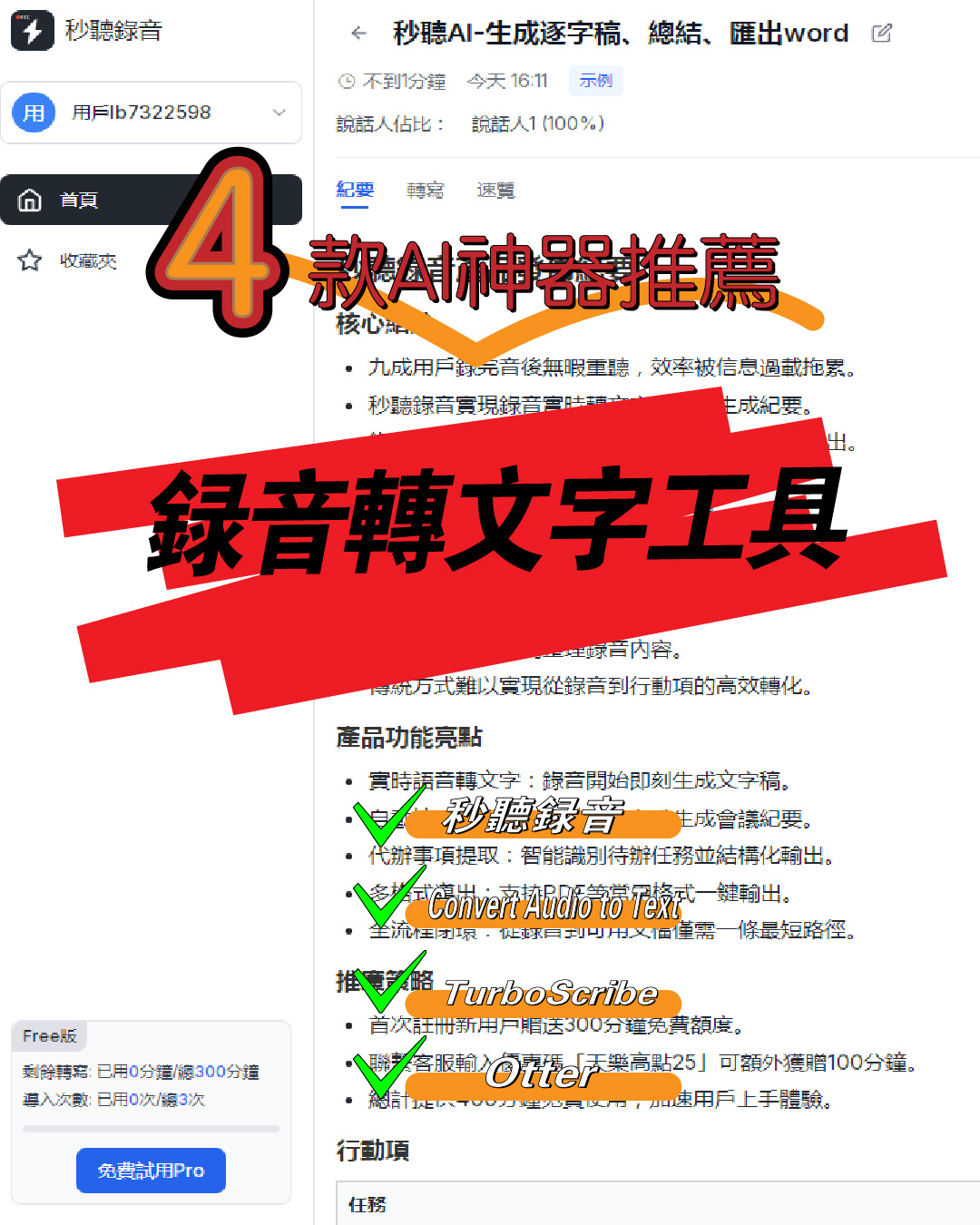
Audio to Text: 5 Super Practical AI Tools! Transcribe iPhone Recordings & Double Work Efficiency

Audio to Text: 5 Super Practical AI Tools! Transcribe iPhone Recordings & Double Work Efficiency

This article recommends 5 super practical AI tools covering audio-to-text transcription, iPhone recording transcription, design, data organization, and smart note-taking. These tools are easy to use and highly efficient, solving common work and study pain points, saving time, and boosting productivity for various scenarios.
2025-11-27
4 Super Practical AI Speech-to-Text Tools! Convert Audio Recordings & iPhone Voice Memos to Transcripts Efficiently

4 Super Practical AI Speech-to-Text Tools! Convert Audio Recordings & iPhone Voice Memos to Transcripts Efficiently

This article shares 4 practical AI speech-to-text tools for converting audio recordings to text, including iPhone voice memos to transcripts. These tools are easy to use, fast, and accurate, supporting multiple formats and languages. Ideal for meetings, interviews, lectures, and more, they significantly boost work and study efficiency.
2025-11-27
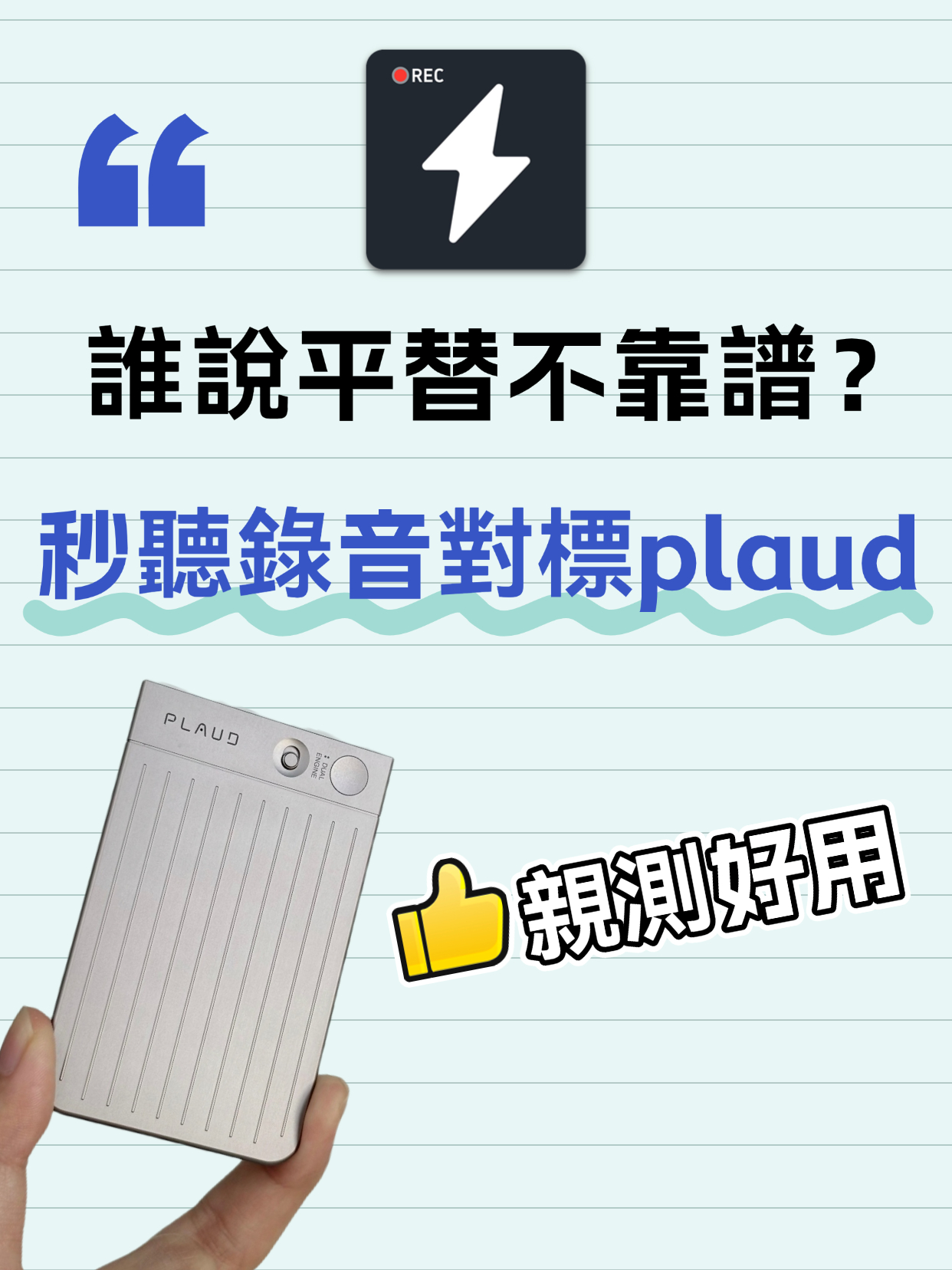
Audio to Text Transcription Tool: Miao Ting Lu Yin vs Plaud – A Budget Alternative That Saved Me 12 Hours

Audio to Text Transcription Tool: Miao Ting Lu Yin vs Plaud – A Budget Alternative That Saved Me 12 Hours

After switching from Plaud to Miao Ting Lu Yin for half a month, I was amazed by this budget alternative. Features like real-time transcription, memo hooks, auto summaries, and chapter separation are super useful. Quickly converts audio to text and transcripts with high accuracy. Supports multiple languages, flexible storage, and great value. Highly recommended!
2025-11-27
Audio to Text | 2026 AI Tool Recommendations: Tips to Double Office and Creative Productivity

Audio to Text | 2026 AI Tool Recommendations: Tips to Double Office and Creative Productivity

This article shares several battle-tested AI tools focusing on office and creative pain points. MiaoTing solves audio-to-text and transcript needs, improving meeting efficiency by 80%; other AI tools for copywriting, images, and videos each have clear scenarios with specific efficiency data. The core is to choose the right tool, to assist rather than replace humans, and to free up repetitive labor.
2025-11-26
5 Must-Have Speech-to-Text Tools in 2026 to Solve Transcription Pain Points

5 Must-Have Speech-to-Text Tools in 2026 to Solve Transcription Pain Points

This article recommends several practical audio-to-text and transcription tools. MiaoTing and Feishu Minutes are ideal for meetings, voice-to-text tools offer high efficiency, Recording Expert suits business scenarios, and Doubao and Jimeng AI provide versatile features. These tools cater to different needs, greatly improving transcription efficiency and solving audio processing challenges in work and study.

2025-11-21
Must-Have for International Students: Audio-to-Text Tool Boosts Review Efficiency by 200%

Must-Have for International Students: Audio-to-Text Tool Boosts Review Efficiency by 200%

This blog addresses the pain points of language barriers in class for international students, recommending the Miao Ting recording tool. Its audio-to-text, iPhone audio-to-text, and verbatim transcription features are efficient and accurate, paired with multilingual translation, AI summaries, and other practical functions that greatly save review time and improve learning efficiency—an essential tool for international students.

2025-11-21
2026 Notta Free Alternative Apps: 4 Options Compared

2026 Notta Free Alternative Apps: 4 Options Compared

Notta's free plan too limiting? I tested 4 genuinely useful alternatives, from fully free to high-value paid plans, to save you time and money.

2026-08-04
2026 Hands-On Comparison of 3 Speech-to-Text Tools: Who Is the Best Traditional Chinese Alternative to Good Tape?

2026 Hands-On Comparison of 3 Speech-to-Text Tools: Who Is the Best Traditional Chinese Alternative to Good Tape?

Looking for a Good Tape alternative that supports Traditional Chinese? This hands-on review tests 3 speech-to-text tools, including Tinrec (秒聽錄音), Notta, and more, comparing accuracy, AI features, and pricing to help you find the best choice for Taiwan users.

2026-08-04
4 AI Meeting Notes Tools Compared in 2026: Which One Really Saves You Time?

4 AI Meeting Notes Tools Compared in 2026: Which One Really Saves You Time?

We tested popular AI meeting notes tools including Tinrec, Notta, and Otter.ai, covering speech-to-text transcription, AI summaries, cross-platform support, and hidden costs. Using a procurement mindset, we help you find the option that truly saves time and effort.

2026-08-04
Use Tinrec Now