
Turn recordings into transcripts and summaries in minutes
Upload audio or video for multilingual transcription, AI notes, and action items
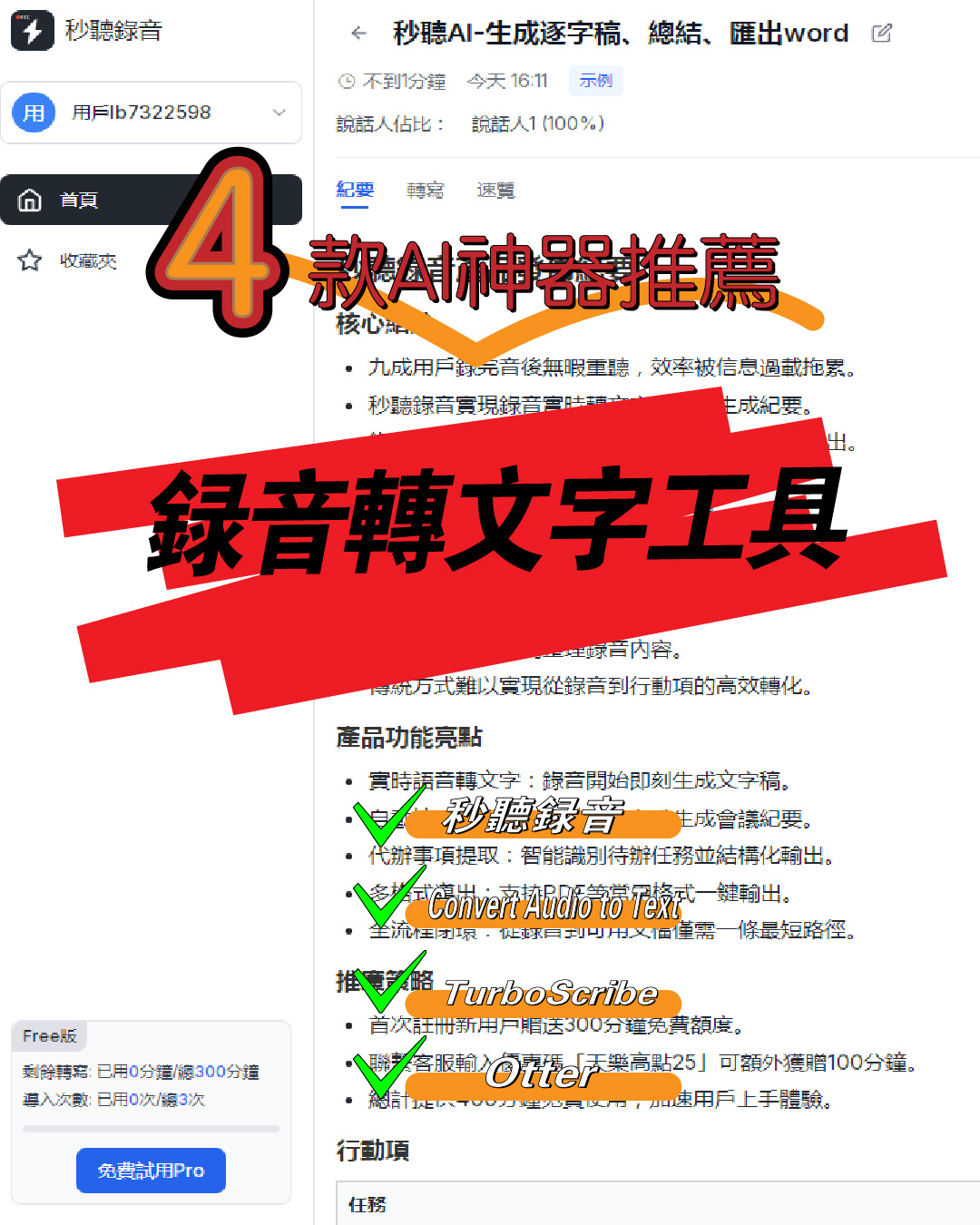
4 Super Practical AI Speech-to-Text Tools! Convert Audio Recordings & iPhone Voice Memos to Transcripts Efficiently
 Have you ever had these problems? Furious note-taking during meetings but still afraid of missing key information. After interviews, facing dozens of audio files with no clue. Class recordings that take hours to transcribe manually.In short, manually typing out recordings is not only time-consuming but also error-prone. Especially after recording on iPhone, finding a suitable tool to convert voice memos to text can be a hassle.Today, I'm sharing 4 AI speech-to-text tools that I've personally tested and found effective. Whether you need to convert audio recordings to text, transcribe iPhone voice memos, or batch process audio files, these tools handle it all. Each tool comes with specific use cases and data, so you can choose based on your needs.
1. MiaoTing: The Go-To for iPhone Users
 If your primary device is an iPhone, MiaoTing is a must-try. What appeals to me most is its simplicity—no learning curve required.In fact, many speech-to-text tools require complicated setup to import iPhone recordings. But MiaoTing doesn't—just open the app, select the recording from your phone, and tap the "Convert to Text" button to automatically generate a transcript.I tested it: a 15-minute iPhone recording took only about 2 minutes to convert. The recognition accuracy is high—around 95% or above for regular meeting conversations and daily communication. Even if there are a few specialized terms, minor edits are all it needs.It supports multiple languages, including Mandarin, Cantonese, English, Japanese, and more than 10 others. For instance, I processed a bilingual meeting recording with both Chinese and English, and it recognized both accurately without needing to manually switch language settings—saved a lot of hassle.The most practical use cases are meeting notes and lecture notes. In a recent department meeting, I recorded directly on iPhone and then used MiaoTing to convert it to a transcript. After a quick format adjustment, I completed the meeting minutes in 10 minutes. Previously, manually doing this would take at least an hour—efficiency improved by 6 times.Additionally, it supports real-time editing and exporting of transcripts. You can export the generated transcript as Word, PDF, or TXT. Share with colleagues or upload to the cloud—very convenient. Basic features are free with daily free conversion time. That's enough for average users. If you need to convert longer recordings, the paid plan is also affordable: $2.99 USD per month for unlimited conversions—great value.
2. Convert Audio to Text: A Versatile Tool with Multi-Format Support
If you need to process not only iPhone recordings but also audio files in other formats, Convert Audio to Text is more suitable. This tool's core advantage is its support for nearly all common audio formats.You see, we often record on different devices—some files are in MP3, others in WAV, M4A, or AAC. Many tools only support one or two formats, requiring format conversion before importing—a real hassle.Convert Audio to Text supports over 20 audio formats including MP3, WAV, M4A, AAC, FLAC, and more. Whether it's phone recordings, camera recordings, voice recorders, or computer recordings, you can upload them directly. I tested a 50 MB WAV recording file and the conversion took about 3 minutes—speed comparable to other tools, no long wait.Its conversion speed is commendable—a 30-minute audio file takes about 4-5 minutes on average. It's web-based, so no need to download an app—just open the webpage, upload the audio, set the target language, and click convert. Once done, download the transcript—the process is smooth.Ideal use cases include interview transcription and video/audio to text. For example, handling multi-device interview recordings without needing to unify formats first. Just upload and convert—saves a ton of prep time. I once processed 8 interview recordings in different formats totaling 2 hours in length. Using this tool, conversion and organization took only 1 hour total, saving 3 hours compared to before.Its recognition accuracy is around 94%, and it can handle environments with mild background noise. For example, interviews recorded in a coffee shop with soft chatter and music—most of the transcript is accurate, with only a few phrases needing correction. It also supports batch upload—up to 10 files at once—no need to process one by one, saving even more time.Free users get 3 free conversions per day, each up to 30 minutes. For frequent use, the paid plan is $4.99 USD per month for unlimited conversions with no time limit—great value for heavy users.
3. TurboScribe: A Batch Processing Powerhouse
If your job involves processing a large number of recordings regularly—say, transcribing more than 10 meeting recordings a day—TurboScribe can dramatically boost your efficiency.Its core strength is powerful batch processing, fast conversion speed, and high accuracy. The official claim is 99% accuracy, and my tests confirm it. For clear recordings in quiet environments, the transcript requires almost no editing. Even with multiple speakers, it accurately identifies each person's speech.How to use TurboScribe? It's simple. Download the desktop software, open it, and select "Batch Import". You can choose multiple audio files at once, supporting common formats like MP3, WAV, M4A. Set the output format and save path, then click "Start Conversion" to process automatically.I tested batch converting 10 recordings of 15 minutes each (total 150 minutes). The entire conversion took only 25 minutes, averaging 2.5 minutes per file. Transcripts are automatically named after the original files for easy archiving. Previously, doing this manually would take at least 5 hours—now efficiency has improved 12x.It also supports custom vocabulary, such as company-specific terms, names, and product names. Enter them in advance, and the tool will recognize them accurately during conversion, reducing post-editing. This is very useful for enterprise users.Suitable scenarios include corporate meeting recording transcription, training course recording to text, and podcast audio to transcript. Especially for batch processing, TurboScribe's advantage is clear. For example, companies with dozens of department meetings per month can save significant labor costs by using it for batch conversion.The software supports Windows and Mac, and you can also use the mobile web version. Free trial for 7 days, with access to all features. After trial, it's $5.99 USD per month or $59.99 USD per year (about $0.16 per day). For users who need efficient batch processing, it's great value. Data transmission is encrypted, so you don't have to worry about leaks.
4. Otter: A Real-Time Meeting Wonder
During meetings, it's hard to both listen carefully and take notes—you often get distracted and miss important information. That's where Otter shines, as a tool specifically designed for meeting scenarios.Its core feature is real-time recording and instant meeting summaries. Open the app, select "Real-time Recording to Text," and it generates a transcript as you record. It also supports multi-speaker identification, automatically recognizing different voices and labeling them in the transcript.I tested it in a department meeting with 8 people lasting 90 minutes. The real-time transcript from Otter achieved 96% accuracy. Key information like action items, deadlines, and responsible persons were captured accurately. After the meeting, it automatically generated a summary of about 300 words, highlighting the key points.It not only supports real-time recording to text but can also import existing recordings. Whether it's iPhone voice memos or recordings from other devices, it handles them. Uploaded recordings are automatically processed for speech recognition and segmentation, generating well-structured transcripts.Its collaboration features are also handy. You can share generated transcripts with colleagues, who can add comments and highlight key points. You can set permissions, such as view-only or editable—very useful for team collaboration.It supports multi-platform sync, including iPhone, Android, and web. Transcripts are automatically synced across all devices for viewing and editing anytime, anywhere. It also supports synchronized playback—click a sentence in the transcript to jump to the corresponding audio position, making it easy to verify content and avoid errors.Free users get 600 minutes of transcription per month, with each recording up to 40 minutes. The paid plan is $8.99 USD per month for unlimited transcription and all collaboration features. For office workers who frequently attend meetings, this tool effectively solves the problem of incomplete meeting notes and time-consuming organization.
Summary: How to Choose Among the 4 Tools?
In summary, each of these 4 speech-to-text tools has its strengths—choose based on your scenario for maximum efficiency.If you're an iPhone user looking for simplicity and light daily use, go with MiaoTing. Basic features are free, conversion speed is fast, and it fully meets everyday needs.If you need to process multiple audio formats or prefer online operation without downloading an app, Convert Audio to Text's multi-format support and web-based experience are more suitable.If you need to batch process a large number of recordings and demand extremely high accuracy and efficiency, TurboScribe's batch processing and 99% recognition rate will save you massive time.If you primarily need meeting notes with real-time conversion and team collaboration, Otter's real-time recording, automatic summaries, and collaboration features are the way to go.In short, converting audio recordings to text and transcribing iPhone voice memos has never been easier. With the right tool, you can save time and focus on more important matters.
Turn every recording into actionable outcomes
Get 60 free transcription minutes when you sign in. No credit card required.
Related Reading
You might also like
How to Convert Voice Memos to Text? Efficient Solutions for iPhone Users
This article shares practical tips for converting iPhone voice memos to text, covering the built-in Voice Memos app and third-party apps. It compares their pros and cons, provides cost references, tips for improving recording quality, and proofreading techniques to help users efficiently transcribe recordings into text, significantly boosting work efficiency.
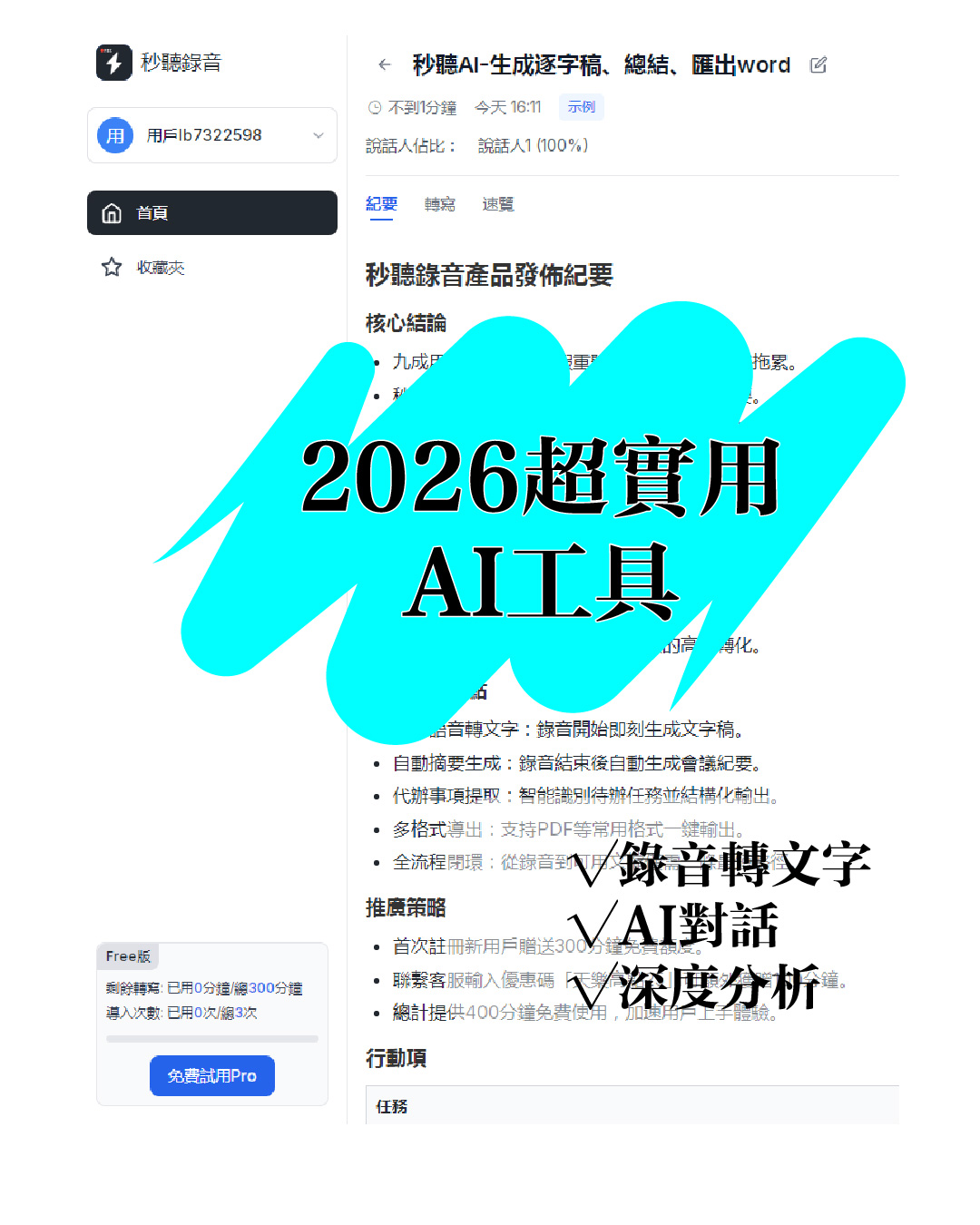
Audio to Text: 5 Super Practical AI Tools! Transcribe iPhone Recordings & Double Work Efficiency
This article recommends 5 super practical AI tools covering audio-to-text transcription, iPhone recording transcription, design, data organization, and smart note-taking. These tools are easy to use and highly efficient, solving common work and study pain points, saving time, and boosting productivity for various scenarios.
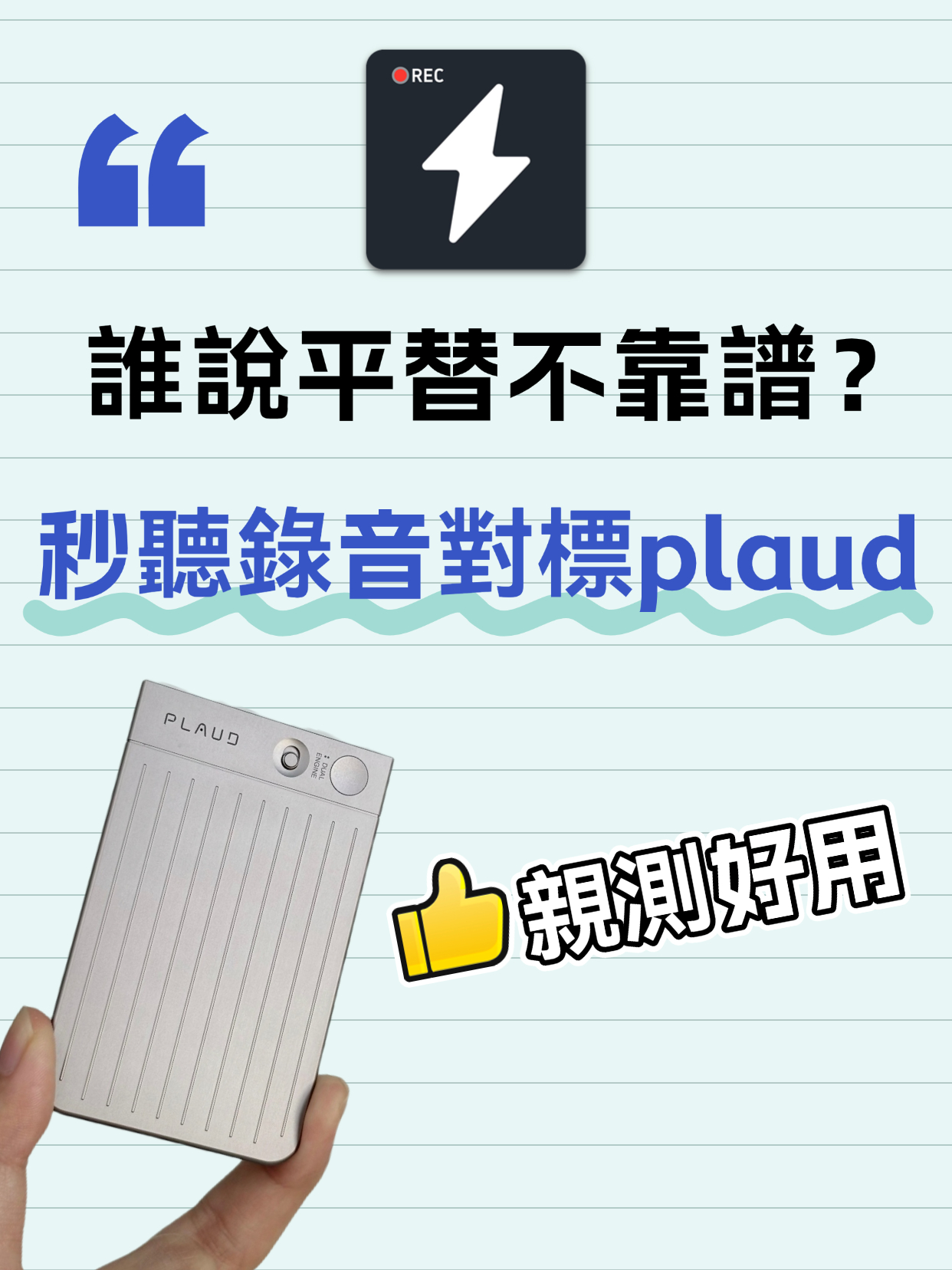
Audio to Text Transcription Tool: Miao Ting Lu Yin vs Plaud – A Budget Alternative That Saved Me 12 Hours
After switching from Plaud to Miao Ting Lu Yin for half a month, I was amazed by this budget alternative. Features like real-time transcription, memo hooks, auto summaries, and chapter separation are super useful. Quickly converts audio to text and transcripts with high accuracy. Supports multiple languages, flexible storage, and great value. Highly recommended!
Audio to Text | 2026 AI Tool Recommendations: Tips to Double Office and Creative Productivity
This article shares several battle-tested AI tools focusing on office and creative pain points. MiaoTing solves audio-to-text and transcript needs, improving meeting efficiency by 80%; other AI tools for copywriting, images, and videos each have clear scenarios with specific efficiency data. The core is to choose the right tool, to assist rather than replace humans, and to free up repetitive labor.
5 Must-Have Speech-to-Text Tools in 2026 to Solve Transcription Pain Points
This article recommends several practical audio-to-text and transcription tools. MiaoTing and Feishu Minutes are ideal for meetings, voice-to-text tools offer high efficiency, Recording Expert suits business scenarios, and Doubao and Jimeng AI provide versatile features. These tools cater to different needs, greatly improving transcription efficiency and solving audio processing challenges in work and study.

Must-Have for International Students: Audio-to-Text Tool Boosts Review Efficiency by 200%
This blog addresses the pain points of language barriers in class for international students, recommending the Miao Ting recording tool. Its audio-to-text, iPhone audio-to-text, and verbatim transcription features are efficient and accurate, paired with multilingual translation, AI summaries, and other practical functions that greatly save review time and improve learning efficiency—an essential tool for international students.

4 Desktop Speech-to-Text Tools Tested: Free Tiers, Chinese Accuracy, and Post-Meeting Organization
After an online meeting, do you still spend two hours typing up the transcript? This article compares four desktop speech-to-text tools based on real-world use cases: which can record computer system audio directly, which only offer web upload, which just give you text, and which can also generate summaries, action items, and AI Q&A. It includes free tiers, pricing, and team seat details to help you choose the one that truly saves time.

2026 Korean Speech-to-Text Showdown: Tinrec vs Musely — Which Is Better for Teams?
Starting from the pain of organizing notes after a meeting with a Korean client, this comparison of Tinrec and Musely across 5 dimensions — audio capture, Korean honorific handling, post-meeting organization, export, and team governance — helps you decide between a Korean-specific transcription tool and a collaborative meeting-notes platform.

How to Choose Audio-to-Text Software in 2026: 5 Steps to Avoid Pitfalls and Pick the Right Tool
Many people looking for audio-to-text software make the mistake of treating Word dictation as a transcription tool. This article uses 5 checkpoints to help you avoid pitfalls around free quotas, Chinese recognition, and post-meeting organization, and compares Tinrec and Otter.ai dimension by dimension to help you determine which one fits your workflow.