
Turn recordings into transcripts and summaries in minutes
Upload audio or video for multilingual transcription, AI notes, and action items
Looking for a highly accurate, professional-grade speech-to-text API? According to the latest 2026 benchmarks, the top choices are OpenAI Whisper or Google Gemini. For real-time streaming without punctuation, AWS and Assembly AI perform best. However, directly integrating an API comes with high development costs. This article breaks down the pros and cons of major APIs, provides an objective comparison table, answers frequently asked questions, and includes a 5-step hands-on tutorial that requires no coding. Quick navigation: Developers should prioritize testing Whisper; non-technical professionals or students who need actionable items right after meetings will find no-code software like Tinrec a more out-of-the-box solution.
Why Choose the Right Speech-to-Text API? (Current Pain Points)
Although speech recognition technology has advanced rapidly, many users and developers still face three major pain points in real-world applications:
- Time-consuming review and reorganization: Whether it's meetings, interviews, or lectures, audio files often last an hour or more. Most traditional APIs output plain text without structure or formatting, making it like finding a needle in a haystack when trying to locate key points.
- Noise interference and poor accent recognition: In environments with background noise (hospitals, call centers) or heavy non-native accents, some older cloud APIs (e.g., the older Google Cloud ASR, which ranked lowest in benchmarks) often produce garbled text.
- No action items after meetings: Most speech-to-text tools only generate a transcript. But in real work scenarios, users need decisions and next-step to-do lists. Without AI summarization, text alone doesn't directly translate into productivity.
2025 Mainstream Speech Recognition APIs vs. No-Code Solutions Comparison Table
Based on comprehensive benchmark tests for clean speech, noise, accents, and technical jargon, here is an objective comparison of current mainstream APIs and end-user tools:
| Dimension | OpenAI Whisper | Google Gemini (1.5 Pro) | Assembly AI / AWS | Tinrec | Google Cloud ASR |
|---|---|---|---|---|---|
| Language support & accent handling | Excellent (strong noise resistance) | Excellent (strong world knowledge & technical terms) | Good | Good (supports auto-detection of Chinese, English, Japanese, Korean, Taiwanese, Cantonese, etc.) | Poor (highest average error rate per latest benchmarks) |
| Real-time streaming | Requires custom setup, unstable sentence segmentation | Currently no real-time streaming | Supports API streaming (high accuracy without punctuation) | Supports (no development needed) | Supports API streaming |
| Summary / action items | Requires separate LLM processing | Can request summary via prompt | Requires advanced API or additional setup | Auto-generates meeting minutes and conclusions | None |
| AI Q&A | None | Requires custom dialogue logic | None | Supports (semantic Q&A based on recording content) | None |
| Export integration & formats | JSON / Text, etc. | Text output | JSON format | Supports multi-format document export | JSON format |
| Pricing, free tier, deployment | Requires GPU resources or pay-per-token | Pay-per-API-token | Pay-per-audio-length | Up to 100 minutes free per month, out-of-the-box | Complex cloud permission setup |
In-Depth Alternative Review: Who Should Use APIs vs. Tinrec?
Before deciding whether to integrate a speech-to-text API, it's crucial to clarify your "use case" and "technical boundaries."
Scenarios for using underlying APIs: If you are a software developer needing deep integration of speech recognition into your product, or if you have massive volumes (tens of thousands of hours per month) of historical audio files for batch processing. In these cases, OpenAI Whisper (good for noisy environments) or Google Gemini (good for technical jargon) provide the best raw data accuracy. Note that for real-time streaming, all major vendors currently suffer from unstable punctuation and sentence segmentation; it's recommended to ignore punctuation in streaming to improve word accuracy.
Stop organizing recordings by hand
Upload audio or video and automatically get a transcript, summary, and action items
Scenarios for using end-user solutions (Tinrec): If you are an employee, student, freelancer, or a team without IT resources, and you need a complete workflow from "recording → understanding → action" rather than lines of code. Tinrec bridges the gap between APIs and end users by offering iOS, Android, and web support. In real-world tests, it not only handles real-time transcription but also upgrades traditional transcripts (only searchable via Ctrl+F) into dynamic documents where you can "ask AI." Its boundary is that it's a SaaS product, ideal for daily high-frequency needs like meeting notes, online course notes, and video-to-text conversion.

5-Step Hands-On Tutorial: From Recording to Extracting Meeting Action Items
If you want to avoid tedious S3 bucket setup and permissions, here's how to quickly transcribe and extract information from a meeting or interview using a no-code tool:
Step 1: Get Audio (Real-time Recording or Link Import)
Whether in a physical meeting or online class, first capture the audio. You can open the web app or mobile app:
- Real-time Recording to Text: Tap the record button, and speech will instantly appear as text on the screen—no need to wait for the meeting to end.
- Podcast/Online Video to Text: For online learning resources, paste a YouTube or other video URL, and the system automatically extracts the audio track in the cloud.

Step 2: Audio File to Text with Multi-Language Detection
For pre-recorded interview files (MP3/WAV, etc.), use the Audio File to Text feature and drag-and-drop the file. The system automatically detects 10 languages including Chinese, English, Japanese, and Taiwanese, ensuring smooth recognition even in multilingual meetings.
Step 3: Speaker Diarization and Transcript Review
After transcription, the system automatically segments the text and distinguishes different speakers (Speaker 1, Speaker 2). You can play the recording while the cursor follows the highlighted text, making it easy to adjust names or technical terms.
Step 4: AI Q&A and Key Point Retrieval
This is something basic APIs cannot do. Instead of manually searching through a 20,000-word transcript, use AI Q&A. Simply type in the chat: "What was the conclusion of this meeting?" or "What action items did the boss assign?" The AI will answer precisely based on the recording content.

Step 5: Extract Action Items and Export in Multiple Formats
After confirming the summary, the system automatically generates a to-do list. Finally, one-click export of the transcript, AI meeting minutes, and action items in your desired format to share with team members—completing the workflow.

Frequently Asked Questions (FAQ)
Q1: Do these speech-to-text API services offer free tiers? Most major APIs require a credit card and charge by usage. Open-source Whisper can be deployed for free but requires server hardware costs. If you want an out-of-the-box tool, some platforms (e.g., Tinrec) offer 100 free minutes of recording each month.
Q2: If I have no coding experience, are there alternative speech-to-text tools? Yes, many mature SaaS tools are available. You can choose software with a user interface, multi-platform sync, and built-in AI summarization, avoiding the hassle of API deployment.
Q3: Can I transcribe meetings directly on my iPhone or phone? Yes. Choose an app that supports both iOS and Android, then open the microphone for real-time recording to text—perfect for sales calls or impromptu meetings.
Q4: Does it support remote meeting recording for Teams, Google Meet, or Zoom? Yes. During a remote meeting, simply open the recording tool on your computer or phone to capture the meeting audio and generate a transcript in real time. After the meeting, it automatically creates an AI meeting summary.
Q5: Does real-time transcription automatically add punctuation? According to 2025 API benchmarks, real-time streaming with punctuation generally has low accuracy, often producing unnatural short sentences. However, if you use post-processing with file-based transcription or an end-user AI tool that handles post-processing, punctuation and formatting are very accurate and smooth.
Q6: Can I convert YouTube or podcast videos to transcripts directly? Most underlying APIs require you to download the video and convert to audio first. But platforms with "URL parsing" capabilities can extract text and summaries simply by pasting the link.
Summary and Next Steps
When choosing a speech-to-text tool, focus on whether your need is "underlying data development" or "out-of-the-box productivity." If you have development skills, Whisper and Gemini API are undoubtedly the top choices. If you just want to focus on meeting communication and content creation without complex setup, try running a 10-minute daily meeting recording or YouTube link through an AI-summary-capable end-user tool. Experience the efficiency gain from dictation to automatic organization, then decide which solution best fits your long-term workflow.
Turn every recording into actionable outcomes
Get 60 free transcription minutes when you sign in. No credit card required.
Related Reading
You might also like

2026 Product Meeting Notes Tools: 4 Tested + AI Action Item Auto-Organization
How to choose a meeting notes tool? This article addresses three common misconceptions, outlines 4 key selection criteria, and compares Tinrec, Otter.ai, Granola, and Notta on meeting recording methods, post-meeting organization capabilities, and pricing limits. It also includes a pitfalls guide and selection recommendations to help you find a solution that truly saves organization time.

6 Audio-to-Transcript Tools Tested and Compared for 2026: Which Saves the Most Time for Chinese Recognition and Post-Meeting Organization?
A review of 6 tools that generate transcripts from imported audio files, covering Tinrec's AI summaries, action items, AI Q&A, and team spaces, as well as the free and paid plans of Notta, cSubtitle, MyEdit, TurboScribe, and Yating Transcript. It also explains recording quality, export formats, and licensing issues to consider before importing.

2026 Comparison of 4 Audio/Video Transcription Tools: Which Saves the Most Time for Chinese Meeting Minutes?
Still typing transcripts after meetings? This article uses 5 key buying criteria to compare Tinrec, Notta, Otter.ai, and PLAUD Note in a hands-on test. From recording methods, post-meeting output, Chinese language experience, to team seat management, we cover it all, plus 4 common pitfalls to avoid.

5 WAV to Text Tools Tested for 2026: Which Saves the Most Time on Chinese Transcripts and Meeting Follow-Ups?
Have a WAV recording but dread listening to it from start to finish? This article examines real-world scenarios to explain what WAV-to-text can do, its core capabilities, and practical applications. Using Tinrec as an example, it covers a complete workflow for bot-free meeting recording, AI summaries, action item extraction, and team knowledge retention, plus 6 buying considerations and FAQs to help you decide which solution saves the most time.
Tinrec Meeting Notes Guide 2026: No-Bot Recording vs Otter.ai
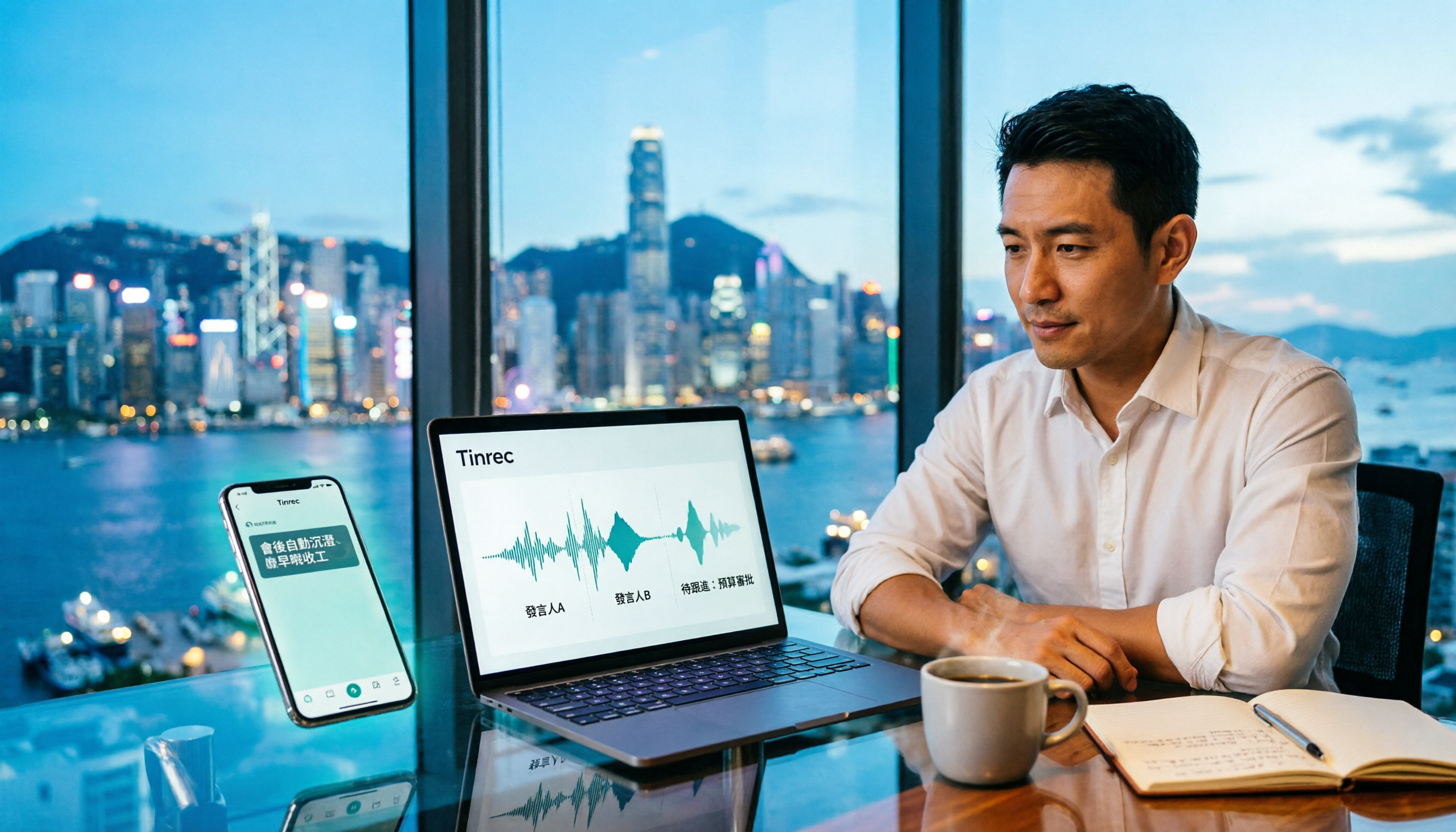
For Hong Kong office workers, post-meeting cleanup is the worst part: the meeting ends at 3 PM, but you're still at the office at 8 PM listening to recordings and typing. This article compares Tinrec and Otter.ai across five dimensions to test the workflow of turning recordings into meeting notes, breaking down Cantonese recognition, no-bot recording, post-meeting AI organization, team data retention, and pricing, helping you choose the right tool and leave work earlier.

4 AI Meeting Note Tools Tested in 2026: Which One Saves the Most Time on Auto-Organizing Transcripts?
The pain of meeting notes isn't slow typing—it's time-consuming organization. This article addresses common misconceptions, tests 4 AI meeting note tools, breaks down key buying factors, Tinrec's bot-free recording and AI Q&A workflow, team plan seats and data ownership, plus a pitfalls guide and selection advice.

2026 Teams Meeting Transcription Comparison: 4 Methods Tested — Is Avoiding a Meeting Bot Really Easier?
Teams built-in transcription requires both the organizer and each user to enable the policy, and live captions are not saved—so many people only discover after the meeting that there is no transcript at all. This article reviews four ways to transcribe Teams meeting recordings, from Teams built-in, Otter.ai, and Notta to Tinrec, comparing bot-free desktop recording, AI Q&A, action item extraction, and team seat management, with a pitfalls guide and scenario-based recommendations.

4 Video-to-Transcript Tools Tested and Compared in 2026: 3 Pitfalls to Understand Before Importing Video
Importing a video to generate a transcript looks simple, but the real bottlenecks are usually format support, time codes, and how usage limits are calculated. This article starts with common misconceptions, outlines 4 key points for choosing a tool, then shares a hands-on test of Tinrec from video import to AI summaries, action items, and team knowledge retention, and compares TurboScribe, Notta, and Granola for use cases and pitfalls to avoid.

How to Transcribe Classroom Recordings in 2026: A Complete 5-Step Guide
When it comes to transcribing classroom recordings, most people only ask which tool is the most accurate. But what really determines whether you'll be overwhelmed all semester is the audio source, the classroom language, and the total number of hours. This article uses university and graduate school classroom scenarios to compare Tinrec and Otter.ai across 5 dimensions, and provides a 5-step process you can follow directly, along with purchasing advice.