

Turn recordings into transcripts and summaries in minutes
Upload audio or video for multilingual transcription, AI notes, and action items
2026 Product Meeting Notes Tools: 4 Tested + AI Action Item Auto-Organization
Meeting notes tools aren't just about recording—avoid these three common misconceptions first
Many people imagine meeting notes tools simply: press record during a meeting, and you get a transcript afterward.
But after using one, you realize the real pain comes after recording. A 30-minute meeting requires reading through the entire transcript, highlighting key points yourself, and listing action items yourself—ultimately saving only typing time.
The first misconception is treating "recording" as "documenting." The audio file sits on your phone, and three months later you can't even remember what the meeting was about.
The second misconception is thinking a transcript means the task is done. Without summaries, chapters, or the ability to ask questions about the content, a transcript is just a long block of text you need to reread.
The third misconception is comparing only prices, not how quotas are calculated. Some tools are free but can only process a few minutes per session; others seem cheap but charge extra quota for file imports.
There are more and more product meeting notes tools on the market. After avoiding these three misconceptions, a more reasonable approach is to find a tool that turns meetings into "usable data" rather than just converting sound to text. Below is the selection method I've actually compiled.
Before choosing a meeting notes tool, understand these 4 key points
1. How is the meeting recorded?
Online meeting recording generally falls into two types: one is sending a "meeting bot" to join as a participant; the other is capturing system audio directly through a desktop app, without an extra bot.
The latter's advantage is that it doesn't add an unfamiliar account to the participant list, which is especially friendly for meetings with external clients. Tinrec's desktop version uses the latter.
2. After transcription, what else can the tool do?
A tool that only provides transcripts is completely different from one that can generate summaries, chapters, action items, mind maps, and even let you ask questions about the meeting content.
When choosing, ask yourself: Will I come back to this meeting record next week?
3. Performance in Chinese and multilingual meetings
Meetings in Taiwan often mix Chinese and English. When choosing a tool, besides checking how many languages it supports, confirm the Chinese transcription and real-time translation experience, and whether you can maintain professional terminology yourself.
For this part, it's best to test directly with a real meeting recording you have—more accurate than looking at spec sheets. Tinrec focuses more on Chinese content and team hotwords.
4. Audio retention and data ownership
Even for meeting notes, some tools don't save audio and only keep text; others can import existing recordings.
For team use, also check whether data is stored in personal accounts or team spaces—this affects whether meeting records remain after a member leaves.
Tinrec—Our top pick after testing
Tinrec is an AI meeting notes and collaboration tool for individuals and teams, covering web, desktop, and mobile.
It doesn't just convert sound to text; it organizes the entire meeting into searchable, queryable, further processable, and shareable data.
No-bot recording for online meetings
When using Zoom, Google Meet, Microsoft Teams, or Webex, you can record directly with Tinrec's desktop app by capturing system audio, without inviting any bot. The transcript is generated in real-time during the meeting, and summaries and chapters are ready when it ends.
Note that this is not "automatically joining all meetings on your calendar"—you need to initiate recording manually. This differs from some bot tools that auto-join meetings.
The real value comes after transcription
After the meeting, Tinrec generates summaries, chapter highlights, and action items. Who is responsible for what and what's next is much faster than digging through the transcript.
It also supports real-time translation, allowing you to switch between original, translated, or bilingual views—no need for a separate translator in cross-language meetings.
Even more useful is AI Q&A: you can directly ask "Who mentioned the budget in the last meeting?" or "What were the client's concerns about pricing?" It answers based on meeting content, not just a list of keyword search results. This is a relatively rare capability among tools at this price point.
Bring results into your existing workflow
Organized content can be exported to Notion, Google Docs, OneNote, Dropbox, etc., for further use, and can also generate reports, tables, or meeting minutes.
Stop organizing recordings by hand
Upload audio or video and automatically get a transcript, summary, and action items
For those who need to produce deliverables, the time saved at this layer often exceeds transcription itself.
Data ownership for team use
For team scenarios, Tinrec offers a separate team space: meeting data belongs to the team, new members can view historical meetings, and admins can manage members and seats, view usage and audit logs.
When a member leaves the team, meeting records don't disappear with their personal account—something many "shared personal account" approaches can't achieve.
It's worth noting that the team version separates "roles" and "seats": members without seats can still view, play, and read team data, but actual recording, uploading, editing, importing/exporting require a seat. This design is practical for teams that need cost control without blocking information flow.
Plans and quotas
The personal version starts with a free plan, allowing you to experience recording, importing, summaries, and transcription with basic quota; for short-term intensive meetings or interviews, consider a weekly pass; for regular use, Pro monthly or annual plans are suitable.
The team version offers a 7-day trial for first-time eligible users, 1 free seat, and 300 minutes of shared team import quota; paid seats are USD 29.80/month or USD 199/year (about USD 16.58/month), each paid seat providing 2,000 minutes of shared team import quota per month.
Under an active team plan and active seat, real-time recording currently does not deduct minutes; file and web imports use shared team quota. Actual prices and benefits are subject to the official purchase page.
Who is it for
If you frequently hold Chinese or mixed Chinese-English meetings, don't want a meeting bot in the participant list, want to use AI to find conclusions and action items directly after meetings, or want to consolidate meeting records scattered across personal accounts into a team space, Tinrec is currently a suitable choice.
Besides Tinrec, what other options are there?
Otter.ai: A mature choice for English business meetings. Free version offers 300 minutes/month; Pro annual billing is about USD 8.49/user/month, including 1,200 minutes of in-app recording and 10 file imports per month. If your meetings are almost entirely in English and you need extensive workflow integration, it's worth considering. But Chinese meeting experience is not its strength, and post-meeting team data retention is not its focus.
Granola: Also takes the no-bot route, using desktop system audio plus microphone for real-time transcription, and combines your handwritten notes with AI content. Business is USD 14/user/month. Note that it doesn't support uploading pre-recorded audio files and doesn't save meeting audio—if you need to keep recordings or organize existing meeting files, this is a clear limitation.
Notta: Offers multi-platform transcription, translation, and team plans, with high overlap with Tinrec. Free version: 120 minutes/month, max 3 minutes per session; Pro annual billing about USD 8.17/month, 1,800 minutes/month. It performs well for simple file transcription and subtitle needs, but no-bot online meeting recording, AI Q&A, and post-meeting outputs are not its focus.
Pitfalls guide: 4 most common mistakes when choosing meeting notes tools
Pitfall 1: Only looking at the free version, not the per-session limit. Some tools say "120 minutes per month" but max 3 minutes per session—meaning you can't process a full meeting. Check whether it's a "monthly quota" or "per-session limit"—more important than total minutes.
Pitfall 2: Thinking a transcript equals meeting notes. Transcripts are raw material; summaries, chapters, and action items are the finished product. If you have to extract key points from the transcript every time, you're only saving typing time, not organization time.
Pitfall 3: Buying a bot that auto-joins meetings without considering client perception. An unfamiliar participant in external meetings can make others uncomfortable. If your meetings often include external clients, prioritize desktop system audio capture that doesn't add participants.
Pitfall 4: Ignoring whether audio is retained. Some tools don't save meeting audio, so you can't go back to verify a specific statement. If meeting content involves decisions or commitments, playback capability is crucial.
Also note that recording and transcription involve personal data; before use, ensure compliance with local regulations and obtain participant consent when necessary.
Conclusion: Which one should you choose?
Simply put, first confirm your meeting type, then choose a tool:
- Chinese or mixed Chinese-English meetings, and don't want a bot to join → Tinrec (desktop no-bot recording, supports real-time translation)
- Want to ask AI directly after meetings "What was the conclusion?" "Who is responsible for what?" → Tinrec (supports AI Q&A on meeting content)
- Need to consolidate meeting records into a team space, manage members and usage → Tinrec team version (roles, seats, usage, audit, recycle bin)
- Often need to organize existing audio or video files → Tinrec (supports audio and video import transcription)
- Meetings almost entirely in English, and need extensive workflow integration → Otter.ai
Overall, the real value of a meeting notes tool is not "recording," but whether you get something directly usable at the end of the meeting.
We recommend starting with Tinrec's free version, running a real meeting recording you have, and seeing if the summary and action items match your desired granularity before deciding to upgrade. When choosing tools, trying once is more accurate than reading ten reviews.
References
- Meeting Ink - 2026 AI Meeting Notes Tools Tested | 7 Speech-to-Text and Summary Speed Comparison | Meeting Ink - AI Meeting Notes Assistant Auto-Transcribe and Summarize Meeting Minutes
- AI Meeting Notes in Notion | Capture Ideas, Summaries ...
- AI Meeting Notes Generator
- 3 Meeting Minutes Templates and Tips, AI Tool Introduction, Super Useful for Efficient Work! | Cake
- r/ProductivityApps on Reddit: Does anyone know of a free or cheap app that will help you take meeting notes?
Turn every recording into actionable outcomes
Get 60 free transcription minutes when you sign in. No credit card required.
Related Reading
You might also like

6 Audio-to-Transcript Tools Tested and Compared for 2026: Which Saves the Most Time for Chinese Recognition and Post-Meeting Organization?
A review of 6 tools that generate transcripts from imported audio files, covering Tinrec's AI summaries, action items, AI Q&A, and team spaces, as well as the free and paid plans of Notta, cSubtitle, MyEdit, TurboScribe, and Yating Transcript. It also explains recording quality, export formats, and licensing issues to consider before importing.

2026 Comparison of 4 Audio/Video Transcription Tools: Which Saves the Most Time for Chinese Meeting Minutes?
Still typing transcripts after meetings? This article uses 5 key buying criteria to compare Tinrec, Notta, Otter.ai, and PLAUD Note in a hands-on test. From recording methods, post-meeting output, Chinese language experience, to team seat management, we cover it all, plus 4 common pitfalls to avoid.

5 WAV to Text Tools Tested for 2026: Which Saves the Most Time on Chinese Transcripts and Meeting Follow-Ups?
Have a WAV recording but dread listening to it from start to finish? This article examines real-world scenarios to explain what WAV-to-text can do, its core capabilities, and practical applications. Using Tinrec as an example, it covers a complete workflow for bot-free meeting recording, AI summaries, action item extraction, and team knowledge retention, plus 6 buying considerations and FAQs to help you decide which solution saves the most time.
Tinrec Meeting Notes Guide 2026: No-Bot Recording vs Otter.ai
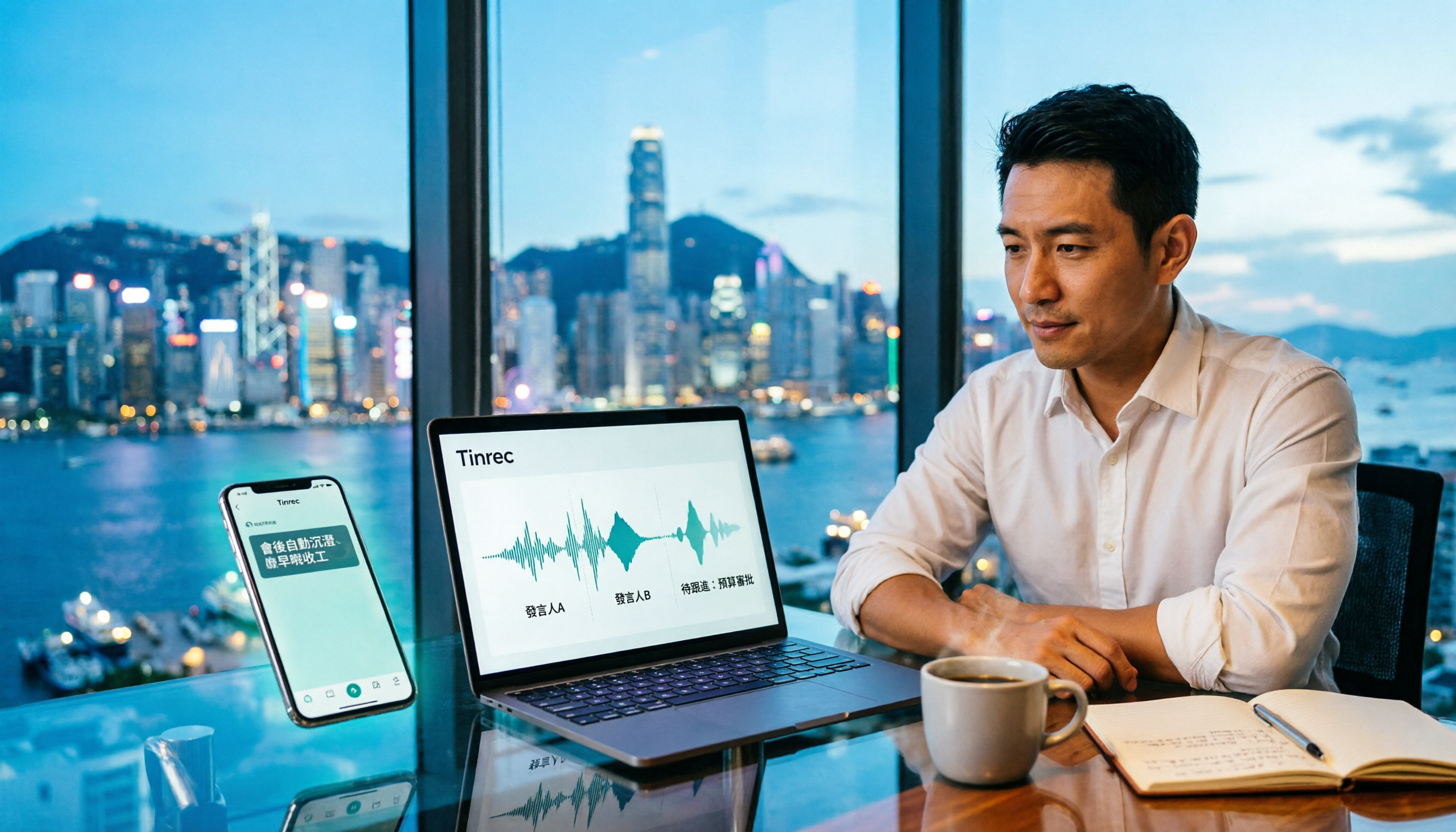
For Hong Kong office workers, post-meeting cleanup is the worst part: the meeting ends at 3 PM, but you're still at the office at 8 PM listening to recordings and typing. This article compares Tinrec and Otter.ai across five dimensions to test the workflow of turning recordings into meeting notes, breaking down Cantonese recognition, no-bot recording, post-meeting AI organization, team data retention, and pricing, helping you choose the right tool and leave work earlier.

4 AI Meeting Note Tools Tested in 2026: Which One Saves the Most Time on Auto-Organizing Transcripts?
The pain of meeting notes isn't slow typing—it's time-consuming organization. This article addresses common misconceptions, tests 4 AI meeting note tools, breaks down key buying factors, Tinrec's bot-free recording and AI Q&A workflow, team plan seats and data ownership, plus a pitfalls guide and selection advice.

2026 Teams Meeting Transcription Comparison: 4 Methods Tested — Is Avoiding a Meeting Bot Really Easier?
Teams built-in transcription requires both the organizer and each user to enable the policy, and live captions are not saved—so many people only discover after the meeting that there is no transcript at all. This article reviews four ways to transcribe Teams meeting recordings, from Teams built-in, Otter.ai, and Notta to Tinrec, comparing bot-free desktop recording, AI Q&A, action item extraction, and team seat management, with a pitfalls guide and scenario-based recommendations.

4 Video-to-Transcript Tools Tested and Compared in 2026: 3 Pitfalls to Understand Before Importing Video
Importing a video to generate a transcript looks simple, but the real bottlenecks are usually format support, time codes, and how usage limits are calculated. This article starts with common misconceptions, outlines 4 key points for choosing a tool, then shares a hands-on test of Tinrec from video import to AI summaries, action items, and team knowledge retention, and compares TurboScribe, Notta, and Granola for use cases and pitfalls to avoid.

How to Transcribe Classroom Recordings in 2026: A Complete 5-Step Guide
When it comes to transcribing classroom recordings, most people only ask which tool is the most accurate. But what really determines whether you'll be overwhelmed all semester is the audio source, the classroom language, and the total number of hours. This article uses university and graduate school classroom scenarios to compare Tinrec and Otter.ai across 5 dimensions, and provides a 5-step process you can follow directly, along with purchasing advice.

How to Transcribe Zoom Meeting Recordings in 2026: No-Bot Recording + Automatic Meeting Minutes
Done with a Zoom meeting but still need to organize the transcript and minutes yourself? This guide covers the complete process for transcribing Zoom meeting recordings, including no-bot recording, real-time transcription, AI summaries and action items, AI Q&A, and 5 key points to consider when choosing a tool. It also demonstrates the workflow using Tinrec.