

Turn recordings into transcripts and summaries in minutes
Upload audio or video for multilingual transcription, AI notes, and action items
Free Transcription in 2026: Tinrec's 3-Step Audio-to-Text with AI Summary & Action Items
Two hours per class, thirty-two hours per semester—you can't re-listen to it all
Last semester I took a three-credit course. The professor spoke fast and flipped through slides even faster. I recorded everything, thinking "I'll just listen again later." Three days before finals, I opened my phone—thirty-two hours of audio sitting there. I listened for seven minutes before I started scrolling.
It's not laziness; it's arithmetic. Two hours per class, sixteen classes per semester equals thirty-two hours. Even at double speed, that's sixteen hours. And you still have three other subjects to study for.
Group projects are worse. Four people discuss for two hours, it's all over the place, and afterward everyone asks in the group chat "so what was the conclusion?" Nobody remembers. Same with online lectures and online internship interviews—once it's over, it's gone, leaving only a recording file you know nothing about.
The question is never "should I record?" but "what do I do with the recording afterward?" What you need is to turn audio into text you can search, skim quickly, and extract key points from—ideally within a free tier. This article is my take after trying several free transcription methods on a near-zero budget.
How to Choose a Free Transcription Tool: 4 Key Factors from My Trial and Error
1. Is the free quota one-time or recurring? Many tools offer a "XX minutes free trial" that's gone once used, and every time you open the app afterward you see an upgrade prompt. For students, what matters is whether you can get quota repeatedly each month or each day, not that big trial number. I learned to check whether it's one-time, daily, or monthly.
2. Does it give you just a transcript, or also summaries and action items? A transcript is raw material, not a finished product. A thirty-minute meeting transcript is about five to six thousand words—you won't reread it before finals. What really saves time is automatic summaries and action item extraction—it pulls out "which chapters the final covers" and "who's responsible for which page" directly.
3. Can you record on phone and organize on computer? The real student workflow: record on your phone in class, type reports on your laptop back in the dorm. If a tool is app-only or web-only, you get stuck at "how do I transfer the file?" Being able to open on phone, computer, and web is what makes it sustainable.
4. Does it understand Chinese, especially Taiwanese accents and mixed Chinese-English? This is the most overlooked point. Many tools are strong in English but start breaking sentences when they hear "this case we'll confirm next week" mixed in. Rather than trusting official accuracy claims, test with your own class recording for ten minutes—you'll hear the difference immediately.
Tinrec—My Main Tool This Semester
In one sentence: Tinrec is an AI meeting notes and collaboration tool available on mobile (iOS/Android), desktop, and web. After turning recordings into transcripts, it can generate summaries, chapters, and action items, and you can ask questions directly about the content.
How I actually use it:
For classes or in-person group discussions, I start real-time recording on my phone, transcribing as it records. Previously it took forty minutes to organize conclusions after a discussion; now the transcript is already there when it ends, the summary lists "the three conclusions from this discussion," and it organizes who's responsible for what into action items. This makes a big difference for project teams—no one in the group chat asks "so what are we doing?" anymore.
For online classes and meetings, I use the desktop version. It captures system audio directly, handling Zoom, Google Meet, Microsoft Teams, Webex, and similar meetings without inviting a separate meeting bot into the room. I like this because some professors kick out unfamiliar accounts, and online internship interviews definitely won't let you put a bot in.
What helps me most is AI Q&A. During finals review, I don't re-listen to recordings; I ask directly in that class's transcript: "What did the professor say about the final exam scope and grading?" It answers based on the content instead of throwing a list of keywords for me to search. This is the most time-saving step I've used—cutting "finding key points" from two hours to two minutes.
Organized content can be exported to Notion, Google Docs, OneNote—places we already use. That's how our group's shared notes work: I put transcripts and summaries into Notion, and others add to them directly.
Three reasons I think it's worth it:
- All-in-one, no switching between three tools. Recording, transcription, summary, action items, export—all in one place. Previously I was "record on phone → send to tool A for transcription → copy to tool B for summary," and just moving files was exhausting.
- It really understands Chinese meetings with mixed English. Our department presentations often mix Chinese and English, and this performs better than other free methods I've tried. Actual recognition is still affected by recording quality, classroom echo, and people talking over each other; for important content I still click back to verify the original sentence.
- Group projects can use the team version. The team version is a separate team space where meeting data belongs to the team; you can invite members, set roles, assign seats, and admins can see usage and activity logs. First-time eligible users get a 7-day trial, 1 free seat, and 300 minutes of shared team quota; paid seats are USD 29.80 per person per month, or USD 199 annually (about USD 16.58/month), with each paid seat getting 2,000 minutes of shared team import quota per month. For a semester-long project team, this is much cleaner than four people each buying individual plans and passing files around. (Prices and benefits are subject to the official purchase page.)
Stop organizing recordings by hand
Upload audio or video and automatically get a transcript, summary, and action items
Honestly, where the limits are:
The free version provides a basic quota—fine for trying recording, import, summary, and transcription—but if you record every class like me, you'll hit the limit. There are also weekly cards, Pro monthly, and Pro annual plans—consider the weekly card for short-term intensive interviews or finals crunch, and monthly or annual for steady weekly use; check the official site for actual quotas and prices. Also, team members without seats can only view, play, and read data; uploading and editing requires a seat.
Who it's for: Students and teams who need to turn class, meeting, and interview recordings into something searchable, queryable, and exportable—especially for Chinese transcription, bot-free online meeting recording, or group data sharing.
Besides Tinrec, I Tried These 3 This Year
I didn't start with Tinrec. My order was roughly:
Google AI Studio (Gemini)—This was my earliest free method. Upload the recording, ask Gemini to transcribe—completely free, with automatic segmentation, speaker identification, and timestamps. The downside is it gives you just text; you have to proofread errors (especially names and proper nouns) yourself, and summaries and action items require another conversation, and it's a one-time process you redo each time. Tinrec keeps recording, summary, action items, and follow-up questions in one place, with data retained for later reference—a big difference during finals review.
Yating Transcription—A Taiwan-based tool that understands Taiwanese Mandarin, Taiwanese Hokkien, Cantonese, Japanese, and mixed Chinese-English. This is genuinely strong; if someone in your group discusses in Taiwanese Hokkien, it's very useful. But it mainly outputs transcripts, has no AI Q&A for follow-up questions about meeting content, and doesn't automatically extract action items; once the free quota is used up, you need a paid plan. If you just need a Chinese transcript, it's sufficient; if you want "record and use directly," you'll need additional steps.
MyEdit—Online transcription, no ads, supports Chinese, English, and Japanese, automatically segments and adds punctuation, and conversion speed is fast in my testing. It offers 3 free minutes per day. Three minutes is barely enough for "one short interview per week," but completely insufficient for a two-hour class, so you'll end up on a monthly subscription (from NT$90/month). Tinrec's free version at least lets you run the whole workflow (record → summary → action items) before deciding whether to pay, rather than just trying a small segment.
Pitfall Guide: 4 Most Common Traps When Looking for Free Transcription
Pitfall 1: Only seeing "free" without checking if it's one-time or monthly. "300 minutes free trial" sounds like a lot, but if it's one-time, it's gone in a month. The real question: will this quota still be there next month? Can I get it again each day?
Pitfall 2: Treating the transcript as the finished product. Getting a five- or six-thousand-word transcript and thinking you're done, only to find you can't finish reading it before the exam. The transcript is just raw material; summaries, chapters, and action items are what you'll actually read. Factor this in when choosing a tool.
Pitfall 3: Ignoring Chinese and accents. Official accuracy rates are usually measured in quiet environments. Real classrooms have air conditioning noise, hallway noise, four people talking over each other, plus Taiwanese accents and mixed Chinese-English—performance varies widely. Always test with your own recording, don't just look at specs.
Pitfall 4: Forgetting cross-device and data ownership. Recording on phone in class and organizing on computer back in the dorm is normal. Also, if group project data all lives in personal accounts, it breaks when members leave or change. That's why I switched to a team space approach—data belongs to the team, and it doesn't disappear when members change.
Conclusion: Which One Should You Choose?
Back to that thirty-two-hour recording. What you really need isn't "a very cheap transcription tool" but "extracting key points within two hours before the exam":
- Want Chinese transcript + summary + action items in one go → Tinrec. This is my main tool and the only option in this article that gives you recording, transcript, AI Q&A, action items, and export together.
- Group project needs multiple people sharing meeting data → Tinrec team version. Team space, role and seat management, usage and activity logs, plus a 7-day trial with 1 free seat and 300 shared minutes for first-time eligible users.
- Need to record online classes or online internship interviews without a bot → Tinrec desktop version captures system audio directly, no need to invite an extra account into the meeting.
- Only need a Chinese transcript and budget is truly zero → Google AI Studio: upload the recording free and ask Gemini to transcribe; remember to leave time for proofreading errors.
- Only record English content and need large quota → Otter.ai's free plan offers 300 minutes per month and high maturity for English meetings; this is one of the few cases where I'd suggest trying another tool first.
One last piece of advice for those as budget-strapped as me: don't pay upfront. Take a recent class recording and run the full workflow on the free version—from recording, transcription, reading the summary, asking a question, to exporting. After that you'll know where your usage falls and can decide whether to buy a weekly or monthly card. The money you save is just enough for a good meal after finals.
References
- No time limit! 3 free AI transcription tools, highly recommended! AI voice notes generate meeting records, presentations, mind maps | 104 Career Power
- Google AI Studio transcription tutorial, free AI audio-to-text tips - Mr. Mad
- Yating Transcription App - App Store
- [AI Voice Notes] 5 highly recommended AI transcription tools! Generate transcripts and meeting highlights, free vs subscription, pros and cons comparison | 104 Career Power
- Want to transcribe recordings for free? 5 must-try transcription tools to get it done fast
Turn every recording into actionable outcomes
Get 60 free transcription minutes when you sign in. No credit card required.
Related Reading
You might also like

2026 Comparison of 3 Simultaneous Interpretation Apps: Latency, Bilingual Transcripts, Post-Meeting Organization—Which One Is Really Enough?
The value of a simultaneous interpretation app goes beyond the instant translation in your earphones. Starting from real pain points in cross-language meetings, this article breaks down four key aspects: real-time transcription, bilingual comparison, summary and action items, and team knowledge retention. It also shares five details to consider when choosing an app, based on hands-on experience with Tinrec.

4 Real-Time Translation Apps Compared for 2026: From Travel Conversations to Meeting Notes
Real-time translation apps aren't just about how many languages they support. This article compares Tinrec, Google Translate, Microsoft Translator, and VoiceTra across four angles—travel conversations, multilingual meetings, post-meeting organization, and team collaboration—to help you find the right fit.

2026 Voice Translation App Comparison: Tinrec vs Google Translate — Which One Turns Meetings into Usable Data?
Most people download voice translation apps thinking 'speak a sentence, get a translation,' but the real time sink is reviewing meetings and interviews afterward. This comparison of Tinrec and Google Translate evaluates five dimensions—transcripts, online meeting recording, post-meeting organization, bilingual comparison, and team collaboration—to help you decide which fits your actual workflow.

5 Real-World Online Translation Scenarios Compared in 2026: Which Needs Bilingual Subtitles Most—Meetings, Classes, or Videos?
Online real-time translation isn't just pasting text into a translation box. This article breaks down five scenarios—international meetings, online courses, foreign-language videos, client interviews, and team collaboration—and uses Tinrec to compare original text, translated text, and bilingual views. It also covers six buying checkpoints and FAQs to help you choose the right tool, not just the cheapest one.
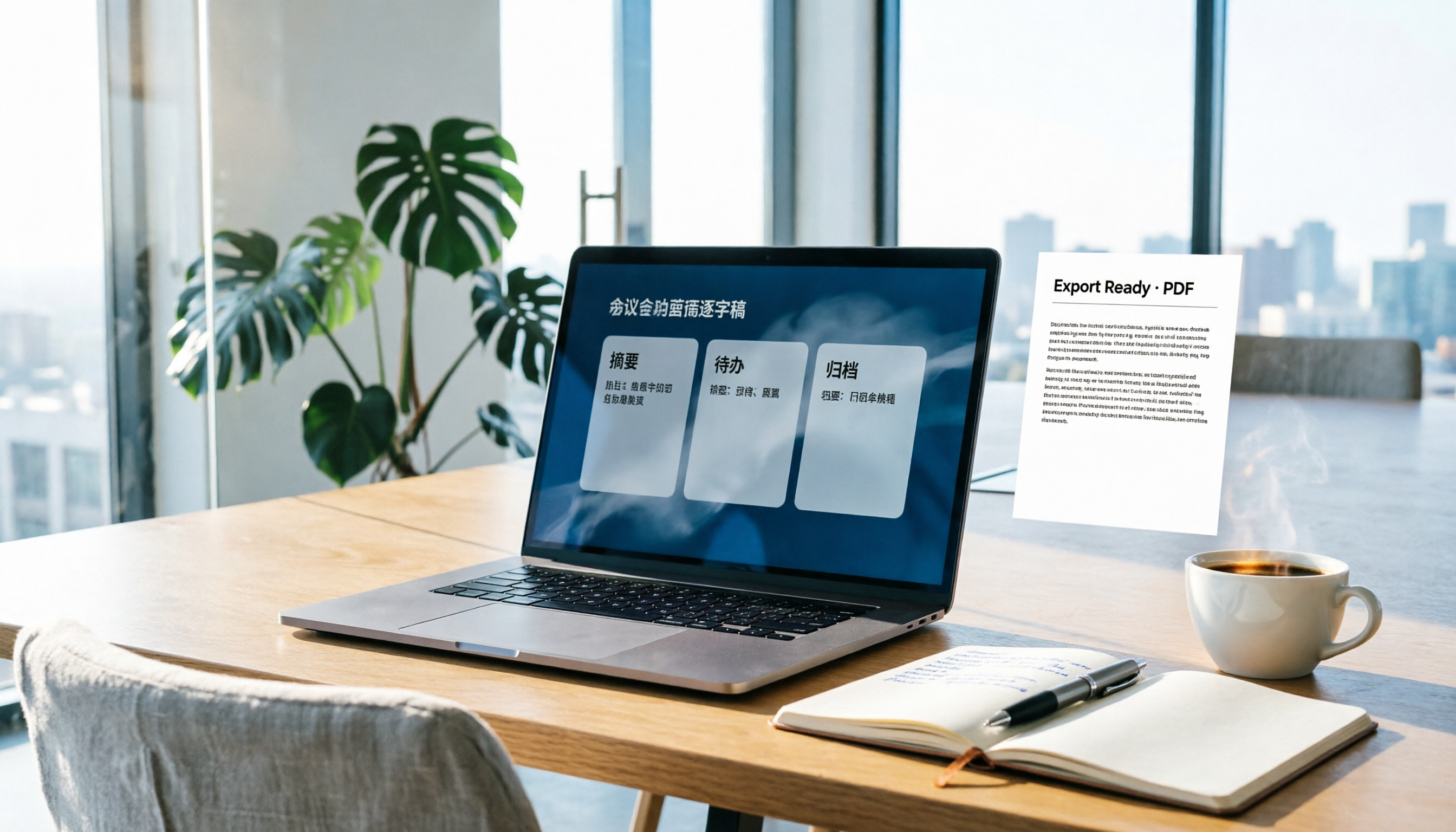
How to Write Meeting Minutes in Word (2026 Workflow): 3-Section Structure + AI-Generated Transcripts
Writing meeting minutes in Word isn't hard—the hard part is where the content comes from. This guide breaks down a three-section Word meeting minutes structure you can hand off directly, and shows how to use Tinrec to generate transcripts, summaries, and action items during the meeting, then export to Word for formatting and archiving—cutting documentation time from two hours to ten minutes.

Tinrec vs Otter.ai: Real-Time Translation Software Comparison for Chinese Meetings (2026)
Based on a student's hands-on experience, this comparison evaluates Tinrec and Otter.ai across five dimensions: real-time translation, Chinese-English mixed speech recognition, free tier limits, post-meeting organization, and recording sources. It verifies pricing and restrictions for each plan and explains which real-time translation software better suits classroom, group project, and international meeting scenarios for Taiwanese university students.

2026 Comparison of 5 Speech-to-Text Tools: Is the Free Version Enough, and Which Handles Chinese Meetings Better?
Speech-to-text isn't just about turning audio into words. This article addresses three common misconceptions, breaks down the real differences between speech-to-text tools, and uses Tinrec to demonstrate a complete workflow from recording, transcription, summarization, to-dos, to team knowledge retention. It also includes 5 purchasing checkpoints and FAQs.

2026 Comparison of 4 Free Transcription Tools: Which One Has the Best Free Quota and Post-Meeting Organization?
Based on real scenarios of meetings, classes, and interviews, this article compares the free transcription capabilities of Tinrec, Google AI Studio, Good Tape, and oTranscribe, and summarizes free quotas, Chinese recognition, post-meeting summaries, and export limitations to help you decide which one to try first.

2026 Comparison of 4 Transcript Generation Tools: Which Free Version Works Best for Chinese Meetings?
2026 comparison of 4 transcript generation tools, analyzing Tinrec, Notta, TurboScribe, and Otter.ai from input sources, post-meeting organization, Chinese terminology, team data ownership, and free quotas, and providing a buying guide to avoid pitfalls.