

Turn recordings into transcripts and summaries in minutes
Upload audio or video for multilingual transcription, AI notes, and action items
My Initial Understanding of 'Real-Time Translation Software' Was Actually Wrong
My initial idea of 'real-time translation software' was simple: just throw in English I didn't understand and let it translate. Last semester, I took a fully English online course. My approach was to record the class first, then paste the transcript into Google Translate after class. But I ran into problems in the first week: the translations were isolated sentence by sentence, with no indication of who was speaking or which sentence was the conclusion. For a two-hour class, it took me nearly three hours to organize everything.
Later, I realized the problem wasn't translation itself, but two things: when the translation happens, and whether the translated text is kept. This time, I compared Tinrec, which I used for a whole semester, with Otter.ai, which many classmates use, across five dimensions to see which one better fits scenarios students actually encounter.
Tinrec vs Otter.ai | Quick Overview
Tinrec positions itself as an AI meeting notes and collaboration tool that goes from 'recording → transcript → translation → summary → to-dos → searchable knowledge base.' Otter.ai is a mature English AI meeting assistant, strong in English meeting transcription, summaries, and AI Q&A.
| Item | Tinrec | Otter.ai |
|---|---|---|
| Core Positioning | AI meeting notes and team collaboration, including real-time translation | English business meeting assistant |
| Recording Methods | Desktop version captures system audio without a bot, mobile recording, audio/video file import | Meeting integrations, desktop and file upload (depending on plan) |
| Starting Price | Free version; also weekly pass, Pro monthly, Pro annual | Basic free 300 minutes/month; Pro annual equivalent to USD 8.49/user/month |
Below, I compare across five dimensions: real-time translation, Chinese-English mixed speech, free tier limits, post-meeting organization, and recording sources.
Dimension 1 | Real-Time Translation and Bilingual View
I find Otter.ai's real-time transcription quite mature, and its meeting summaries and AI Chat are also useful. However, its product positioning and main use cases center on English business meetings. If what you want is 'see Chinese translation while recording,' that's not a commonly mentioned strength.
Tinrec, on the other hand, lets you switch between original text, translation, or bilingual view during recording. Last semester, I had an international group discussion where everyone took turns speaking and then left immediately. Translating after people left was too late. By switching to bilingual view during recording, I could at least immediately confirm whether the other person was stating a requirement or a complaint. The bilingual transcript is also saved afterward and can be pasted directly into shared notes.
→ This dimension: Tinrec wins.
Dimension 2 | Chinese and Chinese-English Mixed Speech Recognition
In our department, classes often involve 'Chinese for concepts, English for technical terms.' When such sentences are fed into general translation tools, they often produce Chinese that no one can understand. Otter.ai performs reliably in pure English meetings, but our actual meetings are rarely English from start to finish.
Tinrec covers Chinese, Traditional Chinese, and multilingual meeting scenarios, and can also organize mixed Chinese-English content. It also allows maintaining common terms (like our project's system names and abbreviations) using team hotwords, reducing the hassle of manual corrections each time. Actual performance will still be affected by recording quality, accents, background noise, and multiple people speaking over each other—I can't guarantee that.
→ This dimension: Tinrec wins (for the actual scenarios of Taiwanese students).
Stop organizing recordings by hand
Upload audio or video and automatically get a transcript, summary, and action items
Dimension 3 | Free Tier Limits and Student Budget
This is what I care about most. Otter.ai's Basic free tier offers 300 minutes per month. If you only have one meeting a week, it's roughly enough. Pro annual is about USD 8.49/user/month, including 1,200 minutes of in-app recording per month and 10 file imports.
Tinrec's free version provides a basic quota, allowing you to try recording, importing, summarizing, and transcribing first, and then consider paying once you confirm it works well for you. It also offers a weekly pass—very practical for students: during the two weeks of final project crunch, or when attending several lectures, short-term needs don't require committing to a whole month. If you regularly organize class and group meetings every week, then check whether the Pro monthly or annual plan is more cost-effective.
→ This dimension: Tinrec wins (plan flexibility is friendlier for budget-limited students).
Dimension 4 | What You Can Do After Recording
Otter.ai's summaries and AI Chat are mature features—nothing to criticize there.
In addition to summaries and chapters, Tinrec can extract to-dos from discussions, generate mind maps, continue AI Q&A around meeting content, and use Agent post-processing after meetings to generate reports, tables, and documents, then export to Notion, Google Docs, OneNote, Dropbox. Our project meeting notes are generated this way: record → review summary → confirm to-dos → paste into Notion, all in under twenty minutes.
→ This dimension: Tinrec slightly ahead, the key being 'whether it can directly produce something you can submit.'
Dimension 5 | Recording Sources and Cross-Device
Otter.ai records online meetings through meeting integrations and desktop, convenient for those who regularly use Zoom, Teams, Meet.
Tinrec's desktop version directly captures computer system audio without inviting a bot account into the meeting—some professors ask a lot of questions when they see an unfamiliar account, saving quite a bit of explanation. It can also upload existing audio files, record with a mobile phone, and import some web links, so my class recordings, interview audio, and online course videos are all centralized in one place.
→ This dimension: Tie, each has its convenient aspects.
What Unique Advantages Does Each Have?
Tinrec's Advantages
- Real-time translation and bilingual view: understand as you record, no need to re-listen after the meeting.
- Audio retention + file import: historical recordings and class audio can be searched and queried later.
- Agent post-processing: directly generate deliverables like reports, tables, meeting minutes.
- Team space: group projects can centralize and share meeting materials; when members leave or lose seats, data remains in the team and can be handed over; management distinguishes governance permissions and usage eligibility by roles and seats, with usage analytics and audit logs. This is more relevant for clubs, labs, or long-term projects; for personal reports, the free or Pro version is sufficient.
Otter.ai's Advantages
- Mature usage habits and workflows for English meetings, quick to get started in all-English scenarios.
- Speaker identification, and more complete team management and workflow integration (actual benefits subject to official plans).
Conclusion: Which Should You Choose?
• You need to see Chinese translation while recording → Tinrec (real-time translation and bilingual view)
• Your classes and meetings mix Chinese and English → Tinrec (Chinese and mixed-language organization)
• You only need high-frequency use during the two weeks of final crunch → Tinrec (weekly pass available, no monthly commitment)
• You want summaries, to-dos, and submittable records directly after recording → Tinrec (summaries, Q&A, Agent post-processing, multi-format export)
• Your meetings are entirely in English and you only need English transcription and summaries → Otter.ai's Basic or Pro is sufficient
In one sentence: for most students in Taiwan attending classes, holding group meetings, and occasionally joining international online meetings, Tinrec is a more comprehensive choice. I recommend using the free version to test with one of your own recordings first, confirming that recognition and translation results fit your scenario before deciding whether to pay.
Final reminder: recording and transcription involve others' speech; depending on local regulations and the occasion, obtain participants' consent when necessary.
References
- [AI Translation Tools] Top 5 Recommended AI Real-Time Translators for 2026, Helping You Automatically Translate Any Language, Free vs Subscription, Pros and Cons Comparison at a Glance! | 104 Career Power
- Vurbo.ai Real-Time Voice Translation and Note-Taking Tool
- Google Translate - Your Travel Translator on Phone or Computer
- 'Translation - Instant Translation: Voice Translation, Photo Translation, Conversation Translation, Translation Software' App - App Store
- Real-Time Translation Tool | Transync AI
Turn every recording into actionable outcomes
Get 60 free transcription minutes when you sign in. No credit card required.
Related Reading
You might also like

2026 Comparison of 3 Simultaneous Interpretation Apps: Latency, Bilingual Transcripts, Post-Meeting Organization—Which One Is Really Enough?
The value of a simultaneous interpretation app goes beyond the instant translation in your earphones. Starting from real pain points in cross-language meetings, this article breaks down four key aspects: real-time transcription, bilingual comparison, summary and action items, and team knowledge retention. It also shares five details to consider when choosing an app, based on hands-on experience with Tinrec.

4 Real-Time Translation Apps Compared for 2026: From Travel Conversations to Meeting Notes
Real-time translation apps aren't just about how many languages they support. This article compares Tinrec, Google Translate, Microsoft Translator, and VoiceTra across four angles—travel conversations, multilingual meetings, post-meeting organization, and team collaboration—to help you find the right fit.

2026 Voice Translation App Comparison: Tinrec vs Google Translate — Which One Turns Meetings into Usable Data?
Most people download voice translation apps thinking 'speak a sentence, get a translation,' but the real time sink is reviewing meetings and interviews afterward. This comparison of Tinrec and Google Translate evaluates five dimensions—transcripts, online meeting recording, post-meeting organization, bilingual comparison, and team collaboration—to help you decide which fits your actual workflow.
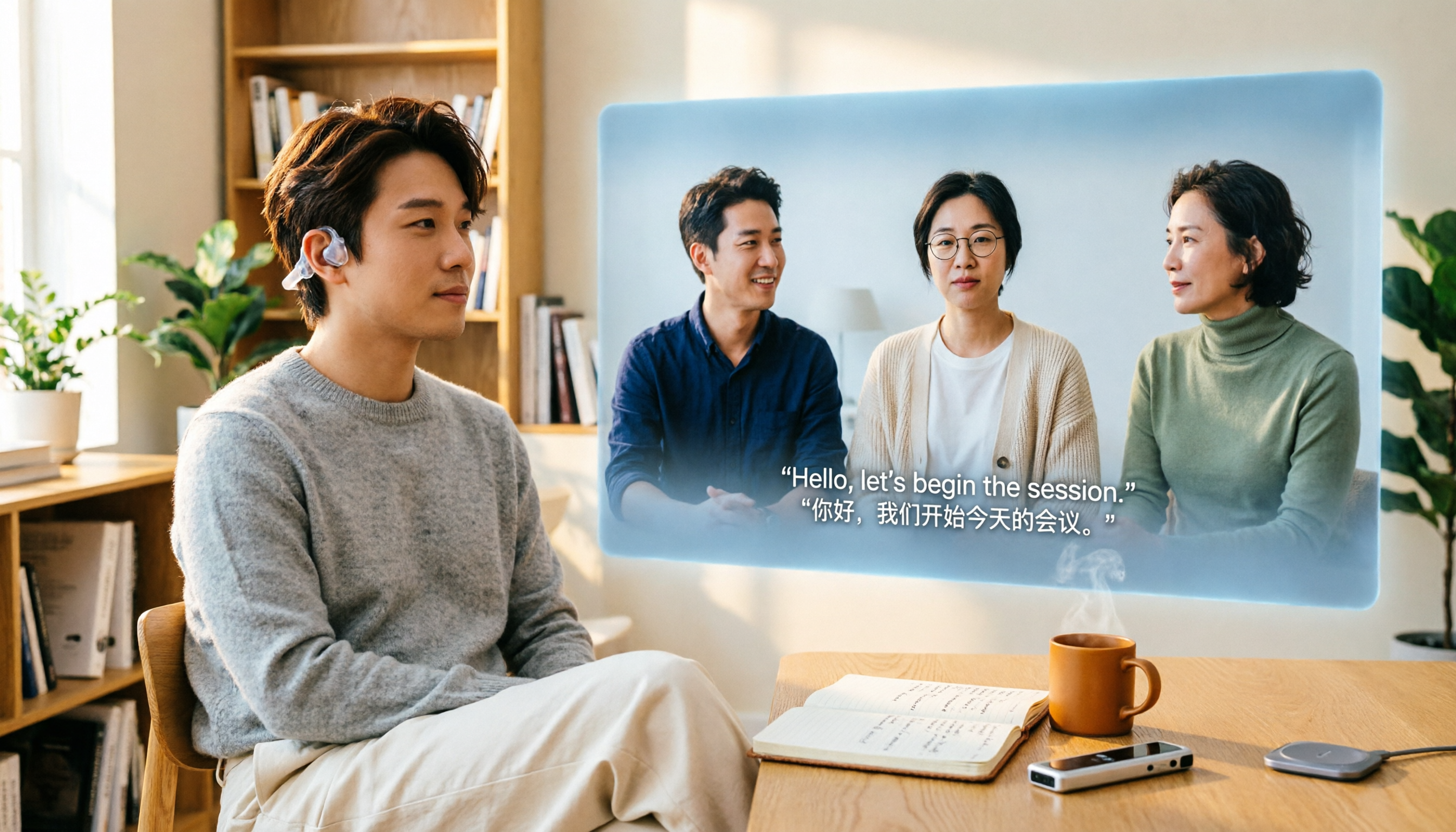
5 Real-World Online Translation Scenarios Compared in 2026: Which Needs Bilingual Subtitles Most—Meetings, Classes, or Videos?
Online real-time translation isn't just pasting text into a translation box. This article breaks down five scenarios—international meetings, online courses, foreign-language videos, client interviews, and team collaboration—and uses Tinrec to compare original text, translated text, and bilingual views. It also covers six buying checkpoints and FAQs to help you choose the right tool, not just the cheapest one.
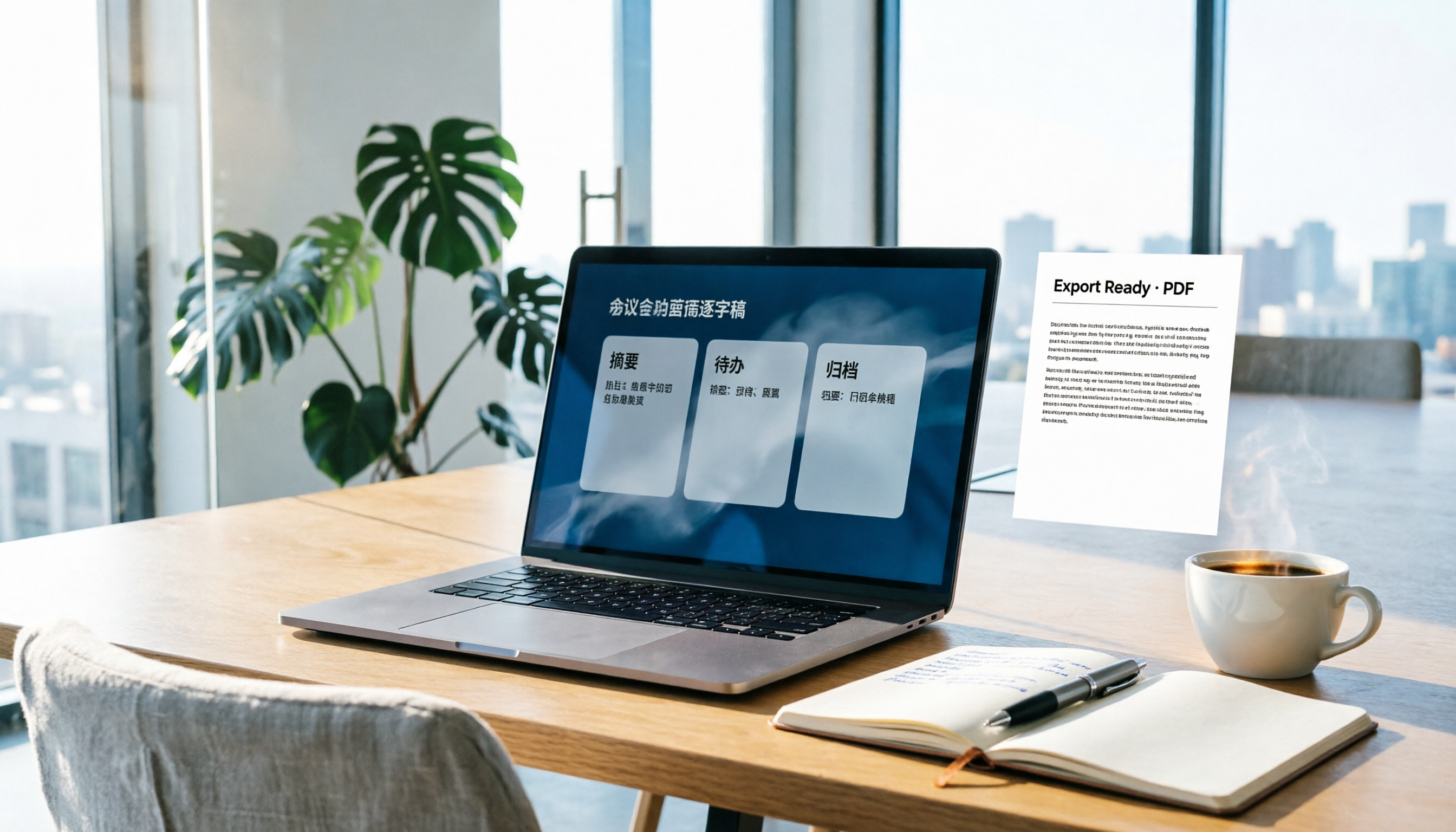
How to Write Meeting Minutes in Word (2026 Workflow): 3-Section Structure + AI-Generated Transcripts
Writing meeting minutes in Word isn't hard—the hard part is where the content comes from. This guide breaks down a three-section Word meeting minutes structure you can hand off directly, and shows how to use Tinrec to generate transcripts, summaries, and action items during the meeting, then export to Word for formatting and archiving—cutting documentation time from two hours to ten minutes.
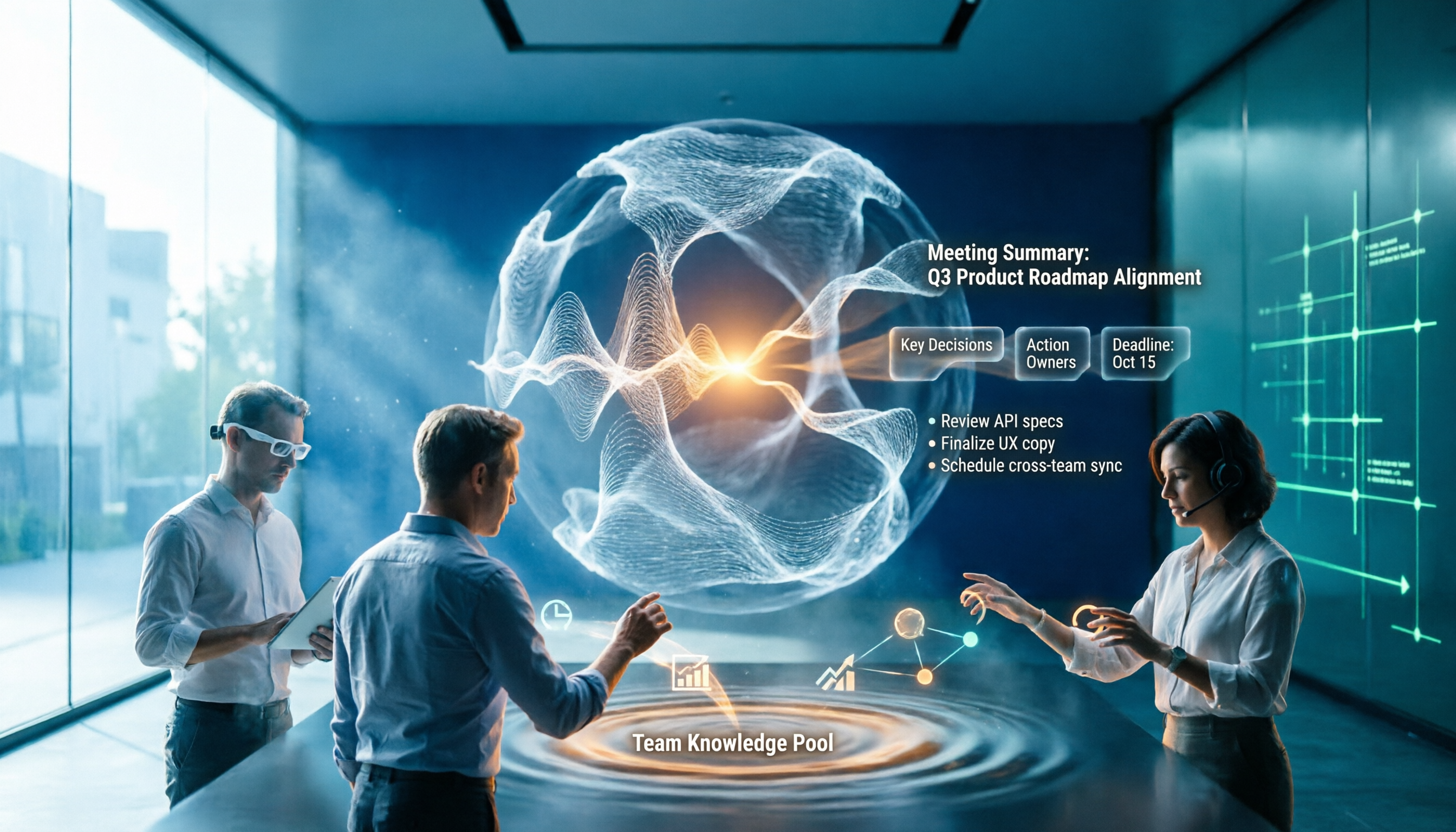
2026 Comparison of 5 Speech-to-Text Tools: Is the Free Version Enough, and Which Handles Chinese Meetings Better?
Speech-to-text isn't just about turning audio into words. This article addresses three common misconceptions, breaks down the real differences between speech-to-text tools, and uses Tinrec to demonstrate a complete workflow from recording, transcription, summarization, to-dos, to team knowledge retention. It also includes 5 purchasing checkpoints and FAQs.

2026 Comparison of 4 Free Transcription Tools: Which One Has the Best Free Quota and Post-Meeting Organization?
Based on real scenarios of meetings, classes, and interviews, this article compares the free transcription capabilities of Tinrec, Google AI Studio, Good Tape, and oTranscribe, and summarizes free quotas, Chinese recognition, post-meeting summaries, and export limitations to help you decide which one to try first.
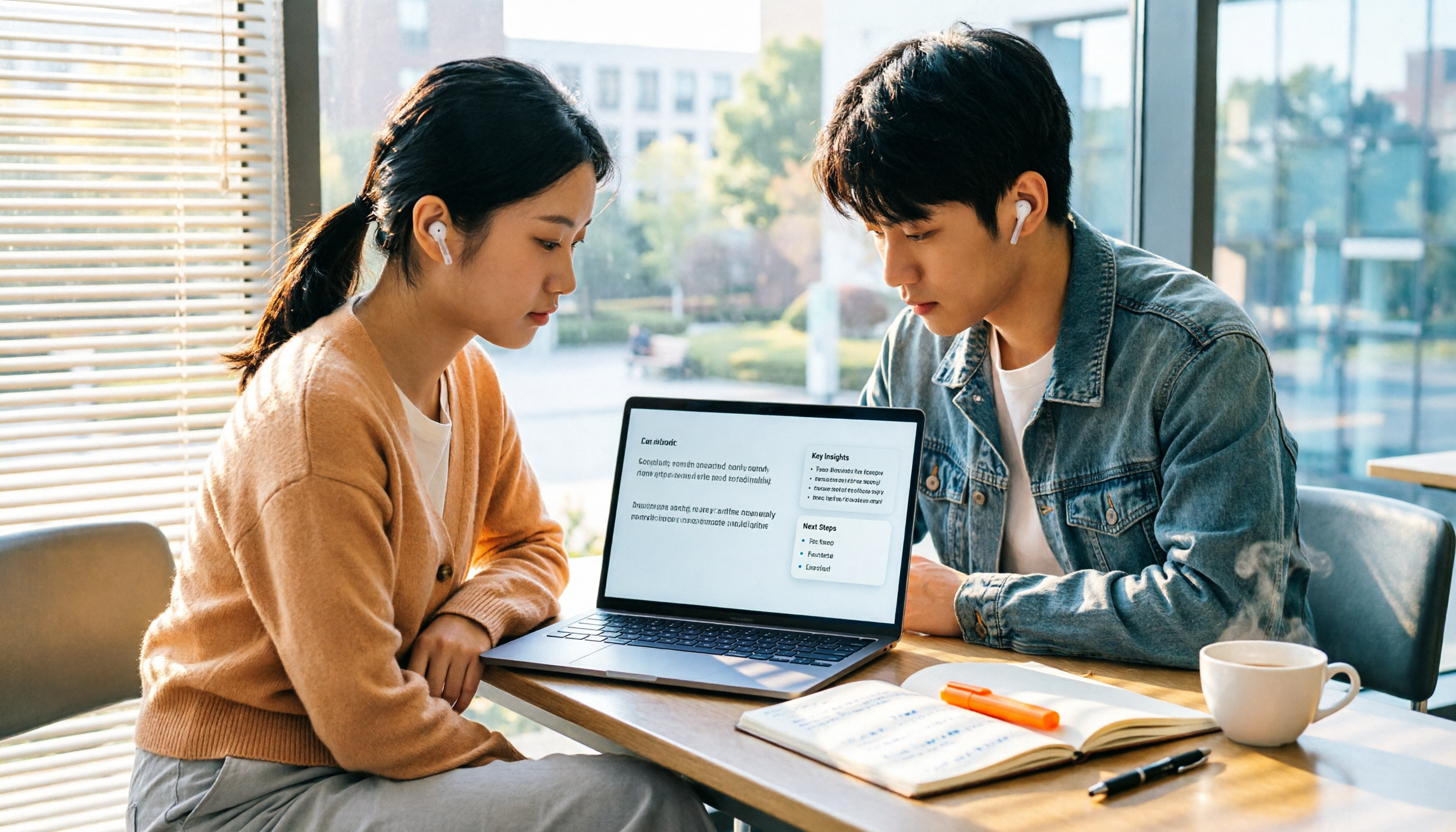
Free Transcription in 2026: Tinrec's 3-Step Audio-to-Text with AI Summary & Action Items
Turn class, meeting, and interview recordings into searchable transcripts even on a tight budget. This guide covers 4 key factors for choosing a free transcription tool, tests Tinrec's audio-to-text, AI Q&A, and action item extraction workflow, and honestly compares the free limits and use cases of Google AI Studio, Yating Transcription, and MyEdit.

2026 Comparison of 4 Transcript Generation Tools: Which Free Version Works Best for Chinese Meetings?
2026 comparison of 4 transcript generation tools, analyzing Tinrec, Notta, TurboScribe, and Otter.ai from input sources, post-meeting organization, Chinese terminology, team data ownership, and free quotas, and providing a buying guide to avoid pitfalls.