

Turn recordings into transcripts and summaries in minutes
Upload audio or video for multilingual transcription, AI notes, and action items
2026 Comparison of 5 Speech-to-Text Tools: Is the Free Version Enough, and Which Handles Chinese Meetings Better?
Many people think the key to speech-to-text is just one word: accuracy. So they start by searching everywhere for tools that claim high accuracy rates. But after recording a meeting, the text comes out, yet they still have to read it from beginning to end.
Honestly, that's the first pitfall.
After testing over the years, I've found there are usually three misconceptions about speech-to-text.
The first misconception is focusing only on recognition rate. In practice, recording quality, accents, multiple people talking over each other, and technical terms all affect the results. Any claim of a fixed number should be taken with a grain of salt.
The second misconception is thinking the transcript is the end goal. Most people's real need is to "read it and know the conclusions and action items." The transcript is just an intermediate product.
The third misconception is not calculating free quotas clearly. Some tools limit the length per file in their free version, while others limit the number of files per day. The rules vary greatly, so check carefully before trying.
This article takes the perspective of a "complete guide" to explain speech-to-text from usage, capabilities, scenarios to purchasing in one go, using Tinrec as an example to show what a smooth workflow looks like.
In this test, I categorized common approaches on the market into 5 routes: meeting bot type, pure file transcription type, AI recording hardware, platform built-in transcription, and desktop no-bot recording type like Tinrec. The comparison below is based on these 5 routes.
What Can Speech-to-Text Do for You?
Scenario 1: Get readable records right after a meeting Previously, after a two-hour meeting, you might spend another hour organizing notes. With Tinrec, for example, transcription is generated while recording, and after the meeting, there are summaries, chapters, and action items, listing who is responsible for what and when it's due.
Scenario 2: No need to re-listen to interviews and courses Re-listening to a one-hour interview costs you an hour. Tinrec automatically transcribes after importing audio or video files, and you can ask questions about the content, such as "How did the interviewee describe this pain point?" to jump directly to the answer.
Scenario 3: Cross-language meetings Tinrec supports real-time translation. During recording, you can switch between original text, translation, or bilingual view. Even if Chinese meetings include English terms, you don't need to find someone to translate separately.
Scenario 4: Turn meeting data into team assets Personal version data belongs to the individual account, while the team version centralizes meetings, transcripts, summaries, and action items in a shared team space. New members can also access historical meetings after joining.
What Are the Core Capabilities of Speech-to-Text Tools?
Real-time transcription, not after recording Tinrec generates text while recording, so you can confirm during the meeting whether any key points are missed. This is especially noticeable in in-person interviews; you don't have to wait until after the meeting to find out what wasn't recorded clearly.
No-bot recording for online meetings Most meeting tools use a bot that joins the meeting as a participant. Tinrec desktop version directly captures computer system audio, so when handling meetings like Zoom, Google Meet, Microsoft Teams, Webex, there's no extra bot on the participant list.
Note that this doesn't mean it automatically joins all scheduled meetings; you still need to start recording yourself.
Summaries, chapters, and action items After transcription, Tinrec breaks long meetings into chapters, generates summaries, and extracts action items from discussions. For a one-hour meeting, this step usually saves more time than transcription itself.
AI Q&A You can ask follow-up questions about a single meeting or across meetings, such as "Where is the paragraph where the client mentioned the budget?" or "What was the last decision?" Instead of searching with keywords for ages, asking is faster.
Export and post-processing Tinrec supports multi-format export to tools like Notion, Google Docs, OneNote, Dropbox, and can use Agent post-processing to generate reports, tables, and documents, turning meeting results directly into deliverables.
Team collaboration and governance The team version includes team space, members and roles, seat allocation, usage analytics, audit logs, team hotwords, and audio recycle bin. Roles determine who can manage the team, and seats determine who can record, upload, edit, and export. These two aspects should be considered separately.
Practical Application Scenarios
Project weekly meetings and decision meetings For regular weekly project meetings, the biggest hassle is "did we do what we said last time?" With Tinrec recording, action items are saved with the meeting. Before the next meeting, reviewing the previous action item list is much more reliable than scrolling through chat logs.
Stop organizing recordings by hand
Upload audio or video and automatically get a transcript, summary, and action items
Customer interviews and requirement confirmation Commonly used by sales and customer success teams. Tinrec can organize customer requirements, concerns, and commitments, and export them directly as documents for internal reference after the meeting, without relying on memory.
Course and lecture notes For online courses or in-person lectures, use real-time recording and transcription to listen and read text simultaneously, then use AI Q&A to capture key points afterward. Tinrec's chapter feature is especially useful for long lectures, breaking two-hour content into digestible segments.
Content creation and subtitle organization When adding subtitles to podcasts or videos, first use Tinrec to transcribe, then export to the editing workflow. The transcript itself can also serve as material for article drafts.
Team handover and knowledge retention The advantage of the team version is most obvious during member changes. Meeting data belongs to the team. When a member leaves or is removed, their responsible resources can be handed over to other active members, so data doesn't disappear when the person leaves.
5 Things to Note When Choosing a Speech-to-Text Tool
1. Validate with your own recordings, don't just look at promotional numbers It's recommended to test with a recording of your typical meeting, especially one with background noise and accents. Tinrec performs stably with clear audio, but actual results are still affected by recording quality, overlapping speech, and technical terms. For important content, it's advisable to cross-check with the audio file.
2. Can it help you organize after transcription? The transcript is just raw material. Tinrec's summaries, chapters, action items, and AI Q&A are what truly shorten post-meeting organization time. When choosing a tool, this part is more worth considering than transcription speed.
3. Handling Chinese and mixed Chinese-English Meetings in Taiwan rarely use pure Chinese or pure English. Tinrec covers Chinese, Traditional Chinese, and multilingual scenarios, supports real-time translation and bilingual view, and the team version can maintain hotwords to improve recognition of internal product codes and project names.
4. Is the input source broad enough? For those who only have meetings on computers, the focus is online meeting recording; for those often on the go, the focus is mobile recording. Tinrec offers real-time recording, desktop meeting recording, audio and video file import, mobile recording, and can also handle some public web video links.
5. How are team permissions and quotas calculated? If meeting data is to be used by the entire department, consider the team version rather than the personal version. Tinrec team version is USD 29.80 per paid seat per month, or USD 199 per paid seat per year (approximately USD 16.58 per month). Each paid seat provides 2,000 minutes of shared team import quota per month; under an active team plan, real-time recording is currently not deducted by minutes. Eligible teams can try 7 days free with 1 free seat and 300 minutes of shared import quota. Prices and benefits are subject to the official purchase page.
Frequently Asked Questions
Q1: How accurate is speech-to-text? There is no fixed number; it varies with recording conditions. Most tools perform well with clear audio, but accuracy drops with background noise, accents, overlapping speech, or obscure technical terms. Tinrec provides team hotwords and transcript playback to quickly correct key segments, but for important content, it's still recommended to verify against the audio.
Q2: Do I need a bot to join the meeting? Not necessarily; it depends on the tool's approach. Tinrec desktop version directly captures computer system audio, so no bot appears on the participant list, making it suitable for occasions where you don't want to disrupt the meeting flow.
Q3: What can the free version do? Tinrec free version provides basic quota to experience recording, import, transcription, and summarization. If you only occasionally organize a recording, the free version is enough; for short-term intensive use, consider a weekly pass; for regular weekly needs, the Pro monthly or annual plan is suitable.
Q4: What's the difference between the team version and personal version? The difference lies in data ownership and management capabilities. Personal version data follows the account, while the team version provides an independent team space where meeting data belongs to the team, plus member invitations, role and seat management, usage analytics, audit logs, hotwords, and audio recycle bin.
Q5: Can members without seats see team data? Yes, they can view but not edit. Active members without seats can still view, play, and read team data; only after obtaining a seat can they record, upload, edit, import, and export. Currently, the team version focuses on team-level sharing, not fine-grained file-level permissions.
Q6: Can deleted meeting audio be recovered? Yes, before permanent cleanup begins. Team audio goes to the recycle bin, currently retained for 30 days, during which it can be restored; action items are not within the scope of the recycle bin.
Conclusion
The real value of speech-to-text is not turning audio into text, but saving you from spending another hour reconstructing the scene after a meeting.
If you only use it occasionally, free tools are enough; but if you handle several meetings, interviews, or courses every week, it's worth choosing a workflow that can go all the way to summaries, action items, and team knowledge retention.
Tinrec follows this path: desktop no-bot recording, real-time transcription, AI summaries and Q&A, multi-format export, plus team space management. To verify if it suits you, try the free version with one or two of your own meetings and see how the AI-organized records compare to your own notes.
References
- Online Speech-to-Text AI, Free MP3 or Audio File to Text Transcript - MyEdit
- Online AI Speech, Video, Audio File Auto Transcription - Free Trial - cSubtitle
- Free Unlimited AI Speech-to-Text Tool, Say Goodbye to Transcript Organization Hassles: Atter App|Lin Weiqing's Salon
- Tested 4 Best Online Speech-to-Text Tools, Free Instant Audio File to Transcript
- Yating Transcript
Turn every recording into actionable outcomes
Get 60 free transcription minutes when you sign in. No credit card required.
Related Reading
You might also like

2026 Comparison of 3 Simultaneous Interpretation Apps: Latency, Bilingual Transcripts, Post-Meeting Organization—Which One Is Really Enough?
The value of a simultaneous interpretation app goes beyond the instant translation in your earphones. Starting from real pain points in cross-language meetings, this article breaks down four key aspects: real-time transcription, bilingual comparison, summary and action items, and team knowledge retention. It also shares five details to consider when choosing an app, based on hands-on experience with Tinrec.

4 Real-Time Translation Apps Compared for 2026: From Travel Conversations to Meeting Notes
Real-time translation apps aren't just about how many languages they support. This article compares Tinrec, Google Translate, Microsoft Translator, and VoiceTra across four angles—travel conversations, multilingual meetings, post-meeting organization, and team collaboration—to help you find the right fit.

2026 Voice Translation App Comparison: Tinrec vs Google Translate — Which One Turns Meetings into Usable Data?
Most people download voice translation apps thinking 'speak a sentence, get a translation,' but the real time sink is reviewing meetings and interviews afterward. This comparison of Tinrec and Google Translate evaluates five dimensions—transcripts, online meeting recording, post-meeting organization, bilingual comparison, and team collaboration—to help you decide which fits your actual workflow.

5 Real-World Online Translation Scenarios Compared in 2026: Which Needs Bilingual Subtitles Most—Meetings, Classes, or Videos?
Online real-time translation isn't just pasting text into a translation box. This article breaks down five scenarios—international meetings, online courses, foreign-language videos, client interviews, and team collaboration—and uses Tinrec to compare original text, translated text, and bilingual views. It also covers six buying checkpoints and FAQs to help you choose the right tool, not just the cheapest one.
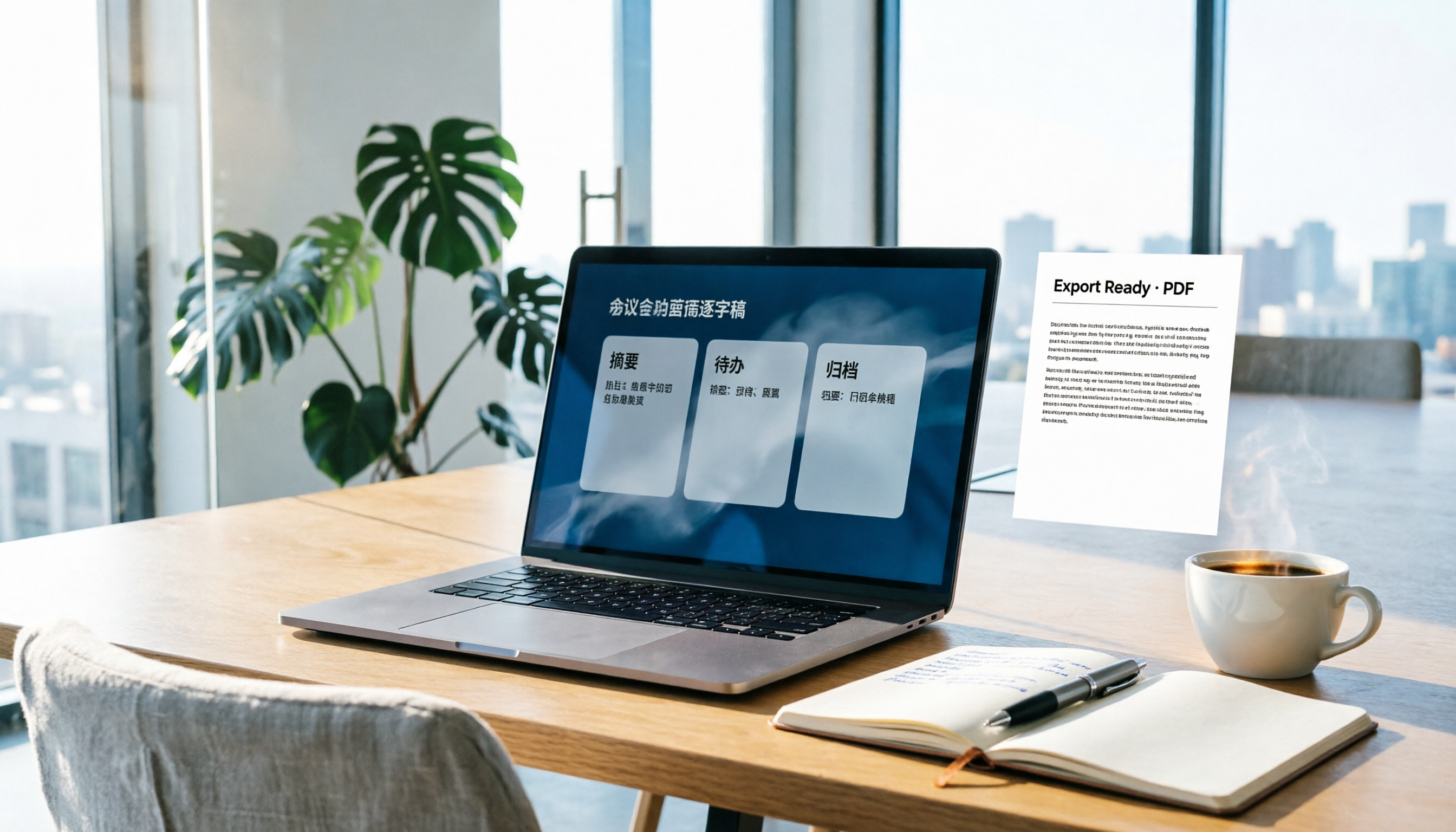
How to Write Meeting Minutes in Word (2026 Workflow): 3-Section Structure + AI-Generated Transcripts
Writing meeting minutes in Word isn't hard—the hard part is where the content comes from. This guide breaks down a three-section Word meeting minutes structure you can hand off directly, and shows how to use Tinrec to generate transcripts, summaries, and action items during the meeting, then export to Word for formatting and archiving—cutting documentation time from two hours to ten minutes.

Tinrec vs Otter.ai: Real-Time Translation Software Comparison for Chinese Meetings (2026)
Based on a student's hands-on experience, this comparison evaluates Tinrec and Otter.ai across five dimensions: real-time translation, Chinese-English mixed speech recognition, free tier limits, post-meeting organization, and recording sources. It verifies pricing and restrictions for each plan and explains which real-time translation software better suits classroom, group project, and international meeting scenarios for Taiwanese university students.

2026 Comparison of 4 Free Transcription Tools: Which One Has the Best Free Quota and Post-Meeting Organization?
Based on real scenarios of meetings, classes, and interviews, this article compares the free transcription capabilities of Tinrec, Google AI Studio, Good Tape, and oTranscribe, and summarizes free quotas, Chinese recognition, post-meeting summaries, and export limitations to help you decide which one to try first.
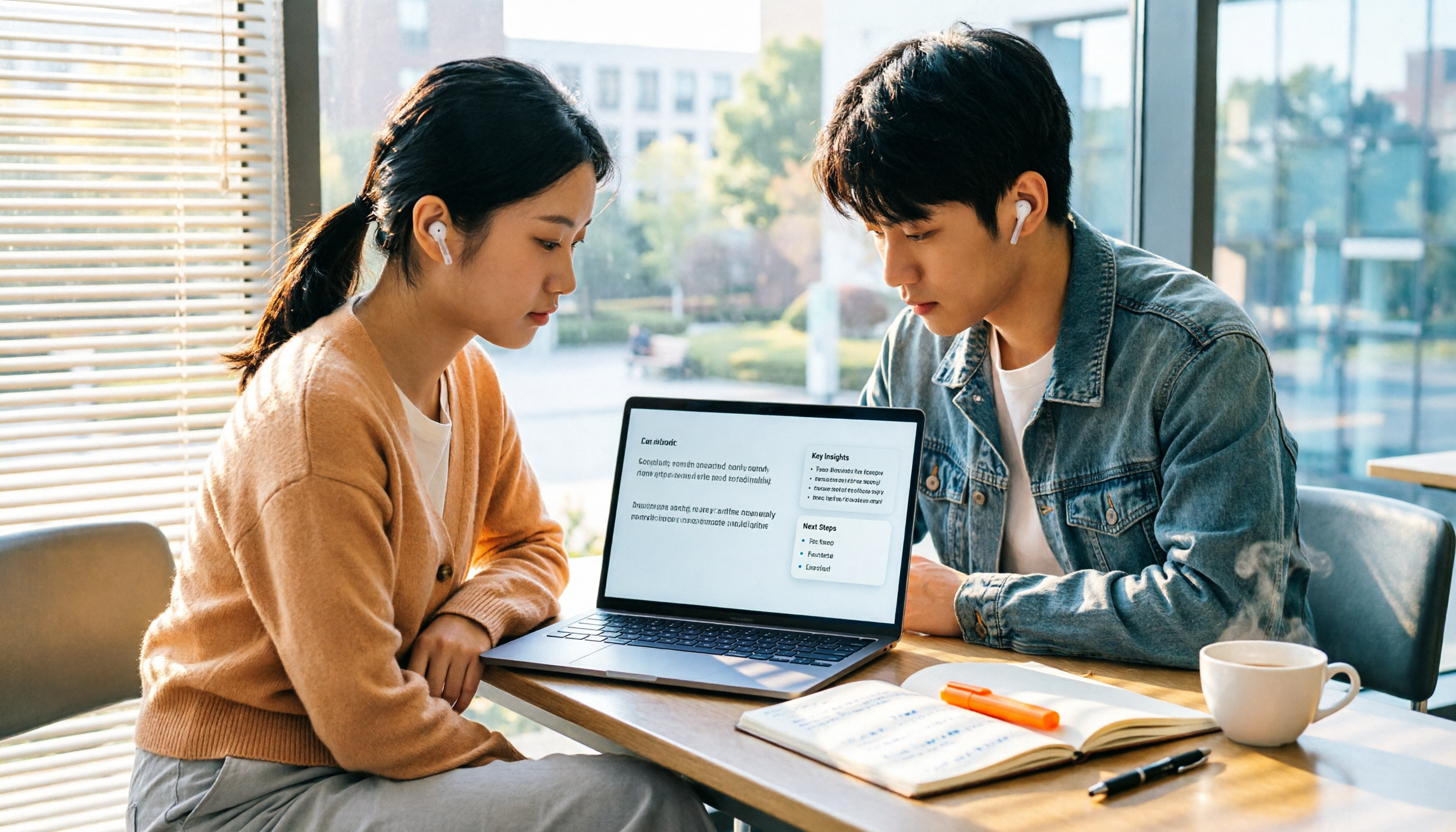
Free Transcription in 2026: Tinrec's 3-Step Audio-to-Text with AI Summary & Action Items
Turn class, meeting, and interview recordings into searchable transcripts even on a tight budget. This guide covers 4 key factors for choosing a free transcription tool, tests Tinrec's audio-to-text, AI Q&A, and action item extraction workflow, and honestly compares the free limits and use cases of Google AI Studio, Yating Transcription, and MyEdit.

2026 Comparison of 4 Transcript Generation Tools: Which Free Version Works Best for Chinese Meetings?
2026 comparison of 4 transcript generation tools, analyzing Tinrec, Notta, TurboScribe, and Otter.ai from input sources, post-meeting organization, Chinese terminology, team data ownership, and free quotas, and providing a buying guide to avoid pitfalls.