

Turn recordings into transcripts and summaries in minutes
Upload audio or video for multilingual transcription, AI notes, and action items
2026 Comparison of 4 Free Transcription Tools: Which One Has the Best Free Quota and Post-Meeting Organization?
It's 9 PM on a Wednesday, and you've just finished a 90-minute online meeting. The recording is on your desktop, and the meeting minutes are due tomorrow. You open the player, pause, rewind, type—after ten minutes, you've only transcribed three minutes of content. At this point, you search for "free transcription," not for the cheapest tool, but for a method you can use right away that actually turns recordings into readable text.
In this article, I'll walk through the free workflows using three common scenarios: meetings, classes, and interviews. The focus is not on whose ad copy sounds better, but on whether the free version can help you save some organization time.
Free Transcription Tools Solve the "Organization Gap," Not "Slow Typing"
After a meeting, the real trouble is usually not unclear audio, but the need to reorganize a bunch of colloquial, repetitive, and off-topic content into notes that others can understand.
The same goes for class recordings. After a two-hour class is converted to text, if there are no paragraphs or key points, you still have to scan through it from the beginning.
Interviews are even more obvious. The interviewee shares ten points, and you need the three quotes you can use, but without search and summary, you have to listen repeatedly.
So what you need is not a tool that "turns sound into words," but a workflow that helps you get to "readable, searchable, and organizable." Choose the right tool, and even the free version can save you a lot of time.
Before Choosing a Free Transcription Tool, Understand These 5 Key Points
First, how the free quota is calculated. Some tools give minutes, some give file counts, and some limit the length per file. You need to look at your own usage frequency, not the numbers on the surface.
Second, automatic transcription vs. manual typing. Manual typing tools are very flexible, but they don't recognize speech for you; if you want "upload and wait for text," these two types of tools cannot be compared on the same scale.
Third, performance with Chinese and mixed Chinese-English. Meetings in Taiwan often mix English terms into Chinese. If a tool is optimized only for pure English or pure Chinese, you'll spend more time correcting later.
Fourth, post-meeting organization capabilities. A tool that only provides a verbatim transcript essentially returns the organization work to you. Tools that can generate summaries, chapters, action items, and Q&A have a better chance of actually saving time in the free version.
Fifth, cross-platform and data retention. Record on your phone today and organize on your computer tomorrow—if the tool doesn't support cross-platform, you'll do a lot of manual file transferring.
Tinrec (秒聽錄音) — Our Top Choice After Testing
Tinrec (秒聽錄音) is an AI meeting notes and collaboration tool for individuals and teams, supporting web, desktop, and mobile. It doesn't just turn sound into text; it organizes meeting recordings into searchable, summarizable, queryable, and exportable data.
During meetings, you can use the desktop version to capture computer system audio directly, handling online meetings on Zoom, Google Meet, Microsoft Teams, Webex, etc., without inviting an extra meeting bot. For offline meetings or interviews, you can use real-time recording to transcribe while recording. After the meeting, it generates summaries, chapters, key points, and action items, and can even create mind maps; you can ask AI directly about the meeting content, such as "What was the conclusion of this meeting?" or "Who is responsible for the next step?" without searching through a 30-minute transcript yourself.
If the meeting has foreign language content, Tinrec also supports real-time translation, viewable in original, translated, or bilingual mode. The organized results can be exported to Notion, Google Docs, OneNote, Dropbox, etc., for further use, and can also generate reports, tables, and documents. For teams, the team version provides independent team spaces, member and seat management, usage analytics, audit logs, and an audio recycle bin, so meeting data doesn't stay only in someone's account.
Stop organizing recordings by hand
Upload audio or video and automatically get a transcript, summary, and action items
This time, I didn't focus on lab accuracy competitions, but walked through the process with a meeting recording that had background noise: upload, transcribe, view summary, find action items, ask a question. Tinrec's value is not "every word is perfect," but that you don't have to organize from scratch afterward. Actual results will still be affected by recording quality, noise, accents, overlapping speakers, and technical terms; for important content, it's recommended to cross-check with transcript timestamps and recording playback.
The free version provides a basic quota, allowing you to experience recording, import, summary, and transcription, suitable for those who occasionally organize meetings, classes, or interviews. If you use it regularly every week, then consider a weekly pass or Pro based on your needs; for team use, evaluate the team version. Note that the free version is not unlimited, and Tinrec does not automatically join all calendar meetings; you start recording by opening the desktop version.
If you frequently hold Chinese meetings, want bot-free recording of online meetings, and want to use AI to find key points and action items after the meeting, Tinrec is a very worthwhile choice to try first.
Besides Tinrec, What Other Free Transcription Options Are There?
If your budget is really tight, or you only want to process already-recorded audio files, the following three tools are also often discussed. Each has its suitable use cases, but the common point is: after transcription, you usually have to take over the organization yourself.
Google AI Studio: Paired with the Gemini model, under normal usage, you can upload MP3, WAV, and other audio files for free and ask AI to transcribe them, and it can also identify speakers, add timestamps, and segment. The limitation is that manual correction is still needed after generation; for long audio files, it's recommended to split them first, and it lacks Tinrec's meeting summaries, action items, AI Q&A, and team database workflow.
Good Tape: Free members can generate 3 transcripts per month, each audio file up to 30 minutes, but there is no speaker identification and wait times are longer; paid is about €13.75/month for 20 hours per month. Suitable for those with small volumes who can accept waiting; if you want Chinese summaries, action items, and team sharing, Tinrec's workflow is more complete.
oTranscribe: A free online typing tool that lets you play audio, pause, rewind, and type on the same screen, suitable for typing transcripts yourself. It is not automatic speech-to-text and cannot generate summaries or action items with one click; if you want to automatically convert recordings into organizable text, AI tools like Tinrec will save much more effort.
Pitfall Guide: The 4 Most Common Mistakes When Looking for Free Transcription Tools
Pitfall 1: Only looking at free minutes, not "whether the output can be taken away." Some tools offer free transcription, but export, summary, and translation require extra payment, and you end up stuck.
Pitfall 2: Treating typing tools as automatic transcription. oTranscribe, for example, lets you type while listening, not automatically generate a transcript after upload. Understand the tool type so you won't be disappointed after five minutes of trial.
Pitfall 3: Ignoring Chinese and mixed Chinese-English. Meetings in Taiwan often mix product names, English abbreviations, and Chinese. It's recommended to test with a real recording of your own, not just official examples.
Pitfall 4: Uploading audio files that are too long at once. For long meetings, split them first, or try the segment that most needs organization, as it's usually easier to see if the tool suits you.
Conclusion: Which One Should You Choose?
Simply put, there is no single answer for free transcription tools; the difference is whether you spend time or a little money. In terms of post-meeting organization completeness, Tinrec's free version is the most suitable choice to try first; if you only need manual typing or already have audio files, other free tools also have their place.
- Want to try for free first, need Chinese meeting transcripts and summaries → Tinrec free version
- Don't want to invite a meeting bot for online meetings → Tinrec desktop version
- Want to ask AI directly after the meeting, find action items, and export → Tinrec
- Team needs to share meeting data, manage seats and usage → Tinrec team version
- Already have audio files, willing to manually correct, budget is 0 → Google AI Studio or oTranscribe
If you don't have a regular tool yet, it's recommended to run your own meeting recording through Tinrec's free version first. You'll know if the free quota is enough after one use; if it doesn't suit you, you can always go back to other free options.
References
- No time limit! 3 free AI transcription tools, highly recommended! AI voice notes generate meeting minutes, presentations, mind maps | 104 Job Bank
- Meeting speech to text, transcript, which AI tool to use? Free vs paid feature comparison | Manager Today
- Google AI Studio transcription tutorial, free AI audio-to-text tips - Mr. Mad
- [AI Voice Notes] 5 highly recommended AI transcription tools! Generate transcripts and meeting notes highlights, free vs subscription, pros and cons review | 104 Job Bank
- oTranscribe free online transcription, easily type out recordings or video dialogues
Turn every recording into actionable outcomes
Get 60 free transcription minutes when you sign in. No credit card required.
Related Reading
You might also like

2026 Comparison of 3 Simultaneous Interpretation Apps: Latency, Bilingual Transcripts, Post-Meeting Organization—Which One Is Really Enough?
The value of a simultaneous interpretation app goes beyond the instant translation in your earphones. Starting from real pain points in cross-language meetings, this article breaks down four key aspects: real-time transcription, bilingual comparison, summary and action items, and team knowledge retention. It also shares five details to consider when choosing an app, based on hands-on experience with Tinrec.
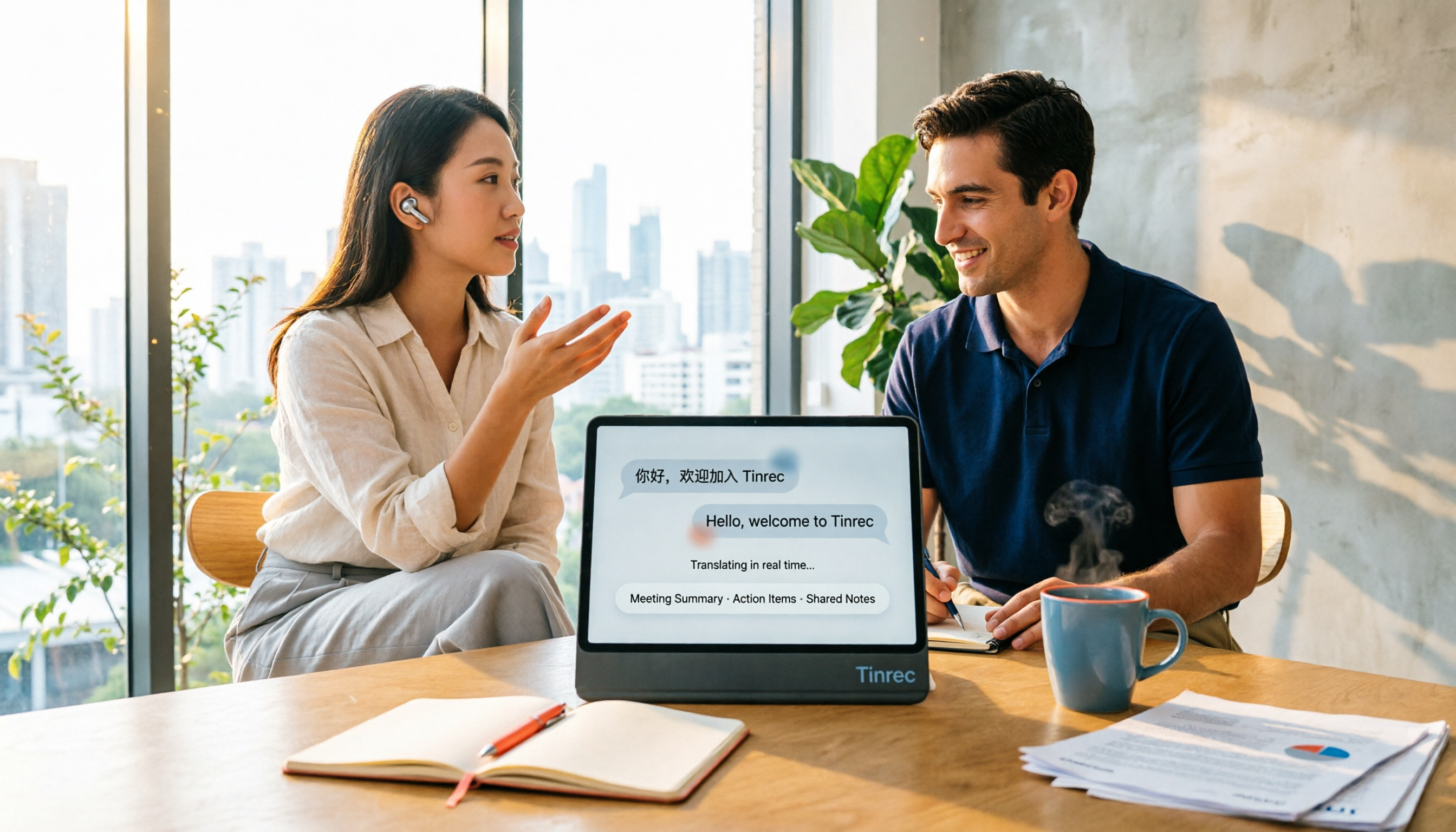
4 Real-Time Translation Apps Compared for 2026: From Travel Conversations to Meeting Notes
Real-time translation apps aren't just about how many languages they support. This article compares Tinrec, Google Translate, Microsoft Translator, and VoiceTra across four angles—travel conversations, multilingual meetings, post-meeting organization, and team collaboration—to help you find the right fit.

2026 Voice Translation App Comparison: Tinrec vs Google Translate — Which One Turns Meetings into Usable Data?
Most people download voice translation apps thinking 'speak a sentence, get a translation,' but the real time sink is reviewing meetings and interviews afterward. This comparison of Tinrec and Google Translate evaluates five dimensions—transcripts, online meeting recording, post-meeting organization, bilingual comparison, and team collaboration—to help you decide which fits your actual workflow.

5 Real-World Online Translation Scenarios Compared in 2026: Which Needs Bilingual Subtitles Most—Meetings, Classes, or Videos?
Online real-time translation isn't just pasting text into a translation box. This article breaks down five scenarios—international meetings, online courses, foreign-language videos, client interviews, and team collaboration—and uses Tinrec to compare original text, translated text, and bilingual views. It also covers six buying checkpoints and FAQs to help you choose the right tool, not just the cheapest one.
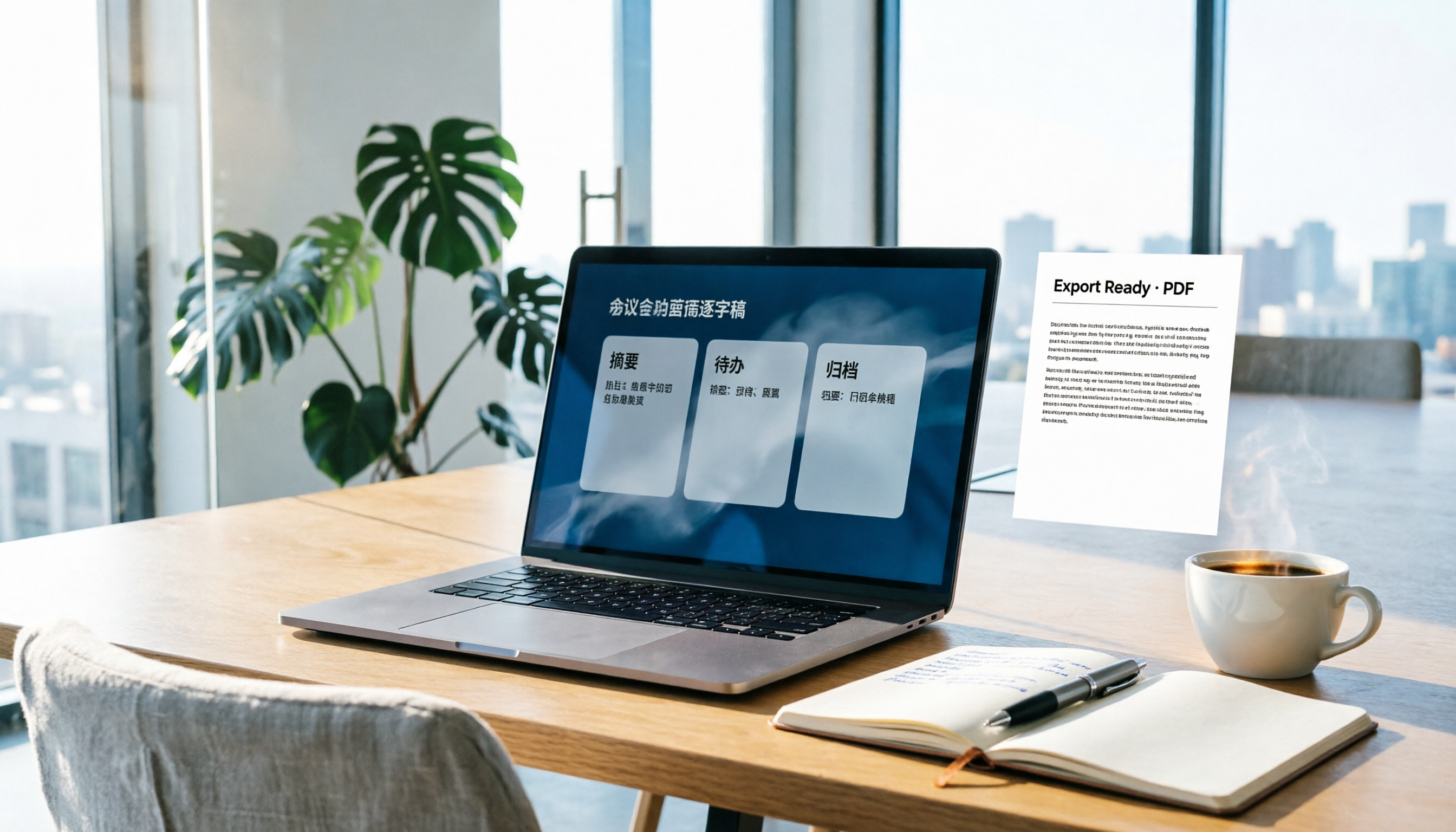
How to Write Meeting Minutes in Word (2026 Workflow): 3-Section Structure + AI-Generated Transcripts
Writing meeting minutes in Word isn't hard—the hard part is where the content comes from. This guide breaks down a three-section Word meeting minutes structure you can hand off directly, and shows how to use Tinrec to generate transcripts, summaries, and action items during the meeting, then export to Word for formatting and archiving—cutting documentation time from two hours to ten minutes.

Tinrec vs Otter.ai: Real-Time Translation Software Comparison for Chinese Meetings (2026)
Based on a student's hands-on experience, this comparison evaluates Tinrec and Otter.ai across five dimensions: real-time translation, Chinese-English mixed speech recognition, free tier limits, post-meeting organization, and recording sources. It verifies pricing and restrictions for each plan and explains which real-time translation software better suits classroom, group project, and international meeting scenarios for Taiwanese university students.

2026 Comparison of 5 Speech-to-Text Tools: Is the Free Version Enough, and Which Handles Chinese Meetings Better?
Speech-to-text isn't just about turning audio into words. This article addresses three common misconceptions, breaks down the real differences between speech-to-text tools, and uses Tinrec to demonstrate a complete workflow from recording, transcription, summarization, to-dos, to team knowledge retention. It also includes 5 purchasing checkpoints and FAQs.

Free Transcription in 2026: Tinrec's 3-Step Audio-to-Text with AI Summary & Action Items
Turn class, meeting, and interview recordings into searchable transcripts even on a tight budget. This guide covers 4 key factors for choosing a free transcription tool, tests Tinrec's audio-to-text, AI Q&A, and action item extraction workflow, and honestly compares the free limits and use cases of Google AI Studio, Yating Transcription, and MyEdit.

2026 Comparison of 4 Transcript Generation Tools: Which Free Version Works Best for Chinese Meetings?
2026 comparison of 4 transcript generation tools, analyzing Tinrec, Notta, TurboScribe, and Otter.ai from input sources, post-meeting organization, Chinese terminology, team data ownership, and free quotas, and providing a buying guide to avoid pitfalls.