
Turn recordings into transcripts and summaries in minutes
Upload audio or video for multilingual transcription, AI notes, and action items
When organizing online courses, YouTube, or Bilibili videos, manually typing transcripts is incredibly time-consuming. Many tech-savvy users search for "video-to-text GitHub" projects to find free open-source solutions, but often face complex environment setup and a lack of post-summarization features.
This article reviews the most practical GitHub open-source AI video transcribers in 2026 and compares them with deployment-free AI recording assistants. It includes a clear "tool comparison table," "step-by-step tutorials," and an "FAQ." Quick guide: If you have programming skills and a high-end GPU, try GitHub open-source transcription projects. If you value cross-platform (iPhone/Web) usage, need automated meeting action items, and want to directly parse video links, prioritize out-of-the-box solutions like Tinrec.
1. Why Do You Need a Video-to-Text Tool? Current Pain Points
With the prevalence of digital learning and remote work, we encounter large amounts of time-based content daily, such as Teams/Meet recordings, online courses, and interview videos. However, traditional processing methods have significant drawbacks:
- Low information density and high review cost: Finding a specific sentence in a 60-minute video may require 10+ minutes of fast-forwarding.
- High deployment barrier for open-source projects: Many powerful speech recognition models on GitHub require manual Python environment setup, GPU configuration, and lack intuitive user interfaces.
- Only transcripts, no decision summaries: Most basic transcription tools simply turn videos into dense text, forcing you to manually extract key points and action items.
2. Popular Video-to-Text GitHub Projects vs. Zero-Deployment AI Tools
To help different users find the right solution, we compare recently popular open-source projects on GitHub with mainstream zero-deployment tools.
1. AI Video Transcriber (GitHub Open Source)
Based on community recommendations (Issue #7678), this AI video transcriber supports deep integration with 30+ platforms including YouTube, TikTok, and Bilibili. Developers can clone the code and batch process videos via command line. It suits users who need large-scale automation and have programming skills.
2. Whisper (OpenAI Open-Source Model)
The most well-known open-source speech recognition model. It offers high accuracy but only outputs raw text, lacks a web interface, and requires significant hardware resources.
3. Tinrec (Zero-Deployment AI Recording Assistant)
Tinrec is a multi-platform (iOS, Android, Web) AI recording and transcription tool. Its design philosophy is "Record → Understand → Act." Beyond basic speech-to-text, it automatically identifies 10 languages (including Chinese, English, Japanese, etc.), parses online video links, and generates meeting summaries with action items.
Comparison Table: Open Source vs. Zero-Deployment Tools
| Dimension | AI Video Transcriber (GitHub Open Source) | Whisper (Native Open Source) | Tinrec (Zero-Deployment AI Tool) |
|---|---|---|---|
| Setup & Usability | High (requires dev environment) | Very high (requires CLI & GPU) | Very low (plug-and-play, web & app) |
| Language Support | Depends on underlying model | Multi-language | Auto-detection of 10 languages: Chinese, Taiwanese, English, Japanese, Korean, etc. |
| Video Link Parsing | Supports 30+ platforms (YouTube, TikTok, etc.) | Not supported (must download & convert to audio) | Supports direct parsing of YouTube, podcast links, etc. |
| AI Summary & Action Items | No (transcript only) | No (transcript only) | Auto-generates meeting minutes, conclusions & action items |
| AI Query (Chat) | No | No | Semantic AI chat for quick information retrieval |
| Price & Free Tier | Free (but hardware & electricity costs) | Free (requires own compute hardware) | Free: 100 min/month; Paid: 600–1200 min/month |
Stop organizing recordings by hand
Upload audio or video and automatically get a transcript, summary, and action items

3. Beyond Plain Transcripts: Why You Might Need More
When choosing a tool, the key question is: "What do you plan to do with the text?"
Developers may want maximum customization from GitHub open-source projects. But for office workers, students, or content creators, video-to-text is just the first step; the time-consuming part is "organizing and understanding."
Take Tinrec as an example: it upgrades traditional "Ctrl+F search" to "semantic AI chat query." When you import a one-hour multilingual online meeting video, you get not only a speaker-differentiated transcript but also an automatically generated to-do list. This means the tool acts like an administrative assistant, reducing the cost of understanding cross-language meetings or foreign language courses.

4. Hands-On Tutorial: Turning Videos & Audio into Valuable Notes
We'll use Tinrec (plug-and-play) to illustrate four common scenarios. This is the fastest way for users unfamiliar with GitHub deployment.
1. Live Recording to Text (for in-person meetings, classes)
See text appear in real-time as you record, no post-processing needed.
- Step 1: Open the device (mobile app or web) and go to Live Recording to Text.
- Step 2: Tap the record button; the system auto-detects language and displays live transcript.
- Step 3: Pause or mark highlights anytime. After recording, the system generates a meeting summary.
2. Audio File to Text (for interview recordings, local audio)
For files from voice recorders or phone apps (mp3, m4a, etc.).
- Step 1: Go to Audio File to Text.
- Step 2: Upload the audio file; cloud processing starts.
- Step 3: After completion, view the transcript with auto-separated speaker segments.
3. Video Link Parsing to Text (for YouTube, TikTok, Bilibili, etc.)
A common use case for "video-to-text" users – no need to download videos.
- Step 1: Copy the YouTube, TikTok, or other online video URL.
- Step 2: Go to Podcast/Online Video to Text.
- Step 3: Paste the URL and submit; the tool fetches audio and quickly converts it to text, along with an AI-generated video summary, saving viewing time.

4. AI Chat Query (for searching key points in long content)
When transcripts are tens of thousands of words, traditional browsing is still tedious.
- Step 1: Open the completed transcript record.
- Step 2: Switch to the AI Chat Query panel.
- Step 3: Ask AI directly, e.g., "What was the conclusion on next week's marketing budget?" AI gives precise answers based on the recording, like a human assistant who attended the entire meeting.

5. FAQ: Video-to-Text and Open-Source Tools
Q1: Are GitHub open-source video transcribers completely free? The source code is free, but running these models usually requires powerful hardware (especially a dedicated GPU). For cloud deployment, there are hidden costs like server rentals or API calls.
Q2: Can I use these GitHub video-to-text tools with just an iPhone? Most GitHub open-source projects don't offer native iOS apps; they typically require a computer. If you heavily rely on mobile processing, choose SaaS tools with multi-platform support (iOS, Android, Web).
Q3: Can I directly convert YouTube, TikTok, or Bilibili video links to text? Some open-source projects (like the transcriber in Issue #7678) and specific online tools (like Tinrec's online video-to-text feature) support direct URL parsing without requiring you to download the video as MP4 and extract audio. This is much simpler.
Q4: Can Teams or Google Meet recordings be transcribed and summarized? Yes. Upload the recorded file (video or audio) to a tool that supports file import. Tools with AI summarization not only provide transcripts but also auto-identify speakers and generate meeting minutes with action items.
Q5: Is the free tier sufficient? It depends on usage frequency. Most zero-deployment AI tools offer a basic free tier, e.g., up to 100 minutes of free transcription per month. For heavy users (e.g., frequent long meetings or regular content creators), consider paid plans.
Q6: How to quickly find specific paragraphs or key points after transcription? Traditional method: export to Word/TXT and use Ctrl+F to search. Newer AI tools introduce "AI chat query" that lets you ask natural language questions, and AI directly summarizes relevant parts and provides answers, greatly improving review efficiency.
Turn every recording into actionable outcomes
Get 60 free transcription minutes when you sign in. No credit card required.
Related Reading
You might also like

2026 Product Meeting Notes Tools: 4 Tested + AI Action Item Auto-Organization
How to choose a meeting notes tool? This article addresses three common misconceptions, outlines 4 key selection criteria, and compares Tinrec, Otter.ai, Granola, and Notta on meeting recording methods, post-meeting organization capabilities, and pricing limits. It also includes a pitfalls guide and selection recommendations to help you find a solution that truly saves organization time.

6 Audio-to-Transcript Tools Tested and Compared for 2026: Which Saves the Most Time for Chinese Recognition and Post-Meeting Organization?
A review of 6 tools that generate transcripts from imported audio files, covering Tinrec's AI summaries, action items, AI Q&A, and team spaces, as well as the free and paid plans of Notta, cSubtitle, MyEdit, TurboScribe, and Yating Transcript. It also explains recording quality, export formats, and licensing issues to consider before importing.

2026 Comparison of 4 Audio/Video Transcription Tools: Which Saves the Most Time for Chinese Meeting Minutes?
Still typing transcripts after meetings? This article uses 5 key buying criteria to compare Tinrec, Notta, Otter.ai, and PLAUD Note in a hands-on test. From recording methods, post-meeting output, Chinese language experience, to team seat management, we cover it all, plus 4 common pitfalls to avoid.

5 WAV to Text Tools Tested for 2026: Which Saves the Most Time on Chinese Transcripts and Meeting Follow-Ups?
Have a WAV recording but dread listening to it from start to finish? This article examines real-world scenarios to explain what WAV-to-text can do, its core capabilities, and practical applications. Using Tinrec as an example, it covers a complete workflow for bot-free meeting recording, AI summaries, action item extraction, and team knowledge retention, plus 6 buying considerations and FAQs to help you decide which solution saves the most time.
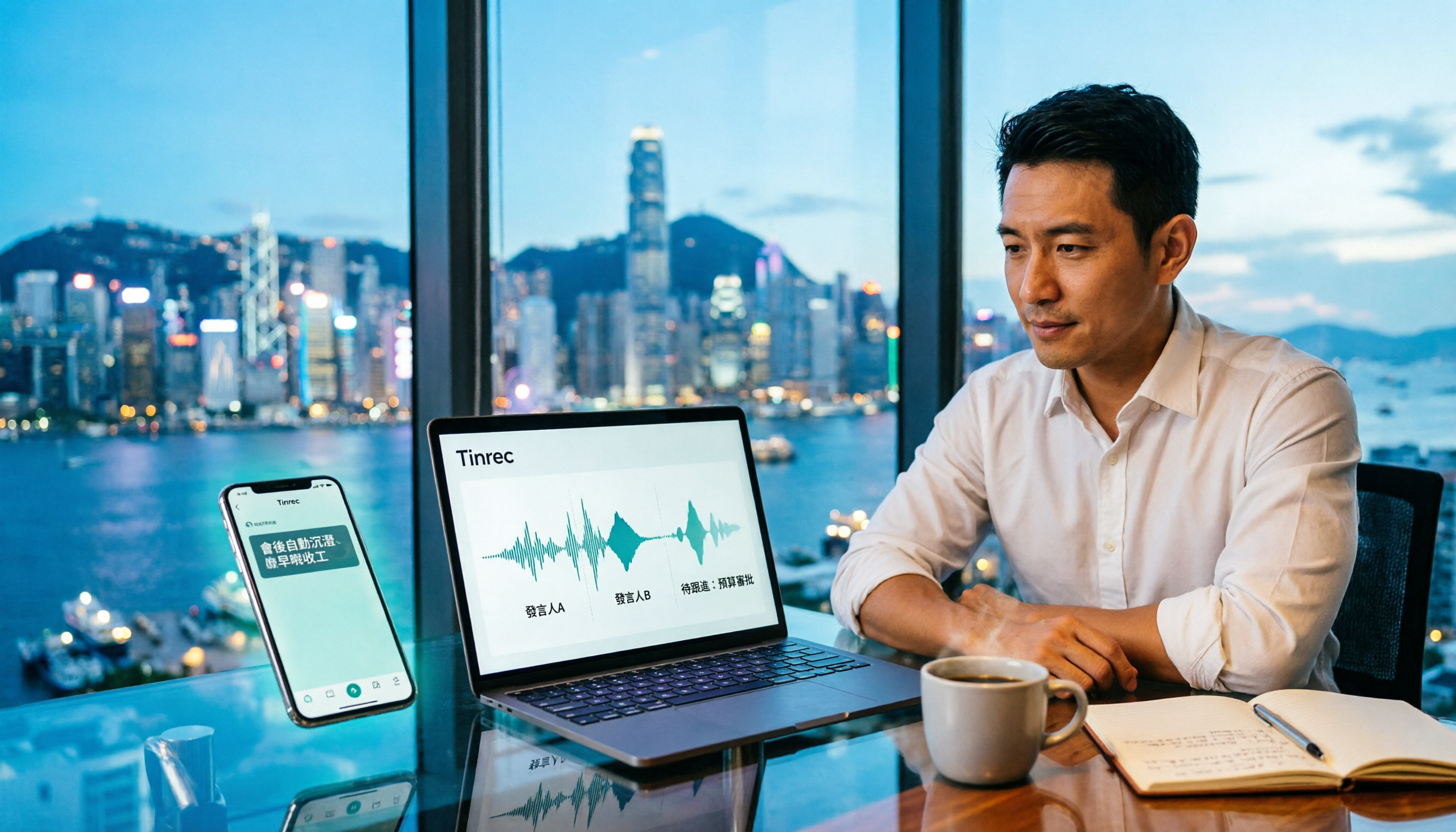
Tinrec Meeting Notes Guide 2026: No-Bot Recording vs Otter.ai
For Hong Kong office workers, post-meeting cleanup is the worst part: the meeting ends at 3 PM, but you're still at the office at 8 PM listening to recordings and typing. This article compares Tinrec and Otter.ai across five dimensions to test the workflow of turning recordings into meeting notes, breaking down Cantonese recognition, no-bot recording, post-meeting AI organization, team data retention, and pricing, helping you choose the right tool and leave work earlier.

4 AI Meeting Note Tools Tested in 2026: Which One Saves the Most Time on Auto-Organizing Transcripts?
The pain of meeting notes isn't slow typing—it's time-consuming organization. This article addresses common misconceptions, tests 4 AI meeting note tools, breaks down key buying factors, Tinrec's bot-free recording and AI Q&A workflow, team plan seats and data ownership, plus a pitfalls guide and selection advice.

2026 Teams Meeting Transcription Comparison: 4 Methods Tested — Is Avoiding a Meeting Bot Really Easier?
Teams built-in transcription requires both the organizer and each user to enable the policy, and live captions are not saved—so many people only discover after the meeting that there is no transcript at all. This article reviews four ways to transcribe Teams meeting recordings, from Teams built-in, Otter.ai, and Notta to Tinrec, comparing bot-free desktop recording, AI Q&A, action item extraction, and team seat management, with a pitfalls guide and scenario-based recommendations.

4 Video-to-Transcript Tools Tested and Compared in 2026: 3 Pitfalls to Understand Before Importing Video
Importing a video to generate a transcript looks simple, but the real bottlenecks are usually format support, time codes, and how usage limits are calculated. This article starts with common misconceptions, outlines 4 key points for choosing a tool, then shares a hands-on test of Tinrec from video import to AI summaries, action items, and team knowledge retention, and compares TurboScribe, Notta, and Granola for use cases and pitfalls to avoid.

How to Transcribe Classroom Recordings in 2026: A Complete 5-Step Guide
When it comes to transcribing classroom recordings, most people only ask which tool is the most accurate. But what really determines whether you'll be overwhelmed all semester is the audio source, the classroom language, and the total number of hours. This article uses university and graduate school classroom scenarios to compare Tinrec and Otter.ai across 5 dimensions, and provides a 5-step process you can follow directly, along with purchasing advice.