

Turn recordings into transcripts and summaries in minutes
Upload audio or video for multilingual transcription, AI notes, and action items
Two hours in a meeting, two more hours organizing afterward—the problem isn't the meeting itself
Monday morning at 9:30 you have your weekly meeting on Google Meet; in the afternoon you interview a client who sends you a recording from a Discord voice channel; in the evening you sync with your overseas team again. Three conversations, three tools, three sets of notes scattered in different places, all eventually stuffed into a memo that you never open again.
Most people comparing Google Meet and Discord ask "which has better audio quality." But what really makes you work overtime is those two or three hours after the meeting: re-listening to recordings, typing transcripts, extracting key points, writing action items, and sending meeting notes.
Choosing the wrong tool wastes time, but a more common trap is treating a "calling tool" as a "meeting notes tool." These are two separate things. This article directly answers: Which is better for meetings, Google Meet or Discord? And how to fill the gap that both leave.
Before Choosing an Online Meeting Tool, Understand These 4 Key Points
1. Is your meeting "scheduled" or "drop-in"? Google Meet works by opening a meeting room, sending a link, and starting on time; Discord works by joining a voice channel and talking when people are there. The former suits external, client-facing meetings with an agenda; the latter suits internal teams hanging out for long periods, working and chatting. Figure out which type accounts for 80% of your meetings, and you're halfway to the answer.
2. Do you need text channels before and after meetings? Many teams can't leave Discord not because of voice, but because of the text channel: post the agenda before, drop links after, and add "here's the data I mentioned." Once a Google Meet room closes, there's nowhere for that content to go.
3. Who handles post-meeting output: transcripts, summaries, action items? This is the most overlooked point and the one that most affects when you finish work. Most calling tools give you the "meeting process," not necessarily the "meeting results." If you still spend half an hour manually organizing after every meeting, even the most stable tool is only half the solution.
4. Can the desktop app record system audio directly? The traditional approach is to have a meeting bot join the meeting, but for external meetings, an unfamiliar account on the participant list always looks odd. A better approach today is to capture computer system audio directly from the desktop, without a bot joining as a participant.
5. With five or more people, look at governance As teams grow, the question shifts from "can we record?" to "who can record, who can edit, how much usage, and what happens to data when someone leaves." At this stage, roles, seats, usage, and audit logs matter more than audio quality.
Tinrec—Turn Meet and Discord Meetings into Searchable Data
Tinrec is an AI meeting notes and collaboration tool for individuals and teams, available on iOS, Android, desktop, and web. It doesn't just convert speech to text; it organizes meetings into searchable, summarizable, queryable, and exportable data.
Bot-free recording of online meetings The desktop app captures computer system audio directly, handling meetings played on your computer from platforms like Zoom, Google Meet, Microsoft Teams, and Webex without an extra bot joining. For external meetings, there's no unfamiliar account on the participant list—a particularly practical point for client meetings. Note that you need to actively open Tinrec to start recording; it's not the kind of tool that automatically joins all calendar meetings.
No more starting from scratch after meetings After recording, Tinrec generates a transcript, AI summary, chapters, and key points, and extracts action items from the discussion. Instead of re-listening to a 40-minute recording to find "who's responsible for what," you can open the summary and see it. When you need to report externally, you can further generate reports, tables, and documents, or export to Notion, Google Docs, OneNote, or Dropbox for further processing.
AI Q&A is its biggest difference from ordinary transcription tools Instead of manually Ctrl+F for keywords, you can directly ask: "Who mentioned the budget in the last meeting?" "What were the client's concerns about the quote?" It gives answers based on semantics, not a bunch of search results. This difference becomes very obvious when dealing with weeks of project meetings.
Stop organizing recordings by hand
Upload audio or video and automatically get a transcript, summary, and action items
Team Edition: Meeting data belongs to the team, not individuals Team Edition is not "several people sharing one account" but an independent team space: create multiple teams, invite members via link, set owners/admins/regular members, and assign or revoke seats. It's important to distinguish "roles" from "seats"—roles determine who can manage the team and settings, seats determine who can record, upload, edit, import/export; active members without seats can still view, play, and read team data. There are also team hotwords, usage analytics, audit logs, and a 30-day audio recycle bin. When a member leaves, their team resources can be handed over to other members, so data doesn't leave with the person.
Limitations and who it's for The free version has a basic quota; heavy users need to pay. The free quota is better suited for a pace of two or three meetings per week. Also, Tinrec does not recommend promising a fixed accuracy rate; actual results are affected by recording quality, noise, accents, overlapping speech, and technical terms. For important content, verify against the transcript timestamps and recording. If your pain point is "what to do after recording," this is exactly the part it addresses.
Team Edition currently offers a first-time 7-day trial (1 free seat, 300 minutes of team shared import quota); monthly USD 29.80 per paid seat, annual USD 199 per paid seat (about USD 16.58/month), each paid seat includes 2,000 minutes of team shared import quota per month, and real-time recording is currently not deducted by minutes under an active plan and seat. Prices and benefits are subject to the official purchase page.
Back to the Topic: How to Choose Between Google Meet and Discord?
Google Meet: External, formal meetings with video. Many who have compared find Meet's audio and video quality generally slightly better than Discord, and the meeting flow more "formal"—with links, times, and hosts. Its weakness is heavy reliance on the browser: with dozens of tabs open on the same computer, video performance suffers; on poor networks, quality drops noticeably. Also, many users mention time limits on free group calls, so watch out for long meetings. The difference from Tinrec: Meet gives you the meeting process; post-meeting organization, cross-platform database, and AI follow-up still need separate handling.
Discord: Internal teams that drop in and out and need text channels. Its biggest convenience is not having to create a new link each time—same server, same voice channel, people drop in anytime, and there's a text channel before and after for files and records. Voice channels can hold a large number of people, more than enough for large communities or interest groups. But its original design is a virtual living room for gaming communities, not a formal meeting room: users report unstable audio and noticeable latency, and it lacks meeting minutes, action items, and permission governance. The difference from Tinrec: Discord helps you keep the "conversation," but doesn't organize it into "usable data."
Pitfalls Guide: 3 Most Common Mistakes When Choosing Meeting Tools
Pitfall 1: Looking only at audio quality, not the post-meeting process. Slightly worse audio is tolerable; spending two hours manually organizing after the meeting is what really makes you work overtime every day. When comparing tools, include "post-meeting output" in your scoring.
Pitfall 2: Using community tools for formal client meetings. Discord is convenient, but inviting clients to a game-feeling server for external meetings may not look appropriate; and lacking meeting minutes and permission management makes issues hard to trace.
Pitfall 3: Thinking "having a recording" equals "having notes." A recording file sitting on a hard drive is as good as none. What's truly usable is transcript plus summary plus action items, and the kind that can be searched and queried.
Pitfall 4: Ignoring team member turnover. Data left in personal accounts scatters when people leave. When choosing a tool, ask: Does this meeting record belong to me or the team?
Conclusion: Which One Should You Choose?
- External formal meetings needing stable video and recording → Google Meet, then hand off to Tinrec for transcripts and summaries.
- Internal teams hanging out for long periods needing text channels for daily retention → Discord, and use Tinrec separately for important meetings.
- Want transcripts, summaries, chapters, and action items right after recording → Tinrec, this is its essential difference from calling tools.
- Want to directly ask "what was decided in the last meeting" after recording → Tinrec's AI Q&A, a capability neither Meet nor Discord provides.
- Five or more people, needing seat management, usage, and audit → Tinrec Team Edition, meeting data owned by the team, transferable when members change.
Ultimately, the Google Meet vs Discord debate is a debate between a "meeting room" and a "living room." Neither is wrong; they solve different problems. What really determines when you finish work is the part after the meeting ends. We suggest trying Tinrec's free version on a real meeting first—upgrade only if it's enough, no need to pay from the start. One last reminder: before recording and transcribing, obtain consent from participants in accordance with local regulations.
References
- Compare Discord vs Google Meet 2026 | TrustRadius
- Discord vs Google Meet | What are the differences? | StackShare
- Compare Google Meet vs Discord 2026 | Capterra
- r/DnD on Reddit: Google meet or Discord? Which is better for voice call?
- How to Choose Your Meeting Tool in 2026: A 3-Step Guide to Comparing Google Meet and Discord - Official Tinrec Blog
Turn every recording into actionable outcomes
Get 60 free transcription minutes when you sign in. No credit card required.
Related Reading
You might also like

2026 Comparison of 4 Meeting Note Tools: When You See All Participants in Google Meet, Who Can Take Notes for You?
When you only see a few people in Google Meet, it's not because others have their cameras off—it's the layout setting. This article first shows you how to use 'Change layout → Tiled' to see up to 49 participants, then tests and compares four meeting note tools: Tinrec, Otter.ai, Granola, and Notta, so you can focus on the screen while still getting transcripts, summaries, and action items after the meeting. Tinrec stands out with bot-free recording, Chinese-language experience, and team spaces.

Google Meet Premium in 2026: 3 Purchase Paths Tested and Compared — How to Buy Without Getting Burned
Google Meet doesn't have a standalone Premium subscription; advanced features are tied to Google Workspace and Google One plans. This guide covers 3 purchase paths, account and version issues to check before paying, 4 common mistakes, and compares Tinrec's post-meeting organization and team knowledge retention to help you choose the most cost-effective way to buy.

Google Meet Mic Not Working? 6 Fixes Before Trying 4 Meeting Recording Tools in 2026
When others can't hear you on Google Meet, it's usually not because you're speaking too softly—it's a mic device, browser permission, or system audio setting issue. This guide first walks you through 6 troubleshooting steps, then compares 4 meeting recording and transcription tools—Tinrec, Otter.ai, Notta, and Granola—from the perspective of how meetings are recorded and how you use them afterward, to help you choose the right solution for yourself and your team.

Google Meet vs Tinrec (2026): 5-Dimension Comparison — Which Saves More Effort for Meeting Notes and Post-Meeting Organization?
Google Meet is indeed an app, but after a meeting, transcripts, summaries, and action items often require separate tools. This article compares Google Meet and Tinrec across five dimensions: meeting sources, post-meeting outputs, Chinese language support, data retention, and ease of use, to help you decide which approach to use for capturing meeting content.

3 Ways to Use Google Meet on a Laptop in 2026: Which Is Easiest?
How does Google Meet actually work on a laptop? This article starts with the three most common misconceptions, then compares three methods—browser version, desktop app, and Google Workspace integration—through hands-on testing, explaining who each is for and where the limits are. Finally, it covers how to keep records after a meeting, including Tinrec desktop's bot-free recording and the team version's practical approach.
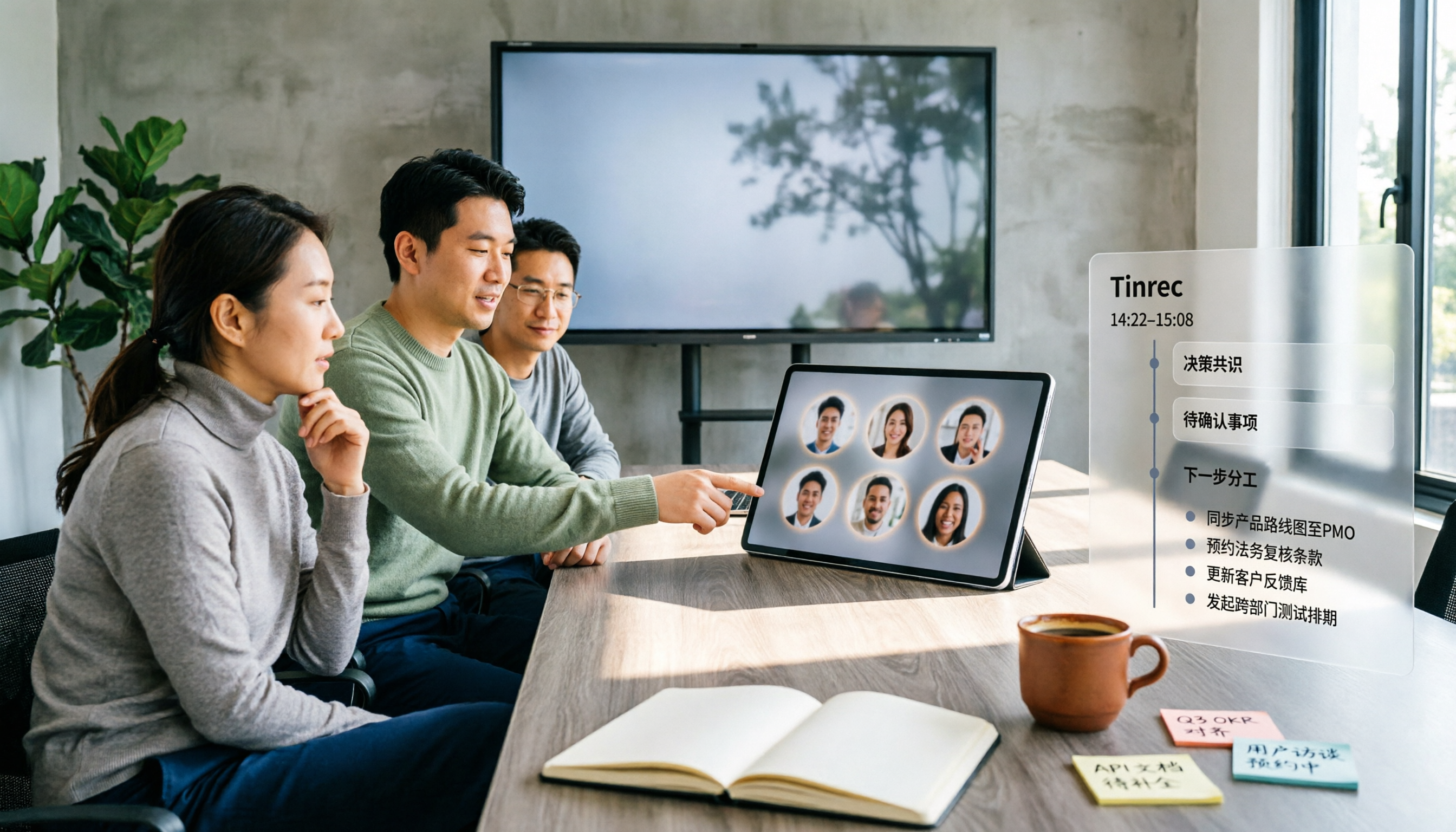
5 Google Meet Companion Mode Alternatives Compared for 2026: From Second Screen to Post-Meeting Organization
Many people think Google Meet's Companion mode is a meeting notes feature, but it actually just lets a second device help you 'participate' in a meeting—microphone and video are off by default, and it doesn't generate transcripts. This article starts with three common misconceptions, compares 5 hybrid meeting approaches, and explains how Tinrec fills the gap in post-meeting organization.

3 Ways to Change Your Name in Google Meet (2026): Which One Won't Affect Your Meeting Notes?
Your Google Meet display name isn't a per-meeting setting—it follows your Google Account. This article covers three ways to change it and their limitations, then explains why instead of just changing your name, you should use Tinrec to capture meeting transcripts, summaries, action items, and team knowledge together. Includes step-by-step instructions and FAQ.

2026 Comparison of 3 Meeting Transcription Tools: Google Meet Is a Video Call, But Meeting Notes Don't Write Themselves
Google Meet is indeed a video calling service, but 'being able to call' doesn't mean 'being able to keep trackable meeting records.' This article starts with definitions, breaks down 4 key points for choosing a meeting transcription tool, compares Tinrec, Otter.ai, Notta, and Granola in hands-on tests, and summarizes 4 common purchasing pitfalls to help you decide which tool suits your meeting scenarios.

How to Use Google Meet in 2026: 5 Steps to Join a Meeting + Post-Meeting Transcription
From getting a meeting link and using in-meeting features to organizing transcripts afterward, this guide breaks down how to use Google Meet in 5 steps. It also compares built-in recording and transcription with Tinrec for Chinese meeting organization, action item extraction, and team knowledge retention, helping you decide which approach fits your meeting scenario.