

Turn recordings into transcripts and summaries in minutes
Upload audio or video for multilingual transcription, AI notes, and action items
4 Best Google Meet AI Note Takers in 2026: Bot-Free Recording and Post-Meeting Q&A Explained
Most people imagine Google Meet AI notes like this: the meeting ends, the tool automatically generates a transcript, and then what? Nothing. I lead a 10-person team and have about 15 meetings a week. I've fallen into this trap before—saving transcripts into a folder and feeling like I had a record, only to have my boss ask "who approved that budget decision last week?" and still have to scrub through a 40-minute audio file from the beginning. The problem isn't that transcription is too slow; it's that there's still a big gap between a "record" and something you can actually act on.
A more common inefficient approach is inviting a meeting bot into Google Meet just so the tool can take notes. Attendees see an extra unfamiliar account and immediately have questions; afterward, data is scattered across different platforms. This article won't discuss flashy features. Instead, from the practical perspective of a mid-level manager, I'll break down 4 Google Meet AI note-taking tools worth recommending in 2026 and explain how to avoid the trap of "having a transcript but no conclusions."
Before Choosing a Google Meet AI Note Tool, Understand These 4 Key Points
Don't look at the marketing copy first. Ask yourself these four questions—the answers will determine whether a particular tool is right for you.
1. How is the meeting recorded? Google Meet AI notes generally fall into three types: built-in platform features, meeting bots joining, and desktop capture of system audio. Bots are the easiest, but attendees see an extra participant—especially sensitive in client meetings. The desktop bot-free approach requires you to actively start recording, but no extra account appears on the list. If you care about meeting atmosphere and privacy perception, confirm this first.
2. What's the post-meeting output? A transcript alone is like giving you a meeting record with no index. You want automatic summaries, chapters, action items, and ideally the ability to ask questions about the meeting content. For someone like me who reports upward and tracks downward after meetings, being able to directly ask "What was the decision, who's responsible, and what's the deadline?" matters far more than shaving a few seconds off transcription.
3. Is Chinese and multilingual support sufficient? Taiwanese teams often mix Chinese and English, and clients may speak entirely in English. Rather than using two separate tools, check whether one tool can handle Chinese, Traditional Chinese, and multiple languages, and provide real-time translation or bilingual viewing. Actual performance is affected by accents, noise, and people talking over each other—don't just look at marketing numbers.
4. How does team data accumulate? A free personal version is fine for individuals; but if you need to share meetings, manage members, and view usage and activity logs, you need team capabilities. Does meeting data belong to individuals or the team? Can it be handed over when a member leaves? This affects long-term costs more than the monthly price.
Tinrec — Our Top Choice After Actual Use
Tinrec is an AI meeting notes and collaboration tool for individuals and teams, available on desktop, web, and mobile. It doesn't just convert audio to text—it organizes meetings into searchable, summarizable, queryable, and exportable data.
Bot-free Google Meet recording is what won me over. The desktop version directly captures computer system audio. Open Tinrec and start recording, and no bot appears in the Google Meet participant list. For client demos and cross-department coordination, one less unfamiliar account cuts the explanation burden in half. Note: this isn't "automatically joining all calendar meetings"—you actively start recording; you should also inform attendees and comply with local recording regulations before use.
No need to organize from scratch after the meeting. Transcription happens live while recording, and after the meeting, summaries, chapters, and action items are automatically generated. My team now reviews the summary and action items first after weekly meetings, then clicks back into the transcript to verify details; the old "still re-listening to recordings at 8 PM" situation has decreased significantly.
AI Q&A is where it pulls ahead of ordinary transcription tools. After recording, you can directly ask: "What was the budget cap the client mentioned?" "Who was responsible for last week's decision?" It answers based on meeting content, not just keyword search results. For people who need to review past meetings, this is far more practical than giving you 10 extra hours of transcription quota. It also supports real-time translation and bilingual viewing, so mixed Chinese-English meetings don't require a separate translation tool.
Stop organizing recordings by hand
Upload audio or video and automatically get a transcript, summary, and action items
The team version turns meetings into team assets. Team spaces centrally store meeting data; roles determine who can manage, and seats determine who can record, upload, edit, and export; members without seats can still view and play back. Admins can view usage and export audit logs, and when members leave, resources can be handed over to others. Eligible teams get a 7-day trial, 1 free seat, and 300 minutes of shared team import quota on first use; paid seats are $29.80/month or $199/year (about $16.58/month), with 2,000 minutes of shared team import quota per paid seat per month. Real-time recording under an active plan is currently not deducted by minutes. Prices and benefits are subject to the official purchase page.
Three advantages: First, bot-free yet retains recording, so you can play back and verify later—something many bot-free note tools can't do. Second, the post-meeting workflow is complete: summaries, action items, Q&A, translation, export to Notion, Google Docs, OneNote, Dropbox, plus Agent-generated reports and tables. Third, team data ownership is clear—member changes won't make meeting records disappear.
Limitations to mention: The free version has basic quota; heavy use requires payment. It doesn't promise a fixed accuracy rate—for important decisions, click back into the transcript and recording to verify. The desktop version requires actively starting recording, not fully automatic background recording. If you only have one or two meetings a week, trying the free version is enough; if you meet daily like me, then consider Pro or the team version.
Besides Tinrec, What Other Options Are There?
Otter.ai is a mature choice for English meetings. Free Basic includes 300 minutes per month; Pro annual billing is about $8.49/month with 1,200 minutes and 10 file imports (per official pricing page). It has strong English business mindshare and many integrations, but Chinese meetings and bot-free desktop recording are not its focus. If your team is all-English and already used to Otter's workflow, consider it; if you need Chinese transcripts, AI Q&A, and team spaces, Tinrec is a better fit.
Granola is also a bot-free AI meeting note tool that uses desktop system audio and microphone transcription. Basic is free; Business is $14/user/month (per official pricing page). It doesn't support uploading pre-recorded audio files and doesn't save meeting audio; Tinrec retains recordings, supports file import, and has team spaces and seat management. If you only have live meetings and don't need playback, Granola works; for post-meeting verification and team accumulation, Tinrec is more complete.
Notta is a multilingual transcription and document processing tool. Free includes 120 minutes per month, max 3 minutes per session; Pro annual billing is about $8.17/month for 1,800 minutes; Business is $16.67/seat/month (per official pricing page). It has advantages in pure file transcription and subtitles, but bot-free Google Meet recording, AI Q&A, and team governance are not its focus. If you just need batch file conversion, consider Notta; if you want to go from meeting notes to post-meeting action, Tinrec is more suitable.
Pitfalls Guide: The 3 Most Common Mistakes When Choosing a Google Meet AI Note Tool
Pitfall 1: Only looking at transcription minutes, not post-meeting usability. Minutes are just the entry point. You want summaries, action items, Q&A, and export. Test with your own meeting recordings—see if it can answer "What was the decision?" rather than just looking at the plan table.
Pitfall 2: Thinking a bot must join the meeting. A bot joining makes attendees see an extra participant—especially sensitive in client meetings. Desktop bot-free system audio capture is another path, but remember to inform attendees first and comply with recording regulations.
Pitfall 3: Ignoring team data ownership. Meetings recorded under personal accounts scatter when the person leaves. The team version should be evaluated on roles, seats, sharing, and handover. Tinrec's team version assigns meeting data to the team, and members can hand over when leaving; but members without seats can only view, not edit—clarify this before purchasing.
Pitfall 4: Treating AI summaries as gospel. AI may miss or misunderstand things. For important decisions, click back into the transcript and recording to verify. Tinrec retains recordings and timestamps precisely so you can verify—not so you can blindly trust the summary.
Conclusion: Which One Should You Choose?
If you're looking for a tool for Google Meet scenarios that is "bot-free, works in Chinese, and supports post-meeting Q&A and team sharing," Tinrec is my current top choice.
- Don't want a bot joining Google Meet but still want recording → Tinrec (desktop system audio recording).
- Want to directly ask AI "decisions, action items, who's responsible" after meetings → Tinrec (AI Q&A and action item extraction).
- Team needs to share meetings, manage seats and usage → Tinrec team version (7-day trial, 1 free seat, 300 minutes shared import; paid seats per official site).
- Need Chinese, mixed Chinese-English, and real-time translation → Tinrec (multilingual transcription and bilingual viewing).
- All-English team already using Otter workflow → Otter.ai is worth considering (free 300 minutes/month).
Start with the free version—don't buy a big package all at once. Try it with your next Google Meet: open Tinrec desktop, inform attendees, and after the meeting see if the summary and action items can answer your questions. The team version has a 7-day trial—grab 1-2 colleagues to test sharing and seats together, then decide whether to pay.
References
Turn every recording into actionable outcomes
Get 60 free transcription minutes when you sign in. No credit card required.
Related Reading
You might also like

Google Meet Pro in 2026: 7 Upgrade Options Compared (No Standalone Plan Exists)
Searching for 'buy Google Meet Pro' returns no product page because Google doesn't sell a standalone Meet Pro plan. Drawing from my own experience, this guide covers 7 ways to enhance Google Meet: official Workspace and Google One subscriptions, third-party AI meeting tools, and free transcription options, with real prices and use cases.

6 Google Meet Extensions Compared for 2026: From Timers and Noise Cancellation to Tinrec Post-Meeting Organization
Google Meet extensions can smooth out the meeting itself, but post-meeting transcripts, summaries, action items, and team archiving are often the real time sinks. This article compares six common extensions—timers, noise cancellation, auto-admit, and AI note-takers—from a mid-level manager's hands-on perspective, and explains how Tinrec's desktop bot-free recording fills the post-meeting workflow gap, including features, team plan seats, and pricing.

2026 Google Meet Hardware Buying Guide: Licensing, Budget, and Post-Meeting Organization
Evaluating Google Meet hardware? This guide breaks down the licensing, display, and peripheral compatibility issues you must confirm before purchasing, explains why the real cost for most teams lies in post-meeting organization, and shows how Tinrec uses bot-free recording, AI summaries, action item extraction, and team spaces to retain meeting content.

2026 Google Meet Account Buying Guide: 7 Plans Tested and Recommended
Buying a Google Meet account isn't actually buying an account—it's choosing among three different purchase targets: a free Google account, a Google Workspace subscription, and Google One AI Premium. This article breaks down the use cases, costs, and limitations of 7 plans from a mid-level manager's practical perspective, and provides a procurement decision checklist you can report directly to your boss.

Best Google Meet Backgrounds for Interviews: 6 Tested in 2026, Subtle Study Wins
Starting from the most common video interview problems—clutter, backlighting, and background glitches—this guide compiles the suitable scenarios and ratings for 6 Google Meet interview backgrounds, and explains key points for selection and setup. It also demonstrates how to use Tinrec desktop to record a mock interview, review the transcript and summary, so your background and answers are both on point.
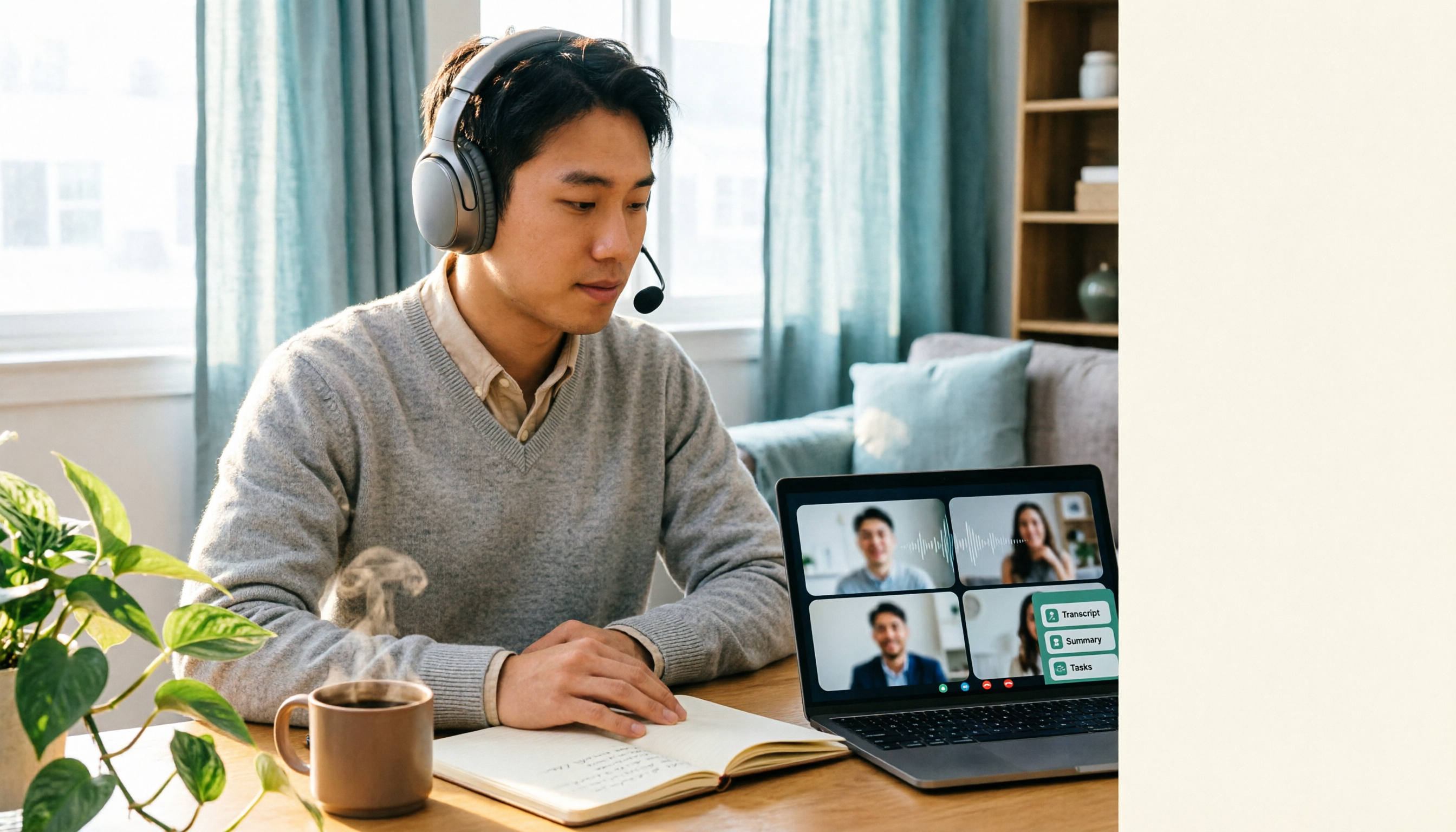
Best Google Meet Headset in 2026: 3 Top Picks Compared — Why the Microphone Matters More Than Noise Cancellation
How to choose a Google Meet headset: from microphone noise cancellation and connectivity to all-day comfort, here are 3 real-world options and 4 pitfalls to avoid. Plus, a Tinrec workflow for post-meeting transcripts, summaries, and action items — solving both call quality and meeting notes in one go.
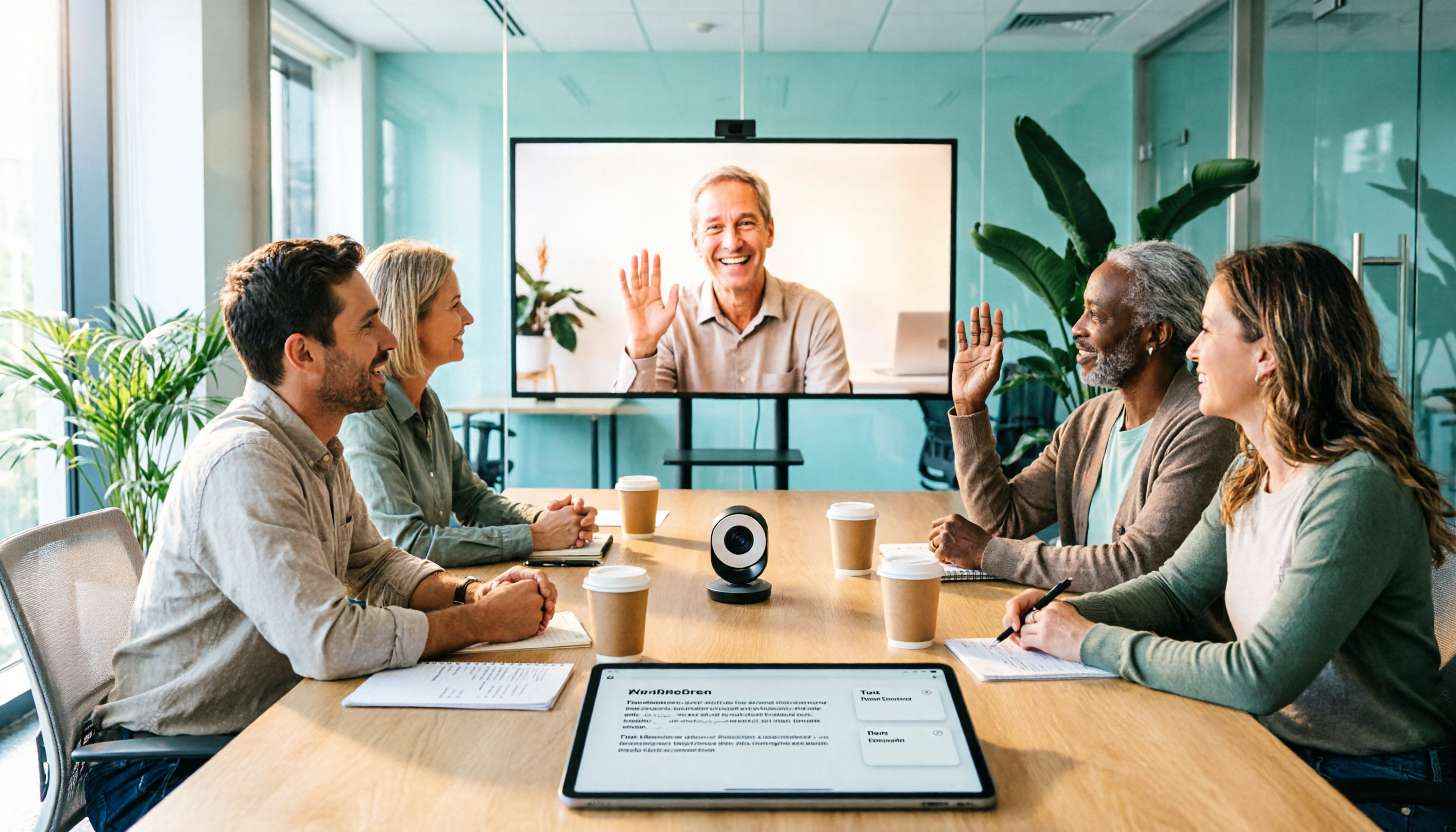
4 Google Meet Webcams Tested for 2026: From Entry-Level to Conference Room, How to Balance Video Quality and Post-Meeting Notes
Poor Google Meet video, muffled audio, or too many people squeezed out of frame? This guide covers 4 webcam options from USD 30 to USD 900, key buying factors, and how to use Tinrec to capture meeting transcripts, summaries, and action items after upgrading your camera.

5 Best Google Meet Backgrounds to Use in 2026: From Free Stock Libraries to Animated Videos
A practical guide to the 5 best Google Meet background sources worth considering in 2026, with selection criteria based on real-world scenarios. We also compare Tinrec, Otter.ai, Granola, and Notta for meeting notes, so you can decide how to handle both your visuals and your content in one go.

How to Use Google Meet Breakout Rooms in 2025: A 5-Step Hosting Guide
In 2025, Google Meet breakout rooms are a standard feature in most paid Workspace editions, but the real challenge isn't finding the button—it's ensuring discussions produce results and leave a record. This guide breaks down the process into 5 steps: pre-meeting grouping, setting timers and help mechanisms during the meeting, and post-meeting reporting and data organization. It also covers how to capture and turn discussions into searchable team knowledge when official recording isn't supported.