
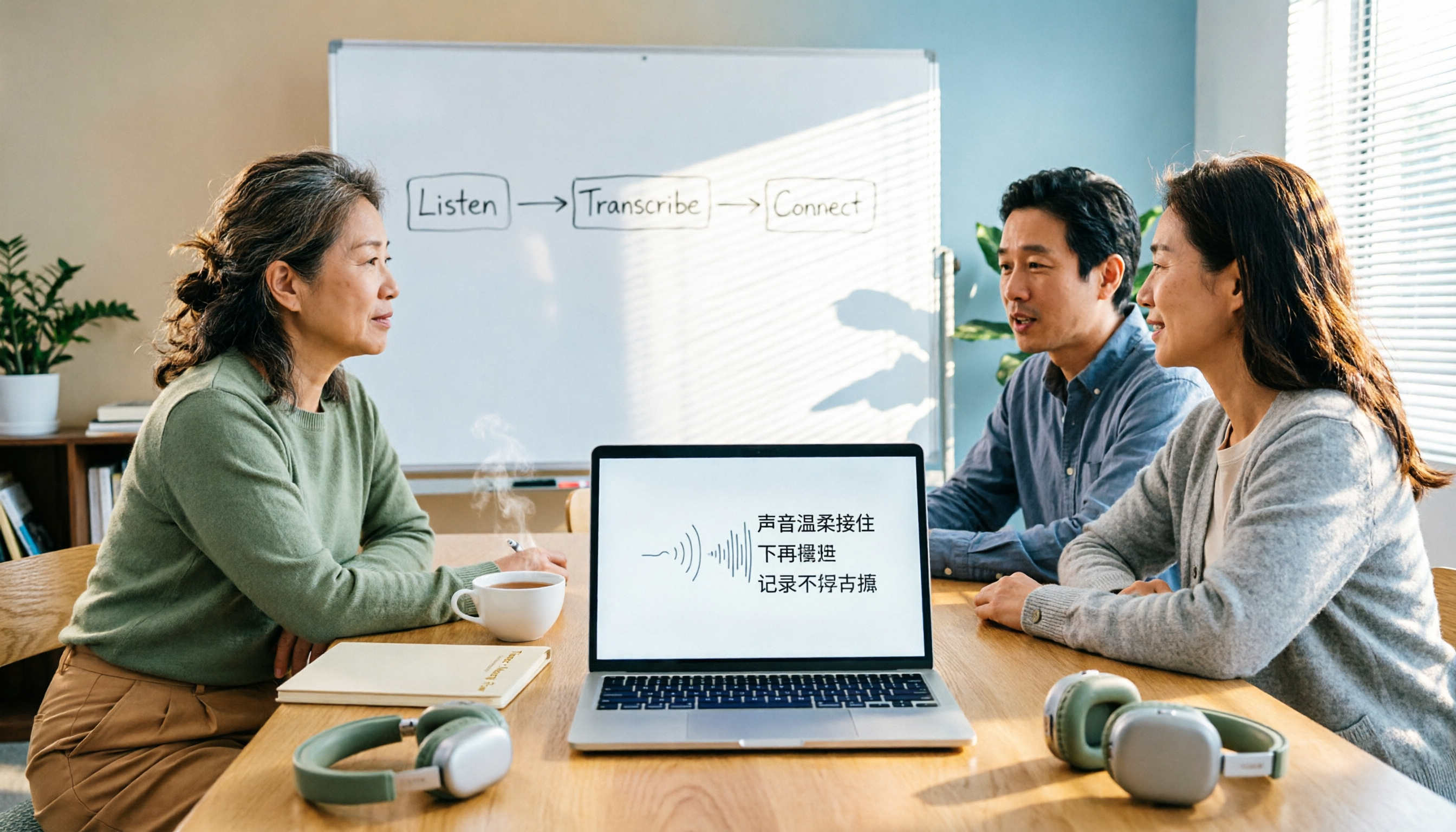
Turn recordings into transcripts and summaries in minutes
Upload audio or video for multilingual transcription, AI notes, and action items
4 Free Real-Time Transcription Tools in 2026: Free Tiers and Meeting Notes Use Cases Compared
"Free" is the most misleading word—what you're missing isn't transcription, it's usable post-meeting data
Search "transcription" in any app store and almost every app advertises free download. But once you install it, you discover: the free version only transcribes a few minutes per session, you wait in queue forever, Traditional Chinese recognition is a mess, and summaries and action items are all locked behind a paywall—this is the most common "fake free."
Another common inefficient approach is treating "recording" and "organizing" as two separate tasks. After a meeting, you spend 20 minutes re-listening, then 40 minutes typing, and finally you have to search through an hour-long transcript to find "who needs to deliver what by when." What you really need to save isn't typing time, but the cost of this back-and-forth searching and re-understanding.
This article uses 4 free plans to break down "the real boundaries of free conditions" and "what you actually get after the meeting." Data verified as of August 2026; free tiers and prices may change, so refer to official pages for actual details.
Before choosing a real-time transcription tool, understand these 4 key points
1. There are two types of "real-time," and the difference is huge One is transcribing while recording, with text appearing on screen as you speak—ideal for in-person meetings, interviews, and classes. The other is uploading an audio file and waiting for processing. Both give you a transcript, but the former lets you mark key points and catch missed words during the meeting. If you want "text as it happens," make sure the tool truly supports real-time transcription, not just "supports recording."
2. Traditional Chinese and mixed Chinese-English recognition performance Meetings in Taiwan are rarely pure Chinese; they're often mixed like "this proposal needs review next week." When choosing a tool, don't just look at how many languages it lists—check how naturally it handles Traditional Chinese and Chinese-English switching. A simple test: take a real recording of your own and try it for five minutes; that's more accurate than official copy.
3. Three boundaries of free tiers Don't just look at "minutes per month" for free plans; also check the per-session length limit, whether features are tiered (summaries, exports, AI Q&A are often paid), and whether registration or credit card is required. Many tools that claim to be free only offer "pure transcription"; post-meeting organization is still up to you.
4. What you get after recording A transcript is just raw material. What really affects efficiency is: does it have automatic summaries, chapter segmentation, action item extraction, can you ask questions about the meeting content, and can you export to your existing workflow (documents, notes, cloud storage)? A tool that only gives you a transcript is essentially handing the organization work right back to you.
5. Cross-platform and team data ownership Recording on your phone today and organizing on your computer tomorrow is normal; cross iOS/Android/web saves a lot of file transfer hassle. If you're a department head, ask one more question: is this meeting data stored in personal accounts or team spaces? Will it still be there after a colleague leaves?
Tinrec—the free version can complete the entire "recording to post-meeting data" workflow
In one sentence: Tinrec is an AI meeting notes and collaboration tool for individuals and teams, covering iOS, Android, and web, with a desktop version that captures computer system audio for online meetings.
Scenario 1: In-person meetings and interviews, transcribe as you record. Open real-time recording in the meeting room, and speech is converted to text synchronously. You don't have to wait until after the meeting—you can check back mid-way to confirm a number. After recording, AI automatically generates summaries and chapters, breaking long meetings into scannable sections so you don't have to listen from the beginning when reviewing.
Scenario 2: Online meetings without inviting a bot. For Zoom, Google Meet, Microsoft Teams, Webex, etc., Tinrec's desktop version captures system audio directly—no extra bot account joins the meeting room, and no unfamiliar participant appears on the attendee list. This is especially practical for client meetings.
Scenario 3: Post-meeting follow-up and reuse. This is where it differs most from pure transcription tools—you can ask questions directly about the meeting content, such as "What was the budget cap the client mentioned?" The system answers based on semantics, not by throwing a string of keywords for you to search. When you need deliverables, you can further generate reports, tables, and meeting minutes, or export to Notion, Google Docs, OneNote, Dropbox for further processing; for cross-language meetings, you can view original text, translation, or bilingual during recording.
Stop organizing recordings by hand
Upload audio or video and automatically get a transcript, summary, and action items
Free conditions and limitations. The free version provides a basic quota for recording, importing, summaries, and transcription—enough for someone who has one or two meetings a week to go through the full workflow. During project sprints, weekly cards and Pro monthly/annual cards are available based on tasks. To be clear: transcription quality is affected by recording quality, ambient noise, accents, overlapping speakers, and technical terms. For important decisions and numbers, it's recommended to cross-check with transcript timestamps and recording playback; don't treat AI output as the only version.
Team scenarios. The team version is not "multiple people sharing one personal account" but an independent team space: meeting data belongs to the team, you can create multiple teams, invite members via link, set owners/admins/regular members, and manage "roles" and "seats" separately—roles determine who can manage the team and audit, seats determine who can record, upload, edit, and export. Members without seats can still view, play, and read team data. There are also team hotwords (improving technical term recognition), usage analytics, audit logs, and an audio recycle bin (30-day retention). When a member leaves or loses a seat, their resources can be handed over to other members. Currently, the first eligible team trial is 7 days, 1 free seat, 300 minutes of team shared import quota; team monthly is USD 29.80 per paid seat per month, annual is USD 199 per paid seat per year (about USD 16.58/month), each paid seat provides 2,000 minutes of team shared import quota per month, and real-time recording under an active plan is currently not deducted by minutes. Actual prices and benefits are subject to the official purchase page.
Who it's for. Those who need Traditional Chinese and mixed Chinese-English meeting notes, don't want a bot joining meetings, and want to ask questions and generate meeting minutes right after recording; if your department is starting to treat meetings as accumulative assets, the team version's space and seat design will be much more practical than personal accounts.
Besides Tinrec, what other free options are there?
Otter.ai: A veteran choice for English business meetings. The Basic free plan offers 300 minutes per month, the most generous English quota among the four in this article; Pro annual is about USD 8.49/user/month, including 1,200 minutes of in-app recording and 10 file imports per month. Its English meeting intelligence is mature, but Traditional Chinese and mixed Chinese-English are not its focus; moreover, Tinrec's post-meeting Agent processing (directly generating reports, tables, documents) and seat governance structure are not available in Otter's free and entry-level plans. If 90% of your meetings are in English, it's a good deal.
Notta: Multilingual transcription, but check the free version limits first. The Free plan offers 120 minutes per month, with a maximum of 3 minutes per session—few people notice this, which means it's unsuitable for a one-hour meeting; Pro annual is about USD 8.17/month (1,800 minutes), Business annual is about USD 16.67/seat/month. It supports many languages, but the free version is basically unusable for "real-time long meetings." Tinrec's free version also has a quota limit, but a single real-time recording can cover a full meeting, and it offers bot-free desktop recording and team spaces.
Google Live Transcribe: A zero-cost entry tool. Supports 80 languages including Traditional Chinese, automatically adds punctuation, completely free, suitable for real-time class notes or short interviews. But it's essentially "real-time captions," does not support uploading existing audio files, has no AI summaries or action items, and no question-asking feature—post-recording organization is still up to you. Tinrec's difference is here: it also starts with real-time transcription but connects to summaries, chapters, action items, Q&A, and export.
Pitfall guide: The 3 most common mistakes when choosing free transcription tools
Pitfall 1: Only looking at "minutes per month," ignoring per-session limits. 120 minutes per month sounds enough, but if each session is only 3 minutes, a one-hour meeting would need to be split into 20 segments—just merging them would be a nightmare. Before choosing a tool, ask yourself: what's the longest single recording I need?
Pitfall 2: Treating "having a transcript" as the end goal. With pure transcription tools, you still have to extract key points and write action items yourself after the meeting. What really saves time is the "summary + chapters + action items + Q&A" part. Before choosing, confirm whether the free version gives you these or locks them all behind a paywall.
Pitfall 3: Ignoring data ownership and cross-platform. Recording on phone and organizing on computer is common; if a tool only works on a single platform, you'll spend a lot of time transferring files. For team use, ask: whose account is the data stored in? Can it still be found after a member leaves? This is why "personal tools" and "team spaces" should be evaluated separately.
Conclusion: Which one should you choose?
Back to the most practical question—different scenarios have clear choices:
- Traditional Chinese/mixed Chinese-English meetings, and you want to see text as you record → Tinrec, desktop version also records online meetings without a bot.
- After recording, you want to ask "What was the conclusion of this meeting?" → Tinrec, AI Q&A and Agent post-processing are the only complete workflow among the four in this article.
- You need to use phone, computer, and web → Tinrec, iOS, Android, web, and desktop data are interoperable.
- Department needs to share meeting data, manage seats and usage → Tinrec team version, roles and seats managed separately, data can be handed over when members change.
- 90% of meetings are in English, zero budget → Otter.ai Basic (300 minutes/month), the only English-focused recommendation in this article.
- Just real-time class notes, no post-meeting organization needed → Google Live Transcribe, free and sufficient.
If you're still undecided, start with the free version and go through the full workflow: record a real meeting, see if the summary is accurate, try asking a question about the content once. If it works for you, then consider upgrading—no need to pay from the start.
References
- 2026 Latest 5 Real-Time Audio-to-Text Transcription Software Recommendations: Say Goodbye to Traditional Chinese Typing and Meeting Organization Hell - Tinrec Blog
- Yating Transcription
- 2026 Latest 6 Free Traditional Chinese Transcript Generator Recommendations: Solving Recording Typing and Meeting Organization Challenges - Tinrec Blog
- 2026 Latest 6 Free Traditional Chinese Transcript Generator Recommendations: Solving Recording Typing and Meeting Organization Challenges - Tinrec Blog
- 2026 Latest 4 Free Transcript Generator Traditional Chinese Recommendations: Solving Meeting Recording Organization Pain Points - Tinrec Blog
Turn every recording into actionable outcomes
Get 60 free transcription minutes when you sign in. No credit card required.
Related Reading
You might also like
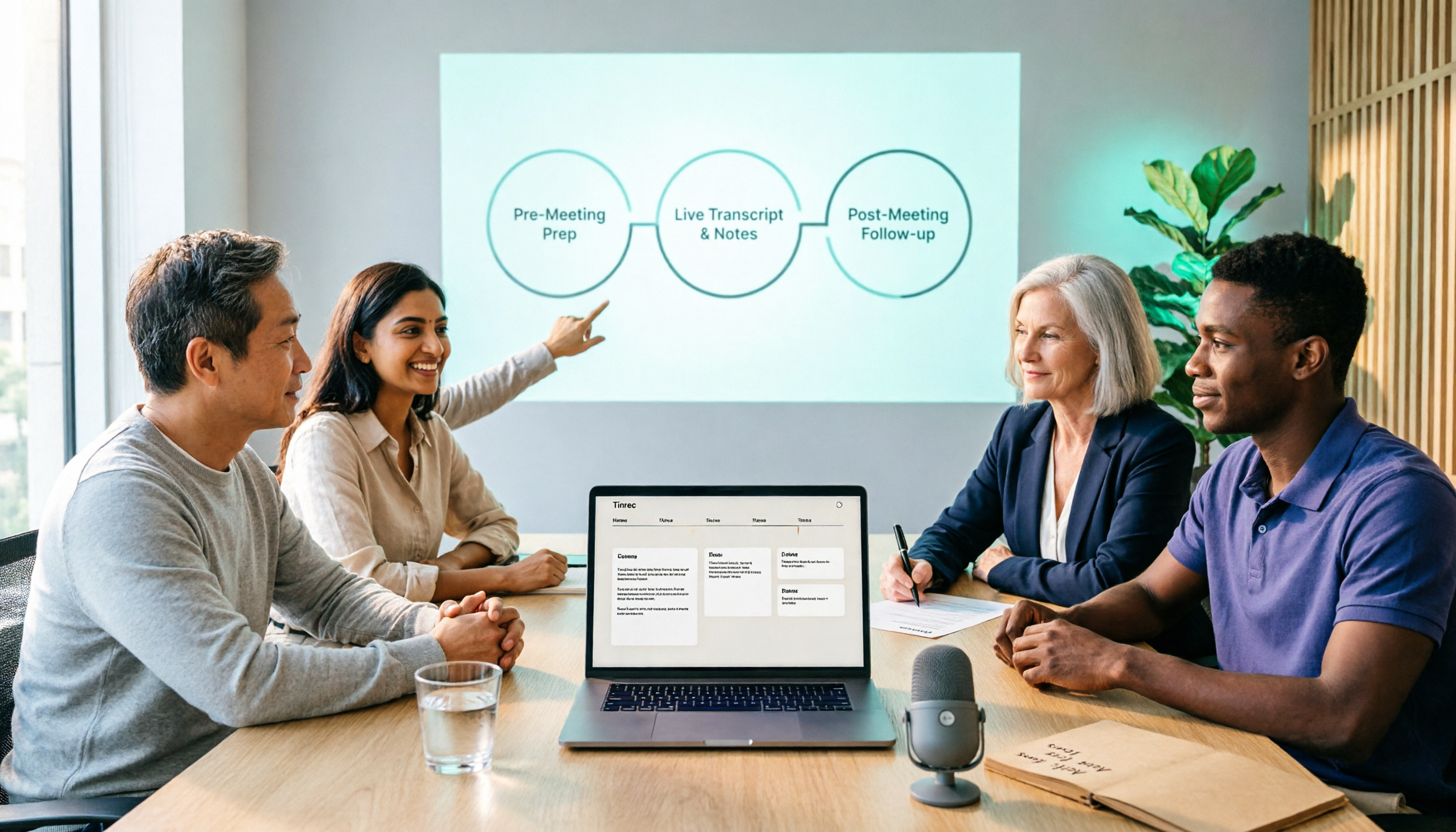
2026 Comparison of 5 Smart Meeting Collaboration Tools: How to Streamline Pre-Meeting Prep, In-Meeting Notes, and Post-Meeting Follow-Up
Smart meeting collaboration isn't just about buying a device—it's about connecting the three stages: pre-meeting agenda, in-meeting notes, and post-meeting follow-up. Based on official data verified in August 2026, this article compares Tinrec, Otter.ai, Fireflies.ai, Granola, and Notta across these three stages, including capabilities, limitations, and pricing, to help you determine which approach suits your team.

3 Best Live Transcription Tools in 2026: Free Tiers, Chinese Recognition, and Post-Meeting Organization Compared
2026 recommendations for 3 live transcription tools, comparing Tinrec, Yating Transcription, and Notta from four angles: free tier limits, Chinese and mixed Chinese-English recognition, post-meeting organization, and team collaboration. Includes student usage insights, pitfalls to avoid, and buying advice. Prices verified August 2026; refer to official pages for actual details.

How to Run Smart Meeting Collaboration in 2026: 5 Steps + Bot-Free Meeting Notes
How do you run smart meeting collaboration? From pre-meeting audio and platform checks, to live transcription and translation during the meeting, to post-meeting summaries, action items, and team knowledge retention—this guide breaks down the process in 5 steps and compares the use cases and limitations of Tinrec, Otter.ai, Notta, and Granola.

How to Use Smart Meeting Collaboration in 2026: 5 Steps from Recording to Team Collaboration
Starting from the pain points of student group discussions, this article compares smart meeting collaboration tools and shares Tinrec's 5-step usage process, key selection criteria, and common mistakes to help you find the right meeting notes tool.

2026 Smart Meeting Collaboration Free Plans: 4 Tools Compared
If you want to use free plans for smart meeting collaboration, first understand whether the free quota is counted in minutes, per-meeting length, or number of files. This article reviews the free tiers, actual workflows, and limitations of four meeting collaboration tools in 2026, and explains how meeting data can go from transcripts to summaries, action items, and team-shareable resources, with recommendations for matching tools to needs.

6 Live Transcription Tools Tested and Compared in 2026: How to Choose the Latest AI Summaries and Free Tiers
We tested six live transcription tools, comparing their actual features, free tiers, and paid plans—from real-time transcription and AI summaries to team collaboration and long-file processing—to help busy professionals quickly decide which one is worth trying first.

4 Free AI Meeting Collaboration Tools Tested: Which Free Tier Actually Lasts a Full Meeting?
Starting from whether a free tier can last through a full meeting, this hands-on comparison of Tinrec, Otter.ai, Notta, and Granola covers free limits, key features, workflows, and restrictions, with a comparison table and selection advice.

2026 Comparison of 5 Live Transcription Tools: Free Options Popular on Dcard vs. Human Transcription Rates—Which Is More Cost-Effective?
Discussions on Dcard about live transcription mostly ask which tools are free and how much it costs to hire someone to type. This article puts tools such as Tinrec, Google Docs voice typing, Buzz, and Seameet alongside publicly available rates for human transcription in Taiwan in the same cost table, explains the five factors that affect quotes, each option's suitable use cases and quota limits, and notes the date the data was verified, to help you choose before delivery.

Tinrec vs Yating Transcription in 2026: 5-Dimension Comparison — Which Chinese Live Transcription Tool Is Good Enough?
Starting from real scenarios like attending classes, group discussions, and pre-final exam review, this article compares Tinrec (Miao Ting Lu Yin) and Yating Transcription across 5 dimensions: live transcription, AI organization, free quota, and cross-platform differences. It also supplements with use cases for Otter.ai and Notta to help budget-limited students pick the one that is truly sufficient.