

Turn recordings into transcripts and summaries in minutes
Upload audio or video for multilingual transcription, AI notes, and action items
Which Sales Meeting Note Tool Is Better? Answer Three Questions First
"Which sales meeting note tool is better?" This question lands in my inbox a dozen times a year. But most people eventually realize the real blocker isn't the brand—it's three more specific choices:
First, how will this meeting be recorded? Will a meeting bot join the online meeting, or will you use a desktop app to capture your computer's audio directly?
Second, what do you actually get after recording? Just a transcript, or a structured summary with customer needs, commitments, and follow-up dates?
Third, where does the data end up? Does it stay on your phone, or can the entire sales team access it and hand it off?
The order of these three questions matters. Figure out the "post-meeting output" and "data ownership" you need first, then look at pricing—otherwise you might buy a tool that only converts speech to text and still end up manually pasting into Excel.
From my own experience running sales meetings, the real time sink isn't the one-hour meeting itself—it's trying to recall afterward what the customer actually agreed to. This article uses these three criteria to compare four tools: Tinrec, Notta, Otter.ai, and Granola.
5 Key Points to Understand Before Buying a Sales Meeting Note Tool
1. Chinese and mixed Chinese-English transcription performance
Sales meetings in Taiwan are rarely pure Chinese—they usually mix Chinese with product names, English abbreviations, and customer company names. Test with a real recording of your own meeting rather than relying on the accuracy rates on the official website. Conference rooms have air conditioning noise and people talking over each other, which is very different from a quiet environment.
2. Meeting capture method
Should online meetings rely on a bot joining, or should a desktop app record directly? A bot appears in the participant list, which some customers may mind; a desktop app capturing system audio doesn't add an extra participant. This matters especially in external quoting meetings.
3. Are the post-meeting outputs sufficient?
Sales needs more than a transcript—it needs "what the customer wants, what we promised, who's responsible for the next step, and when to follow up." Whether the tool can automatically extract action items and generate summaries and chapters determines how much time you save.
4. Team data ownership and permissions
Sales turnover is high. If meeting notes are stored in personal accounts, data is lost when someone leaves. Does the team version have separate spaces, role and seat management, usage and activity logs? This is an easily overlooked aspect during procurement.
5. Quotas and pricing rules
Is the free quota enough for two or three meetings? Are file imports and live recording counted separately? These rules directly affect whether you need to purchase add-ons later.
Tinrec — The Best Choice for Sales Meetings After Testing
Tinrec is an AI meeting note and collaboration tool for individuals and teams, available on web, desktop, and mobile. Its positioning isn't "audio-to-text" but rather turning a meeting into searchable, queryable, actionable data.
How to record: no need to invite a bot
Sales meetings typically fall into two scenarios: online quoting meetings and on-site customer visits. For online meetings, open the Tinrec desktop app and it directly captures your computer's system audio, handling meetings on Zoom, Google Meet, Microsoft Teams, Webex, and other platforms without pulling an extra bot into the meeting room. Note that this isn't "automatically joining all calendar meetings"—you start recording yourself.
Organizing starts while recording
Transcripts appear in real time as you record, and for cross-language meetings it supports live translation, allowing you to switch between original text, translation, or bilingual view. When meeting with international customers or manufacturers, this feature is much more practical than translating afterward.
The post-meeting output is the key
After the meeting ends, Tinrec generates AI summaries, chapters, and highlights, and extracts action items from the discussion. For sales, this means directly getting "customer requests, what we agreed to, and the next follow-up date." Even better is AI Q&A: instead of re-listening to a 40-minute recording, you can directly ask "What was the budget cap the customer mentioned?" or "Who's responsible for sending the quote this time?" and it answers based on semantics rather than dumping keywords for you to search through.
When you need to deliver documents, you can use Agent post-processing to generate reports, tables, and meeting minutes, and export to Notion, Google Docs, OneNote, Dropbox, and other tools for further editing.
Team version: turning meetings into sales team assets
Stop organizing recordings by hand
Upload audio or video and automatically get a transcript, summary, and action items
If multiple salespeople share meeting notes, the team version makes a clear difference. It provides a separate team space, invites members via join links, and distinguishes between owners, admins, and regular members. Seats are separate—members without seats can still view, play, and read team data, but need a seat to record, upload, edit, and export.
Admins can view team usage trends, member rankings, and details, query and export audit logs, maintain team hotwords, and recover accidentally deleted audio from a 30-day recycle bin (TODO items are not covered by the recycle bin). When a member leaves or loses their seat, team resources can be handed over to other active members, so data doesn't leave with the person.
Currently, the team version is USD 29.80 per paid seat per month, or USD 199 per paid seat per year (about USD 16.58 per month). Each paid seat provides 2,000 minutes of team shared import quota per month. Eligible teams can try 7 days free with 1 free seat and 300 minutes of shared import quota. With an active team plan and active seats, live recording is currently not deducted by minutes, while file and web imports consume team shared minutes. Actual prices and benefits are subject to the official purchase page.
For individual use, there's a free version to try, plus weekly, Pro monthly, and Pro annual plans to choose from based on usage frequency.
Things to note
The free quota is limited, and heavy users need to pay. The team version currently focuses on team-level sharing rather than file-level or member-level granular permissions. Transcription performance is affected by audio quality, accents, overlapping speakers, and technical terminology—important numbers should be verified against the transcript timestamps and recording.
Overall, if you need Chinese meeting support, don't want a bot appearing in customer meeting participant lists, and want to directly get action items and queryable data after meetings, Tinrec is currently the closest fit for the sales workflow.
Besides Tinrec, What Are the Alternatives?
Notta
It offers multilingual transcription and team plans, making it a close competitor to Tinrec. The free version includes 120 minutes per month with a 3-minute limit per session; Pro annual billing is about USD 8.17 per month for 1,800 minutes per month. It performs reliably on pure file transcription and multilingual subtitles, but online meetings mostly rely on bots or uploads; Tinrec's desktop bot-free recording, team seats and usage auditing, and audit logs are areas Notta covers less.
Otter.ai
A mature choice for English business meetings. Basic is free with 300 minutes per month; Pro annual billing is about USD 8.49 per user per month, including 1,200 minutes per month and 10 file imports. If your customer meetings are entirely in English, it's a good value; but Chinese and mixed Chinese-English organization isn't its strong suit, and it lacks Tinrec's team seat, shared quota, and audit governance structure.
Granola
Also takes a bot-free approach, using desktop system audio plus user handwritten notes to generate meeting content. Basic is free, Business is USD 14 per user per month. Its feature is "notes + AI enhancement," but note that it doesn't support uploading pre-recorded audio files and doesn't save meeting audio. If you need to keep recordings, record customer calls, or import existing files, Tinrec's file import and audio storage are more suitable.
Pitfall Guide: 4 Most Common Mistakes When Choosing a Sales Meeting Note Tool
Pitfall 1: Only looking at the accuracy rate on the official website
Numbers measured in a quiet environment are very different from a conference room with air conditioning noise and people talking over each other. Test with a real recording of your own customer meeting, especially for mixed Chinese-English and customer company names.
Pitfall 2: Assuming a transcript means you can follow up
A transcript is just raw material. If the tool doesn't extract action items or let you ask questions about the meeting, you still have to read it from start to finish. When choosing a tool, test it directly with the question "Where are the customer commitments?"
Pitfall 3: Ignoring team data ownership
If meeting notes stay in personal accounts, customer history is lost when a salesperson leaves. During procurement, ask clearly: Who owns the data? How is it handed over when a member leaves? Are there activity logs?
Pitfall 4: Forgetting to inform before recording
Recording and transcription involve personal data. For external meetings, it's recommended to obtain consent from participants and handle it according to local regulations. This isn't something a tool can solve for you.
Conclusion: Which One Should You Choose?
Back to the original question—which sales meeting note tool is better—the answer depends on whether you want "text conversion" or "actionable meeting data."
- Customer meetings are mainly in Chinese or mixed Chinese-English, and you need summaries, chapters, and action items → Tinrec
- You want to directly ask after the meeting "What did the customer say about the budget?" or "Who's sending the quote?" → Tinrec (AI Q&A supports follow-up questions about meeting content)
- You don't want a bot appearing in customer meeting participant lists → Tinrec (desktop app captures system audio)
- Multiple salespeople share meeting data and need roles, seats, usage, and auditing → Tinrec Team version
- Meetings are entirely in English and you just want cheap and adequate → Otter.ai is a reasonable option
- You only need to convert existing audio files to text and don't join online meetings → Notta can be included in the comparison
I recommend starting with the free version, running through the "record → transcript → summary → action items" workflow with a real customer meeting, and then deciding whether to upgrade. After all, your own meeting recordings are the most honest test of whether a tool works for you.
References
Turn every recording into actionable outcomes
Get 60 free transcription minutes when you sign in. No credit card required.
Related Reading
You might also like

2026 Sales Meeting Notes Tools Compared: Which One Actually Saves Post-Meeting Time?
The biggest challenge with sales meeting notes isn't typing speed—it's that after the meeting, no one can clearly state what the client wants or who committed to what. This article starts from the real-world experience of mid-level managers, first covers common mistakes, then outlines 4 key selection criteria, and compares Tinrec, Notta, Granola, and PLAUD in sales meeting note scenarios, with a guide to avoiding pitfalls and selection advice.

2026 Comparison of 4 Sales Meeting Note Tools: Which One Is Easiest to Use?
The hardest part of a sales meeting often comes after it ends: the budget the client mentioned, the quote you promised, and the follow-ups for next time are all scattered across a two-hour conversation. This article starts from five buying dimensions and compares Tinrec, Otter.ai, Fireflies.ai, and Notta in terms of Chinese transcription, post-meeting organization, AI Q&A, and team data ownership, helping you pick the one that truly saves overtime hours.

Screen Recording on Windows, Mac, and iPhone: Where to Click in 2026
A quick guide to finding the screen recording buttons on Windows, Mac, and iPhone, plus common pitfalls and limitations. Learn how to turn recorded meetings, classes, or interviews into searchable transcripts, summaries, and action items with Tinrec.

Best Sales Meeting Notes Tools in 2026: Free Tiers, Chinese Transcription, and Post-Meeting Follow-Up Compared
Starting from common sales pitfalls, this guide explains how to choose a sales meeting notes tool: Chinese and mixed Chinese-English transcription, online meeting recording without a bot, post-meeting summaries and action item extraction, AI Q&A, team data ownership, and free tier limits. Using Tinrec as an example, it covers practical use cases, purchasing considerations, and FAQs.

2026 Comparison of 4 Sales Meeting Notes Solutions: From Blank Templates to AI Auto-Organization
Most sales meeting notes templates fail not because of poor field design, but because the cost of taking notes is too high and no one reviews them afterward. This article starts with three common inefficient practices, outlines 4 key purchasing criteria, and then compares Tinrec, Otter.ai, Notta, and Granola across meeting capture, post-meeting organization, search and follow-up, and team handover—helping you choose the one that will actually be opened and used.
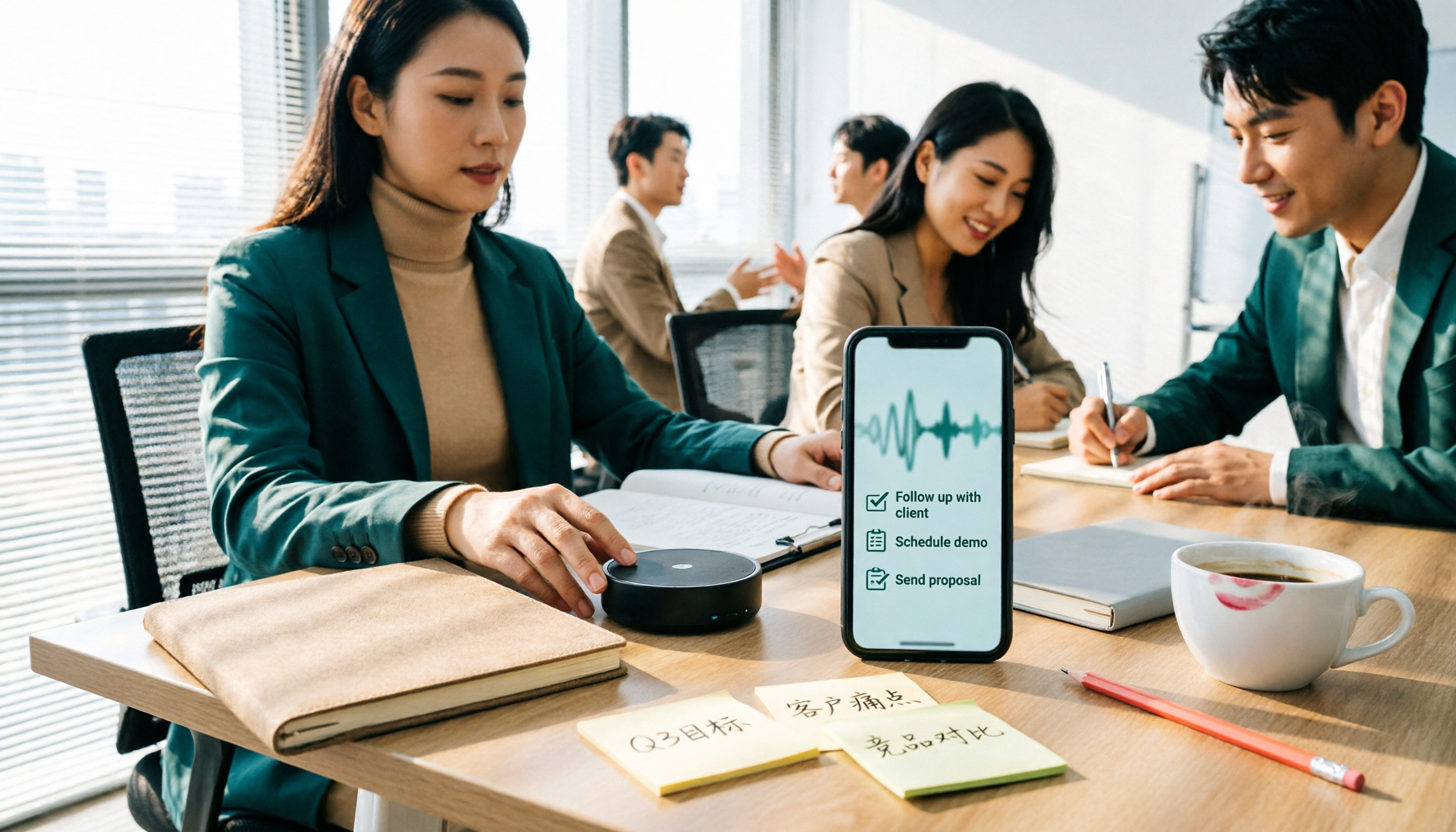
How to Choose a Sales Meeting Notes App in 2026: 5 Steps from Recording to Auto-Organized Action Items
Stop treating transcripts as meeting notes. This article reviews 4 apps that can handle sales meetings within their free tiers, explains the difference between long-term free plans and limited-time trials, single-recording length limits, and whether a desktop version is needed, with a comparison table and selection advice.

Tinrec vs Notta 2026: 5-Factor Comparison for Laptop Meeting Recording — Which Saves More Time?
Recording meetings on a laptop often means capturing only the microphone, dealing with background noise, and re-listening to create transcripts. This article compares Tinrec and Notta across five key factors, covering system audio recording, Chinese meeting transcription, AI summaries and action items, and team data management, with practical tips and selection advice.
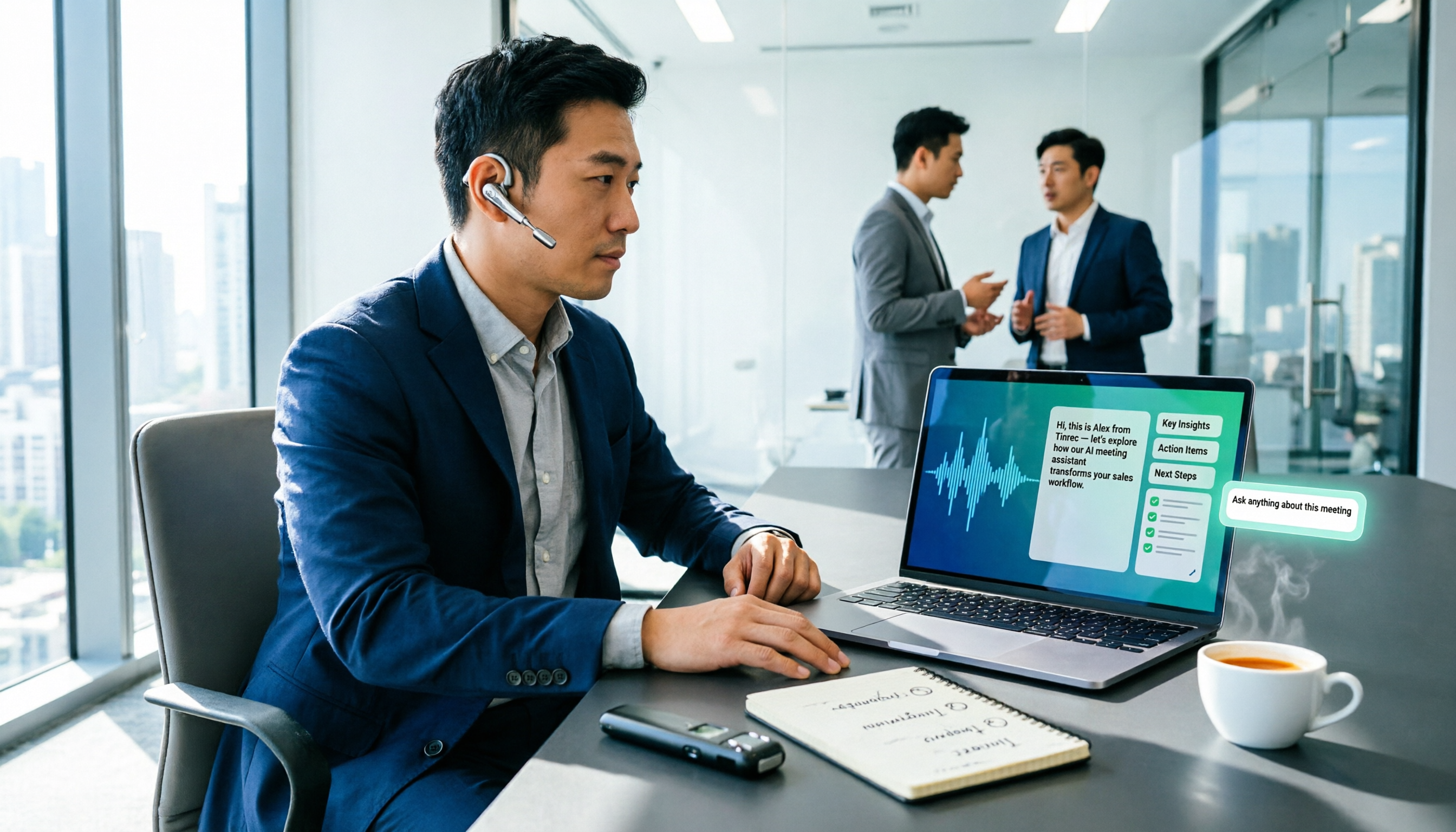
3 Sales Meeting Note Tools Tested in 2026: How to Use Recording-to-Minutes to Save Time
How do you use sales meeting notes? This article walks through a complete workflow with Tinrec: from live recording, AI transcription, and proofreading to automatically generating summaries and action items, and using AI Q&A to uncover the customer's real concerns. It also compares the differences with Notta and Granola, and includes troubleshooting for common issues plus explanations of team plan permissions, seats, and pricing.

Tinrec vs Granola 2026: 5-Factor Sales Meeting Notes Showdown — Which Is Worth It?
Forgot the client's budget, decision timeline, and competitor quotes the day after a sales meeting? This guide reviews 6 practical sales meeting notes solutions, from AI meeting tools to pure transcription services, and compares Tinrec and Granola across 5 dimensions: bot-free recording, audio retention, post-meeting output, team governance, and pricing. It ends with a scenario-based checklist you can follow directly.