

Turn recordings into transcripts and summaries in minutes
Upload audio or video for multilingual transcription, AI notes, and action items
2026 Comparison of 4 Sales Meeting Notes Solutions: From Blank Templates to AI Auto-Organization
The real problem with sales meeting notes is often not that the fields aren't pretty enough
Let's start with a common scenario. During the meeting, you feel everything is clear, and the client nods and says, "This direction works." Two weeks later, when you need to send a follow-up email, you only remember the gist—what budget range the client mentioned, who the decision is stuck with, and at what point the competitor was brought up all become fuzzy impressions. If this information isn't written down, it's as if it never happened.
A second inefficient practice is even more common: after the meeting, you fill out an Excel sheet from memory. The fields are neatly filled in, but the "Next Step" cell says "Continue to follow up," with no owner and no date. You produce one of these sheets every week, and three months later no one opens them again. It's not a record; it's a document for show.
The third is treating the transcript as the record. A 30-minute meeting produces 6,000 words—the information is complete, but to find "what the client actually agreed to," you still have to Ctrl+F and scroll through. You have a record, but still no action.
A more reasonable approach is to split the record of a sales meeting into three layers: facts (who said what), judgment (the meeting's conclusions and risks), and actions (who does what by when). The table should handle the third layer; the first two layers should be handled by tools. The following 4 solutions are compared according to this standard.
Before choosing a sales meeting notes solution, understand these 4 key points
1. Can the fields capture "client commitments," not just "discussion content"? A usable sales meeting notes template should have at least these fields: the client's explicitly stated needs or conditions, the client's objections and concerns, our commitments, next steps and owners, and deadlines. Writing only "discussed pricing" is useless; write "Client wants annual contract changed to quarterly payments, willing to confirm by end of month." When the fields are designed correctly, the notes have tracking value.
2. The cost of note-taking determines whether you'll actually do it every day This is the most commonly overlooked point when choosing a tool. If writing a record takes 40 minutes, you'll only do it when your boss asks. The solution that will actually be used continuously is one that reduces the cost of "taking notes" to near zero—press record during the meeting, and by the end, the draft is already there; you just make final judgments and fill gaps.
3. Can you search and ask follow-up questions after the meeting? The lifespan of sales records is longer than you think. Three months later, when a client comes back and asks, "Is that discount we discussed still available?" you don't need to listen from the beginning—you need to search directly for that segment. Keyword search is just the basics; being able to ask questions about the content and get semantic-level answers is what truly saves time.
4. Data ownership and team handover High turnover in sales is a reality. If all client meeting records are stored in personal accounts, when someone leaves, it's as if the company never discussed the deal. When choosing a solution, think clearly: Does the data follow the individual or the team? Can new hires see the historical context?
Tinrec (秒聽錄音) — Our top choice after actually running a full cycle
Tinrec (秒聽錄音) is an AI meeting notes and collaboration tool for individuals and teams, covering iOS, Android, desktop, and web. It doesn't just turn speech into text; it turns a client meeting into searchable, queryable, and transferable data.
Online client meetings don't need another bot joining Sales meetings mostly happen on Zoom, Google Meet, Microsoft Teams, or Webex. Tinrec's desktop version directly captures computer system audio; you just start recording before the meeting, and the transcript is generated synchronously. No extra meeting bot needs to be added to the participant list—for the client, no additional participant appears in the meeting. This is especially noticeable in external meetings, because you don't want to explain "what that account joining the meeting is" to a client you're meeting for the first time.
When the meeting ends, the summary, chapters, and action items are already formed The transcript is just raw material. Tinrec automatically generates summaries and chapters, breaking long meetings into scannable structures, and extracts action items from the conversation. For sales scenarios, this means it pulls out "client commitments" and "our next steps" first; you just add owners and dates, and a sales meeting notes template is complete. When you need to give it to a manager or client, you can further generate reports, tables, and documents, or export to Notion, Google Docs, OneNote, Dropbox for further processing.
Where it stands out: ask questions directly about the meeting content This is the most obvious gap between Tinrec and most similar products. After recording, you can directly ask it "What budget range did the client mention?", "At what point was the competitor brought up?", "What conclusions are still missing from this meeting?" It doesn't give you a list of keyword search results, but answers organized by semantics, mapped back to the original paragraphs. For salespeople who have back-to-back meetings and no time to re-listen to recordings, this is the part that truly changes how they work. Additionally, cross-language client meetings can enable real-time translation, viewing content in original, translated, or bilingual side-by-side format.
Stop organizing recordings by hand
Upload audio or video and automatically get a transcript, summary, and action items
Pros
- Low note-taking cost. Press once before the meeting, and after the meeting you have the transcript, summary, and action items—reducing "writing notes" from 40 minutes to a few minutes of gap-filling. This is the key to it being used continuously.
- From record to deliverable is one line. The same data can grow into meeting minutes, reports, or tables without opening another tool to redo it.
- The team version turns client meetings into company assets. Team spaces centrally store recordings, folders, and action items, with roles and seats managed separately; when a member leaves or loses a seat, resources can be handed over to other members, so data doesn't leave with the person. Administrators can also see usage trends and operation logs.
Limitations The free version quota is suitable for light experience; heavy use requires payment. In the team version, file and web imports consume the team's shared import minutes, while real-time recording is not deducted by minutes under a valid plan and valid seat. Also note: the team version currently focuses on team-level sharing and does not have file-level granular permissions. If your organization needs to set visibility per file, this should be considered first. AI summaries may also miss details; for important terms, it's recommended to verify against the transcript and recording.
Who it's for Sales and customer success teams that have two or more client meetings per week, need to quickly produce records afterward, and want data to stay with the team rather than personal accounts.
Besides Tinrec, what other options are there?
Otter.ai A mature choice for English business meetings. Basic free version offers 300 minutes per month; Pro annual billing is about USD 8.49/user/month, including 1,200 minutes per month and 10 file imports. Its English meeting experience and ecosystem integration are indeed complete, but Chinese and mixed Chinese-English meetings are not its strong suit. If your team's client meetings are mainly in English, it can be on your shortlist; but if you also need Chinese transcripts, real-time translation, and post-meeting team data retention, Tinrec's overall workflow will be smoother.
Notta The competitor with the highest overlap with Tinrec, offering multi-platform transcription, file import, translation, and team plans. Official figures: Free 120 minutes per month, single content limit 3 minutes; Pro annual billing about USD 8.17/month, 1,800 minutes per month; Business annual billing about USD 16.67/seat/month. Its strength is in transcription and translation itself; the gap appears after the meeting: Tinrec's AI Q&A, Agent post-processing, and team space retention are currently hard for it to match.
Granola Also bot-free, it transcribes in real time via desktop system audio and microphone, and combines with user handwritten notes to generate content. Basic is free, Business is USD 14/user/month, Enterprise is USD 35/user/month. Its design philosophy leans toward "personal note enhancement." Note that it does not support uploading existing audio files and does not save meeting audio files—if you need to keep recordings for future verification, or organize existing client call recordings, this will directly block you. This is exactly where Tinrec differs by retaining recordings and supporting file imports.
Pitfall guide: The 4 most common mistakes when choosing a sales meeting notes solution
Pitfall 1: Only looking at whether the fields are pretty, ignoring whether you can find them later No matter how complete the table design is, if you can't find that meeting three months later, it has no value. When choosing a solution, first ask: How long would it take me to find "a certain client's opinion on payment terms" six months from now?
Pitfall 2: Thinking "having transcription" equals having a record The transcript is raw material, not a finished product. A transcript without a summary, action items, or owners just postpones the organizing work.
Pitfall 3: Leaving client data in personal accounts This is the most expensive mistake. When a salesperson leaves, they take not only relationships but the entire communication context. When choosing, be sure to confirm that data belongs to the team, can be handed over, and is traceable—not tied to someone's device.
Pitfall 4: Ignoring recording compliance and notification Meeting recording and transcription involve local regulations, especially for cross-border client meetings. In practice, it's recommended to briefly inform participants at the start of the meeting that it will be recorded, and obtain consent when necessary. This is both compliance and professionalism.
Conclusion: Which one should you choose?
In one sentence: If you want a sales meeting notes template that will actually be used after the meeting, automating the note-taking action and letting AI handle organization and follow-up questions is currently the least effortful approach.
- Client meetings on Zoom, Meet, Teams, Webex, needing Chinese transcripts and post-meeting summaries → Tinrec, desktop bot-free recording, no extra account needed to join the meeting
- After recording, want to directly ask "What did the client commit to?" without scrolling through a 30-minute transcript → Tinrec, AI Q&A is a clear differentiator among similar products
- Team needs to share client meeting data, manage members and seats, and view usage and operation logs → Tinrec team version, priced per seat (monthly USD 29.80/paid seat, annual USD 199/paid seat, about USD 16.58/month, 2,000 minutes per seat per month team shared import quota)
- Meetings entirely in English, team has no Chinese needs → Otter.ai is a practical choice
- Main task is bulk converting existing audio files to text, no meeting workflow needed → Consider file transcription tools like TurboScribe
Practical advice: don't rush to pay. Run a real client meeting with the free version: record once, see how many key points its summary captures, then ask it a question you really want to know about the content. After one cycle, you'll know whether this sales meeting notes template will actually be opened and used by you.
References
- How to create sales meeting notes in 2026? 5 steps from blank template to AI auto-organization - 秒聽錄音Blog
- Meeting minutes tips with examples | Indeed.com Hong Kong
- Meeting minutes format template [ready to copy] 4 key points + writing examples, fill in and submit
- Sales meeting notes template excel | No-code enterprise digital knowledge station
- Use sales meeting notetaker to record and take notes in Zoom meetings
Turn every recording into actionable outcomes
Get 60 free transcription minutes when you sign in. No credit card required.
Related Reading
You might also like

How to Choose a Sales Meeting Notes App in 2026: 5 Steps from Recording to Auto-Organized Action Items
Stop treating transcripts as meeting notes. This article reviews 4 apps that can handle sales meetings within their free tiers, explains the difference between long-term free plans and limited-time trials, single-recording length limits, and whether a desktop version is needed, with a comparison table and selection advice.

Tinrec vs Notta 2026: 5-Factor Comparison for Laptop Meeting Recording — Which Saves More Time?
Recording meetings on a laptop often means capturing only the microphone, dealing with background noise, and re-listening to create transcripts. This article compares Tinrec and Notta across five key factors, covering system audio recording, Chinese meeting transcription, AI summaries and action items, and team data management, with practical tips and selection advice.

3 Sales Meeting Note Tools Tested in 2026: How to Use Recording-to-Minutes to Save Time
How do you use sales meeting notes? This article walks through a complete workflow with Tinrec: from live recording, AI transcription, and proofreading to automatically generating summaries and action items, and using AI Q&A to uncover the customer's real concerns. It also compares the differences with Notta and Granola, and includes troubleshooting for common issues plus explanations of team plan permissions, seats, and pricing.

Tinrec vs Granola 2026: 5-Factor Sales Meeting Notes Showdown — Which Is Worth It?
Forgot the client's budget, decision timeline, and competitor quotes the day after a sales meeting? This guide reviews 6 practical sales meeting notes solutions, from AI meeting tools to pure transcription services, and compares Tinrec and Granola across 5 dimensions: bot-free recording, audio retention, post-meeting output, team governance, and pricing. It ends with a scenario-based checklist you can follow directly.

2026 Free Screen Recording with Audio: 3 Options Compared
A guide to capturing system audio and microphone with Windows Game Bar, macOS QuickTime, and DiReec online tool, plus limitations for iPhone and LINE calls; also compares Tinrec for meeting recording, transcripts, and summaries.
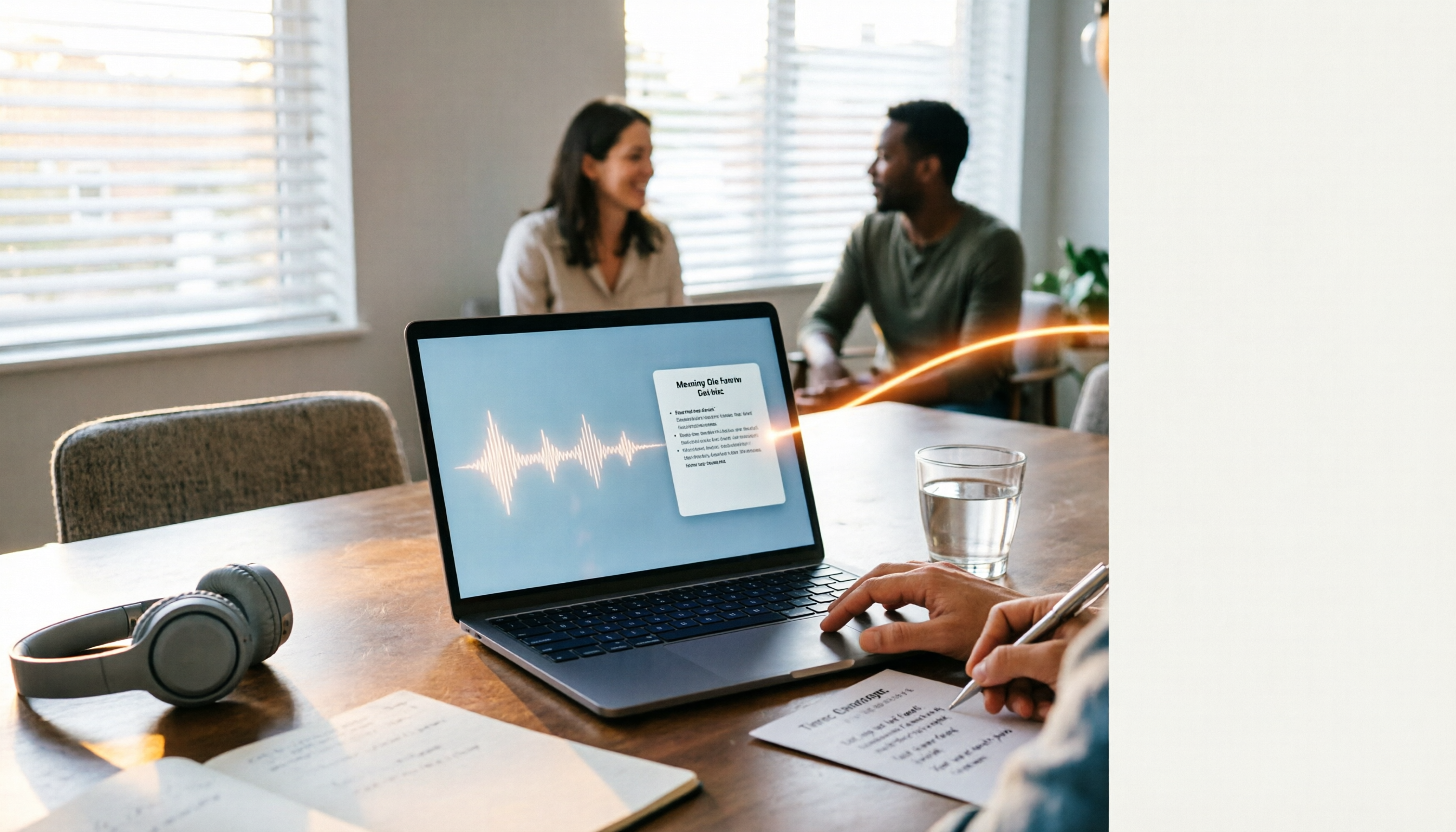
2026 Comparison of 6 Computer Recording Solutions: Built-in, Free, and AI Transcription
Can a computer record audio directly? Yes, both Windows and Mac have built-in tools, but system audio and post-meeting organization are key. This article covers 6 computer recording solutions, from free built-in options to Tinrec AI meeting notes, helping you choose based on budget and use case.
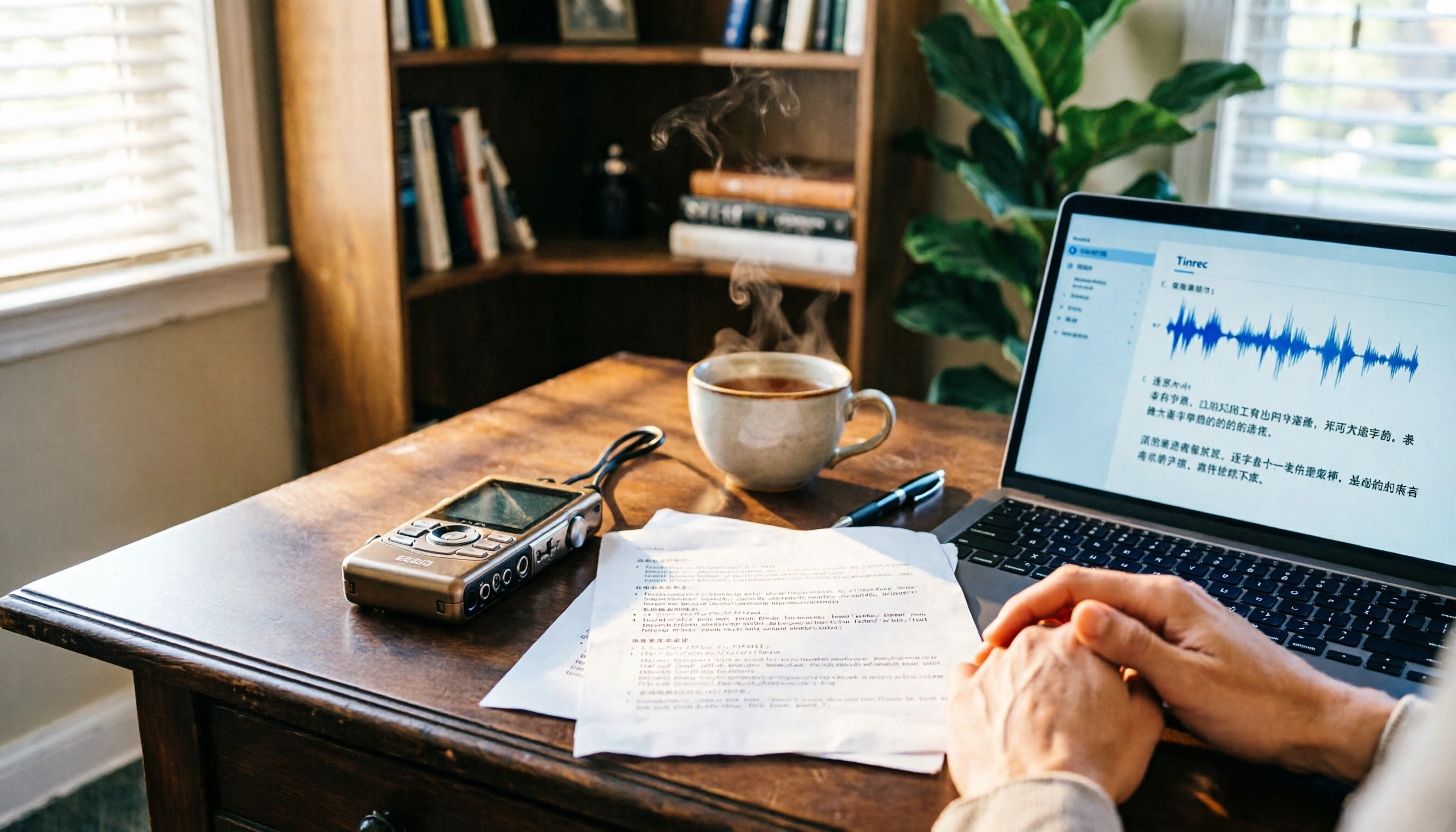
Recording Police Interviews in 2026: 3 Methods Compared — Can You Record Yourself?
Can you record your own police interview? This article compares three approaches using public sources: recording privately on your own, requesting that police record the interview as required by law, and having a lawyer present plus requesting the official record afterward. It covers differences between criminal investigations and administrative inquiries, divergent practical views, potential legal risks, and how to turn a lawful recording into usable transcripts and notes with Tinrec.

5 Computer Screen Recording Tools Compared for 2026: From Free Built-ins to AI Meeting Summaries
Should you use built-in tools or a professional solution for computer screen recording? This article starts with the key question: 'Do you want to keep the visuals or the meeting content?' It hands-on compares Windows Game Bar, Mac screen recording, Tinrec, Granola, Notta, and TurboScribe, and outlines 4 key buying criteria and 4 common mistakes to help you choose the right solution in one go.

3 Transcription Tools Compared in 2026: How Long Does Yating Take & How Free Hours Work
How long does Yating take? This article compiles public claims about free quotas, single audio file limits, and transcription wait times, and uses Tinrec to demonstrate a complete workflow for long meeting transcripts, summaries, and action items, helping you decide if the free version is enough.