

Turn recordings into transcripts and summaries in minutes
Upload audio or video for multilingual transcription, AI notes, and action items
Tinrec vs Notta 2026: 5-Factor Comparison for Laptop Meeting Recording — Which Saves More Time?
Laptop Recording Always Picks Up Noise and Requires Re-listening? First, Clarify Your Recording Purpose
After a one-hour online meeting, spending another hour organizing transcripts and action items is a daily routine for many office workers and students. What's more troublesome is that recording with a laptop's built-in microphone often captures air conditioning and keyboard sounds. If you want to record others' voices from Google Meet, Teams, or Zoom, the built-in recorder often only captures your own microphone.
Another scenario: you've recorded a long audio file from a class or interview, and when you want to find a key sentence later, you can only repeatedly drag the progress bar. These problems aren't just about whether you recorded something—they're about whether the recording can quickly become searchable, organized, and collaborative data. This article focuses on laptop recording and post-meeting organization, comparing Tinrec and Notta across five dimensions, and provides practical tips to avoid pitfalls.
Before Choosing a Laptop Recording Tool, Understand These 5 Key Points
Audio source: First distinguish whether you want to record the microphone or system audio. Windows' built-in Voice Recorder and Mac's Voice Memos are suitable for quick notes; if you need to record others' voices played during online meetings, you typically need a desktop tool that can capture system audio, or start recording on the meeting platform and then export.
Transcription and post-meeting organization: Getting a transcript alone isn't enough. When choosing a tool, check whether it can generate summaries, chapters, key points, and action items, and ideally allow you to ask questions directly about the recording content, saving time searching with Ctrl+F.
Chinese and mixed Chinese-English: In Taiwan's workplace, English terms like KPI, PM, and Roadmap are common. Whether a tool supports Chinese, multiple languages, and mixed Chinese-English recognition directly affects transcript usability.
Team collaboration and governance: If you need to share meeting data with departments or project teams, you need to distinguish members, roles, and seats. Being able to view data doesn't mean being able to upload or edit—clarify before purchasing.
Quota and cost: Free versions usually have minute or single-session limits; team versions depend on shared import quotas, number of seats, and whether real-time recording deducts minutes. Prices and benefits may change; refer to the official purchase page.
Tinrec (Miaoting Recording) — Top Choice for Laptop Meeting Recording and Post-Meeting Organization
Tinrec is an AI meeting notes and collaboration tool for individuals and teams, covering real-time recording, desktop online meeting recording, audio/video file import, and mobile use. It doesn't just convert audio to text; it organizes meeting content into searchable, summarizable, queryable, and exportable data.
For laptop recording scenarios, Tinrec's desktop version captures computer system audio to handle online meetings on Zoom, Google Meet, Microsoft Teams, Webex, etc., without needing an extra meeting bot to join. Users need to actively open Tinrec to start recording; currently, it should not be understood as automatically joining all calendar meetings. During recording, it can transcribe in real time and display in original, translated, or bilingual view, which is especially useful for cross-language meetings.
After the meeting, Tinrec generates transcripts, AI summaries, chapters, and action items, and can also answer questions based on single or multiple meeting data. For example, you can directly ask "Who mentioned the budget in the last meeting?" or "What are this week's action items?" without manually flipping through the entire transcript. It can also export results to Notion, Google Docs, OneNote, Dropbox, etc., or use Agent post-processing to generate reports, tables, and meeting minutes—suitable for workplace scenarios requiring post-meeting deliverables.
Stop organizing recordings by hand
Upload audio or video and automatically get a transcript, summary, and action items
If multiple people share meeting data, Tinrec's team version provides independent team spaces, invite links, owner/admin/member roles, seat allocation and revocation, team hotwords, usage analytics, audit logs, and audio recycle bin. Members without seats can still view, play, and read team data; but recording, uploading, editing, or importing/exporting requires a seat. This design suits departments that need to turn meetings into team assets.
The team version currently costs USD 29.80 per paid seat per month, or USD 199 per paid seat per year (about USD 16.58/month); each paid seat provides 2,000 minutes of team shared import quota per month, and real-time recording under an active team plan currently does not deduct minutes. The first eligible team trial is 7 days, 1 free seat, and 300 minutes of team shared import quota. Prices and benefits are subject to the official purchase page.
Limitations should also be clear: the free version only has basic quota, and heavy users need to pay; transcription accuracy is affected by recording quality, noise, accents, overlapping speakers, and technical terms—important content should still be verified against transcript timestamps and audio playback. If you need fully automatic joining of all meetings, Tinrec is currently not that mode; instead, users actively initiate bot-free recording via the desktop version.
Who is it for? If you frequently hold Chinese meetings on a laptop, need to record system audio, want to use AI to find key points and action items after meetings, or need to share meeting data with a team, Tinrec is a priority choice.
Besides Tinrec, What Other Laptop Recording Options Are There?
Notta: A multi-platform transcription and meeting notes tool supporting file import, translation, and team plans. Official figures: free version 120 minutes per month, max 3 minutes per session; Pro annual billing equivalent to USD 8.17/month, 1,800 minutes per month; Business annual billing equivalent to USD 16.67/seat/month. Suitable for those needing multilingual file transcription. Tinrec also offers a desktop version with bot-free system audio capture, team hotwords, audit logs, and audio recycle bin governance—if you value team data management, prioritize Tinrec.
Otter.ai: A mature choice for English business meetings. Basic free plan 300 minutes per month; Pro annual billing equivalent to USD 8.49/user/month, 1,200 minutes of in-app recording and 10 file imports per month. If you mainly record English meetings, Otter.ai is worth comparing. Tinrec handles Chinese and mixed Chinese-English meetings and offers team hotwords, real-time translation, and bilingual view; for Chinese scenarios, evaluate Tinrec first.
Pitfall Guide: 4 Most Common Laptop Recording Mistakes
Pitfall 1: Using only the built-in microphone to record online meetings. Built-in recorders usually only capture the microphone, so others' voices aren't recorded. The correct approach is to use a desktop tool that supports system audio capture, or record on the meeting platform first and then export for organization.
Pitfall 2: Ignoring environmental noise and input gain. Before recording, find a quiet space, check microphone connections, and adjust gain based on source distance to avoid too low volume or clipping. In poor environments, an external microphone is usually more effective than post-processing.
Pitfall 3: Treating the transcript as the end goal. Transcripts have low information density, and finding key points afterward still takes time. Use summaries, chapters, action items, and AI Q&A to turn recordings into actionable data.
Pitfall 4: Leaving team data in personal accounts. When members leave or lose seats, data handover becomes problematic. If meeting data belongs to the team, choose a solution with team spaces, roles, seats, and resource handover mechanisms.
Conclusion: Which Laptop Recording Tool Should You Choose?
In one sentence: If you need laptop online meeting recording + Chinese transcripts + post-meeting AI organization, Tinrec is the top choice in this article; Notta suits users focused on multilingual file transcription.
Scenario-based recommendations:
- Record Zoom, Meet, Teams system audio on a laptop without inviting a meeting bot → Tinrec desktop version.
- Need AI summaries, chapters, action items, and direct Q&A after meetings → Tinrec.
- Team needs to share meeting data, manage seats and usage → Tinrec team version.
- Mainly record English meetings with limited budget → Consider Otter.ai.
- Batch transcription of many long files → Evaluate Notta or TurboScribe and other file transcription tools.
Data verified as of August 2026; competitor prices and free quotas are subject to official pages. We recommend using the free version first to understand the recording, transcription, and summary workflow, then decide whether to upgrade based on actual meeting volume—no need to pay upfront.
References
- How to Record Audio on a Laptop? Complete Practical Tips and Free Popular Software Recommendations - UpToGo
- How to Record Audio on a Laptop? - Superman Marketing
- [Super Simple] Computer Recording Solutions
- Want to Master Laptop Recording? 6 Computer Recording Software to Quickly Produce High-Quality Audio and Transcripts - Miaoting Recording Blog
- 5 Laptop Recording Tools Tested: Language Support, Real-Time Transcription, and AI Summaries at a Glance - Miaoting Recording Blog
Turn every recording into actionable outcomes
Get 60 free transcription minutes when you sign in. No credit card required.
Related Reading
You might also like

2026 Comparison of 4 Sales Meeting Notes Solutions: From Blank Templates to AI Auto-Organization
Most sales meeting notes templates fail not because of poor field design, but because the cost of taking notes is too high and no one reviews them afterward. This article starts with three common inefficient practices, outlines 4 key purchasing criteria, and then compares Tinrec, Otter.ai, Notta, and Granola across meeting capture, post-meeting organization, search and follow-up, and team handover—helping you choose the one that will actually be opened and used.

How to Choose a Sales Meeting Notes App in 2026: 5 Steps from Recording to Auto-Organized Action Items
Stop treating transcripts as meeting notes. This article reviews 4 apps that can handle sales meetings within their free tiers, explains the difference between long-term free plans and limited-time trials, single-recording length limits, and whether a desktop version is needed, with a comparison table and selection advice.

3 Sales Meeting Note Tools Tested in 2026: How to Use Recording-to-Minutes to Save Time
How do you use sales meeting notes? This article walks through a complete workflow with Tinrec: from live recording, AI transcription, and proofreading to automatically generating summaries and action items, and using AI Q&A to uncover the customer's real concerns. It also compares the differences with Notta and Granola, and includes troubleshooting for common issues plus explanations of team plan permissions, seats, and pricing.

Tinrec vs Granola 2026: 5-Factor Sales Meeting Notes Showdown — Which Is Worth It?
Forgot the client's budget, decision timeline, and competitor quotes the day after a sales meeting? This guide reviews 6 practical sales meeting notes solutions, from AI meeting tools to pure transcription services, and compares Tinrec and Granola across 5 dimensions: bot-free recording, audio retention, post-meeting output, team governance, and pricing. It ends with a scenario-based checklist you can follow directly.

2026 Free Screen Recording with Audio: 3 Options Compared
A guide to capturing system audio and microphone with Windows Game Bar, macOS QuickTime, and DiReec online tool, plus limitations for iPhone and LINE calls; also compares Tinrec for meeting recording, transcripts, and summaries.
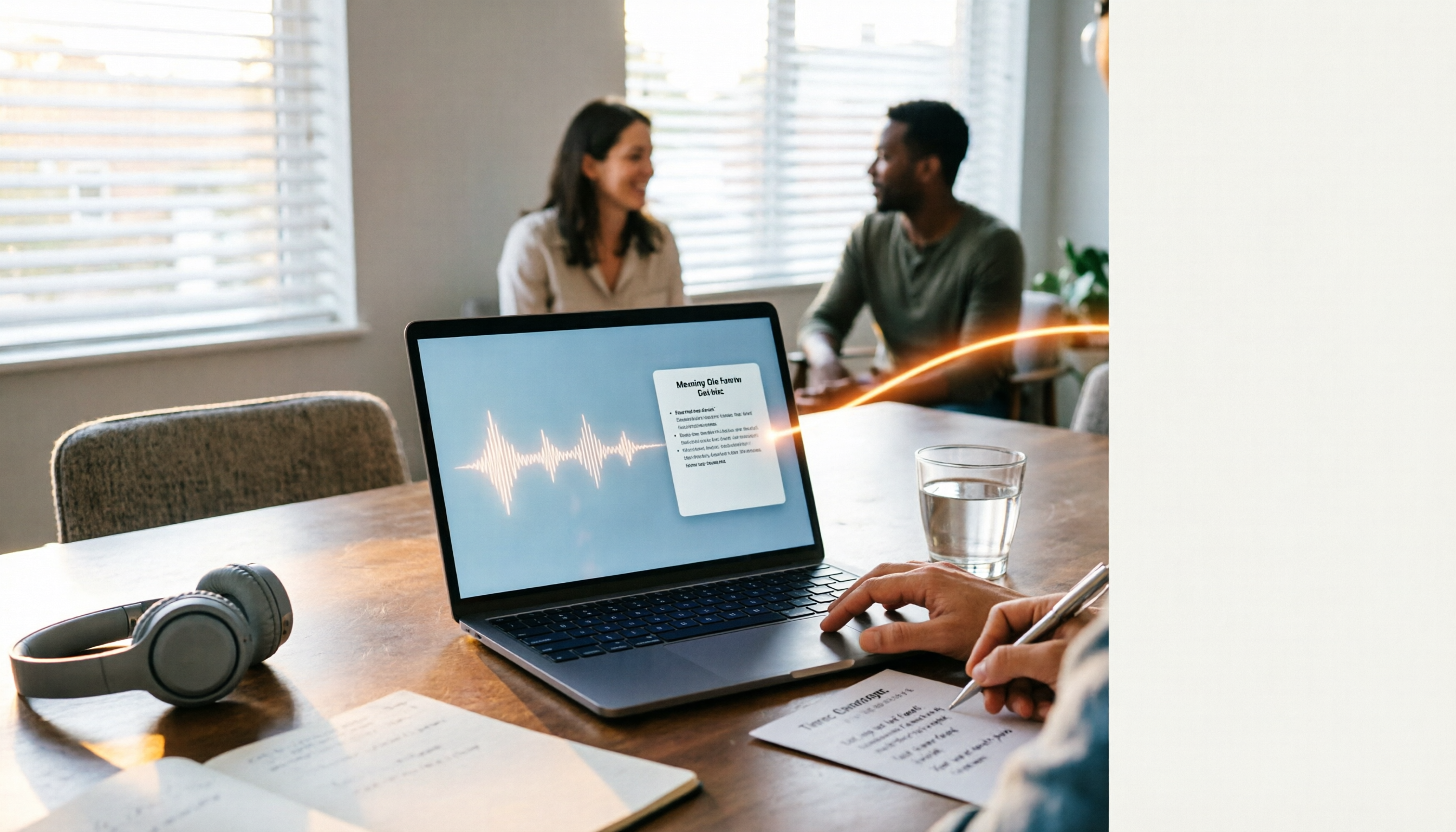
2026 Comparison of 6 Computer Recording Solutions: Built-in, Free, and AI Transcription
Can a computer record audio directly? Yes, both Windows and Mac have built-in tools, but system audio and post-meeting organization are key. This article covers 6 computer recording solutions, from free built-in options to Tinrec AI meeting notes, helping you choose based on budget and use case.
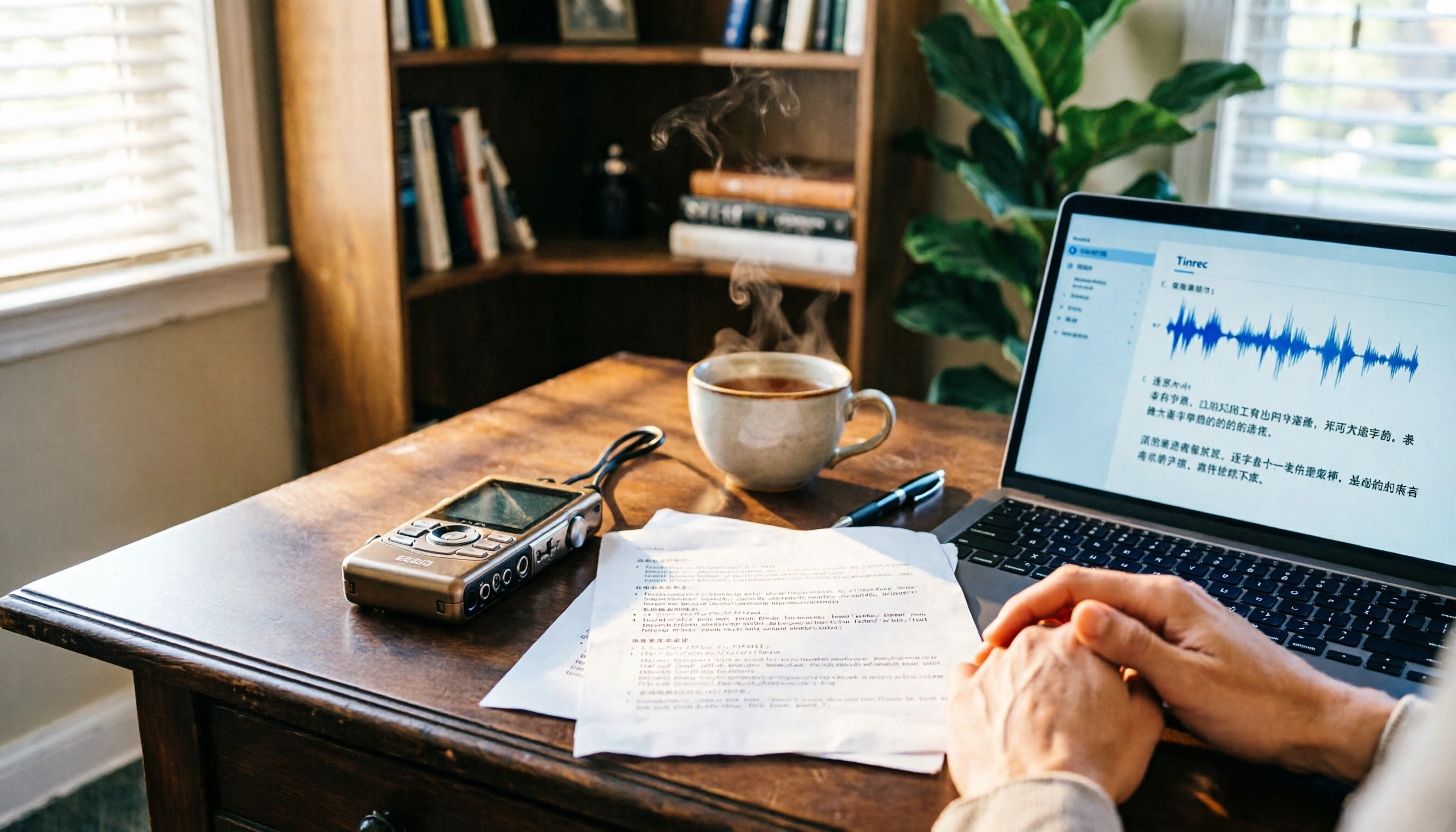
Recording Police Interviews in 2026: 3 Methods Compared — Can You Record Yourself?
Can you record your own police interview? This article compares three approaches using public sources: recording privately on your own, requesting that police record the interview as required by law, and having a lawyer present plus requesting the official record afterward. It covers differences between criminal investigations and administrative inquiries, divergent practical views, potential legal risks, and how to turn a lawful recording into usable transcripts and notes with Tinrec.

5 Computer Screen Recording Tools Compared for 2026: From Free Built-ins to AI Meeting Summaries
Should you use built-in tools or a professional solution for computer screen recording? This article starts with the key question: 'Do you want to keep the visuals or the meeting content?' It hands-on compares Windows Game Bar, Mac screen recording, Tinrec, Granola, Notta, and TurboScribe, and outlines 4 key buying criteria and 4 common mistakes to help you choose the right solution in one go.

3 Transcription Tools Compared in 2026: How Long Does Yating Take & How Free Hours Work
How long does Yating take? This article compiles public claims about free quotas, single audio file limits, and transcription wait times, and uses Tinrec to demonstrate a complete workflow for long meeting transcripts, summaries, and action items, helping you decide if the free version is enough.