

Turn recordings into transcripts and summaries in minutes
Upload audio or video for multilingual transcription, AI notes, and action items
Why Are Sales Meeting Notes So Hard to Finish?
After a client meeting, everything feels clear in the moment: budget range, decision timeline, who needs to sign off, what competitors quoted. But the next morning, when it's time to send a follow-up email, you realize you only remember "roughly." So you dig through the recording, drag the progress bar, and re-listen for 40 minutes just to find that one thing the client said.
The value of sales meeting notes isn't in the meeting room—it's in being able to say what the client committed to two weeks later. This article rounds up 6 practical solutions, from AI meeting tools to pure transcription services, and ends with a scenario-based checklist you can follow directly.
Tinrec (MiaoTing Recording) — The Most Complete AI Sales Meeting Notes Assistant
One-line positioning: turn meetings into searchable, collaborative, actionable team data.
Desktop version records online meetings without a bot. It captures computer system audio directly and works with Zoom, Google Meet, Microsoft Teams, and Webex—no need to pull a bot into a client meeting. No unfamiliar participant appears on screen, and clients won't ask "who's this?"
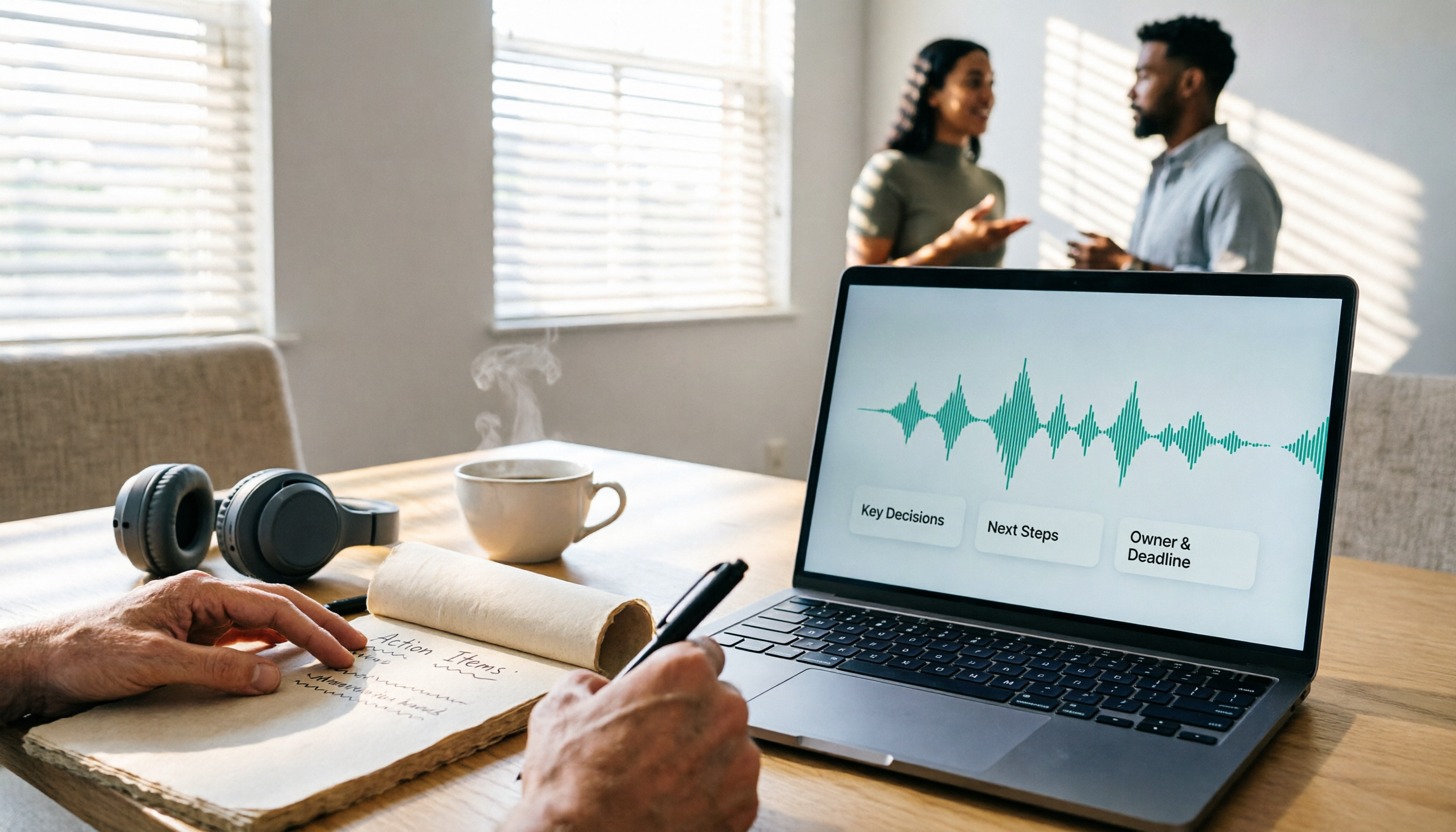
Keep using it after transcription. It automatically generates summaries, chapters, key points, and action items; AI Q&A lets you ask follow-up questions about a single meeting or multiple meetings, like "What was the budget cap the client mentioned?" or "Which two competitors did they mention?"—especially handy for sales debriefs. For cross-language meetings, it also offers real-time translation, viewable in original, translated, or bilingual mode.
Export to your existing workflow. Transcripts, summaries, and action items can be exported to Notion, Google Docs, OneNote, and Dropbox. You can also use Agent post-processing to generate reports, tables, and meeting minutes—no more manual copy-pasting.
The team version turns client meetings into assets. It includes an independent team space, member roles and seats, shared import quota, usage analytics, audit logs, and an audio recycle bin. When a salesperson leaves, team resources can be handed over to other active members, so data doesn't leave with the person.
Plans and pricing: The personal version offers a free plan, weekly card, Pro monthly, and Pro annual—choose based on usage frequency. The team version offers a 7-day trial for first-time eligible users, 1 free seat, and 300 minutes of shared team import quota; monthly billing is USD 29.80 per paid seat per month, annual billing is USD 199 per paid seat per year (about USD 16.58 per month), each paid seat includes 2,000 minutes of shared team import quota per month; real-time recording during the valid period is currently not deducted by minute.
Who it's for: Sales and customer success teams that need Chinese and mixed Chinese-English meeting transcription, don't want a bot joining client meetings, and want to keep meeting data in the team's hands.
Granola — Bot-Free AI Meeting Notes
Also bot-free, it captures system audio and microphone via desktop for real-time transcription, then combines it with your handwritten notes to generate meeting content. It supports real-time transcript viewing, copying, and searching. Pricing is Basic free, Business USD 14 per user per month, Enterprise USD 35 per user per month. Suitable for people who are used to typing during meetings, only need meeting notes, and don't need to keep audio files.
Otter.ai — A Mature Choice for English Business Meetings
A mature AI meeting assistant covering Zoom, Microsoft Teams, and Google Meet, with real-time transcription, speaker identification, AI Chat, and team management. Basic is free with 300 minutes per month; Pro annual billing works out to about USD 8.49 per user per month, including 1,200 minutes of in-app recording and 10 file imports per month; Business offers unlimited meetings and more management capabilities. Suitable for teams that mainly hold English meetings and need extensive integrations.
Stop organizing recordings by hand
Upload audio or video and automatically get a transcript, summary, and action items
Notta — Multilingual Transcription and Team Plans
Free plan: 120 minutes per month, up to 3 minutes per content item; Pro annual billing works out to about USD 8.17 per month, 1,800 minutes per month; Business annual billing works out to about USD 16.67 per seat per month, offering unlimited transcription, role permissions, and usage reports. Suitable for teams that need multilingual transcription, subtitles, and translation.
TurboScribe — Cost-Effective Transcription for Long Files
Free plan: 3 files per day, up to 30 minutes per file; Unlimited annual billing is USD 120 (about USD 10 per month), paid version supports files up to 10 hours or 5 GB each, and up to 50 files uploaded at once. Suitable for people who have a backlog of historical client recordings to clear in one go and don't need real-time meeting features.
PLAUD Note / NotePin — Portable Recording Hardware
A hardware approach: NotePin USD 159, Note Pro USD 189; membership Starter 300 minutes per month, Pro USD 99.99 per year (1,200 minutes per month), Unlimited USD 239.99 per year. Suitable for people who are frequently out visiting clients and need phone call recording and a physical device.
With So Many Options, How Should You Choose?
- Want transcription + AI Q&A + automatic minutes all in one → Tinrec, currently one of the few solutions that connects all three.
- Need Chinese, mixed Chinese-English, or Cantonese meeting transcription → Tinrec, with team hotwords to maintain product and competitor names.
- Don't want a meeting bot appearing in front of clients → Tinrec desktop version or Granola; but only Tinrec also retains audio and supports file import.
- Need to switch between phone, computer, and web → Tinrec, multi-device use with data kept in the same account.
- Need to manage sales team seats, usage, and handovers → Tinrec team version; roles govern management, seats govern usage.
- Zero budget, just occasionally transcribing a recording → start with Tinrec free plan or TurboScribe free quota to test the waters.
4 Things to Know Before Using Sales Meeting Notes Tools
1. Get consent before recording. Regulations vary by region; make it a habit to inform at the start of cross-region client meetings, and keep written consent when needed.
2. Accuracy is not a fixed number. Audio quality, accents, overlapping speakers, and technical terms all affect results. For words like product names, competitor names, and project codes, maintain them once in team hotwords and every future meeting benefits.
3. Cross-check transcripts with recordings. AI may miss or misinterpret details; for key statements like client price commitments and contract terms, replaying the timestamp is the safest way to confirm.
4. Seats are not the same as roles. Take Tinrec team version as an example: roles determine who can manage the team and audit, seats determine whether someone can record, upload, edit, and export; members without seats can still view, play, and read team data. Also, the team version currently focuses on team-level sharing—don't think of it as file-level permission control.
Conclusion
Sales meeting notes aren't written for your boss—they're written for yourself two weeks later. Instead of continuing to work overtime re-listening to recordings, change the process first: record without a bot during the meeting, get summaries and action items afterward, and replay to verify important commitments.
In terms of feature completeness and team asset-building capability, Tinrec offers the best value on this list; if you only need lightweight meeting notes, Granola is sufficient. In practice, we recommend running through a real client meeting workflow with the free quota first—from recording, transcription, Q&A to export—then decide whether to upgrade. All prices and benefits are subject to each tool's official purchase page.
References
- How to Create a Sales Meeting Notes Template in 2026? 5 Steps from Blank Sheet to AI Auto-Organization - MiaoTing Recording Blog
- Meeting Notes Format Template [Ready to Copy] 4 Key Points + Writing Examples, Fill It In and Submit
- r/sales on Reddit: The most recommended sales books of all time, from r/Sales
- [Meeting Notes Template Download 2026] 6 Meeting Notes App Recommendations | Format Tutorial and Writing Examples
- Meeting Notes - momo Shopping - Highly Recommended - July 2026
Turn every recording into actionable outcomes
Get 60 free transcription minutes when you sign in. No credit card required.
Related Reading
You might also like

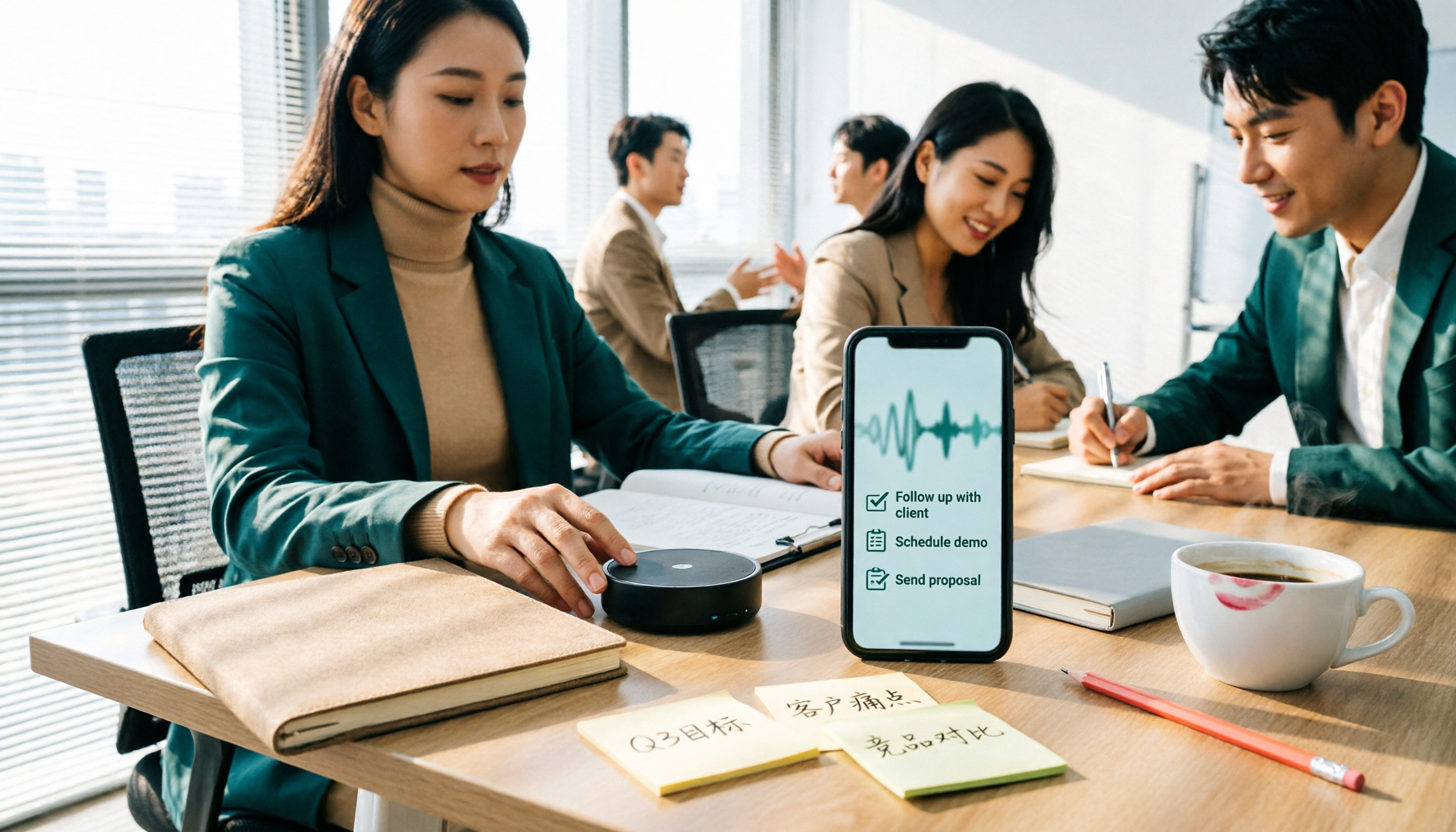
2026 Comparison of 4 Sales Meeting Notes Solutions: From Blank Templates to AI Auto-Organization
Most sales meeting notes templates fail not because of poor field design, but because the cost of taking notes is too high and no one reviews them afterward. This article starts with three common inefficient practices, outlines 4 key purchasing criteria, and then compares Tinrec, Otter.ai, Notta, and Granola across meeting capture, post-meeting organization, search and follow-up, and team handover—helping you choose the one that will actually be opened and used.
How to Choose a Sales Meeting Notes App in 2026: 5 Steps from Recording to Auto-Organized Action Items
Stop treating transcripts as meeting notes. This article reviews 4 apps that can handle sales meetings within their free tiers, explains the difference between long-term free plans and limited-time trials, single-recording length limits, and whether a desktop version is needed, with a comparison table and selection advice.

Tinrec vs Notta 2026: 5-Factor Comparison for Laptop Meeting Recording — Which Saves More Time?
Recording meetings on a laptop often means capturing only the microphone, dealing with background noise, and re-listening to create transcripts. This article compares Tinrec and Notta across five key factors, covering system audio recording, Chinese meeting transcription, AI summaries and action items, and team data management, with practical tips and selection advice.
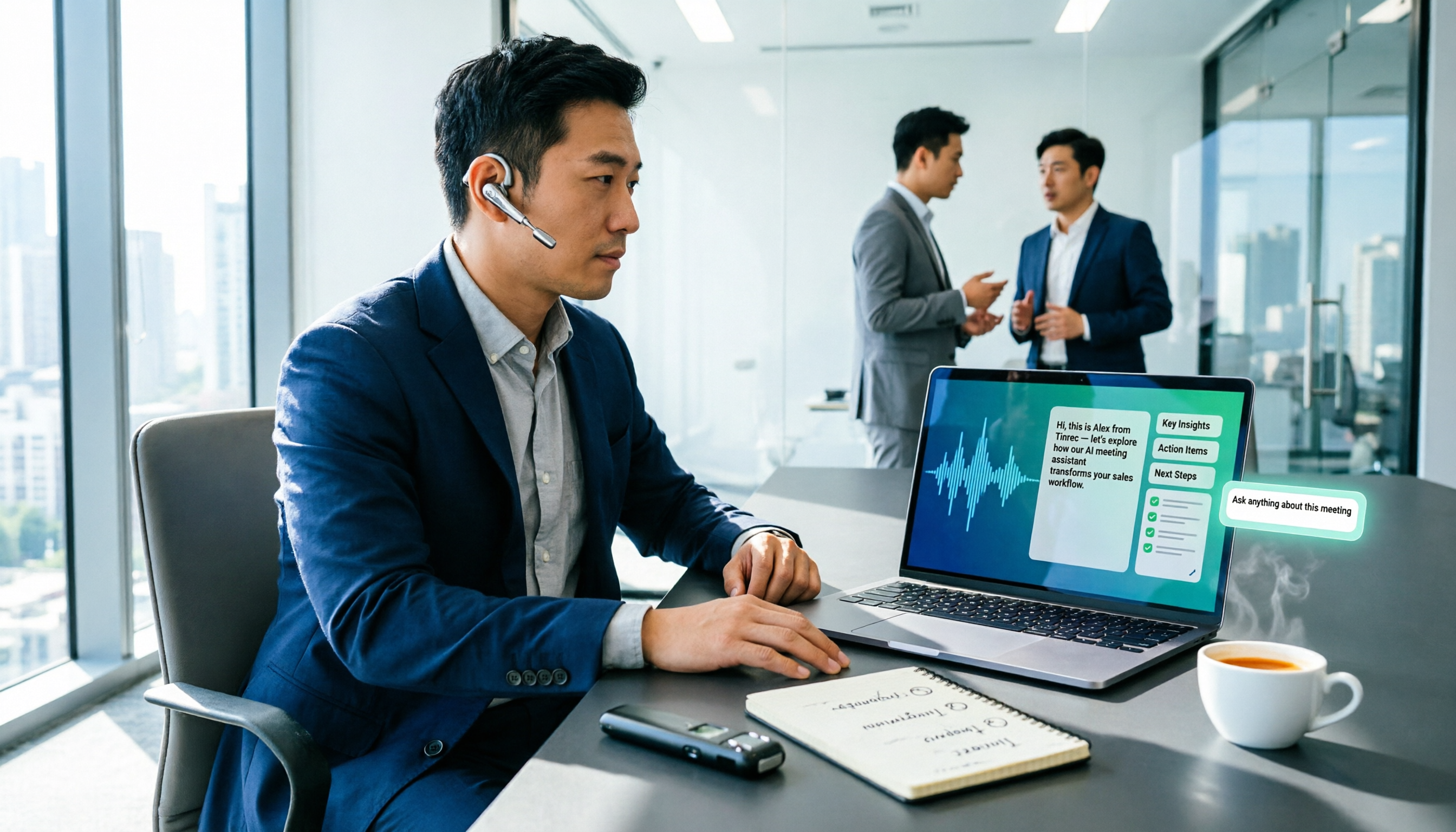
3 Sales Meeting Note Tools Tested in 2026: How to Use Recording-to-Minutes to Save Time
How do you use sales meeting notes? This article walks through a complete workflow with Tinrec: from live recording, AI transcription, and proofreading to automatically generating summaries and action items, and using AI Q&A to uncover the customer's real concerns. It also compares the differences with Notta and Granola, and includes troubleshooting for common issues plus explanations of team plan permissions, seats, and pricing.

2026 Free Screen Recording with Audio: 3 Options Compared
A guide to capturing system audio and microphone with Windows Game Bar, macOS QuickTime, and DiReec online tool, plus limitations for iPhone and LINE calls; also compares Tinrec for meeting recording, transcripts, and summaries.
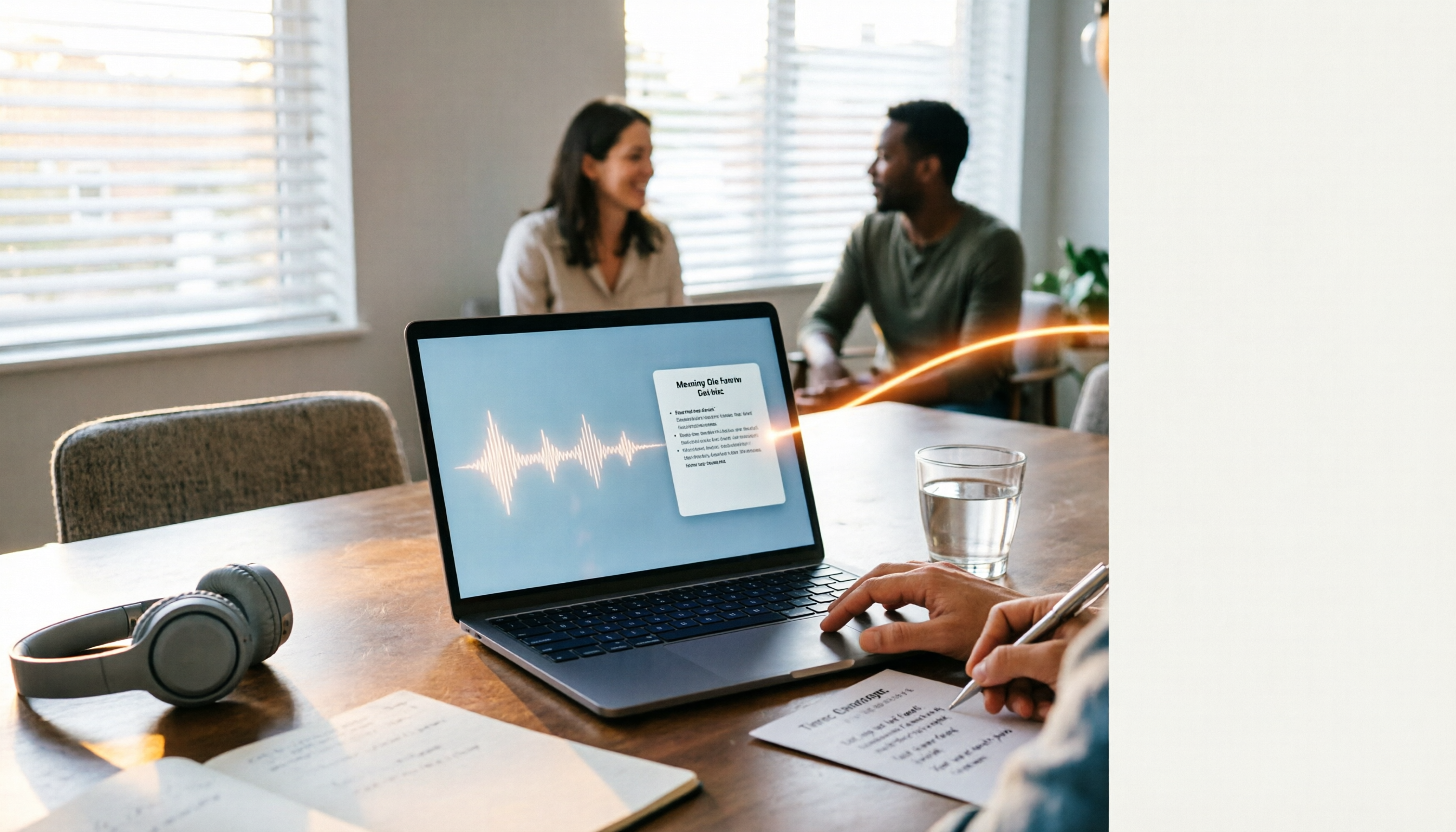
2026 Comparison of 6 Computer Recording Solutions: Built-in, Free, and AI Transcription
Can a computer record audio directly? Yes, both Windows and Mac have built-in tools, but system audio and post-meeting organization are key. This article covers 6 computer recording solutions, from free built-in options to Tinrec AI meeting notes, helping you choose based on budget and use case.
Recording Police Interviews in 2026: 3 Methods Compared — Can You Record Yourself?
Can you record your own police interview? This article compares three approaches using public sources: recording privately on your own, requesting that police record the interview as required by law, and having a lawyer present plus requesting the official record afterward. It covers differences between criminal investigations and administrative inquiries, divergent practical views, potential legal risks, and how to turn a lawful recording into usable transcripts and notes with Tinrec.
5 Computer Screen Recording Tools Compared for 2026: From Free Built-ins to AI Meeting Summaries
Should you use built-in tools or a professional solution for computer screen recording? This article starts with the key question: 'Do you want to keep the visuals or the meeting content?' It hands-on compares Windows Game Bar, Mac screen recording, Tinrec, Granola, Notta, and TurboScribe, and outlines 4 key buying criteria and 4 common mistakes to help you choose the right solution in one go.

3 Transcription Tools Compared in 2026: How Long Does Yating Take & How Free Hours Work
How long does Yating take? This article compiles public claims about free quotas, single audio file limits, and transcription wait times, and uses Tinrec to demonstrate a complete workflow for long meeting transcripts, summaries, and action items, helping you decide if the free version is enough.