

Turn recordings into transcripts and summaries in minutes
Upload audio or video for multilingual transcription, AI notes, and action items
The 47-minute recording on Friday afternoon is the real source of overtime
At 4 PM on Friday, your manager sends over a 47-minute client interview recording and wants the transcript by Monday morning. You put on your headphones, hit play, and start typing. Ten minutes later, you realize: at this rate, it will take three hours, and if you miss a sentence, you have to rewind and replay it.
The second scenario is even more common. The meeting is over, the audio file sits quietly on your phone, and you know it contains conclusions, assignments, and deadlines—but you just don't have the energy to listen to it a second time.
The third is the trickiest. A colleague leaves the company, and the meeting recordings are stored in their personal account. No one can retrieve them, which means six months of meeting records simply vanish.
This article isn't about "AI is amazing." Instead, it puts several tools that are actually usable side by side to see which one can truly turn that audio file you have into something you can hand in tomorrow.
Before Choosing a Speech-to-Text Tool, Understand These 5 Key Points
1. Can it handle the "kind" of audio you have? Some people need to process on-site interviews casually recorded on a phone, some have Zoom meetings, and some have a whole batch of historical recordings. Tools that only support file uploads require you to figure out how to record online meetings yourself; tools that can capture system audio solve the problem at the source. First, figure out where your audio comes from, then choose a tool.
2. Does it only give you a transcript, or "usable data"? A transcript is the baseline. What really sets tools apart is what happens after transcription: are there summaries, chapters, action items, and can you ask follow-up questions about the content? For a one-hour meeting, just rereading the transcript to find conclusions often takes more time than the transcription itself.
3. Performance with Chinese and mixed Chinese-English Meetings in Taiwan are rarely pure Chinese; they usually sound like "this campaign's KPI needs to be reviewed again." When evaluating, don't just look at the accuracy rates advertised by vendors—those are mostly measured in quiet environments. Test with your own recordings to see the real gap in actual meetings (with air conditioning noise, people talking over each other, and jargon).
4. How the free tier is calculated makes a big difference Is it a few hundred minutes per month, or only a few minutes per upload? The former suits regular use; the latter often forces you to split a 40-minute interview into several parts to upload. The "calculation method" of the free tier is more critical than the number itself.
5. Who ultimately owns the data This issue isn't obvious for personal account use, but once used by a team, you have to ask: whose space is the meeting data stored in? Can it still be accessed after a member leaves? Is there permission and usage management? This usually only hurts after you've experienced it once.
Tinrec — After Testing, I Ranked It Near the Top
Tinrec is an AI meeting notes and collaboration tool for individuals and teams, available on web, desktop, and mobile app.
What sets it apart from tools that "throw in an audio file and spit out a transcript" is that transcription is only an intermediate step, not the end goal.
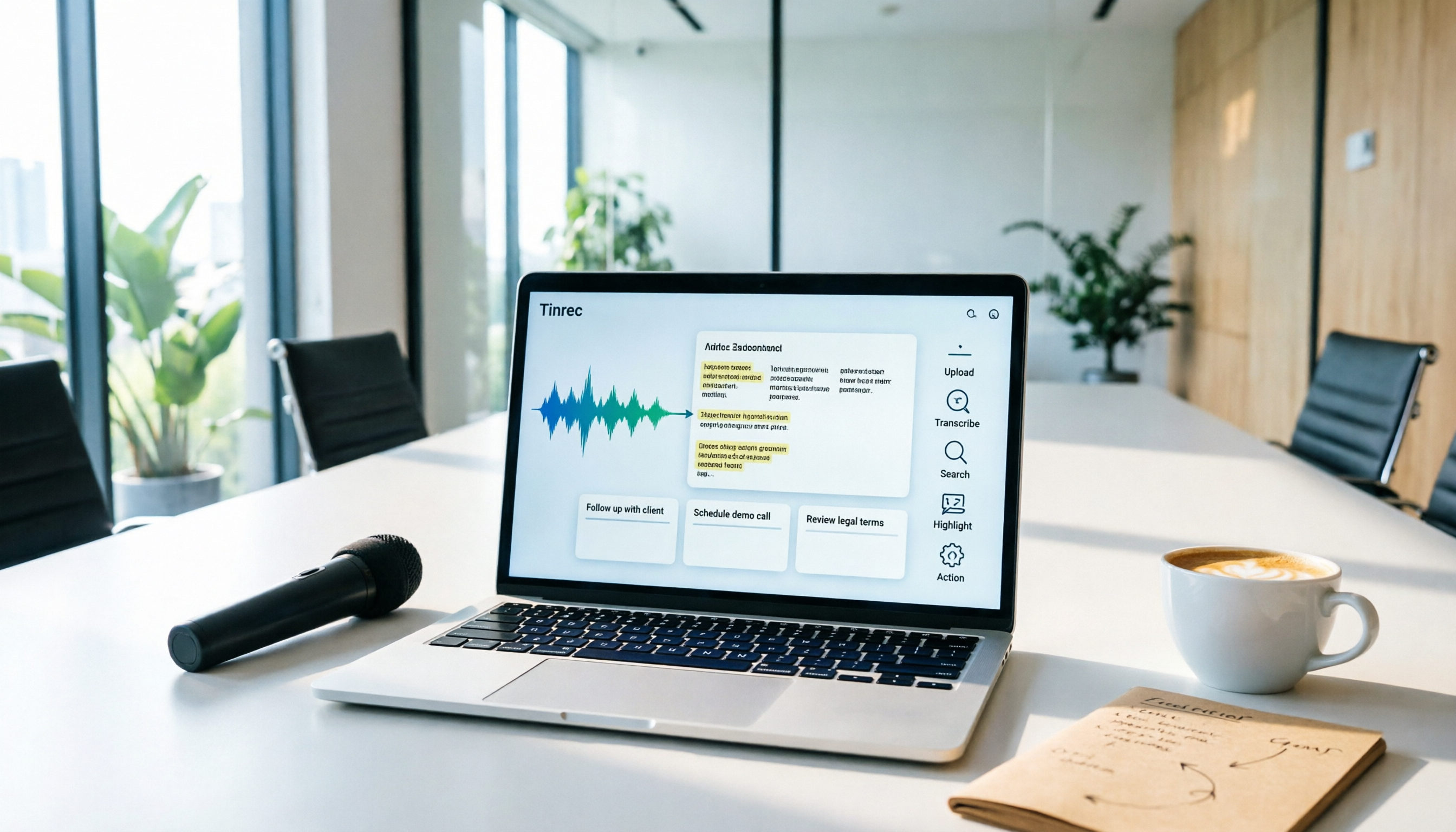
**The real value comes after transcription.** After uploading an interview recording, it produces a transcript and also organizes a summary, chapters, and key points; the "who is responsible for what and when it's due" mentioned in the meeting is extracted as action items. Previously, I had to scan the transcript from start to finish to find conclusions; now I look at the summary first to locate them, then click back to the transcript to compare with the original words.
**AI Q&A is its most distinctive feature.** After the data is in, you can directly ask it "What were the client's concerns about pricing?" or "Did the participants reach a consensus on the launch date?" It doesn't give you a list of keyword search results; it reads the entire content and answers, guiding you back to the corresponding paragraph. For a one-hour meeting, the time saved by this feature often exceeds that of transcription itself.
**Meeting sources are also covered more comprehensively.** Besides uploading audio files, the Tinrec desktop version can directly capture your computer's system audio, handling online meetings like Zoom, Google Meet, Microsoft Teams, and Webex without inviting a meeting bot. This is quite practical for internal and client meetings—no need to explain to the other party that "an AI will join the meeting." Note that it doesn't automatically join all calendar meetings; you still need to open Tinrec and start recording yourself.
**Output and further processing.** Besides transcripts, you can export to Notion, Google Docs, OneNote, or Dropbox for further editing, or use Agent post-processing to generate reports, tables, and meeting minutes.
Stop organizing recordings by hand
Upload audio or video and automatically get a transcript, summary, and action items
Three Clear Advantages
- **Comprehensive post-transcription organization.** Summaries, chapters, action items, and mind maps are all provided at once, so you don't need to move text to another AI tool for processing.
- **Chinese and mixed Chinese-English meetings are its home turf.** It supports multilingual transcription, real-time translation, and bilingual comparison. Teams can also maintain custom vocabulary to improve recognition of their product names and jargon.
- **The team version keeps data within the team.** Independent team spaces, separate management of roles and seats, usage analytics, audit logs, audio recycle bin (30-day retention), and team custom vocabulary. When a member leaves, data is handed over to other members and not taken away personally.
Things to Note
The free version offers a basic quota, suitable for running a few of your own recordings to confirm effectiveness; if you have many meetings every week, you'll need a paid plan. Also, the team version is priced per paid seat, not "multiple people sharing one account."
Team version pricing is currently USD 29.80 per paid seat per month, or USD 199 per paid seat per year (approximately USD 16.58 per month), with each paid seat providing 2,000 minutes of shared team import quota per month; eligible first-time team trials are 7 days, 1 free seat, and 300 minutes of shared import quota. Under an active plan and seats, real-time recording is currently not deducted by minutes. Actual prices and benefits are subject to the official purchase page.
Who It's For
People who frequently handle Chinese meetings and interviews, want to get summaries and action items directly after transcription, or need to turn meeting data into team assets.
Besides Tinrec, What Other Options Are There?
Notta: The competitor with the highest overlap with Tinrec, offering multi-platform transcription, meeting notes, translation, and team plans. Note that the free version gives 120 minutes per month with a maximum of 3 minutes per upload—a 40-minute interview would need to be uploaded in many parts. Pro annual is about USD 8.17 per month (1,800 minutes per month), and Business is about USD 16.67 per seat per month. Its team permissions and usage reports are good, but Tinrec focuses more on post-meeting follow-up depth and team data retention.
TurboScribe: Essentially a cost-effective file transcription tool, strong in long files and batch processing. The free version allows 3 files per day with a 30-minute limit per file; Unlimited annual is USD 120 (about USD 10 per month), with a maximum of 10 hours or 5 GB per file and up to 50 files per upload. If you have dozens of historical recordings to clear at once, it's a great deal; but it lacks bot-free real-time meeting recording and team space/seat governance.
Otter.ai: A mature choice for English meetings. Basic free gives 300 minutes per month, and Pro annual is about USD 8.49 per user per month. It supports meeting bots and desktop, and has AI Chat and team management. However, its home turf is English business meetings; Chinese and mixed Chinese-English performance is not its selling point—if your recordings are mainly in Chinese, consider this.
Pitfall Guide: The 4 Most Common Mistakes
Pitfall 1: Only looking at advertised accuracy rates. Most tools can quote high numbers, but those are measured in quiet recording studios. Real meetings have air conditioning noise, keyboard sounds, people talking over each other, and jargon—that's where the gap appears. Try a free test with your own recording; you'll know in five minutes if it suits you.
Pitfall 2: Treating the transcript as the end goal. Getting an 8,000-word transcript is actually similar to the trouble of having the audio file—you still don't want to read it. If a tool only gives you text without summaries, chapters, and action items, you're only using a third of its capability.
Pitfall 3: Ignoring how the free tier is calculated. "120 minutes per month" and "3 minutes per upload" are two completely different things. The former is a quota issue; the latter is a workflow issue—you have to split the audio into several parts before uploading, and this step alone discourages many people.
Pitfall 4: Not thinking about data ownership. For personal use, it's not a big issue, but for teams it's very different. Meeting data stored in personal accounts can cause problems when someone leaves, changes departments, or the account is deactivated. When choosing a team plan, be sure to ask: data ownership, handover after a member leaves, and who has permission to modify the content.
One more reminder: recording and transcription involve personal data. Inform participants and obtain consent before recording—this is basic courtesy and may also relate to local regulations.
Conclusion: Which One Should You Choose?
Many Chinese meetings, want summaries and action items directly after transcription → Tinrec. Transcription, summaries, action items, and Q&A are a complete workflow, no need to piece things together.
Want to ask follow-up questions after recording without re-listening to the whole meeting → Tinrec. AI Q&A can ask questions about a single meeting or across meetings, which is rare in this price range.
Need to handle Zoom, Meet, Teams without inviting a bot → Tinrec desktop version. Directly captures system audio, so participants won't see an extra AI participant.
Meeting data should stay with the team, members may change → Tinrec team version. Roles, seats, usage, and audits are managed separately, and data belongs to the team.
Dozens of historical recordings to clear at once → TurboScribe. Long files and batch processing are indeed cost-effective; that's its home turf.
Recordings are mainly English business meetings → Otter.ai. Free 300 minutes per month, mature English experience.
Simply put, ask yourself one thing first: do you want a transcript, or data you can directly use for meetings, assignments, and delivery? If it's the latter, I suggest running a free trial with your own recording first, and consider upgrading only if it suits you—no need to pay upfront.
References
- Tested 4 Best Online Speech-to-Text Tools: Free Instant Transcription of Audio Files
- How to Convert Speech to Text Files? Selected Practical Tools and Detailed Operation Tutorial - UpToGo
- 2025 Recommended 6 Speech-to-Text Tools: Free Online Conversion of Audio Files to Text!
- How to Convert Audio Files to Text? Time-Saving AI Transcription Tips and Tool Recommendations - UpToGo
- Transcribe your recordings | Microsoft Support
Turn every recording into actionable outcomes
Get 60 free transcription minutes when you sign in. No credit card required.
Related Reading
You might also like

2 iPhone WhatsApp Voice-to-Text Methods Tested in 2026: Built-in Transcription vs. Tinrec — Which Should You Choose?
WhatsApp voice-to-text on iPhone doesn't always work with a simple tap—system version, Siri, and language packs are three common stumbling blocks. This article tests two approaches: built-in transcription and Tinrec, comparing language support, workflow, post-transcription usability, and team data retention to help you decide which one fits your situation.

4 LINE Voice-to-Text Tools Tested and Compared for 2026: The Easiest Way to Convert Voice Messages and Call Recordings
LINE does not have a built-in voice message-to-text feature. Most people get stuck not because they can't find a tool, but because they start off in the wrong direction. This article first clarifies three common misconceptions, then outlines the positioning, pricing, and limitations of four tools: Tinrec, Yating Transcription, Whisper, and Plaud. It also provides selection advice based on scenarios such as 'only a few voice messages,' 'daily meetings,' and 'often on the go.'

2026 Complete Guide to Word Voice Input: How to Use Built-in Dictation, Its Limits, and How to Choose for Meetings
Can Word do voice input? Yes—Microsoft Word has a built-in Dictate feature that supports Chinese too. This complete guide walks you through enabling Word dictation, voice commands, Chinese and English recognition settings, and three practical boundaries for meeting notes. It also compares tools like Tinrec, Otter.ai, and Notta to help you decide when Word is enough and when you need a different approach.
ChatGPT vs Tinrec in 2026: 5-Dimension Comparison — Who Can Actually Handle Audio Uploads?
Can ChatGPT read audio recordings? The answer depends on your plan, app version, and workspace settings. This article breaks down the real boundaries of ChatGPT's recording mode and audio upload, compares it with Tinrec across 5 dimensions, and helps you choose the right tool to turn meeting recordings into searchable, actionable data.

4 iPhone Transcription Tools Tested for 2026: Voice Memos Duration vs. AI Organization—Which Saves More Time?
iPhone Voice Memos has no fixed single-recording limit; the real constraints are storage space and battery. But the pain point comes after recording—re-listening and organizing. This article compares 4 tools in 2026 on recording duration, transcription, AI Q&A, to-dos, and team collaboration, and explains the ideal use cases and pricing checkpoints for Tinrec, Notta, Otter.ai, and TurboScribe.

4 Free Audio-to-Transcript Tools Tested for 2026: Whose Free Tier Actually Holds Up?
A breakdown of four free ways to turn recordings into transcripts: Tinrec, Google AI Studio, ChatGPT Work, and iPhone Voice Memos. Each entry covers the free scope, step-by-step process, and real limitations, plus a comparison table and selection advice.

ChatGPT vs Tinrec in 2026: A 5-Dimension Comparison — Read Aloud Listening Experience vs. Meeting Documentation
ChatGPT's Read Aloud feature can speak responses in natural-sounding voices, supports multiple languages and background playback, but it reads text it generates itself—not meeting audio turned into deliverable records. This article first clarifies three common misconceptions, then compares ChatGPT and Tinrec across five dimensions for meeting scenarios, with verifiable sources and limitations noted.

2026 Video-to-Text Showdown: 4 Tools Tested for Free Limits, Chinese Accuracy, and Post-Transcription Workflow
Turning video into text is easy; the real challenge is making the output usable. This hands-on comparison tests Tinrec, Vidnoz, VEED, and Google Docs voice typing across input sources, Chinese recognition, post-meeting organization, and team sharing. We also break down four common pitfalls to help you decide which tool suits occasional YouTube transcription and which fits weekly interview and meeting video workflows.

ChatGPT vs Tinrec: AI Meeting Notes Comparison (2026)
How does ChatGPT handle meeting notes, and where does it fall short? This article breaks down the real workflow and limitations of ChatGPT Record, then compares it with Tinrec across six dimensions: Chinese transcription, online meeting recording, post-meeting organization, existing audio files, team collaboration, and pricing. Find out when ChatGPT is enough and when you need a dedicated tool.