

Turn recordings into transcripts and summaries in minutes
Upload audio or video for multilingual transcription, AI notes, and action items
2 iPhone WhatsApp Voice-to-Text Methods Tested in 2026: Built-in Transcription vs. Tinrec — Which Should You Choose?
Many people assume WhatsApp voice-to-text on iPhone is as simple as "long-press and it's there," but in reality, nothing happens when they try.
The three most common stumbling blocks are: an outdated system version, Siri not enabled, and the language pack not downloaded.
There's also a less obvious misconception—getting the text out is only half the battle. What you really want is usually to "understand what the other person said and what needs to be done," not just a block of plain text pasted into the chat.
This article lays out both paths side by side: WhatsApp's built-in transcription and tools like Tinrec that turn recordings into usable data.
WhatsApp Built-in Transcription vs. Tinrec | Quick Overview
WhatsApp's "voice message transcription" is a built-in messaging app feature—long-press a voice message to convert it to text. It's free and requires no additional app installation.
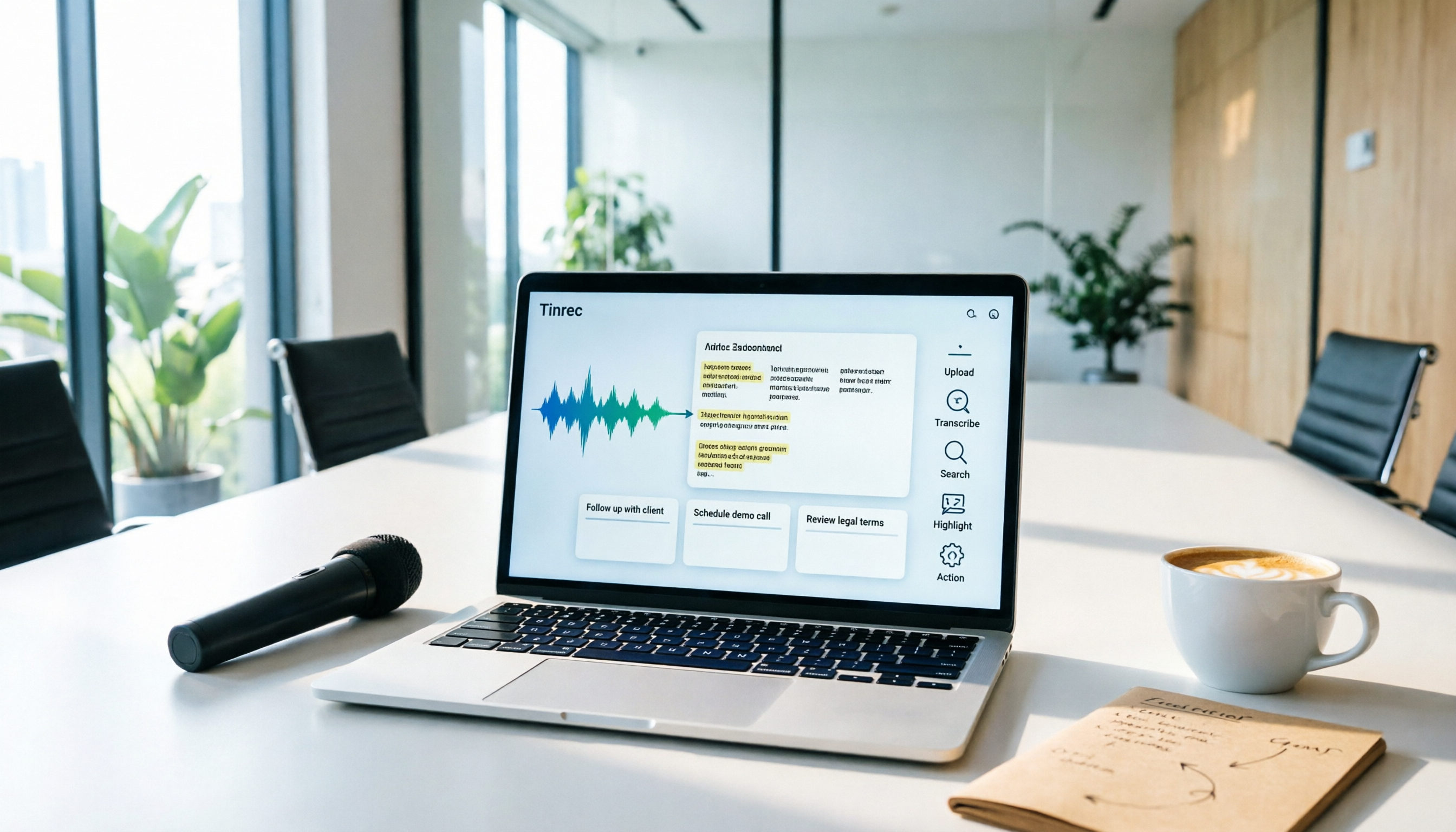
Tinrec (Miao Ting Recording) is an AI meeting notes and collaboration tool that turns recordings into transcripts, summaries, chapters, and action items. It also lets you ask follow-up questions about meeting content and export to your existing workflows.
Key differences:
- Platform: WhatsApp works directly on your phone; Tinrec offers web, desktop, and mobile apps.
- Cost: WhatsApp's built-in feature is free; Tinrec has a free tier to try, with paid plans for advanced and team features.
- Core difference: One turns "a single voice message" into text; the other turns "a whole meeting" into organized data.
Below is a comparison across five dimensions.
Dimension 1 | Language Support: Traditional Chinese and Mixed Languages
WhatsApp's transcription language is selected under "Settings > Chats > Voice Message Transcription." Choose the wrong language and you won't get accurate results.
iPhone offers more language options than Android, which currently supports only a few (English, Spanish, Portuguese, Russian). Cantonese is currently supported only on iPhone, not Android.
Tinrec takes a different approach: Chinese and Traditional Chinese meeting transcription, mixed Chinese-English content, multilingual meeting transcription, and real-time translation during recording with original, translated, or bilingual views. The team edition also includes a hotwords feature for maintaining company-specific terminology.
Note that Tinrec does not guarantee a fixed accuracy rate—recording quality, background noise, accents, and overlapping speakers all affect results.
→ This dimension: Tinrec clearly wins for language flexibility and Chinese-language scenarios.
Dimension 2 | Actual Workflow on iPhone
First, WhatsApp's built-in method:
- Confirm your system is iOS 16 or later and WhatsApp is updated to the latest version.
- Some guides mention that Siri must be enabled first, otherwise transcription gets stuck downloading the language pack.
- Go to "Settings > Chats > Voice Message Transcription," select your language, tap "Set Up Now," and wait for the language pack to download.
- Return to the chat, long-press the voice message, and select "Transcribe to Text."
Now Tinrec's method:
- For online meetings, open the desktop app to capture system audio directly—no bot needs to join the meeting room.
- For in-person interviews or existing recordings, upload the audio file.
- Wait for the transcript to generate, then review the summary, chapters, and action items.
Honestly, if you just need to read a 30-second voice message, WhatsApp's built-in steps are shorter—no app switching required. But if you're dealing with a one-hour meeting or three or four interviews, the time spent separately on transcripts and summaries will eat into your schedule.
→ This dimension: WhatsApp is faster for short voice messages; Tinrec is easier for full meetings—a tie.
Dimension 3 | What You Get After Transcription
WhatsApp's transcribed text appears directly in the chat box and can be copied, forwarded, or deleted like any regular message. That's it.
It won't summarize key points, list action items, or let you ask follow-up questions about the content.
Tinrec adds several layers of processing after transcription: AI summaries, chapter segmentation, key point extraction, action items, mind maps, and AI Q&A around meeting content.
Outputs can also be exported to Notion, Google Docs, OneNote, Dropbox, and other tools for continued use, or processed with an Agent to generate reports, tables, and meeting minutes.
→ This dimension: Tinrec wins for post-transcription usability.
Dimension 4 | Length, Volume, and Reliability
WhatsApp's voice messages are designed for short content—tens of seconds to a few minutes is ideal.
Some users report that transcription doesn't appear immediately and requires waiting; experiences vary across versions and devices.
Stop organizing recordings by hand
Upload audio or video and automatically get a transcript, summary, and action items
Tinrec handles a different scale: real-time recording of full meetings, historical audio files, and video/audio file imports are all within scope. Team paid seats include 2,000 minutes of shared import quota per month, and under an active team plan, real-time recording currently does not deduct minutes.
Also note that Tinrec is not currently suitable as a one-time bulk batch transcription machine—there are more specialized tools for that need.
→ This dimension: Tinrec wins for long meetings and multi-source organization.
Dimension 5 | Team Data Retention and Ownership
WhatsApp voice messages stay in personal chats—if you change phones, change jobs, or the group disbands, finding that recording from three months ago comes down to luck.
Tinrec's team edition follows a team workspace logic: meeting data belongs to the team and can be centrally stored in Audio, Folder, and TODO. Members are invited via join links and assigned as Owner, Admin, or regular Member. Admins can allocate and transfer seats, view usage trends and member rankings, query and export audit logs, and recover accidentally deleted audio from the recycle bin (currently retained for 30 days).
When a member leaves or is removed, their team resources can be handed over to other active members—they won't disappear with the individual account.
Here's a commonly misunderstood point: the team edition distinguishes between "roles" and "seats." Active members without a seat can view, play, and read team data but cannot upload, edit, or export. Also, permissions are currently team-level sharing rather than file-level granular permissions.
Pricing: Team monthly is USD 29.80 per paid seat per month; annual is USD 199 per paid seat per year (about USD 16.58 per month). First-time eligible teams get a 7-day trial, 1 free seat, and 300 minutes of shared team import quota. Actual prices are subject to the official purchase page.
→ This dimension: Tinrec wins for team data retention.
What Unique Advantages Does Each Have?
Tinrec's Unique Advantages
- Desktop app captures system audio directly—record Zoom, Google Meet, Teams, and Webex without inviting a meeting bot.
- After transcription, you get summaries, chapters, action items, Q&A, and Agent post-processing—moving from "recording" to "ready to act."
- Supports real-time translation and bilingual views—no need for separate tools in cross-language meetings.
- Team workspace centrally manages members, roles, seats, usage, and audits, with clear data ownership.
WhatsApp Built-in Transcription's Unique Advantages
- Zero installation, zero cost—the feature is right in the chat app you already use.
- Shortest workflow—just long-press a voice message. Most convenient for occasional, single voice messages.
Conclusion: Which Should You Choose?
- Just want to read a voice message from a friend or colleague → WhatsApp's built-in feature is enough; first check iOS version, Siri, and language pack settings.
- Need Chinese, Traditional Chinese, or mixed Chinese-English meeting transcripts → Tinrec.
- Want summaries, action items, and exportable documents from meetings → Tinrec.
- Want to ask follow-up questions like "What does the client really care about?" after recording → Tinrec.
- Team needs to jointly store meeting data, manage seats, and view usage → Tinrec Team Edition.
In one sentence: use built-in for short voice messages, use Tinrec for full meetings. They don't conflict—many people actually use both.
FAQ
Q1: Why doesn't WhatsApp voice-to-text work on iPhone when I tap it?
Check three things first: whether your system is iOS 16 or later, whether WhatsApp is the latest version, and whether Siri is enabled. Then go to "Settings > Chats > Voice Message Transcription" to confirm the language is selected and the language pack has finished downloading.
Q2: Are Traditional Chinese and Cantonese supported?
iPhone offers more language options than Android. Cantonese is currently supported only on iPhone, not Android. If you frequently need Traditional Chinese meeting notes, it's better to use a tool that supports Chinese meeting transcription rather than relying on a messaging app's built-in feature.
Q3: How accurate is the transcribed text?
It depends on recording clarity, background noise, speaking speed, and accent. In a quiet environment with a single clear speaker, accuracy is usually higher. With overlapping speakers or dense terminology, it's best to cross-check against the original audio.
Q4: Is transcription done in the cloud or on the phone? Does it affect privacy?
According to WhatsApp's official documentation, voice message transcription happens on-device, and the voice messages themselves remain end-to-end encrypted. If you upload audio files to any third-party tool for processing, be sure to check that tool's data handling policy and obtain necessary consent per local regulations.
Q5: Does Tinrec have a free version to try?
Yes, the free version provides basic quota so you can try recording, importing, summaries, and transcription. For short-term intensive use (like courses, interviews, or project sprints), consider a weekly card; for steady weekly use, the Pro monthly card fits; for long-term accumulation of recording data, the annual card is best.
Q6: How is Tinrec different from a meeting bot?
Meeting bots typically join online meetings as a participant. Tinrec's desktop app captures system audio directly—no extra member needs to join—but the user must actively start recording. It won't automatically join all meetings on your calendar.
Q7: Will meeting data be taken away when a team member leaves?
No. Team resources belong to the team. When a member leaves, is removed, or loses their seat, admins can transfer their team resources to other active members. Accidentally deleted audio can be restored from the recycle bin, currently retained for 30 days.
References
- "Latest" WhatsApp Voice-to-Text 2026 Official Method!
- WhatsApp Voice-to-Text New Feature Is Here! See Android and iPhone Setup Methods
- WhatsApp Voice-to-Text Complete Guide: How to Enable and Common Questions – AirDroid
- [Hands-on + Tutorial] WhatsApp Voice Message-to-Text New Feature: No More Listening to Minutes-Long Voice Messages
- WhatsApp Recording Hassle! Simple Tutorial: One Step to Turn Recordings into Text (iOS / Android) - ePrice.HK
Turn every recording into actionable outcomes
Get 60 free transcription minutes when you sign in. No credit card required.
Related Reading
You might also like

4 LINE Voice-to-Text Tools Tested and Compared for 2026: The Easiest Way to Convert Voice Messages and Call Recordings
LINE does not have a built-in voice message-to-text feature. Most people get stuck not because they can't find a tool, but because they start off in the wrong direction. This article first clarifies three common misconceptions, then outlines the positioning, pricing, and limitations of four tools: Tinrec, Yating Transcription, Whisper, and Plaud. It also provides selection advice based on scenarios such as 'only a few voice messages,' 'daily meetings,' and 'often on the go.'

2026 Complete Guide to Word Voice Input: How to Use Built-in Dictation, Its Limits, and How to Choose for Meetings
Can Word do voice input? Yes—Microsoft Word has a built-in Dictate feature that supports Chinese too. This complete guide walks you through enabling Word dictation, voice commands, Chinese and English recognition settings, and three practical boundaries for meeting notes. It also compares tools like Tinrec, Otter.ai, and Notta to help you decide when Word is enough and when you need a different approach.

5 Speech-to-Text Tools Tested and Compared in 2026: Free Tiers and Chinese Recognition — Which One Is Enough?
How can you quickly turn meeting recordings and interview audio into transcripts? Based on real-world use cases, this article compares 5 speech-to-text tools on free tiers, Chinese recognition, post-meeting organization, and team collaboration differences, plus key buying factors and common pitfalls, to help you pick the one that truly saves time.
ChatGPT vs Tinrec in 2026: 5-Dimension Comparison — Who Can Actually Handle Audio Uploads?
Can ChatGPT read audio recordings? The answer depends on your plan, app version, and workspace settings. This article breaks down the real boundaries of ChatGPT's recording mode and audio upload, compares it with Tinrec across 5 dimensions, and helps you choose the right tool to turn meeting recordings into searchable, actionable data.
4 iPhone Transcription Tools Tested for 2026: Voice Memos Duration vs. AI Organization—Which Saves More Time?
iPhone Voice Memos has no fixed single-recording limit; the real constraints are storage space and battery. But the pain point comes after recording—re-listening and organizing. This article compares 4 tools in 2026 on recording duration, transcription, AI Q&A, to-dos, and team collaboration, and explains the ideal use cases and pricing checkpoints for Tinrec, Notta, Otter.ai, and TurboScribe.

4 Free Audio-to-Transcript Tools Tested for 2026: Whose Free Tier Actually Holds Up?
A breakdown of four free ways to turn recordings into transcripts: Tinrec, Google AI Studio, ChatGPT Work, and iPhone Voice Memos. Each entry covers the free scope, step-by-step process, and real limitations, plus a comparison table and selection advice.

ChatGPT vs Tinrec in 2026: A 5-Dimension Comparison — Read Aloud Listening Experience vs. Meeting Documentation
ChatGPT's Read Aloud feature can speak responses in natural-sounding voices, supports multiple languages and background playback, but it reads text it generates itself—not meeting audio turned into deliverable records. This article first clarifies three common misconceptions, then compares ChatGPT and Tinrec across five dimensions for meeting scenarios, with verifiable sources and limitations noted.

2026 Video-to-Text Showdown: 4 Tools Tested for Free Limits, Chinese Accuracy, and Post-Transcription Workflow
Turning video into text is easy; the real challenge is making the output usable. This hands-on comparison tests Tinrec, Vidnoz, VEED, and Google Docs voice typing across input sources, Chinese recognition, post-meeting organization, and team sharing. We also break down four common pitfalls to help you decide which tool suits occasional YouTube transcription and which fits weekly interview and meeting video workflows.

ChatGPT vs Tinrec: AI Meeting Notes Comparison (2026)
How does ChatGPT handle meeting notes, and where does it fall short? This article breaks down the real workflow and limitations of ChatGPT Record, then compares it with Tinrec across six dimensions: Chinese transcription, online meeting recording, post-meeting organization, existing audio files, team collaboration, and pricing. Find out when ChatGPT is enough and when you need a dedicated tool.