

Turn recordings into transcripts and summaries in minutes
Upload audio or video for multilingual transcription, AI notes, and action items
4 LINE Voice-to-Text Tools Tested and Compared for 2026: The Easiest Way to Convert Voice Messages and Call Recordings
Dozens of client voice messages are sitting on your phone, and the only way to find key points is to replay them repeatedly and take notes while listening. This is the daily reality for many office workers.
But honestly, most people get stuck not because they "can't find a tool," but because they start off in the wrong direction.
First, Clarify 3 Common Misconceptions
Misconception 1: Assuming a long-press on a voice message will show "Convert to Text."
LINE does not have a built-in feature to convert voice messages into text. Long-pressing only shows options like save, delete, and reply—there is no transcription.
Misconception 2: Confusing "voice input" with "voice message-to-text."
The microphone icon on the keyboard converts "what you say" into text input in the chat, which is an input method feature. It cannot process "a voice message someone sent to you." These two things are often mixed up.
Misconception 3: Thinking that installing an app will let you record LINE calls directly.
Due to system and privacy restrictions, most apps cannot directly capture the audio of LINE calls. A more practical approach is to use two devices—one for the call and another to record—or use LINE on a computer along with system recording.
The Correct Order of Handling
The only workflow that actually works is: first extract the audio file, then send it to a transcription tool.
A common method is to long-press the voice message → Keep → save to phone → upload to a transcription tool. iOS users can also directly "Share → Save to Files," skipping the Keep step.
Note that LINE's Keep and share features may vary slightly across different versions and systems; the actual screen depends on your phone's LINE version.
Once this is clear, the only remaining question is: Which tool should the audio file be sent to?
Below are four options with different positioning, along with verifiable pricing and limitations.
Table of Contents
- Tinrec: Turn meetings into searchable, collaborative data
- Yating Transcription: Just want a Chinese transcript
- Whisper: A low-cost solution when you have the technical skills
- Plaud Note / NotePin: For hardware recording enthusiasts
- Comparison of 4 tools: Features, pricing, and limitations
- How to choose based on your needs?
1. Tinrec: Turn meetings into searchable, collaborative data
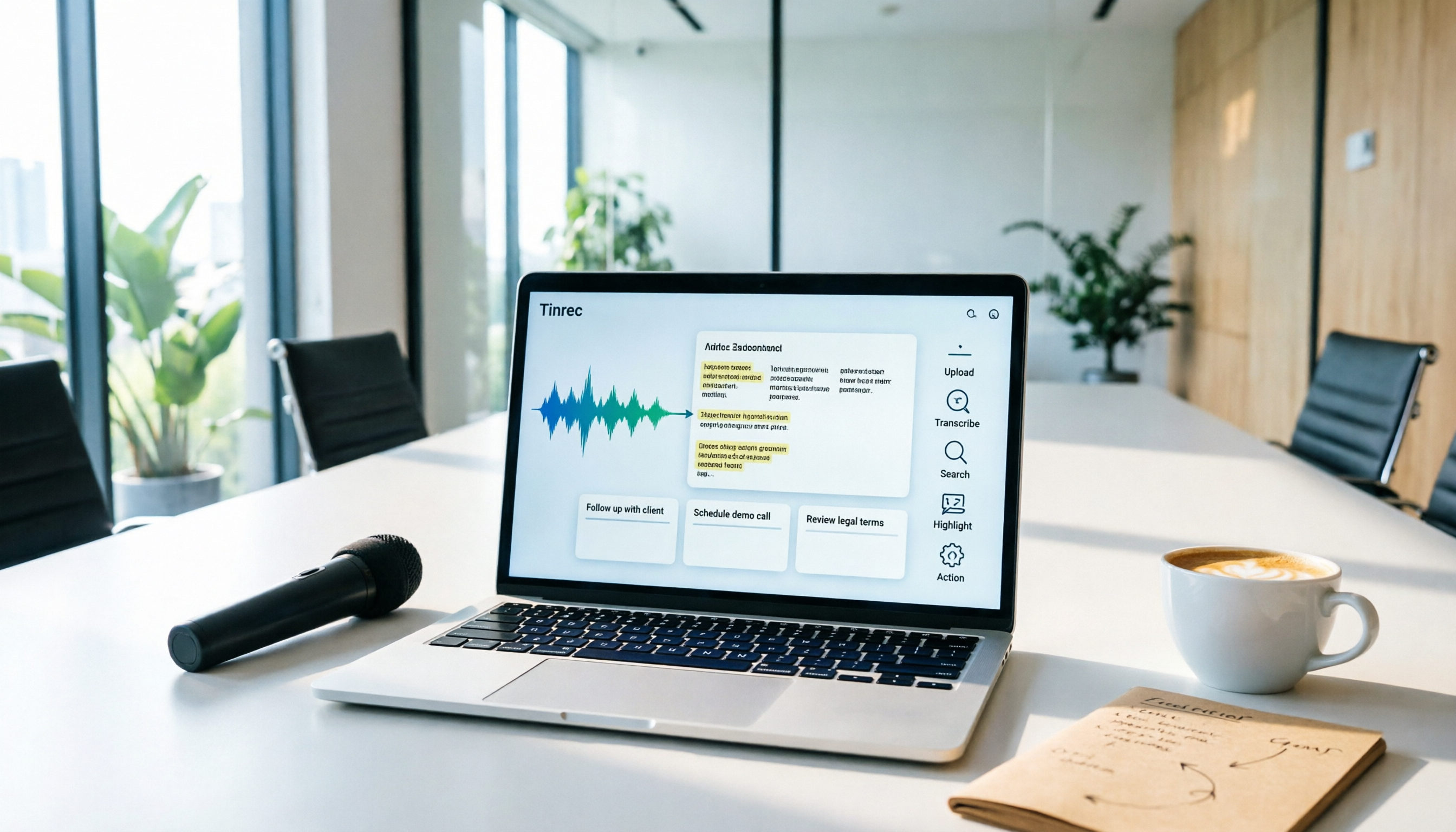
Tinrec is an AI meeting notes and collaboration tool for individuals and teams. It doesn't just convert audio to text; it organizes recordings into searchable, summarizable, queryable, and exportable data.
**Who it's for and use cases:** For people who have weekly online meetings, client interviews, or project discussions and need post-meeting minutes and action items. The desktop version directly captures computer system audio, handling meetings on Zoom, Google Meet, Microsoft Teams, Webex, etc., without the need for an additional meeting bot to join.
**A specific use case:** After transcribing a one-hour weekly meeting recording, it automatically generates summaries, chapters, and action items. You can then ask questions about the content, such as "What is the launch date decided in this meeting?" saving the time of listening through the recording again.
**Free quota and pricing:** The free version offers a basic quota to experience recording, import, summarization, and transcription; advanced plans include weekly, Pro monthly, and Pro annual cards. Specific pricing for the personal version was not available for public verification at the time of writing; please refer to the single page (verified on 2026-08-18).
**Team scenarios:** If meeting data needs to be shared across people, the team version provides a separate space rather than sharing a personal account. The first eligible team trial is 7 days, 1 free seat, and 300 minutes of team shared import quota; team monthly payment is USD 29.80 per paid seat per month, annual payment is USD 199 per paid seat per year (equivalent to about USD 16.58 per month), and each paid seat provides 2,000 minutes of team shared import quota per month. Real-time recording under active seats is currently not deducted by minutes (verified on 2026-08-18; actual terms subject to the purchase page).
**Pros:** The post-transcription workflow is complete—summaries, action items, AI Q&A, multi-format export, and Agent post-processing all in one place.
**Limitations:** Actual transcription performance is affected by recording quality, noise, accents, overlapping speech, and technical terminology. It is not recommended to treat it as "100% accurate, completely replacing manual notes"; important content should still be checked against the original text and recording. Additionally, the team version currently focuses on team-level sharing, not fine-grained file-level permissions.
2. Yating Transcription: Just want a Chinese transcript
**Who it's for and use cases:** For those who only need to turn existing audio files into a Chinese transcript and do not need summaries or team collaboration.
**Main features:** Upload an audio file and get a transcript. It is one of the options often mentioned by Taiwanese users when handling LINE voice messages.
**Free quota and pricing:** To be confirmed. This article did not obtain verifiable current plan details; please check the official website before use (verified on 2026-08-18).
Stop organizing recordings by hand
Upload audio or video and automatically get a transcript, summary, and action items
**Pros:** The process is relatively simple—just extract the audio file and upload it.
**Limitations:** It is essentially "file-to-transcript" and does not handle real-time meetings; you must first complete the step of extracting the audio file before you can use it.
3. Whisper: A low-cost solution when you have the technical skills
**Who it's for and use cases:** Users with basic technical skills, a large number of long audio files, and a desire to control costs.
**Main features:** An open-source speech recognition model released by OpenAI. You can set up your own environment or use it through third-party interfaces. It supports multilingual recognition and can run offline.
**Free quota and pricing:** The model itself is open-source and free to use, but you need to provide your own execution environment; if using a third-party interface, fees are according to each provider's announcement.
**Pros:** High flexibility for processing long audio files and batch files, not bound by a single service's upload limits.
**Limitations:** No post-processing such as summaries, action items, or Q&A, and it won't manage team data for you; installation and parameter settings pose a barrier for the average office worker.
4. Plaud Note / NotePin: For hardware recording enthusiasts
**Who it's for and use cases:** People who are often on the go, need to record physical conversations or phone calls, and don't want to rely solely on their phone.
**Main features:** Records with independent hardware and works with an app to produce transcripts and summaries.
**Pricing:** The official website shows NotePin USD 159, Note Pro USD 189; membership plans: Starter 300 minutes per month, Pro USD 99.99 per year (1,200 minutes per month), Unlimited USD 239.99 per year (verified on 2026-08-18; subject to official page).
**Pros:** The mobility of physical recording is unmatched by pure software solutions, suitable for interviews, visits, and phone call recording.
**Limitations:** Requires purchasing additional equipment, which means extra hardware expenses and carrying burden.
Comparison of 4 Tools: Features, Pricing, and Limitations
| Tool | Suitable Scenarios | Main Features | Pricing/Free Quota | Main Limitations |
|---|---|---|---|---|
| Tinrec | Chinese meetings, online meetings, post-meeting organization | Real-time recording to text, bot-free meeting recording, AI summaries/chapters/action items, AI Q&A, multi-format export | Free version for basic quota; weekly/Pro monthly/annual cards; team version USD 29.80/seat/month, USD 199/seat/year (verified 2026-08-18) | Personal pricing on official website; no guaranteed fixed accuracy rate |
| Yating Transcription | Pure upload of audio files for Chinese transcripts | Audio file to transcript | To be confirmed | Requires extracting audio first; does not handle real-time meetings |
| Whisper | Good technical skills, large long audio files | Open-source speech recognition model | Model open-source and free; requires own environment | Requires self-installation and setup; no summaries or team features |
| Plaud Note / NotePin | On-the-go recording, phone call recording | Hardware recording + app transcription | NotePin USD 159, Note Pro USD 189; Pro membership USD 99.99/year (verified 2026-08-18) | Requires additional hardware purchase |
How to Choose Based on Your Needs?
- **Only occasionally have a few LINE voice messages to handle:** Start with a free plan. Extract the audio file, upload and transcribe once, confirm that the Chinese recognition quality meets your needs, then consider paying.
- **Daily meetings, need post-meeting minutes and action items:** A tool like Tinrec that extends transcription to summaries, Q&A, and export is more suitable, because the value of a meeting usually lies in "how it is used afterward," not just the transcript.
- **Have a large number of long audio files and technical background:** Whisper offers better flexibility and cost-effectiveness, at the expense of handling the environment and workflow yourself.
- **Often on the go, need to record physical conversations or phone calls:** Hardware solutions like Plaud offer the best mobility, provided you are willing to carry an extra device.
- **Team needs to share meeting data:** Prioritize checking the tool's member, role, and seat design, rather than just looking at the price.
Conclusion
The bottleneck in LINE voice-to-text is usually not the tool itself, but "first understanding what LINE can and cannot do."
Extract the audio file first, then choose a tool—getting the order right will save a lot of time on repeated attempts.
It is recommended to try a round with the actual voice messages you have on hand, because everyone's recording quality, accent, and technical terminology are different; what works well for others may not be as smooth for you.
This article is a compilation of tools and public information and does not involve brand collaboration; third-party products and prices mentioned are subject to their official pages, and actual plans may change at any time.
Frequently Asked Questions
Q1: Does LINE really have no built-in voice-to-text at all?
As of the current version, LINE does not have a feature to convert "received voice messages" into text. The microphone on the keyboard converts your voice into input text, which is a different target.
Q2: Can I directly transcribe LINE calls?
Most apps cannot directly capture the audio of LINE calls. In practice, it is recommended to use two devices, or use LINE on a computer with system recording, and then send it for transcription.
Q3: Can the transcribed text be pasted back into LINE?
Yes. The transcribed content is plain text; simply copy and paste it into the chat window.
Q4: Is the free version enough?
It depends on usage frequency. For occasional handling of a few voice messages, the free quota is usually sufficient; only when you have daily meetings and need extensive transcription and summaries will you hit the quota limit.
Q5: Can transcription accuracy be guaranteed?
It is not recommended to expect that. Accuracy is affected by recording quality, noise, accents, overlapping speech, and technical terminology. For important content, it is advisable to check against the original text and recording.
Q6: What should I pay attention to before recording?
Recording and transcription involve others' conversation content; please comply with local regulations and obtain consent when necessary.
References
- Can LINE voice be converted to text? 2026 efficient audio-to-text tool recommendations and comparison - Tinrec Blog
- LINE Voice-to-Text Tutorial (2026) | Voice messages and call recordings can both be converted
- No need to type painfully, voice-to-text is the most effortless! 5 must-learn LINE tips | 50+
- How to convert LINE voice messages to text? One article explains it all!
- LINE voice download, LINE voice to text [Ultimate Guide]
Turn every recording into actionable outcomes
Get 60 free transcription minutes when you sign in. No credit card required.
Related Reading
You might also like

2 iPhone WhatsApp Voice-to-Text Methods Tested in 2026: Built-in Transcription vs. Tinrec — Which Should You Choose?
WhatsApp voice-to-text on iPhone doesn't always work with a simple tap—system version, Siri, and language packs are three common stumbling blocks. This article tests two approaches: built-in transcription and Tinrec, comparing language support, workflow, post-transcription usability, and team data retention to help you decide which one fits your situation.

2026 Complete Guide to Word Voice Input: How to Use Built-in Dictation, Its Limits, and How to Choose for Meetings
Can Word do voice input? Yes—Microsoft Word has a built-in Dictate feature that supports Chinese too. This complete guide walks you through enabling Word dictation, voice commands, Chinese and English recognition settings, and three practical boundaries for meeting notes. It also compares tools like Tinrec, Otter.ai, and Notta to help you decide when Word is enough and when you need a different approach.

5 Speech-to-Text Tools Tested and Compared in 2026: Free Tiers and Chinese Recognition — Which One Is Enough?
How can you quickly turn meeting recordings and interview audio into transcripts? Based on real-world use cases, this article compares 5 speech-to-text tools on free tiers, Chinese recognition, post-meeting organization, and team collaboration differences, plus key buying factors and common pitfalls, to help you pick the one that truly saves time.
ChatGPT vs Tinrec in 2026: 5-Dimension Comparison — Who Can Actually Handle Audio Uploads?
Can ChatGPT read audio recordings? The answer depends on your plan, app version, and workspace settings. This article breaks down the real boundaries of ChatGPT's recording mode and audio upload, compares it with Tinrec across 5 dimensions, and helps you choose the right tool to turn meeting recordings into searchable, actionable data.

4 iPhone Transcription Tools Tested for 2026: Voice Memos Duration vs. AI Organization—Which Saves More Time?
iPhone Voice Memos has no fixed single-recording limit; the real constraints are storage space and battery. But the pain point comes after recording—re-listening and organizing. This article compares 4 tools in 2026 on recording duration, transcription, AI Q&A, to-dos, and team collaboration, and explains the ideal use cases and pricing checkpoints for Tinrec, Notta, Otter.ai, and TurboScribe.

4 Free Audio-to-Transcript Tools Tested for 2026: Whose Free Tier Actually Holds Up?
A breakdown of four free ways to turn recordings into transcripts: Tinrec, Google AI Studio, ChatGPT Work, and iPhone Voice Memos. Each entry covers the free scope, step-by-step process, and real limitations, plus a comparison table and selection advice.

ChatGPT vs Tinrec in 2026: A 5-Dimension Comparison — Read Aloud Listening Experience vs. Meeting Documentation
ChatGPT's Read Aloud feature can speak responses in natural-sounding voices, supports multiple languages and background playback, but it reads text it generates itself—not meeting audio turned into deliverable records. This article first clarifies three common misconceptions, then compares ChatGPT and Tinrec across five dimensions for meeting scenarios, with verifiable sources and limitations noted.

2026 Video-to-Text Showdown: 4 Tools Tested for Free Limits, Chinese Accuracy, and Post-Transcription Workflow
Turning video into text is easy; the real challenge is making the output usable. This hands-on comparison tests Tinrec, Vidnoz, VEED, and Google Docs voice typing across input sources, Chinese recognition, post-meeting organization, and team sharing. We also break down four common pitfalls to help you decide which tool suits occasional YouTube transcription and which fits weekly interview and meeting video workflows.

ChatGPT vs Tinrec: AI Meeting Notes Comparison (2026)
How does ChatGPT handle meeting notes, and where does it fall short? This article breaks down the real workflow and limitations of ChatGPT Record, then compares it with Tinrec across six dimensions: Chinese transcription, online meeting recording, post-meeting organization, existing audio files, team collaboration, and pricing. Find out when ChatGPT is enough and when you need a dedicated tool.