
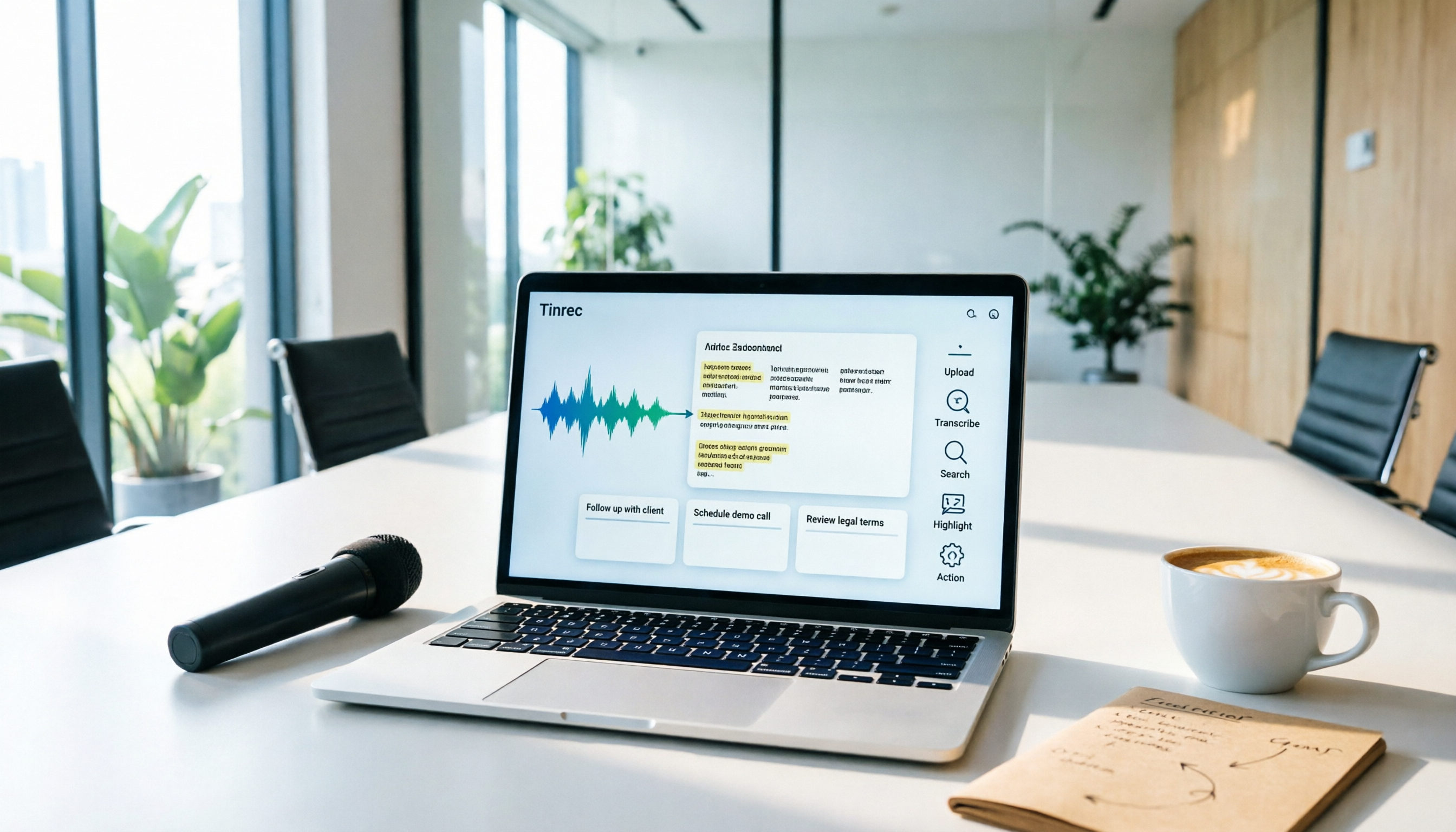
Turn recordings into transcripts and summaries in minutes
Upload audio or video for multilingual transcription, AI notes, and action items
ChatGPT vs Tinrec in 2026: 5-Dimension Comparison — Who Can Actually Handle Audio Uploads?
"Help me turn this recording into meeting notes" — You uploaded it three times, but ChatGPT still can't read it
After a 50-minute client meeting, the recording sits quietly on your phone. You know it contains decisions, quotes, and who agreed to what, but you'd have to listen again to find that one sentence. So you drop the file into ChatGPT, hoping it will organize things for you.
Two outcomes are possible. Some people succeed on the first try, getting a transcript and summary. Others get "I can't read audio" or are asked to shorten the file or change the format and try again. Same question, two different answers — and you start to wonder if you did something wrong.
The problem usually isn't you. ChatGPT's audio capabilities follow two completely different paths, and support varies by plan, version, and workspace settings. Get the path wrong, and you'll fail ten times over.
Before You Get an Answer, Understand These 5 Dimensions
Dimension 1: Live recording vs. uploading an existing file? ChatGPT's "record mode" uses your microphone to record live, automatically generating notes and a transcript — great for capturing things on the spot. But an mp3 or m4a file you already have falls under audio upload, which is a separate feature. They're not the same thing, and whether and how you can use them differs.
Dimension 2: Format and file size. Audio upload currently has a 512MB per-file limit. Note that if a WebM or MP4 is classified as "video" rather than pure audio, it can't be processed through audio upload. Very long recordings may also fail due to processing time.
Dimension 3: Your plan and workspace settings. Audio upload is currently available for paid subscriptions and workspaces; free plans don't support it yet. As for record mode, it's off by default in Enterprise and Edu workspaces and must be enabled by the workspace owner under "Settings" → "Workspace controls." The macOS desktop app also needs to be updated to the latest version and signed in to a supported plan. If you don't see the feature, it's not necessarily user error.
Dimension 4: After transcription, can you use it directly? A transcript is just the starting point. Most people really want summaries, decision points, action items, and the ability to ask follow-up questions like "What budget did the client mention last week?" This layer is where tools differ the most.
Dimension 5: How do you manage it at the team level? An individual recording on their phone and a department needing to collectively build a meeting knowledge base are two different needs. The latter involves data ownership, member permissions, usage, and audit logs — areas where general-purpose chat tools typically aren't strong.
Tinrec — Turn Recordings into Meeting Data You Can Query
Tinrec is an AI meeting notes and collaboration tool for individuals and teams, available on iOS, Android, desktop, and web. It's not about "recording" but about "what to do after recording."
During the meeting: No bot to invite. The desktop version captures system audio directly, handling online meetings on Zoom, Google Meet, Microsoft Teams, Webex, and more without an extra meeting bot joining as a participant. This is especially practical for external client meetings — you don't have to explain "why there's an extra account in the meeting room." For in-person meetings, use live recording to transcribe as you go; the transcript is running while the meeting is still happening.
After the meeting: Summary, chapters, and action items all at once. When you finish, the system generates an AI summary, chapters, and key points, and extracts action items from the discussion. For multilingual meetings, you can enable real-time translation and view it in original, translated, or bilingual mode. If you have historical recordings or interview videos, you can import audio/video files directly for transcription without needing another tool to convert formats first.
Post-meeting queries: This is the biggest difference from ordinary transcription tools. You can continue asking questions about the meeting content, such as "What risks were raised in this meeting?" It answers based on the content rather than dumping a bunch of keyword search results on you. You can then use Agent post-processing to generate reports, tables, and documents, or export to Notion, Google Docs, OneNote, or Dropbox for further work.
Stop organizing recordings by hand
Upload audio or video and automatically get a transcript, summary, and action items
Team scenarios: Meeting data belongs to the team. The team edition is a separate collaboration space, not a shared personal account. It supports creating multiple team spaces, inviting members via join links, and distinguishing three roles: owner, admin, and regular member. Here's a common point of confusion: roles govern governance permissions, while seats govern usage eligibility. Valid members without a seat can still view, play, and read team data, but cannot upload, edit, or import/export. There are also team usage trends and member details, team hotwords (to improve recognition of technical terms), audit log search and export, and an audio recycle bin (recoverable before permanent deletion). When a member leaves or is removed, their team resources are transferred to other valid members — data doesn't leave with the person.
Pricing: The team edition is currently USD 29.80 per paid seat per month, or USD 199 per paid seat per year (about USD 16.58/month). Eligible teams can get a 7-day trial, 1 free seat, and 300 minutes of shared team import quota on first use; paid seats include 2,000 minutes of shared team import quota per month. Under an active team plan and active seats, live recording currently does not deduct minutes; file and web imports use the shared team quota. Actual prices and benefits are subject to the official purchase page.
Limitations, too, must be clear. Tinrec does not promise a fixed accuracy rate; actual performance depends on recording quality, ambient noise, accents, overlapping speakers, and technical terminology. For important content, we recommend cross-checking with transcript timestamps and audio playback. Also, it requires you to actively start recording — it's not a solution that automatically joins all calendar meetings.
Who is it for? People who frequently hold online meetings, don't want bots joining, need Chinese and multilingual meeting notes, and want to use AI to find key points directly after the meeting. If an entire team needs to build a meeting asset base, the team edition's spaces, seats, and audit features are far more practical than personal tools.
Besides Tinrec, What Other Options Are There?
ChatGPT: Most convenient, but recording isn't its main job. If you're already a paid subscriber, using record mode to capture a voice memo, or using audio upload to request a transcript, summary, or find specific content in a recording, is the quickest way to get started. The gap: its audio capabilities depend on plan, app version, and workspace settings; record mode is off by default in Enterprise and Edu and must be enabled by an admin; and it has no concept of a team meeting database — recording-related content is scattered across conversations, with no seat, usage, or audit governance. Suitable for people who occasionally handle one or two recordings and don't need team-level knowledge retention.
Otter.ai: A veteran choice for English meetings. The Basic free plan offers 300 minutes per month; Pro annual billing is about USD 8.49 per user per month, including 1,200 minutes of in-app recording per month. It's highly mature for English business meetings, but Chinese and multilingual meetings aren't its strong suit. If 90% of your recordings are in English, it's a reasonable option; if you need Chinese meetings, bot-free desktop recording, post-meeting outputs, and team spaces, Tinrec is a better fit.
Pitfall Guide: The 4 Most Common Mistakes When Choosing an Audio Transcription Tool
Pitfall 1: Assuming "the feature exists" means "your account can definitely use it." Many tools roll out features gradually. If you don't see a button, first check your plan, app version, and workspace settings before concluding the tool is broken.
Pitfall 2: Only asking "Can it transcribe?" and not "What happens after transcription?" If you still have to read the entire transcript yourself to find decision points, you've only saved typing time, not organizing time. When choosing a tool, look directly at its summarization, action item, and query capabilities.
Pitfall 3: Treating live recording and file upload as the same thing. One is recording on the spot; the other is adding later. If you often receive other people's recording files, confirm the tool supports file import; if you mainly record your own meetings, live recording is the priority.
Pitfall 4: Teams sharing meeting data through personal accounts. It seems convenient short-term, but problems arise long-term: unclear data ownership, files disappearing when members leave, and no one knowing who used how much quota. This is why team editions distinguish roles and seats.
Conclusion: Which One Should You Choose?
- Only occasionally transcribe a recording and already a ChatGPT paid subscriber → Start with ChatGPT, but confirm your plan and version first.
- Frequently hold Zoom, Meet, or Teams meetings and don't want a bot joining → Tinrec desktop's bot-free recording.
- Need summaries and action items after meetings, and want to ask follow-up questions directly → Tinrec's AI Q&A and Agent post-processing.
- Need to use across phone, computer, and web → Tinrec's multi-platform coverage.
- Team needs to collectively build meeting data and manage seats and usage → Tinrec team edition.
- Meeting content is almost entirely in English and budget is a priority → Otter.ai remains a reasonable choice.
We suggest trying it with the most difficult recording you have on hand. The free plan quota is enough for two or three meetings — first confirm whether the transcription quality and post-meeting workflow suit you, then decide whether to upgrade to a paid plan.
References
Turn every recording into actionable outcomes
Get 60 free transcription minutes when you sign in. No credit card required.
Related Reading
You might also like

2 iPhone WhatsApp Voice-to-Text Methods Tested in 2026: Built-in Transcription vs. Tinrec — Which Should You Choose?
WhatsApp voice-to-text on iPhone doesn't always work with a simple tap—system version, Siri, and language packs are three common stumbling blocks. This article tests two approaches: built-in transcription and Tinrec, comparing language support, workflow, post-transcription usability, and team data retention to help you decide which one fits your situation.

4 LINE Voice-to-Text Tools Tested and Compared for 2026: The Easiest Way to Convert Voice Messages and Call Recordings
LINE does not have a built-in voice message-to-text feature. Most people get stuck not because they can't find a tool, but because they start off in the wrong direction. This article first clarifies three common misconceptions, then outlines the positioning, pricing, and limitations of four tools: Tinrec, Yating Transcription, Whisper, and Plaud. It also provides selection advice based on scenarios such as 'only a few voice messages,' 'daily meetings,' and 'often on the go.'

2026 Complete Guide to Word Voice Input: How to Use Built-in Dictation, Its Limits, and How to Choose for Meetings
Can Word do voice input? Yes—Microsoft Word has a built-in Dictate feature that supports Chinese too. This complete guide walks you through enabling Word dictation, voice commands, Chinese and English recognition settings, and three practical boundaries for meeting notes. It also compares tools like Tinrec, Otter.ai, and Notta to help you decide when Word is enough and when you need a different approach.

5 Speech-to-Text Tools Tested and Compared in 2026: Free Tiers and Chinese Recognition — Which One Is Enough?
How can you quickly turn meeting recordings and interview audio into transcripts? Based on real-world use cases, this article compares 5 speech-to-text tools on free tiers, Chinese recognition, post-meeting organization, and team collaboration differences, plus key buying factors and common pitfalls, to help you pick the one that truly saves time.

4 iPhone Transcription Tools Tested for 2026: Voice Memos Duration vs. AI Organization—Which Saves More Time?
iPhone Voice Memos has no fixed single-recording limit; the real constraints are storage space and battery. But the pain point comes after recording—re-listening and organizing. This article compares 4 tools in 2026 on recording duration, transcription, AI Q&A, to-dos, and team collaboration, and explains the ideal use cases and pricing checkpoints for Tinrec, Notta, Otter.ai, and TurboScribe.

4 Free Audio-to-Transcript Tools Tested for 2026: Whose Free Tier Actually Holds Up?
A breakdown of four free ways to turn recordings into transcripts: Tinrec, Google AI Studio, ChatGPT Work, and iPhone Voice Memos. Each entry covers the free scope, step-by-step process, and real limitations, plus a comparison table and selection advice.

ChatGPT vs Tinrec in 2026: A 5-Dimension Comparison — Read Aloud Listening Experience vs. Meeting Documentation
ChatGPT's Read Aloud feature can speak responses in natural-sounding voices, supports multiple languages and background playback, but it reads text it generates itself—not meeting audio turned into deliverable records. This article first clarifies three common misconceptions, then compares ChatGPT and Tinrec across five dimensions for meeting scenarios, with verifiable sources and limitations noted.

2026 Video-to-Text Showdown: 4 Tools Tested for Free Limits, Chinese Accuracy, and Post-Transcription Workflow
Turning video into text is easy; the real challenge is making the output usable. This hands-on comparison tests Tinrec, Vidnoz, VEED, and Google Docs voice typing across input sources, Chinese recognition, post-meeting organization, and team sharing. We also break down four common pitfalls to help you decide which tool suits occasional YouTube transcription and which fits weekly interview and meeting video workflows.

ChatGPT vs Tinrec: AI Meeting Notes Comparison (2026)
How does ChatGPT handle meeting notes, and where does it fall short? This article breaks down the real workflow and limitations of ChatGPT Record, then compares it with Tinrec across six dimensions: Chinese transcription, online meeting recording, post-meeting organization, existing audio files, team collaboration, and pricing. Find out when ChatGPT is enough and when you need a dedicated tool.