

Turn recordings into transcripts and summaries in minutes
Upload audio or video for multilingual transcription, AI notes, and action items
That Wednesday afternoon meeting: you recorded 50 minutes—now what?
The meeting ends, and the recording sits quietly on your phone. To submit minutes, you have to play it from the beginning, typing as you listen, and rewinding whenever something is unclear.
Turning a 50-minute recording into a presentable record usually takes 1 to 2 hours. And this happens several times a week.
Actually, iPhone has had a built-in transcription feature since iOS 18. Many people open Voice Memos for the first time but can't find the button, or tap it and nothing happens—because the language module hasn't been downloaded yet.
This article lays out four approaches: iPhone built-in, Otter.ai, Notta, and Tinrec (MiaoTing Recording), which I'm currently using. Bottom line first: if your recordings are only for 'a quick look afterward,' the built-in is enough; if you need meeting minutes you can hand off directly, you need to step up a level.
Before choosing a tool, understand these 4 key points
1. Where your audio comes from
In-person recording, holding your phone near the speaker, or online meetings played through computer speakers—these three sources require completely different tools. Many people buy a transcription tool only to find it can't capture Zoom audio.
That's the first thing I look at when choosing a tool: can it handle phone recordings, computer meetings, and existing audio files simultaneously? Tinrec is one of the few that covers all three sources.
2. Do you want a transcript or a usable record?
If you just want to know what the other person said, a transcript is enough. But if you need to submit meeting minutes, track action items, or look back at 'who promised to send the quote last time,' then the transcript is just raw material—summaries, chapters, and action items are the finished product.
The difference: with the former, you still spend 40 minutes organizing; with the latter, you spend 5 minutes proofreading and can send it out.
3. Languages and accents
Don't just look at numbers like 'supports 90 languages.' The real scenario for Taiwanese users is Chinese meetings mixed with English product names, people's names, and terminology. This mixed-language situation is where tools truly differentiate themselves.
By the way, industries with many technical terms (medical, legal, semiconductor) should look for a hotword feature. Tinrec's team version lets you maintain team-specific terminology, which genuinely helps recognition.
4. How quotas are calculated
The number of free minutes isn't the point; the point is 'is it enough for your actual monthly usage?' A 50-minute meeting three times a week is 600 minutes. Calculate your usage first, then look at plans—that's more practical than being attracted by free quotas.
Tinrec (MiaoTing Recording)—the one closest to 'already organized'
In one sentence: Tinrec is an AI meeting notes and collaboration tool for individuals and teams, available on iOS, Android, and web. It's not just 'recording to text'; it connects the entire workflow from recording, understanding, to turning into data you can continue working with.
During meetings: no need to invite a bot into the meeting room
The most troublesome part of online meetings is often 'how to record.' Tinrec's desktop version directly captures your computer's system audio, so for Zoom, Google Meet, Microsoft Teams, Webex, etc., you don't need to add a meeting bot as a participant.
This is especially noticeable in client meetings—you don't want a strange account appearing in the other party's participant list.
During the meeting: live transcript as you record, plus real-time translation
Start recording, and text appears synchronously. For cross-language meetings, you can switch between original, translation, or bilingual view, so you know roughly what the content looks like before the meeting ends.
After the meeting: this is where it truly saves time
Tinrec automatically generates summaries, chapters, key points, and action items. Long meetings are split into sections, so you can jump directly to the 'budget discussion' part without listening from the beginning.
Even better is AI Q&A. After recording, you can directly ask 'What was the conclusion of this meeting?' or 'Who mentioned adjusting the quote?' It answers based on the content, rather than giving you a bunch of keyword search results.
The final output can be exported to Notion, Google Docs, OneNote, Dropbox for further editing, and can also generate reports, tables, and meeting minutes directly.
If for team use
The team version isn't 'multiple people sharing one account' but an independent team space. Meeting data belongs to the team; members can view, play, and read historical data; admins can manage roles and seats, view usage trends and member details, and query and export audit logs.
When a member leaves or is removed, team resources can be transferred to other active members and won't disappear with the person. Additionally, team audio has a 30-day recycle bin, so accidental deletions can be recovered.
Stop organizing recordings by hand
Upload audio or video and automatically get a transcript, summary, and action items
Current team pricing is USD 29.80 per paid seat per month, or USD 199 per paid seat per year (about USD 16.58 per month), with each paid seat providing 2,000 minutes of team shared import quota per month. Eligible teams get a 7-day trial with 1 free seat and 300 minutes shared quota. Actual prices and benefits are subject to the official purchase page.
Things to note
The free version has limited quota, suitable for trying the workflow but not as a primary tool. File imports and web link imports consume team shared quota, so heavy-usage teams should monitor usage. Also, it requires you to actively start recording; it doesn't automatically join all calendar meetings—the official website clearly states this.
Who it's for
If you have two or more Chinese meetings per week, need to produce minutes and action items afterward, and switch between phone and computer, Tinrec is currently the most complete workflow option.
Besides Tinrec, what other options are there?
iPhone built-in: Voice Memos and Notes app (free, worth trying first)
This is the solution already on your phone, completely free.
Voice Memos method: Open the app, select a recording, and there's a transcript icon in the bottom left of the playback screen. Tap it and the system starts converting content to text. During playback, the corresponding text highlights in sync; tap a segment to jump back to that point in time. To copy, tap 'More' in the top right and select 'Copy Transcript.'
The Notes app can also record: Create a new note → tap the paperclip at the bottom → select 'Record Audio' → after recording, tap the text button in the bottom left, and the transcript is generated on the spot; then add the transcript to the note from 'More.'
Limitations to know: Requires iOS 18.0 or later and iPhone 12 or later; first use requires Wi-Fi to download the language module, otherwise the transcript won't appear; supported languages vary by iOS version and region—at the time of writing, some Chinese recognition is still limited to specific versions.
The gap with Tinrec is after the meeting: built-in gives you a transcript but no summary, no action items, no ability to ask questions about the content, and no cross-device organization. Online meetings still rely on speakerphone or separate recording, with much worse audio quality.
Otter.ai: a cost-effective choice for English meetings
Otter is a mature AI meeting assistant with a solid experience for English business meetings. Free version: 300 minutes per month; Pro annual billing is about USD 8.49 per user per month, including 1,200 minutes of in-app recording per month.
If 80% of your meetings are in English, Otter offers good value. But Chinese meetings and mixed Chinese-English situations are not its strong suit, and it lacks Tinrec's complete workflow of keeping recordings, using AI to follow up afterward, and building a team knowledge base.
Notta: practical for file transcription and translation
Notta covers multi-platform transcription, file import, translation, and team plans. Free version: 120 minutes per month, max 3 minutes per item; Pro annual billing is about USD 8.17 per month, 1,800 minutes per month.
It's suitable for those who already have a large number of existing audio files to process. But for online meetings, Tinrec's desktop bot-free recording is closer to actual needs, and the post-meeting AI Q&A and team space governance (seats, usage, audit) are areas Notta covers less.
Pitfall guide: 4 most common mistakes when choosing an iPhone speech-to-text tool
Pitfall 1: Only looking at free minutes
A large free quota doesn't mean it's good. You need to see 'can these 300 minutes produce the format I want?' If the output is a blob of text without paragraphs or punctuation, you still have to spend time reformatting.
Pitfall 2: Treating the transcript as the end goal
The transcript is raw material, not the finished product. What really saves time is summaries, chapters, and action items. If you only use the tool for 'recording to text,' you're only using a third of its capabilities.
Pitfall 3: Ignoring the audio source
Using speakerphone for online meetings and letting your phone pick up the sound usually results in poor audio quality. When choosing a tool, ask first: can it capture the audio from my computer?
Pitfall 4: Discovering it's a personal account only when the team needs it
When a colleague leaves and meeting records disappear with their account—this has happened too many times. For multi-person sharing, choose a tool with team spaces, roles, and seat design, not everyone logging into the same account.
One final reminder: AI transcription has errors. For important numbers and commitments, cross-check against the transcript timestamps and original audio. Before recording, also comply with local regulations and company policies, and obtain consent from participants when necessary.
Conclusion: Which one should you choose?
To echo the conclusion in one sentence: iPhone built-in solves 'do I have a transcript?' Tinrec solves 'what do I do after the transcript?'
Choose based on your situation:
- Just occasionally want to convert a recording to text → iPhone built-in Voice Memos, free, zero learning curve
- Frequent Chinese meetings, need to submit minutes and action items afterward → Tinrec, summaries, chapters, and action items all in one
- Want to ask questions directly about the recording and look up past conclusions → Tinrec, AI Q&A is a rare feature among similar tools
- Have all three sources: phone recordings, computer meetings, and old audio files → Tinrec, cross iOS, Android, and web
- Team sharing meeting data, need to manage seats and usage → Tinrec team version, with independent space, roles and seats, usage analysis, and audit
- Meetings mainly in English, limited budget → Otter.ai, genuinely good for English scenarios
- Have a large batch of existing audio files to process → Notta or TurboScribe are more suitable file transcription tools
Honestly, I'd suggest trying the free version first: record a real meeting, see if you can accept the transcript and if the summary meets your needs. Trying it out before deciding whether to pay is more accurate than reading any review.
(Prices and benefits of competitors mentioned in this article are subject to their official pages; plan contents may change.)
References
- iPhone speech-to-text setup tips: 5 methods to convert recordings to text - Mr. Mad
- iPhone Voice Memos to text tutorial: built-in transcript without third-party apps - Mr. Mad
- [iPhone Voice Memos to text] Complete guide to 3 methods! iOS built-in, app, recorder—which is best?
- iPhone speech-to-text tutorial: easily done without third-party apps
- iPhone Notes and Voice Memos also have transcript features! Turn lectures, meetings, and speeches into text in seconds: simple 4-step tutorial | BusinessNext
Turn every recording into actionable outcomes
Get 60 free transcription minutes when you sign in. No credit card required.
Related Reading
You might also like

3 WeChat Voice Forwarding Alternatives Tested for 2026: Which Is Easiest for Converting to Text and Sharing?
WeChat voice messages currently have no official forwarding feature. Starting from real-world needs, this article first explains the official limitations and the reasons behind them, then compares three ways to turn voice into shareable content: WeChat's built-in voice-to-text, Notta, TurboScribe, and Tinrec's real-time recording transcription, AI summaries, and team data retention workflow, with prices, quotas, and usage limits included as-is.

2026 AI Tool Comparison: Google AI Studio Has No Chinese Interface—How to Choose a Meeting Notes Tool?
Does Google AI Studio have a Chinese interface? Most hands-on tests show the UI is still in English with no native Traditional Chinese version, but the Gemini model can accept Traditional Chinese prompts and output Chinese. This article clearly separates "interface language" from "output language," then compares Tinrec, Google AI Studio, Notta, and Otter.ai based on real meeting-notes needs, including 4 common misconceptions and selection advice.
5 iPhone Recording Methods Compared (2026): Built-in Features, Call Recording, and AI Transcription — Which to Choose?
We tested five built-in iPhone recording methods (Voice Memos, Control Center, Action Button, Back Tap, and iOS 18.1 Call Recording) and compared Tinrec, Notta, Otter.ai, and PLAUD Note on meeting transcription, AI summaries, and team collaboration. Includes key selection criteria and pitfalls to avoid.

3 Ways to Voice Type on iPhone in 2026: Built-in Dictation vs. AI Meeting Tools vs. Transcription Services
First, figure out what you need: if you're just replying to messages, iPhone's built-in Dictation is enough. If you need to organize meetings, check whether the free tier is sufficient. This article breaks down how to enable built-in Dictation, how to add punctuation by voice, and how to troubleshoot when the microphone icon disappears. It also compares the free limits of Tinrec and file-based transcription services, and provides a comparison table and FAQ to help you choose the right tool.

5 AI Audio-to-Text Tools Compared in 2026: From Free to Paid, From Transcripts to Team Collaboration
A side-by-side comparison of 5 AI audio-to-text tools in 2026, from free to paid, from transcripts to team collaboration, helping you decide how to choose an audio-to-text tool. Using Tinrec as the main example, this article explains real-time transcription, bot-free meeting recording, AI summaries, action item extraction, AI Q&A, and team spaces, and outlines 5 key points to consider when purchasing.
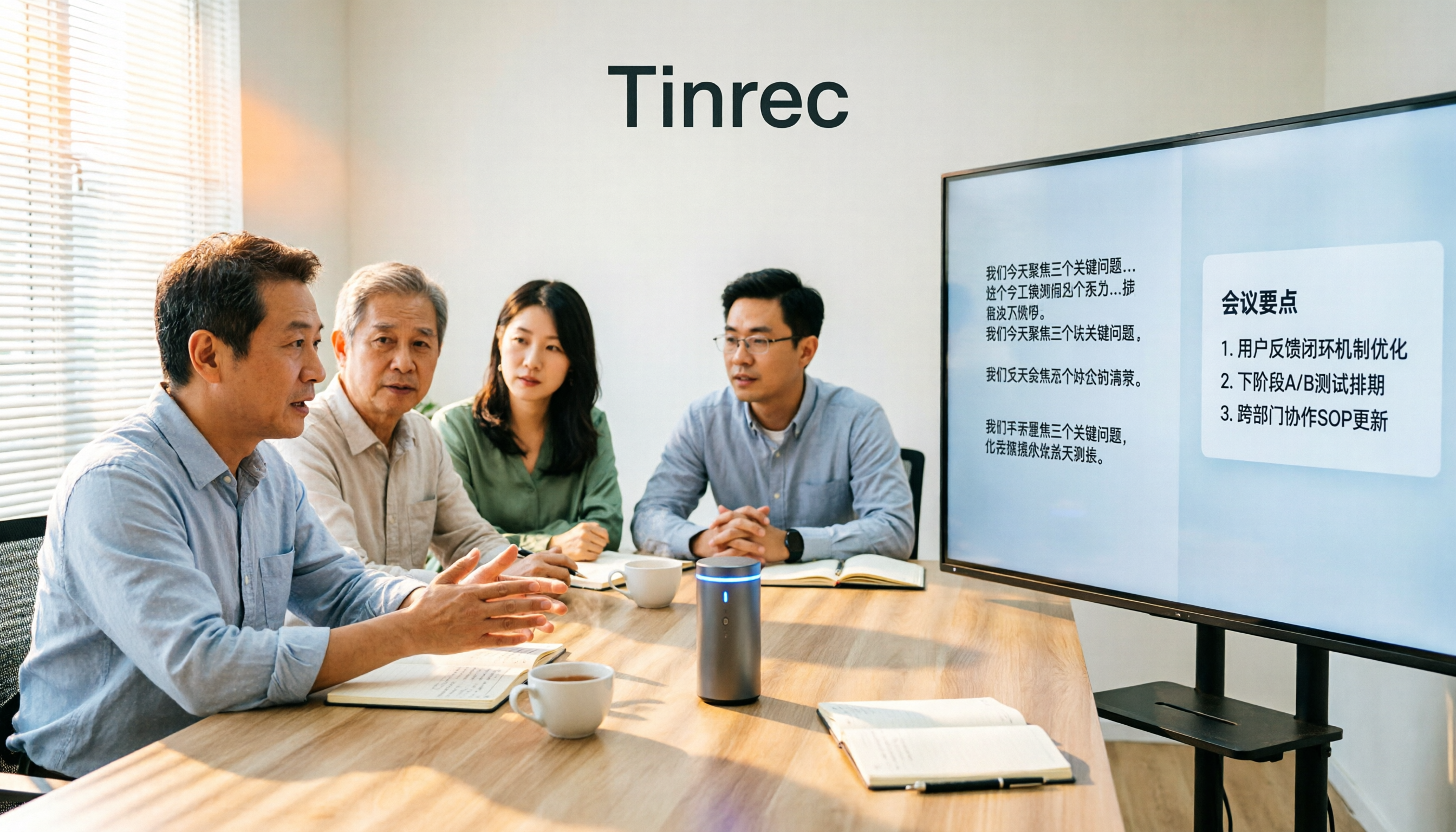
2026 Comparison of 4 Audio-to-Text Tools: Is Yating Taiwanese? Which Handles Chinese Meetings Best?
"Is Yating Taiwanese?" is one of the most common questions among Taiwanese users, but public information about the development team is inconsistent. This article first clarifies the verification results and its real strengths, then compares Yating, Tinrec, Otter.ai, and Notta in Chinese recognition, post-meeting organization, and team collaboration from actual meeting scenarios to help you choose the truly suitable one.

Tinrec vs Notta 2026: 5-Dimension Comparison for Chinese Meeting Transcripts
After a meeting, producing minutes within half an hour is often delayed by the transcript. This article compares Tinrec and Notta across five dimensions for Chinese meeting transcripts, covering bot-free recording, post-meeting organization, team seats, and pricing, with a pitfalls guide and scenario-based recommendations.
3 Ways to Use iPhone Level in 2026: Flat, Side, or Case—Which Is Most Accurate?
Is the iPhone's built-in level accurate? We tested three methods in real-life scenarios like hanging posters in a dorm and assembling shelves: using the Measure app flat on a surface, standing it against a wall for vertical checks, and the iOS 17 camera level for framing. We break down errors caused by the camera bump and four common mistakes, and tell you when to use a physical level instead.
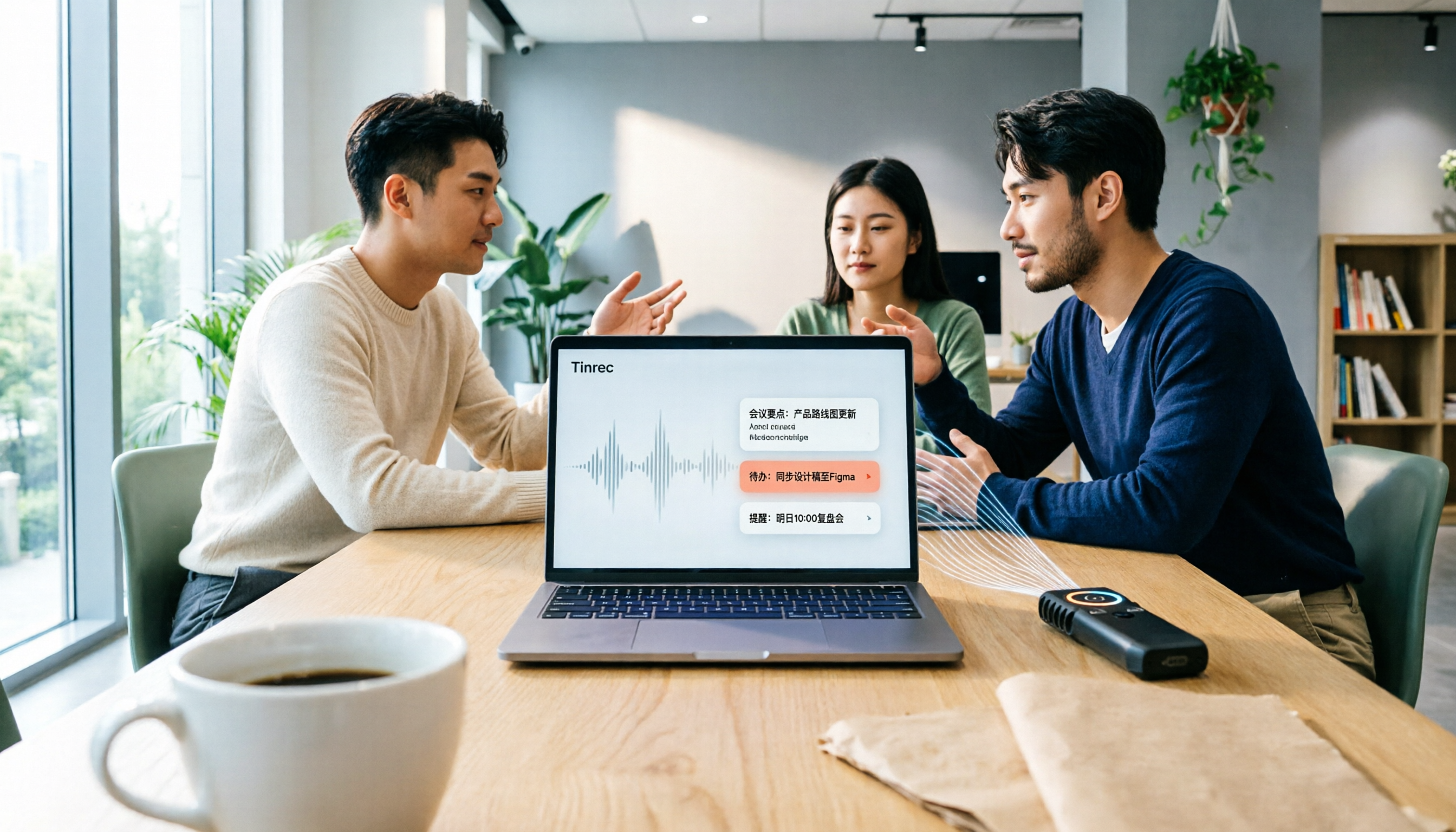
5 Best Audio Recording Software Tested for 2026: Recording Is Just the Start—Which One Turns Your Voice into Usable Data?
Recording software isn't just about audio quality—the real difference shows up after you hit stop. This article tackles common misconceptions, outlines the best use cases for 5 recording tools, and hands-on tests Tinrec's bot-free online meeting recording, AI summaries, action item extraction, and team spaces. Includes free tiers, paid plans, and pitfalls to avoid, so you can pick the right tool for your needs.