
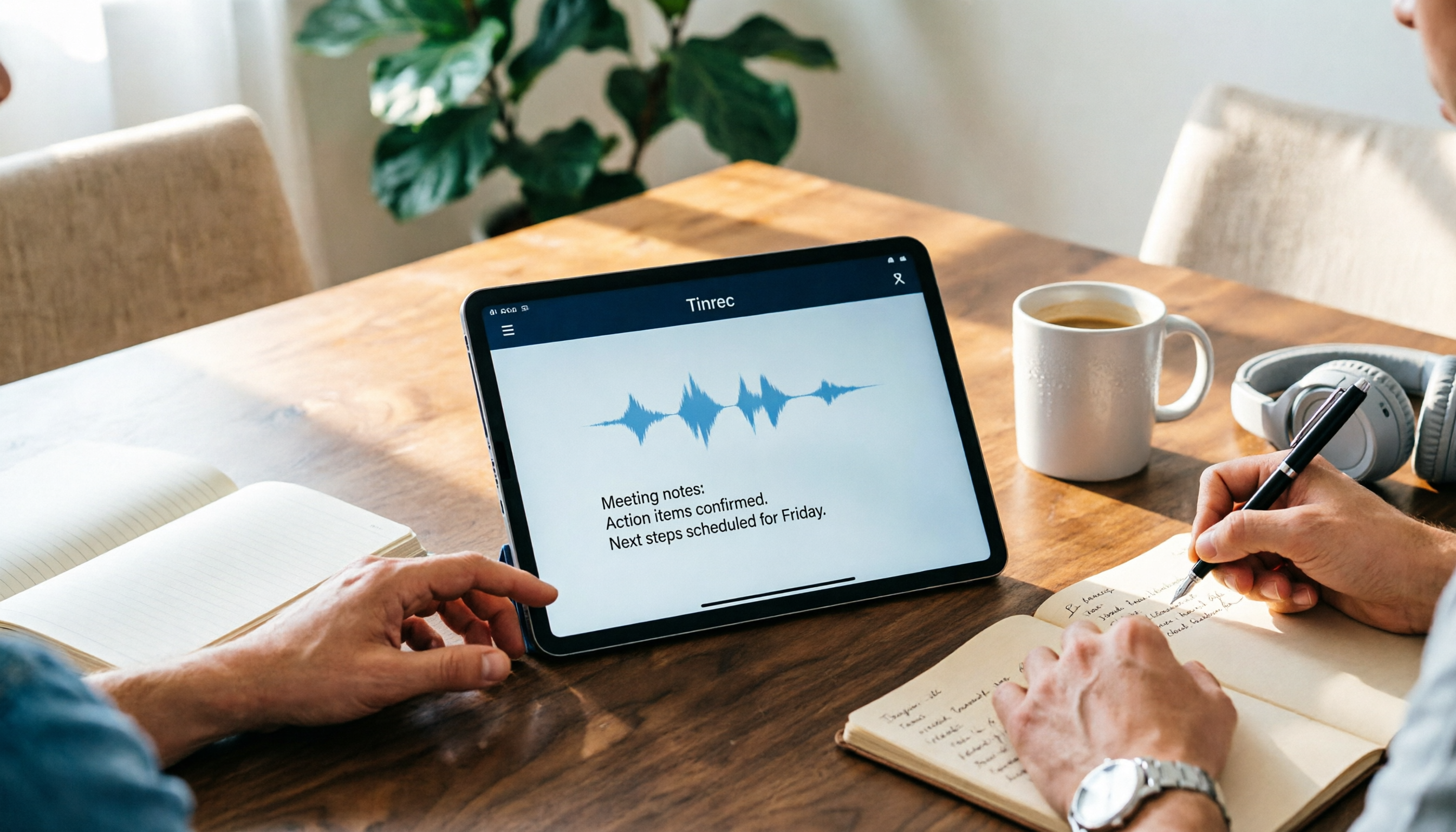
Turn recordings into transcripts and summaries in minutes
Upload audio or video for multilingual transcription, AI notes, and action items
One-Hour Meeting, Another Hour for Transcription—The Problem Isn't Your Typing Speed
Your 3 PM interview just ended. You have a 47-minute recording and a half-finished note. Next up: rewind, pause, type, rewind again. Your iPad looks nice sitting there, but right now it's just a player.
Another common scenario: you're not at your computer for an online meeting, so you join on your iPad just to listen. Afterwards, you want to confirm "what budget number did the client actually mention?"—and you have to drag the timeline from the beginning, searching segment by segment.
The common thread here isn't a lack of tools. What you really need isn't just "turning voice into text." You need to see the text as you speak, get the key points right after the meeting, and be able to ask, "Who said that?"
This article starts from the real-world iPad use case and lays out the viable options for comparison.
Before Choosing an iPad Speech-to-Text Tool, Understand These 4 Key Points
1. Is "real-time" truly real-time? Many tools claim "real-time transcription," but there's a difference between "transcribe while recording" and "upload after recording and wait." The former lets you check for missing text during the meeting; the latter only shows results afterwards. Know which type it is before you choose—this directly affects whether you can correct statements mid-meeting.
2. Chinese and mixed Chinese-English recognition experience Meetings in Taiwan are rarely pure Chinese; they usually mix Chinese with English product names, technical terms, and abbreviations. The real differentiator isn't performance in a quiet studio, but whether it can still recognize speech when people interrupt, there's air conditioning noise, or someone mentions an internal product code. This is also why features like team hotwords exist.
3. What you get after transcription A transcript alone just replaces "re-listening" with "re-reading"—same time spent. What matters is: are there automatic summaries, chapters, action items, and can you ask questions directly about the content? This is where real hours are saved.
4. Where data lives and whether it continues across devices The reality is you record on iPad, organize on your computer back at the office, and two days later want to find a specific conclusion on your phone. If data is locked to a single device or account, even the best tool will hit a wall. For team sharing, also check whether it distinguishes members, roles, and seats.
Tinrec—The Highlight Here, Focused on "After Recording"
Tinrec is an AI meeting notes and collaboration tool for individuals and teams, accessible via mobile app, desktop, and web. It doesn't just convert voice to text; it turns meeting recordings into searchable, summarizable, queryable, and exportable data.
iPad on site, organization continues later When you use iPad for meetings or interviews, open real-time recording to transcribe as you go. Text accumulates with the conversation, so you don't discover a missing segment afterwards. Back at your desk, continue with the same content on web or desktop—no file transferring needed.
No bot needed for online meetings If your meetings are on Zoom, Google Meet, Microsoft Teams, or Webex, Tinrec's desktop version captures system audio directly—no need to add a meeting bot to the participant list. For client meetings, this makes a big difference: one less unfamiliar account on the attendee list.
Transcription isn't the end—it's the beginning After the meeting, Tinrec generates summaries and chapters, and extracts action items from the discussion. More importantly, AI Q&A: you can ask "Who mentioned the budget last meeting?" or "What were the client's concerns about the timeline?" and get answers based on content understanding, not a list of keyword search results to click through. When you need deliverables, it can generate reports, tables, and documents, or export to Notion, Google Docs, OneNote, Dropbox, and other tools for further work. For cross-language meetings, enable real-time translation to view original, translated, or bilingual side-by-side.
Clear permissions for team sharing If your entire department shares meeting data, the team plan offers a separate team space where meeting data belongs to the team, not individuals. It's important to distinguish "roles" and "seats": roles determine who can manage the team, members, and audits; seats determine whether a member can record, upload, edit, and export. Members with valid access but no seat can still view, play, and read team data. There's also usage analytics, audit logs, audio recycle bin, and team hotwords. Currently, teams can enjoy a 7-day trial, 1 free seat, and 300 minutes of shared team import quota upon first qualification; paid seats are USD 29.80/seat/month or USD 199/seat/year, with 2,000 minutes of shared team import quota per seat per month. Real-time recording is currently not deducted by minutes under active plans and seats.
Stop organizing recordings by hand
Upload audio or video and automatically get a transcript, summary, and action items
Three advantages worth considering First, it puts "real-time transcription" and "post-meeting Q&A" in one workflow—no moving files between two tools. Second, Chinese and mixed Chinese-English is its core scenario, with team hotwords to maintain your product names and terminology. Third, data continues across mobile, desktop, and web—iPad is just one entry point, not the endpoint.
Limitations to be clear about Tinrec is not a calendar-based meeting bot; it won't automatically join all your scheduled meetings—you need to initiate recording. Also, file imports consume quota; the free version only offers basic experience quota, and heavy users need to pay. For actual quota and pricing, refer to the official purchase page. Recognition quality is also affected by recording quality, accents, noise, and overlapping speakers; for important content, verify against transcript timestamps and recording playback.
Who it's for If you frequently use iPad to record interviews, classes, or offline meetings, and want summaries and action items right after, plus the ability to find key points via Q&A, Tinrec is one of the most complete workflows available.
Besides Tinrec, What Are the Alternatives?
Notta The closest direct competitor to Tinrec, with multi-platform transcription, meeting notes, file import, translation, and team plans. The official free version offers 120 minutes per month with a 3-minute limit per item; Pro annual billing is about USD 8.17/month. Its multilingual performance is above average, suitable for those focused on file transcription. But if you value "no meeting bot, direct system audio capture" and post-meeting AI Q&A and action item organization, Tinrec's workflow is more cohesive.
Otter.ai A mature choice for English meetings. The free version offers a generous 300 minutes per month, with summaries, AI Chat, and team collaboration all in place. If 90% of your meetings are in English, it's a good deal. But it doesn't support Chinese or mixed Chinese-English recognition, and its team data retention and post-meeting outputs differ from Tinrec; for Chinese meetings, this is a hard limitation.
TurboScribe A cost-effective file transcription tool focused on long files, batch uploads, subtitles, and translation. Paid plans support up to 10 hours per file. If you have a batch of pre-recorded course audio to process at once, it's a good fit. But it's not designed for "real-time meetings"—no transcribe-while-recording, no AI Q&A or action item extraction, which happen to be Tinrec's strengths.
iPad's built-in "Notes" dictation Free, built-in, supports Chinese and English—fastest for jotting down a quick sentence. But a common misunderstanding: Apple's Accessibility "Live Speech" is a text-to-speech output feature that reads typed text aloud to others—the opposite direction of speech-to-text. To actually turn speech into text on iPad, use the microphone dictation on the keyboard or a third-party tool. Built-in dictation has no summaries, chapters, or action items, and can't search history—suitable for short phrases, not full meetings.
Pitfall Guide: 3 Most Common Mistakes in iPad Speech-to-Text
Pitfall 1: Mistaking "Live Speech" for speech-to-text As mentioned, that's text-to-speech. Get the direction wrong and you'll think the feature is broken—when you're just in the wrong place. For text input, use dictation; for reading aloud, use Live Speech. They serve different needs.
Pitfall 2: Comparing only free minutes, not post-meeting cleanup time Free quota is直观, but what you're really paying is the time re-reading transcripts. Use the same 10-minute real meeting recording to test and compare how long it takes to "get usable key points"—that's far more practical than comparing minutes.
Pitfall 3: Thinking recording on iPad is the end Recordings stuck on a single device mean no database. When choosing a tool, confirm: can it continue across devices, export to your existing workflow, and is data ownership clear for team sharing? If you don't think these through, you'll be looking for a new tool in six months.
One practical note: recording and transcription involve personal data and communication privacy. Inform participants and get consent before recording; for international teams, pay attention to local regulations.
Conclusion: Which One Should You Choose?
- Want to see text while recording on iPad, and get summaries, action items, and queryable meeting data right after → Tinrec (mobile recording + desktop/web continuation)
- Need to record Zoom, Meet, Teams meetings without a bot joining the participant list → Tinrec (desktop system audio capture)
- Department sharing meeting data, need to manage members, roles, seats, and usage → Tinrec Team Plan
- 90% English meetings, zero budget → Otter.ai free version
- Have a batch of pre-recorded long audio files to process → TurboScribe
- Just want to jot down a quick sentence → iPad built-in "Notes" dictation
If unsure, start with the free version, test with a real meeting you've actually had, then decide whether to upgrade. Choose the right tool and you're not saving that one hour—you're saving that hour every week.
References
- Use Live Speech on iPad to type to speak - Apple Support (Taiwan)
- Recording to Text - Speech to Text, Real-time Transcription, Recorder App - App Store
- Speech-to-Text APP Recommendations 1. iPhone/iPad "Notes" APP - Supports real-time conversion to text - Cost: Free - Supports Chinese, English
- Speech to Text - Voice Input App - App Store
- Speech to Text - Speechy Lite on the App Store
Turn every recording into actionable outcomes
Get 60 free transcription minutes when you sign in. No credit card required.
Related Reading
You might also like

4 Free AI Meeting Notes Tools in 2026: Free Plans & Chinese Meeting Comparison
Long meeting recordings and post-meeting note-taking are pain points for most office workers. This article compares four free AI meeting notes tools—Tinrec, Otter.ai, Granola, and Notta—covering free plans, Chinese meeting performance, post-meeting output, and team collaboration differences, with buying and pitfall-avoidance advice.

How to Do Online Audio Transcription in 2026: 5 Steps from Recording to Team Transcript
Online audio transcription tools are not just about speed. This article compares two common approaches—Tinrec and Otter.ai—across Chinese meeting handling, bot-free recording, post-meeting organization, and team knowledge retention, with a 5-step implementation guide and FAQs.

5 AI Summarization Tools Tested: Which Handles Meeting Recordings, Long Articles, and Videos Most Efficiently in 2026?
Meeting just ended and you're already being asked for key points? Need to read a dozen long articles before writing a report? This article compares 5 AI tools I've actually used that can generate summaries—from audio transcription to article summarization to post-meeting Q&A—with buying tips, free tier limits, and common pitfalls to avoid.

iPhone Live Voicemail vs. Tinrec in 2026: 3 Misconceptions About Call Forwarding to Voicemail and Better Ways to Organize
When iPhone misses a call but no voicemail appears, it's often due to roaming or Low Power Mode. This article breaks down 3 common misconceptions, explains the correct setup order for Live Voicemail, and from a student's practical perspective, shows how Tinrec fills the gap for organizing class and meeting recordings that voicemail can't handle.

4 Speech-to-Text Tools Compared for 2026: WeChat Voice-to-Text Not Working? Here's What to Use for Long Recordings
WeChat voice-to-text suddenly not working? Don't rush to restart your phone. This guide walks you through troubleshooting permissions, version, network, and audio length, then compares Tinrec, Notta, TurboScribe, and Otter.ai on features and pricing for long recording organization, helping you decide when to use built-in tools for quick voice messages and when to switch for long recordings.
2026 Comparison of 5 iFlytek Voice Recorders for Transcription: SR502, SR702, S6, S8, and Tinrec
A breakdown of transcription methods and limitations for iFlytek SR502, SR702, S6, S8, and SR301, clarifying common misconceptions about online/offline transcription, live interpretation, and lifetime free service, with a comparison to AI meeting tools like Tinrec to help you decide between hardware and software.
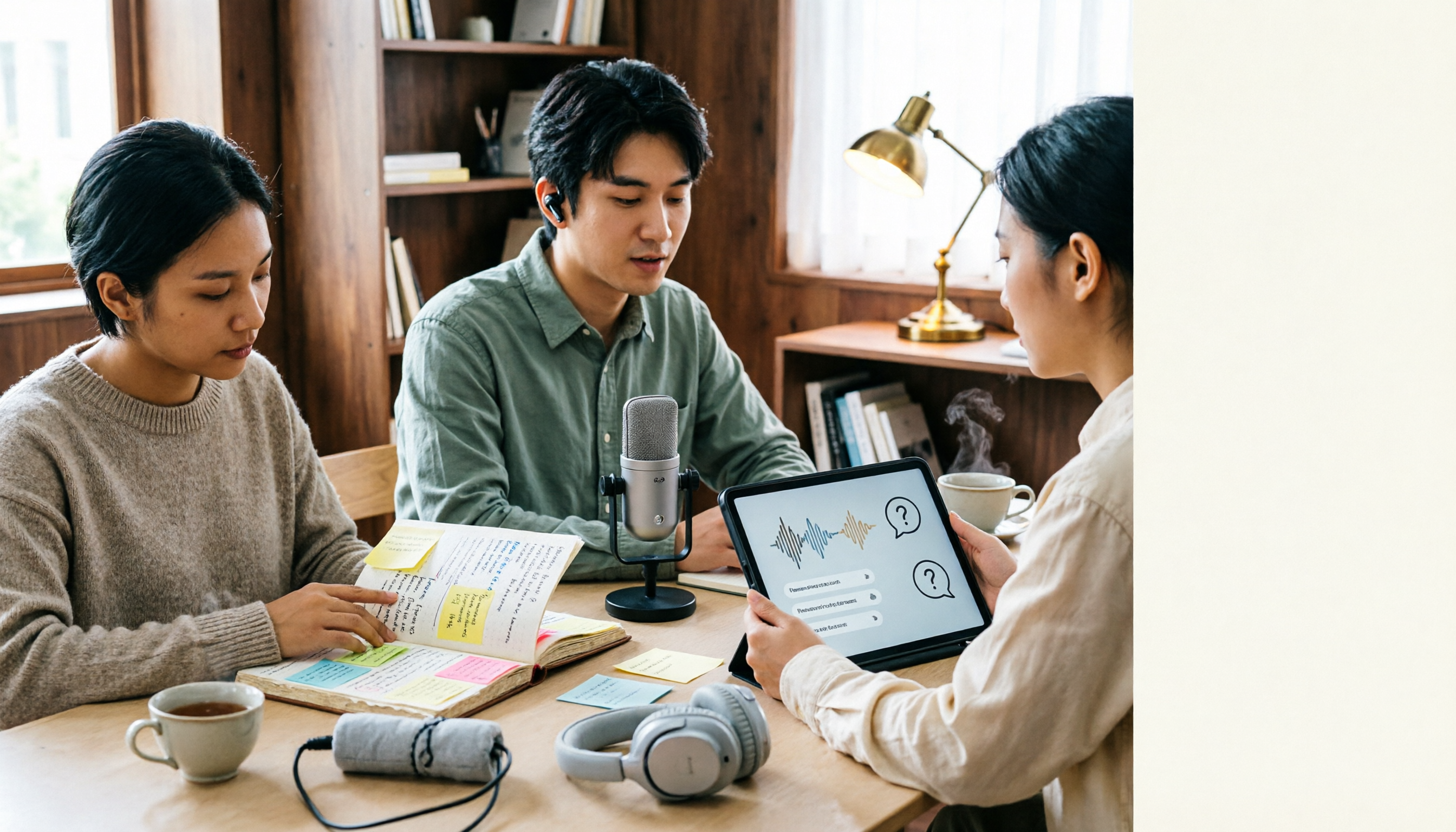
The Complete Guide to Xiaohongshu Content Summaries in 2026: How to Organize Notes, Videos, and Recordings
What's the most efficient way to create Xiaohongshu content summaries? This article breaks down workflows for organizing image-text notes, short videos, and audio materials, explains 4 key decision factors, tests Tinrec's transcription, summarization, and AI Q&A workflow, compares Otter.ai, Notta, and TurboScribe's use cases and official pricing, and finally lists the 4 most common mistakes.
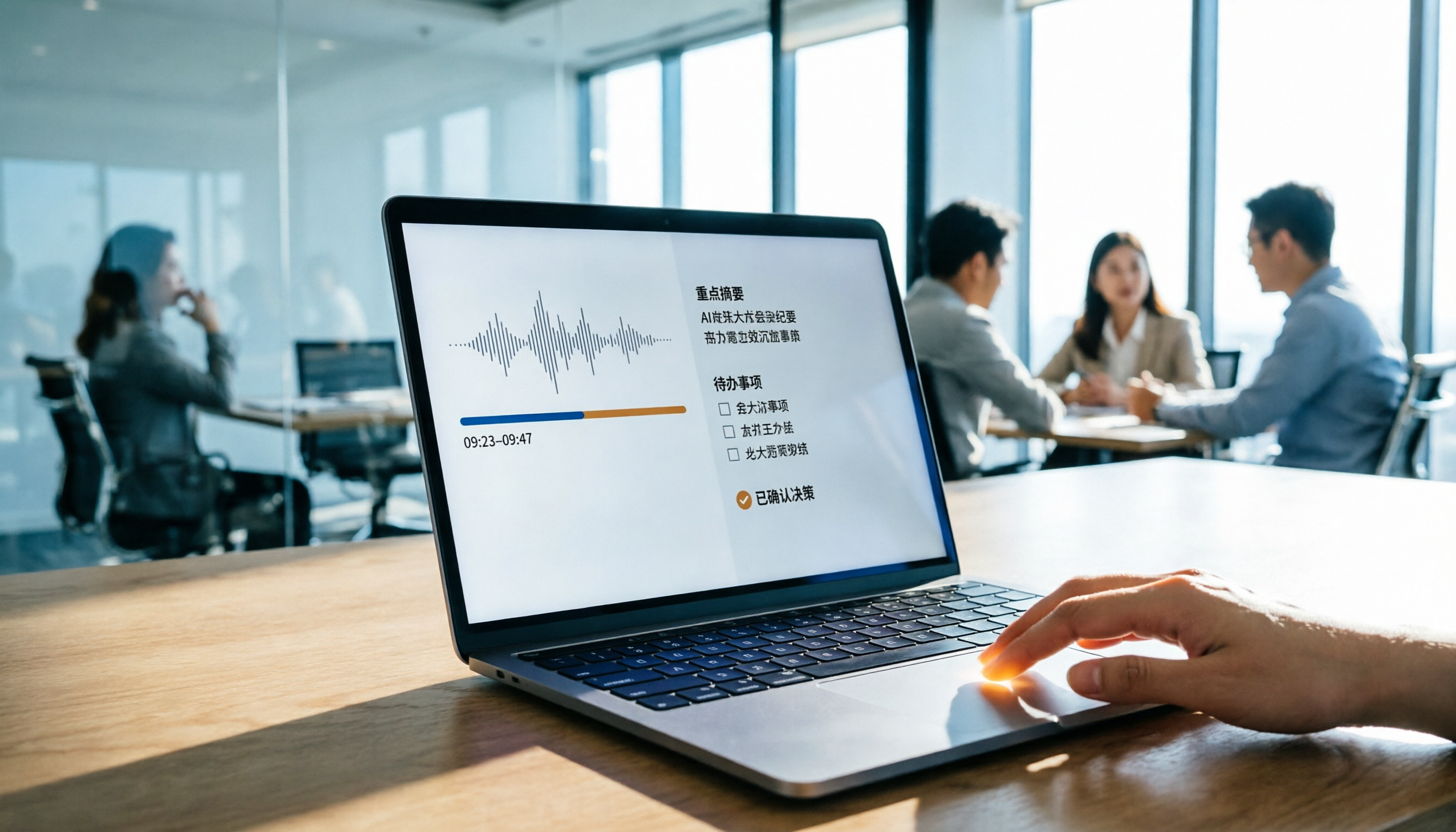
Tinrec vs Notta 2026: 5-Dimension Comparison for Chinese Meeting Minutes — Which Should Your Company Choose?
Starting from what makes a qualified corporate meeting minutes document, this hands-on comparison tests Tinrec, Notta, Otter.ai, and Granola on Chinese recognition, post-meeting organization, online meeting capture methods, and team data retention. It also covers the 4 most common mistakes in writing meeting minutes to help you choose the truly time-saving approach.
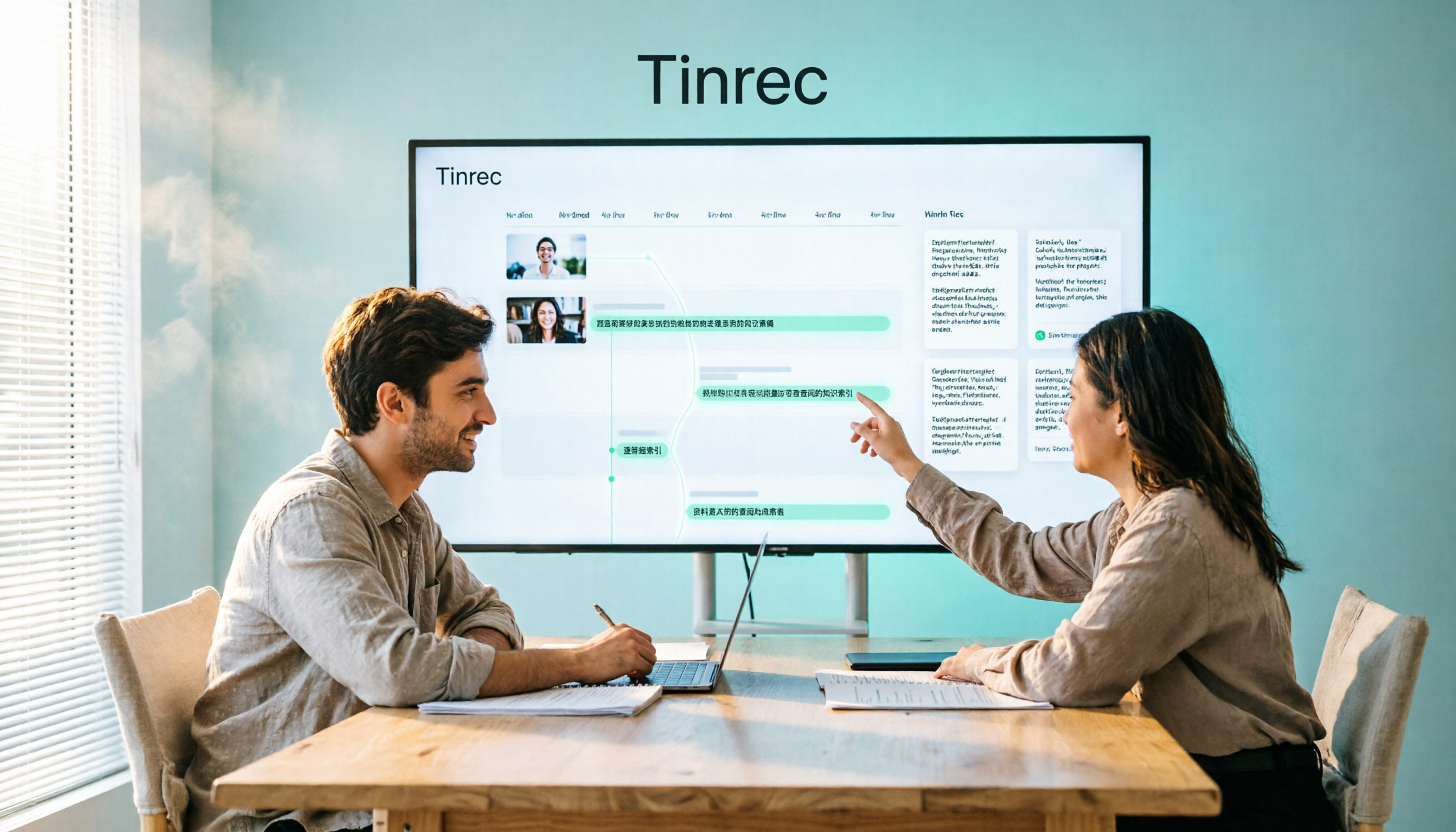
5 Best Long Video to Text Tools in 2026: How Tinrec Turns Hours of Video into Searchable Data
The real challenge with long video transcription isn't generating a transcript—it's that no one has time to read it afterward. This article addresses common misconceptions, explains a sensible workflow for transcribing long videos, and focuses on Tinrec as the main example while comparing it with Vidnoz, Wayin AI, VEED, and cSubtitle. It covers features, team collaboration, quotas, and buying considerations to help you decide based on your actual needs.