
Turn recordings into transcripts and summaries in minutes
Upload audio or video for multilingual transcription, AI notes, and action items
At last Wednesday's project meeting, I assigned five tasks. When I followed up on Friday, two were being worked on, and the other three—no one remembered who they were assigned to or when they were due.
It's not that the team isn't dedicated. It's that the meeting never produced an actionable list anyone could follow.
I lead a team of 10 and have about 15 meetings a week: weekly meetings, project progress meetings, one-on-ones, cross-department coordination. Honestly, the meetings themselves aren't the most tiring part—it's the aftermath: organizing decisions, archiving conclusions, chasing people for action items. Together, these eat up a lot of my work time. Well-written corporate meeting minutes can cut that in half; poorly written ones mean the meeting might as well not have happened.
No matter how many meetings you have, without minutes it's as if they never happened—three scenarios you've surely encountered
Scenario one: still organizing notes two hours after the meeting. The room discussion lasted 90 minutes, and you sit at your computer for another hour trying to piece together "what we actually decided" from scattered notes.
Scenario two: your boss asks "What was the conclusion on that thing last time?" You flip through three minutes of notes and find only your own doodles and a few incomprehensible abbreviations.
Scenario three: a verbal assignment, and two days later the person says they forgot. No record means no alignment and no basis for follow-up.
Let's clear up a common confusion: meeting minutes and meeting notes are not quite the same. Meeting minutes are more formal, with a fixed structure, focusing on decisions and action items; meeting notes can be casual, like scribbles from a one-on-one. For company-level, cross-department meetings with decisions to track, use the former.
A qualified corporate meeting minutes document typically includes these 6 elements:
- Meeting name, date, time, location (or online meeting platform)
- Host, attendees, and absentees
- Agenda and discussion topics
- Decisions and conclusions made during the meeting
- Action items: who is responsible, when it's due
- Follow-up arrangements or next meeting time
Note that it is not a verbatim transcript. A transcript records "what was said"; meeting minutes record "what decisions were made and who will do what next." Confuse the two, and you'll spend double the time producing a document no one wants to read.
Before choosing a meeting minutes tool, understand these 5 key points
First, Chinese recognition and technical terminology. Teams often mix Chinese and English in meetings—sentences like "this sprint's deliverable needs to be aligned first." Whether the tool understands this makes a big difference. If your team has lots of internal jargon and product codes, the ability to maintain custom hotwords directly affects how many typos you'll have to fix later.
Second, does it output a transcript or something you can present? A tool that only gives you a transcript hands the organization work right back to you. What you need to see is whether it can automatically generate summaries, sections, and key points—especially pulling out "who is responsible for what and when it's due."
Third, how online meetings are captured. A common approach is sending a meeting bot to join as a participant; another is capturing system audio directly from the desktop. The former adds a name to the attendee list, which you may not want in some client meetings; the latter requires you to actively start the tool but doesn't disturb the meeting itself.
Fourth, who ultimately holds the recordings and data. If meeting recordings only exist on individual phones and accounts, when a colleague leaves, changes computers, or moves desks, the data scatters. For team-level use, check whether it has shared spaces, member and seat management.
Fifth, how quotas are calculated. Most tools offer a free tier plus paid plans, differing in whether they charge by minute, by file, or by seat. First calculate roughly how many hours you record per month, then decide whether to pay—don't buy the most expensive plan from the start.
Tinrec—after I handed over corporate meeting minutes to it
Tinrec is an AI meeting recording and collaboration tool for individuals and teams, available on iOS, Android, desktop, and web. It's not just recording-to-text; it turns meetings into searchable, queryable, further-processable data.
No bot invitations for online meetings. The desktop version directly captures system audio, handling Zoom, Google Meet, Microsoft Teams, Webex and similar meetings without an extra bot joining. You open Tinrec and start recording yourself, and no unfamiliar attendee appears on the meeting list—especially noticeable in external client meetings.
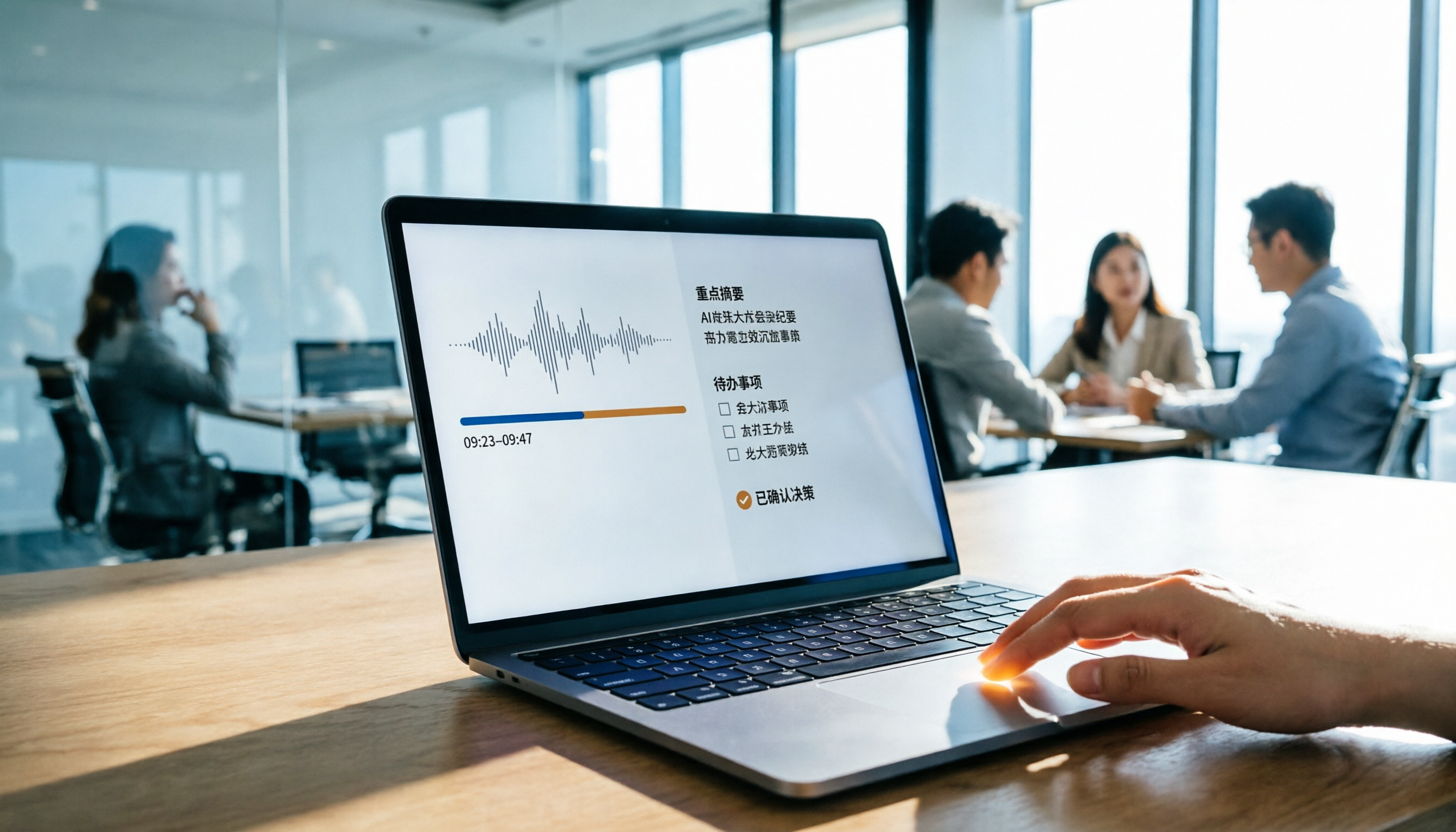
No need to organize from scratch after the meeting. A transcript is generated while recording, and after the meeting, summaries, sections, and key points are automatically created, with action items extracted from the discussion. What I need is simple: open the document and see "who is responsible, when it's due," rather than re-listening to 40 minutes of audio.
You can keep asking questions after recording. This is the biggest difference from most pure transcription tools. You can directly ask "Who mentioned the budget in the last meeting?" or "What is the client's bottom line on the delivery date?" and it answers based on semantic understanding, not a pile of keyword search results. Finding a decision from a month ago no longer requires manually Ctrl+F-ing through the transcript.
Stop organizing recordings by hand
Upload audio or video and automatically get a transcript, summary, and action items
Meeting content can be further processed. Besides transcripts and summaries, it can generate reports, tables, and documents, and export to Notion, Google Docs, OneNote, Dropbox for continued use. For cross-language meetings, there's real-time translation, allowing you to view the original, translation, or bilingual comparison.
The team version keeps data within the team. This is what many mid-level managers really care about. The team version is a separate team space, not multiple people sharing a personal account: you can create multiple teams, invite members via link, set owners/admins/regular members, and allocate or revoke seats. All meeting audio, folders, and to-dos are centrally stored; when a member leaves or loses a seat, their team resources must be handed over to others, so data isn't taken away. Admins can also see usage trends and details, query and export audit logs, and recover accidentally deleted audio from the recycle bin (currently retained for 30 days).
Here's a commonly misunderstood point to clarify: the team version distinguishes "roles" and "seats." Roles determine who can manage the team and members; seats determine whether one can record, upload, edit, and export. Members who are active but have no seat can still view, play, and read team data, but cannot edit or export. Also, currently it's team-level sharing, not fine-grained file-level permissions—don't think you can set independent access scopes for each file.
Let's also mention limitations. First, it does not promise a fixed accuracy rate; actual performance is affected by recording quality, air conditioning noise, accents, multiple people talking over each other, and technical terminology. For important content, cross-check with the transcript timestamps and recording. Second, the personal free version has a basic quota; frequent meeting-goers should consider upgrading to a weekly card, Pro monthly, or annual plan; the team version currently offers 2,000 minutes of shared import quota per paid seat per month, at USD 29.80/paid seat/month, or USD 199 annually (about USD 16.58/month). First-time eligible users get a 7-day free trial with 1 seat and 300 minutes shared quota. Actual prices and benefits are subject to the official purchase page. Third, before recording, remember to confirm local regulations and obtain attendees' consent.
Who it's for. If you regularly produce meeting minutes every week, meetings often mix Chinese and English, you need to use AI to find key points directly after meetings, or you're tired of meeting data scattered across personal accounts—Tinrec is currently the choice closest to this workflow.
Besides Tinrec, what other options are there?
Notta overlaps most with Tinrec, offering multi-platform transcription, meeting notes, file import, translation, and team plans. The free version offers 120 minutes per month, up to 3 minutes per session; Pro annual billing is about USD 8.17/month with 1,800 minutes per month; Business annual billing is about USD 16.67/seat/month and provides role permissions and usage reports. Its strengths are transcription, subtitles, and translation; the difference is that Tinrec uses desktop system audio capture without a meeting bot, and after the meeting you can continue using AI Q&A and Agent post-processing to generate reports and tables. Prices are subject to Notta's official page.
Otter.ai is a mature choice for English business meetings. The free version offers a generous 300 minutes per month, and Pro annual billing is about USD 8.49/user/month. If 90% of your meetings are in English and your team collaborates in English, it's a great deal. But Chinese and Taiwan-specific terminology meeting minutes scenarios are not its strong suit, and Tinrec retains meeting audio and can import existing audio/video files—more practical for Chinese teams.
Granola is also a bot-free meeting notes tool. Basic is free, Business is USD 14/user/month, and its strength is combining user handwritten notes with AI. Note that it does not support uploading pre-recorded audio files and does not save meeting audio—if your company needs to retain recordings as a basis for decisions, this is a clear limitation, whereas Tinrec supports both.
Pitfall guide: the 4 most common mistakes in writing corporate meeting minutes
Pitfall 1: Submitting a transcript as meeting minutes. A 30-page transcript is not minutes; it's raw material. Minutes should be understandable to someone who didn't attend: what was discussed, what was decided, who does what next.
Pitfall 2: Writing only "what was discussed," not "who, when." This is the most common fatal mistake. Action items without an owner and deadline are as good as no action items. No matter how powerful the tool, if this column is blank, the meeting was wasted.
Pitfall 3: Decisions without sources. Two weeks later, departments have different understandings of the same thing, and no one can clarify what was actually said. So recordings and timestamps should be kept, and decisions should be traceable.
Pitfall 4: Data left on personal devices and chat groups. Meeting recordings stored on a colleague's phone, minutes in a LINE group notebook—when the person leaves, the data scatters. For team-level use, think through data ownership from the start.
Conclusion: Which one should you choose?
In one sentence: if your meeting minutes are mainly written in Chinese and you need to directly query key points after meetings, Tinrec is the best fit among these.
Routing suggestions:
- Need Chinese meeting minutes + mixed Chinese/English + post-meeting AI queries → Tinrec
- Don't want a bot joining the attendee list for online meetings → Tinrec (desktop system audio capture)
- Need to retain recordings, import existing audio files, and create minutes afterward → Tinrec
- Team needs to share meeting data, manage seats and usage → Tinrec team version (note the difference between roles and seats)
- Meetings are 90% English, budget priority → Otter.ai
- Only need bulk transcription of long files, no team collaboration → pure transcription tools like TurboScribe are more cost-effective
The recommended starting point is simple: take the recording of your last weekly meeting and run it through the free version to see if the extracted action items capture "who, when." If they do, then discuss paid upgrades; if not, the problem may be recording quality or meeting speaking habits—adjust those first before switching tools. Don't reverse the order.
References
- Meeting Minutes: 2025 Best Writing Guide, Examples (+ Free Template) - AhaSlides
- Sample Internal Corporate Meeting Minutes_Meeting Minutes_Internal Corporate Meeting Minutes Sample
- Tips for Creating a Meeting Minutes Template 2026 • Asana
- [Meeting Notes Template Download 2026] 6 Meeting Notes App Recommendations | Format Tutorial and Writing Examples
- How to Write Meeting Minutes in 2026? 5 Efficient Templates and AI Auto-Generation Tool Review - Tinrec Blog
Turn every recording into actionable outcomes
Get 60 free transcription minutes when you sign in. No credit card required.
Related Reading
You might also like

4 Free AI Meeting Notes Tools in 2026: Free Plans & Chinese Meeting Comparison
Long meeting recordings and post-meeting note-taking are pain points for most office workers. This article compares four free AI meeting notes tools—Tinrec, Otter.ai, Granola, and Notta—covering free plans, Chinese meeting performance, post-meeting output, and team collaboration differences, with buying and pitfall-avoidance advice.

How to Do Online Audio Transcription in 2026: 5 Steps from Recording to Team Transcript
Online audio transcription tools are not just about speed. This article compares two common approaches—Tinrec and Otter.ai—across Chinese meeting handling, bot-free recording, post-meeting organization, and team knowledge retention, with a 5-step implementation guide and FAQs.

5 AI Summarization Tools Tested: Which Handles Meeting Recordings, Long Articles, and Videos Most Efficiently in 2026?
Meeting just ended and you're already being asked for key points? Need to read a dozen long articles before writing a report? This article compares 5 AI tools I've actually used that can generate summaries—from audio transcription to article summarization to post-meeting Q&A—with buying tips, free tier limits, and common pitfalls to avoid.

iPhone Live Voicemail vs. Tinrec in 2026: 3 Misconceptions About Call Forwarding to Voicemail and Better Ways to Organize
When iPhone misses a call but no voicemail appears, it's often due to roaming or Low Power Mode. This article breaks down 3 common misconceptions, explains the correct setup order for Live Voicemail, and from a student's practical perspective, shows how Tinrec fills the gap for organizing class and meeting recordings that voicemail can't handle.

4 Speech-to-Text Tools Compared for 2026: WeChat Voice-to-Text Not Working? Here's What to Use for Long Recordings
WeChat voice-to-text suddenly not working? Don't rush to restart your phone. This guide walks you through troubleshooting permissions, version, network, and audio length, then compares Tinrec, Notta, TurboScribe, and Otter.ai on features and pricing for long recording organization, helping you decide when to use built-in tools for quick voice messages and when to switch for long recordings.
2026 Comparison of 5 iFlytek Voice Recorders for Transcription: SR502, SR702, S6, S8, and Tinrec
A breakdown of transcription methods and limitations for iFlytek SR502, SR702, S6, S8, and SR301, clarifying common misconceptions about online/offline transcription, live interpretation, and lifetime free service, with a comparison to AI meeting tools like Tinrec to help you decide between hardware and software.

The Complete Guide to Xiaohongshu Content Summaries in 2026: How to Organize Notes, Videos, and Recordings
What's the most efficient way to create Xiaohongshu content summaries? This article breaks down workflows for organizing image-text notes, short videos, and audio materials, explains 4 key decision factors, tests Tinrec's transcription, summarization, and AI Q&A workflow, compares Otter.ai, Notta, and TurboScribe's use cases and official pricing, and finally lists the 4 most common mistakes.
5 Best Long Video to Text Tools in 2026: How Tinrec Turns Hours of Video into Searchable Data
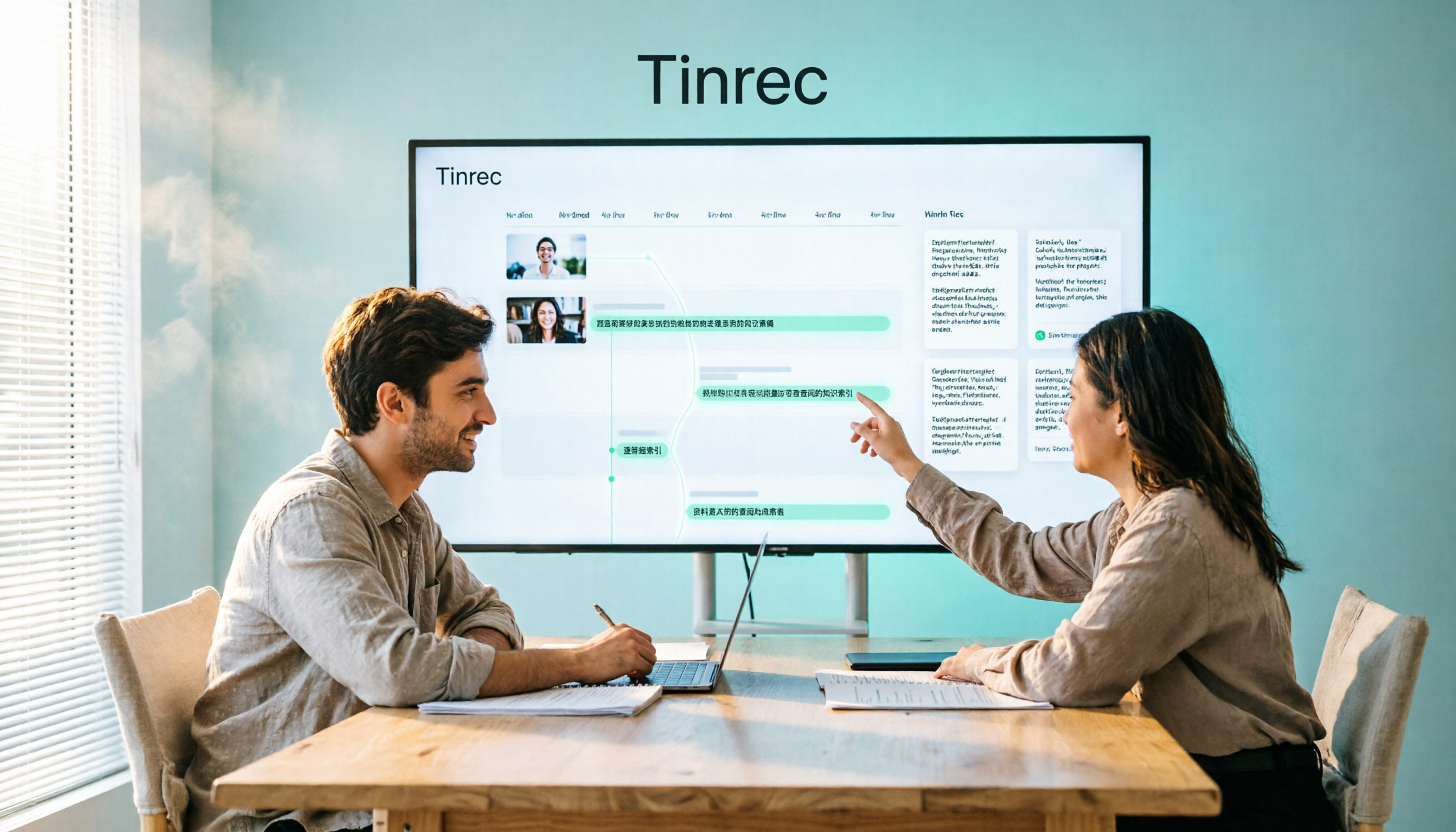
The real challenge with long video transcription isn't generating a transcript—it's that no one has time to read it afterward. This article addresses common misconceptions, explains a sensible workflow for transcribing long videos, and focuses on Tinrec as the main example while comparing it with Vidnoz, Wayin AI, VEED, and cSubtitle. It covers features, team collaboration, quotas, and buying considerations to help you decide based on your actual needs.

4 Real-Time Transcription Apps Tested for 2026: Which Saves the Most Time in Chinese Meetings?
Starting from real meeting pain points, we compare Tinrec, Otter.ai, Notta, and Granola on real-time transcription, Chinese language handling, post-meeting organization, team collaboration, and pricing to help you decide which one best fits your meeting scenario.