

Turn recordings into transcripts and summaries in minutes
Upload audio or video for multilingual transcription, AI notes, and action items
Many people have a common misconception about "online audio transcription": they think that once you upload the audio file and wait for the text to appear, the job is done.
After running through a few cycles, you'll realize that the transcript is only the first layer. What really takes time is what comes after: who said this, what the conclusion was, who needs to take action next week, and whether you can still find that recording three months later.
Another common inefficient approach is to hand meeting recordings to pure "file transcription" tools. The text comes out, but they won't help you break it into chapters, extract action items, or keep the content in a place where the team can find it.
A more reasonable approach is to first clarify whether you want "one-time conversion of audio files to text" or "turning every meeting into reusable data," and then choose a tool accordingly.
Below, we compare two common approaches—Tinrec and Otter.ai—and provide a 5-step implementation guide at the end.
Tinrec vs Otter.ai | Quick Overview
Tinrec is an AI meeting notes and collaboration tool for individuals and teams; Otter.ai is a mature AI meeting assistant that has built a strong product and integration ecosystem in English business meeting scenarios over many years.
| Comparison Item | Tinrec | Otter.ai |
|---|---|---|
| Product Positioning | AI meeting notes and team collaboration | Mature AI meeting assistant |
| Free Plan | Free version offers basic quota | Basic: 300 minutes per month |
| Paid Starting Price | Team: USD 29.80 per paid seat per month; annual USD 199 per seat per year (approx. USD 16.58 per month) | Pro annual billing equivalent to USD 8.49 per user per month |
| Meeting Capture | Desktop version captures system audio, no bot required | Meeting bot, desktop app, and other methods |
| Post-Meeting Output | Transcript, summary, chapters, action items, mind map, AI Q&A, document generation | Summary, action items, AI Chat, team management |
Next, we'll compare item by item across Chinese meeting handling, recording methods, post-meeting outputs, team governance, and plan quotas.
Dimension 1 | Handling Chinese and Mixed Chinese-English Meetings
Otter.ai's feature design and product mindset have long revolved around English business meetings, and its maturity in English scenarios is indeed high. When it comes to Chinese meetings, especially those with mixed Chinese-English or speakers switching languages quickly, organization is less smooth, and you still need to spend time proofreading.
Tinrec focuses on Chinese, Traditional Chinese, and multilingual meetings as its primary scenarios. Mixed Chinese-English content can be transcribed together, and real-time translation is available, allowing you to view transcripts in original, translated, or bilingual mode. The team version also offers a hotword feature to maintain internal product names, abbreviations, and proper nouns.
Note that actual performance is still affected by recording quality, accents, background noise, and overlapping speakers; no tool can guarantee a fixed accuracy rate.
→ This dimension: Tinrec has an advantage in Chinese meeting scenarios.
Dimension 2 | How to Record Online Meetings: Bot or System Audio
Otter started with a meeting bot approach, automatically joining Zoom, Microsoft Teams, Google Meet, and other meetings. It's convenient for those already used to "schedule a meeting and record automatically." It also currently offers desktop capabilities, not just a single mode.
Tinrec takes a different path: the desktop version directly captures the computer's system audio, with the user actively starting the recording, so no bot participant appears in the meeting. For external client meetings or situations where you don't want the other party to see a third party, this difference is practical.
However, to be clear, this is not the same as "automatically joining all calendar meetings," nor is it an official partnership with Zoom or Teams; it processes meeting audio played on the computer.
→ This dimension: Tie, but if you don't want an extra participant, Tinrec is more convenient.
Dimension 3 | What You Get After Transcription
Otter is complete in meeting summaries, action items, and AI Chat, and also has workflow and team analytics capabilities. For English teams, it's a mature tool.
Tinrec focuses on "after transcription": beyond the transcript, it automatically generates summaries, chapters, and key points, extracts action items from discussions, and allows continued questioning via AI Q&A about a specific meeting or across meetings. When you need to deliver documents, you can use Agent post-processing to directly produce reports, tables, or meeting minutes, then export to Notion, Google Docs, OneNote, Dropbox, and other tools for further editing.
Simply put, Otter helps you quickly grasp the meeting; Tinrec also completes "what needs to be delivered after the meeting."
→ This dimension: Tinrec is slightly better.
Dimension 4 | Team Knowledge Retention and Member Management
Otter's Business plan and team management capabilities are mature, suitable for organizations already operating within enterprise processes.
Stop organizing recordings by hand
Upload audio or video and automatically get a transcript, summary, and action items
Tinrec's team version is an independent team space, not multiple people sharing a personal account. It separates "roles" and "seats": roles determine who can manage the team, members, and audits; seats determine whether members can record, upload, edit, and export. Active members without seats can still view, play, and read team data. Additionally, there are usage analytics, audit logs, team hotwords, and a 30-day audio recycle bin.
When a member leaves, is removed, or loses a seat, team resources need to be handed over to other active members, and data will not disappear with the personal account. Note that currently it's team-level sharing plus role governance, not file-level granular permissions.
→ This dimension: Tinrec is more detailed in seat and resource handover design, slightly ahead.
Dimension 5 | Plans and Quotas
Otter's Basic plan is free, 300 minutes per month; Pro annual billing is equivalent to USD 8.49 per user per month, including 1,200 minutes of in-app recording per month and 10 file imports. Looking at individual monthly fees alone, Otter's threshold is indeed lower.
Tinrec's team version is USD 29.80 per paid seat per month, or USD 199 per seat per year (approx. USD 16.58 per month), with each paid seat providing 2,000 minutes of team shared import quota per month. Under an active team plan and active seats, real-time recording currently does not deduct minutes; file and web imports consume the team shared quota and do not draw from individual member quotas.
The calculation logic differs: Otter leans toward individual minutes; Tinrec leans toward team shared quota. If your meetings are mainly real-time recordings, the latter's quota feels more generous. Prices and benefits may change; remember to check the official page before purchasing.
→ This dimension: Tie, depending on your usage pattern.
What Unique Advantages Does Each Have?
Tinrec's four highlights:
- Bot-free recording on desktop, clean recording even for external meetings.
- Complete post-meeting outputs: summaries, chapters, action items, mind maps, and document generation all in one workflow.
- Team space combines roles, seats, usage, audits, and recycle bin, with data handover mechanisms when members change.
- Supports real-time translation and bilingual viewing, plus team hotwords, offering more flexibility for cross-language meetings and technical terms.
Otter's two strengths:
- High product maturity for English business meetings, with a complete integration and automation ecosystem.
- Basic plan is free, 300 minutes per month, low barrier for individual users.
5-Step Implementation: From Recording to Team Transcript
Step 1: First Confirm Your Source Type
Live online meetings, existing audio files, or public links require different handling. Classify first so you don't discover format incompatibility after recording.
Step 2: Set Up Your Space, Decide Individual or Team
For individual use, just try the free version for a while. For multi-person sharing, create a team space, invite members via join link, set owners, admins, and regular members, then assign seats.
Step 3: Start Recording or Import Files
For online meetings, open the desktop version and capture system audio—no need to bring a bot into the meeting; for in-person meetings, use real-time recording; for existing audio files, upload directly. Transcription happens as you record, and the transcript grows in sync. Remember to comply with local regulations before recording and obtain participant consent when needed.
Step 4: Process Immediately After Transcription
First, review summaries and chapters to grasp key points, then verify names, numbers, and decisions in the transcript. Extract action items, use AI Q&A to follow up on unclear points, and switch to bilingual view for cross-language meetings.
Step 5: Export and Retain in Team Space
Export results to Notion, Google Docs, or other familiar tools, or keep them in the team space for colleagues to search, follow up, and continue processing. Managers can monitor usage via analytics and audit logs.
Conclusion: Which One Should You Choose?
• If you need transcripts and minutes for Chinese or mixed Chinese-English meetings → Tinrec
• If your company meetings are often on Zoom, Meet, or Teams and you don't want an extra bot participant → Tinrec
• If you want more than transcripts—action items, AI Q&A, and directly deliverable documents → Tinrec
• If your team has personnel turnover and needs governance capabilities like seats, usage, and audits → Tinrec Team
• If your meetings are mainly in English and you only need meeting summaries and action items, and want to keep costs low → Otter.ai's free or Pro plan is sufficient
In one sentence: for most users who primarily hold Chinese meetings and want to retain records for reuse, Tinrec is a more complete choice. We recommend trying the free quota with your own recordings first to see if the output meets your needs before deciding whether to upgrade.
FAQ
Q1: Is the free version enough?
For occasional transcription of a recording, the free version's basic quota is enough to judge whether the tool suits you. If you have meetings every week, Pro or Team version will be smoother; for short-term intensive interviews, consider a weekly pass.
Q2: Which meeting platforms are supported?
Tinrec's desktop version can handle meeting audio played on the computer from Zoom, Google Meet, Microsoft Teams, Webex, etc. This is system audio capture, not an official partnership with these platforms.
Q3: Can transcription accuracy be guaranteed?
We do not recommend promising a fixed number. Actual performance is affected by recording quality, background noise, accents, overlapping speakers, and technical terms. For important content, verify against the transcript and recording playback.
Q4: Can it be used on mobile?
Yes. The mobile app is suitable for on-the-go, offline communication, and quick notes; for online meetings, the desktop version is recommended for the most stable system audio capture.
Q5: What's the difference between the team version and sharing one account among multiple people?
The team version is an independent space where data belongs to the team, with roles, seats, shared quota, usage analytics, and audit logs. A shared account cannot distinguish member identities or manage usage eligibility.
Q6: Can deleted recordings be recovered?
Deleted team audio goes to the recycle bin and can be restored before permanent cleanup begins; the current retention period is 30 days. Action items are not covered by the recycle bin, so be careful before deleting.
References
- Online Speech-to-Text AI, Free MP3 or Audio File to Text Transcript - MyEdit
- Tested 4 Best Online Speech-to-Text Tools, Free Instant Audio to Transcript
- Audio to Text | Free Online Audio File to Transcript | Proactor AI
- 5 Online Speech-to-Text Recommendations
- Online AI Speech, Video, Audio File Auto-Transcription - Free Trial - cSubtitle
Turn every recording into actionable outcomes
Get 60 free transcription minutes when you sign in. No credit card required.
Related Reading
You might also like

4 Free AI Meeting Notes Tools in 2026: Free Plans & Chinese Meeting Comparison
Long meeting recordings and post-meeting note-taking are pain points for most office workers. This article compares four free AI meeting notes tools—Tinrec, Otter.ai, Granola, and Notta—covering free plans, Chinese meeting performance, post-meeting output, and team collaboration differences, with buying and pitfall-avoidance advice.

5 AI Summarization Tools Tested: Which Handles Meeting Recordings, Long Articles, and Videos Most Efficiently in 2026?
Meeting just ended and you're already being asked for key points? Need to read a dozen long articles before writing a report? This article compares 5 AI tools I've actually used that can generate summaries—from audio transcription to article summarization to post-meeting Q&A—with buying tips, free tier limits, and common pitfalls to avoid.

iPhone Live Voicemail vs. Tinrec in 2026: 3 Misconceptions About Call Forwarding to Voicemail and Better Ways to Organize
When iPhone misses a call but no voicemail appears, it's often due to roaming or Low Power Mode. This article breaks down 3 common misconceptions, explains the correct setup order for Live Voicemail, and from a student's practical perspective, shows how Tinrec fills the gap for organizing class and meeting recordings that voicemail can't handle.

4 Speech-to-Text Tools Compared for 2026: WeChat Voice-to-Text Not Working? Here's What to Use for Long Recordings
WeChat voice-to-text suddenly not working? Don't rush to restart your phone. This guide walks you through troubleshooting permissions, version, network, and audio length, then compares Tinrec, Notta, TurboScribe, and Otter.ai on features and pricing for long recording organization, helping you decide when to use built-in tools for quick voice messages and when to switch for long recordings.
2026 Comparison of 5 iFlytek Voice Recorders for Transcription: SR502, SR702, S6, S8, and Tinrec
A breakdown of transcription methods and limitations for iFlytek SR502, SR702, S6, S8, and SR301, clarifying common misconceptions about online/offline transcription, live interpretation, and lifetime free service, with a comparison to AI meeting tools like Tinrec to help you decide between hardware and software.
The Complete Guide to Xiaohongshu Content Summaries in 2026: How to Organize Notes, Videos, and Recordings
What's the most efficient way to create Xiaohongshu content summaries? This article breaks down workflows for organizing image-text notes, short videos, and audio materials, explains 4 key decision factors, tests Tinrec's transcription, summarization, and AI Q&A workflow, compares Otter.ai, Notta, and TurboScribe's use cases and official pricing, and finally lists the 4 most common mistakes.
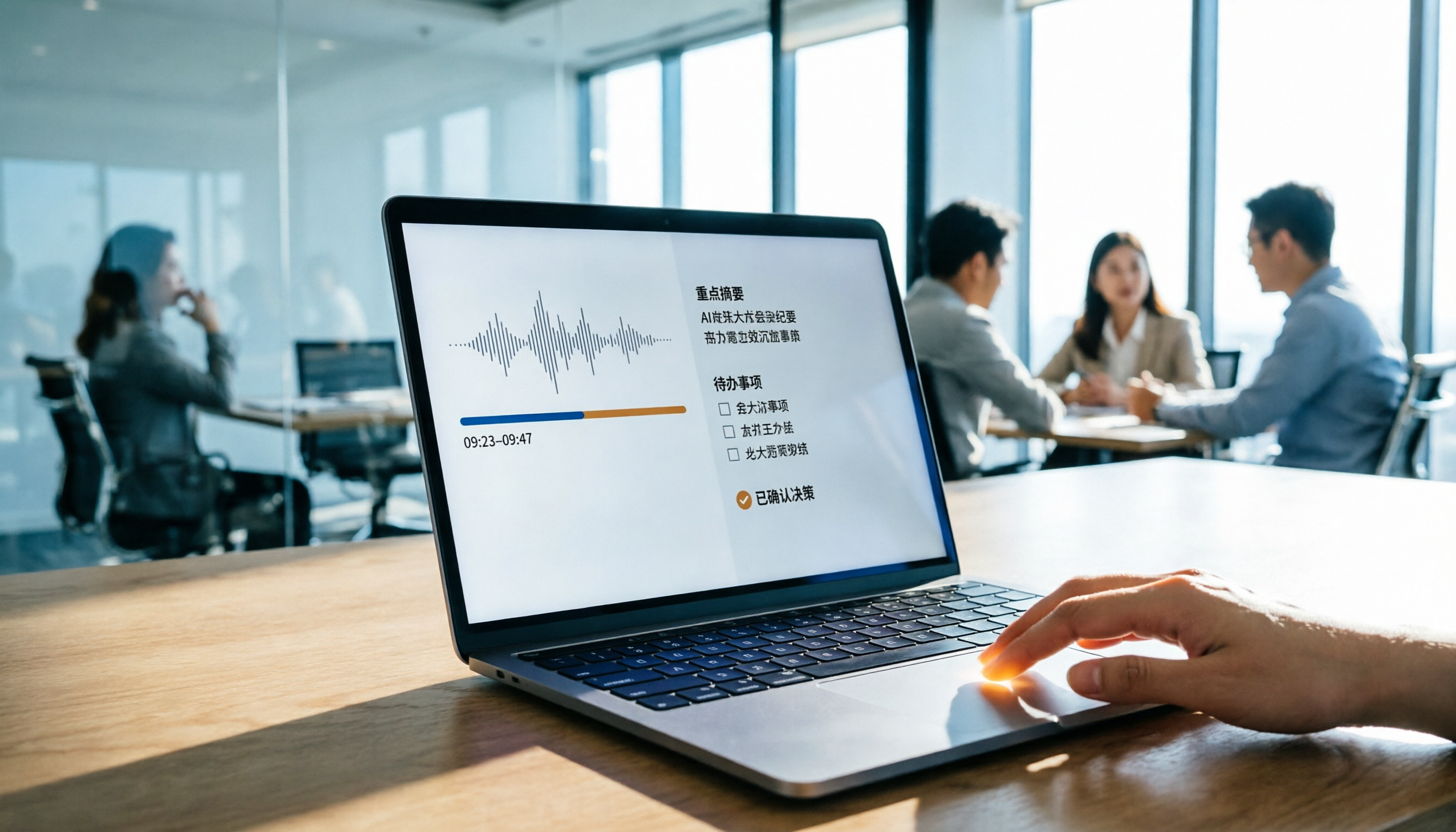
Tinrec vs Notta 2026: 5-Dimension Comparison for Chinese Meeting Minutes — Which Should Your Company Choose?
Starting from what makes a qualified corporate meeting minutes document, this hands-on comparison tests Tinrec, Notta, Otter.ai, and Granola on Chinese recognition, post-meeting organization, online meeting capture methods, and team data retention. It also covers the 4 most common mistakes in writing meeting minutes to help you choose the truly time-saving approach.
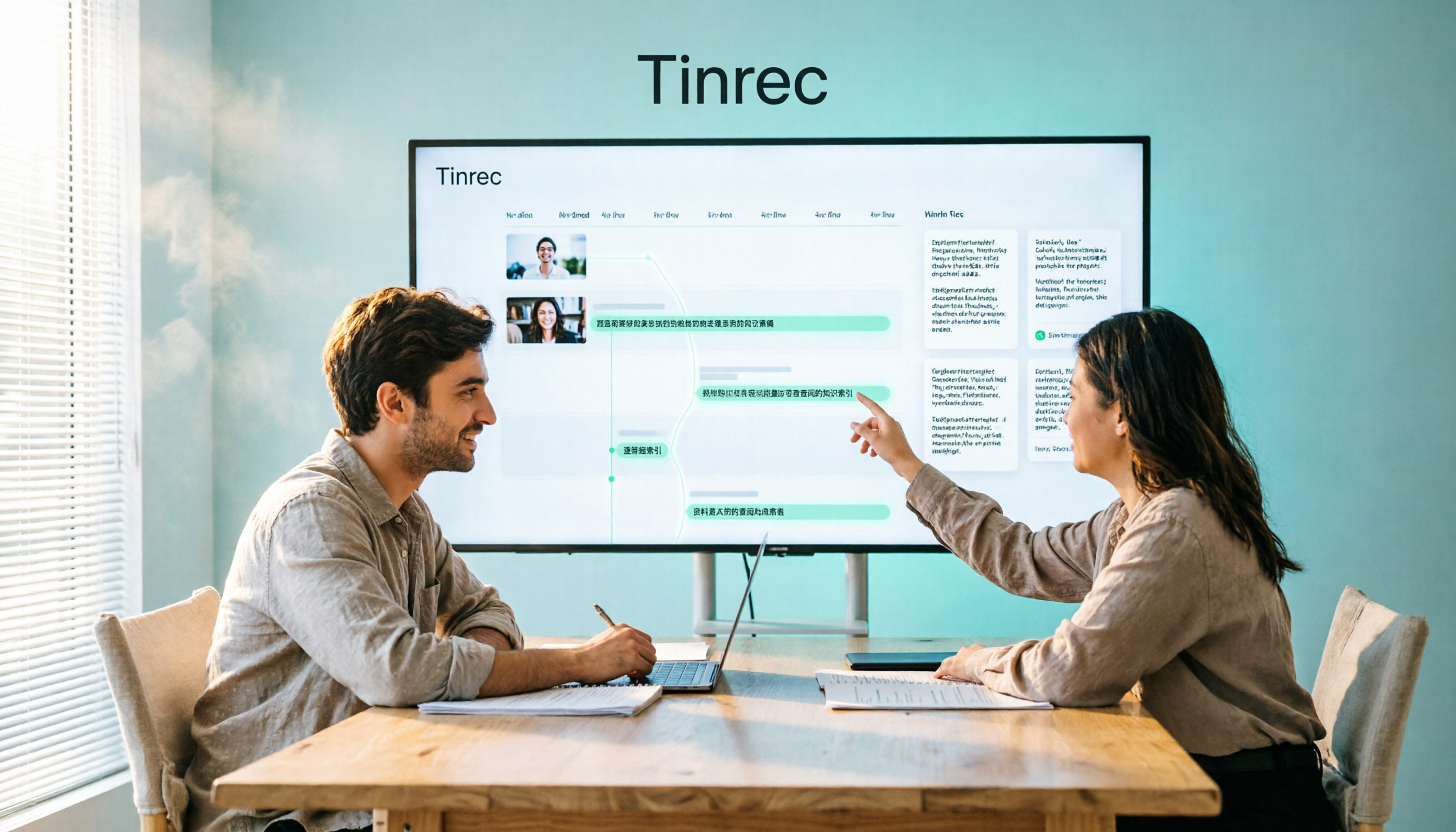
5 Best Long Video to Text Tools in 2026: How Tinrec Turns Hours of Video into Searchable Data
The real challenge with long video transcription isn't generating a transcript—it's that no one has time to read it afterward. This article addresses common misconceptions, explains a sensible workflow for transcribing long videos, and focuses on Tinrec as the main example while comparing it with Vidnoz, Wayin AI, VEED, and cSubtitle. It covers features, team collaboration, quotas, and buying considerations to help you decide based on your actual needs.

4 Real-Time Transcription Apps Tested for 2026: Which Saves the Most Time in Chinese Meetings?
Starting from real meeting pain points, we compare Tinrec, Otter.ai, Notta, and Granola on real-time transcription, Chinese language handling, post-meeting organization, team collaboration, and pricing to help you decide which one best fits your meeting scenario.